
Table of contents
If you are comparing direct download and re-encoding video, the real question is whether the tool preserved the selected streams as-is, changed only the container, encoded the streams again, or recorded playback into a new file.
The practical conclusion is simple: use file properties and logs to identify the workflow before judging video quality. This guide separates file download, stream copy, remuxing, re-encoding, and screen recording, then shows which evidence is strong enough to rely on.
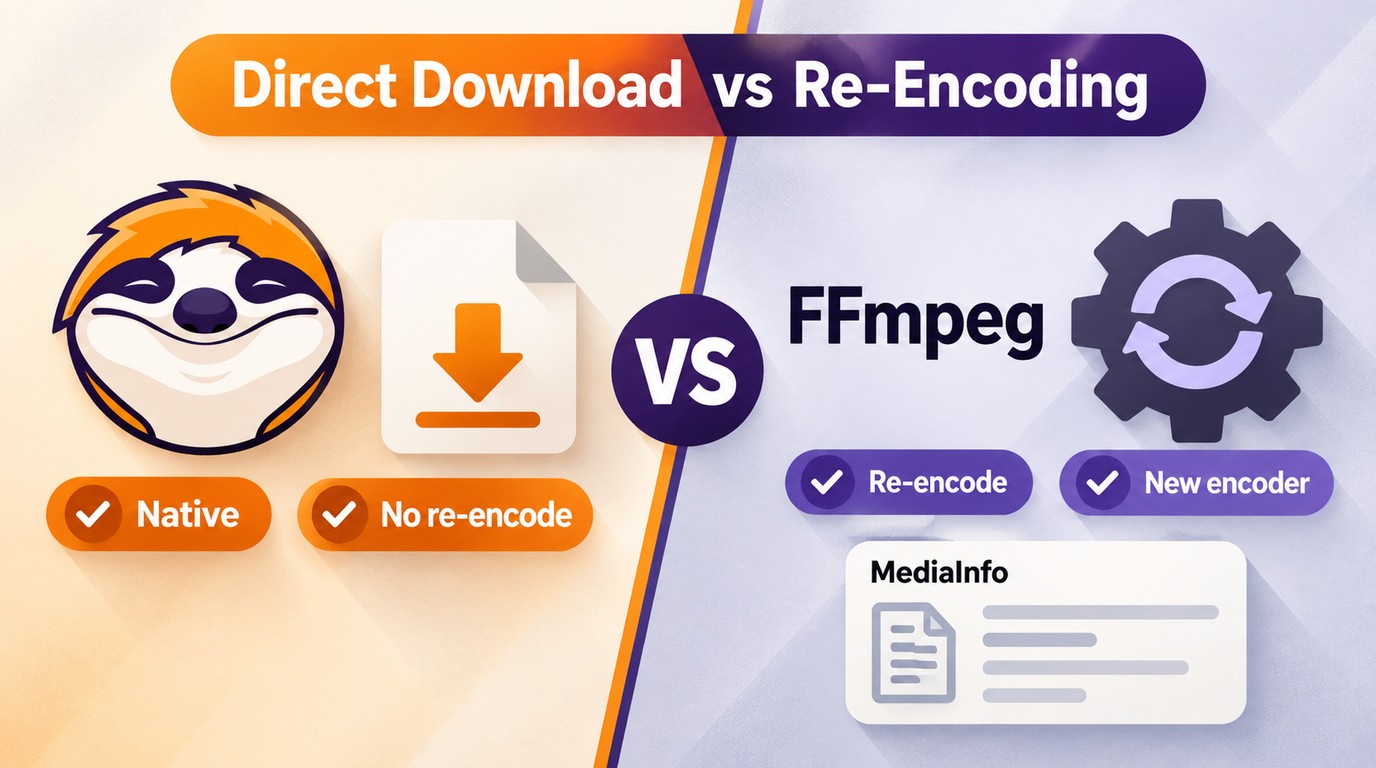
Direct Download and Re-Encoding Explained
File Download and Stream Copy
A file download retrieves a selected media rendition for local use. When the video and audio streams are copied without encoding them again, the operation is a stream copy; when compatible streams are placed in a different container, it is remuxing. A stream copy can preserve the selected source rendition without another encode, but streaming renditions are already encoded and are not necessarily identical to an upstream master.
- No additional encode: The selected video, audio, and metadata can be preserved without another generation of compression.
- High efficiency: Your download speed relies on your network’s strength, but with a steady connection, batch downloads run fast and smooth.
- Format compatibility: Output video using the same encoding as the platform's native encoding (e.g. H.265/HEVC).
Re-Encoding and Transcoding
Re-encoding decodes one or more media streams and encodes them again; screen recording is a separate capture method that usually creates newly encoded output.
- Quality impact: Re-encoding can introduce generation loss, with the result depending on the source, codec, encoder, settings, and content.
- Time and compute cost: Encoding requires processing resources, while the total time depends on the encoder, settings, hardware, and whether the workflow runs faster or slower than real time.
- Poor compatibility: Re-encoding can cause annoying issues like black borders, watermarks, or unsynced audio.
Direct Download and Re-Encoding Trade-Offs
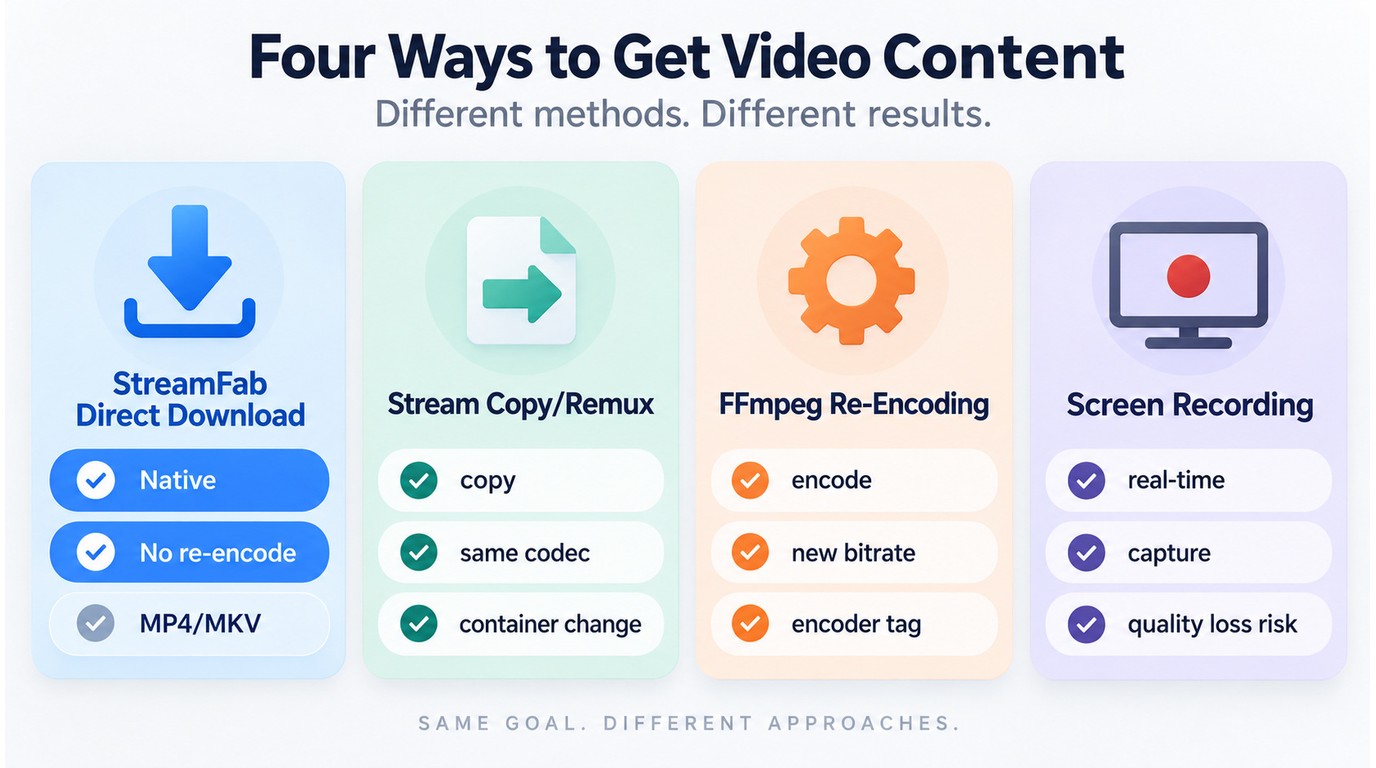
| Operation | Stream change | Quality effect | Typical purpose | Strong proof |
|---|---|---|---|---|
| File download | Retrieves selected rendition | Depends on workflow | Save a local copy | Download log and source/output comparison |
| Stream copy or remux | Copies streams; may change container | No additional encode | Preserve compatible streams | Stream mapping shows copy |
| Re-encoding or transcoding | Decodes and encodes again | Generation loss or larger lossless output | Reduce size or change codec | Stream mapping shows an encoder |
| Screen recording | Captures playback into new output | Depends on capture settings | Record rendered playback | Capture settings and encoder details |
Stream copy is the better fit when the selected streams already meet your quality and compatibility goals. Re-encoding is useful when a smaller file, a different codec, or an edited output matters more than preserving the existing encoded streams.
Quality and Generation Loss
- Direct Download can preserve the selected encoded rendition without another encode, including its available resolution, HDR, and audio characteristics in a StreamFab 4k download workflow when supported.
- Re-Encoding introduces generation loss when a lossy encoder is used. The visible change depends on the source, codec, encoder, settings, content, and measurement method; lossless encoding can preserve decoded image data but commonly produces much larger files.
Metadata, Audio, and Subtitles
- Stream copy or remuxing can copy all selected video, audio, subtitle, and chapter streams without re-encoding. A partial-stream workflow can copy the video while converting audio or subtitles when the target container supports the resulting combination.
- Re-Encoding changes whichever streams are encoded again. Remuxing from MKV to MP4 changes the container without changing compatible media streams, while subtitle tracks and metadata depend on the container and the tool's settings.
Time and Compute Cost
- A direct download using stream copy transfers already-encoded streams without an additional encode, so its processing time is mainly tied to data transfer and container work.
- Re-Encoding adds decoding and encoding work. Processing time and CPU/GPU use depend on the codec, settings, hardware, and workflow design; it can be batched and is not inherently limited to real-time speed.
Evidence That Distinguishes Each Process
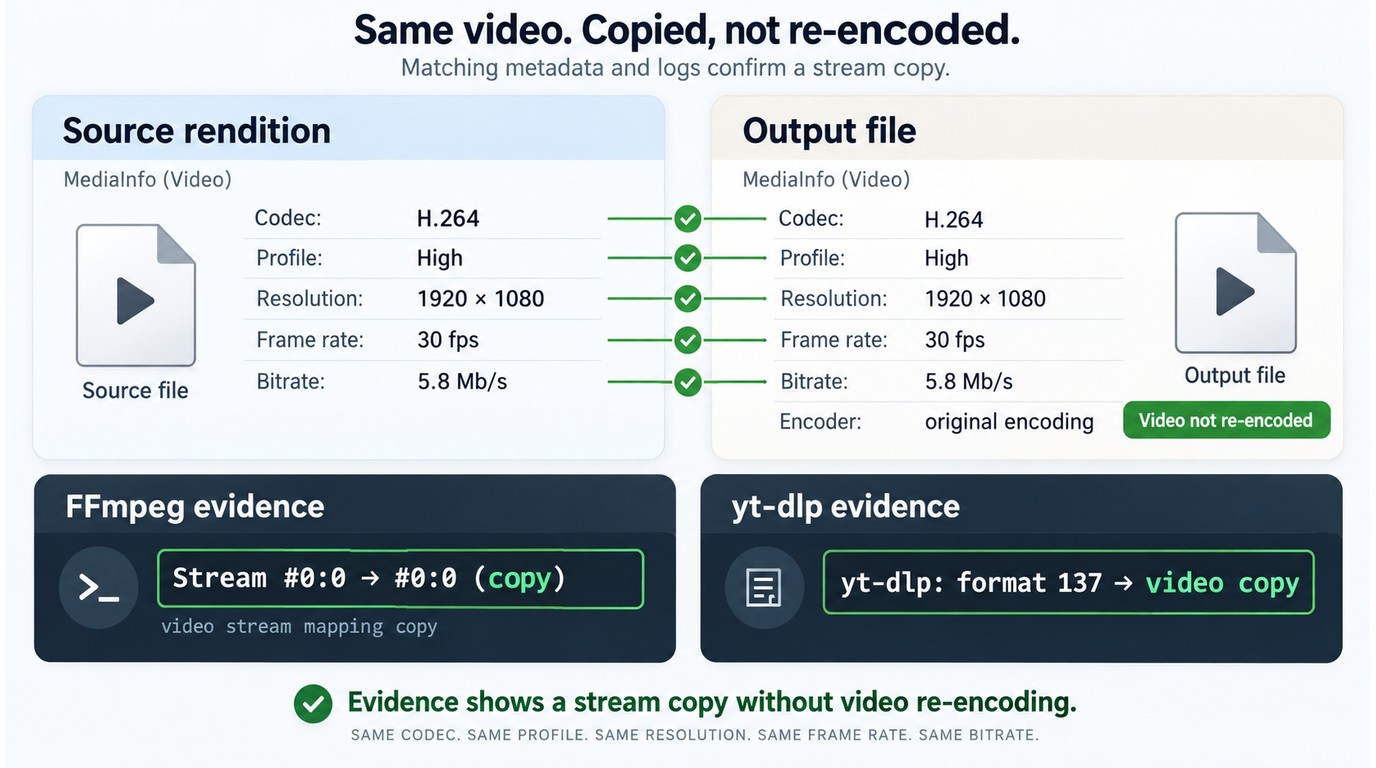
To distinguish file download, stream copy or remuxing, re-encoding, and screen recording, compare the source rendition with the output and then inspect processing logs. File extensions, codec labels, speed, and playback behavior can provide clues, but they do not establish the processing path on their own.
Compare Source and Output in MediaInfo
Start with the source rendition and the output:
- Open both files in MediaInfo and compare the container, codec, profile, resolution, frame rate, bitrate, duration, audio tracks, subtitle tracks, and encoder metadata.
- Container and codec labels alone do not establish whether a stream was re-encoded; source-to-output MediaInfo comparisons and stream-mapping logs provide stronger evidence.
- A matching codec or file extension is consistent with stream copy, but it is not proof. The source service may already use that codec, and remuxing can change the container without re-encoding the media streams.
- A changed encoded-stream parameter can indicate re-encoding, but compare the same title and selected rendition before drawing a conclusion.
Use processing logs for stronger evidence:
- FFmpeg or yt-dlp guide stream-mapping logs can show whether a selected video stream was copied or passed to an encoder.
- A log entry such as
copyfor the video stream supports a stream-copy interpretation for that step, while an encoder entry indicates that the stream was encoded again. - Speed, playback behavior, encoder tags, and file extensions remain useful clues, but none should replace a source-to-output comparison or a processing log.
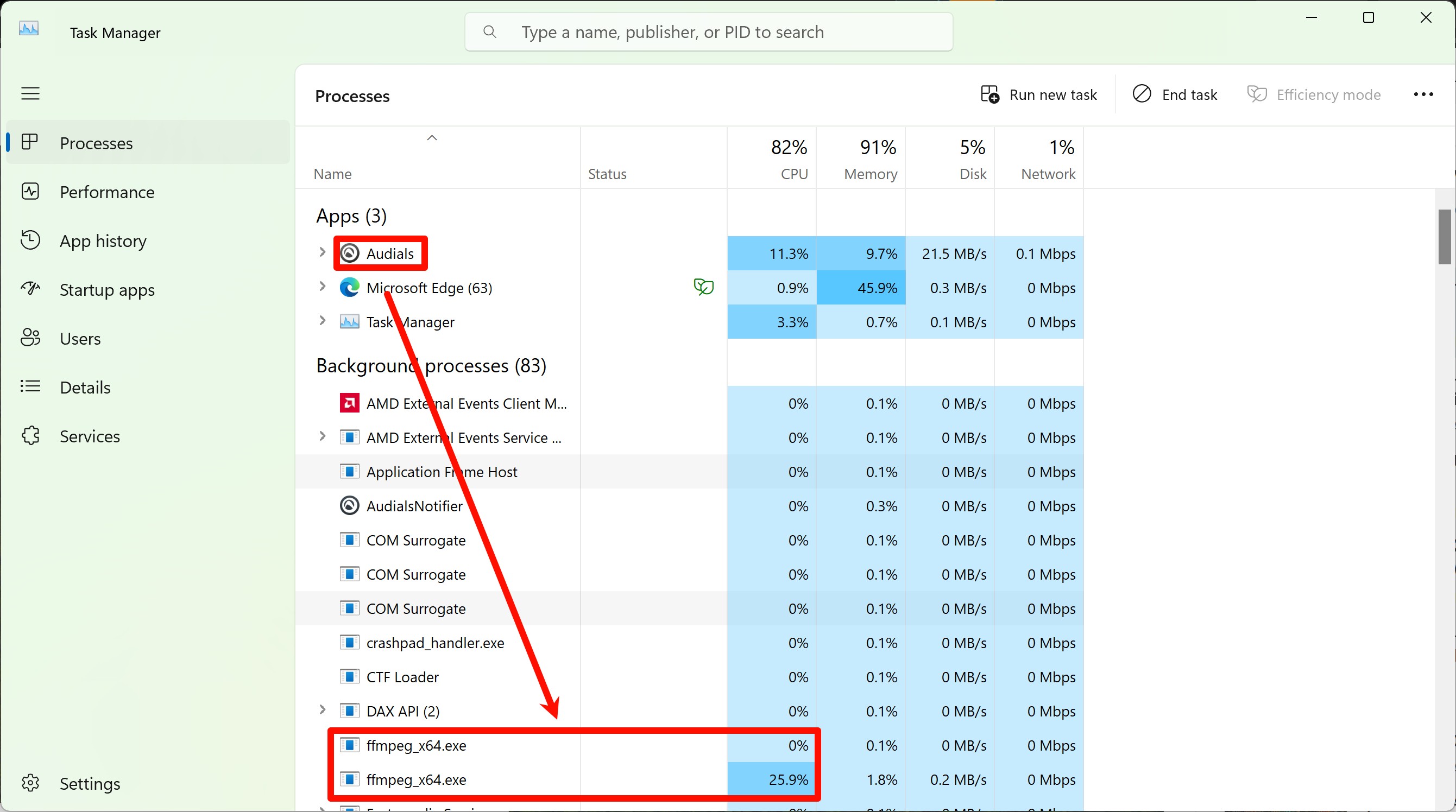
Treat Speed and Extensions as Clues
- Direct Download: A shorter elapsed time may be consistent with background transfer, but speed alone does not prove stream copy or any other processing path.
- Re-Encoding: Longer processing can be a clue, but encoding may run faster or slower than real time depending on the codec, settings, and hardware. File extensions are clues as well, not proof.
Read FFmpeg or yt-dlp Logs
- Direct Download: Background operation without video playback can be a useful observation, but it does not identify the processing path by itself. A stream-mapping log that shows the video stream being copied is stronger evidence.
- Re-Encoding: Being required to play the video through to the end suggests a capture workflow, but software behavior alone cannot distinguish every path. Look for log entries that map a stream to an encoder rather than to
copy.
Check Metadata Without Overclaiming
- Direct Download: Platform or encoder metadata may be preserved, changed, or omitted during the workflow, so its presence is only a weak clue.
- Re-Encoding: Metadata may be removed or overwritten during encoding, but blank or changed media properties do not prove that re-encoding occurred.
Using Direct Download Responsibly
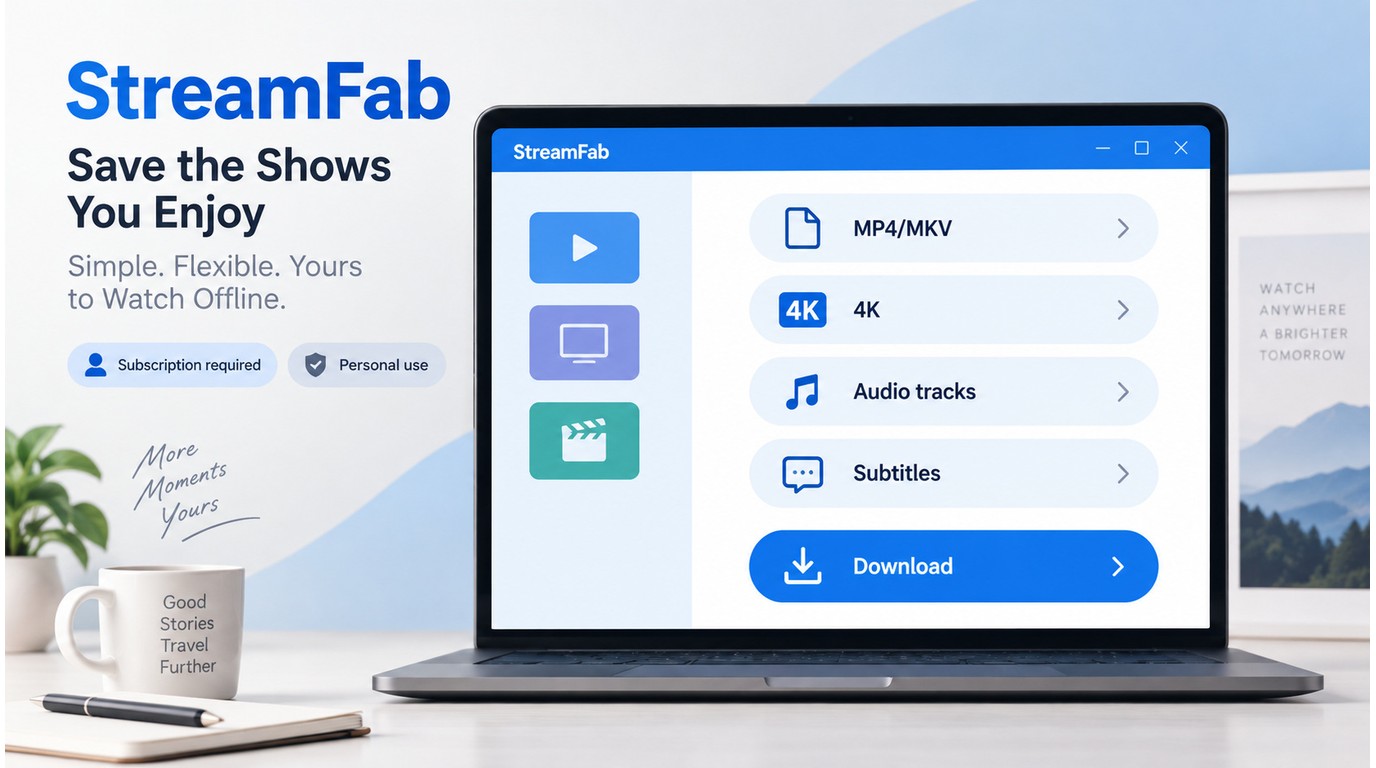
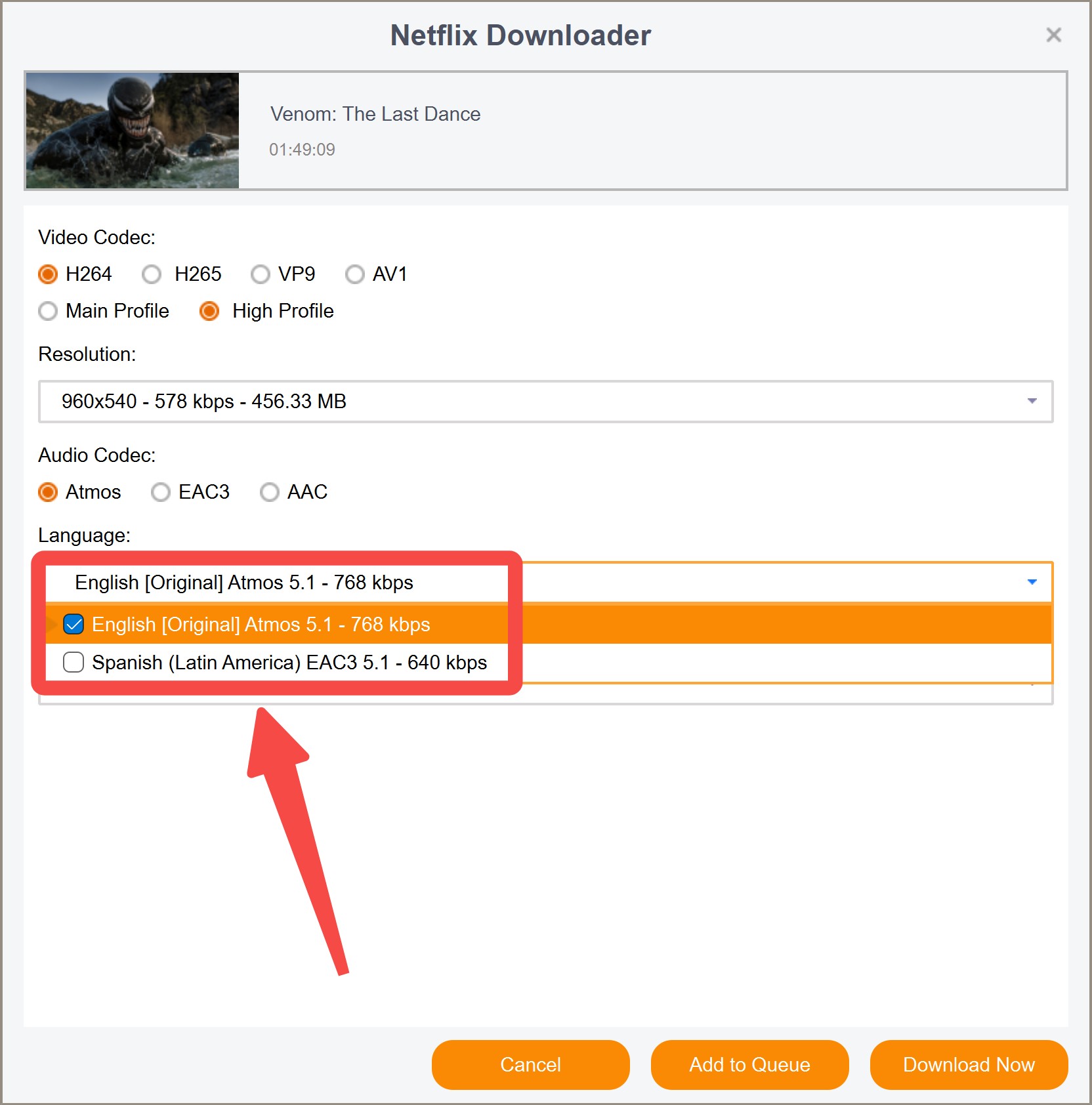
For content you’re authorized to access, where permitted by platform terms and applicable law, StreamFab All-In-One is a Windows 10/11 and macOS application that can save selected streaming content as MP4 or MKV, with output up to 4K and selectable audio and subtitle tracks for personal offline viewing.
Use the how to use StreamFab workflow to select the service and video, review the available resolution, audio and subtitle tracks, and choose MP4 or MKV before creating the task. As of July 27, 2026, the trial lasts 30 days and includes three video downloads per service.
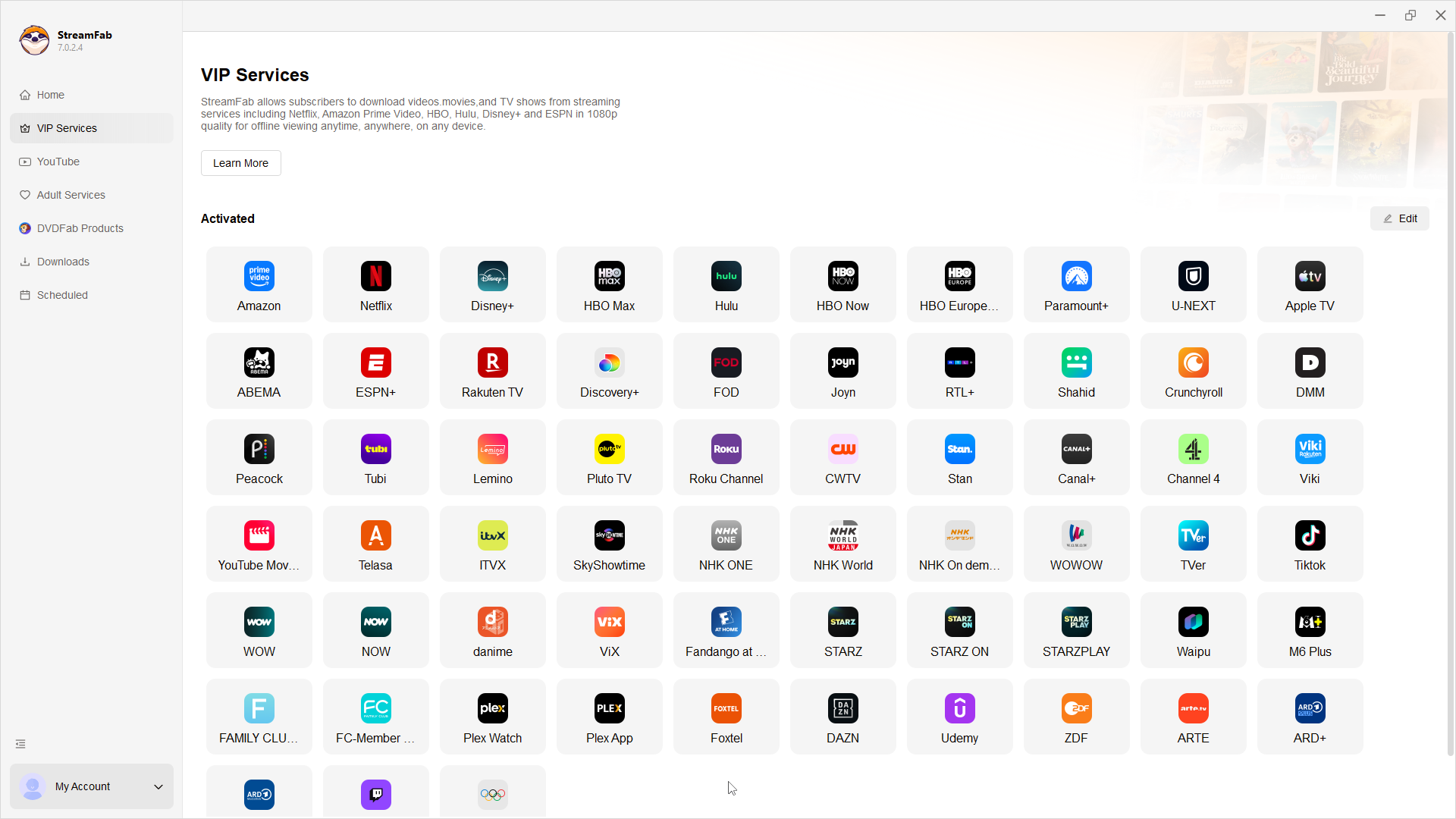
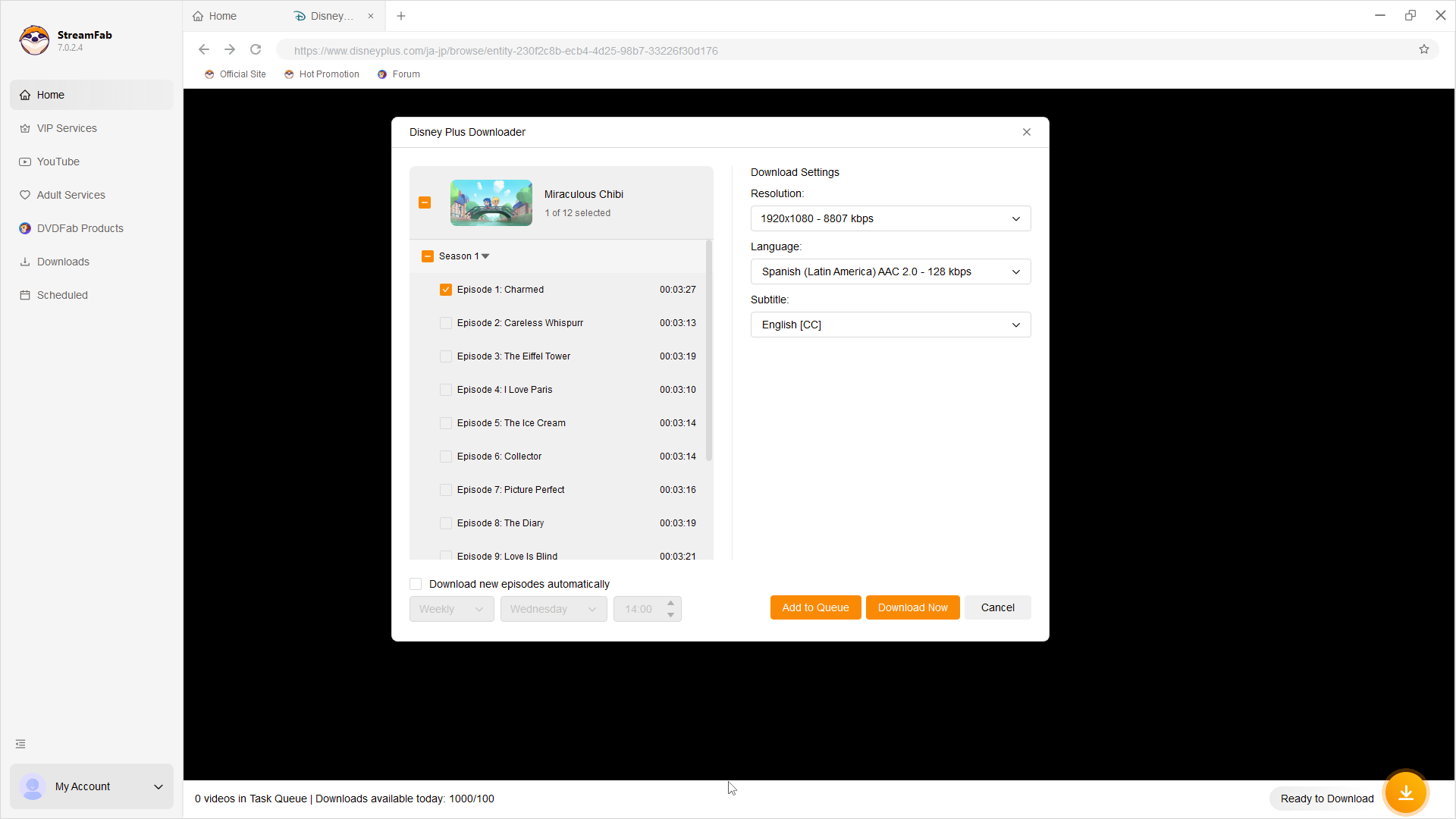
Find the video and select it so StreamFab can analyze the available download options.
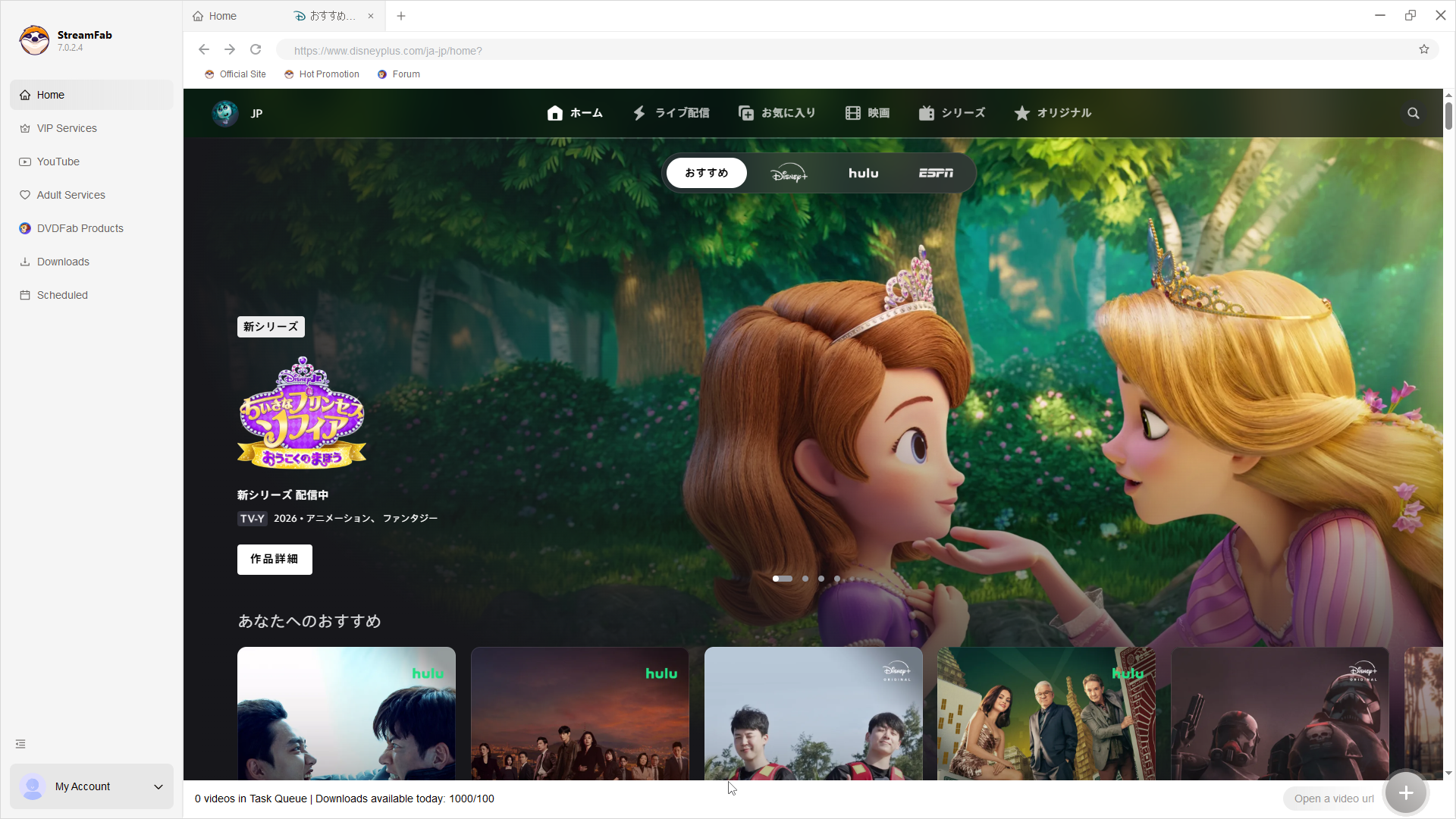
When the analysis is complete, choose the available video and audio options, resolution, language, subtitles, and MP4 or MKV output, then click "Download Now" to create a download task.
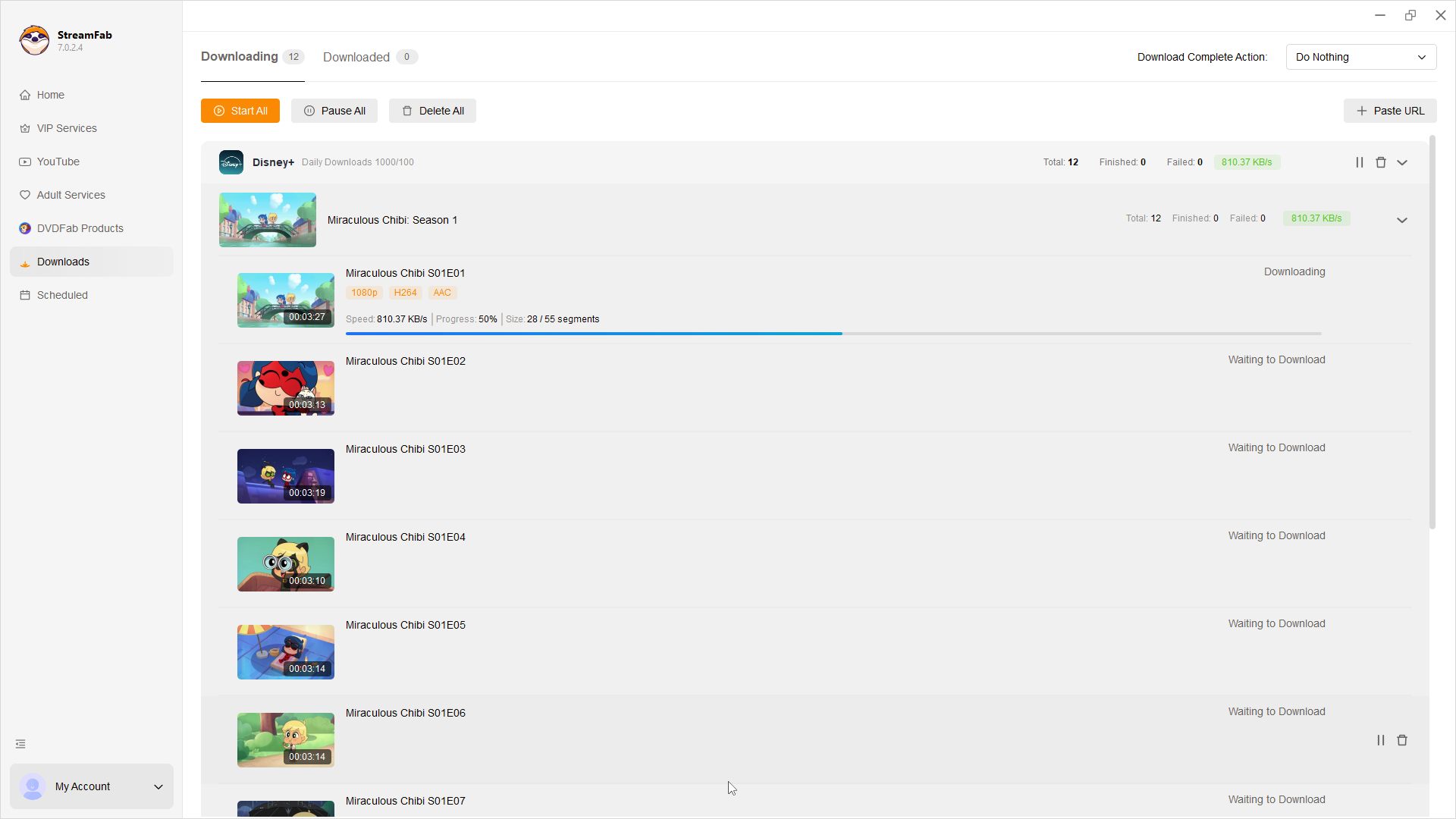
Check the status of the downloads in the "Downloading" section. You can find all finished downloads later in the "Downloaded".
FAQs About Download and Re-Encoding
VI. Update Log
- MediaInfo comparisons and FFmpeg or yt-dlp stream-mapping logs provide stronger evidence of the processing path.
Information current through June 9, 2026. Personal offline backup should comply with applicable terms of service.
Conclusion: Choosing the Right Video Workflow
The practical choice between direct download and re-encoding depends on the result you need. When the selected streams already meet your goals, stream copy avoids an additional encode and preserves the downloaded rendition in its existing form. When you need a smaller file, different codec compatibility, or an edited output, re-encoding can be the more suitable workflow.
For that personal offline workflow, StreamFab can support local-file output. My rule of thumb is straightforward: check whether the output preserves the selected streams or creates newly encoded ones, then choose the workflow that matches your storage, compatibility, and editing needs.