Searching for a FlixiCam key usually means you need a legitimate FlixiCam license key, the official temporary free option, activation help, or a missing registration code fixed. The safest route is the vendor's paid, trial, or published one-month application process, not an unofficial code.
This guide separates the Netflix-specific product from FlixiCam StreamOne, then covers the current price, free-license application, FlixiCam activation steps, and practical fixes when a code does not work.
What a FlixiCam Key Unlocks
A paid or approved temporary key removes the Netflix Downloader's trial restriction and enables its licensed workflow on the operating system selected for that license. The key activates the software license only; it does not include a Netflix subscription or grant access to Netflix content. It does not turn every FlixiCam product into the same package.
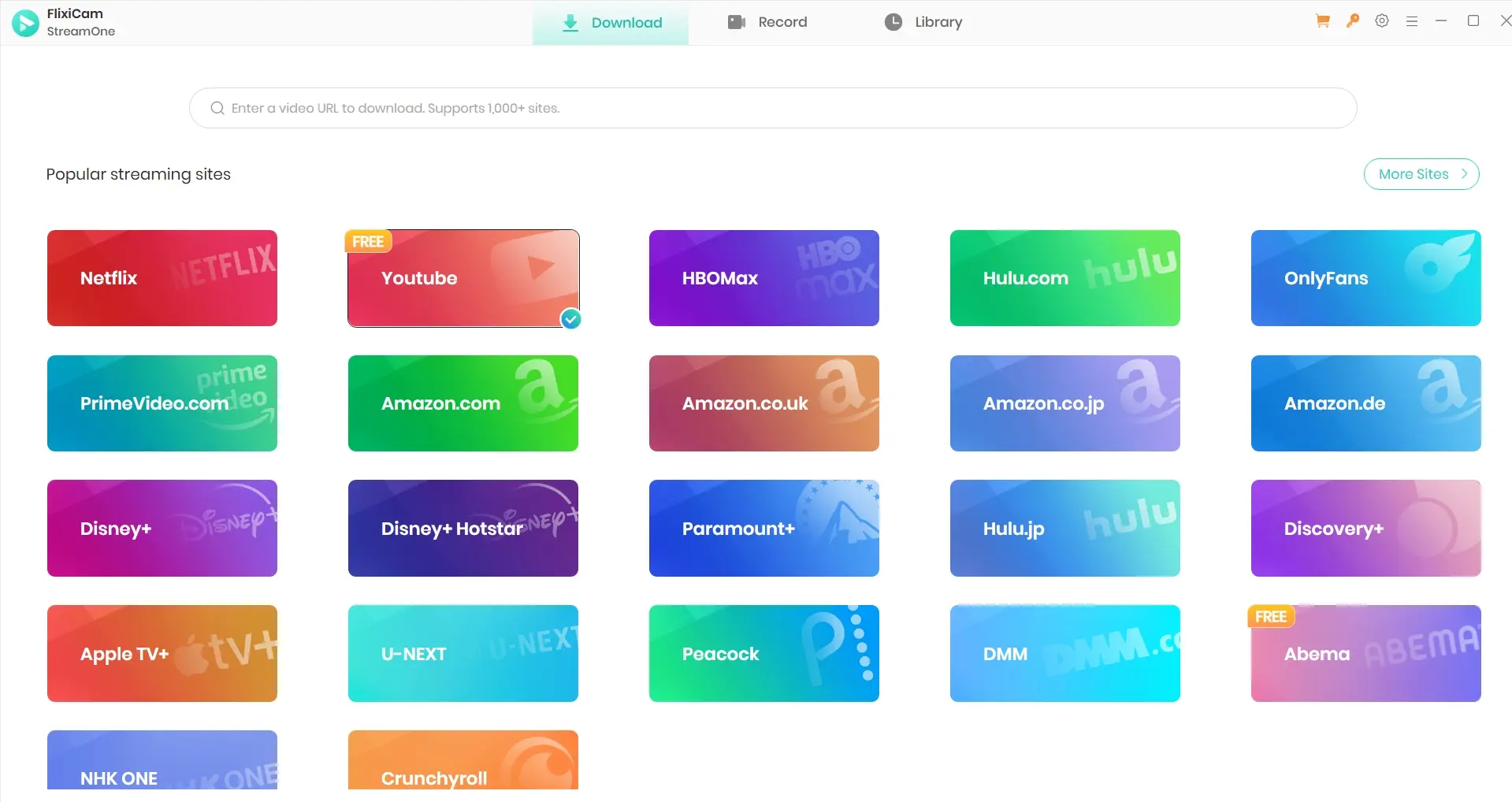
Netflix Downloader and StreamOne Are Different
FlixiCam Netflix Video Downloader is the focused Netflix product associated with the $79.90 checkout discussed here. StreamOne is FlixiCam's separate, broader product for multiple streaming and video sites, so a FlixiCam registration code should be matched to the exact product and operating system purchased.
The distinction matters because price, trial terms, and service coverage should not be copied from one SKU to another. Readers who need the wider product evaluation can see the guide's full analysis in the FlixiCam review without turning this key guide into another general review page.
For an upgrade, contact FlixiCam support with the existing order details. The Netflix Downloader purchase page describes a single-platform pay-the-difference upgrade within 30 days, while the StreamOne FAQ describes purchasing the new plan and then requesting a refund.
Built-In Web Player Interface
After FlixiCam activation, the Netflix Downloader uses a built-in web player so licensed users can sign in, browse available titles, select audio and subtitles, and start the supported saving workflow inside the desktop app.
My practical rule is to treat the built-in player as a convenience layer, not proof that every title will produce the same result. Account access, title availability, plan limits, and the local computer still shape the workflow.
Metadata Retention
FlixiCam can retain useful organization data such as titles, season and episode information, cover art, audio choices, and subtitles alongside MP4 or MKV output. That makes a licensed copy easier to organize in a personal media library.
MP4 and MKV are output formats; registration lifts the trial's video-length restriction rather than unlocking a separate file format.
Metadata is a usability benefit, but it should not be confused with a quality guarantee. The single quality explanation appears in the Resolution and Device Caveats section below.
Getting and Activating a FlixiCam Key
The three official routes are the five-minute-per-video trial, a conditionally approved one-month promotion, and a paid license. I recommend using the trial to assess the intended computer and choosing the paid license for ongoing use rather than treating the promotion as a general giveaway; avoid codes and modified installers distributed outside FlixiCam's published channels.
Buy an Official License
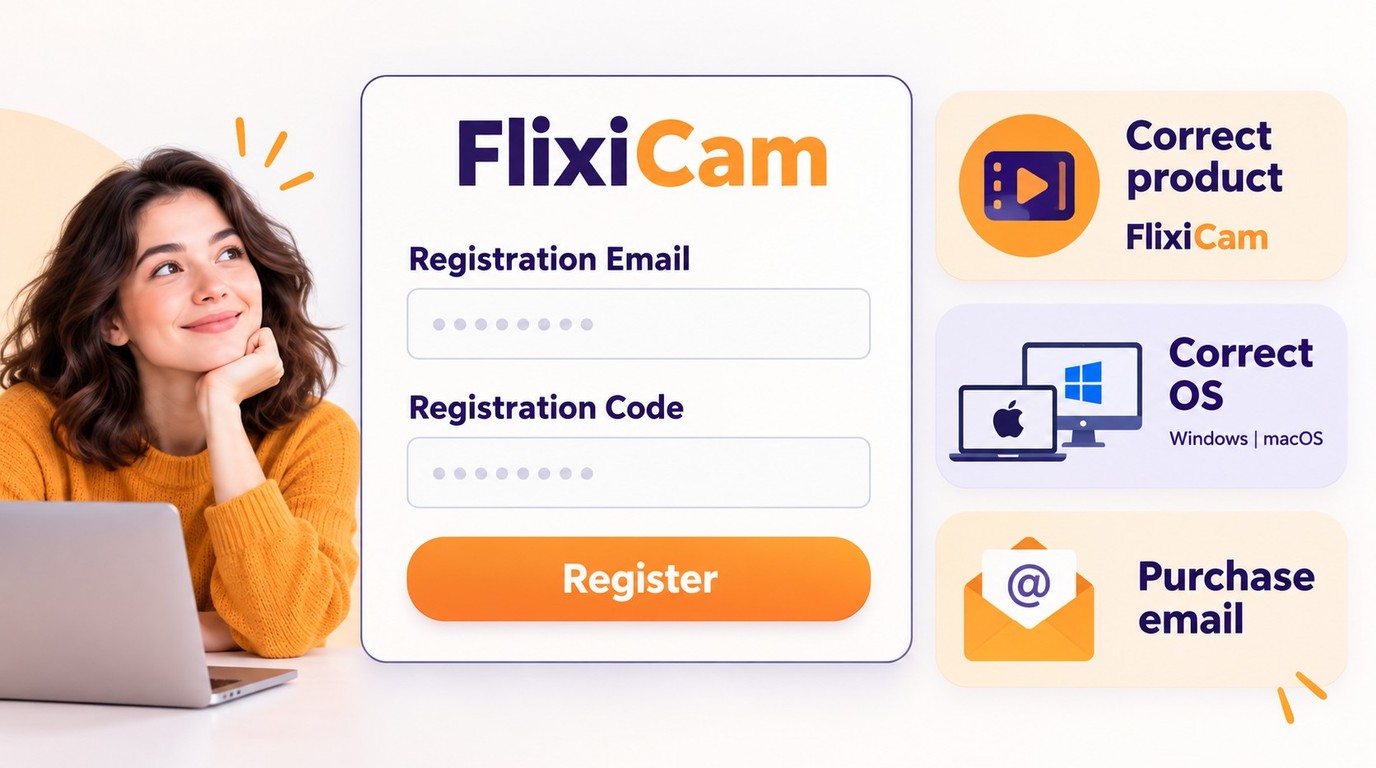
The official FlixiCam Netflix Downloader checkout lists separate Windows and macOS selections. Confirm the product name and operating system before paying, then keep the purchase email because the registration email and code are tied to it.
Apply for the Official Free License
FlixiCam's one-month promotion requires conditional approval of qualifying public content through the official free-license application. Eligible submissions include a public review of at least 150 words, an article of at least 300 words with a link and image, or a video of at least 60 seconds with a link and interface footage; applicants must submit the public URL and requested operating system.
The stated verification period is five business days. The promotion requests positive coverage and says that mentioning the incentive disqualifies an entry, but an incentive should still be disclosed honestly, so do not assume disclosed content will qualify. I would choose the trial or paid license instead if you do not want to publish promotional content.
Activate on Windows or macOS
Before activation, have the correct FlixiCam Netflix Downloader SKU, the matching Windows or macOS build, the purchase or approved application email, and the official registration code ready.
- Install the current FlixiCam build that matches the product and operating-system license.
- Open the app's registration control.
- Enter the registration email exactly as issued, then paste the code without extra spaces.
- If you are replacing a computer, log out of or deactivate the previous device before activating the new one. Netflix Downloader permits one active device at a time.
- Confirm registration while the computer is online and retain the license email for support.
Example scenario: if a Windows 11 computer has the macOS build or an email different from the checkout address, the code can appear invalid even though the purchase itself is valid. Correct the product, operating-system build, and email match before requesting another code.
FlixiCam License Facts and Pricing
The current facts apply to FlixiCam Netflix Video Downloader, not automatically to StreamOne. The compact table below compares product scope and desktop operating-system availability without turning this license guide into a full product comparison.
License and Trial Facts
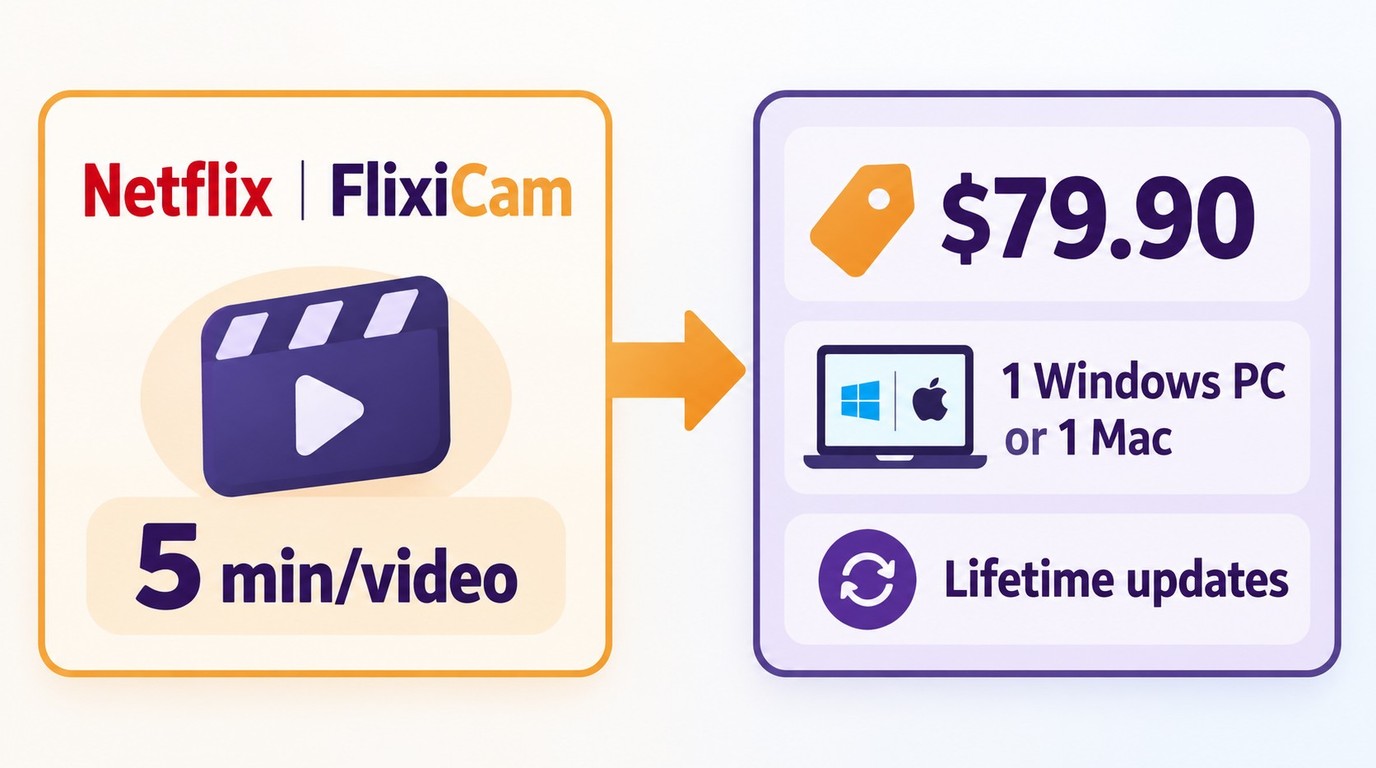
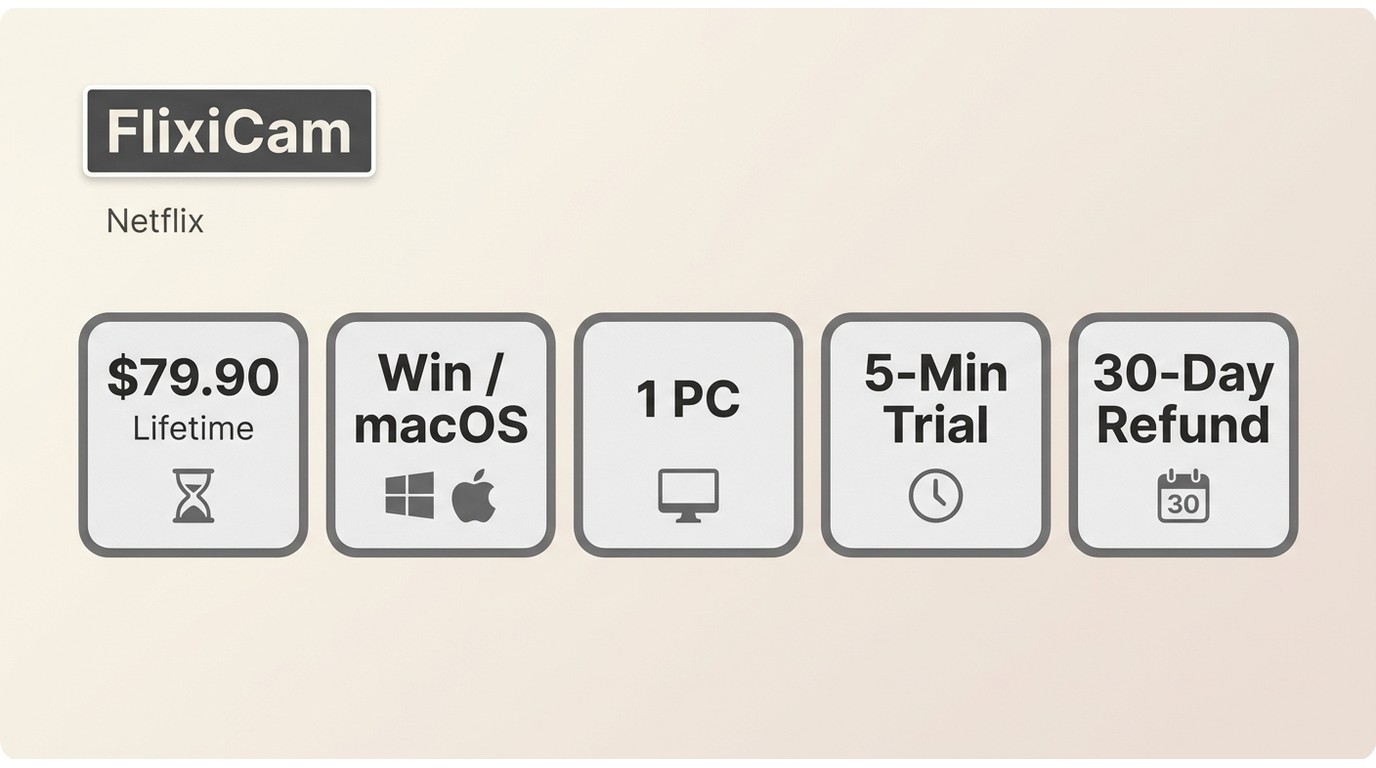
As of October 2026, FlixiCam Netflix Downloader lists a $79.90 lifetime license for one Windows PC or one Mac, including lifetime updates. Its trial saves the first five minutes of each video. FlixiCam's refund policy covers qualifying cases such as duplicate payment, wrong-product purchases within the applicable period, and qualifying unresolved technical failure; a change of mind alone is excluded.
The FlixiCam FAQ is the first-party reference for registration, refund, trial, driver, and output questions.
| Dimension | FlixiCam Netflix Video Downloader | StreamFab All-In-One |
|---|---|---|
| Product scope | Download Netflix in MP4/MKV Format | Multi-service desktop suite |
| Desktop operating systems | One Windows PC or one Mac computer | Windows and macOS |
Resolution and Device Caveats
FlixiCam advertises up to 1080p for the Netflix Downloader, but FlixiCam Netflix quality depends on the Netflix plan, source title, browser workflow, drivers, and hardware. The official FAQ also documents situations where output may be limited to 480p.
Netflix's official download devices include Android phones and tablets, iPhone and iPad, Amazon Fire tablets, and supported Chromebooks; Windows PCs and Macs use a separate desktop workflow.
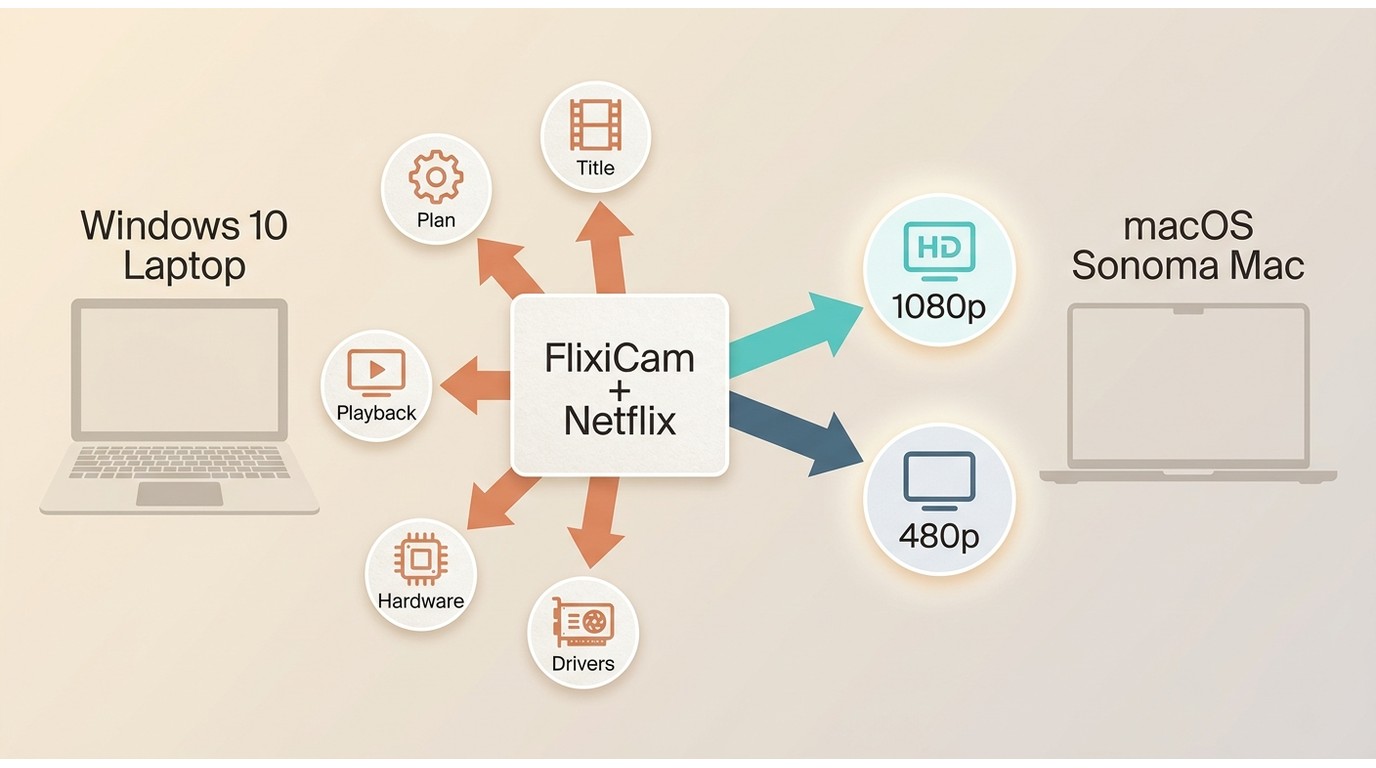
A headline maximum is less useful than reliable output for the titles you actually watch. I would test representative content on the intended computer before treating 1080p as a purchase assumption.
Example scenario: On a macOS Sonoma computer, a title, plan, or browser-path limitation can cap output even when the FlixiCam license key registers correctly. That is an output condition, not evidence that the code failed.
Choosing a License for Your Needs
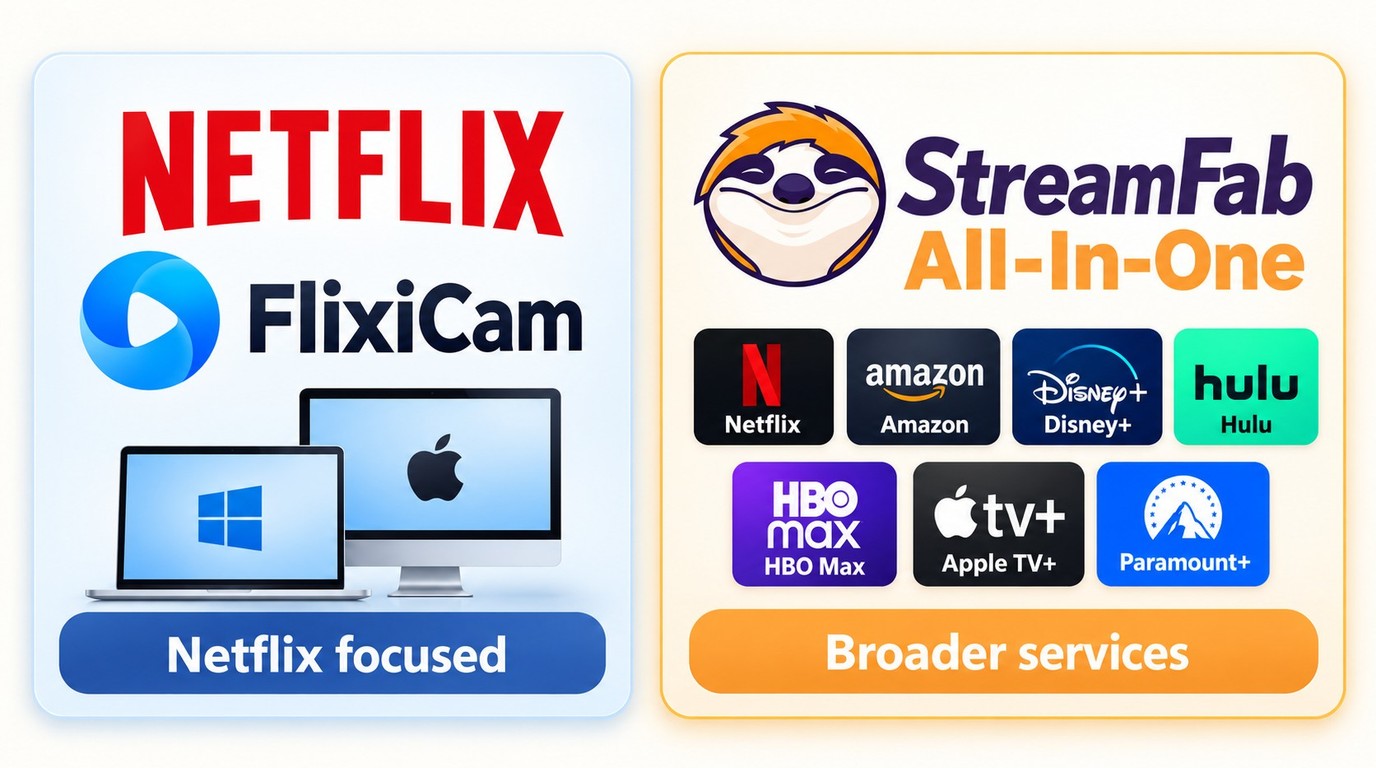
The better fit depends on scope. FlixiCam Netflix Video Downloader focuses on one Netflix workflow, while StreamFab All-In-One is designed for broader multi-service use.

Supports desktop workflows across multiple supported streaming services.
When FlixiCam Fits
FlixiCam fits someone who wants a Netflix-specific desktop workflow, accepts an OS-specific one-computer license, and prefers a smaller product scope. It is less suitable when the same user regularly needs offline workflows across several supported services.
My take is simple: a focused tool can be the sensible purchase when its scope matches the job. Paying for breadth that will not be used does not improve the Netflix workflow.
When a StreamFab Key Fits
For content you are authorized to access, where permitted by platform terms and applicable law, StreamFab All-In-One is a desktop alternative for Windows and macOS users who need broader supported-service coverage, batch workflows, MP4 or MKV output, and selectable audio and subtitles. Across supported services and titles, the suite can provide resolution up to 8K, subject to the service and plan, while StreamFab Netflix Downloader supports up to 1080p.
A StreamFab license key may make more sense for that broader use case, but StreamFab All-In-One is not a fit for someone seeking only a Netflix-specific license. If the broader scope matches your needs, use the official trial to check the intended service and computer before choosing a license. The StreamFab setup and usage guide covers the desktop workflow.
- Focused Netflix use: FlixiCam keeps the license decision centered on one Netflix workflow.
- Broader service use: StreamFab combines supported-service workflows in one Windows or macOS suite.
- File handling: Both products emphasize MP4/MKV output with audio and subtitle options.
- Practical limit: A broader suite may be unnecessary when Netflix is the sole requirement.
Use Local Copies Responsibly
Use locally saved content only with valid service access, for personal, authorized offline viewing, and in line with platform terms and applicable law. Do not share license credentials or redistribute files.
Unofficial codes and altered installers add avoidable account, security, update, and support problems. The same caution applies to the risks of modified StreamFab installers; official trials and licenses provide a clearer support path.
FlixiCam Key Troubleshooting
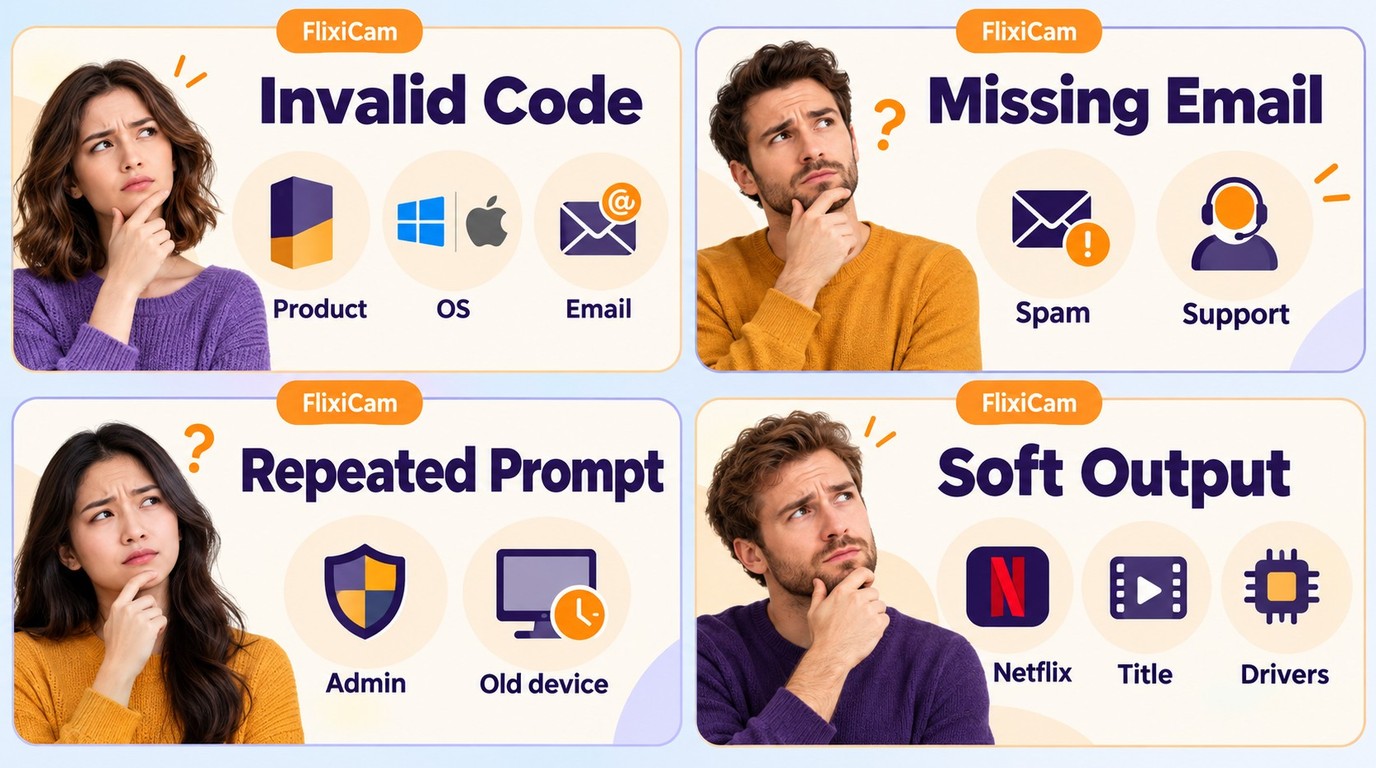
When a FlixiCam key is not working, first separate activation problems from output problems. For an Invalid Code, recheck the activation details above; the subsections below cover missing email, repeated registration prompts, and poor output quality.
The License Email Did Not Arrive
Check spam, junk, and promotions folders; confirm the email entered at checkout; and allow normal delivery time. If the message is still missing, contact FlixiCam support with the purchase details rather than buying again or trying a code from another source.
I would include the order reference, purchase email, product name, and selected operating system in the first support message. That gives support the information needed to locate the FlixiCam registration code without another round of questions.
The App Keeps Requesting Registration
If FlixiCam requests registration at every Windows launch, close the app, select Run as administrator, and enter the exact issued email and code in the correct product build. If you moved Netflix Downloader to a replacement computer, log out of or deactivate the previous device before activating the new one; contact official support if either issue continues.
Example scenario: after a motherboard replacement on a Windows 11 PC, the app may treat the machine as a different computer. Deactivate the previous device before escalating the device-registration case to support rather than using an unofficial replacement code. For StreamOne, support handles same-OS license resets; a cross-OS transfer is not promised.
Downloads Look Soft or Distorted
If a download looks soft or distorted while registration remains active, return to the Resolution and Device Caveats above. Update the graphics driver, test another officially available title, and compare the selected quality with the Netflix plan and source availability.
Change one variable at a time: graphics driver, title, quality selection, and then app build. On Windows, Netflix Downloader 4.1.0 was released on September 3, 2026, while version 4.0.2 addressed errors 3211 and 3091; those updates concern download and playback compatibility, not license validity.

FAQ
Conclusion
Use the five-minute trial to assess FlixiCam on the intended computer. Apply for the one-month promotion only if its publishing terms fit your situation, or choose the official $79.90 lifetime license for ongoing Netflix-only use. Select the correct Windows or macOS product and keep the registration email.
If your needs are limited to Netflix, I would choose FlixiCam; if you regularly use several supported services, StreamFab All-In-One is the better fit for that workflow. Keep an active service account, use local copies only for authorized personal viewing, and contact FlixiCam support with the order details if an issued code stops registering.