If you're looking for a current StreamFab DRM M3U8 Downloader review, the deciding issue is not a flashy speed claim. It is whether this StreamFab DRM downloader fits your supported service, desktop setup, and tolerance for update-related interruptions. That is the real M3U8 download reliability question.
This focused review covers capability, automatic detection, safety boundaries, trial value, failure checks, and a direct verdict. It evaluates the DRM M3U8 module rather than the full StreamFab product suite.
- Core workflow Built-in browser detection for supported HLS/M3U8 playback, with MP4 or MKV output
- Verified scope Windows and Mac, with output up to 1080p when the source provides it
- Buyer fit Suited to regular desktop use; try the target service before paying when compatibility is uncertain
Last updated: August 2026
StreamFab DRM M3U8 Downloader Explained
StreamFab DRM M3U8 Downloader is a Windows and Mac module that detects supported HLS/M3U8 playback in its built-in browser, then saves the selected video as an MP4 or MKV file. The available quality and tracks depend on the source.
Official platform downloads remain managed inside the platform's app. This module instead creates a standard local-file workflow, so the important buying questions are service compatibility, output validation, and how often you need it.

Save supported M3U8 streaming videos you can already watch to your local devices for personal offline viewing, with a set of practical features to manage quality, formats, and metadata.
- Built-in browser detection for supported HLS/M3U8 services
- Source-dependent output up to 1080p
- MP4 or MKV output for standard media players
- Audio-language and subtitle selection when the source provides tracks
- Batch processing for multiple videos
- Service-dependent ad handling
- Metadata writing for library organization
Quality, Formats, Audio, and Subtitles
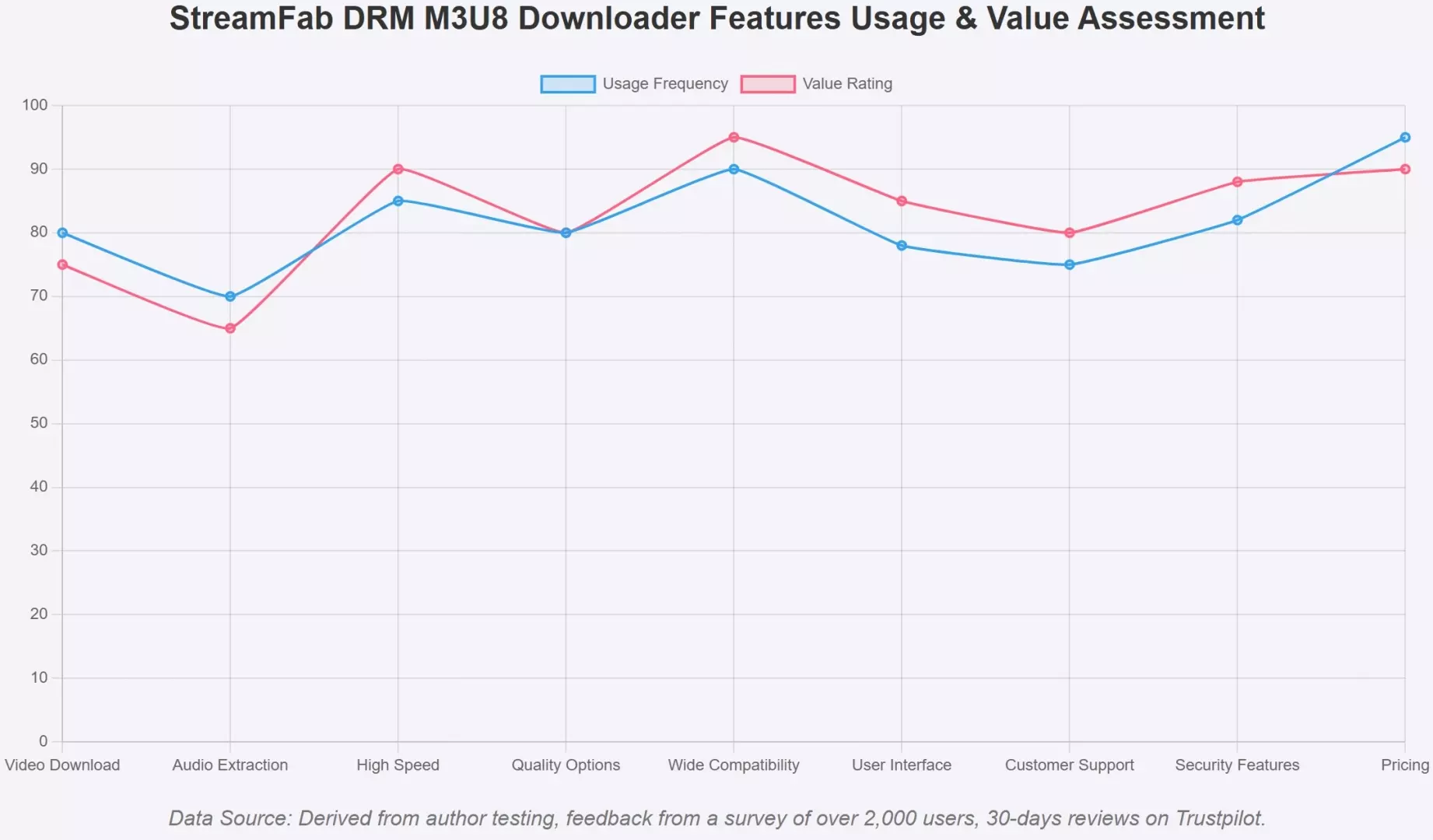
The verified ceiling is 1080p, with MP4 or MKV output, batch processing, audio-language selection, subtitle downloading, and metadata writing. Source availability still controls which quality, audio, and subtitle choices appear for a particular title.
My view is simple: a source-specific quality check is more useful than a broad resolution promise. Choose MP4 for straightforward compatibility or MKV when the available track options better fit your library and player.
Automatic M3U8 Stream Detection
Automatic stream detection replaces manual playlist hunting. Open the supported service inside StreamFab, sign in, start authorized playback, and let the module analyze the available stream before you choose output settings.
A normal web page opening is not enough to prove compatibility. The useful signal is whether the analysis window identifies the title and exposes sensible quality, audio, and subtitle choices.
Safety and Legal Limits for M3U8 Downloads
A sound M3U8 downloader review separates installer hygiene, account behavior, and authorized use. None of those questions can be reduced to a blanket promise, because service rules and platform-side detection can affect outcomes.
Installer and Account Risk
Download the installer from the official product channel and review the broader StreamFab safety and privacy checks before installation. A clean installer is a different question from whether a streaming service may warn or restrict an account.
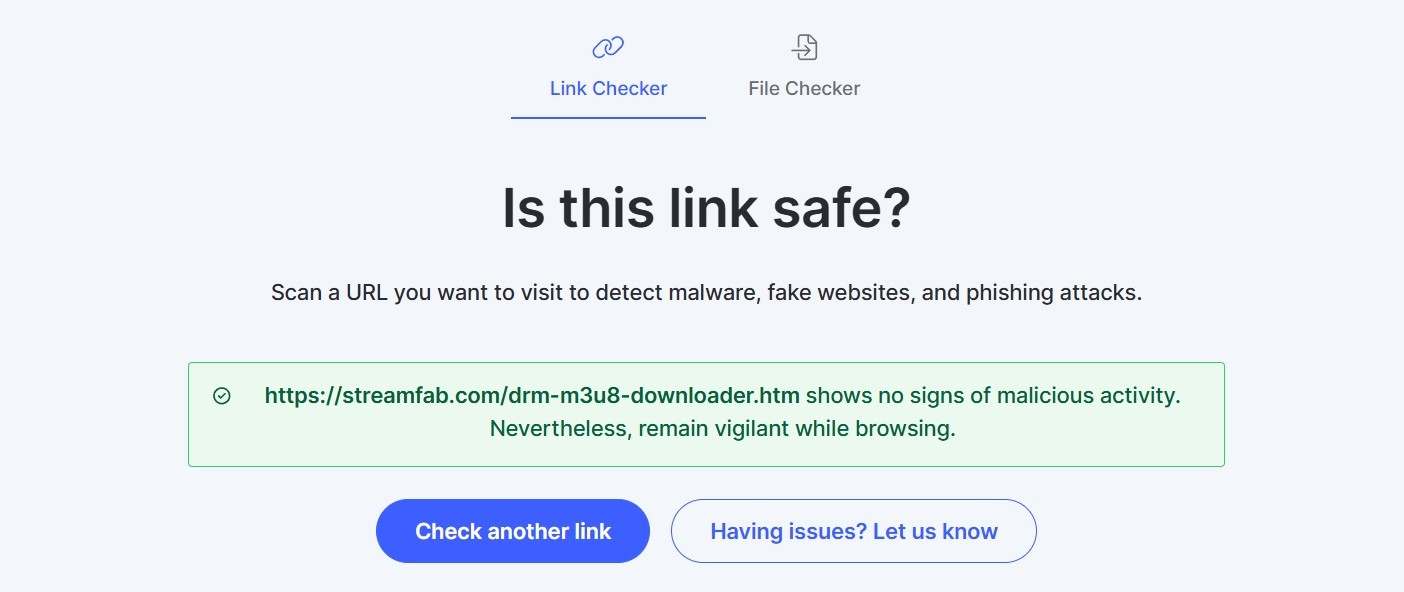
Account action risk cannot be ruled out. A product quota is an operational limit, not a promise that a platform will never flag activity. I would keep usage measured and treat any service warning as a reason to stop and reassess.
Authorization, Terms, and Personal Use
For content you are authorized to access, where permitted by platform terms and applicable law, the module provides a local-file workflow for personal offline viewing. Keep the files private; sharing, resale, and public distribution fall outside that use case.
The practical boundary is access, not file format. The module does not replace the subscription or purchase needed to play the title in the built-in browser. The M3U8 video download guide explains the supported workflow without changing that access requirement.
Pricing, Trial, and Buyer Fit
M3U8 downloader pricing makes sense only in context: target services, download frequency, and module scope matter more than a generic discount. The individual module fits focused use, while broader packages are relevant when several StreamFab modules are genuinely needed.
The StreamFab M3U8 trial lasts 30 days and allows three video downloads per service. I would use those attempts on the exact titles and subtitle combinations that matter to you, because successful sign-in alone does not confirm the whole workflow.
- Good fit: regular Windows or Mac use with supported M3U8 services and a clear need for MP4 or MKV files.
- Try first: a service that changes frequently, a less common source, or a workflow that depends on a particular subtitle track.
- Not a good fit: occasional use, Android-only use, or zero tolerance for temporary compatibility interruptions.
Budget-conscious buyers can compare current promotions in the StreamFab purchase guide, then return to the scope question: do you need this module, or coverage for several services?
Four-Step Workflow and Output Validation
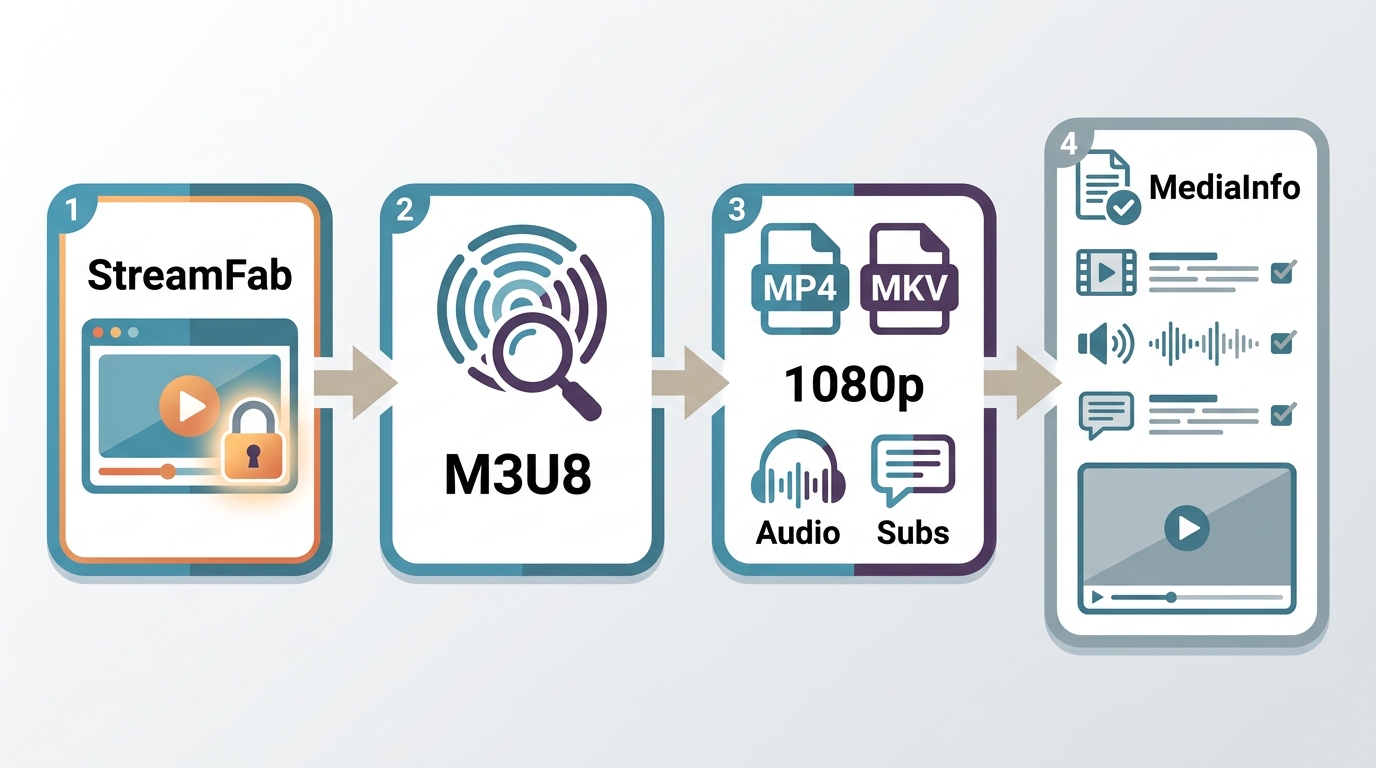
The current workflow uses the built-in browser and automatic stream detection. The goal is not merely to finish a queue; it is to confirm that the resulting file plays correctly with the expected picture, audio, subtitles, and container.

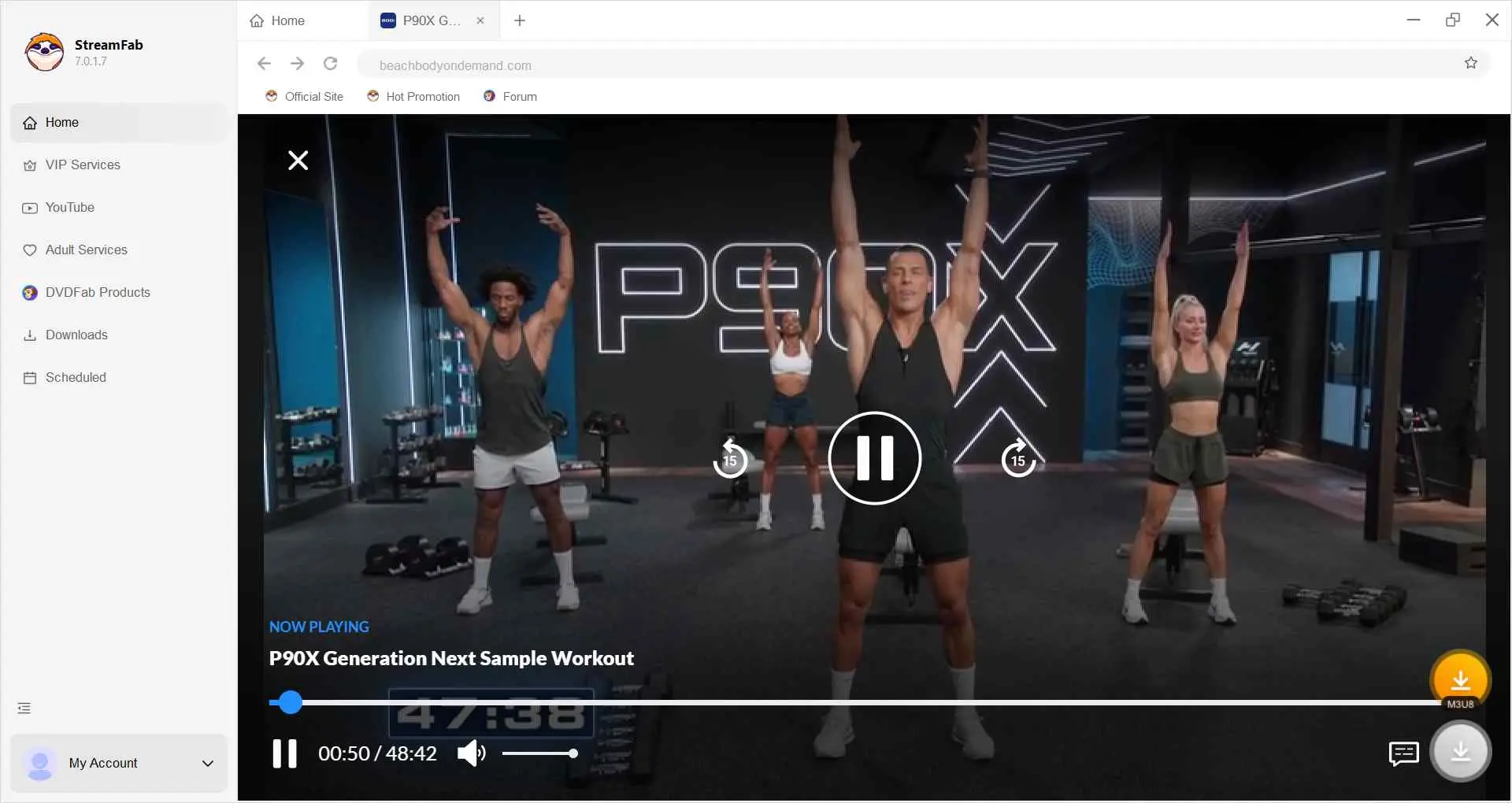
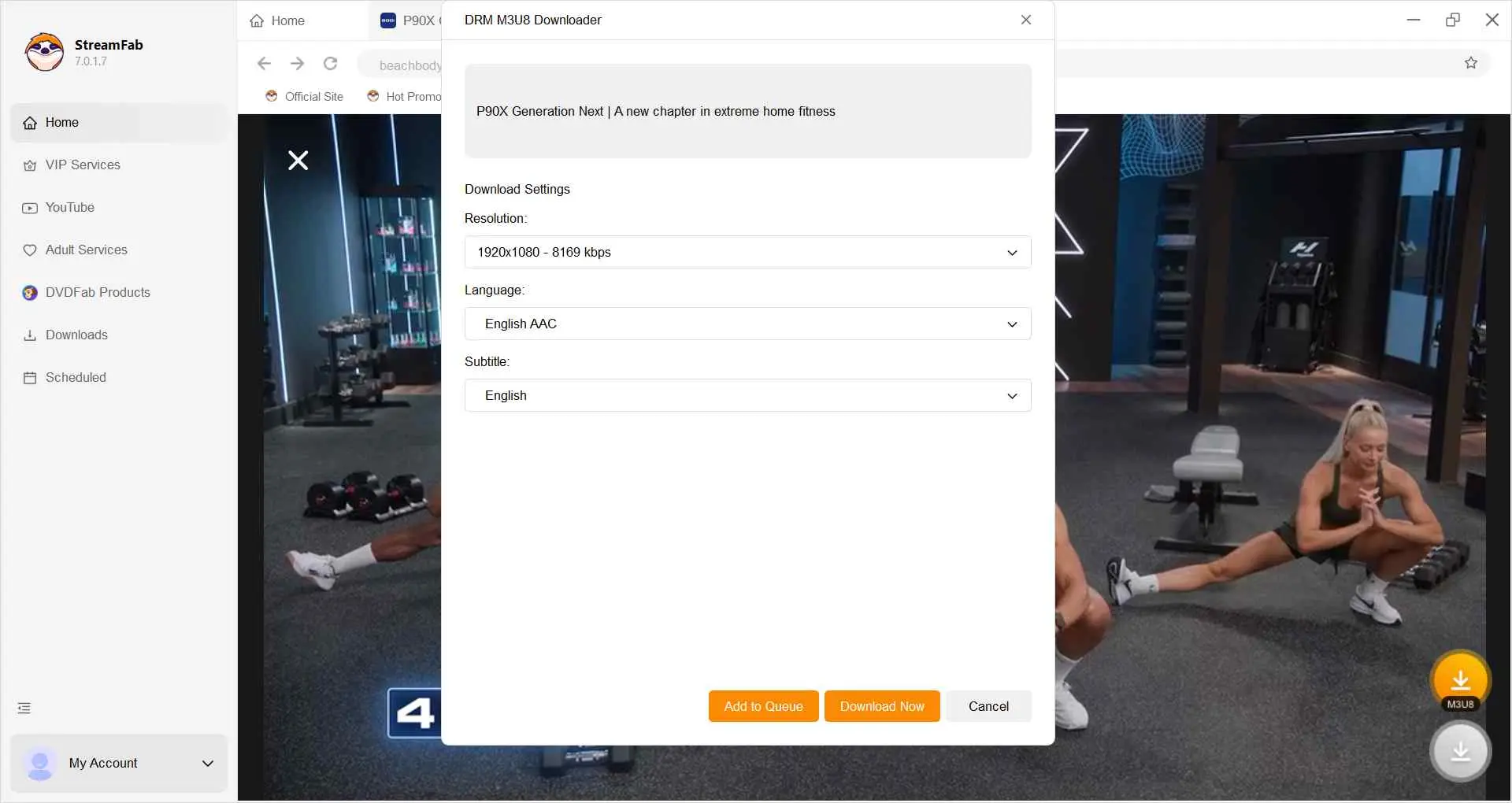
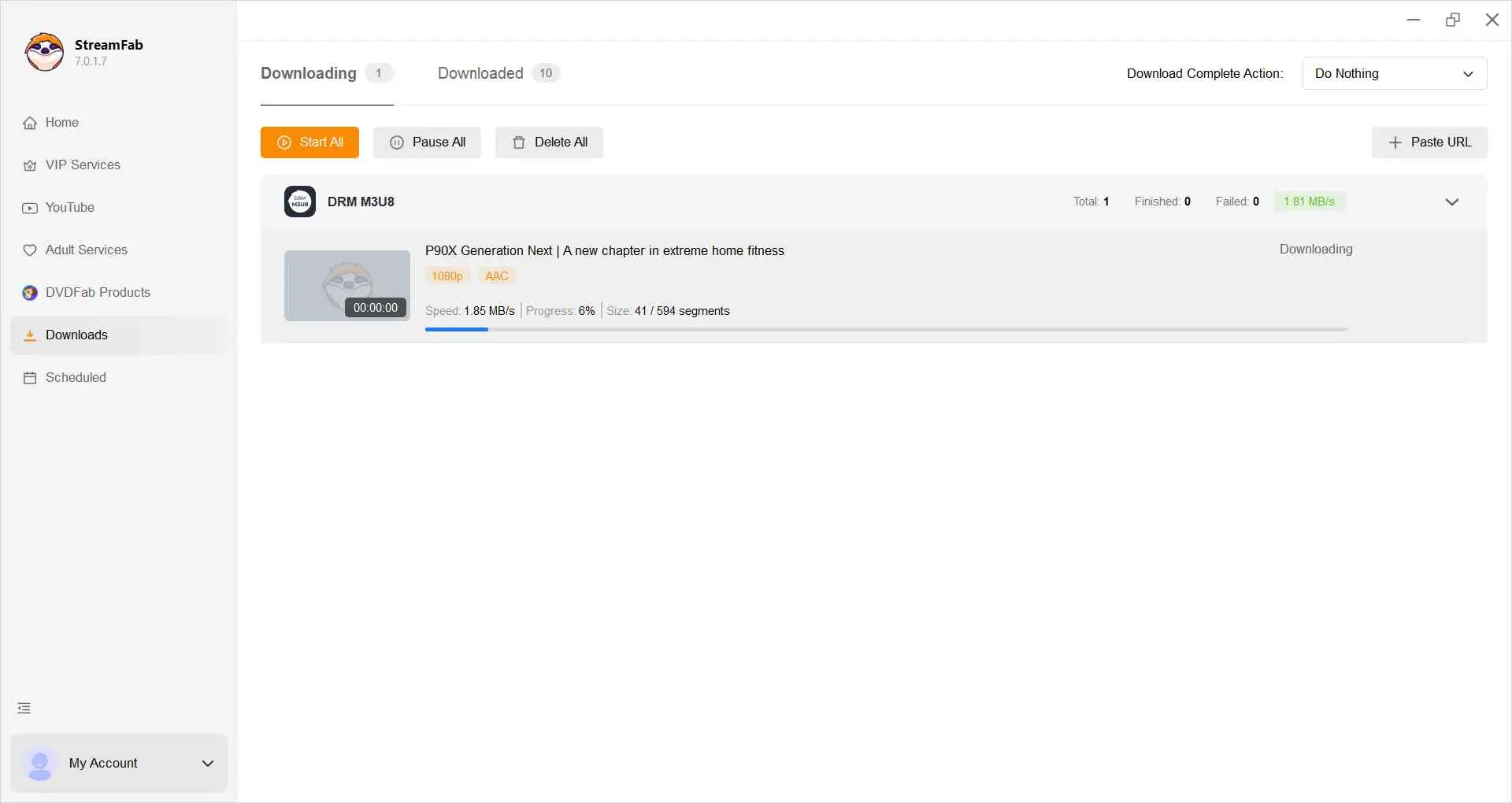
The broader guide to using StreamFab covers controls outside this module-specific workflow. For this review, I care more about a playable, correctly labeled result than elapsed time alone.
Reliability, User Feedback, and Known Limits
M3U8 download reliability is update-dependent. A supported service can work normally, then require a fresh analysis or product patch after the service changes its player, authorization flow, or stream delivery.
Current Reliability Matrix
This matrix turns visible analysis and playback states into a reliability check. Detected quality should never exceed the module's 1080p ceiling, and a completed queue counts as successful only after the resulting tracks play correctly.
| Analysis result | Detected quality | Output state | What it means | Next check |
|---|---|---|---|---|
| Title and tracks detected | Up to 1080p | MP4/MKV selectable | Analysis passed | Download a sample |
| Title detected, track missing | Source-dependent | Container selectable | Partial match | Recheck title and track |
| No title detected | None shown | No task created | Compatibility interruption | Refresh, update, retry |
| File completes and plays | Selected quality | Valid local file | Output passed | Confirm audio and subtitles |
| File completes but fails | Displayed selection | Invalid or partial file | Output failed | Inspect tracks, then retry |
The practical upshot is that one successful file does not establish support for all titles on a service. I would validate a representative long title, the language tracks you use, and a second item before treating the workflow as dependable.
What Current Users Report
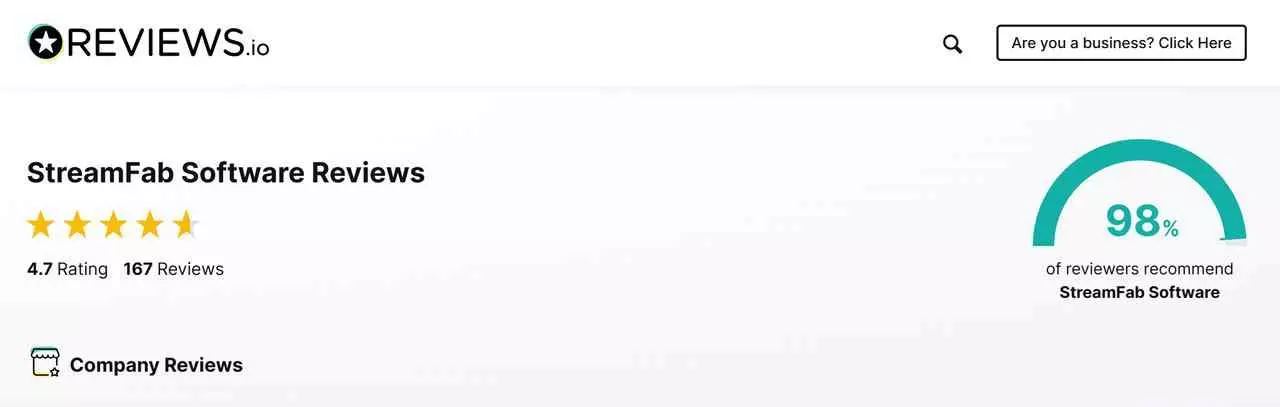
As of August 2026, the StreamFab Trustpilot profile shows 4.5 out of 5 from 760 reviews. Positive feedback often focuses on usable offline files, while critical reports frequently describe temporary failures after service changes.
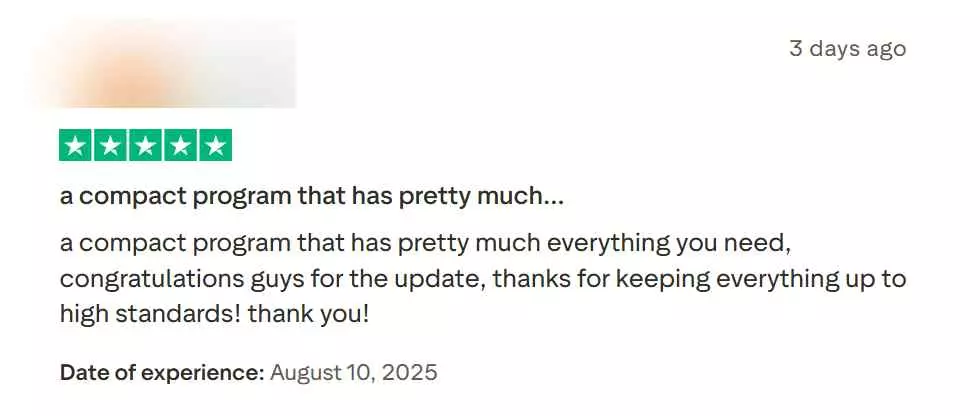
I give recurring failure themes more weight than a single star average. They do not prove a universal failure rate, but they do show why trialing the target service and validating output should be part of the purchase decision.
Failures, Updates, and First Checks
M3U8 download troubleshooting should begin by separating analysis failure from output failure. If the title is not detected, refresh the session and analyze again; if a file finishes but will not play, validate the file before repeating the queue.
- Update StreamFab, restart the app, and reopen the service in the built-in browser.
- Sign in again, play the title, and run a fresh analysis instead of reusing an old task.
- Open the completed file in a second player to distinguish a player issue from a file issue.
- Use MediaInfo to confirm the container, video track, audio track, and subtitle track.
- If the same service fails across fresh attempts, pause the queue and allow for a compatibility patch.
A single failed session is a pain signal, not a measured service-wide failure rate. The useful decision is whether your workflow can tolerate occasional pauses while compatibility catches up.
M3U8 Downloader FAQs
Conclusion: Who Should Buy or Skip
StreamFab DRM M3U8 Downloader is worth considering for regular Windows or Mac users who need supported M3U8 sources saved as MP4 or MKV and can accept that service updates may cause temporary interruptions.
I would buy only after the trial confirms the target service, expected quality, audio, subtitles, and playback. Skip it if you download rarely, use Android alone, need a different StreamFab module, or expect uninterrupted compatibility across all services.
Decision checkpoint
Choose the M3U8 module only if your target services and desktop workflow match its scope; use the trial before paying when compatibility is uncertain.
