The short answer is that “download from CBC Gem” can mean installing the CBC Gem app or saving an episode as a local video file. This guide separates those two paths, then explains US store settings, supported devices, and when a CBC video downloader is appropriate.

What is CBC Gem?
CBC Gem is the official streaming platform of the Canadian Broadcasting Corporation (CBC). It is a free, online streaming service that allows users to watch live and on-demand CBC television shows, movies, news, and exclusive original programming. CBC Gem is available via web browsers, mobile apps (iOS and Android), smart TVs, and streaming devices.
Viewers can find hundreds of episodes from Canadian and international television series in all genres on this streaming service application, including cooking, dramas, comedies, sports, movies, and even children’s shows. While all these programs can be viewed at no cost, the service still requires a monthly fee from subscribers if they want to watch all the video content ad-free. If you are looking for the CBC Gem app, you need an installation path; if you want to download CBC Gem shows, you need a separate local video-file workflow.
CBC Gem App or Episode Download?
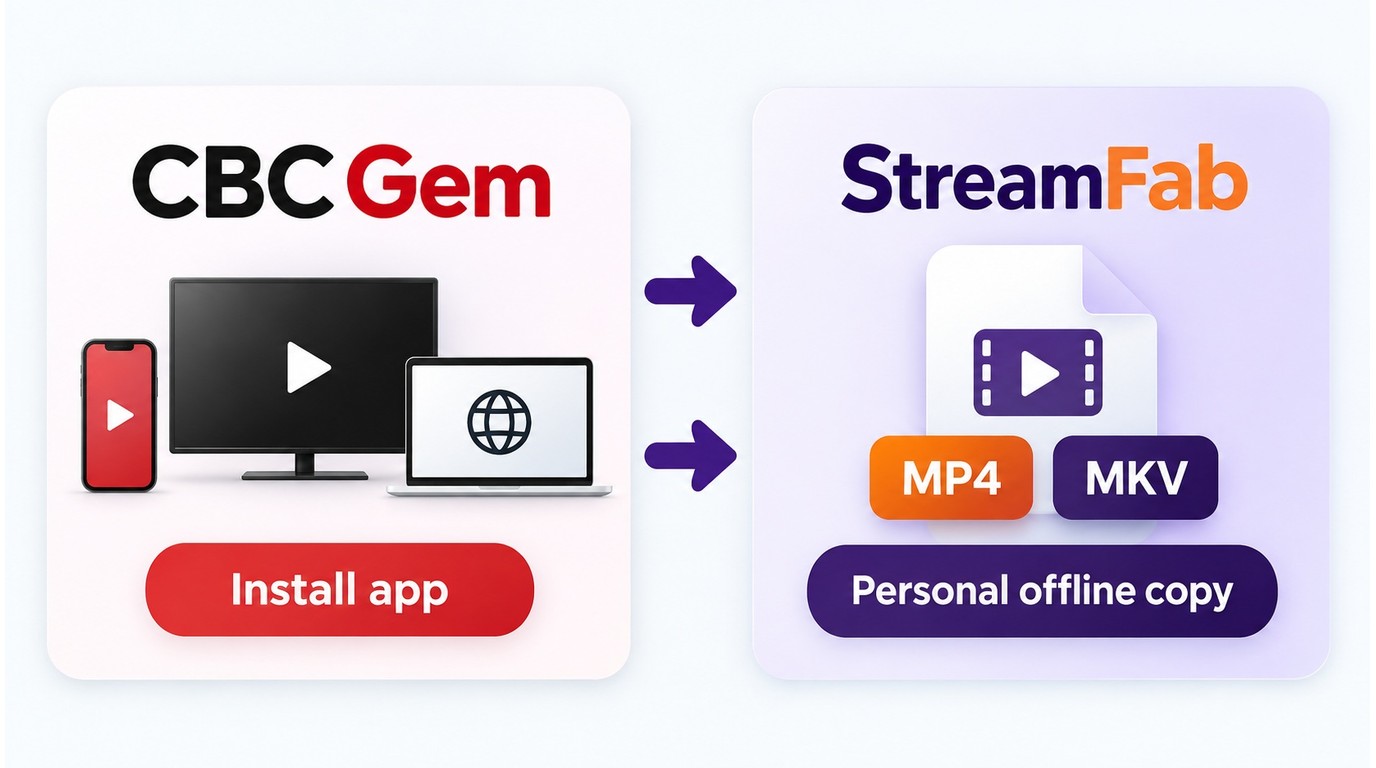
“Download from CBC Gem” can mean two different things. Installing the CBC Gem app gives you access to the official viewing service on a supported device. Saving an episode means creating a local video file for personal offline viewing, which is a separate process from installing the app.
Choose the app route if you only need official streaming access. Choose the episode-download route if you are authorized to access the program and need a local copy that can be managed on your computer. US readers should check store-country settings and device support before troubleshooting either path.
Can You Download Shows on CBC Gem?
Generally, no. CBC Gem doesn’t provide a direct download option for saving shows as ordinary video files for offline viewing. If you mean downloading the CBC Gem app, that is a separate installation question; if you mean downloading an episode, you need a permitted local-saving workflow.
Before choosing a local-saving tool, make sure you are authorized to access the CBC Gem content and intend to keep the file for personal use. CBC Gem’s terms, copyright permissions, and applicable law still govern what you may save, keep, or share.
- Personal use
Use a saving tool only for content you are authorized to access, keep the resulting file private, and follow CBC Gem’s terms, copyright permissions, and applicable law.
- Platform access
A saved video file does not expand your viewing rights or create permission to share the program. Accessing new CBC Gem streams still depends on CBC Gem’s availability and playback rules.

CBC Gem App Availability in the US
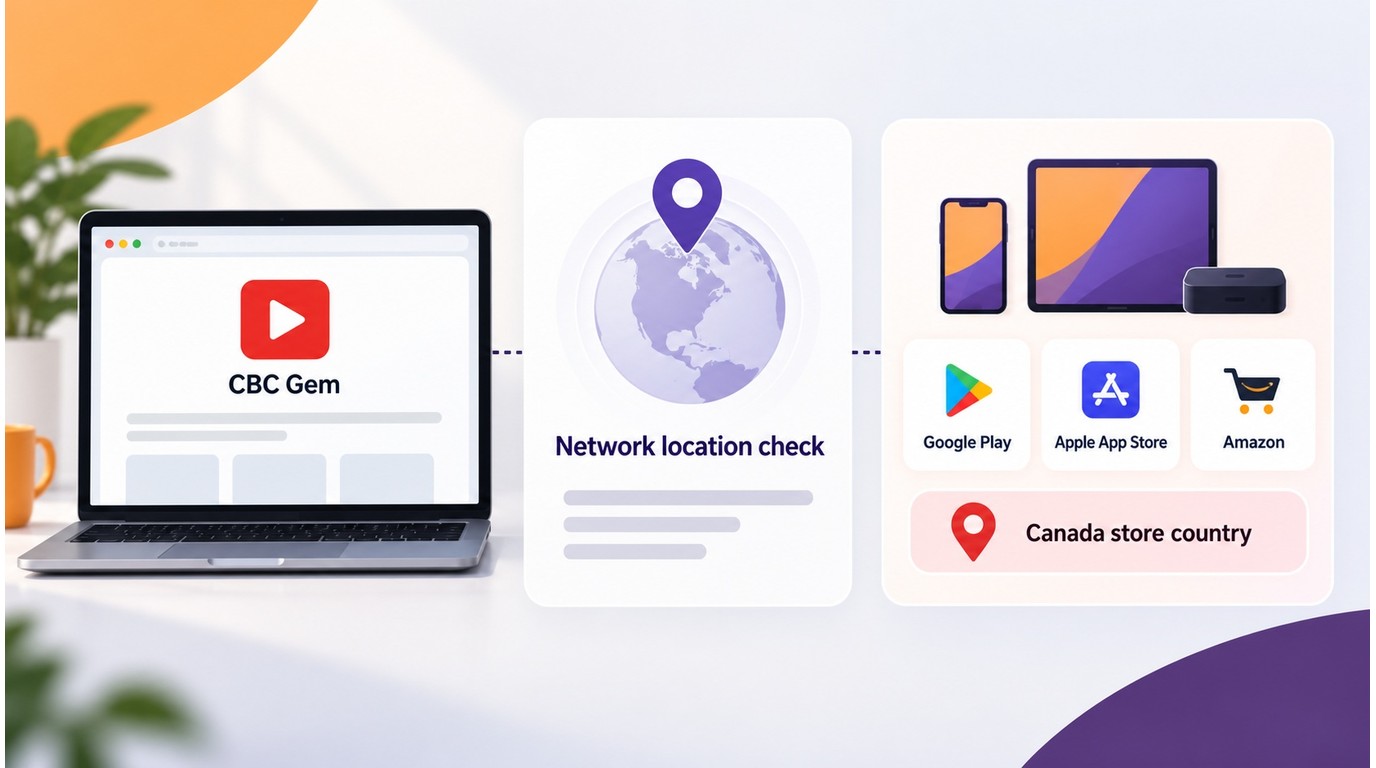
US users may be able to reach CBC Gem in a browser while still seeing a country-availability message in an app store. CBC says the Google Play Store location must be set to Canada for the CBC Gem app to appear. A VPN can change the apparent network location, but it does not necessarily change the country attached to a Google, Apple, or Amazon store account.
That makes app installation and browser playback separate access paths. Check the store account country, the selected device, and CBC Gem’s supported-device list before reinstalling the app. If the app remains unavailable, use the browser route where supported instead of treating a VPN as a guaranteed way to change marketplace access.
How to Download From CBC Gem?
For readers who are authorized to access CBC Gem content and want a local copy for personal offline viewing, StreamFab DRM M3U8 Downloader is a desktop option. It uses screen-recording technology, supports MP4 or MKV output, and can save video at up to 1080p where the available playback profile allows it. I’d choose MP4 for straightforward phone playback and MKV when organizing a personal media library.
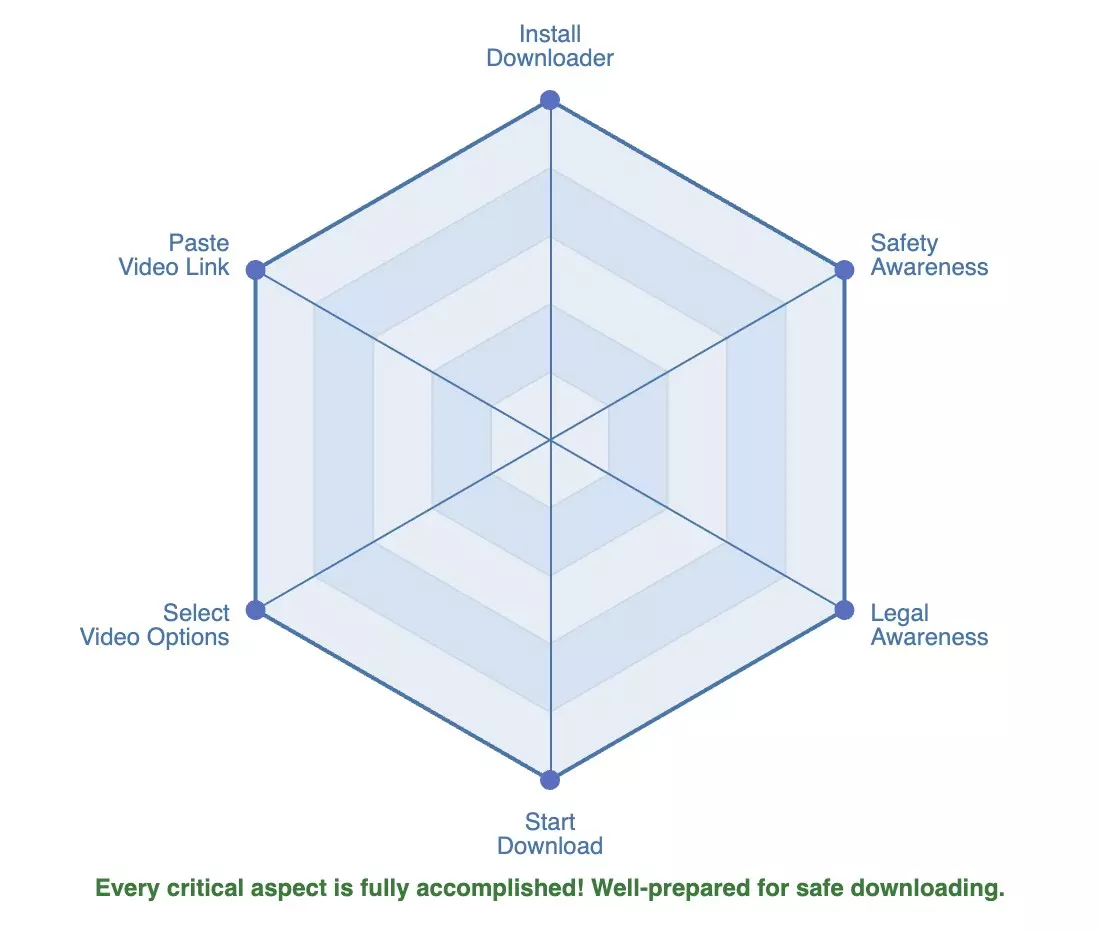

- Save authorized CBC Gem videos for personal offline viewing
- Save video at up to 1080p where the available service profile supports it
- Choose MP4 or MKV for playback on compatible smartphones and media players
- Use a desktop interface instead of a command-line workflow
- Download multiple videos in batch mode
- Save videos without ads where supported by the service and tool
- Save metadata with the videos for personal library management
How to Use StreamFab DRM M3U8 Downloader to Download CBC Videos?
It's easy to learn how to use StreamFab to download M3U8 videos to the MP4 format. All you have to do is follow these simple steps:
Use this workflow only for CBC Gem content you are authorized to access and save for personal offline viewing, in line with CBC Gem’s terms, copyright permissions, and applicable law. I’d choose this desktop approach when you want a guided workflow for local files rather than a command-line process. The 30-day trial provides a practical way to check whether the workflow fits your needs, with three trial video downloads per streaming service and the same core functions as the paid version, subject to the trial quantity limit.
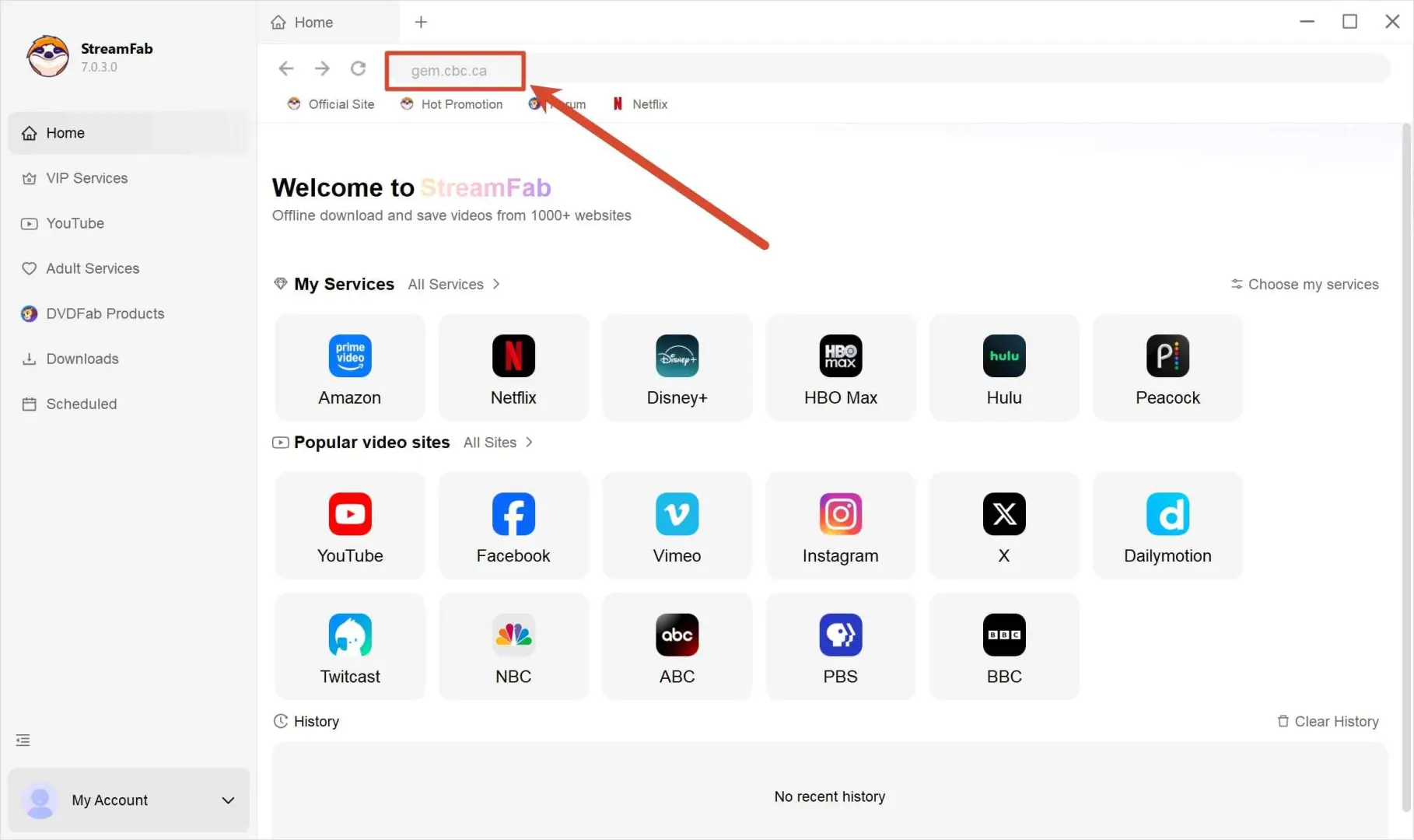
Choose the streaming service
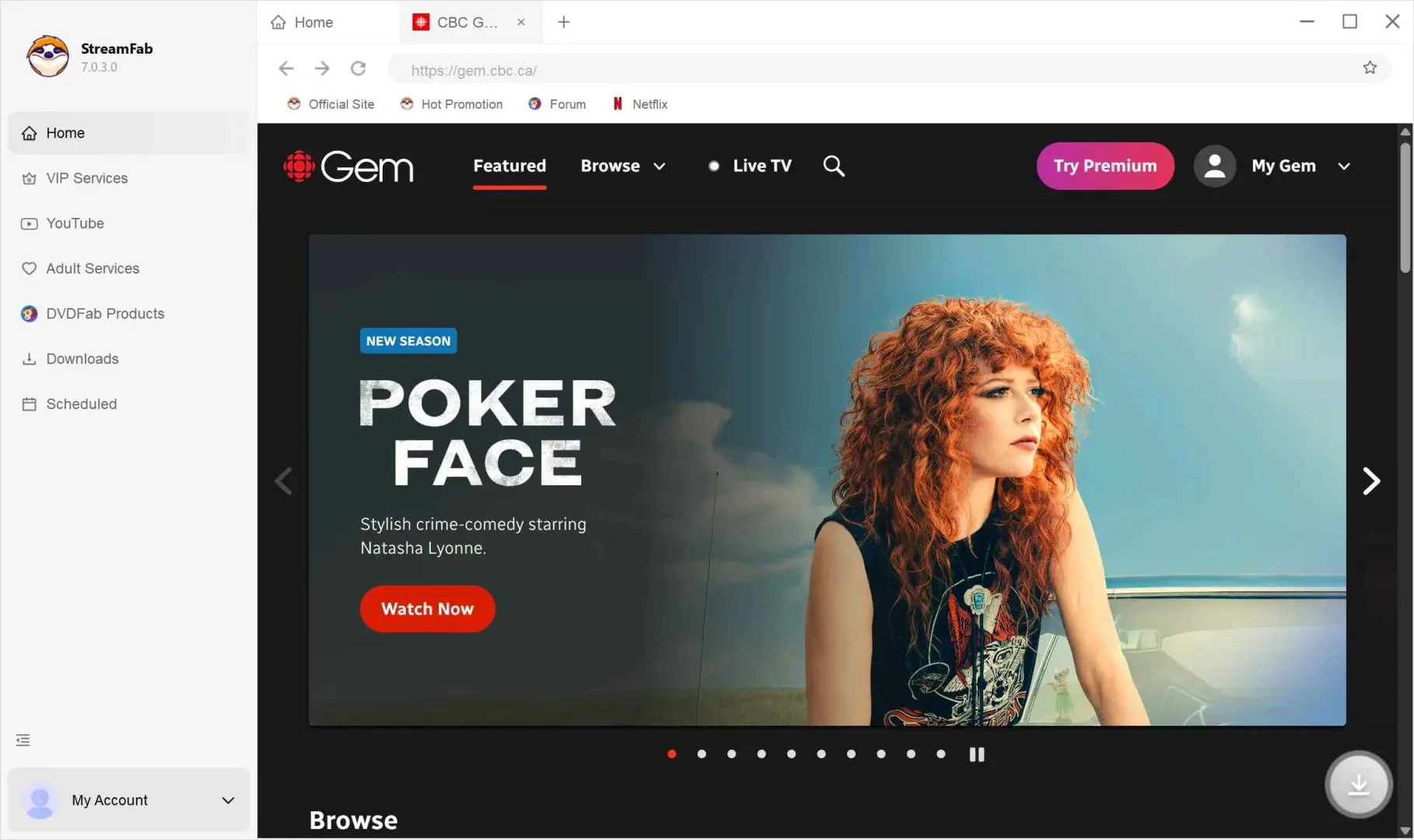
Now, in the search option, paste the link of the CBC Gem video you want to download.
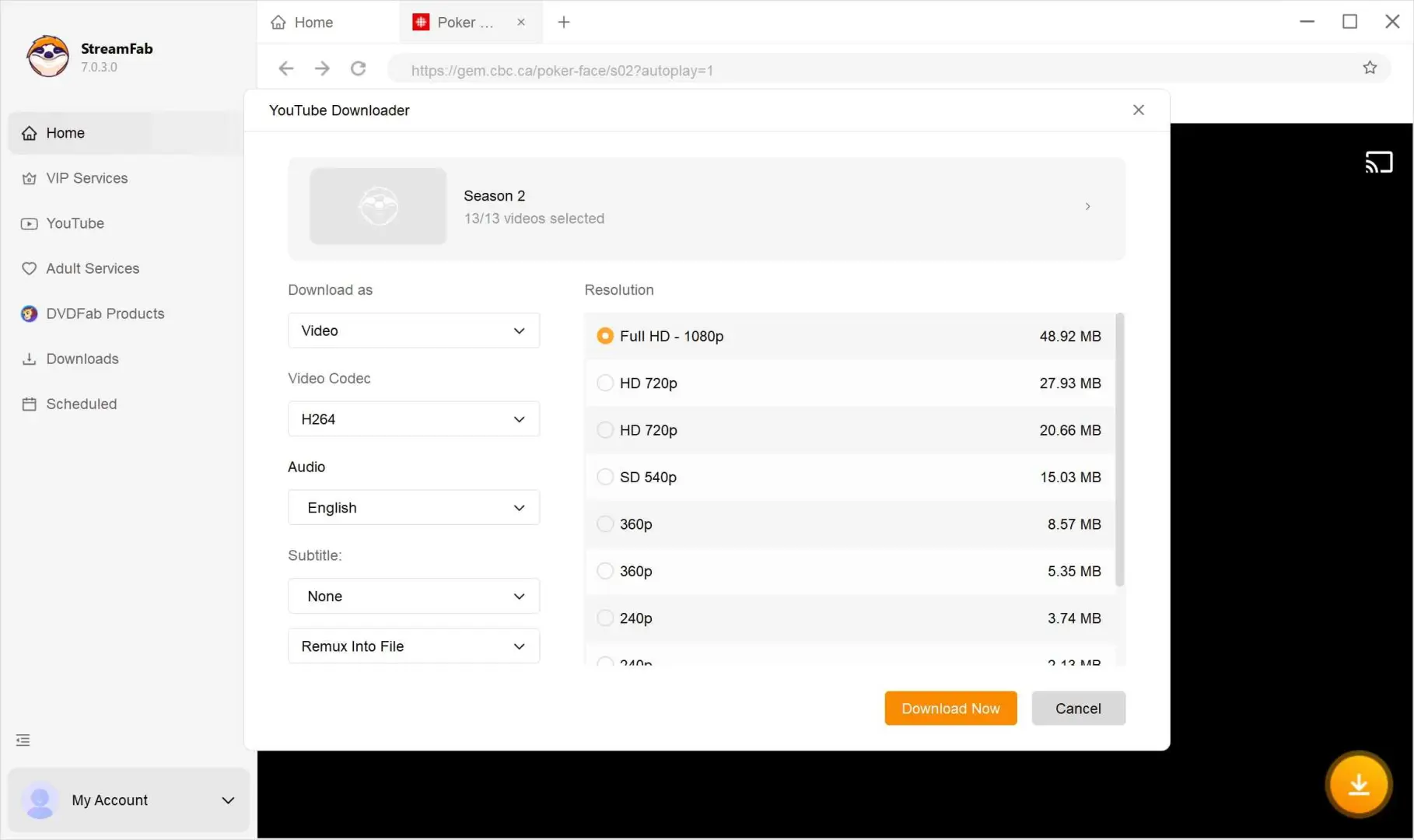
Customize the file
When you play the video, a new pop-up window will open and will ask you for your video options.
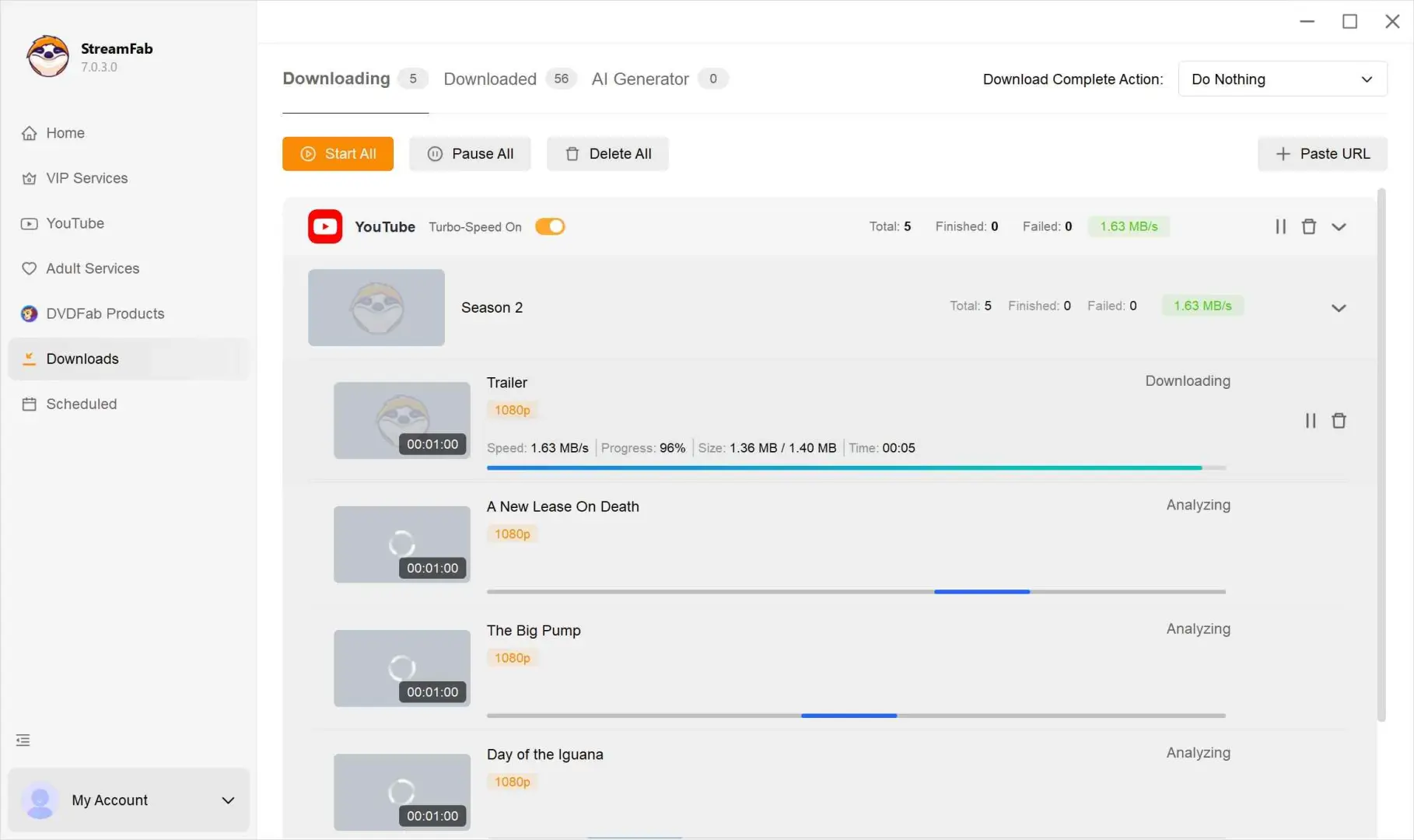
Click the download button
Once you have selected your video preferences, choose between "Download Now" or "Add to Queue."
CBC Gem Download Troubleshooting
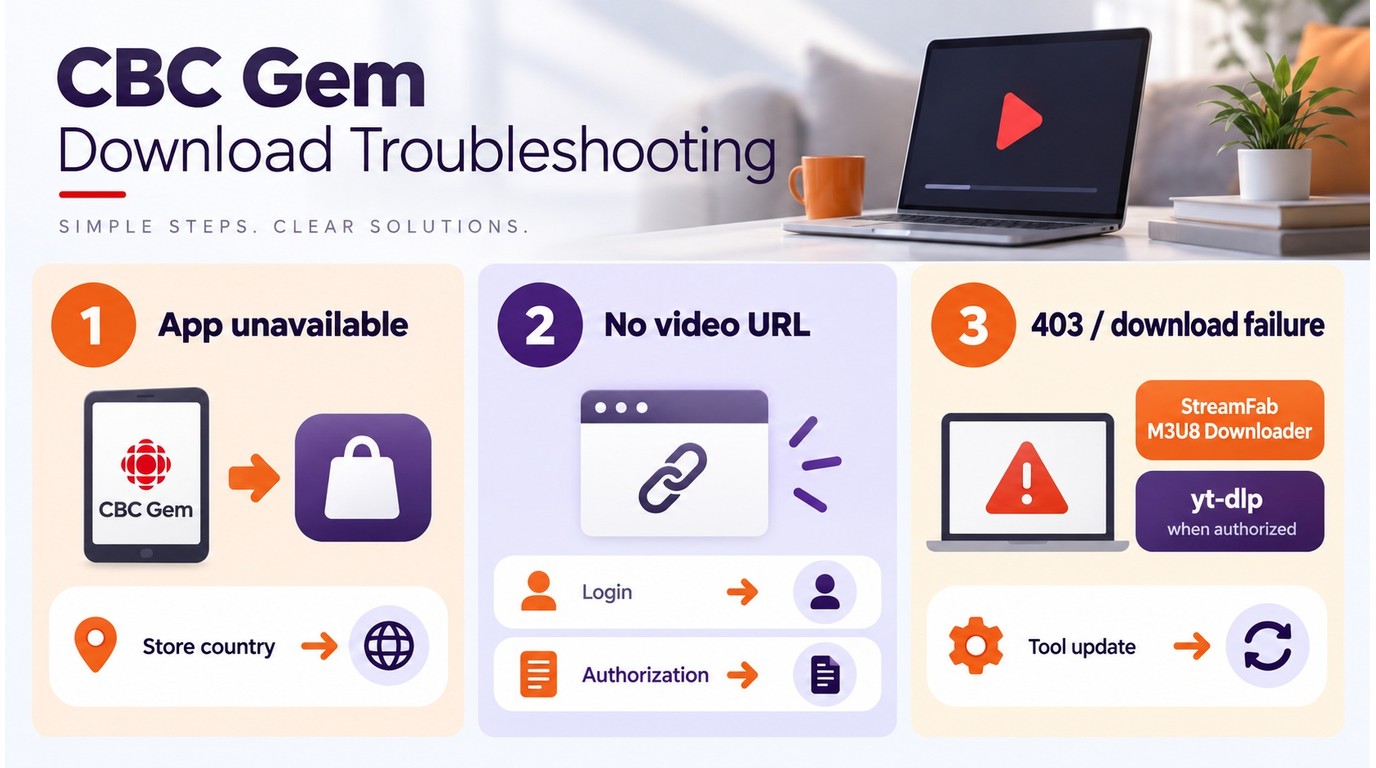
If the CBC Gem app is unavailable, check the store country attached to your account before changing device settings. A VPN may affect browser playback, but it does not necessarily change app-store availability.
- Unsupported device: Confirm that the device and operating system appear on CBC Gem’s current support list, then try the browser route if the app is unavailable.
- The page plays, but no video URL appears: Sign in first, confirm that the page is a CBC Gem video page, and use a current downloader or browser diagnostic tool. CBC URL formats can change, so an older address may not expose a usable media link.
- 403 or download failure: Check the CBC Gem login, region, and authorization for the program, then update the downloader and retry the page. Do not use a tool to defeat access controls or save content you are not authorized to access.
In my view, a desktop workflow is the better fit when you want guided settings and batch handling; a command-line workflow makes more sense when you are comfortable diagnosing URLs and updating tools yourself.
Extra Options:
- Baggette/cbc-gem-downloader: Baggette/cbc-gem-downloader last had a code push on August 10, 2024, so treat it as a stale repository rather than a current peer.
- yt-dlp: A classic CLI video downloader with a steep learning curve. It remains an active project, and its CBC extractor received a material update on February 7, 2026.
The feature comparison below focuses on StreamFab and the active yt-dlp project:
| Feature | StreamFab DRM M3U8 Downloader | yt-dlp |
|---|---|---|
| Output Format | MP4 / MKV | Source- and option-dependent |
| Resolution | Up to 1080p | Source-dependent |
| Batch Download | Supported | Supported |
| Interface | Desktop interface | Command line |
| Platform Support | Windows / macOS | Windows / macOS / Linux |
FAQ
Conclusion
If you’ve ever sat there wondering, “Can I actually download stuff from CBC Gem?”—well, now you know. If you only need official viewing, the CBC Gem app or browser is the straightforward route. Readers comfortable with a terminal can choose yt-dlp for command-line work, while StreamFab DRM M3U8 Downloader is the desktop route for saving an authorized local copy for personal offline viewing. I’d choose the desktop workflow when batch handling and a simpler interface matter, and the command line when direct terminal control matters more.