Can You Download Netflix in 4K?
People trying to download movies on Netflix on a laptop in 4K usually hit the same limitation: Netflix Premium enables eligible 4K streaming, but it does not create true 4K offline files. The practical choice is between Netflix’s app-bound downloads and flexible local files up to 1080p.
This guide separates Netflix Premium 4K streaming from Netflix offline download quality, explains how Netflix app downloads differ from MP4 or MKV local files, and shows what to check before choosing a desktop workflow for content you are authorized to access.
Netflix 4K Streaming and Download Limits
Requirements for Netflix 4K Streaming
Premium Enables 4K Streaming, Not 4K Downloads
Netflix Premium can stream eligible titles in 4K on a compatible setup, but Netflix does not offer true 4K offline files through its official download workflow. Netflix app downloads stay within the app rather than becoming ordinary MP4 or MKV files.
Current Download Devices and Limits
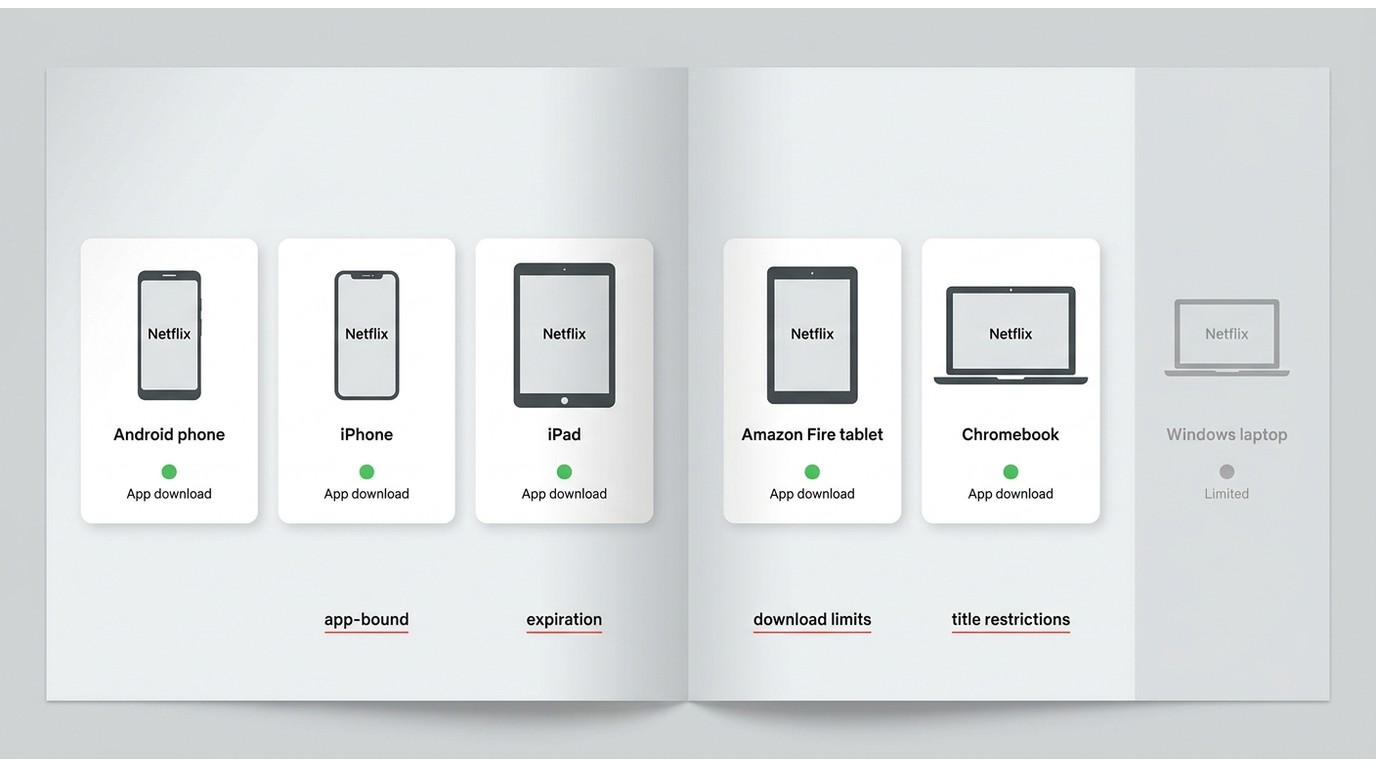
Netflix currently focuses its download workflow on Android phones and tablets, iPhones and iPads, Amazon Fire tablets, and Chromebooks, rather than Windows PCs. Netflix download device, title, and expiration limits can vary by plan and title: active-download allowances apply, ad-supported plans have a monthly download limit, and some titles can expire or limit repeat downloads. Supported devices and availability may change, so review Netflix’s current Help Center guidance before relying on a trip download.
Netflix App Downloads vs Local Files
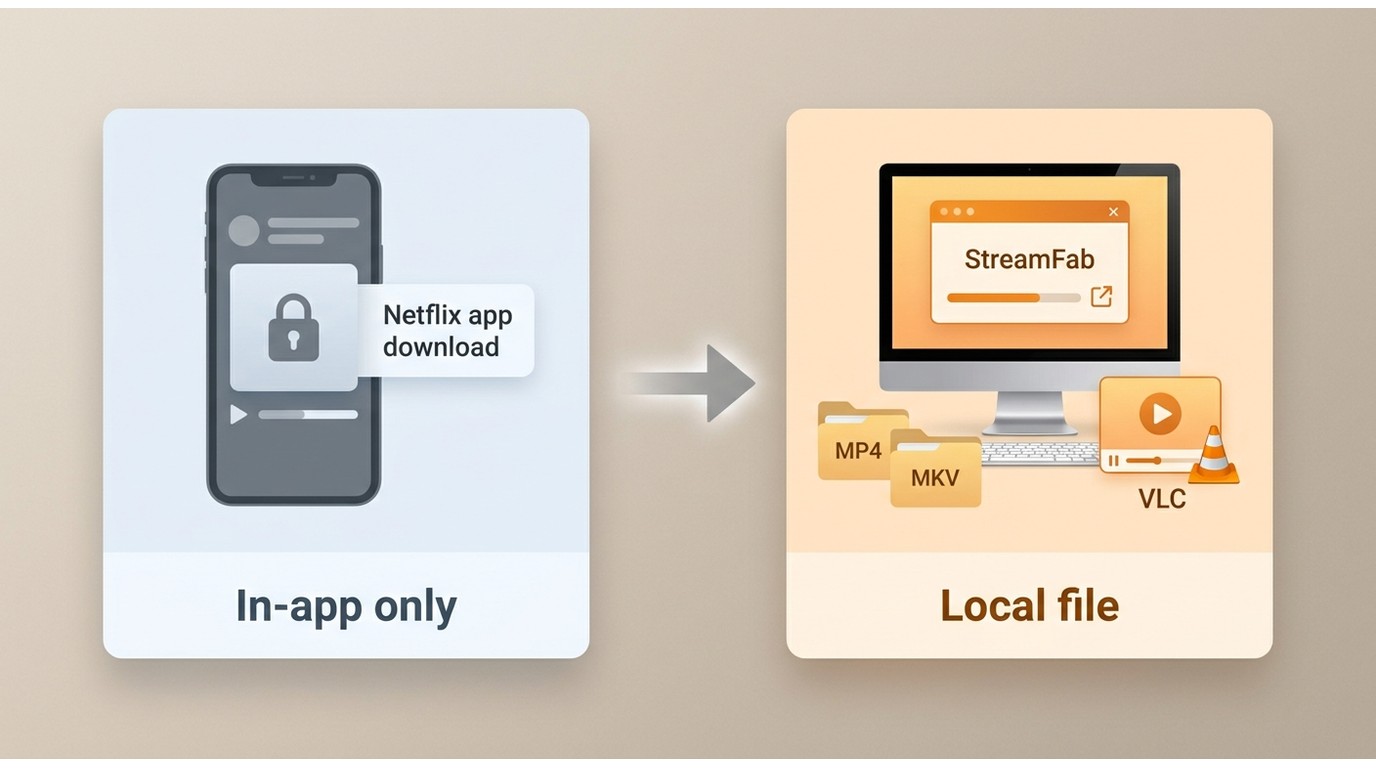
The official workflow is convenient for travel on supported devices, but playback remains managed by the Netflix app. A desktop local-file workflow serves a different need: authorized Windows or Mac users can select compatible MP4 or MKV output for local playback where permitted by platform terms and applicable law.
- • A Netflix Premium plan and an eligible title labeled Ultra HD or 4K
- • A compatible 4K display and a complete device-to-display chain, including HDCP or HDMI support where relevant
- • High playback quality selected in Netflix and network performance sufficient to maintain the stream
For US readers comparing streaming plans, the table below summarizes Netflix’s listed tiers as of July 2026. These prices matter for 4K streaming, not for the availability of true 4K offline files.
| Subscriptions | Price | Supported Devices | Max Resolution |
|---|---|---|---|
|
Standard (with ads) |
$8.99 / month |
2 |
1080p |
|
Standard |
$19.99 / month |
2 |
1080p |
|
Premium |
$26.99 / month |
4 |
4K + HDR |
Netflix Download Quality and Local Files
What Quality Can You Actually Save?
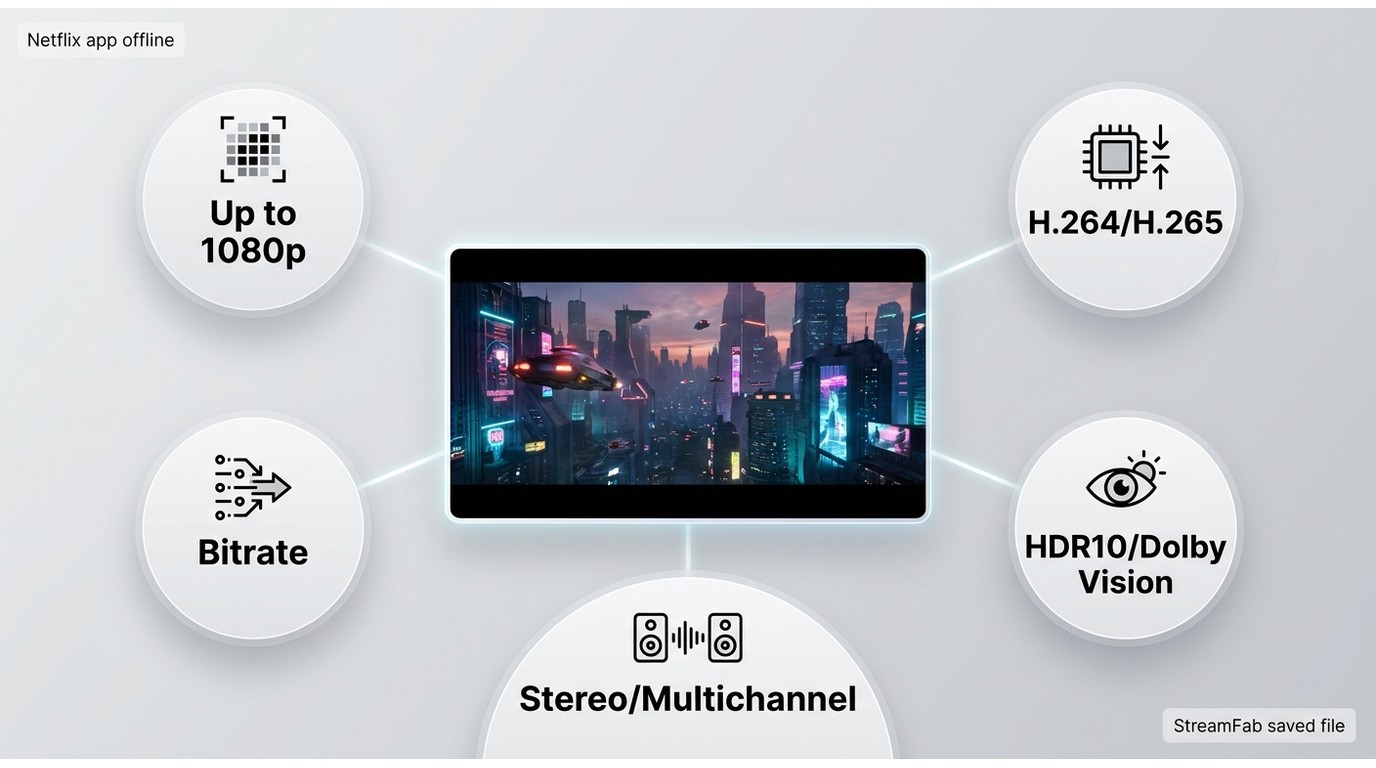
Resolution is not the whole quality story. Bitrate affects how much image detail survives motion and dark scenes; codec affects compression efficiency; HDR affects contrast and color range; and audio tracks determine whether you retain stereo or multichannel sound. A strong 1080p HDR file can be useful for offline viewing, but it is still not true 4K and may not match a TV app’s streaming profile or bitrate.
StreamFab’s Verified Netflix Specifications
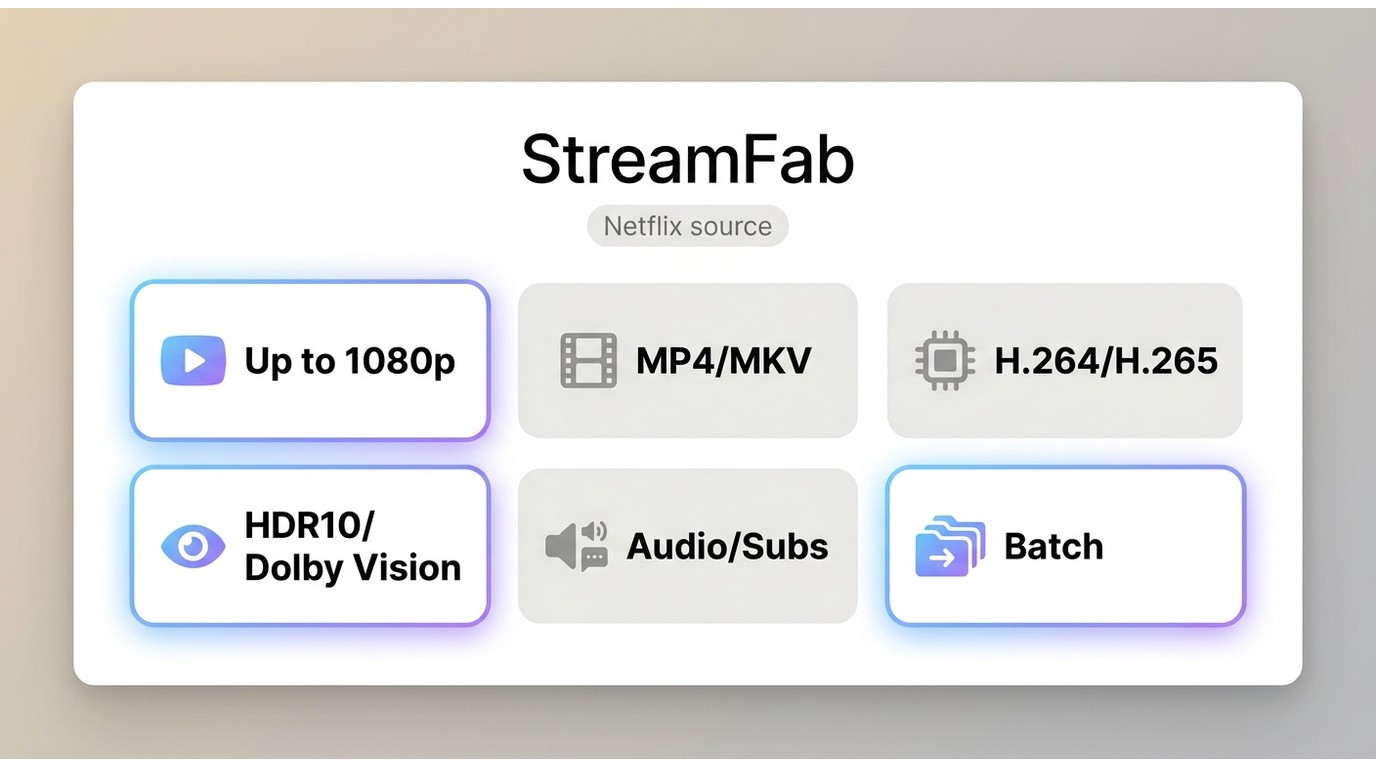
StreamFab Netflix Downloader is a Windows and Mac desktop workflow separate from Netflix’s official download feature. For content you are authorized to access, where permitted by platform terms and applicable law, it supports Netflix output up to 1080p in MP4 or MKV, with H.264 or H.265 where available; supported HDR10 or Dolby Vision; selectable audio and subtitles; and batch downloads.

- Save authorized Netflix titles at up to 1080p Full HD resolution
- Choose MP4 or MKV output for compatible local playback
- Preserve supported HDR10 / Dolby Vision
- Select available audio, including Dolby Atmos / EAC3 5.1 sound
- Batch-process multiple episodes of a Netflix series
- Ad handling depends on the service and selected plan
- Select available subtitle languages for Netflix shows
- Use for personal offline viewing of content you are authorized to access, where permitted by platform terms and applicable law.
Choosing a Netflix Downloader
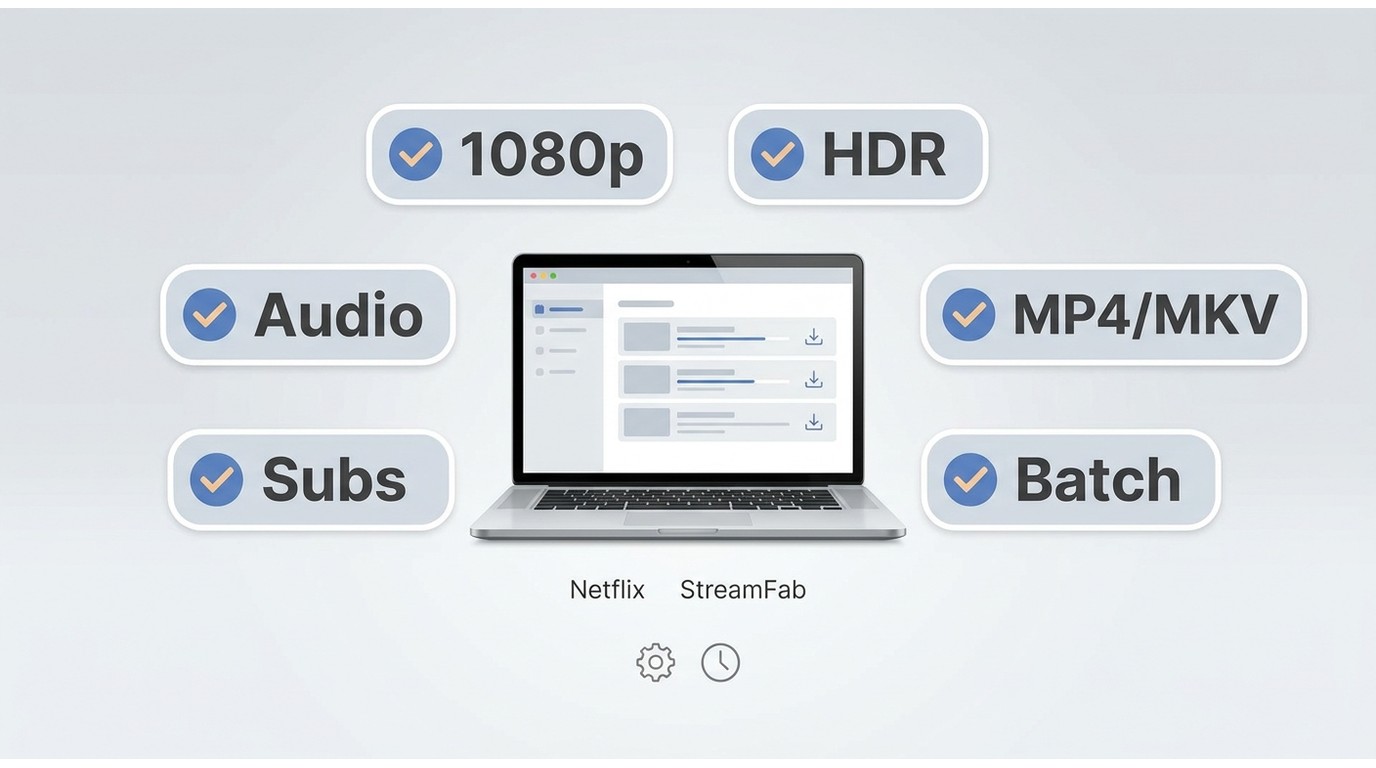
Evaluate a downloader by its current Netflix-specific resolution, codec transparency, HDR and audio support, subtitle handling, MP4 or MKV options, batch workflow, trial terms, and update reliability. Do not assume a feature offered for another streaming service is automatically available for Netflix.
| Consideration | Netflix app download | StreamFab local-file workflow |
|---|---|---|
|
File access and playback |
App-bound playback on supported download devices |
MP4 or MKV playback on compatible local media players |
|
Quality and tracks |
Netflix-managed quality, subtitles, and available audio |
Up to 1080p; supported HDR, audio, and subtitle choices vary by title and settings |
|
Limits and expiration |
Plan, title, device, availability, and expiration rules apply |
Output and playback depend on selected settings, service conditions, and compatible devices |
|
Batch, trial, and updates |
Netflix app rules and updates apply |
Batch support; a free plan is available with feature limits; service compatibility can change |
|
Best fit |
Simple travel viewing on a supported device |
Authorized desktop users who need format and playback flexibility where permitted |
Saving Netflix Titles for Offline Viewing
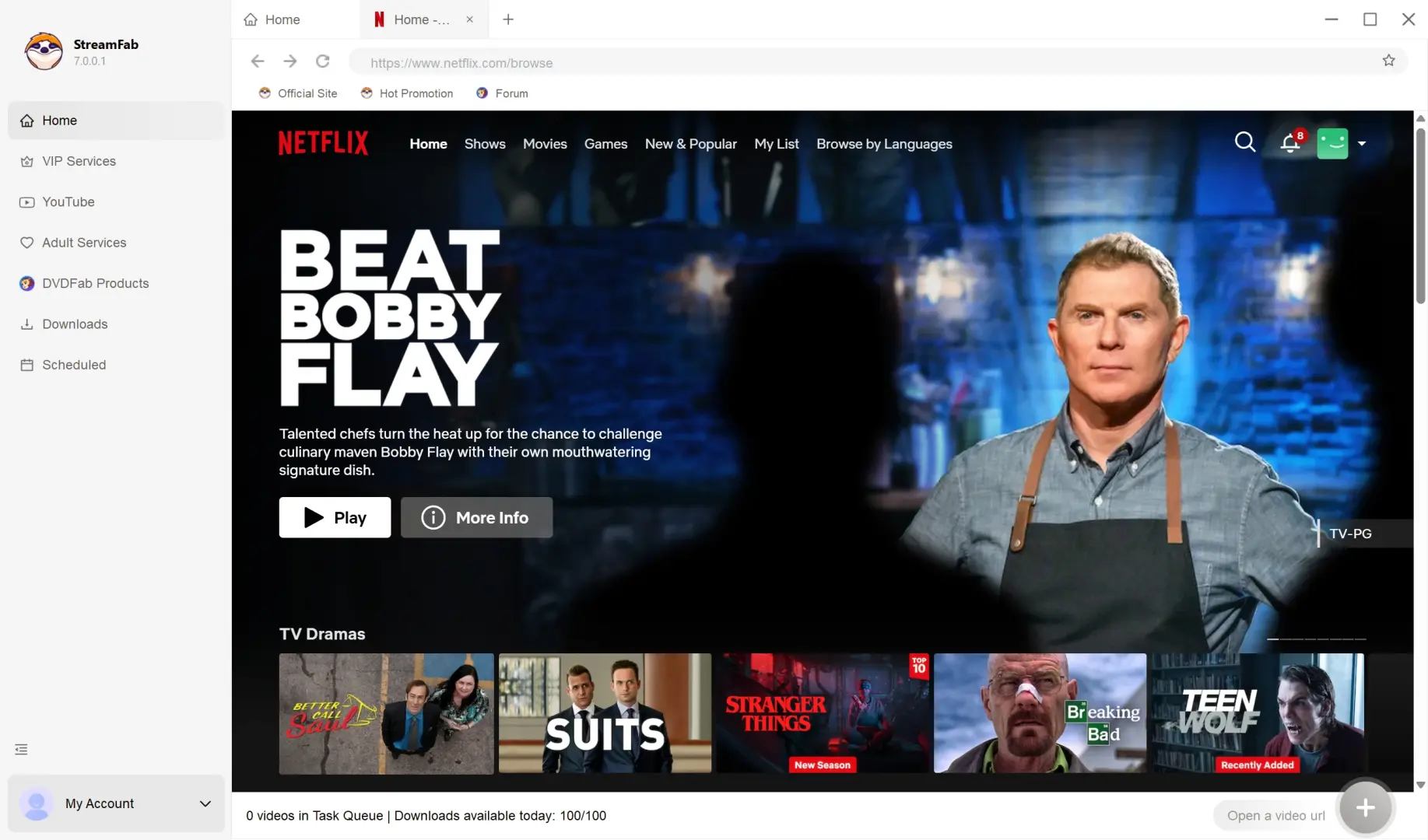
For content you are authorized to access, where permitted by platform terms and applicable law, follow the existing four-step workflow to select a title, choose available quality and track options, and save a local file.
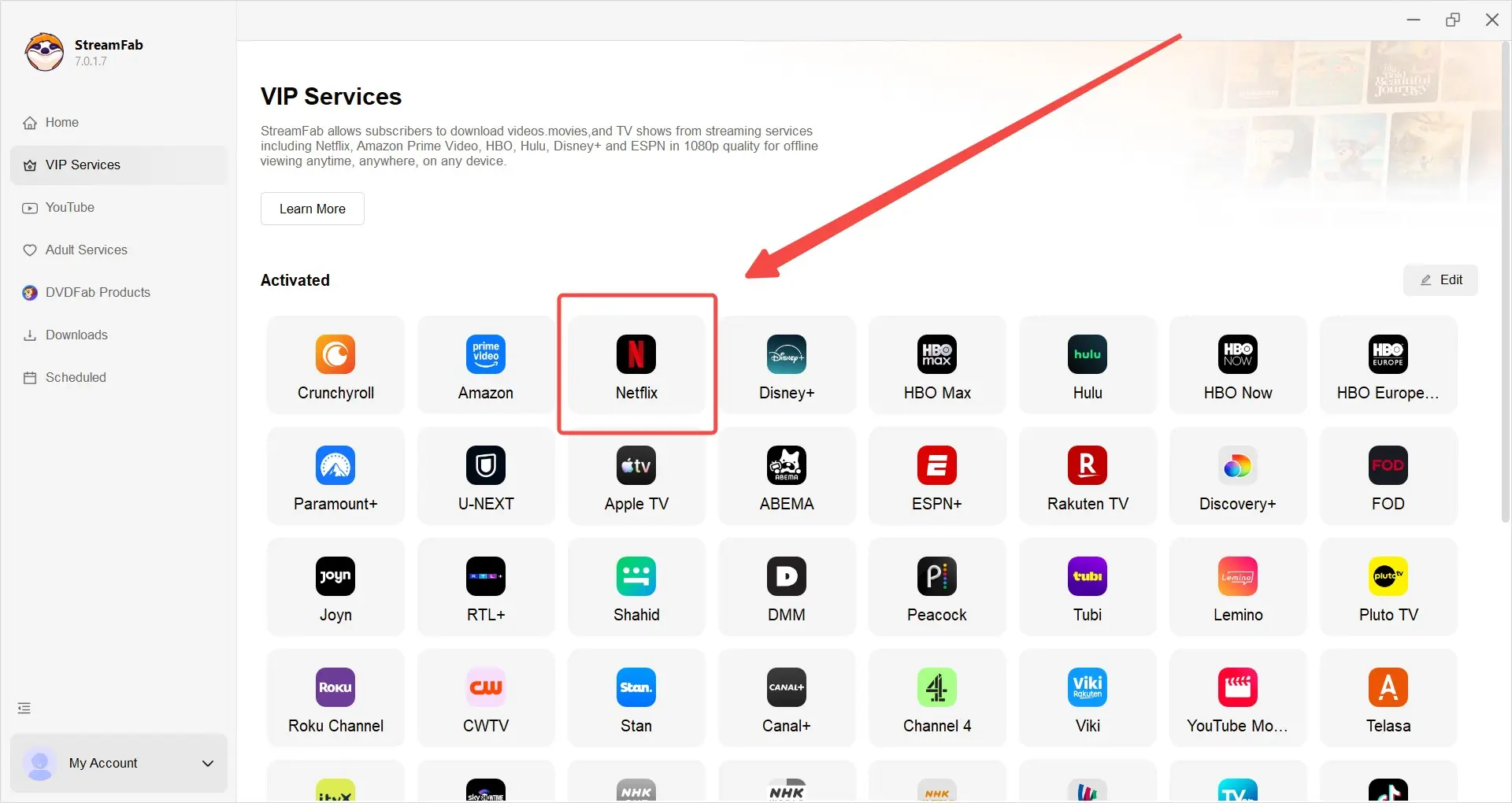
Log in with your valid Netflix credentials and select the authorized content you wish to download.
Adjust audio, subtitle, and resolution settings for offline viewing.
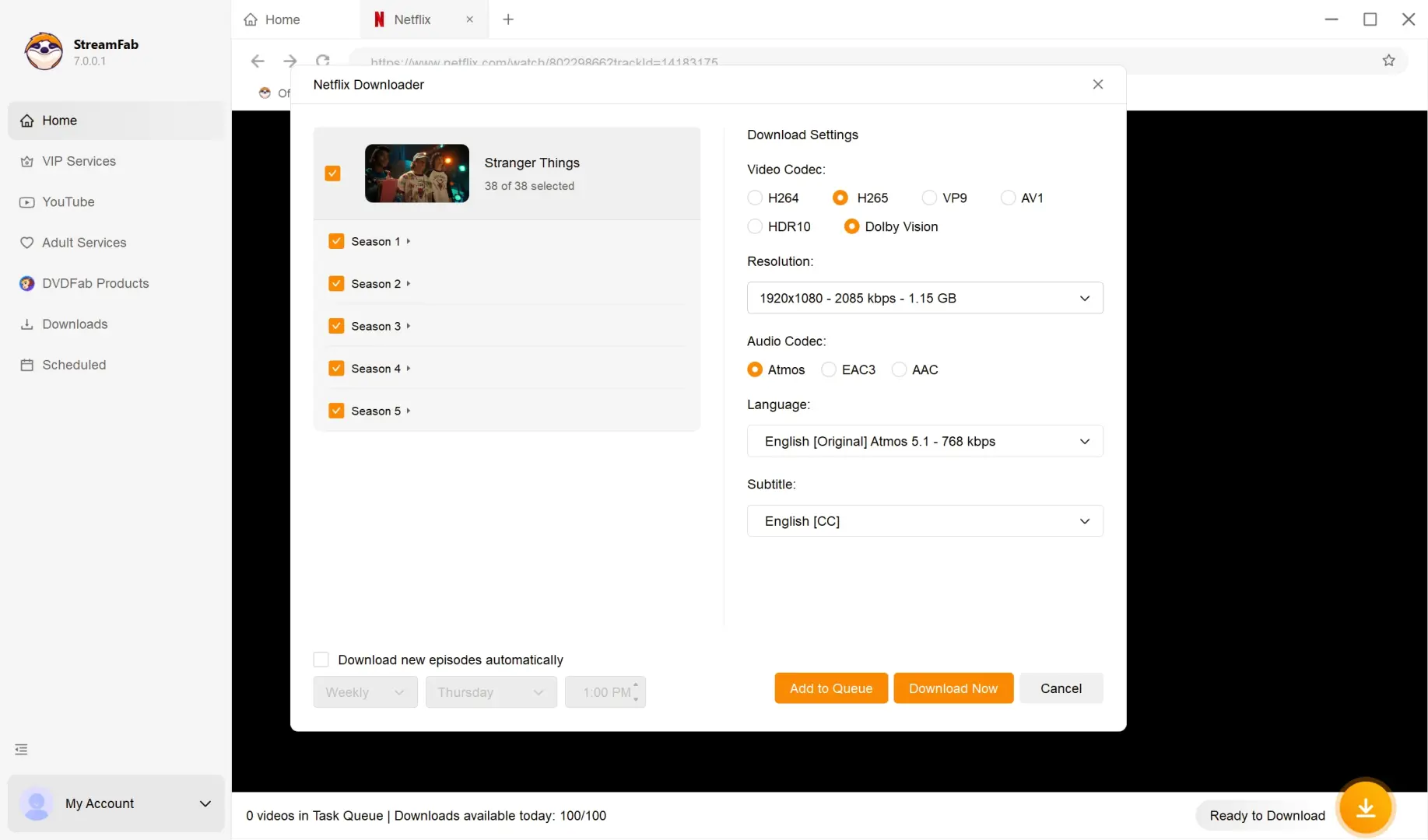
Click 'Download Now' to securely save content for personal offline use.
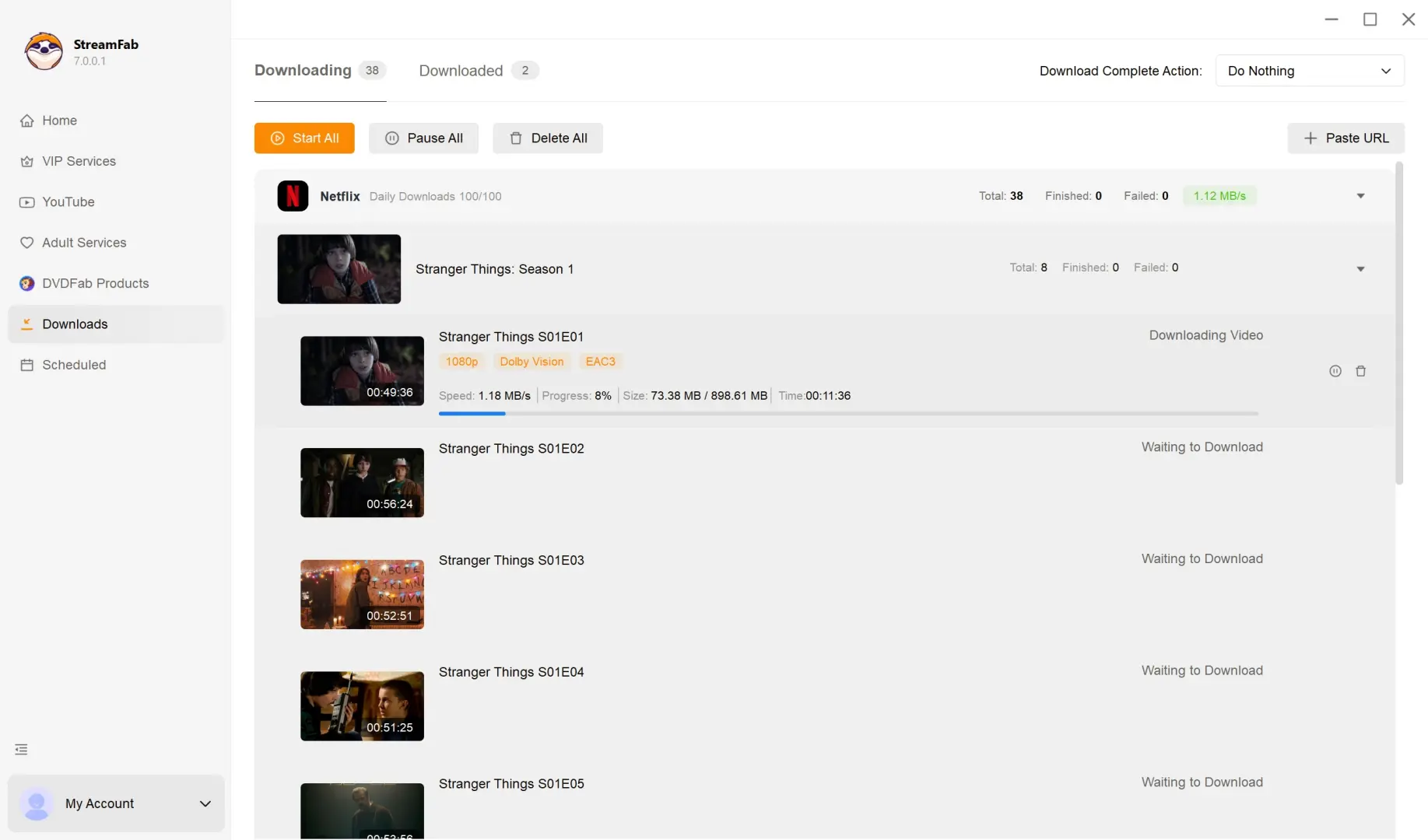
The default setting saves Netflix titles to MP4, a common format for compatible local media players and home theater setups. If you need MKV instead, change the output format in Settings under Preferences. My practical check before starting a batch is to confirm the selected resolution, codec, HDR mode, audio track, subtitle mode, and output format first; correcting those choices after the queue starts is needlessly tedious.

- From my perspective, 1080p with supported HDR and multichannel audio is a practical offline compromise when playback flexibility matters more than TV-grade 4K. It is not a substitute for a true 4K Netflix stream. HDR10/Dolby Vision and immersive Dolby Atmos audio for supported titles.
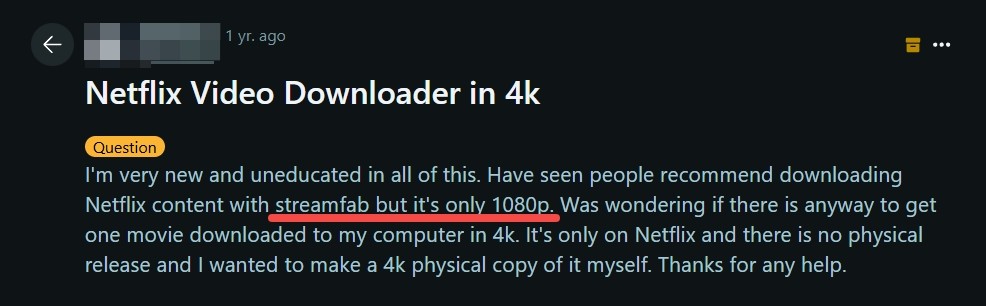
- If your priority is a television-grade 4K presentation, this workflow is not the right fit. If your priority is controllable local playback for commuting, flights, or inconsistent connections, supported 1080p HDR and audio options can be more useful than the resolution number alone.
- Besides, StreamFab is constantly evaluating updates to support native 4K resolutions. With their track record of rapid software improvements, genuine 4K offline downloads may be just around the corner.
Netflix 4K Download FAQ
Start with authorized access and use saved titles only for personal offline viewing where permitted by Netflix’s terms and applicable law. Consider the current Netflix-specific quality options, output format, subtitles, audio tracks, trial limits, and service compatibility. Do not share or redistribute saved copies, and do not assume that account or service outcomes can be guaranteed.
Check the selected download-quality setting first, then consider the title’s available profile, the display you are using, and available storage. Resolution, bitrate, HDR, and codec are separate factors: a 1080p file can look soft on a large 4K display, while HDR may improve contrast without increasing pixel count.
Yes, if you download the title in advance to a currently supported device and it remains available in the Netflix app. Before traveling, open the app while connected, confirm that the download has completed, and remember that plan limits, title restrictions, expiration, and occasional login checks can affect offline playback.
Common causes include an expired download, a title that is no longer available, an account or profile change, an unsupported device, an outdated app, or insufficient storage. Reconnect when Netflix requests a renewal check, then confirm that the title and your current plan still allow the download.
Conclusion: The Practical Netflix 4K Download
Here is the practical verdict: Netflix Premium is the route for eligible 4K streaming, while official downloads are convenient but app-bound and subject to device, title, plan, and expiration rules. StreamFab provides a desktop local-file alternative for authorized users who value playback flexibility, batch handling, and Netflix output up to 1080p with supported HDR or multichannel audio.
If you require true 4K Netflix offline files, this is not the solution. If flexible MP4 or MKV local playback at the currently supported Netflix resolution fits your needs, explore StreamFab Netflix Downloader for authorized personal offline use.

StreamFab is intended for personal backup and offline viewing of content you have lawful access to during a valid subscription. Do not use it for sharing, redistribution, or any use that violates applicable laws or platform terms.
