Table of contents
If your search for a Freemake Video Downloader key is really about finding a legitimate code or fixing activation, start with Freemake's purchase flow. A Freemake Mega Pack key, a Downloader key, and a Converter key are not interchangeable labels, so product scope and target URL compatibility matter before payment.
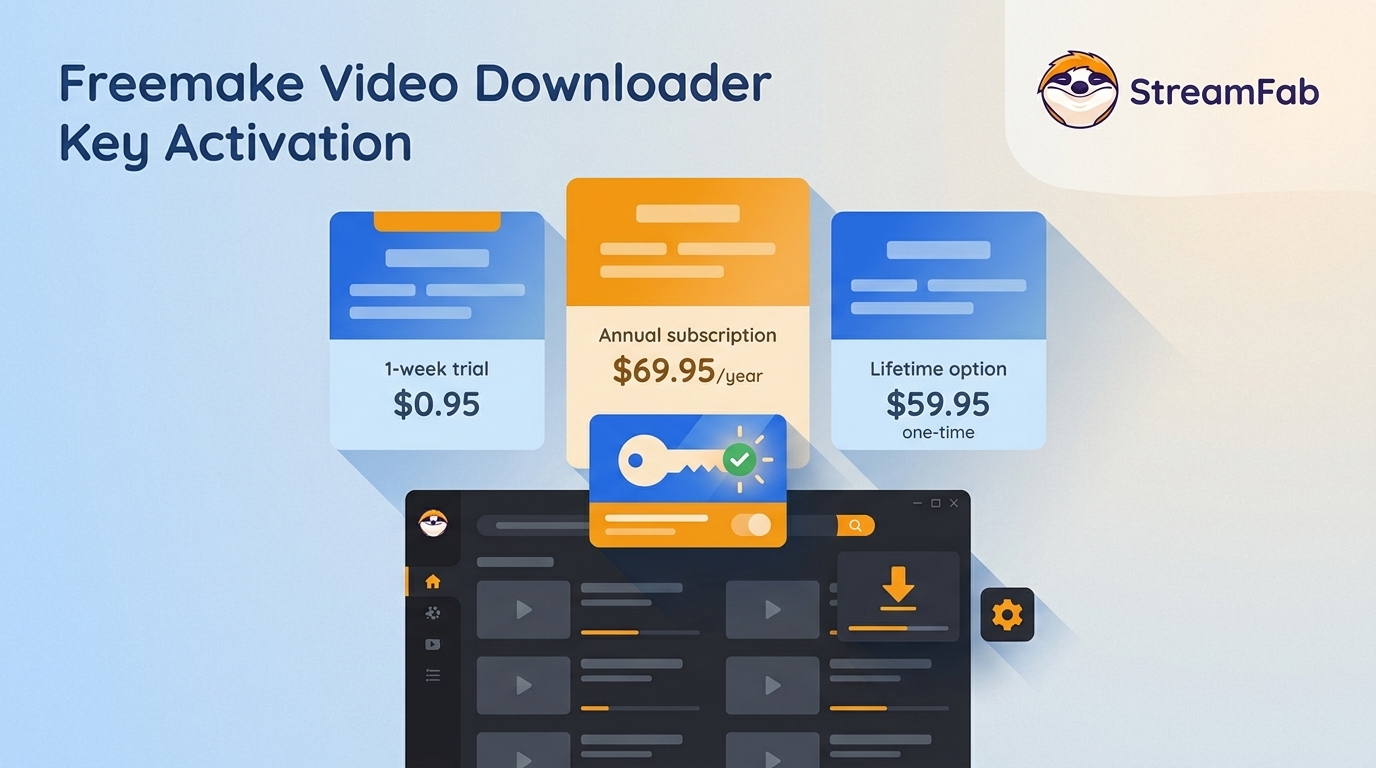
This guide maps each key to its product, lists current US plans, walks through activation and invalid-key fixes, and compares Freemake with a desktop alternative without treating vendor claims as guaranteed results.
What a Freemake Activation Key Unlocks
A Freemake activation key unlocks paid features for the Freemake product tied to the purchase. Searches for a Freemake subtitles key usually concern premium subtitle handling, not a separate code that activates every Freemake application.
Current Premium Features and Limits
Freemake markets its Mega Pack around broader output choices and fewer free-version limits, but those benefits still depend on the selected product and whether a particular URL is supported.
- Resolution and formats: Freemake claims HD through 8K downloads, plus MP3 and MP4 output.
- Collection handling: The vendor advertises playlists and Shorts support.
- Coverage: Freemake claims support for 10,000 sites.
- Speed: Its sales page advertises 2-8x faster downloads as a vendor claim, not an independent result.
My take is simple: feature breadth matters only when your real target URLs work. Freemake's MP4 claim covers output format, while the process for downloading YouTube videos to MP4 still depends on site and URL compatibility.
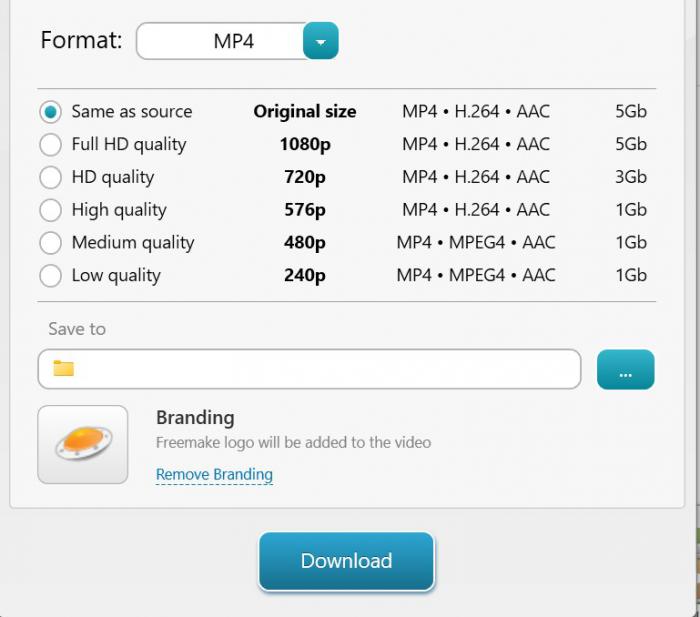
Which Freemake Key Activates Which Product?
A Freemake Video Downloader key applies to the Downloader purchase, while a Freemake Video Converter key applies to Converter licensing. A Freemake Mega Pack key follows the bundle scope shown in its order, so one code should not be assumed to activate every product.
- Video Downloader: Use the key supplied with a video downloader purchase for that product.
- Video Converter: A Freemake Video Converter activation key belongs to the Converter order. Search results for Freemake Video Converter keys do not prove compatibility with Downloader.
- Mega Pack: Use the bundle key according to the products named in the official purchase confirmation.
When the product name in the software does not match the product named in the receipt, resolve that mismatch before retrying activation.
Official Freemake Keys, Plans, and 2026 Prices
An official Freemake key arrives through Freemake's checkout and email flow. A Freemake Video Downloader serial key posted online or a Freemake Video Downloader keygen does not provide the same authorized purchase record, recovery path, or product-scope clarity.
Official Keys vs Shared Codes and Keygens
The practical route is to download Freemake from its official site, buy the correct product, and keep the order email. Shared serials, unofficial sellers, and modified installers add avoidable activation and security risk.
A Freemake Video Converter keygen or a shared list of Freemake Video Converter keys may be altered, revoked, or bundled with unwanted software. Authorization also depends on the license terms and applicable law, so lost or invalid paid keys belong with Freemake support.
Current Freemake Plans and Pricing
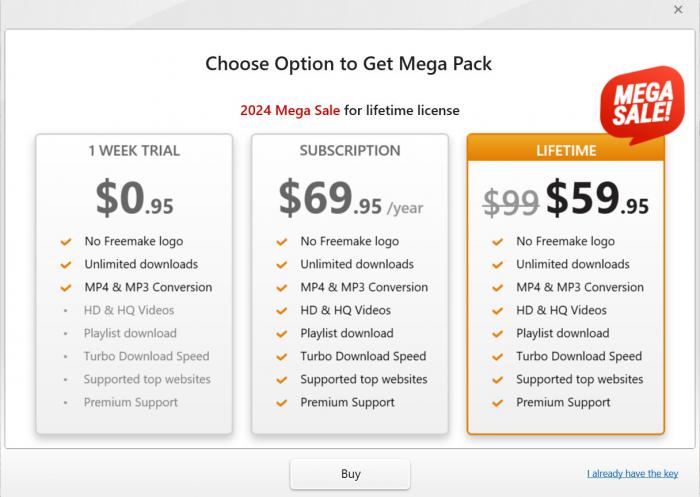
As of August 2026, Freemake's official US page listed three purchase paths. Treat the short trial as a low-cost compatibility check, while the annual and lifetime plans make sense only after the target sites and needed product scope are clear.
| Plan | Price | Use case |
|---|---|---|
| 1-week trial | $0.95 | Short compatibility check |
| Annual subscription | $69.95/year | Ongoing paid access |
| Lifetime option | $59.95 one-time | Longer-term license choice |
At checkout, enter the email address you can retrieve later. Freemake sends the activation key after payment, and that message is the cleanest recovery record if the code is lost.
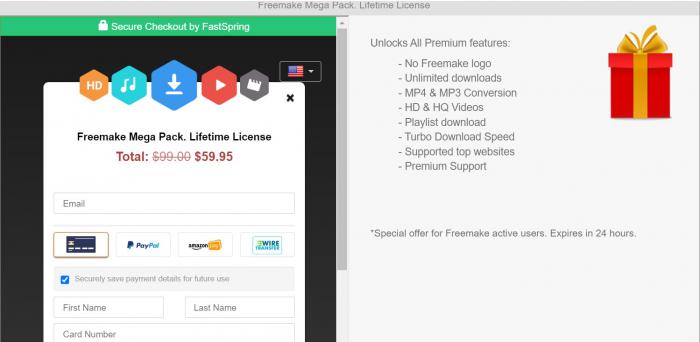
Is the $59.95 Lifetime Plan Worth It?
It may suit users whose tested target sites work and who prefer Freemake's interface. It is less suitable for buyers who need broad, predictable compatibility without checking the URLs they actually use.
I would test several representative URLs during the short plan before choosing the lifetime offer. That small check tells you more about practical value than a long feature list, especially when website behavior changes independently of the license.
Freemake Activation and Invalid-Key Fixes
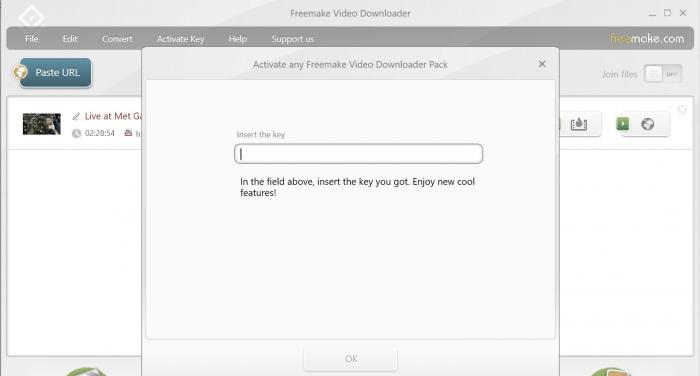
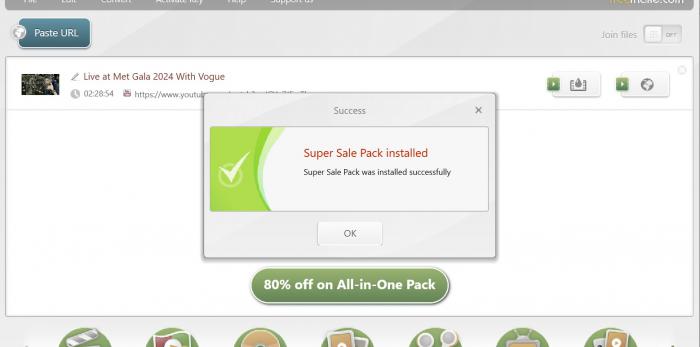
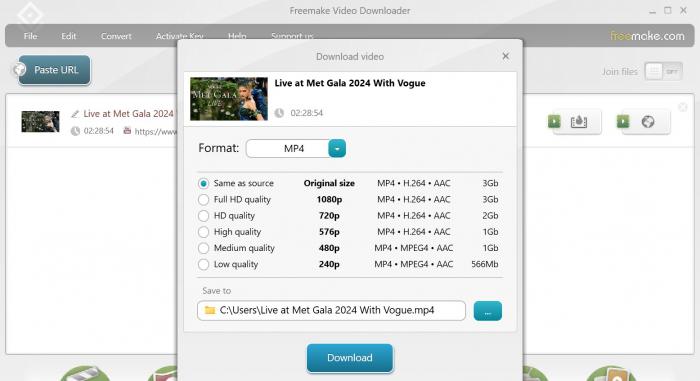
A valid key should activate when it matches the installed Freemake product and current version. If activation fails, check the code, product, software version, and purchase email in that order before escalating the issue.
Activate Your Key in Four Steps
Close other Freemake prompts before starting, then keep the purchase email open so the code can be copied exactly.
Fix an Invalid or Missing Key
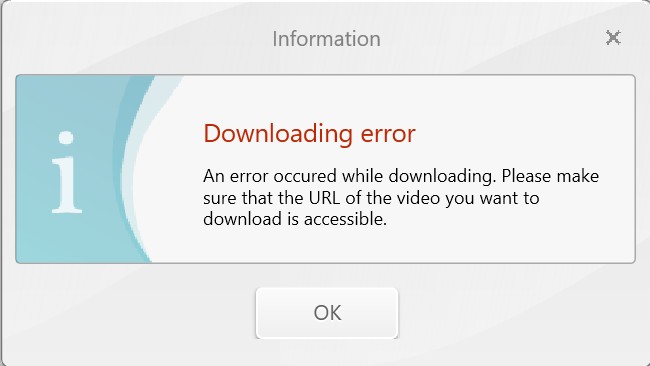
Most activation checks can be completed without reinstalling. I would start with product mismatch because Downloader and Converter searches often lead readers to the wrong code type.
- Paste the code again and remove accidental spaces before or after it.
- Confirm that the receipt names the same Freemake product shown in the app.
- Install the current official version, then retry the key.
- Search the purchase inbox and spam folder for the original delivery email.
- Send the order details to Freemake support if the paid key remains invalid or missing.
Freemake vs StreamFab for Video Downloads
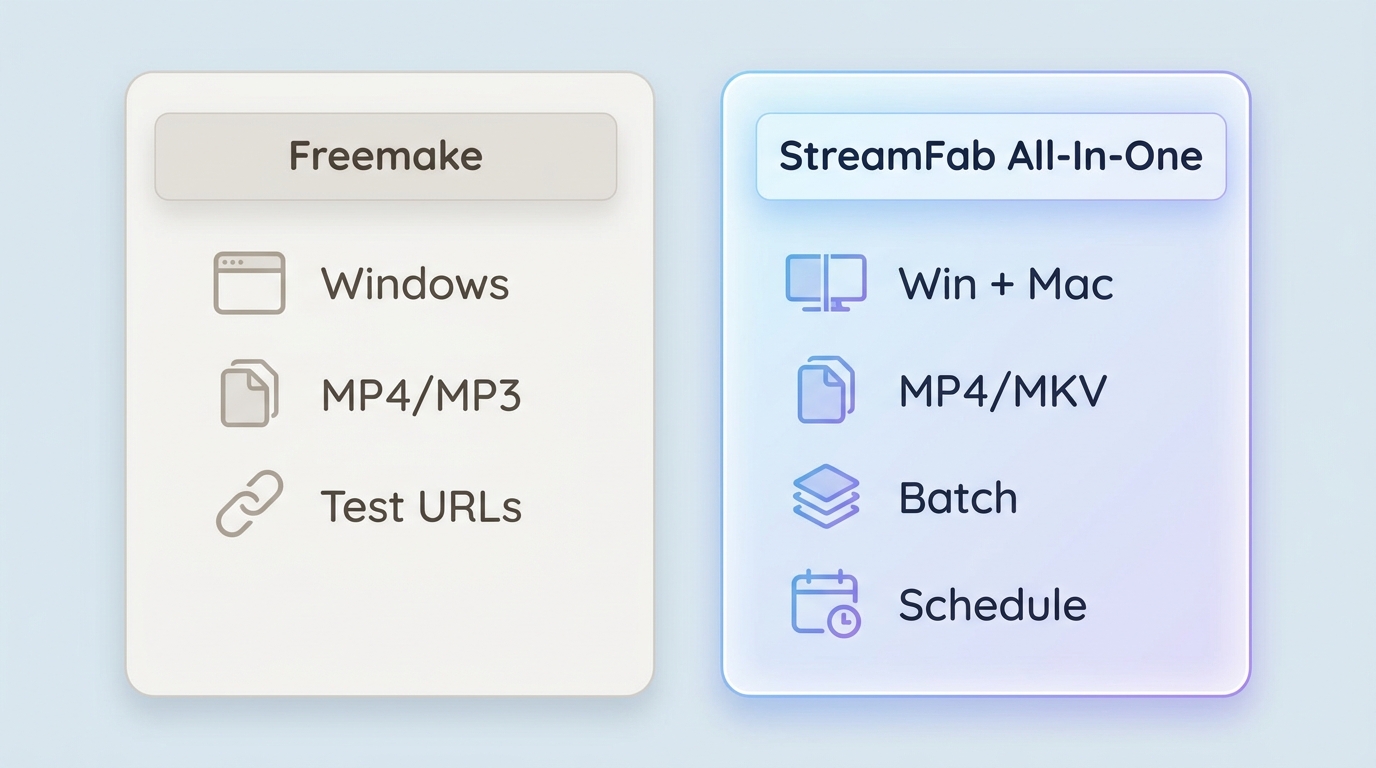
For content you're authorized to access, where permitted by platform terms and applicable law, StreamFab All-In-One is a Windows and Mac desktop alternative for saving local copies for personal offline viewing. The better fit depends on service support, output needs, and workflow.

Includes 67 StreamFab products, offering the most comprehensive download solutions for streaming videos.
| Decision factor | Freemake Mega Pack | StreamFab All-In-One |
|---|---|---|
| Product scope | Freemake bundle offer | Multi-service desktop app |
| Supported sites | Claims 10,000 sites | Supported services vary by module |
| Output quality | Claims HD through 8K | Up to 4K; MP4 or MKV |
| Playlist support | Claimed playlist and Shorts support | Batch and scheduled downloads |
| Current price | $0.95 trial; $69.95 annual; $59.95 lifetime | Paid license; 30-day trial |
| Update status | Active product; URL results vary | Active product; service support may change |
Claimed Features and Observed Limits
Freemake's site-count, resolution, playlist, and speed figures are vendor claims. URL-specific failures can still result from unsupported pages, restricted content, or website changes, so those headline figures should not be read as universal coverage.
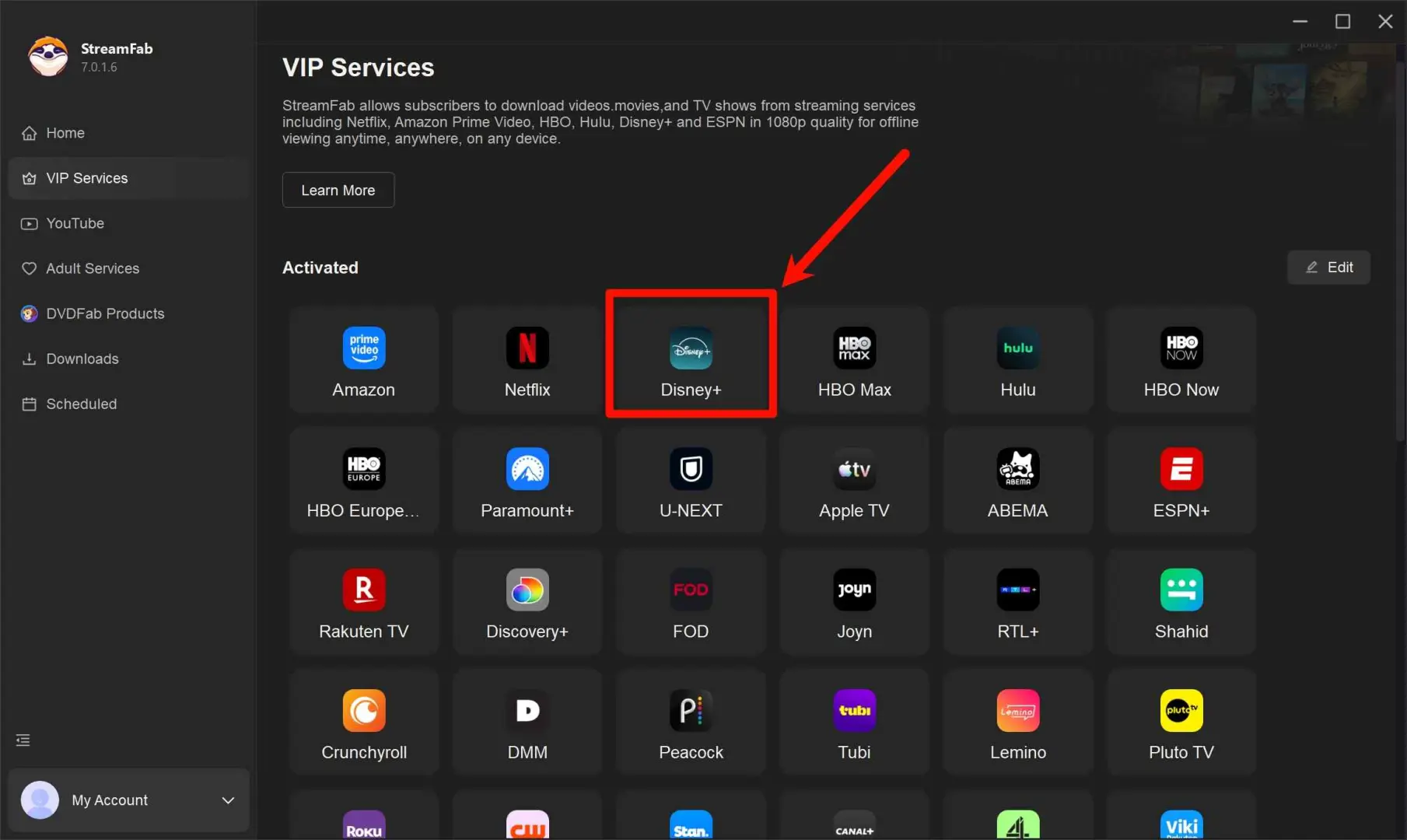
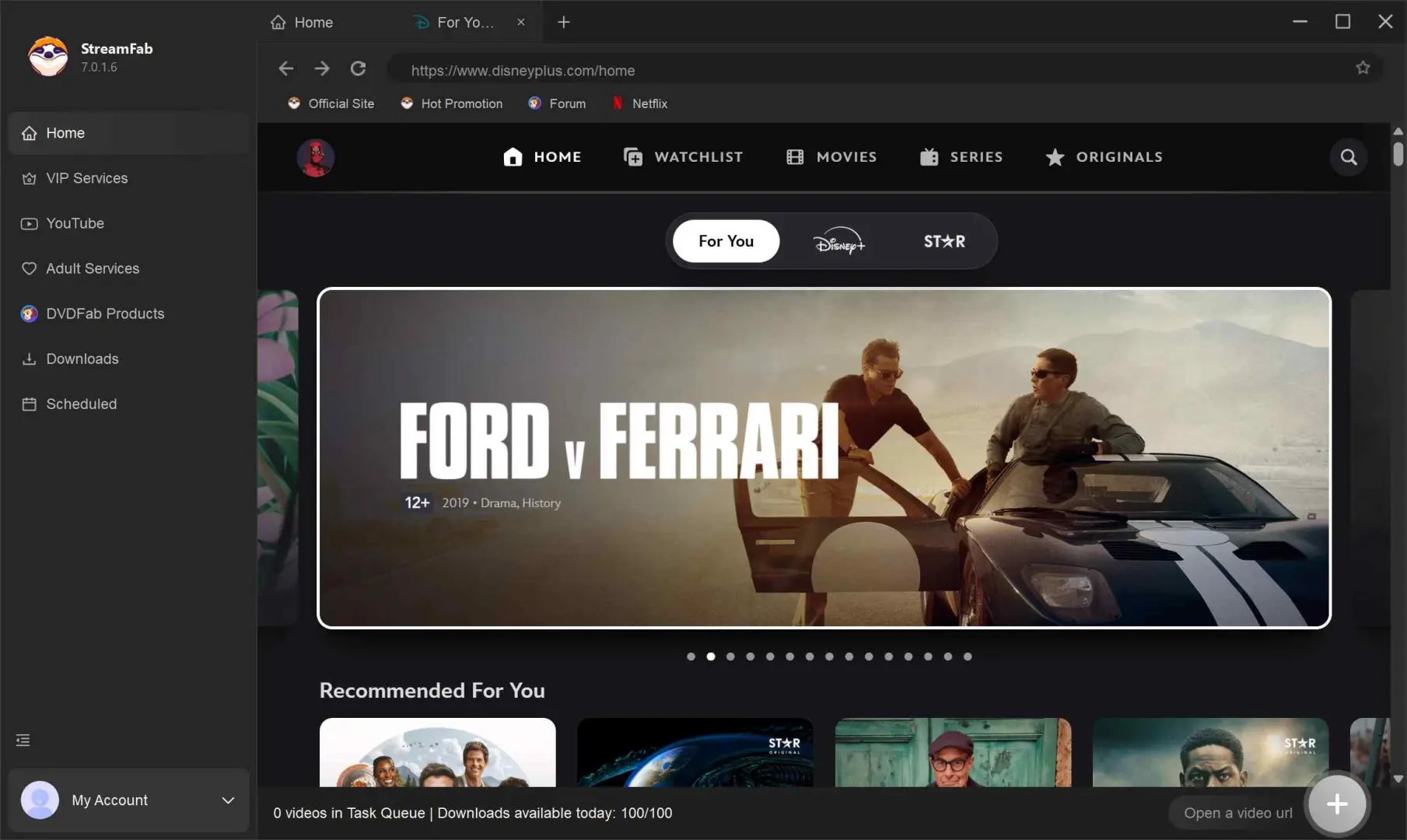
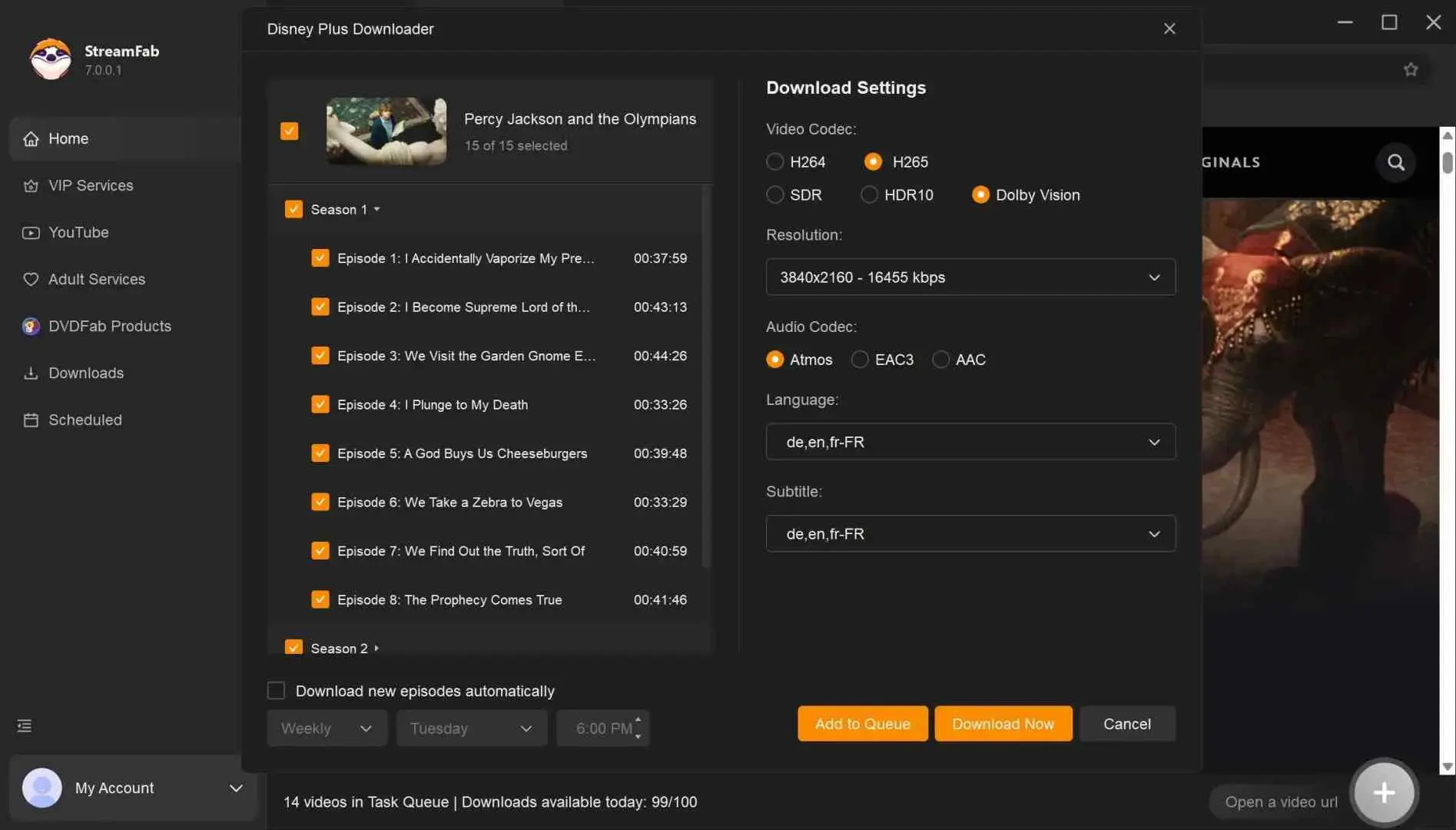
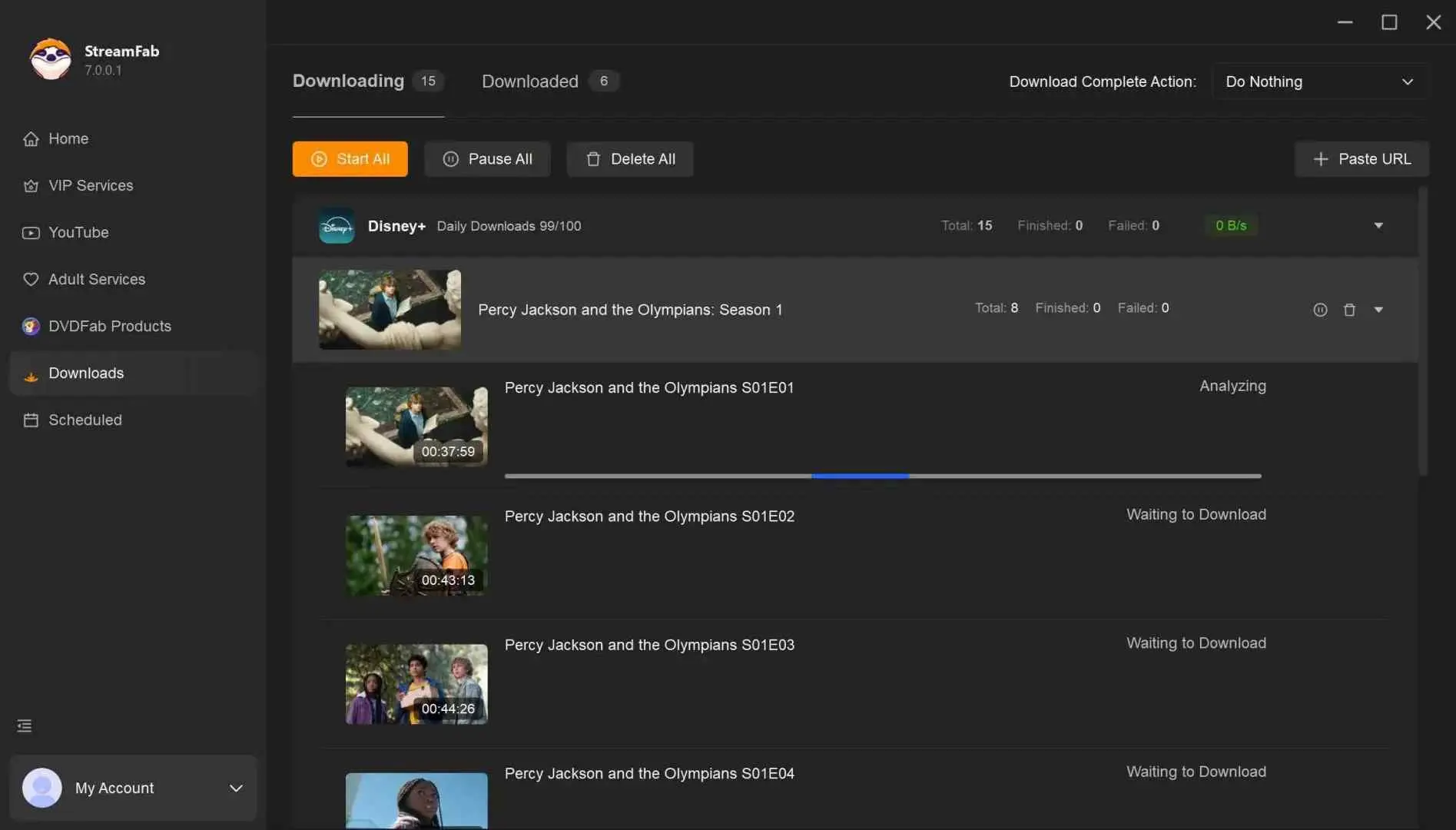
StreamFab All-In-One supports MP4 and MKV output; batch and scheduled downloads; selectable audio and subtitles; and resolution up to 4K where the service and subscription allow it. That makes the workflow concrete without promising support for an unsupported page.
- Desktop support: Windows and Mac
- Output: MP4 or MKV, up to 4K where supported
- Workflow: batch and scheduled downloads
- Trial: 30 days, up to 3 videos per service
- Best for: supported services and reusable local files
- Not ideal for: mobile-only users or unsupported services
The condensed StreamFab workflow:
Which Option Fits Your Needs
Freemake fits readers who prefer its interface and have confirmed that their target URLs work. It is not ideal when the buying decision depends on predictable compatibility across many changing sites without prior testing.
StreamFab fits Windows and Mac users who value supported-service modules, MP4 or MKV files, and batch or scheduled work. It is not ideal for mobile-only users or for services outside its supported modules. The broader StreamFab review is useful when those product-level tradeoffs drive the decision.
The StreamFab trial runs for 30 days and allows up to three videos per supported service. Windows and Mac readers can start the StreamFab trial and evaluate the relevant service workflow before choosing a paid plan.
Freemake Key FAQs
Conclusion
Choose a legitimate Freemake key through its official purchase flow, match the code to the right product, and test representative URLs before committing. Freemake can fit a familiar, working setup; StreamFab All-In-One fits readers who need its supported desktop local-file workflow.
The decision is less about the longest feature list and more about whether the product scope, target sites, output format, and update path match the way you actually download videos.