
You can watch Fandango offline on iPhone, iPad, and Android with eligible in-app downloads. For a laptop, use a supported connected-retailer app for eligible Movies Anywhere movies or an authorized local-file workflow.
A movie ready on your phone is not automatically ready on your laptop. I would use the Fandango mobile app for a few travel downloads; for PC viewing, the choice is between a limited Movies Anywhere route and local files. Browser access remains a streaming option.
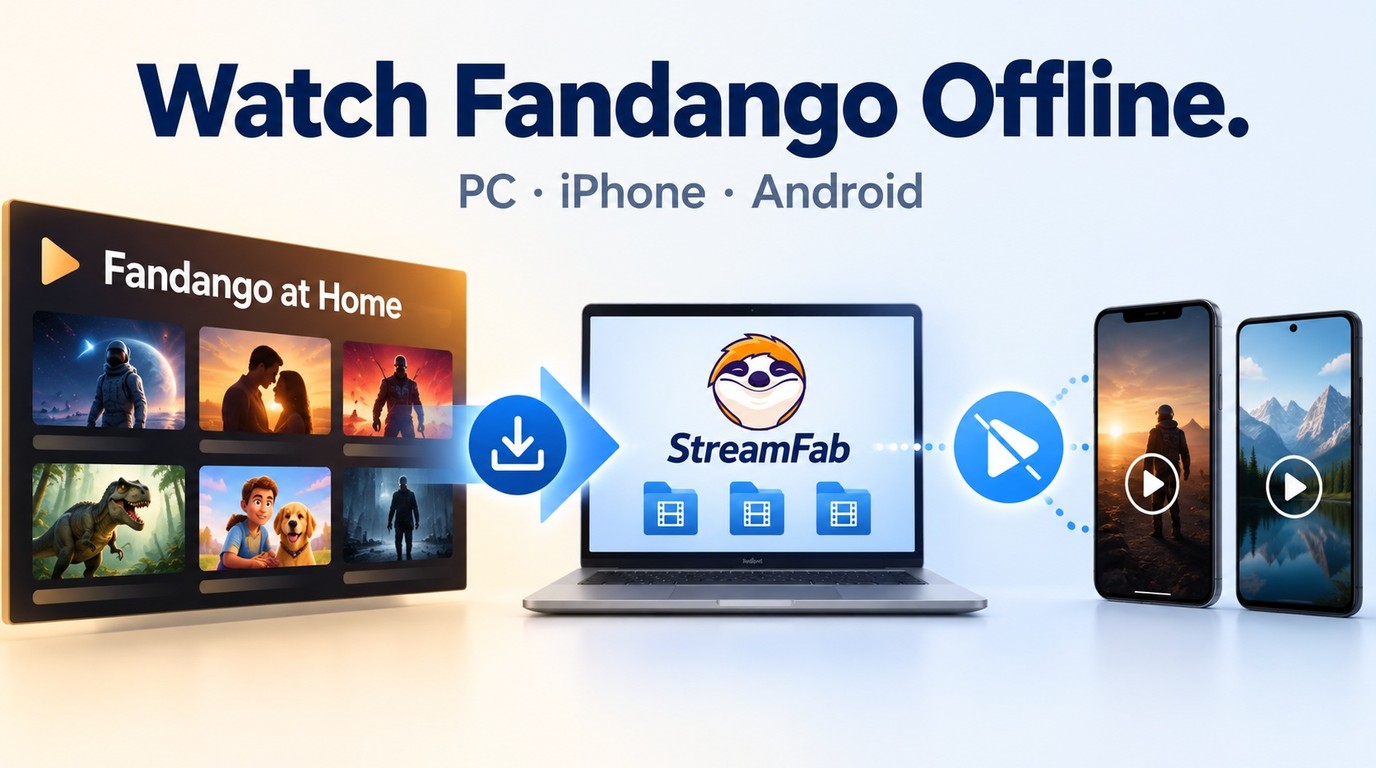
Where Official Fandango Offline Downloads Work Today
Official Fandango offline downloads work inside the supported iPhone, iPad, and Android apps. They stay in the app. As of September 2026, title-specific Usage Rights govern download eligibility and access; open the title details before planning your offline viewing.

- Purchases: Eligible titles offer app-bound downloads. Select a title with a download button before filling your travel queue.
- Rentals: Viewing Windows still apply to downloaded rentals. Match the title’s rental deadline to your trip before starting playback.
- Free titles: Ad-supported streaming does not establish download eligibility. Choose a title that actually offers a download button.
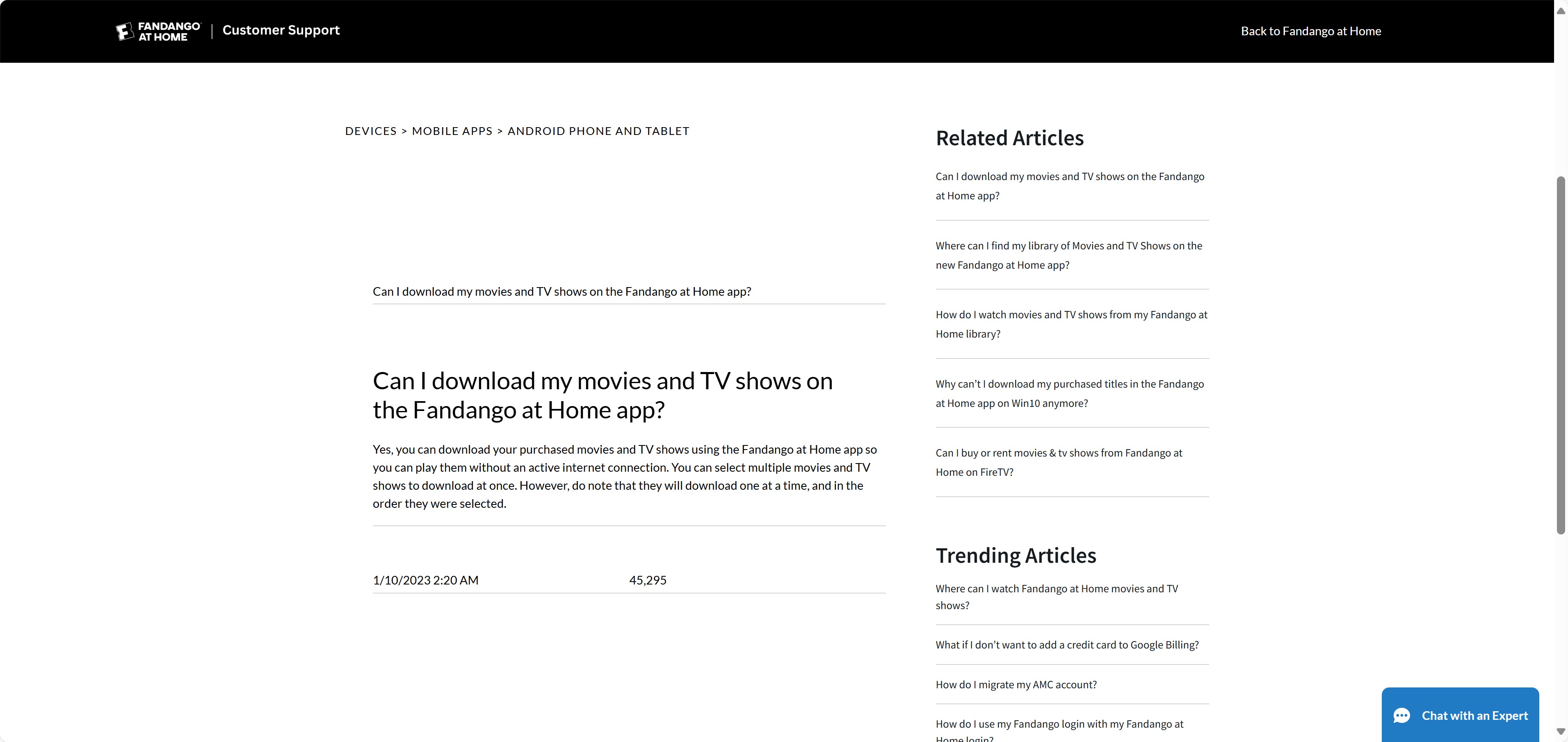
Download Fandango Movies on Mobile Devices
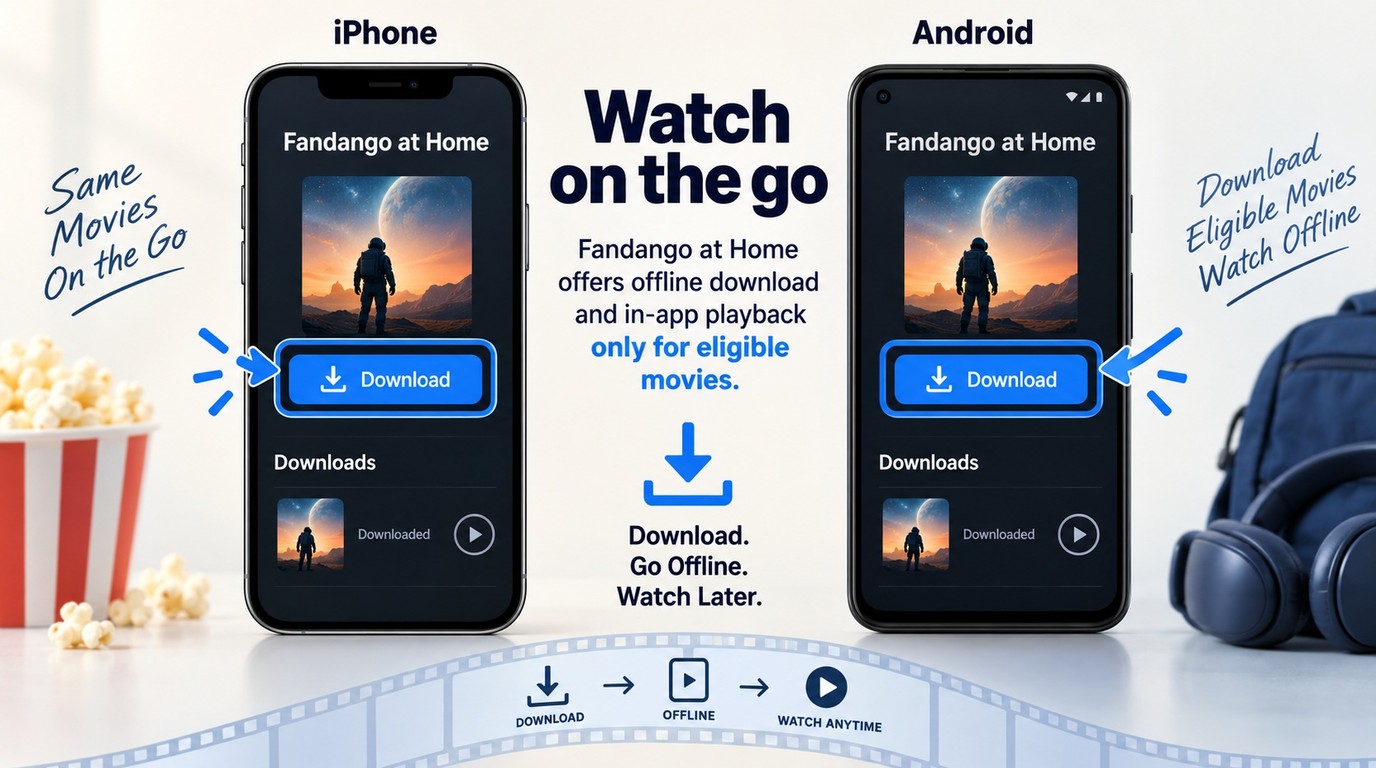
You need the supported app, the account holding your title, and enough free storage to download Fandango movies. Connect before you leave. The Google Play listing is Fandango: Movies & Series; help pages and searches still use Fandango at Home.
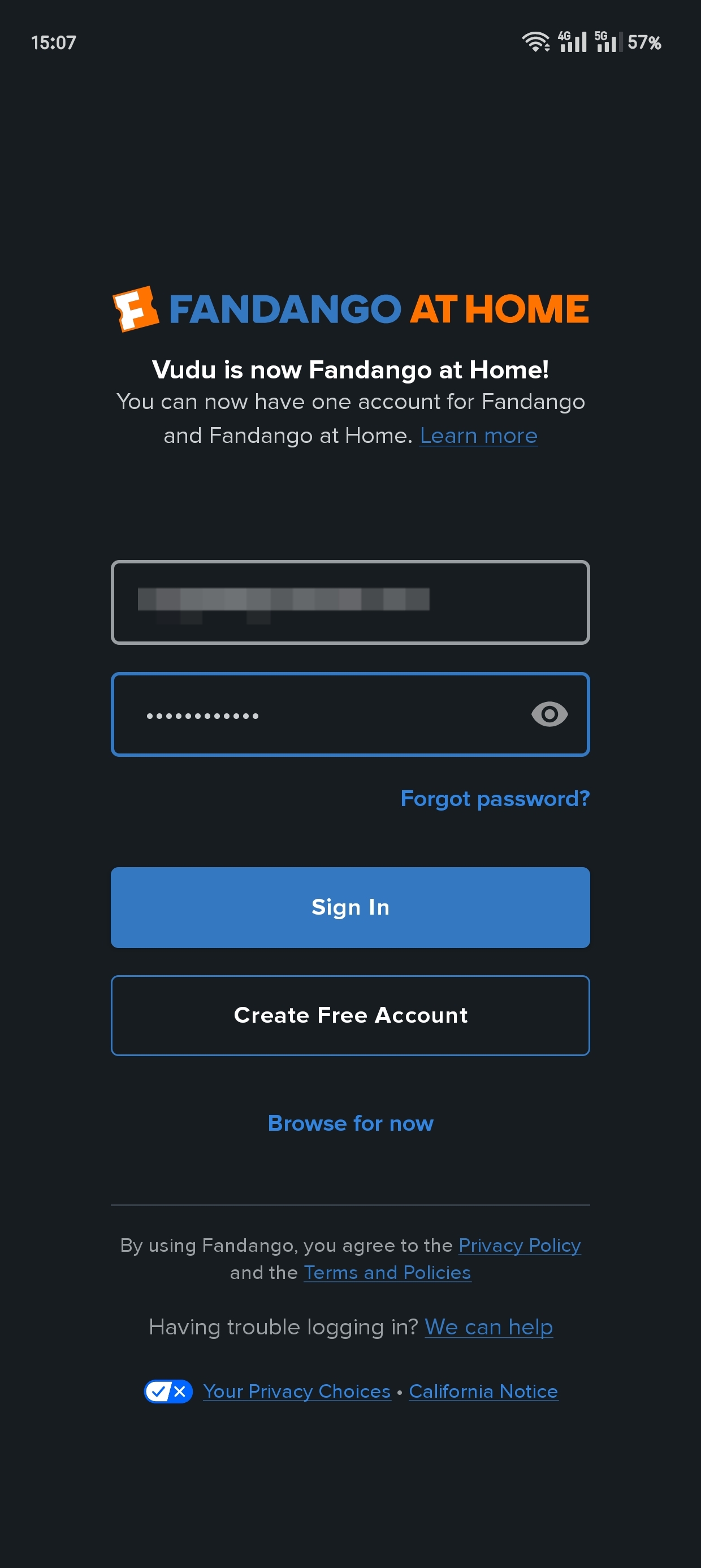
Install the Fandango at Home app from the App Store or Google Play, where it is listed as Fandango: Movies & Series, then sign in with the account that holds your rentals or purchases.
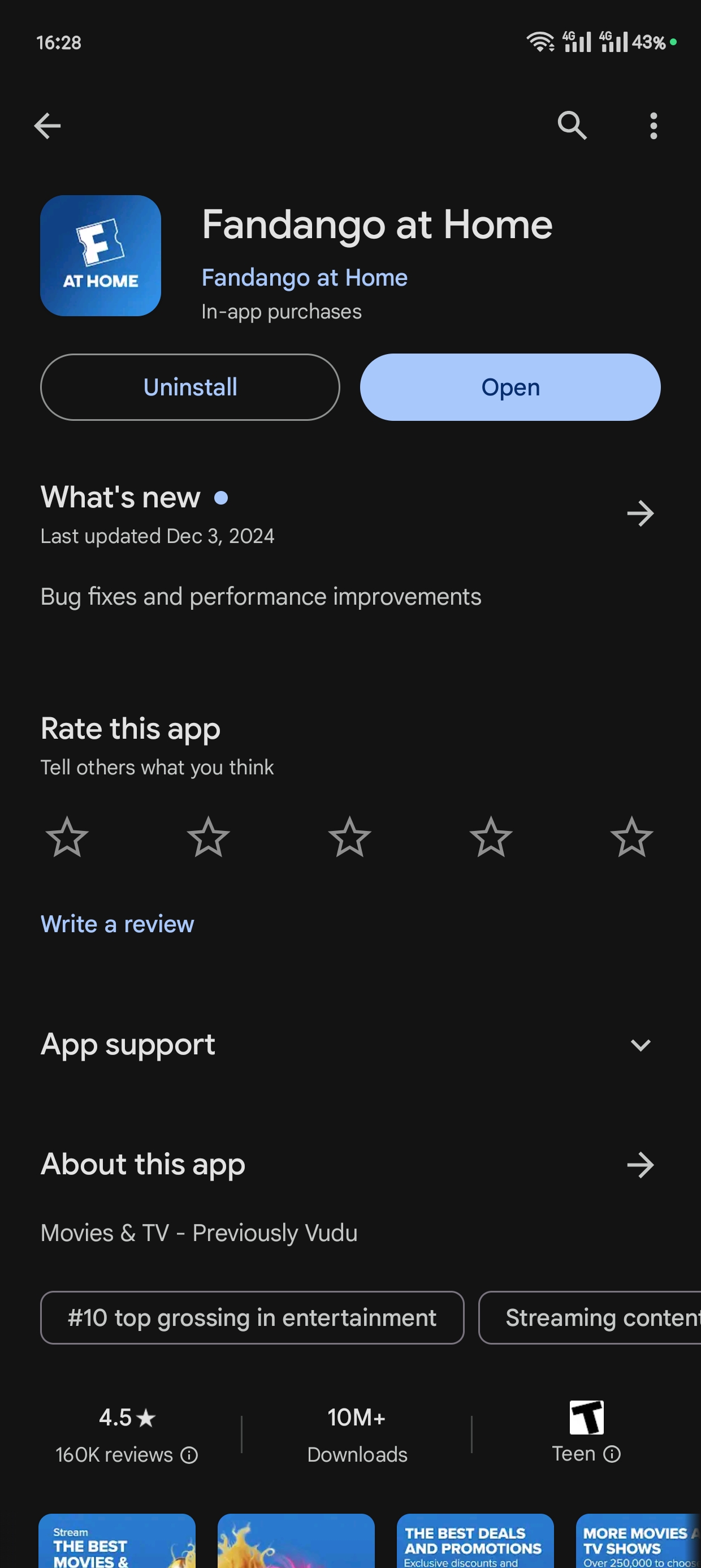
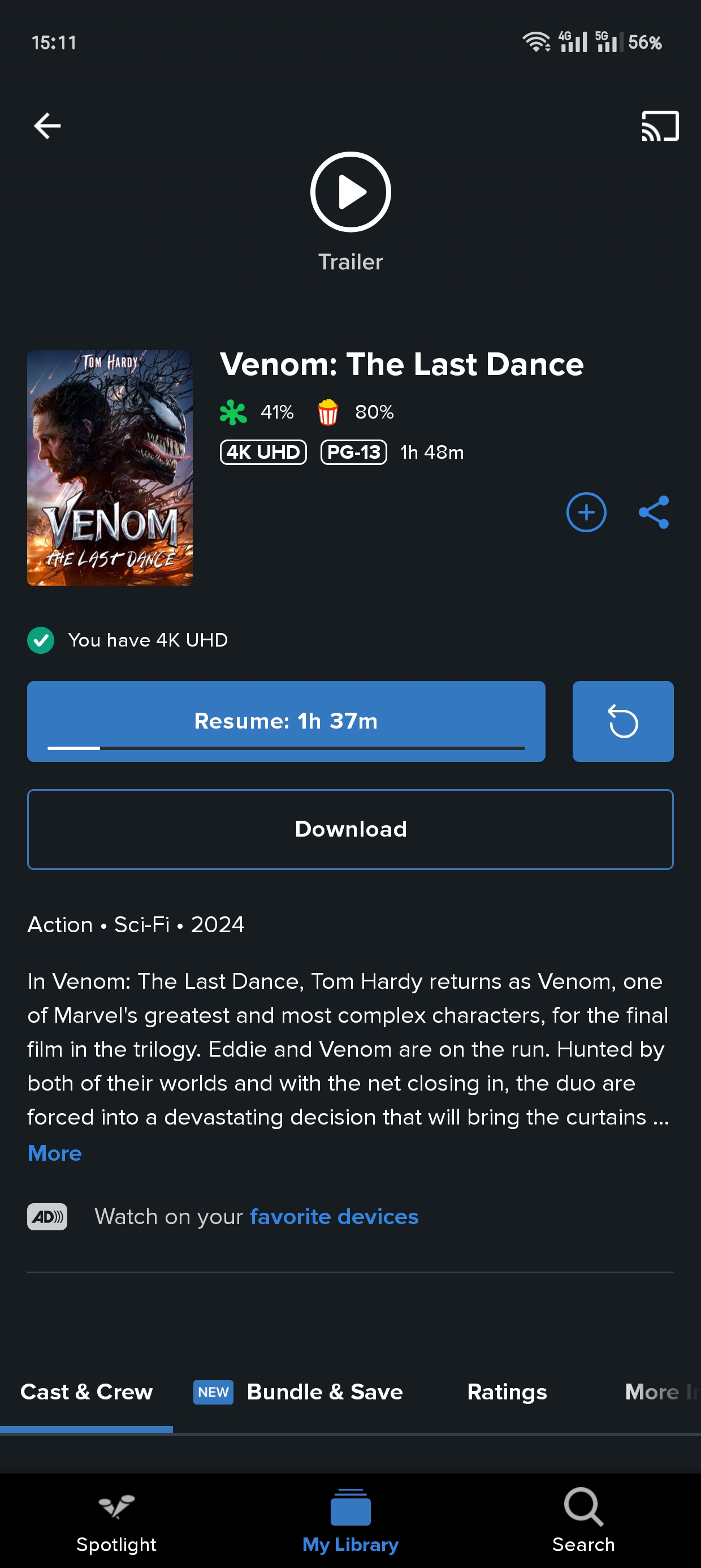
Open the title page for the movie or show you already rented or purchased and confirm that a download button is available.
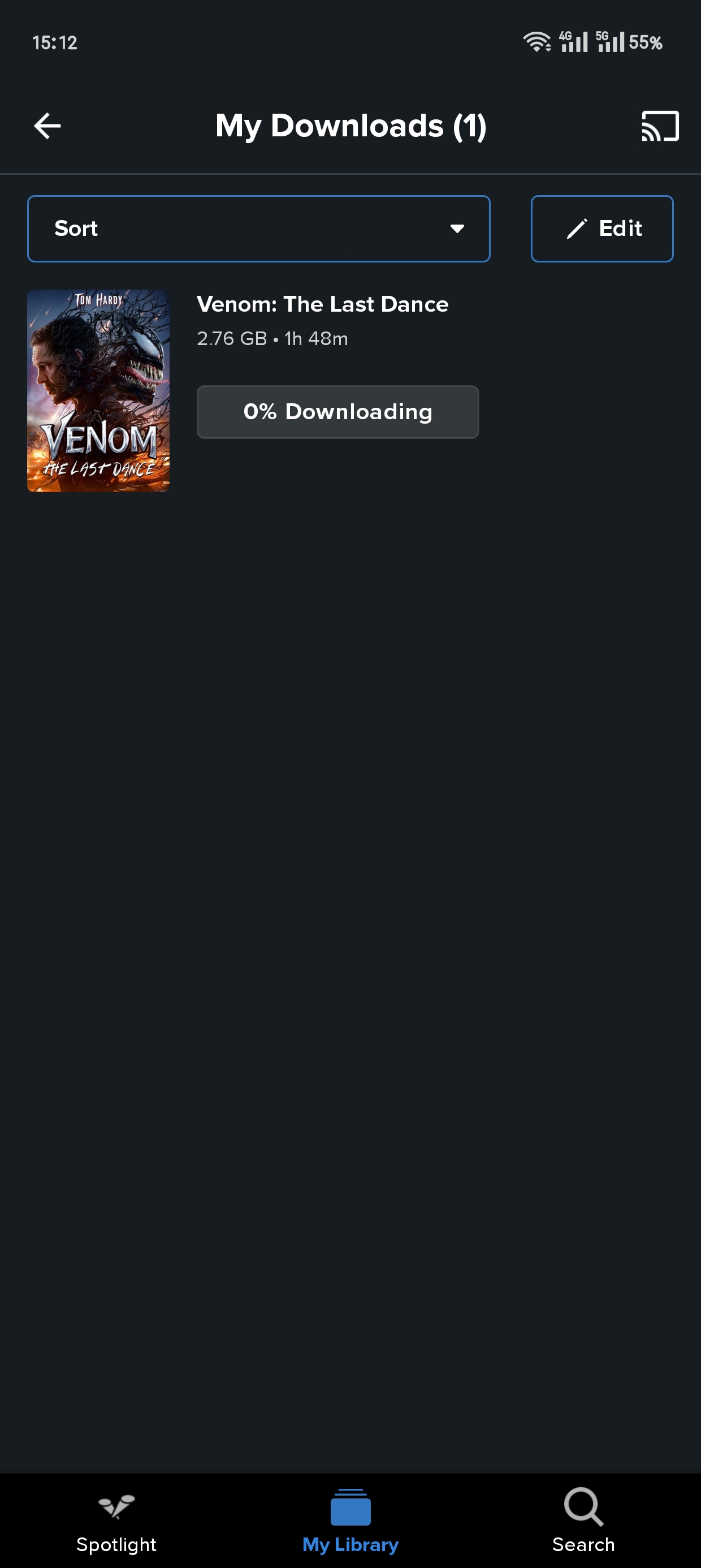
Tap the download button and let the app queue the title. Fandango at Home allows you to select multiple titles, but they download one at a time.
Open the downloaded title in the app and try playback before leaving your connection. Keep the title’s rental window in mind when starting a rental.
- Use the account that holds the rental or purchase.
- Keep the app open while preparing your downloads.
- Allow the active title to finish before expecting the next one to start.
- Keep the downloaded copy on the device you intend to take.
- If playback stalls, reconnect and retry in the app before departure.
Why Laptop and Desktop Offline Viewing Is Limited
The Fandango app for PC provides desktop access, not the mobile app’s download feature. The Microsoft Store listing also uses Fandango: Movies & Series. A browser session streams your library; it does not prepare Fandango laptop downloads. For offline laptop viewing, an eligible connected-retailer route is worth trying.
Movies Anywhere transfers eligible purchased movies between participating connected retailers. It does not transfer TV shows, rentals, or non-participating movies. I would choose this route for an eligible movie when the connected retailer’s Windows app supports offline playback. Look for that movie’s download control in the retailer app before relying on it.
| Route | Offline access | Devices | File result | Good fit |
|---|---|---|---|---|
| Official Mobile App | Eligible rentals and purchases | iPhone, iPad, Android | App-bound copy | Phone or tablet travel |
| Desktop or browser | Streaming access | PC, Mac | No offline file | Connected viewing |
| Movies Anywhere-linked retailer | Eligible movies; retailer download support required | Supported retailer devices | Retailer app-bound copy | Eligible movie on laptop |
| StreamFab local-file workflow | Authorized local saving | Windows, Mac | MP4 or MKV files | Local library playback |
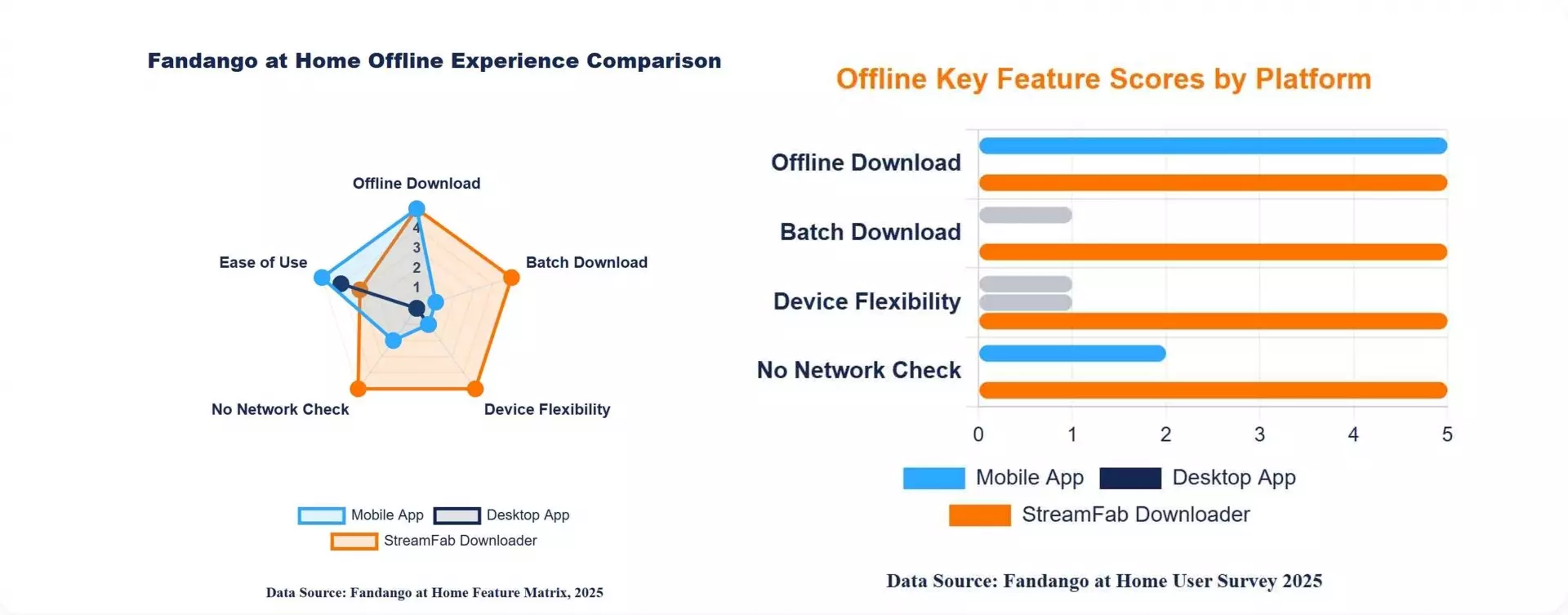
The practical difference is where playback happens: an official download stays inside its app, while a local file opens in a compatible player. For a movie already available through a connected retailer, its download option avoids setting up another library.
A PC and Mac Local-File Workflow
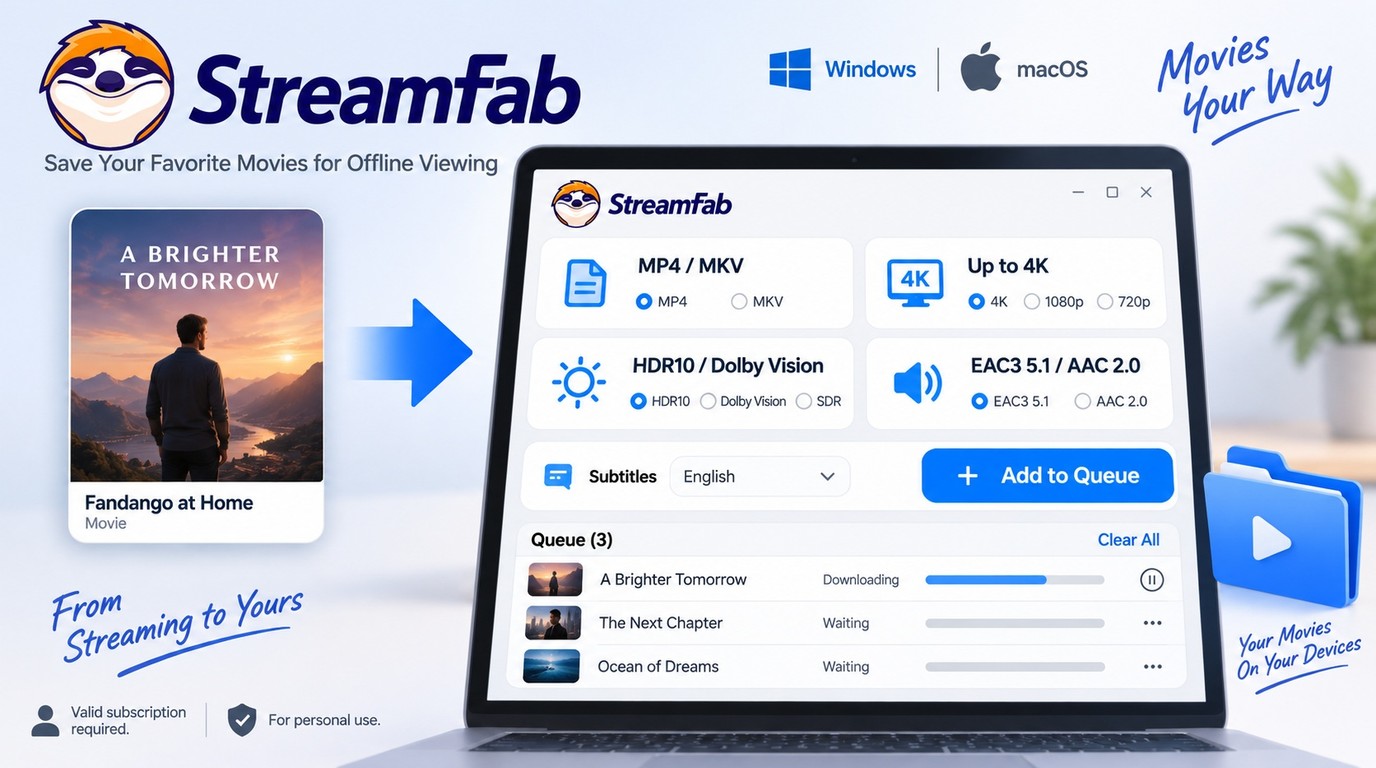
StreamFab Fandango at Home Downloader saves supported titles as local files on Windows and Mac, separate from Fandango’s official in-app downloads. Use it for personal offline viewing of content you are authorized to access, where permitted by platform terms and applicable law. Do not redistribute the files.

- Save compatible titles in MP4 or MKV for local playback.
- Download supported videos at up to 4K with HDR10 or Dolby Vision when available.
- Keep EAC3 5.1 or AAC 2.0 audio on supported titles.
- Queue multiple downloads and use auto-download for newly released videos.
- Build a PC or Mac library without relying on the mobile app's one-at-a-time flow.
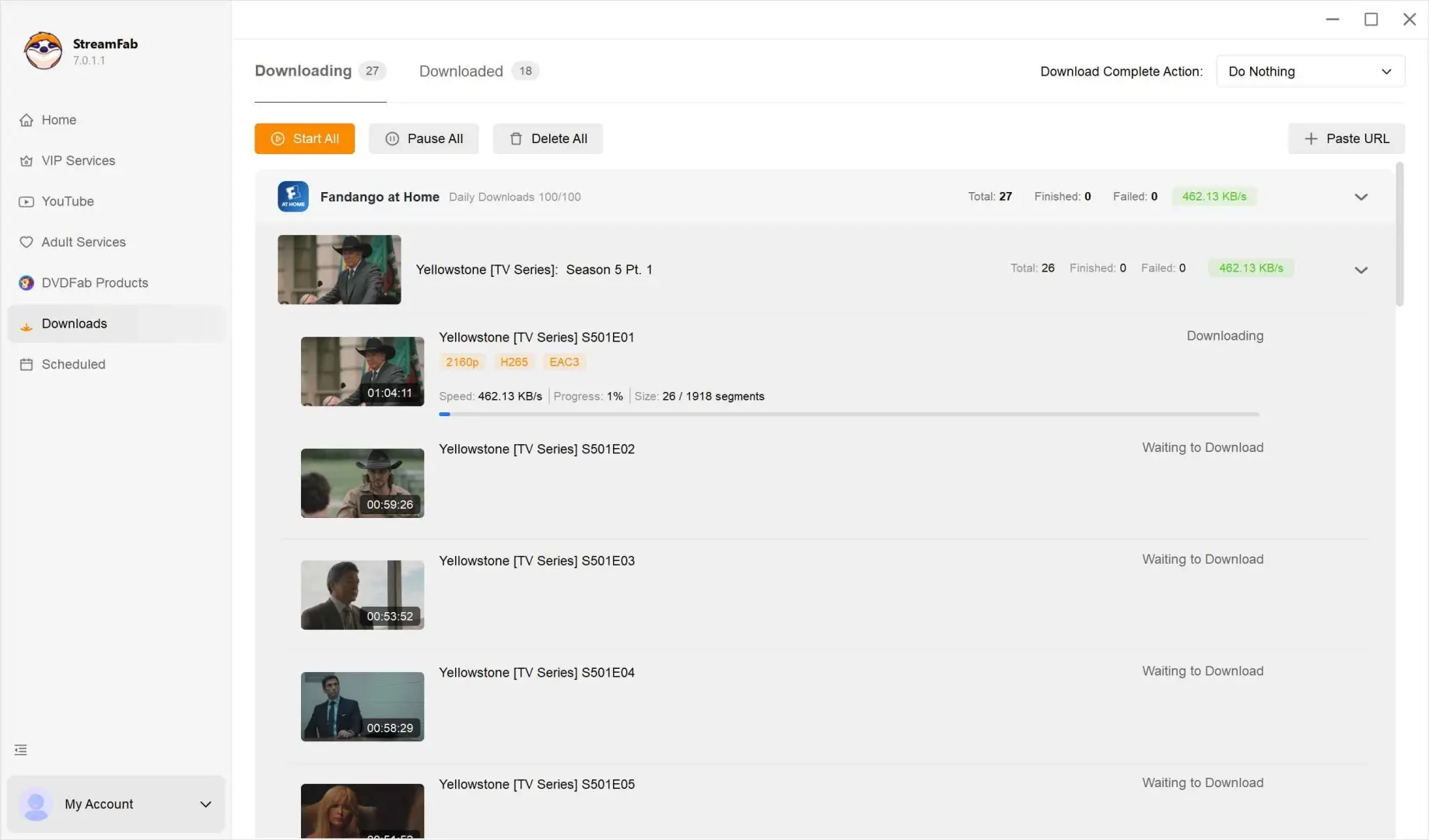
I would choose local files for an external drive or a Plex, Kodi, or Emby library. The steps to download Fandango movies on PC include choosing the output settings before saving; select a format your intended player supports.
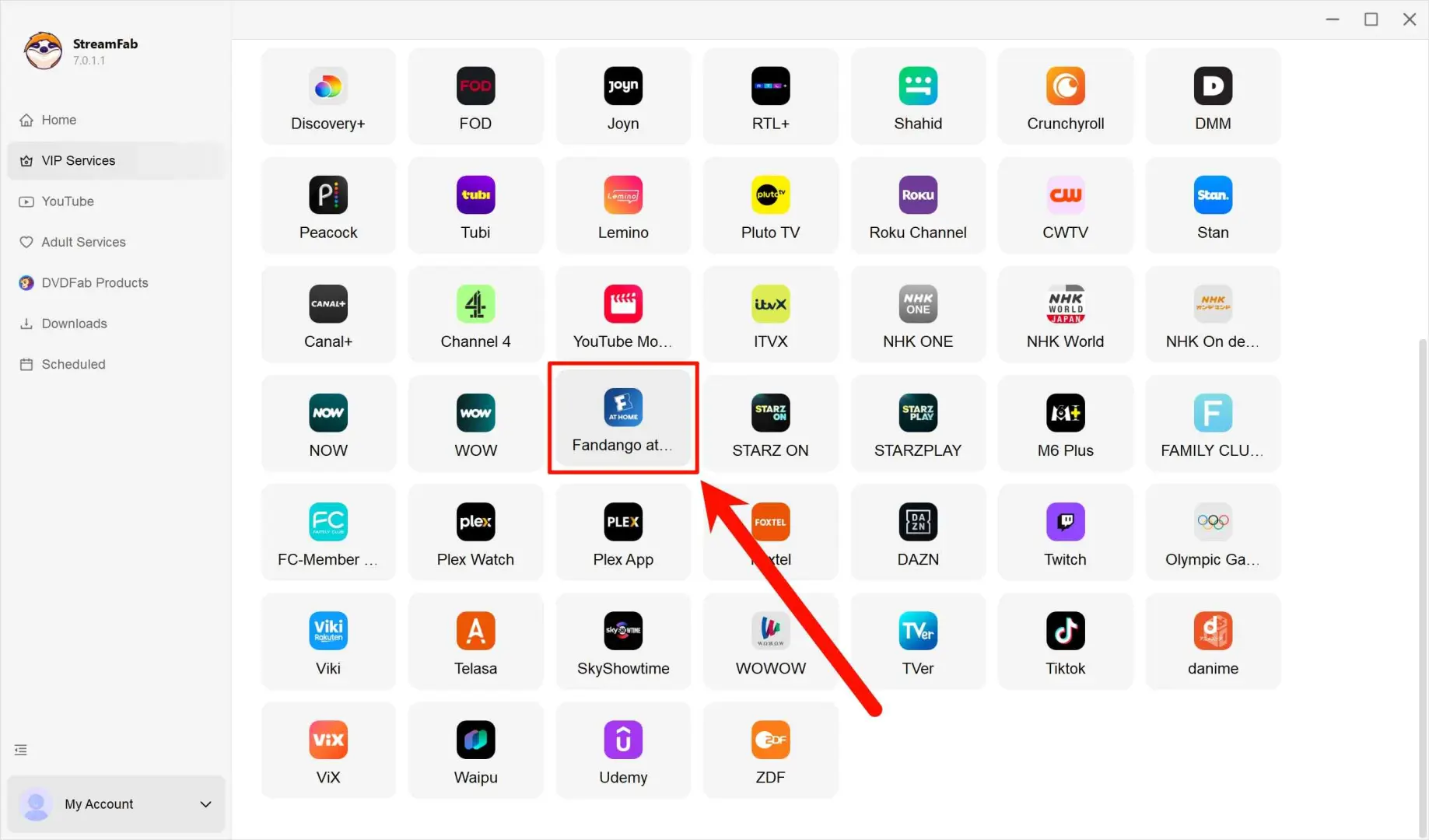
Open the Fandango at Home service
Go to VIP Services, open Fandango at Home inside the built-in browser, and sign in to the account that holds your titles.
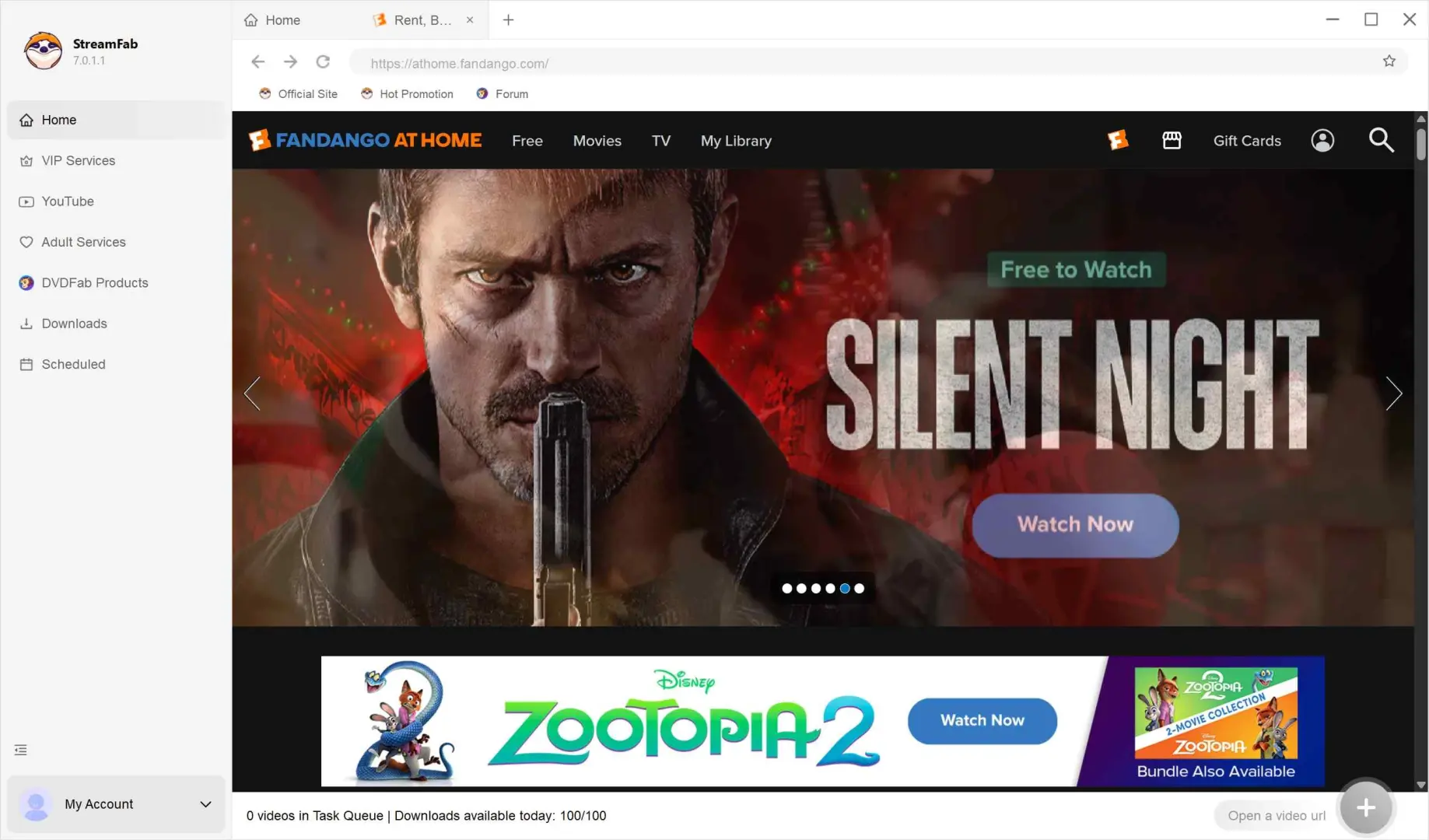
Play the title you want to save
Open the movie or episode so StreamFab can analyze it and show the available download settings.
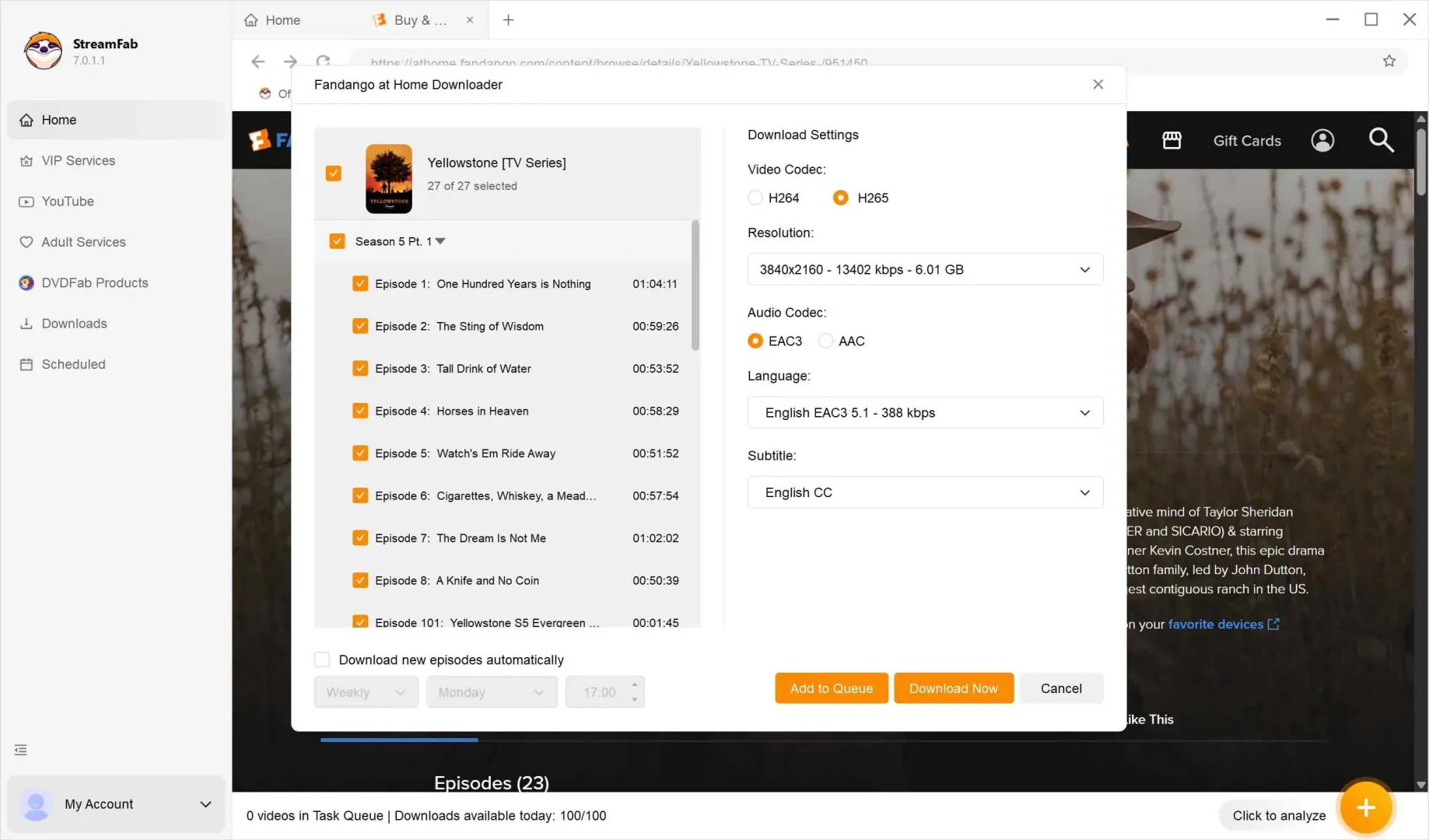
Choose quality, audio, subtitles, and format
Adjust the resolution, soundtrack, subtitles, and output format before the download starts.
Offline Checks Before Travel
Your travel device needs a playable download, sufficient storage, and valid viewing Windows. Test offline travel playback before departure. Fandango device limits and access follow the title’s Usage Rights; use the authorized device holding the download and resolve any playback message while you still have a connection.
Fandango’s service is intended for U.S. access. A download does not guarantee access at an international destination. Review the title’s location restrictions before choosing it for your trip, and prepare an eligible viewing option for that destination.
No download button: confirm the title is an eligible rental or purchase and update the app before retrying.
- Queue not moving: let the active title finish and free storage space on the device.
- Playback asks for verification: reconnect and retry before departure; resolve the message before relying on offline playback.
- Laptop plan changed: try the connected retailer’s download option for an eligible Movies Anywhere movie.
- Repeated failures: note the error message and use the matching troubleshooting instructions; for StreamFab Fandango at Home, start with the download-failure guide. Troubleshooting Fandango at Home Download Fails
FAQs
Conclusion
- Use the official mobile app for eligible phone or tablet downloads.
- For an eligible Movies Anywhere purchase, try a connected retailer that supports downloads on your laptop.
- Choose StreamFab for authorized local-file viewing and library organization on Windows or Mac.
For a few movies on a phone, I would stay with the official app. For a local library, StreamFab offers file-based playback and batch downloading. Download the installer from StreamFab’s official site to start the trial: 30 days with three video downloads per service.
Update Log
Fandango’s July 2026 Streaming Policy sets title-specific Usage Rights.
- The Google Play and Microsoft Store listings use Fandango: Movies & Series.
- Official mobile downloads remain inside the supported app.
- Eligible Movies Anywhere purchases connect to participating retailers.
- Windows or browser access alone does not include Fandango offline downloads.
Supported devices and availability can change; use the service’s supported-device information when setting up a new device.
