Here’s the short answer: RedFox AnyStream has been offline since June 2024, so old builds and lifetime licenses are no longer a reliable path to an AnyStream download. This guide compares five active AnyStream alternatives, starting with the key choice between direct local files and real-time screen recording.
RedFox AnyStream Status in 2026
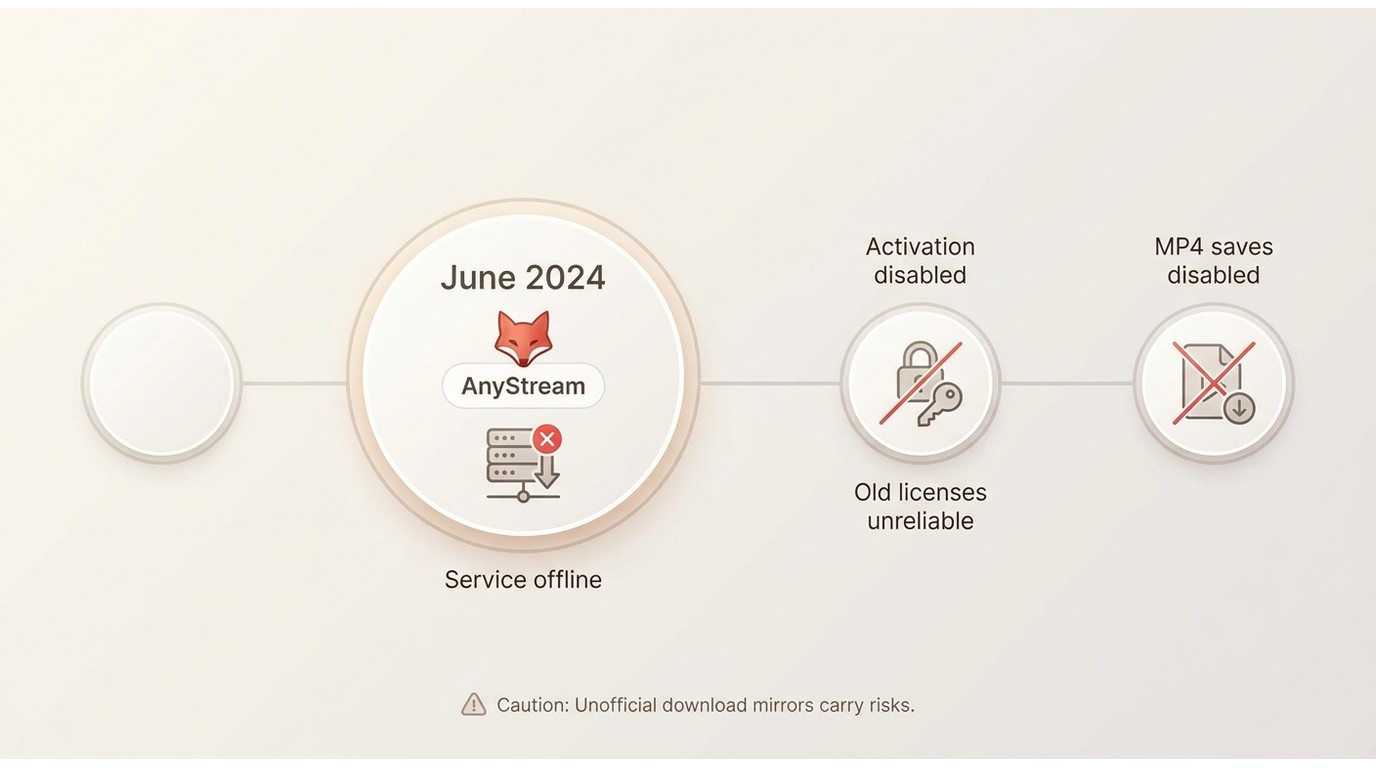
RedFox’s website, forum, and service infrastructure disappeared in June 2024. Even if you still have an old installation, it cannot reliably activate or save MP4 files while that infrastructure remains offline.
For people who paid for a lifetime license, that loss is frustrating, but a return, recovery path, or refund cannot be promised. Be careful with unofficial revival claims and download mirrors, which may distribute outdated or unsafe installers. In practice, an active AnyStream alternative is the more realistic option for authorized personal offline viewing.

5 AnyStream Alternatives Compared
An AnyStream replacement is not a one-size-fits-all choice. Some tools create local MP4 or MKV files, while others rely on real-time screen recording and re-encoding. I would start with that distinction, then weigh operating system support, service fit, update cadence, quality expectations, and budget.
The sections below summarize the tradeoffs, and the use-case comparison of AnyStream alternatives makes the local-file and recording differences easier to scan.
StreamFab: Best for Direct Local Files
StreamFab is suited to Windows and macOS users who prefer local MP4 or MKV files for authorized personal offline viewing. It supports batch queues, scheduled downloads, audio-track choices, and subtitle options; available quality depends on the service and account plan. For a broader fit assessment, this StreamFab review covers the workflow in more detail.
Best fit: StreamFab is a practical choice when local files, batch handling, and Windows or macOS support matter more than a recording-based workflow. It is not the right fit for Linux or mobile-only setups. Its Trustpilot profile shows 4.5/5 from 755 reviews as of August 2026.

- Supports 1000+ online video sites and 60+ OTT sites
- Direct-download videos in up to 1080p/4k/8k quality losslessly
- Output crystal clear EAC3/AC3 5.1 audios
- Extra support for HDR10/Dolby Vision/Dolby Atmos on certain sites
- Remove all ads while downloading episodes and movies
- Schedule mode to download videos automatically
- Bulk saves multiple episodes at one time for time-saving
- Built-in browser for seamless download experiences
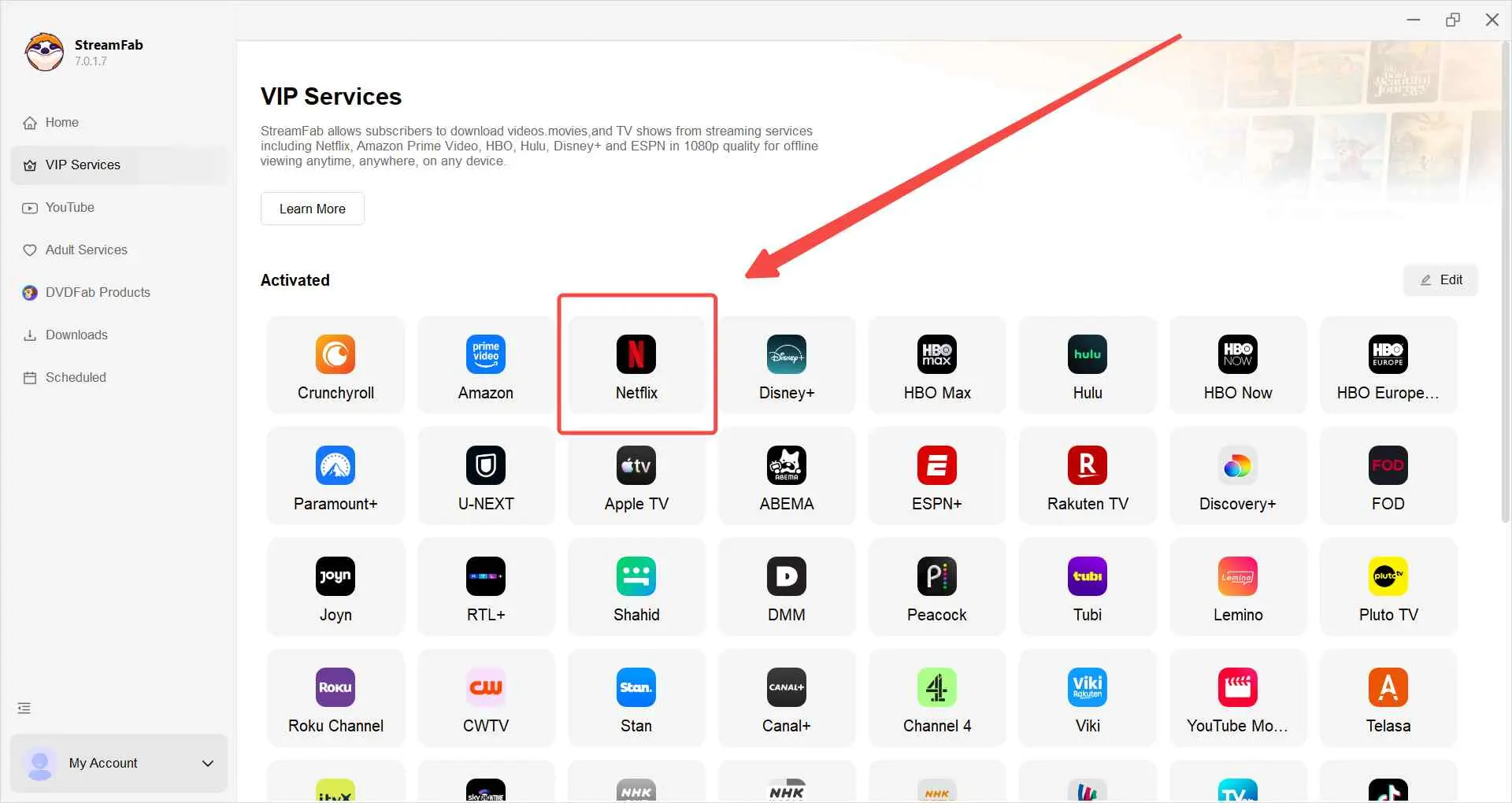
Download StreamFab from the button and install it on your device, then launch it. Select the service you want to download videos from in VIP Services, for example, Netflix.
Log in to your Netflix account with an activated credential, find the video you want to download and watch offline, and play it.
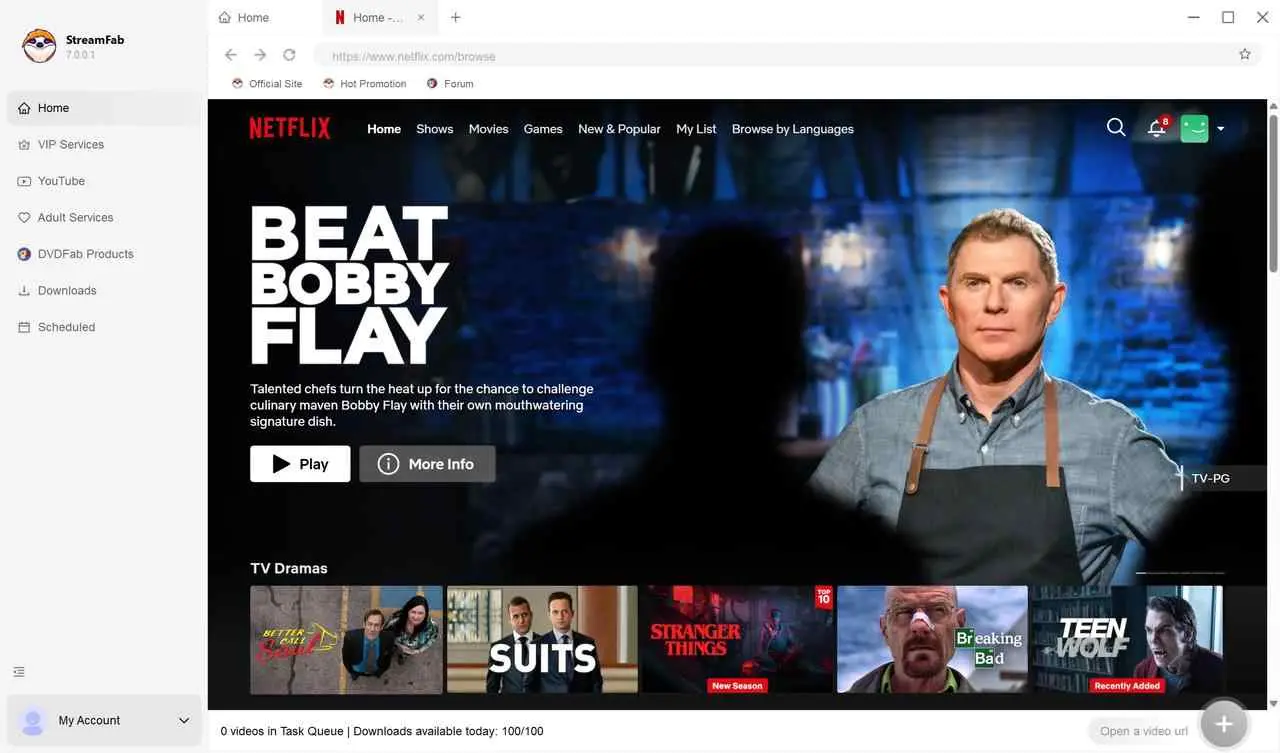
StreamFab will analyze the video info automatically and allow you to adjust the settings, such as resolution or audio, etc., within the pop-up.
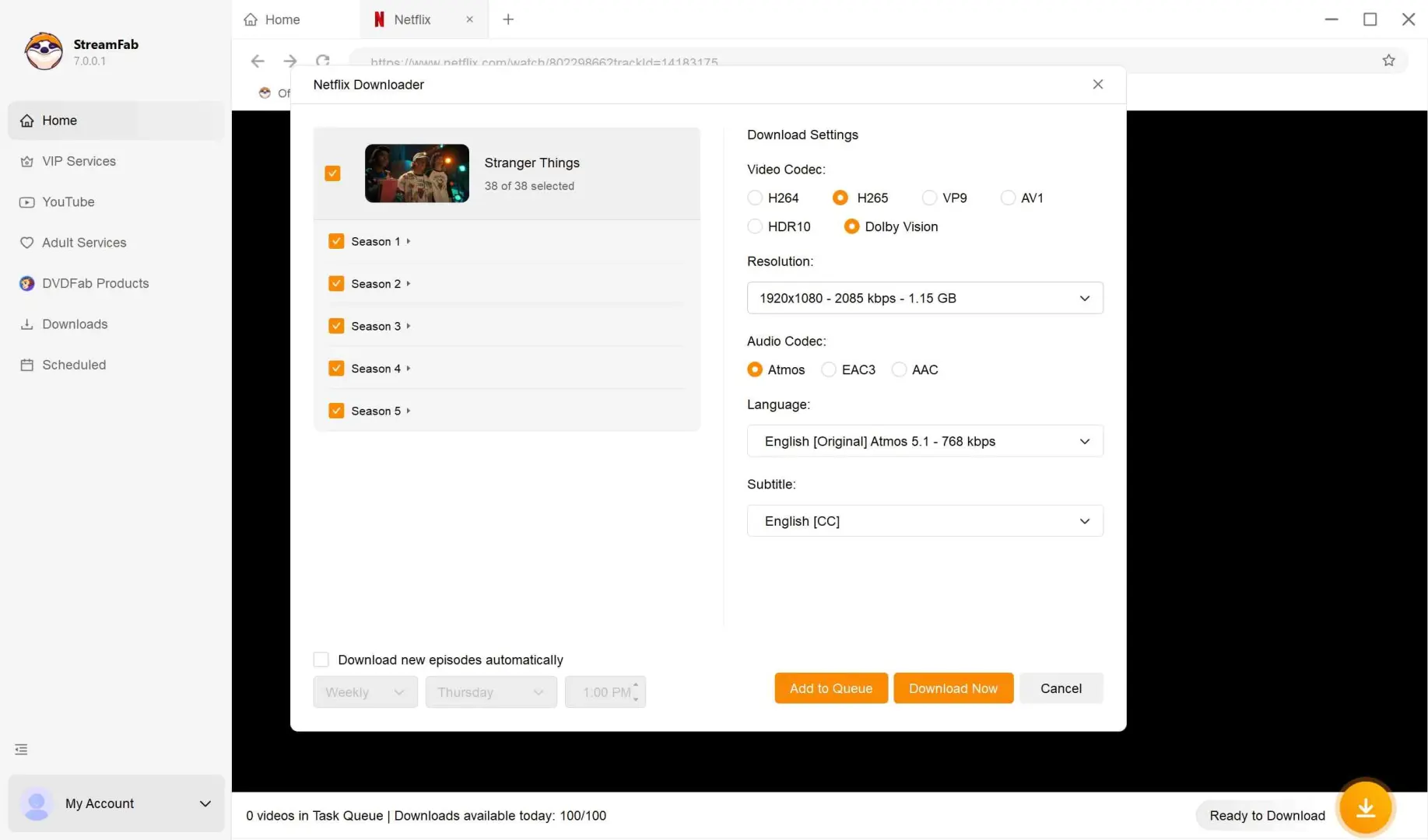
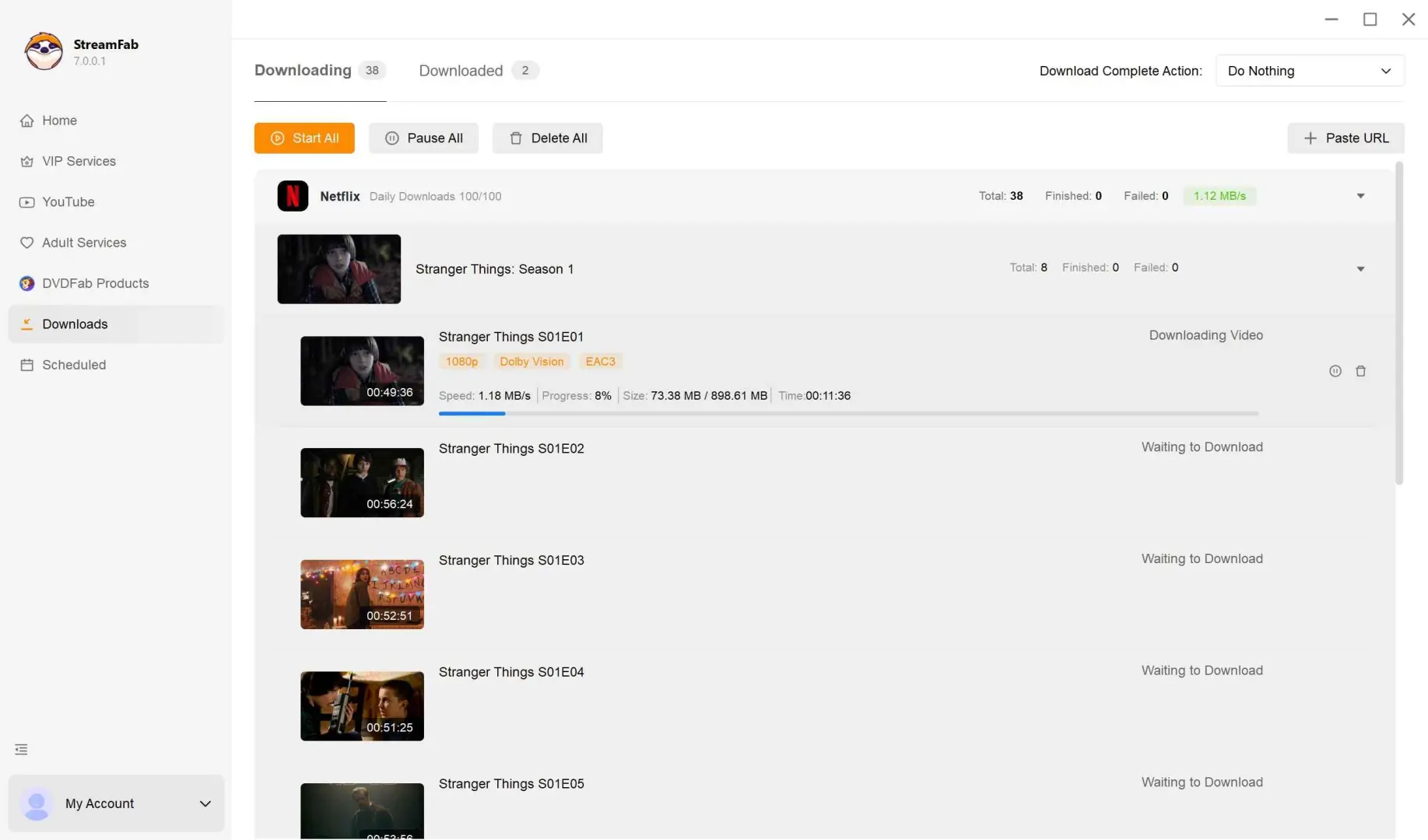
You can download the episodes immediately by clicking on "Download Now" or "Add to Queue" for downloading them later.
4.5/5
Trustpilot · 700+ reviews
10M+
Downloads worldwide
60+
Streaming services
For an AnyStream user, the practical advantage is choosing files and queues over sitting through a recording session. That does not make it a universal replacement: service availability can change, and Linux or mobile-only users need a different setup.
PlayOn: Best Recording Fallback
PlayOn is a recording-based fallback for readers who accept real-time capture rather than prioritizing direct local files. PlayOn Home is offered at $39.99 per year or $14.97 per quarter, while PlayOn Cloud credits and other monthly offers are separate as of August 2026.
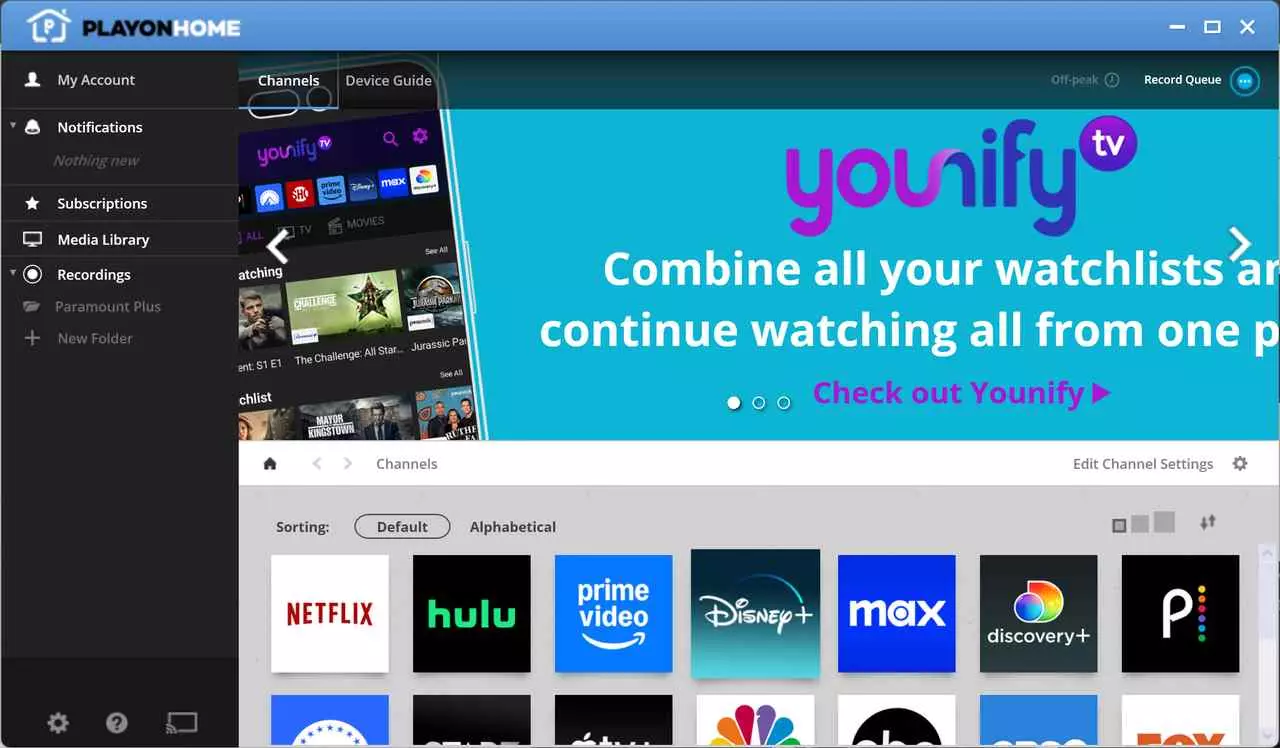
The tradeoff is time: real-time recording generally takes as long as playback and may involve re-encoding. If that tradeoff is acceptable, the recording workflow can be useful; for a deeper look at those tradeoffs, see these PlayOn reviews.
- Recording-based workflow
- PlayOn Home and Cloud options
- MP4 output
- Fits occasional offline viewing
- Real-time capture takes time
- Output can involve re-encoding
- Not ideal for large queues
- Recording depends on playback conditions
- Not a direct-file workflow
TuneFab VideOne: Best for Light Use
TuneFab VideOne is a lighter-use AnyStream alternative for readers who need a smaller set of supported services. Its current product page lists pricing starting at $19.95 as of August 2026. It is less suitable when broad service coverage is the deciding factor.
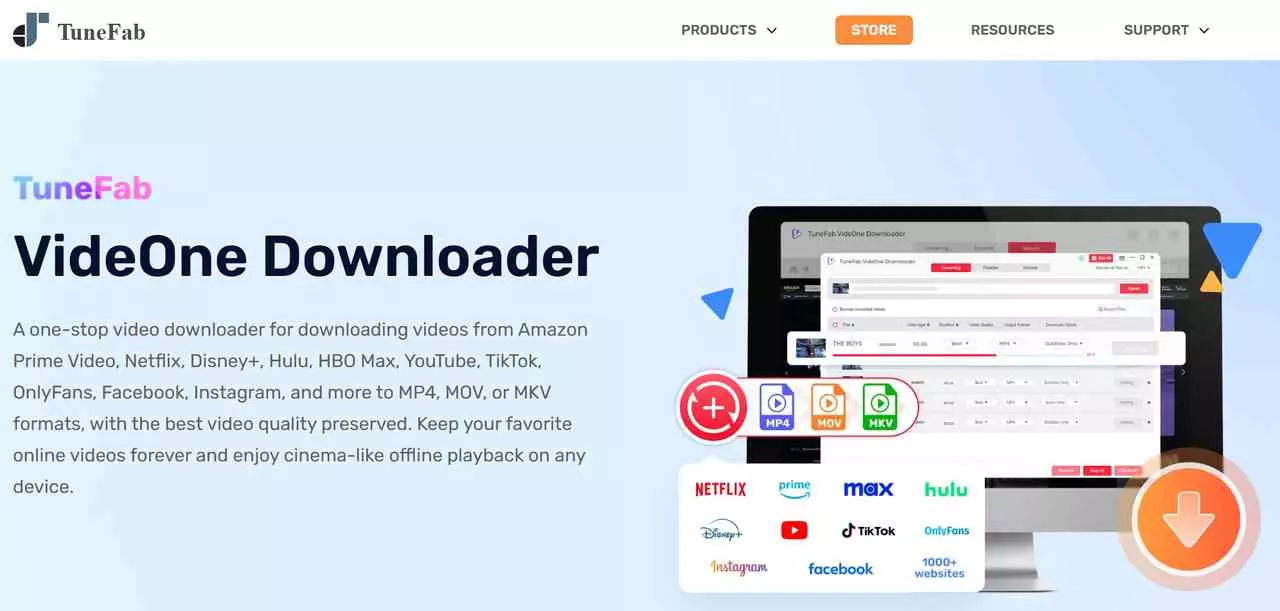
For occasional use, its simpler scope may be enough. Readers who expect wide service coverage or frequent workflow changes should compare the currently supported services before choosing it.

- Lighter-use workflow
- Built-in browser
- Quality options vary by service
- MP4/MKV output options
- Smaller service selection
- Service support can change
- Pricing varies by plan
- Not ideal for broad coverage
MovPilot: Best for Single-Service Users
MovPilot is aimed at users who prefer a smaller set of service-specific tools rather than a large all-in-one workflow. Its all-in-one single lifetime license is listed at $149.95 as of August 2026.
I would consider MovPilot when your needs are concentrated on a smaller service set. It is less convenient for people who want one workflow across many platforms, and service availability may change over time.
- Windows and macOS support
- Service-specific options
- Quality varies by service
- MP4/MKV output options
- Smaller service scope
- Separate workflows by service
- Trial terms vary by plan
- Service availability can change
Audials One: Windows Recording Option
Audials One is a Windows recording option for viewers who are comfortable with a real-time workflow. Audials One 2026 offers subscription and one-time plans; the premium one-time plan is listed at $178.95 as of August 2026.
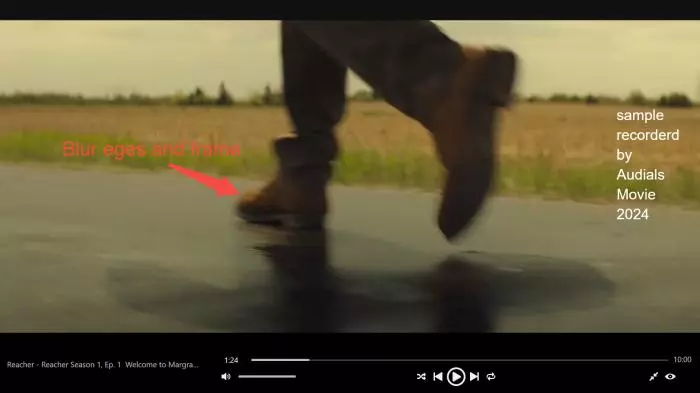
Like other recording workflows, it can require waiting through playback and may involve re-encoding. It is not ideal for Mac users or readers who specifically want a direct local-file workflow; readers troubleshooting a recording setup may encounter Audials not working.
- Windows recording workflow
- Versioned one-time and subscription options
- Supports offline-viewing use cases
- No macOS option
- Real-time capture may re-encode
- Recording takes playback time
- Not a direct-file workflow
- Recording conditions affect the workflow
- Version options can differ
Its main tradeoff is workflow rather than a universal quality ranking: real-time recording and local-file tools differ in waiting time, output handling, and the amount of automation they offer.
Compare AnyStream Alternatives by Use Case
This matrix compares the details that change the day-to-day experience: local files versus real-time recording, available formats, operating systems, typical quality, and price model. For the underlying tradeoff between direct download and re-encoding, the method matters as much as the product name.

I would choose a local-file workflow when I need files ready before a trip or want to manage a queue. Recording can still make sense for occasional viewing, but it asks you to trade convenience for playback-time capture.
| Tool and best fit | File method and format | Operating systems | Typical maximum quality | Current price model |
|---|---|---|---|---|
| StreamFab: local-file users | Local MP4/MKV files | Windows, macOS | Up to 4K, service-dependent | Trial and paid plans |
| PlayOn: recording fallback | Real-time recording, MP4 | Windows | Recording-dependent | $39.99/year Home |
| TuneFab VideOne: light use | Local-file workflow, MP4/MKV | Windows, macOS | Service-dependent | Starts at $19.95 |
| MovPilot: smaller service set | Local-file workflow, MP4/MKV | Windows, macOS | Service-dependent | $149.95 lifetime |
| Audials One: Windows recording | Real-time recording | Windows | Recording-dependent | $178.95 one-time Premium |
Pricing and rating figures were checked in August 2026. Service support and availability may change; review current status on each provider’s official site.
Frequently Asked Questions
Conclusion: Which AnyStream Alternative Fits Best?
RedFox AnyStream is no longer a reliable option, so the right replacement depends on how you want to watch offline. Choose a local-file workflow when you value MP4/MKV output, queue management, and playback flexibility; choose recording when occasional use matters more than waiting through a capture session.
For authorized personal offline viewing on Windows or macOS, StreamFab is one practical local-file option. PlayOn or Audials One may suit readers who accept recording tradeoffs, while Linux and mobile-only setups remain underserved. If your needs differ from this comparison, explore other StreamFab alternatives before deciding.
Ready to Move On from AnyStream?
Try StreamFab’s workflow for authorized personal offline viewing with an active platform subscription. Trial terms and available services vary by plan.