
HitPaw vs StreamFab is no longer a like-for-like contest. HitPaw Edimakor is primarily an AI video editor with public-site downloading, while StreamFab All-In-One is built for authorized offline streaming on Windows and Mac. Choose by the job, not by the logo.
The comparison below separates editing, streaming support, output quality, trial limits, and day-to-day workflow so you can match the product to what you actually need.
- Feature-by-feature comparison shows the practical differences.
- Video quality results explains the output tradeoffs.
- Pricing and trial terms covers plan structure and trial allowances.
- The conclusion gives a scenario-based recommendation.
HitPaw vs StreamFab: The Short Version
Edimakor is the better fit for creating and editing video; StreamFab is the better fit for saving supported subscription streams for personal offline viewing. The overlap is small, even though both products can put a video file on your drive.
StreamFab All-In-One is a desktop app for Windows 10/11 and macOS that saves supported streaming video at up to 4K, depending on the service and subscription plan, in MP4 or MKV, with batch downloading plus audio-track and subtitle selection.
HitPaw Edimakor combines AI-assisted editing, captions, templates, and downloads from public video sites. That makes it useful when the downloaded clip is raw material for an edit. It is not positioned as a desktop workflow for Netflix, Disney+, Amazon Prime Video, or similar subscription services.
- Choose HitPaw Edimakor when editing is the main job and public-site downloading is a convenience.
- Choose StreamFab All-In-One when offline access to supported streaming services, batch queues, audio tracks, and subtitles are the main job.
- Use separate tools when you need both workflows. Neither product replaces the other category.
What Happened to HitPaw's Download Feature
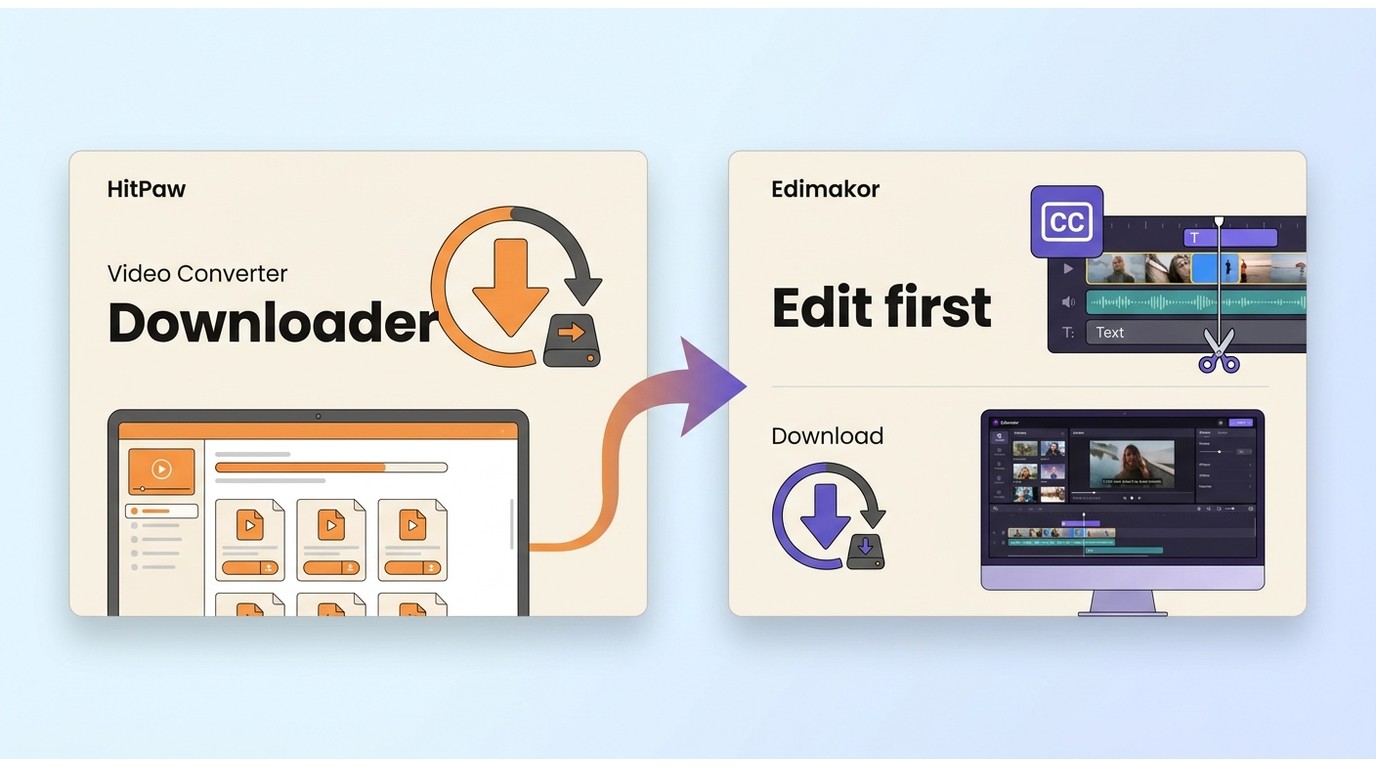
The current HitPaw lineup separates conversion, editing, enhancement, and photo work into different products. The downloader associated with the older Video Converter experience now appears as a secondary feature inside Edimakor rather than the center of the suite.
- HitPaw Univd Format conversion and compression; downloading moved elsewhere
- HitPaw Edimakor AI video editing with downloading for YouTube and similar public sites
- HitPaw VikPea AI video enhancement and upscaling
- HitPaw FotorPea Photo editing
This split is easy to miss if you remember the older all-purpose product. A discussion on r/VideoEditing also describes frustration over license changes after the rebrand. That is user-reported experience, not a universal outcome, but it is a sensible reason to read the current license scope before purchasing.
The product history and feature migration are covered in more detail in the HitPaw Video Downloader review. The practical point here is simpler: buying Univd does not give you the same downloading workflow that buyers may remember from the old Video Converter bundle.
What Each Tool Actually Does in 2026
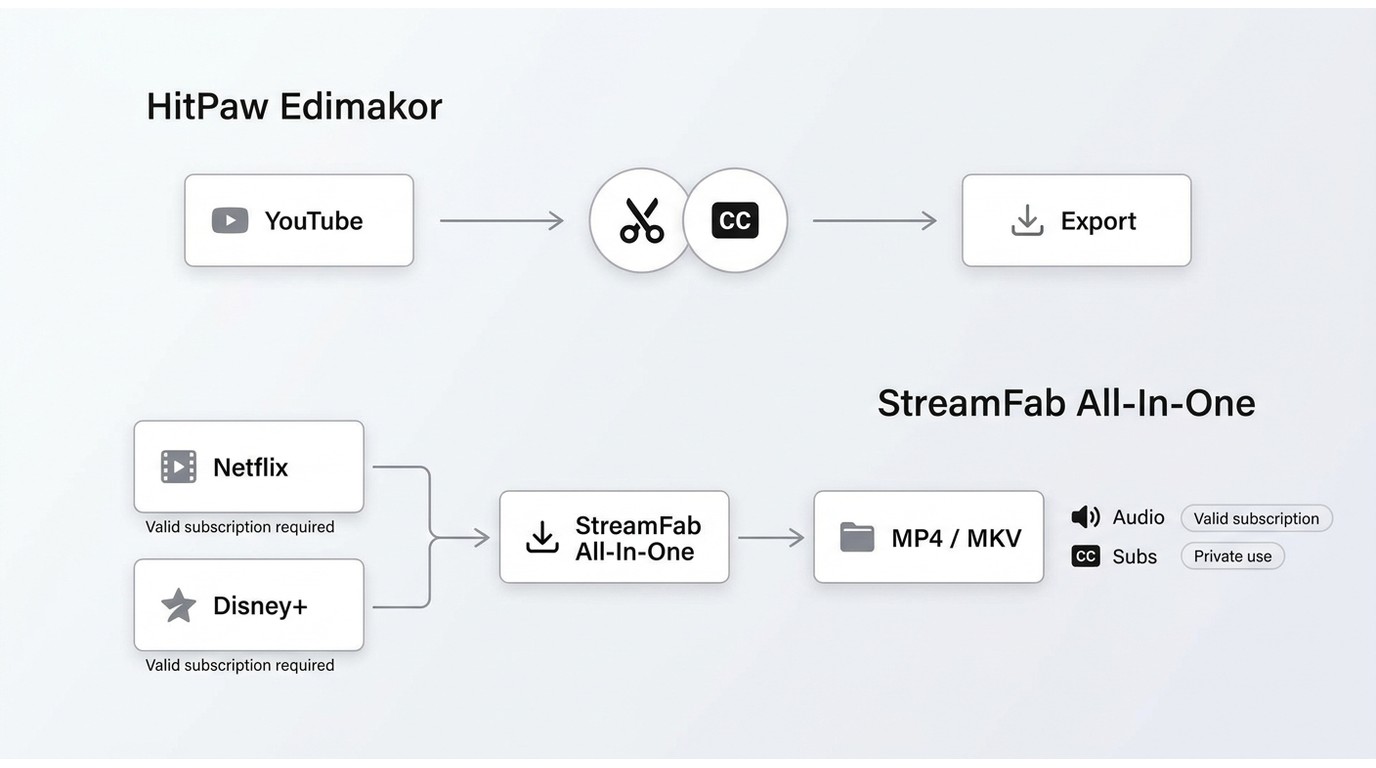
Edimakor turns clips into edited projects; StreamFab turns supported subscription streams into standard offline files. That difference shapes the sources each product supports, the controls it exposes, and the person each one suits.
- AI-assisted video editing with captions, voice tools, templates, and avatars
- Downloads from YouTube and similar public video sites
- Format conversion and compression within an editing workflow
- Not designed for subscription-streaming downloads
- Offline-saving workflow for supported subscription services
- Supports Netflix, Amazon Prime Video, Disney+, Hulu, Max, Apple TV+, YouTube, and more
- Resolution depends on the service and subscription plan, with MP4 or MKV output
- Batch queues plus audio-track and subtitle selection
- Not a video editor; use a separate editor when the saved file needs creative work
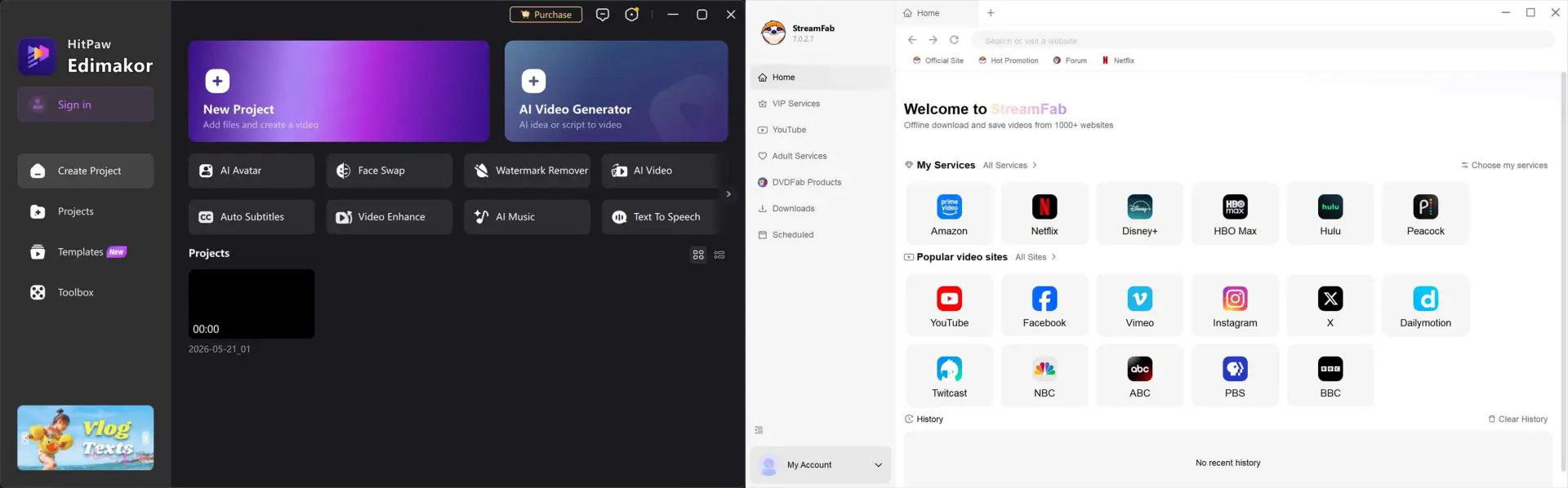
For personal offline viewing of content you're authorized to access, where permitted by platform terms and applicable law, StreamFab All-In-One is the relevant option in this comparison. Edimakor remains the stronger fit when the next step is trimming, captioning, compositing, or exporting an edited clip.
My practical rule is to start with the source and the final task. If the source is a public video and the destination is an edited project, use Edimakor. If the source is a supported subscription service and the destination is an offline MP4 or MKV, use StreamFab.
Feature-by-Feature Comparison
The useful comparison is not which product has more features. It is whether those features complete the workflow you came for, without forcing you into a second purchase halfway through the job.
| Decision point | StreamFab All-In-One | HitPaw Edimakor |
|---|---|---|
| Main job | Authorized offline streaming | AI Video Editing |
| Supported sources | Netflix, Amazon, Disney+, and more | YouTube and public sites |
| Output | MP4 or MKV | Edited or re-encoded MP4 |
| Quality ceiling | 4K supported; service and plan dependent | Varies by public-site source |
| Workflow controls | Batch, audio, and subtitle selection | Captions, templates, and editing tools |
The practical upshot is that Edimakor offers broader creative tools, while StreamFab offers the more complete streaming workflow. Neither advantage transfers neatly to the other job.

If StreamFab fits your scenario, use the trial to check one representative title, its available audio, and its subtitles before committing to a larger workflow.
Video Quality: What I Actually Got
Quality depends on both the source and the workflow. Edimakor processes public-site material as part of an editing pipeline; StreamFab exposes resolution, format, audio, and subtitle choices for supported streaming services.
A Reddit discussion about older HitPaw audio downloads questioned whether some files matched their advertised bitrate. It concerns user reports about an earlier product, so I treat it as a caution about checking the output rather than a verdict on every current Edimakor download.
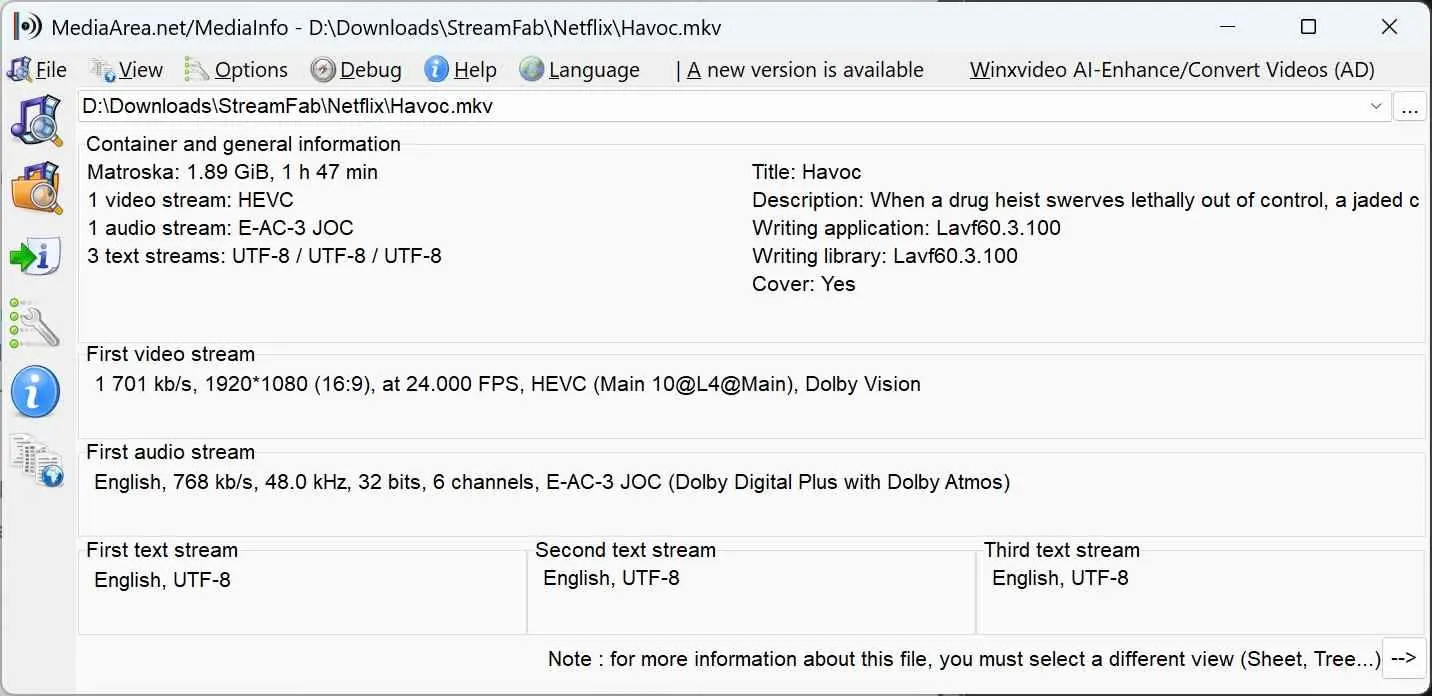
- A Netflix 1080p episode saved through StreamFab retained the available Dolby Digital 5.1 audio and multiple subtitle tracks in SRT format.
- YouTube 4K downloads through Edimakor produced clean results
- For streaming content specifically, StreamFab consistently delivered files that matched the source stream.
On Windows 10 Pro with an i5-9400F, 16 GB RAM, and StreamFab 7.0.1.7, a three-episode LDR S4 batch completed, and the output files increased with episode length. The queue completed under that setup, which is a useful fit check for batch-focused buyers.
I would not choose between these products on a single “4K” label. For Edimakor, inspect the exported clip after editing. For StreamFab, check the service's available resolution, the subscription tier, the selected audio, and the subtitle mode as one package.
Pricing and Trial Terms
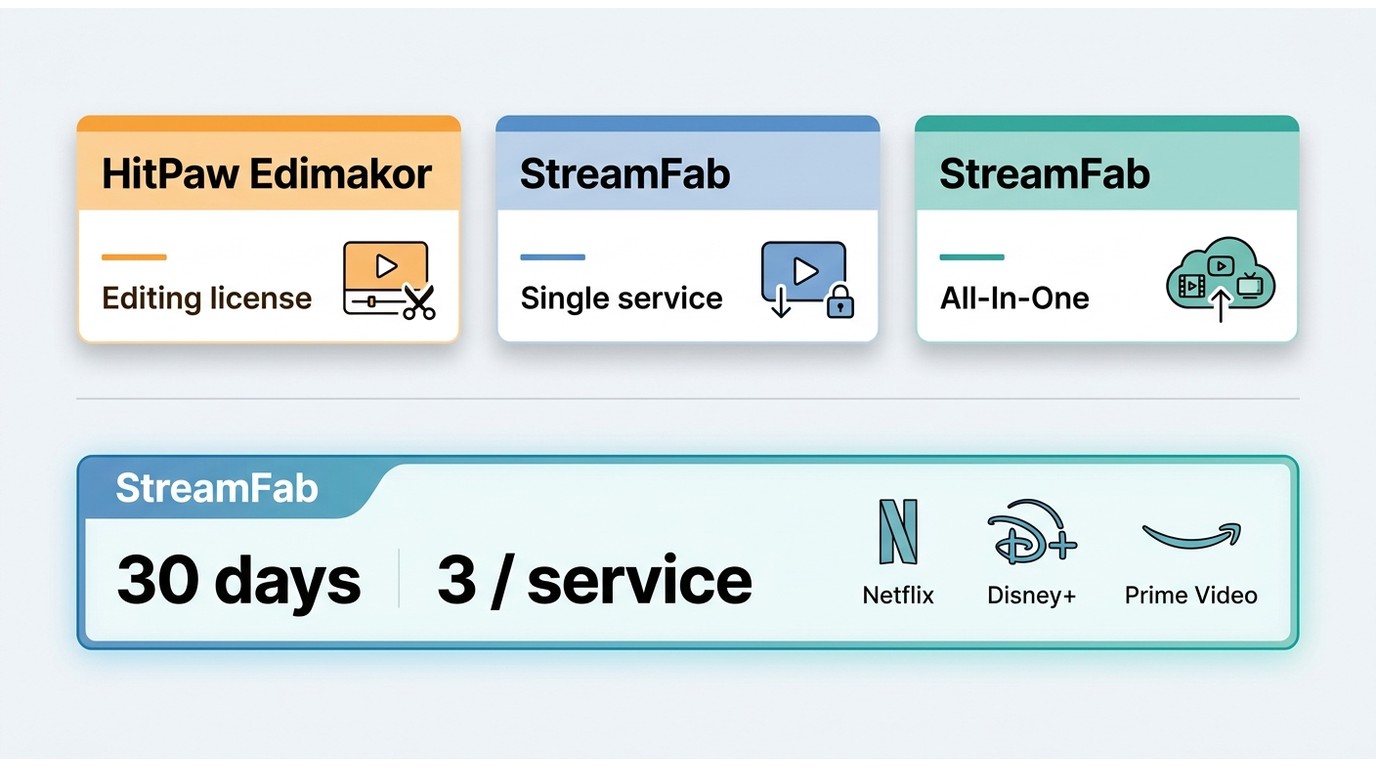
The pricing decision is easier when you compare the job covered by each license, not just the first number on a checkout page. HitPaw splits editing, conversion, enhancement, and photo work across products; StreamFab offers service-specific options and an All-In-One bundle.
As of September 2026, StreamFab's trial runs for 30 days and allows three trial downloads per supported service. The trial uses the same core quality, batch, subtitle, and MP4/MKV controls as the paid workflow, with the allowance acting as the limit.
A separate r/VideoEditing billing thread reports unexpected HitPaw subscription charges and refund difficulty. That is anecdotal evidence, but it makes plan scope, renewal settings, and the exact product name worth checking at checkout.
StreamFab is less suitable if you need just an occasional public-site clip or an AI editor. If supported streaming services are the recurring use case, compare the service-specific plans with the StreamFab plan options and choose the smallest scope that covers your actual subscriptions.
User Feedback and Practical Limitations
User feedback points to different risks. HitPaw discussions focus more on licensing, billing, and product migration; StreamFab criticism more often concerns price and the wait for updates after a streaming service changes its system.
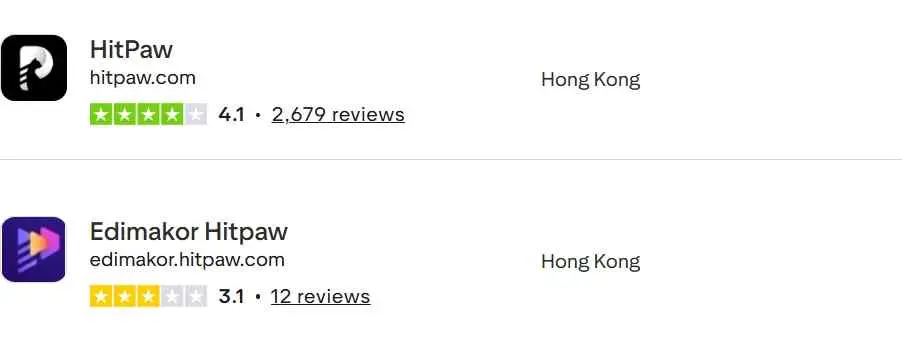
The positive case for Edimakor is its editing workflow, not subscription-streaming coverage. The negative case is that the current product split can be confusing if you remember the old Video Converter bundle. The license-migration discussion and the billing discussion illustrate those concerns, but neither thread is a controlled survey.
Because the product names changed, the HitPaw product timeline helps distinguish the older downloader bundle from the current editing-focused lineup.
StreamFab's limitation is equally concrete: it is not an editor, and service compatibility can require updates when a platform changes. If you need to cut, caption, or transform the file after saving it, plan on using a separate editor.
My sharp take is that “better” is the wrong question here. Edimakor offers more creative functions; StreamFab offers more control over supported offline-streaming workflows. The right purchase is the one that avoids paying for the wrong category.
Who Should Choose Each Tool
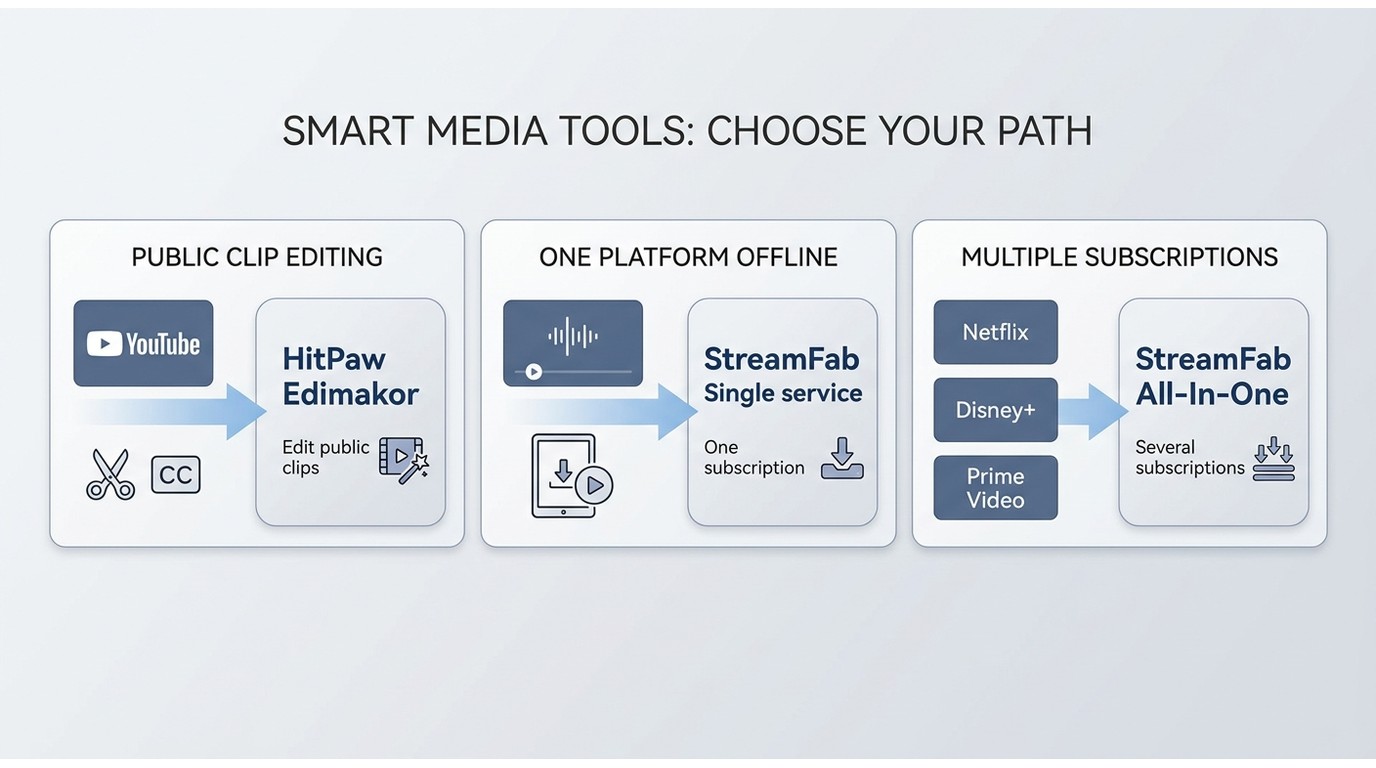
Choose according to the repeated task, not the occasional Edge case. A tool used weekly for its main purpose is a better fit than a broader-looking product that needs a workaround for the job you actually perform.
- Choose HitPaw Edimakor if:
- Your main task is AI-assisted editing, captions, avatars, or templates
- You download YouTube videos or other public-site clips as editing material
- You need conversion and compression inside the editing workflow
- Subscription-streaming downloads are not part of the job
- Choose StreamFab All-In-One if:
- You use several supported subscription services
- You want MP4 or MKV files for authorized personal offline viewing
- Audio-track and subtitle selection matter to your library
- You queue episodes, playlists, or multiple titles in batches
- You work on Windows or Mac and do not need an integrated video editor
A single-service StreamFab plan makes more sense when one subscription accounts for nearly all of your offline viewing. All-In-One becomes easier to justify when the same workflow repeats across several supported services. Edimakor is the cleaner purchase when downloading is incidental to editing.
FAQ
Conclusion: Choose by the Job
Choose HitPaw Edimakor for AI-assisted editing and public-site clips. Choose StreamFab for authorized offline viewing from supported subscription services on Windows or Mac. Buying either one for the other product's main job creates unnecessary friction.
The LDR S4 E3 comparison on macOS at 24 Mbps produced a 1080p HDR10 file with Dolby Atmos or DD+5.1 audio, at roughly 538.6 MB for that episode.
On Windows 10 Pro with an i5-9400F, 16 GB RAM, and StreamFab 7.0.1.7, all three queued LDR S4 episodes completed, with file sizes increasing alongside episode length. This is the more relevant result if your priority is unattended batch work.
My recommendation is straightforward: if editing is the destination, Edimakor earns its place. If supported streaming services are the source and an offline MP4 or MKV is the destination, StreamFab is the more direct fit. You can compare StreamFab plans after the trial identifies the scope you need.