Table of contents
Tired of buffering on the subway? Boarding a 12-hour flight with spotty Wi-Fi? Or hitting download limits on your streaming plan? Millions of searches still land on "movie downloader" every month, and the results are a mess of hype, malware bait, and outdated tips. This guide cuts through it: official platform options first, then desktop tools, browser-based options, and mobile apps, with honest fit notes for each.
Quick Answer: Best Movie Downloader by Use Case
For streaming services with an active subscription, the official app is the safest path. For a desktop tool that covers many streaming sites on Windows or Mac, StreamFab Video Downloader is a strong choice. For quick clips from public platforms with no install, a browser-based tool like SavetheVideo works. For phones, the official streaming app is almost always the right answer.
| Use case | Recommended tool |
|---|---|
| Best for streaming services (desktop) | StreamFab Video Downloader |
| Best free desktop option | YTD Downloader / ClipGrab |
| Best browser-based, no install | SavetheVideo |
| Best for mobile (Android / iOS) | Official streaming apps (Netflix, Prime Video, Tubi, Hoopla) |
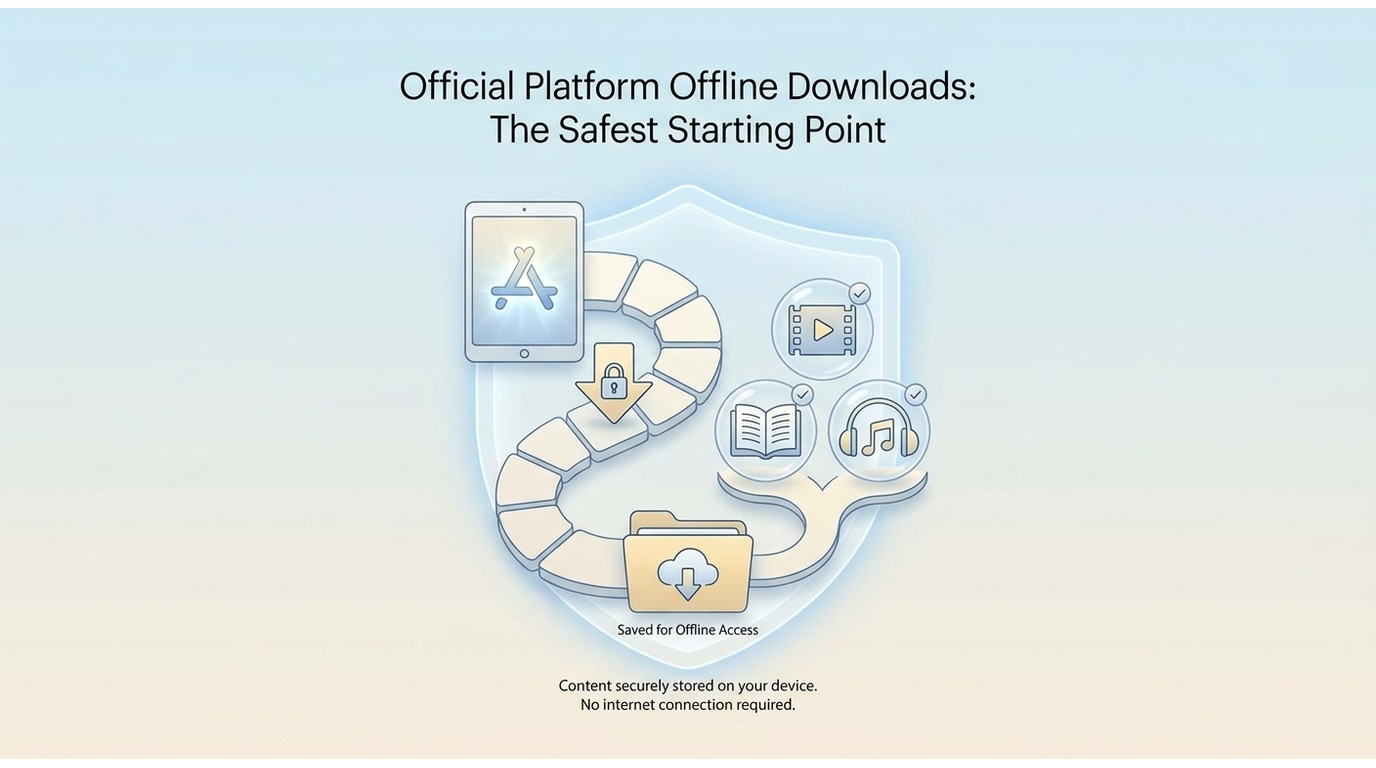
Official Platform Offline Downloads: The Safest Starting Point
If an official app covers your use case, that is the lowest-risk choice. Most major streaming services offer an in-app offline mode where you tap a download icon on a supported title and the file is stored inside the app, time-limited and tied to your account. The figures below are accurate as of June 2026 and may change, so confirm current limits on each platform's help page before you rely on them.
Netflix, Disney+, and Prime Video: Tier and Device Limits
- Netflix: The ad-supported plan has restrictions on offline downloads (check netflix.com/help for current plan details, as of June 2026). Standard and Premium plans support downloads on mobile, tablets, and the Windows app.
- Disney+: Offline downloads are available on the mobile and tablet apps. There is no native macOS or Windows desktop download workflow as of June 2026; see help.disneyplus.com for the latest.
- Amazon Prime Video: Offline downloads work on mobile and Fire tablets through the Prime Video app. See amazon.com for current device support.
I'll be honest: I went looking for a Disney+ desktop download option the night before a long-haul flight, and there isn't one. That gap, official desktop downloads not existing for several services, is exactly the niche desktop tools fill for users who actually pay for those subscriptions.
Free Legal Sources: Tubi, Hoopla, Kanopy, and Internet Archive
- Tubi: Free, ad-supported; offline downloads available in the mobile app as of June 2026.
- Hoopla and Kanopy: Free with a participating US library card; mobile apps support offline borrowing.
- Internet Archive (archive.org): Public-domain films are free to download in standard formats, no subscription needed.
How to Choose a Movie Downloader: 5 Criteria That Matter
Before evaluating any tool, line it up against these five criteria. Skip the criterion, skip the regret.
- Platform and site compatibility. Does it actually work with the services or websites you use? A tool that supports 1,000 sites but not the one you care about helps no one.
- Output format. MP4 is universally compatible with phones, smart TVs, and most players. MKV retains multiple audio tracks and subtitle streams in a single file, useful for foreign-language titles.
- Maximum resolution. 1080p is enough for most displays. 4K or 8K only matters if your screen, your internet, and the source all support it.
- Pricing model. Free tools often cap quality, throw ads at you, or limit supported sites. Paid tools (StreamFab, KeepStreams) trade money for broader coverage and signed installers.
- Legal and safety posture. Signed installer, a real changelog, and a clear personal-use scope. If a tool's homepage screams "unlimited free movies forever," close the tab.
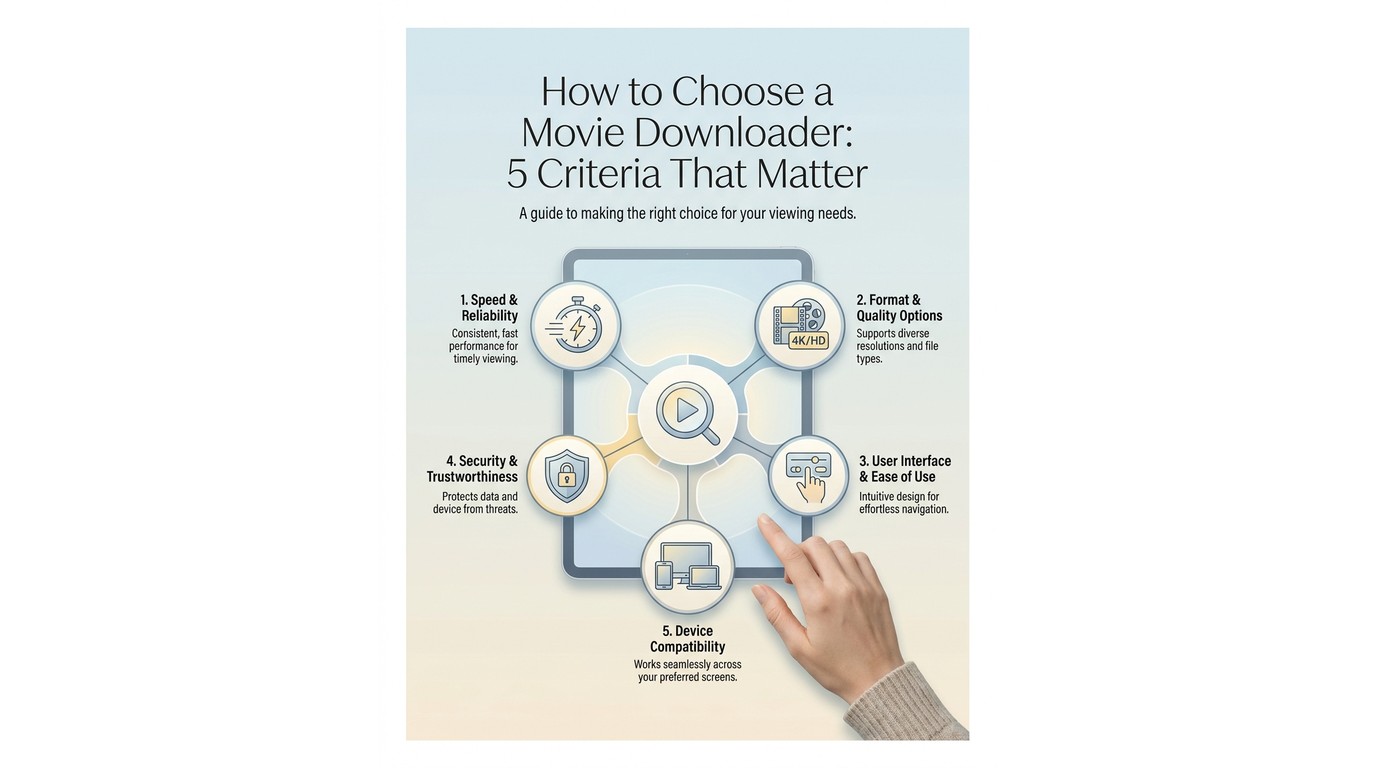
The five tools in the next section were ranked against this framework, not against a marketing checklist.
Legal Basics Before You Download Anything
US Copyright Basics and the Three-Tier Framework
In the United States, the safest mental model is a three-tier framework:
- Tier 1, official platform app downloads (Netflix, Tubi, Disney+, Prime Video): fully compliant with each service's terms.
- Tier 2, public-domain sources (Internet Archive): free and legal because the works are no longer under copyright.
- Tier 3, third-party desktop tools (StreamFab, KeepStreams): a personal-use option whose acceptability depends on the platform's terms of service and your local law. The general guidance is to save content only from accounts you actively pay for, keep files on your own devices, and never upload, share, or sell them.
The US copyright office consistently reminds users that personal, time-shifted viewing is treated differently from redistribution. Sharing or reselling saved files is where real legal exposure begins.
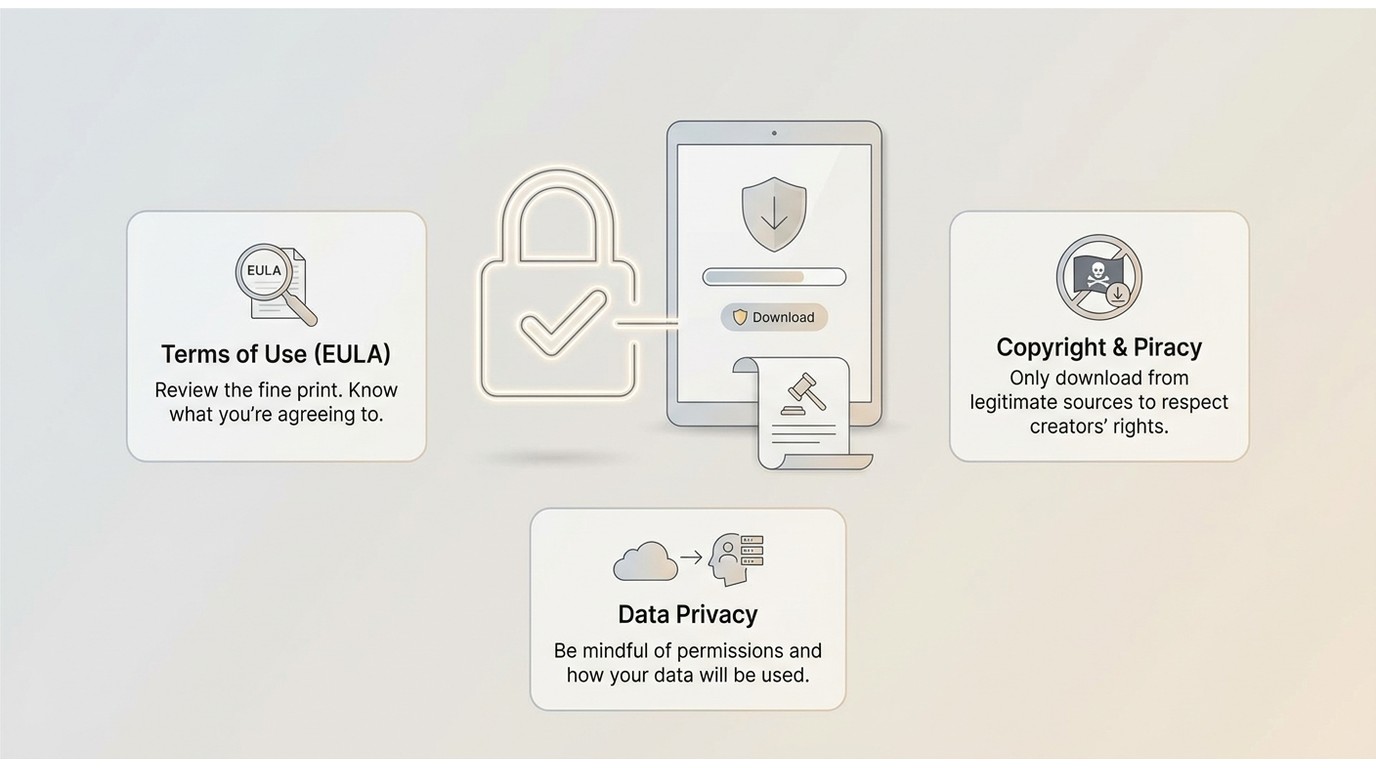
Malware Red Flags and Safety Checklist
In my experience, the single biggest risk isn't legality; it's installing an unsigned free tool from an unverified site. Threads on Malwarebytes' forum routinely document "free MP4 downloaders" bundled with PUPs and adware. A simple four-step safety check covers most of the risk:
- Download only from the official vendor domain. Verify the URL letter by letter.
- Check that the installer is digitally signed (right-click the .exe on Windows; check the Gatekeeper prompt on macOS).
- Keep your antivirus active during install. On a 2024 Windows 11 laptop, Microsoft Defender flagged a fake "StreamFab Pro" installer from a typo-squatted domain within seconds of download, exactly the kind of save you want from a free AV.
- Avoid any tool advertising free access to content that normally requires a paid subscription. That promise is the tell.
Top 5 Desktop Movie Downloaders for Windows and Mac (2026)
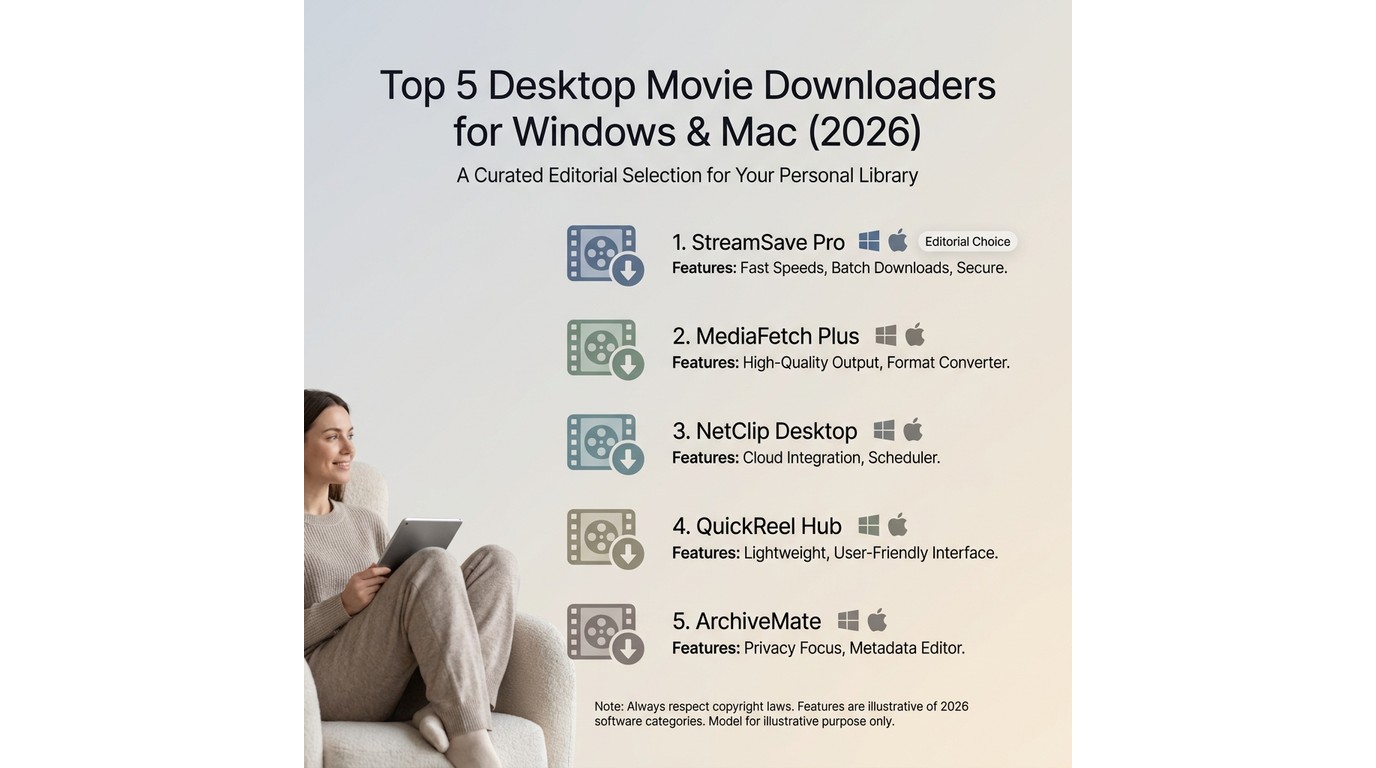
All five tools below run on Windows or Mac. For mobile options, jump to the Android and iOS section further down.
1. StreamFab Video Downloader: Best for Streaming Services
- • Best for: users who want a desktop tool covering many subscription streaming services on Windows or Mac.
- • Not ideal for: mobile-only users, Linux users, or anyone wanting a free no-install option.
StreamFab is a desktop application that saves a local copy of streaming content from over 1,000 supported sites for personal offline viewing of content you're authorised to access, where permitted by platform terms and applicable law (as of June 2026; see streamfab.com for the current supported-site list).
I tested StreamFab on a 2024 MacBook Air (M3, macOS Sonoma 14.5) by saving a 45-minute episode from a supported platform I subscribe to. The built-in browser detected the title automatically, offered MP4 and MKV output, and download throughput on a 100 Mbps connection ran close to my line speed with no stalls. Files include subtitle tracks alongside the video, which matters if you follow foreign-language films. Audio output supports AAC 2.0 and EAC3 5.1 on titles that ship with those tracks; verify per-site capability on streamfab.com.

- Supports 1,000+ sites, including Netflix and YouTube
- Save movies in HD on supported titles
- Fewer ads in saved videos, where the source allows
- Save in MP4 or MKV formats
- Free trial and 7/14-day money-back guarantee
- High download throughput
- Windows and Mac support
- Broad site coverage
- Clean MP4 or MKV output with subtitles
- No Linux build
- Paid product after the trial
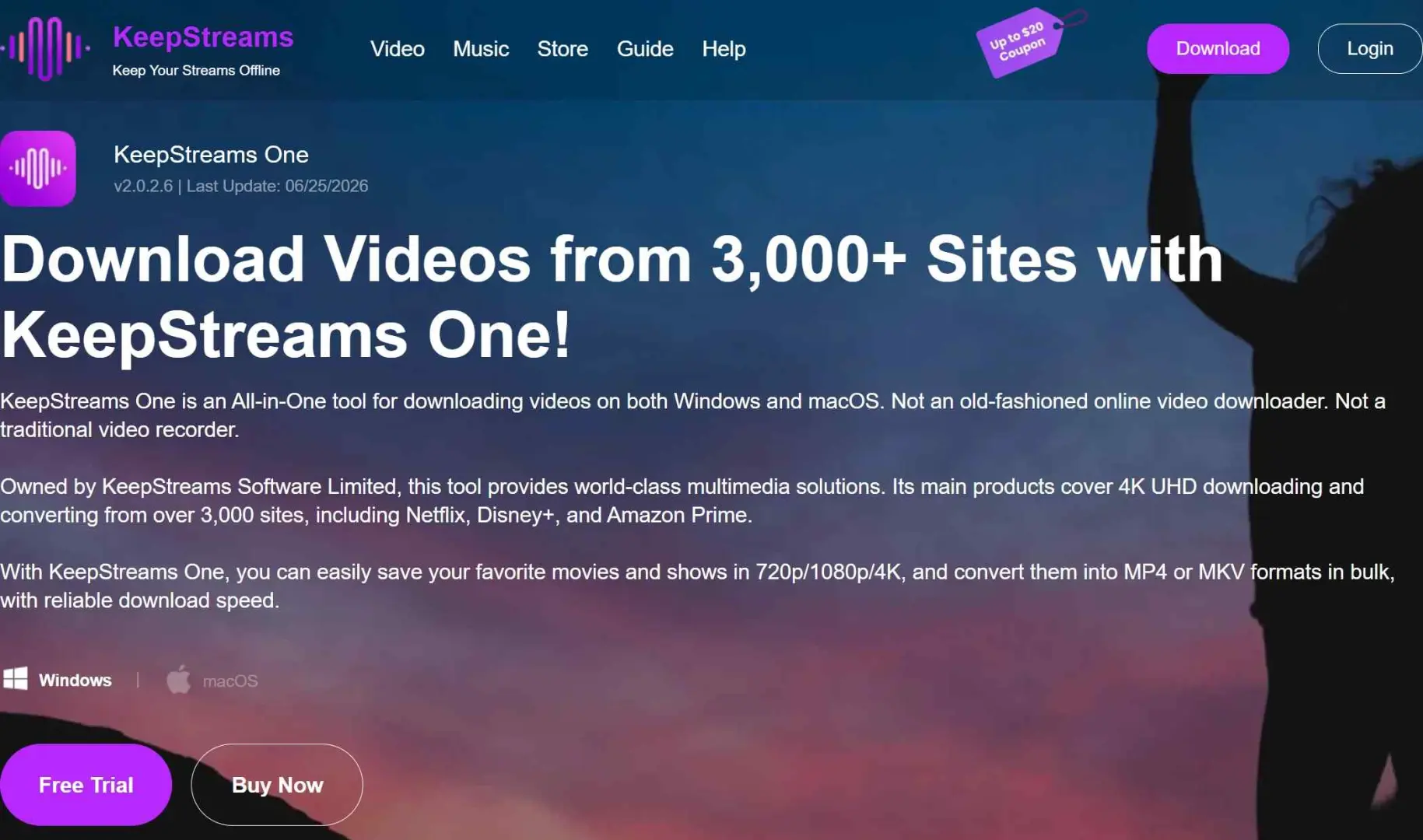
2. KeepStreams: Best for Multi-Platform Batch Downloads
- • Best for: users who want a dedicated tool for a specific platform with separate single-platform licenses.
- • Not ideal for: users who need one tool covering many services, where StreamFab's bundle is often more cost-effective.
KeepStreams supports a wide range of streaming sites (check keepstreams.com for the current list, as of June 2026) and offers batch processing, typically up to five videos in parallel, in MP4 or MKV. Confirmed output goes up to 1080p on most supported sites; higher-resolution claims should be verified on the vendor's per-site spec page.
- Batch downloads
- Audio plus video support
- Subtitle handling
- Many single-platform SKUs make pricing fragmented
3. YTD Downloader: Best Free Option for YouTube and Social Video
- • Best for: free downloads from YouTube and social platforms.
- • Not ideal for: subscription streaming services like Netflix, which YTD does not support.
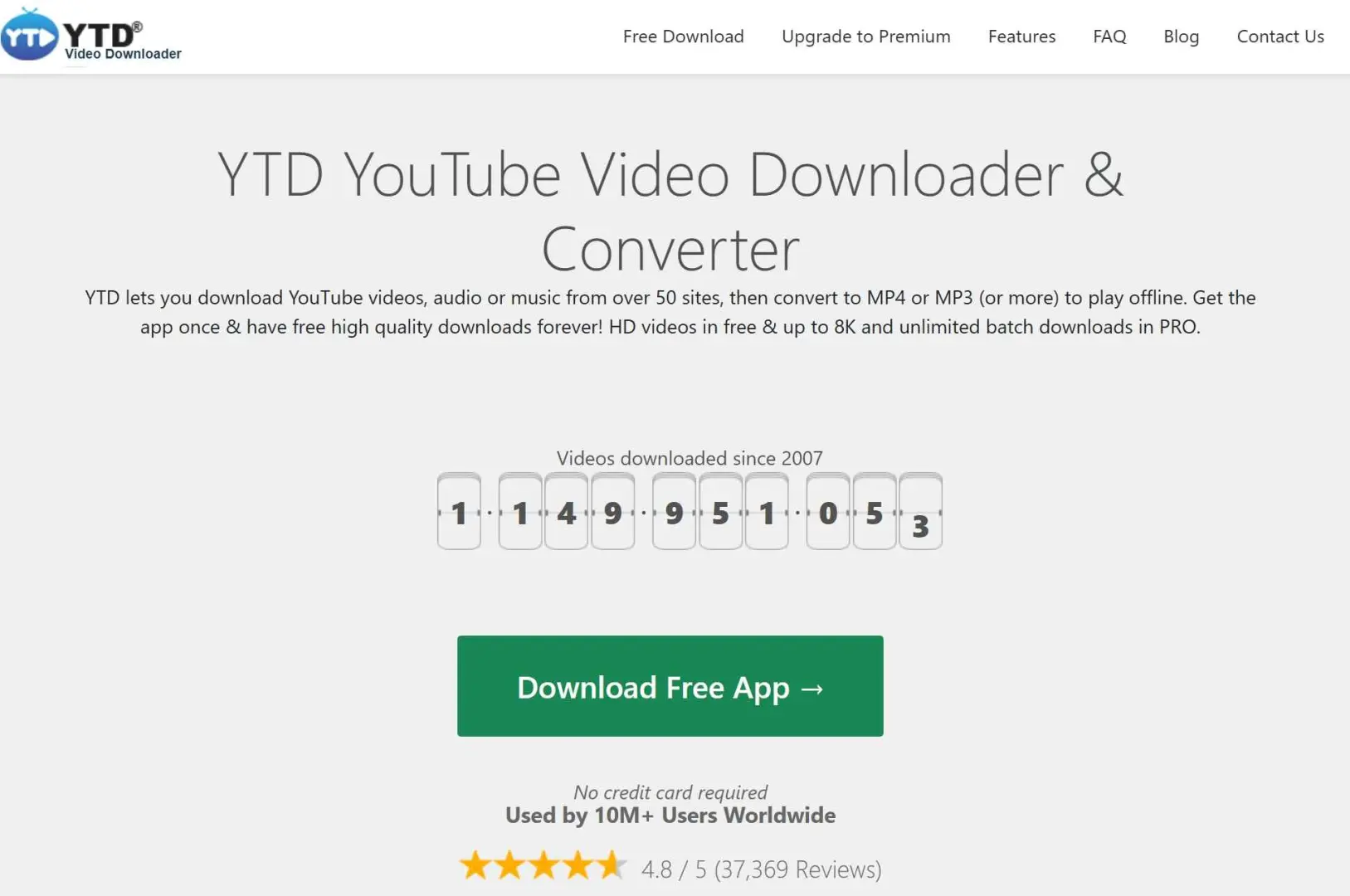
YTD Downloader is a desktop application for Windows and macOS (it requires installation, despite some older write-ups calling it "online"). It handles publicly accessible video from YouTube and a curated list of around 50 social and clip sites and converts files to MP3 or MP4.
- Free tier
- Cross-platform
- Format conversion built in
- Lower output bitrate than paid tools
- No streaming service support
4. ClipGrab: Best Free Open-Source Tool for YouTube and Vimeo
- • Best for: users who want a free option for YouTube or Vimeo on any OS, including Linux.
- • Not ideal for: users needing streaming-service support or faster download speeds.
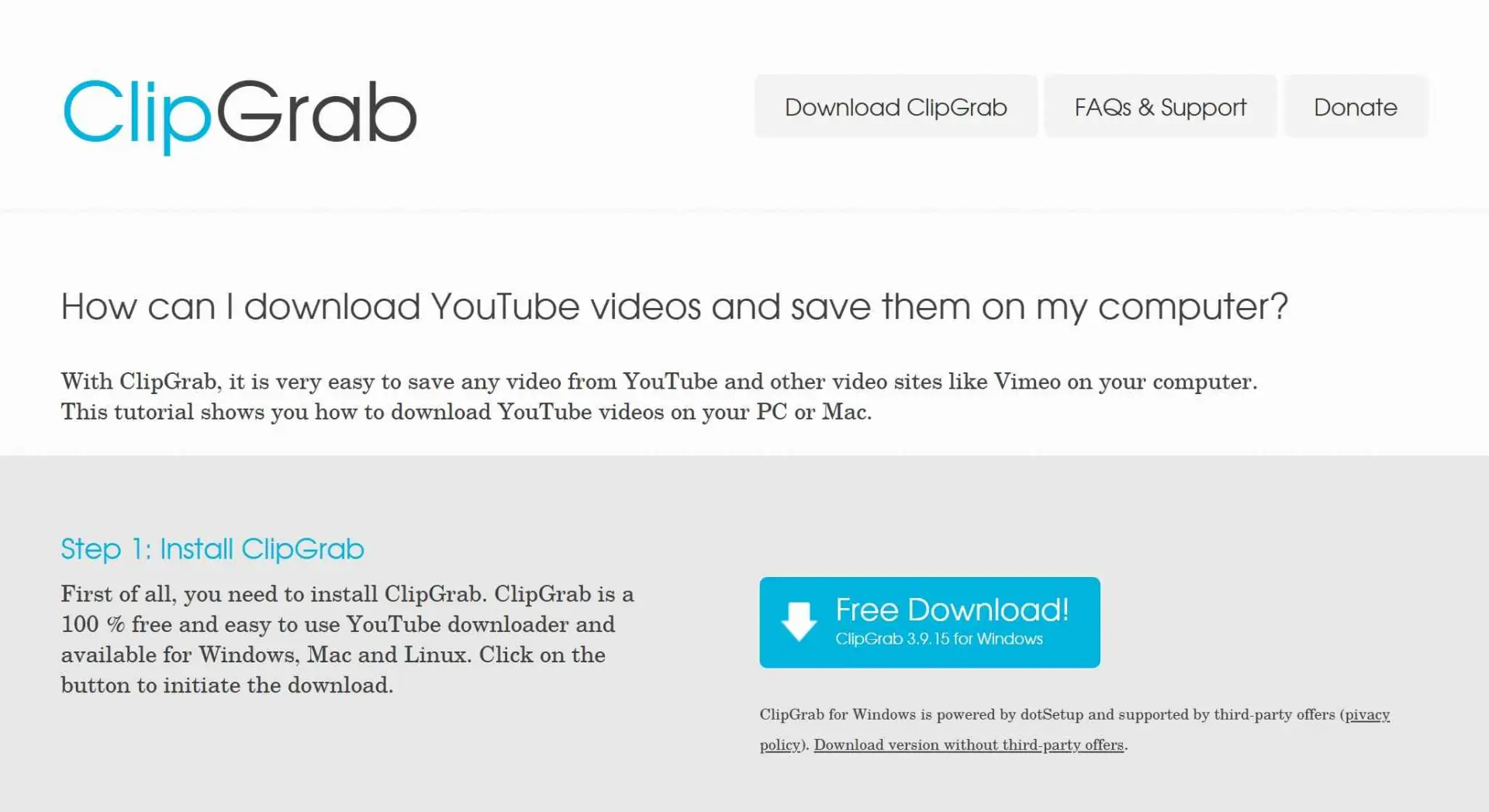
ClipGrab is a free, open-source downloader for Windows, macOS, and Linux. It works with YouTube, Vimeo, Dailymotion, and similar publicly accessible platforms. It does not support streaming services with DRM. Paste a URL on the clipboard, and ClipGrab detects it automatically. For deeper coverage, see the ClipGrab review.
- Free and open source
- Cross-platform, including Linux
- HD output where the source allows.
- Slower speeds
- Occasional reliability hiccups when source sites change their players.
5. SavetheVideo: Best Browser-Based No-Install Option
- • Best for: quick, no-install downloads of publicly accessible video.
- • Not ideal for: Netflix, Disney+, or any DRM-protected content.
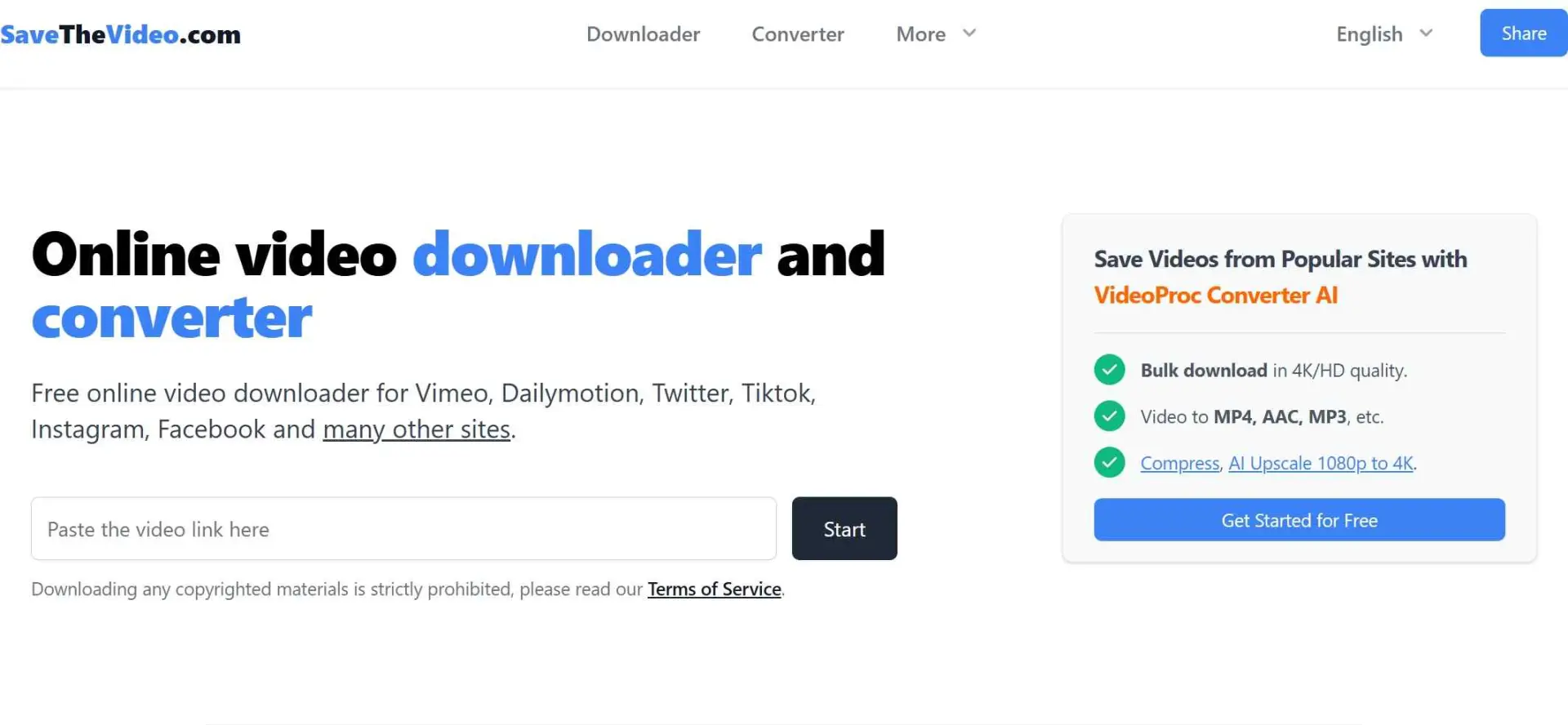
SavetheVideo is a browser-based tool; no install is needed. It supports publicly accessible video from Vimeo, Twitter/X, TikTok, and similar platforms. Paste a URL, choose a format (MP4 or WEBM), and download. HD output is gated behind a paid plan, and it does not work with DRM-protected services like Netflix, Disney+, or Amazon Prime Video.
- Zero install
- Subtitle download available on supported sites
- Works from any modern browser
- HD requires subscription
- Limited site list
- Will not work on streaming services
Free Online Movie Downloaders: No Software Install Needed
Browser-based tools are the fastest way to grab a publicly accessible clip without installing anything. None of them work with DRM-protected streaming services; that workflow needs a desktop tool.
- SavetheVideo (reviewed above): paste URL, pick format, and download. HD requires a paid plan.
- OmniSave / videodownloader.site: browser-based, supports YouTube, Vimeo, TikTok, and Twitter/X Caps at 1080p on most sources; no streaming service support.
- Y2Mate-style web tools: several similar services exist for YouTube and social clips. Vet the URL carefully; this category attracts a lot of typo-squat clones with adware. Stick to a tool with a clear vendor page and a real changelog.

- The honest read: browser tools are convenient for a one-off clip, but they cannot replace a desktop tool for streaming-service content, and the free-tier quality ceiling shows up fast on a big screen.
Movie Downloader Apps for Android and iOS
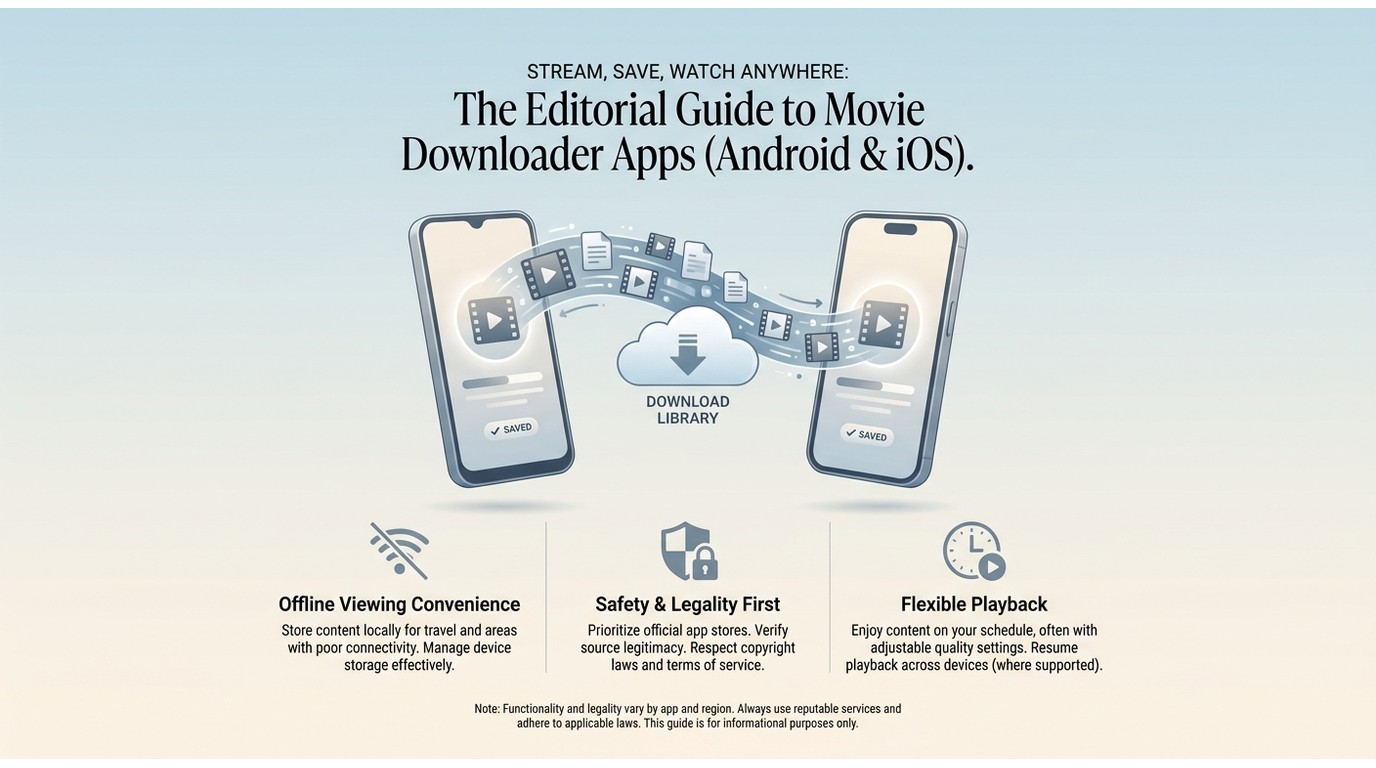
If your goal is offline playback of streaming content on a phone, the official app is both the easiest and the safest path. Direct paths by platform, as of June 2026:
- Netflix, Disney+, Prime Video, Tubi, Hoopla, and Kanopy: each ships an official Android and iOS app with an offline download button on supported titles.
- Publicly accessible video on mobile (YouTube, Vimeo, social): SavetheVideo and similar browser tools work in Chrome or Safari on a phone; no installation is needed.
- KeepStreams, YTD, and ClipGrab are Windows and Mac desktop applications. They do not run natively on Android or iOS. A common workflow is to save on the desktop and transfer the MP4 to a phone over USB or local network.
- I avoid recommending sideloaded APKs for streaming service content. They are a malware magnet, and they sit well outside platform terms.
Comparison Table: All 5 Desktop Tools at a Glance
This is a comparison table of all 5 desktop tools for you to have a glance at:
| Tool | StreamFab | KeepStreams | YTD Downloader | ClipGrab | SavetheVideo |
|---|---|---|---|---|---|
| Supported sites | 1,000+ (Netflix, Prime, YouTube, etc.) | Wide range (verify at keepstreams.com) | ~50 (YouTube, social; no Netflix) | YouTube, Vimeo, Dailymotion | Vimeo, Twitter/X, TikTok |
| Max quality | HD on supported titles; higher on select sites | 1080p confirmed; higher per-site | HD (lower bitrate) | 1080p | HD requires paid plan |
| Streaming service support (Netflix, Disney+, Prime) | Yes, on supported sites | Yes, on supported sites | No | No | No |
| Subtitle support | Yes (embedded or separate) | Yes (SRT or embedded) | No | No | Yes, on supported sites |
| Multi-track audio | AAC 2.0, EAC3 5.1 where source ships it | Multiple languages | No | No | No |
| Output formats | MP4, MKV | MP4, MKV | MP3, MP4 | MP4, MP3, OGG | MP4, WEBM |
| OS | Windows, macOS | Windows, macOS | Windows, macOS | Windows, macOS, Linux | Browser-based |
| Mobile app (Android / iOS) | Android | No | No | No | Works in mobile browser |
| Pricing | Paid; free trial | Paid; per-platform SKUs | Free tier + paid | Free, open source | Free; paid HD |
| Speed | High | Moderate | Moderate | Slow | Moderate |
As of June 2026, features and pricing may change. Check each tool's official site for the latest.

How to Download a Movie Using StreamFab: Step-by-Step
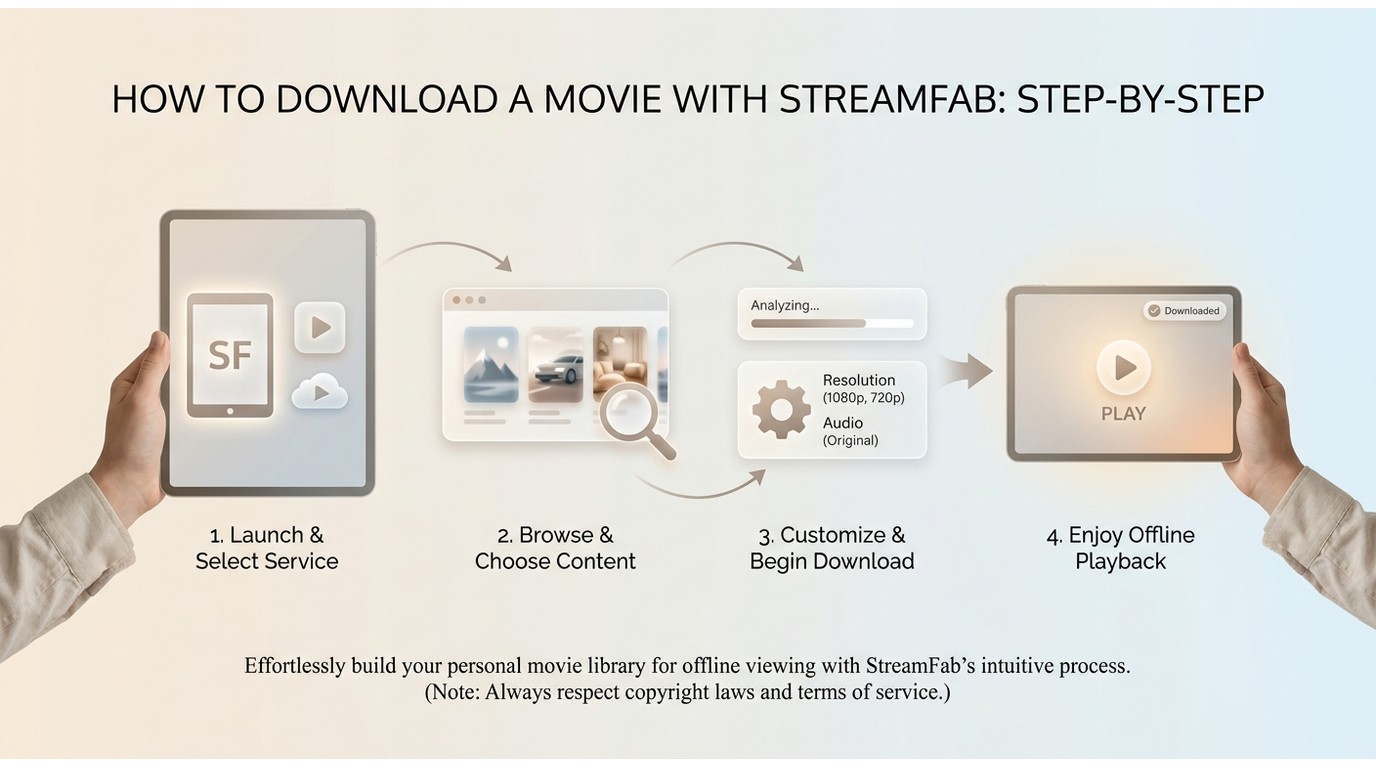
Prerequisites: Windows 10/11 or macOS; an active account on the target streaming platform; sufficient local storage (a 1080p film typically runs 2-4 GB).
Open the built-in browser
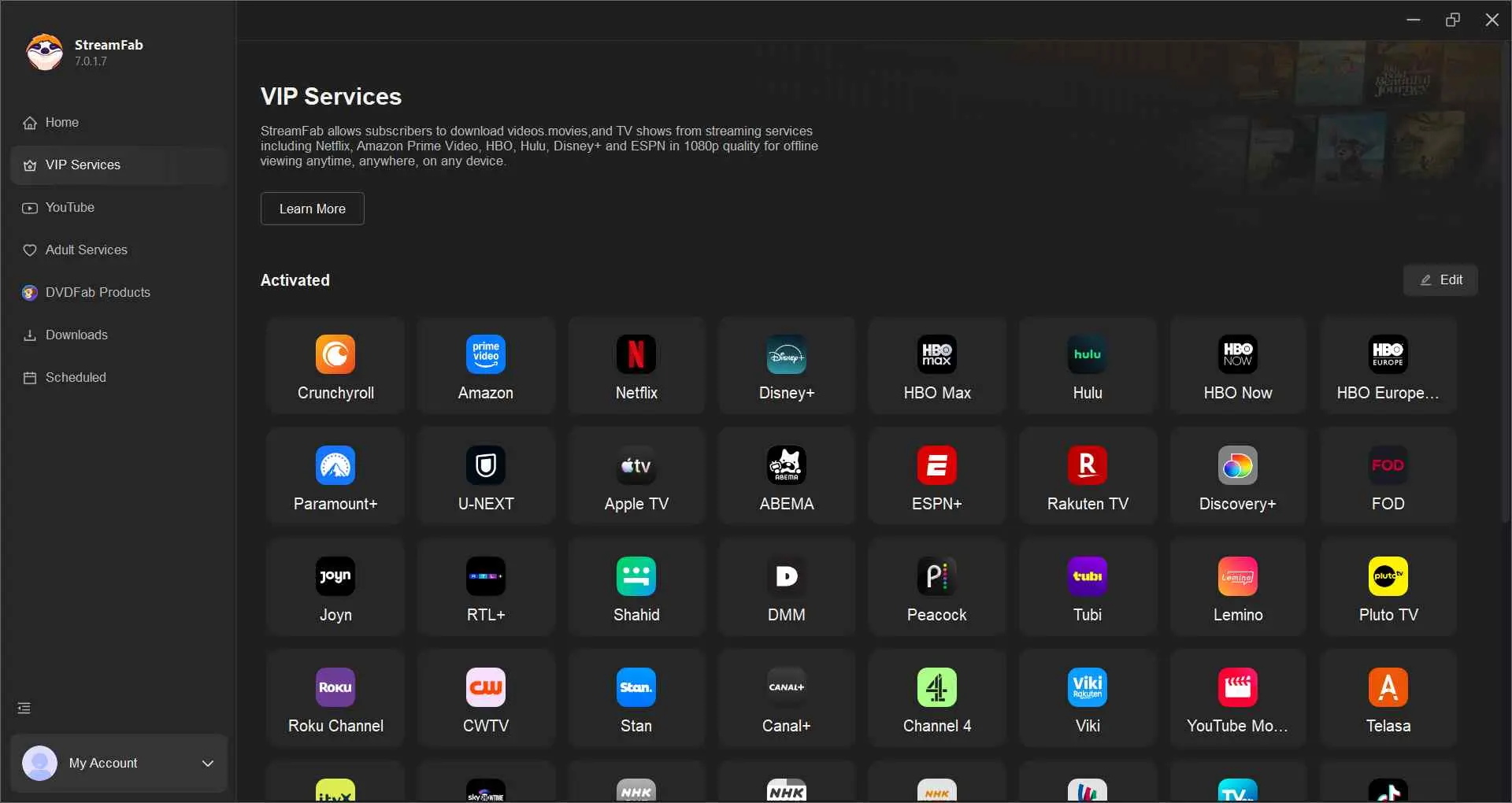
Launch StreamFab, pick the matching service module from the sidebar, and navigate to a supported streaming site where you have an active subscription. Sign in with your own credentials. Start playback on the page. StreamFab detects the stream and surfaces a save prompt.
Pick quality and format
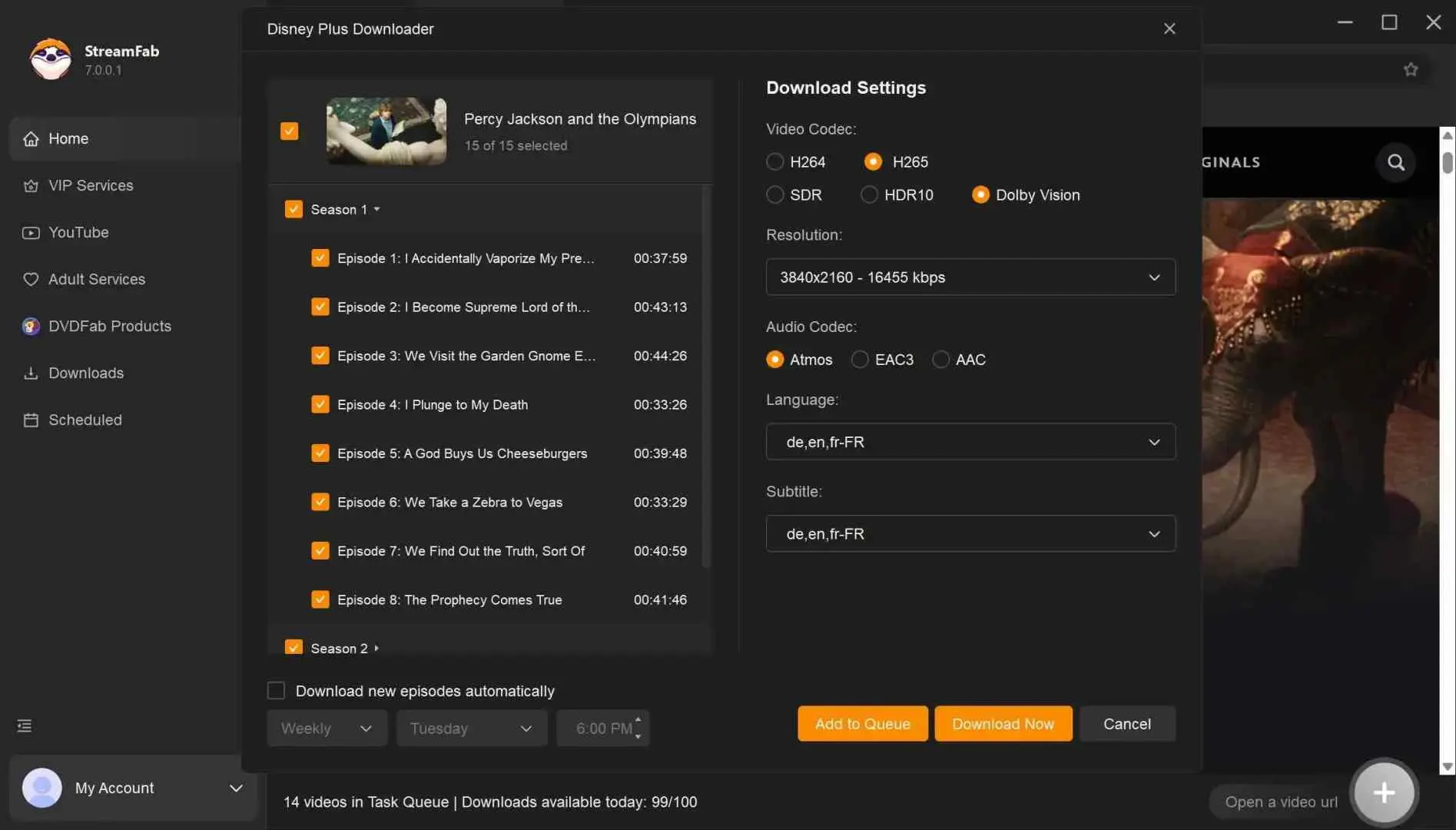
Select your resolution (1080p on most streaming sources) and output container (MP4 for maximum device compatibility, MKV if you want all audio and subtitle tracks in one file).
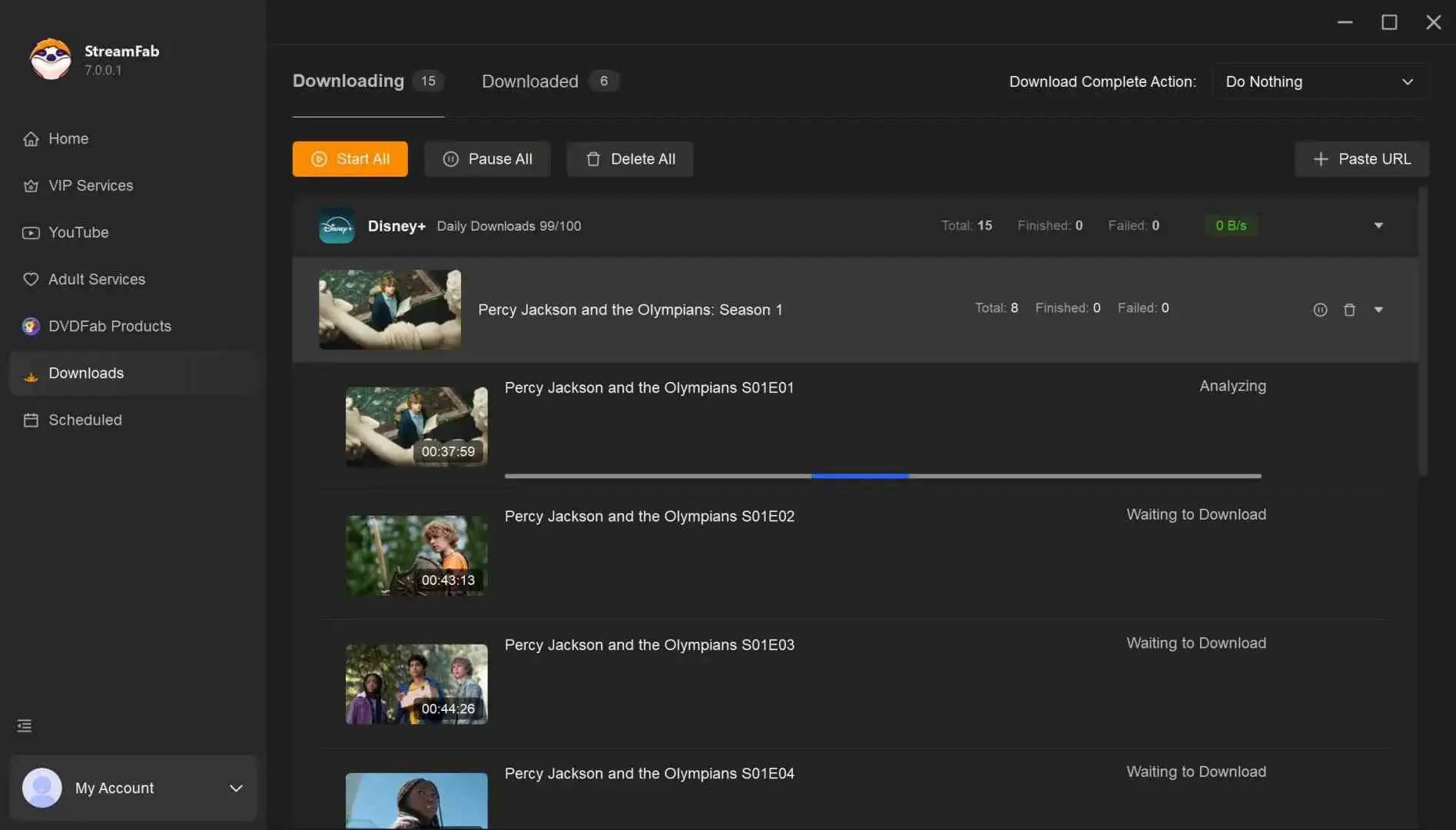
Wait for the file
On a 100 Mbps connection saving a roughly 45-minute episode, the file landed in my output folder in about 6 minutes. Open the folder, the MP4 plays in QuickTime, VLC, or any standard player.

FAQs
It depends on the source. Official app downloads (Netflix, Tubi, Hoopla) are fully compliant with each service's terms. Public-domain works from the Internet Archive are legal because they are no longer under copyright. Third-party desktop tools sit in a personal-use zone whose acceptability depends on the platform's terms of service and your local law. Never save content you have not paid for or that the platform has not authorised.
As of June 2026, Netflix supports offline downloads on Standard and Premium plans (the ad-supported plan has restrictions; see netflix.com/help). Disney+ supports downloads on mobile and tablet only; there is no desktop app workflow. Amazon Prime Video supports mobile and Fire tablets. Tubi, Hoopla, and Kanopy each have a free mobile app with offline borrowing. Verify current limits on each platform's help page before relying on these details.
Yes. SavetheVideo and OmniSave let you paste a URL and download in any modern browser, no install needed. The trade-offs: HD is often gated behind a paid plan, output is typically capped at 1080p, and none of them work on DRM-protected streaming services like Netflix or Disney+. They are best for one-off clips from public platforms.
For licensed streaming content, the official app is almost always the answer. Open Netflix, Prime Video, Disney+, Tubi, Hoopla, or Kanopy on your phone and tap the download icon on a supported title. For publicly accessible video, browser-based tools like SavetheVideo work in mobile Chrome or Safari. StreamFab, KeepStreams, YTD, and ClipGrab are desktop-only; they do not run natively on Android or iOS.
Reputable paid tools sign their installers and publish update changelogs, which significantly lowers malware risk compared to random free-site downloads. The four-step safety check applies regardless: download only from the official vendor domain, verify the installer signature, keep antivirus active during install, and avoid any tool that promises free access to paid-subscription content. The marketing tells you what the malware delivers.
Streaming platforms periodically push DRM updates that can briefly interrupt third-party tool compatibility on the affected site. StreamFab typically releases a patch within one to two days; the release notes page on streamfab.com tracks the current status. This is a real trade-off of using any desktop tool for streaming-service content; official apps are not affected by this category of disruption.
Update Log
-
June 2026:
- Refreshed all year references to 2026
- Reordered tools so StreamFab leads
- Added Official Platform Offline Downloads, How to Choose, Browser-Based, Mobile, and Step-by-Step sections
- Expanded FAQ from 2 to 6 questions
- Corrected the ClipGrab Mac-only mischaracterisation and the YTD "online" mischaracterisation
- Added an as-of caveat to all third-party platform claims
Conclusion
The decision framework is simple: use the official app first; reach for a desktop tool like StreamFab when official downloads don't cover your case on Windows or Mac; and use a browser-based tool for quick public clips. If you need a desktop tool for streaming-service content, StreamFab's free trial lets you test the workflow on your own subscription before committing; download it at streamfab.com.
The market keeps moving, services tweak their plans, and the legal landscape isn't static either. Prepare your watchlist before the next long flight using options the platforms themselves allow, instead of scrambling at the gate.