- Best FlixiCam Alternatives in 2026: Quick Verdict
- FlixiCam Features and Limits to Consider
- FlixiCam vs Top Alternatives: Side-by-Side Comparison
- 5 FlixiCam Alternatives for Different Workflows
- Is FlixiCam Safe and Legal to Use in 2026?
- Choosing the Right FlixiCam Alternative for You
- FAQ
- Choose a FlixiCam Alternative That Fits Your Workflow
FlixiCam is desktop software for saving streaming videos, but a replacement should solve your offline-viewing problem. I recommend official Netflix downloads for a simple mobile trip; FlixiCam alternatives such as StreamFab suit a desktop file queue, while FlixiCam StreamOne serves multiple services.
Table of contents
Best FlixiCam Alternatives in 2026: Quick Verdict
FlixiCam Netflix Downloader is the Netflix-specific product for Windows and Mac, with MP4 and MKV output. FlixiCam StreamOne is the broader suite for multiple services and offers the same file formats.
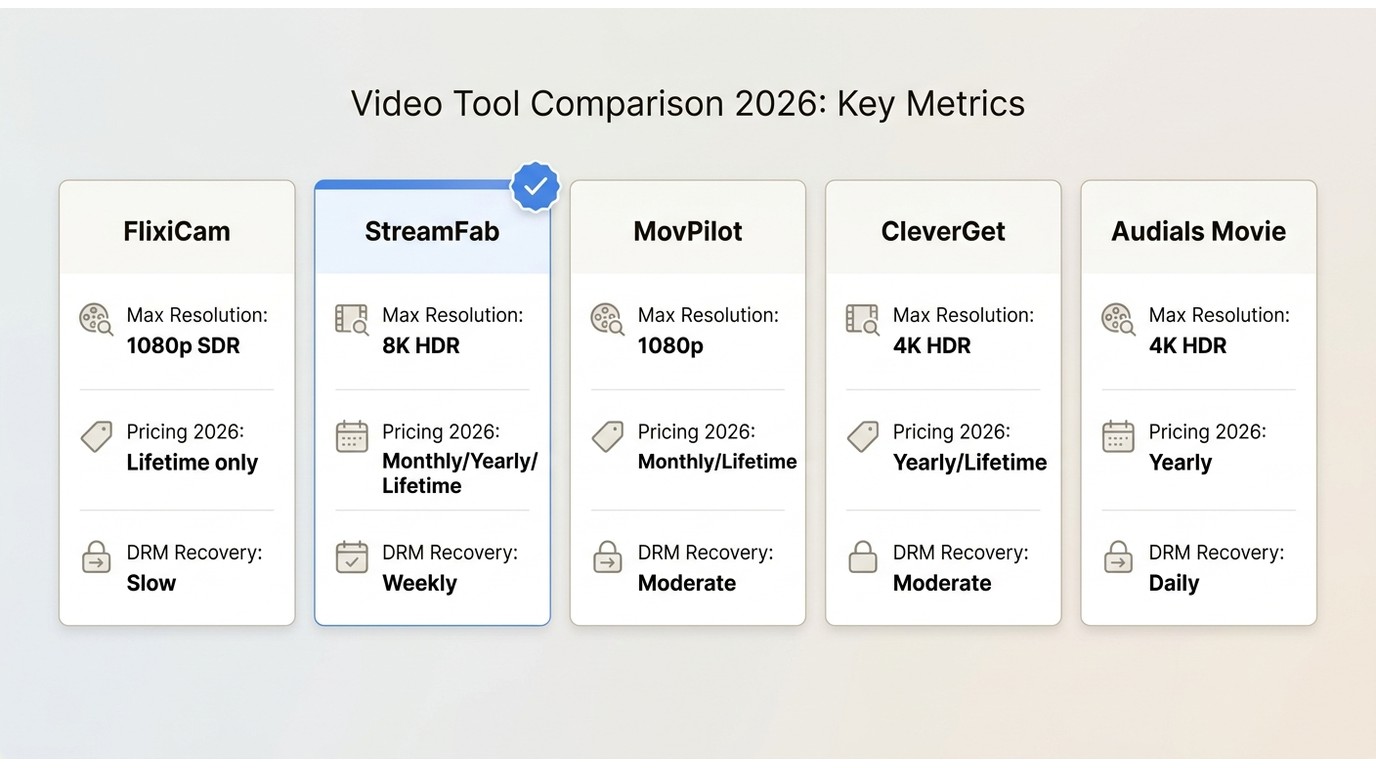
For a desktop replacement, StreamFab fits a planned viewing queue; CleverGet offers downloading and recording options, and MovPilot separates service modules from its suite. Audials One and PlayOn suit playback-recording workflows. These are third-party options relative to Netflix’s official downloads, for personal offline viewing where platform terms and applicable law permit.
FlixiCam Features and Limits to Consider
FlixiCam’s Netflix resolution limit is separate from its audio support. Netflix Downloader and StreamOne also differ in service coverage and licensing. Those distinctions matter more than a generic maximum-resolution label.
A useful FlixiCam review separates the Netflix-only product from StreamOne before weighing a switch. If your existing license already covers the service and files you need, keeping it is a reasonable choice.
FlixiCam Quality: Netflix Resolution and Dolby Atmos
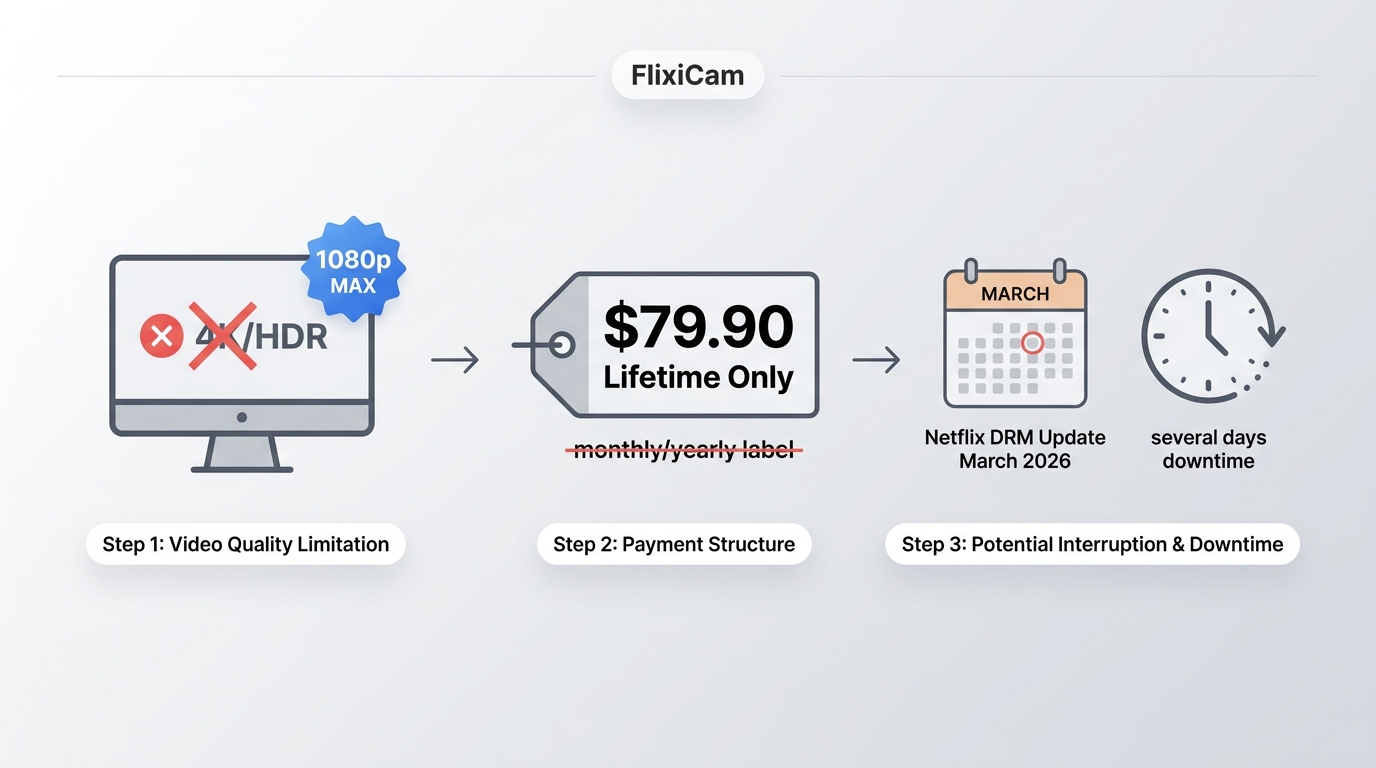
FlixiCam Netflix Downloader advertises video up to 1080p, Dolby Atmos, Dolby 5.1, and audio up to 768 kbps. Audio support is not a 4K claim. A premium subscription does not turn its Netflix output into 4K.
StreamOne advertises more than 1,000 sites, YouTube video up to 8K, and generally up to 1080p for major streaming services. Its advertised download ceiling is 10X. The YouTube figure does not describe Netflix output, and the speed figure is a vendor claim.
FlixiCam Lifetime Offers and License Scope
The US lifetime offers are $79.90 for Netflix Downloader and $149.90 for StreamOne, as of October 2026. Each covers one Windows PC or one Mac. Windows and Mac licenses are separate purchases, so a FlixiCam license key needs to match the product and operating system you use.
FlixiCam Updates and Download Compatibility
FlixiCam Netflix Downloader for Windows v4.1.0 and StreamOne for Windows v2.1.0 were released on September 3, 2026. Keep the installed app updated. Service changes affect compatibility, so use the practical recovery steps in the FAQ if a download fails.
- Built-in browser for finding streaming titles
- Separate video, audio, and subtitle selections
- A Netflix-only license does not include StreamOne’s broader service coverage

The download panel separates video, audio, and subtitle settings. Choose the tracks you want before starting the job.

FlixiCam vs Top Alternatives: Side-by-Side Comparison
A FlixiCam StreamOne alternative needs to cover your services, rather than simply replace the Netflix-only app. The narrower FlixiCam vs StreamFab choice concerns which desktop workflow fits the titles you plan to save.
FlixiCam’s workflow starts with signing in to Netflix in its built-in browser and finding a title. CleverGet lets you choose between downloading modules and a recorder; MovPilot offers individual service modules alongside All-in-One. Audials and PlayOn organize the job around playback recording.
5 FlixiCam Alternatives for Different Workflows
These five alternatives address different desktop and recording needs. Keep the service module, output settings, and destination device aligned. The profiles below explain the practical trade-offs without treating advertised speed multipliers as a race.
StreamFab: MP4/MKV Files and Scheduled Downloads
- • Best for: Preparing several episodes for a trip on your computer.
- • My take: Queue management is a practical reason to switch when selecting each episode has become a chore.
StreamFab All-In-One is a Windows and Mac application that saves MP4 or MKV files; its Netflix module supports up to 1080p, including HDR10 or Dolby Vision and EAC3 5.1 or Dolby Atmos on eligible titles. Its up-to-8K suite ceiling applies to supported services, not Netflix.

Supports over 1,000 websites for saving streaming videos with StreamFab All-In-One.
The useful difference is how you organize the next viewing session. Set the available audio and subtitle options before leaving the computer to handle the queue.
- Select a title available through your authorized streaming account.
- Choose MP4 or MKV, then the available video quality, preferred-language audio, and subtitles.
- Add the episodes to a batch, or schedule supported episode tracking.
CleverGet: Downloading and Recording Options
- • Best for: Choosing a dedicated downloading module for the service you use.
- • Workflow choice: Use the separate recorder when playback capture fits the job.
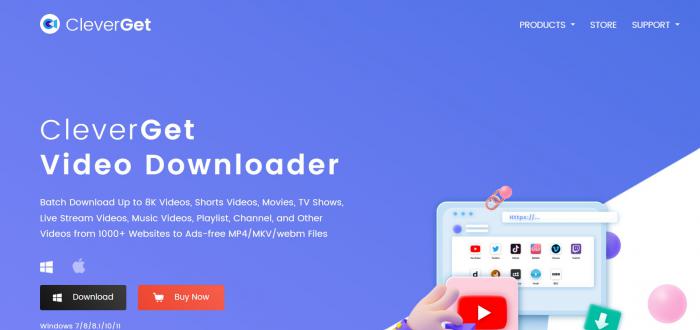
CleverGet advertises more than 60 dedicated modules and 1,000 sites, with downloads up to 8K on supported sites. Its separate recorder is advertised up to 4K and 5X. Those are different paths. A suite-wide ceiling does not specify Netflix quality.
MovPilot: Netflix and All-in-One Options
- • Best for: Buying the service module that matches the account you use.
- • Suite choice: Choose All-in-One when you need several supported services.
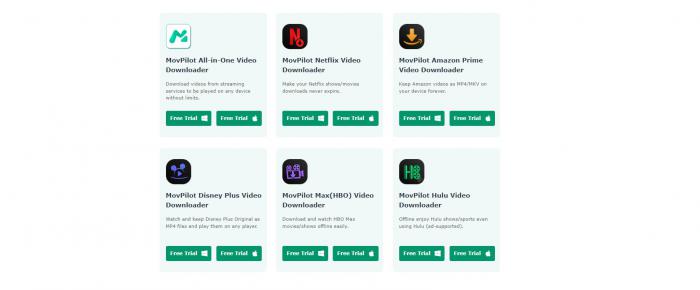
MovPilot offers Netflix Downloader separately from its All-in-One suite. Its catalog extends beyond Netflix, Hulu, Disney+, Amazon Prime Video, and HBO Max to Paramount+, Apple TV+, YouTube, and social tools. It advertises up to 5X batch downloading, not a measured cross-brand speed advantage.
A MovPilot alternative makes sense when the service module you need is outside your chosen package. Match the package to your accounts before choosing a suite.
Audials One: A Recording Workflow
- • Best for: Managing a playback-recording session on your computer.
- • Quality distinction: AI enlargement is different from native video detail.
Audials offers One and One Pro. Its Netflix guide describes 1080p recording and AI upscaling to 4K. Upscaling enlarges the output dimensions; it does not make the original Netflix recording native 4K.
Audials and the PlayOn options below capture playback rather than decrypt DRM. Choose Audials when you want to manage a recording session and its resulting media files.

PlayOn Home and Cloud: Two Recording Setups
- • Best for: Keeping the recording process on a Windows PC with Home.
- • Cloud choice: Use Cloud for server-side recording with recording credits.
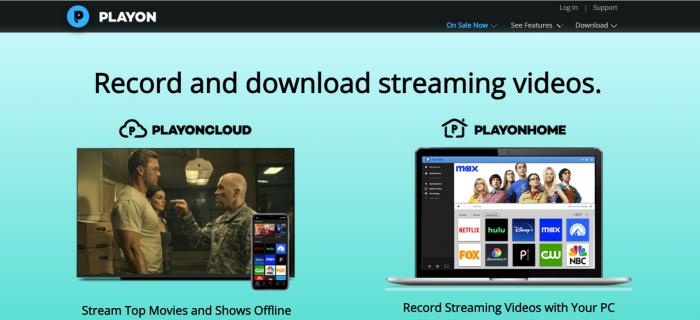
PlayOn advertises Full HD 1080p recordings and separate Home and Cloud plans. Home records on Windows; Cloud records remotely and uses recording credits. Select the setup you want before choosing recording settings. Choose recording quality within your selected Home or Cloud plan.
Is FlixiCam Safe and Legal to Use in 2026?
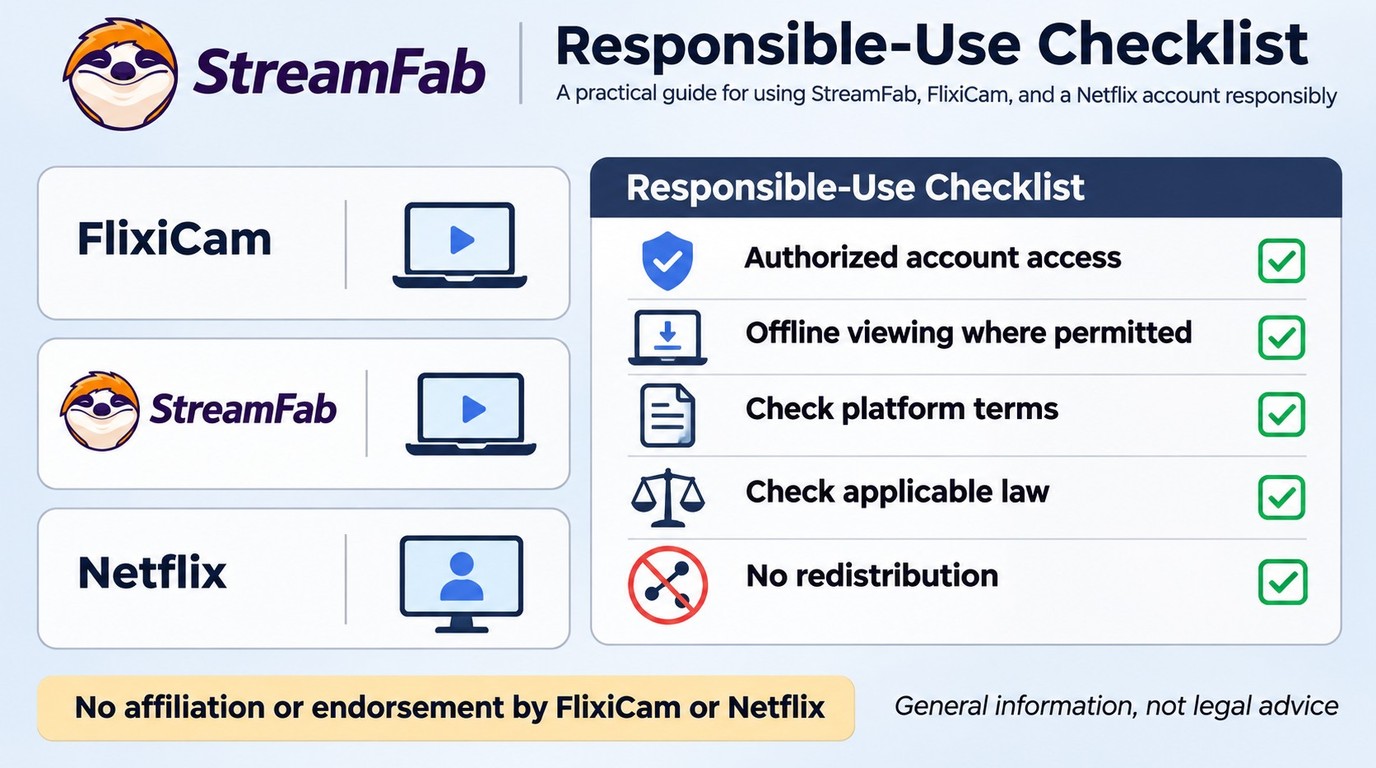
For anyone asking how to use StreamFab safely or considering FlixiCam, the boundaries are the same: maintain authorized account access, save authorized content only, avoid redistribution, follow applicable law and platform terms, and account for the requirements of your particular use case.
FlixiCam’s reputation includes individual experiences from different years. They are useful context, not a prediction for your next download.
- One StreamOne user described a favorable Windows and Mac experience (Reddit, 2025).
- The same user reported a quick, personal support reply in that thread (Reddit, 2025).
- Another commenter described lengthy processing or transcoding (Reddit, 2025).
- A user reported pixelation and distortion; their explanation of the recording mechanism was speculation (Reddit, 2022).
A FlixiCam review helps put the product’s output settings and license scope alongside those historical experiences. I would choose on the workflow you need today, rather than turn one support reply or an older image-quality complaint into a verdict on every release.
Choosing the Right FlixiCam Alternative for You
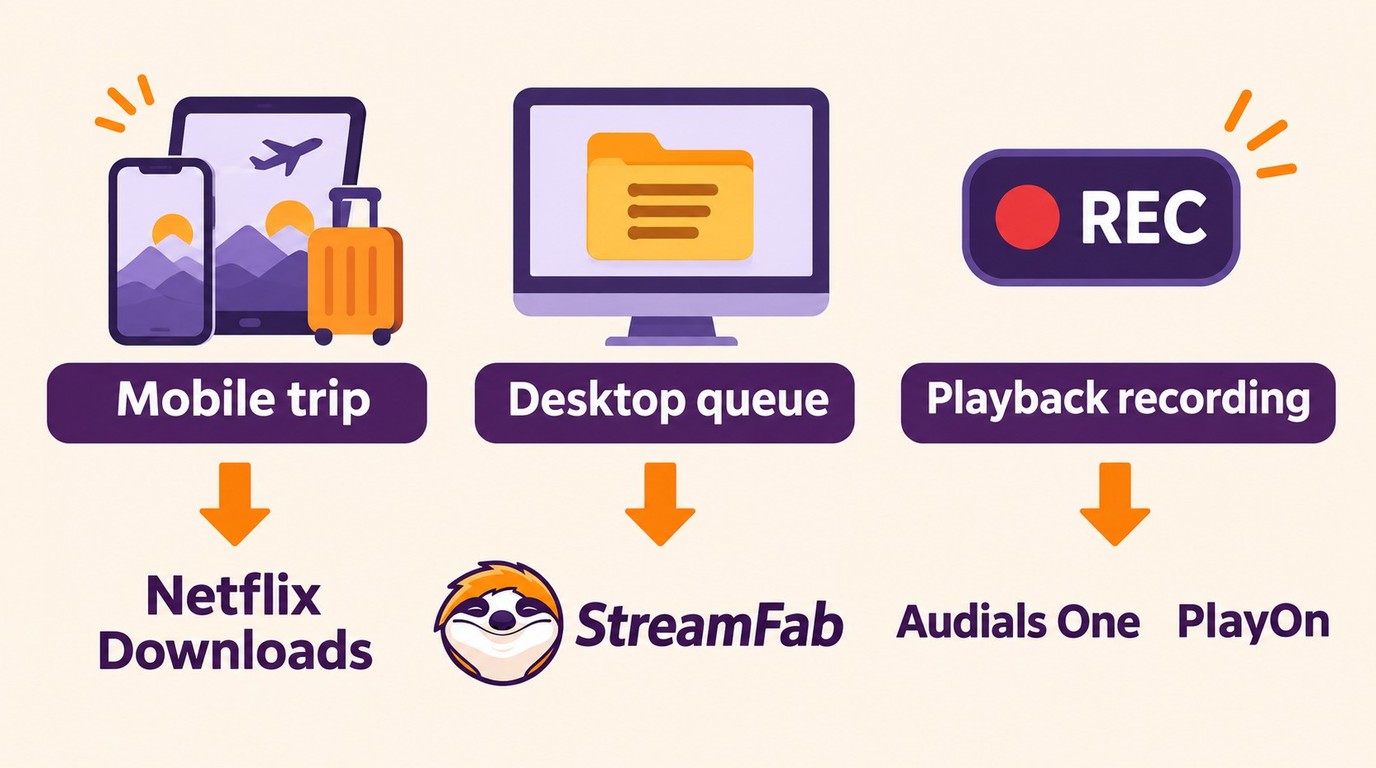
Official Netflix downloads suit a simple mobile trip: supported phones, tablets, and Chromebooks play expiring downloads inside Netflix’s app. Windows and Mac lack that official download path. StreamFab serves the desktop workflow described above.
- Device playback: MP4 is a practical starting point for playback compatibility. Match the video and audio codecs to the player on your destination device.
- Several tracks: MKV holds multiple audio and subtitle tracks. Select the available language you want before departure.
- Subtitle behavior: Internal subtitles are selectable tracks; an external SRT is a separate file. Hardcoded captions are part of the picture and cannot be switched off.
The distinction between direct download and re-encoding matters because saving a supplied file and capturing playback involve different processing steps; the resulting file extension alone does not identify the workflow.
FAQ
Choose a FlixiCam Alternative That Fits Your Workflow
I would keep FlixiCam if its current service coverage and output already fit your viewing plans. Choose StreamFab for the desktop queue described above, or a recording workflow when that is how you prefer to prepare your videos. For a simple phone or tablet trip, use the official app.
The official installer is available below.
Free Download macOS 12.0 or newer