If your MovPilot queue stalls or its offline playback no longer fits your needs, a MovPilot alternative can give you a better route to offline viewing. Start by matching the service and device, then choose between portable files, screen recording, or official app downloads before comparing trials and plans.
MovPilot Not Working? Why Users Switch in 2026
MovPilot remains active and provides troubleshooting guidance. Individual reports describe both successful use and stalled downloads; the retrieved 21% stall report dates to October 2025. On Trustpilot, two October 2026 reports describe a good product, responsive service, and quick replies, while two June 2026 reports describe stalled jobs and slow support.
- Update MovPilot. Install the current version from the official MovPilot download page before retrying the job.
- Sign in again. Reopen the supported service inside MovPilot and confirm that your subscription account is active.
- Retry the same title. This helps determine whether the problem affects one job or the broader service workflow.
- Contact MovPilot Support. If the same title still stalls, send the job details through the official support destination.
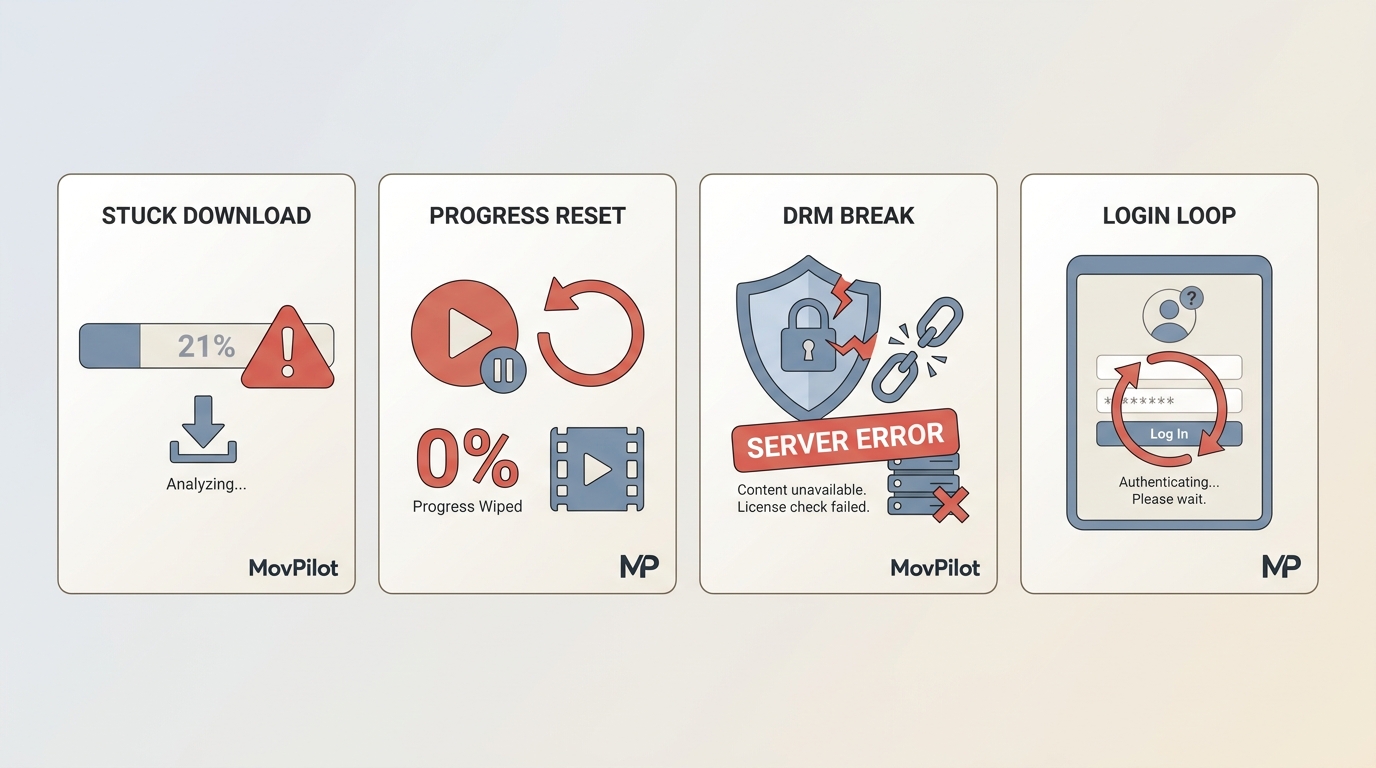
If the same title still fails after these checks, comparing tools may be faster than repeatedly restarting the job. If you are looking for a MovPilot alternative, the four active options below cover local-file downloads and screen recording for different services, devices, and offline viewing needs.
Quick Verdict: Best MovPilot Alternative at a Glance
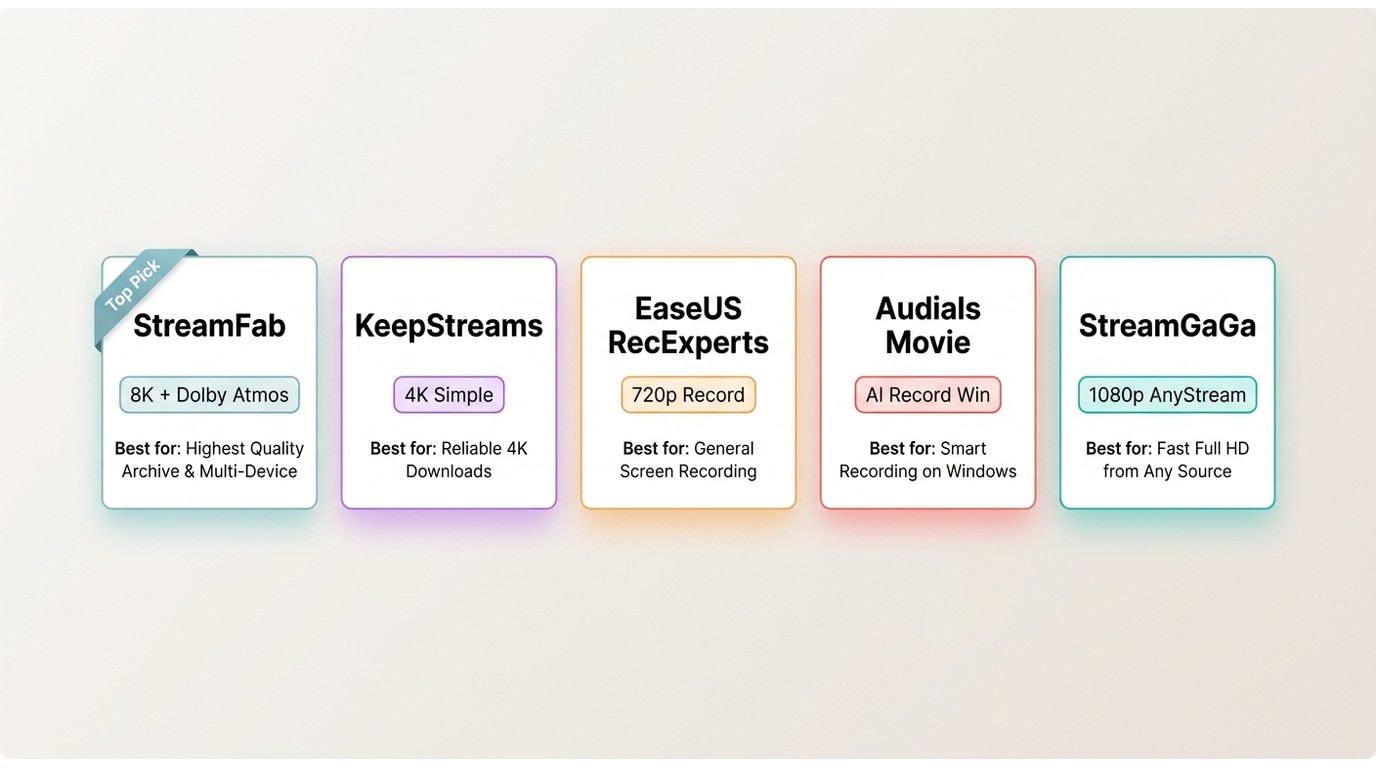
If you only want the short version of this guide, this is it. There is no universal winner: the right MovPilot alternative depends on whether you need portable files or a recording, which service you use, and whether you are on Windows or Mac. The product details below are current as of October 2026.
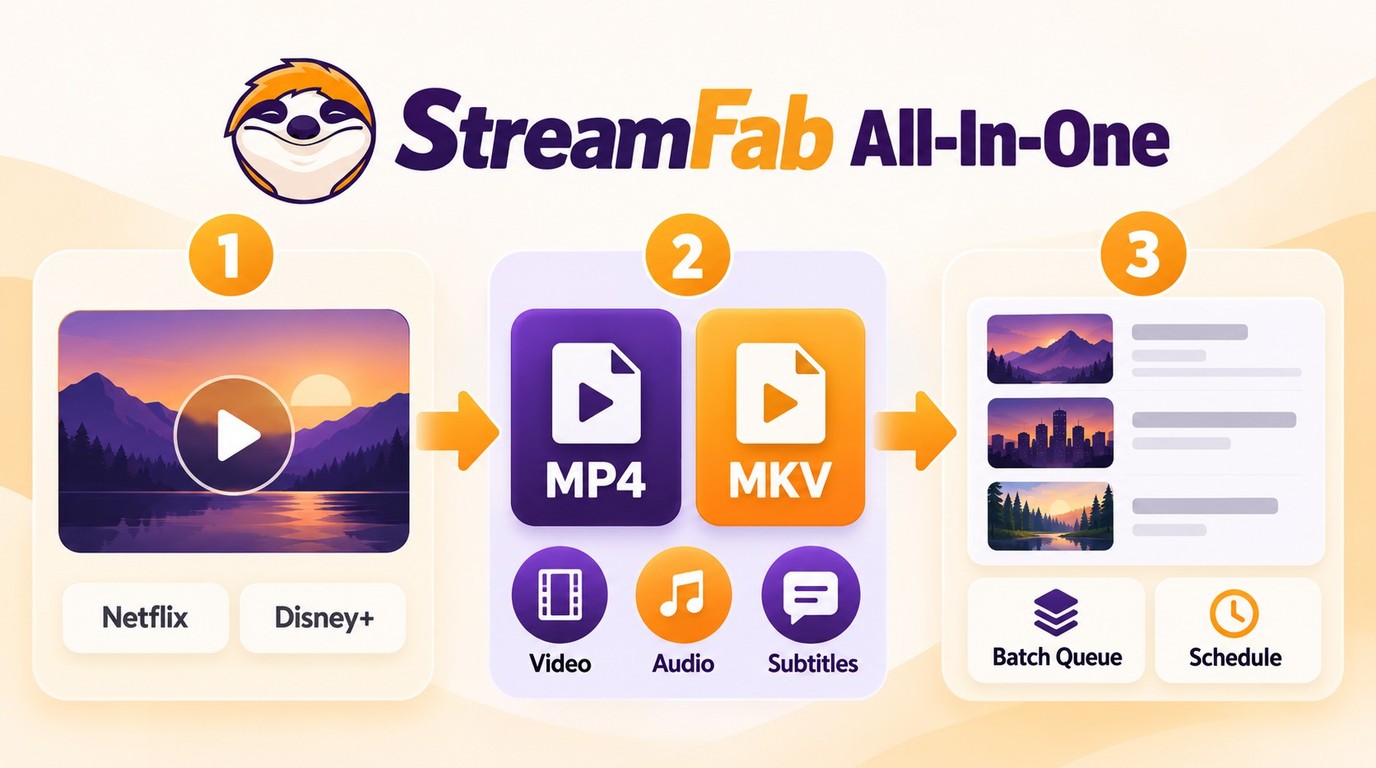
- StreamFab All-In-One: Suits Windows and Mac users who want to organize authorized titles from multiple services as MP4 or MKV files with queued or scheduled saving.
- KeepStreams: Suits users who prefer a simple 4K-capable workflow; the manufacturer advertises 3,000+ sites and Dolby Atmos for U-NEXT.
- EaseUS RecExperts: Suits users who need on-screen recording, with general 4K recording capability and separate 4K/8K enhancement features.
- StreamGaGa: Suits users looking for MP4 or MKV output across a manufacturer-advertised 1,500+ streaming services, with 1080p and 4K availability.
- The former Audials Movie entry
Top 4 MovPilot Alternatives Reviewed for 2026
For personal offline viewing of content you're authorized to access, where permitted by platform terms and applicable law, here is how the four active recommendations compare in depth. I've grouped the review by real-world jobs so you can weigh them against how you actually watch instead of parsing a feature dump.
StreamFab All-In-One: 8K, Dolby Atmos, 1000+ Sites
The review of StreamFab details its Windows and Mac workflow for organizing authorized streaming titles as local files. StreamFab All-In-One supports lawfully accessible titles from 1000+ streaming sites and can save eligible videos in MP4 or MKV for smooth device playback, with available quality determined by the service, title, and plan. I'd consider it when one local-file workflow needs to cover several subscriptions rather than a single service.
- Video ceiling: up to 8K, HDR10, and Dolby Vision on eligible titles, depending on the source service, title, and plan.
- Audio: Dolby Atmos plus EAC3 5.1 and AAC 2.0 where the source service and title provide those options.
- Automation: schedules new episodes of downloaded series automatically.
Among the five tools reviewed here, StreamFab is the sole option carrying all three at once.

Organizes authorized videos from multiple services as MP4 or MKV files, with source-qualified video, audio, subtitle, batch, and scheduling options.
Pros
- Downloads from 1000+ sites, from 720p up to 8K where supported
- Selectable codecs including H.264 and H.265
- Saves HDR10 or Dolby Vision titles on eligible services (Netflix, Disney+, and others)
- Subtitles in preferred languages as SRT or muxed into the file
- Schedules automatic saves for the newest episodes of series you follow
- Smoother offline playback with fewer ad interruptions where supported
Cons
- No cloud storage for downloaded episodes
- Fewer configurable output profiles than power users may want

How to use StreamFab All-In-One as a MovPilot alternative:
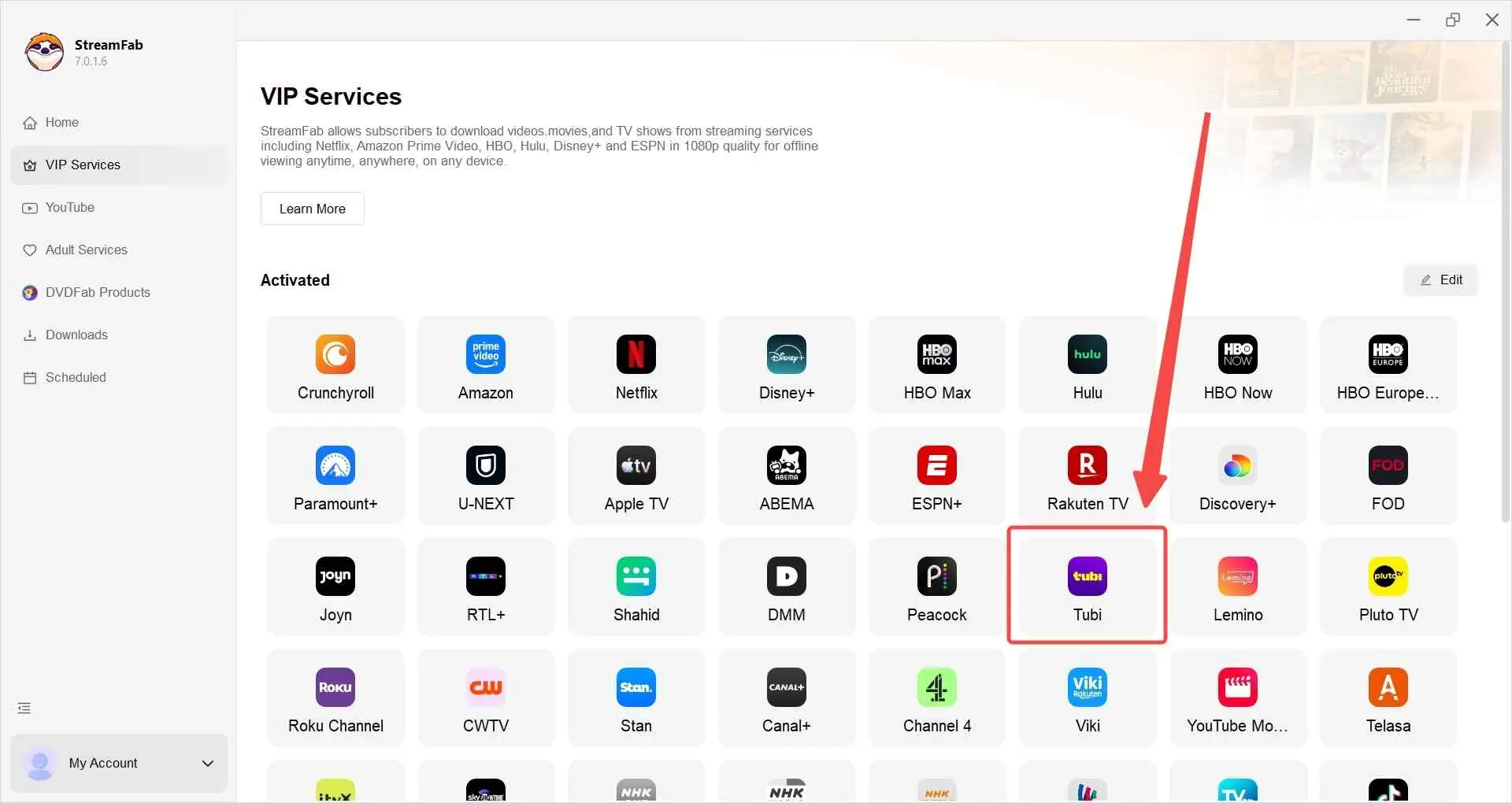
Choose the streaming service and sign in with a valid, active account. Find the title and start playing it.
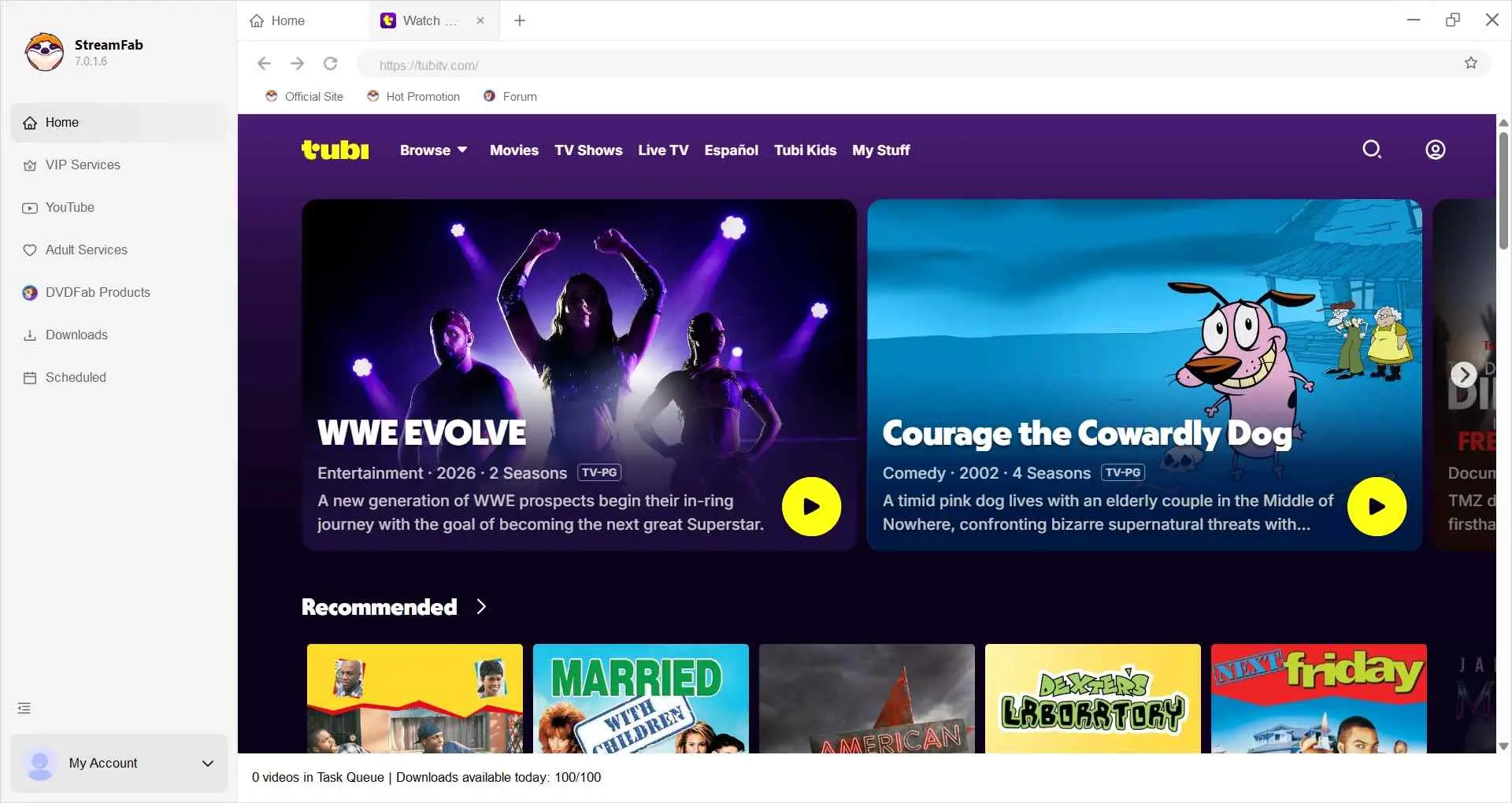
StreamFab analyzes the title. Customize quality, audio track, and subtitle options before saving a local copy.
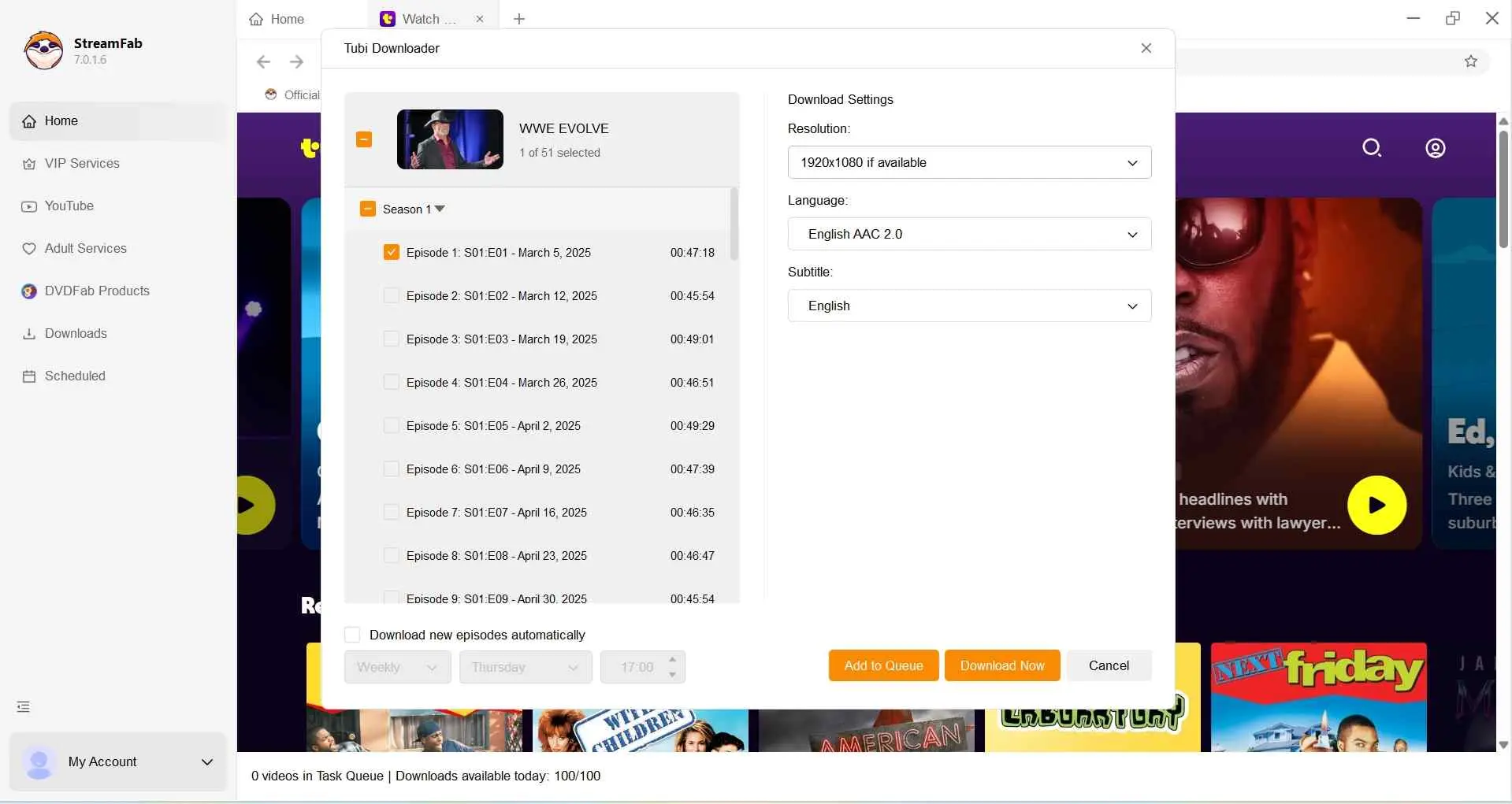
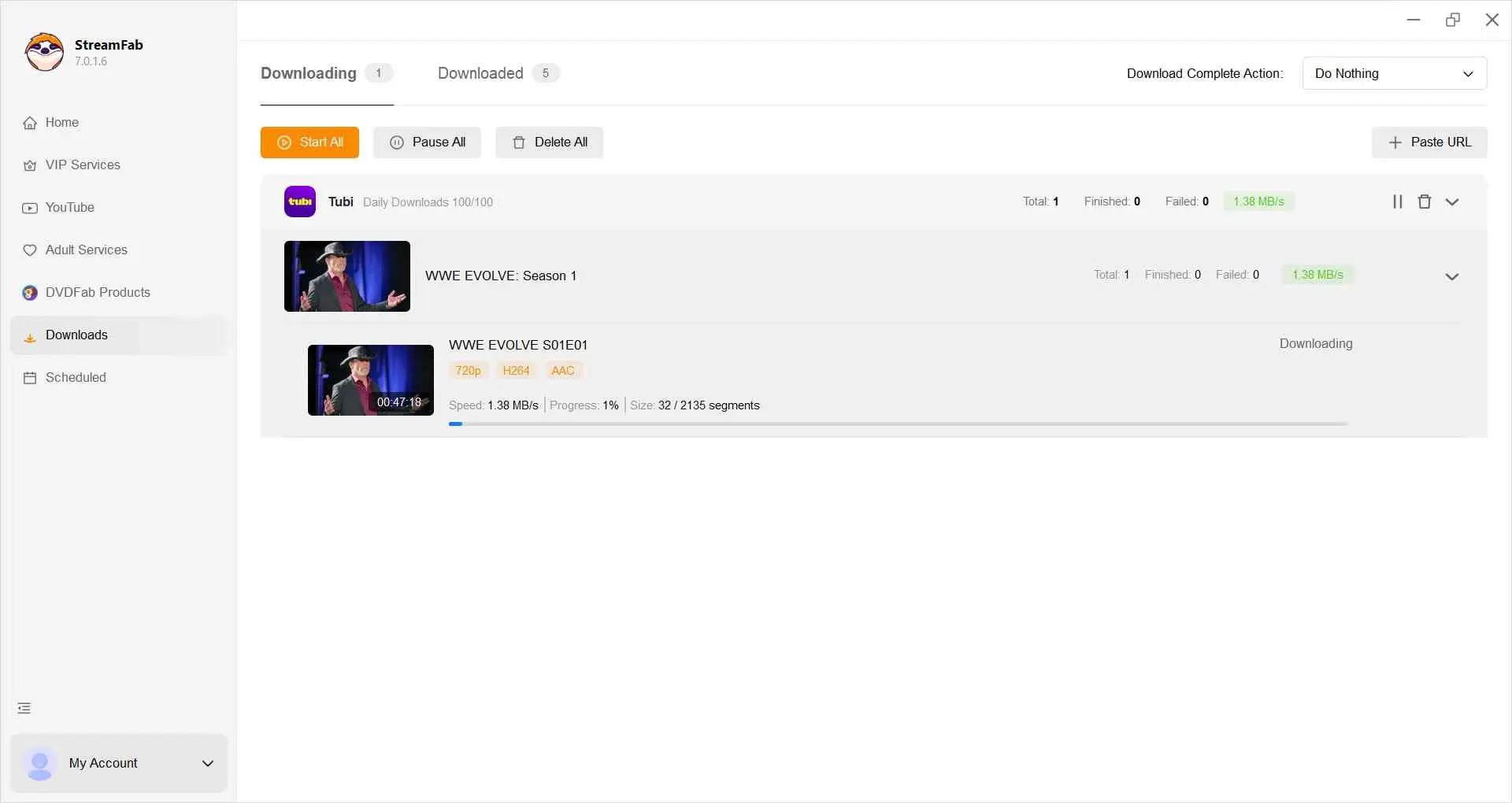
Save the title immediately with "Download Now," or queue it with "Add to Queue" for later.
KeepStreams: 4K Downloads With a Simple UI
- • Suitable for a simple 4K-capable workflow across a manufacturer-advertised 3,000+ sites
- • Audio note: Dolby Atmos is advertised for U-NEXT, so audio availability should be assessed by service and title
If you want a lower-clutter interface and do not need every advanced output control, KeepStreams is another local-file option. It focuses on high-quality offline viewing with fewer interruptions, and its interface makes it easy to find supported titles and save them for playback on other devices in MP4 or MKV.
Pros
- Manufacturer-advertised support for 3,000+ sites
- High-quality, ad-light saves for cleaner visuals
- Extracts subtitles as SRT in multiple languages
- Batch downloading built-in
- GPU acceleration support
Cons
- Saves locally only, no cloud storage
- Free trial capped at three downloads per service
EaseUS RecExperts: Screen Recording for Streaming Playback
- • Best for on-screen recording, with advertised 4K recording options
- • Not ideal for large batch downloads or high-frame-rate movies
EaseUS RecExperts approaches the problem from the other side: instead of downloading, it captures on-screen video from leading sites and advertises 4K recording capability. Its separate 4K and 8K enhancement tools should not be confused with the source capture resolution.
Pros
- No watermarks on recorded videos
- Scheduled recording
- Records from multiple displays
- Optimized on Intel Tiger Lake CPUs
Cons
- Occasional crashes surface across builds
- Struggles to keep pace with frequent platform playback changes
- Recording speed lags on long movies and multi-episode captures
Audials Movie: The Product Line Now Points to Audials One
- Audials Movie is not included among the four active recommendations.
- • Not ideal for macOS users or 4K-and-above ceilings.
The former Audials Movie address now redirects to Audials One, and the current store lists Audials One and One Pro subscriptions.
StreamGaGa: Local-File Downloads on Windows and Mac
- • Best for a familiar local-file workflow for former AnyStream users
- • Keep in mind 1080p or 4K availability depends on the service and title
StreamGaGa advertises support for 1,500+ streaming services, with 1080p and 4K output available for supported services and titles. It covers both Windows and macOS out of the box.

Pros
- Windows and macOS support out of the box
- GPU acceleration for local saves
- Batch downloading of series episodes
- Familiar workflow for former AnyStream users
Cons
- 1080p and 4K availability depends on the service and title
For historical context, the AnyStream alternatives list covers substitutes readers considered after AnyStream became unavailable.
Full Comparison: Features, Quality and Pricing (2026)
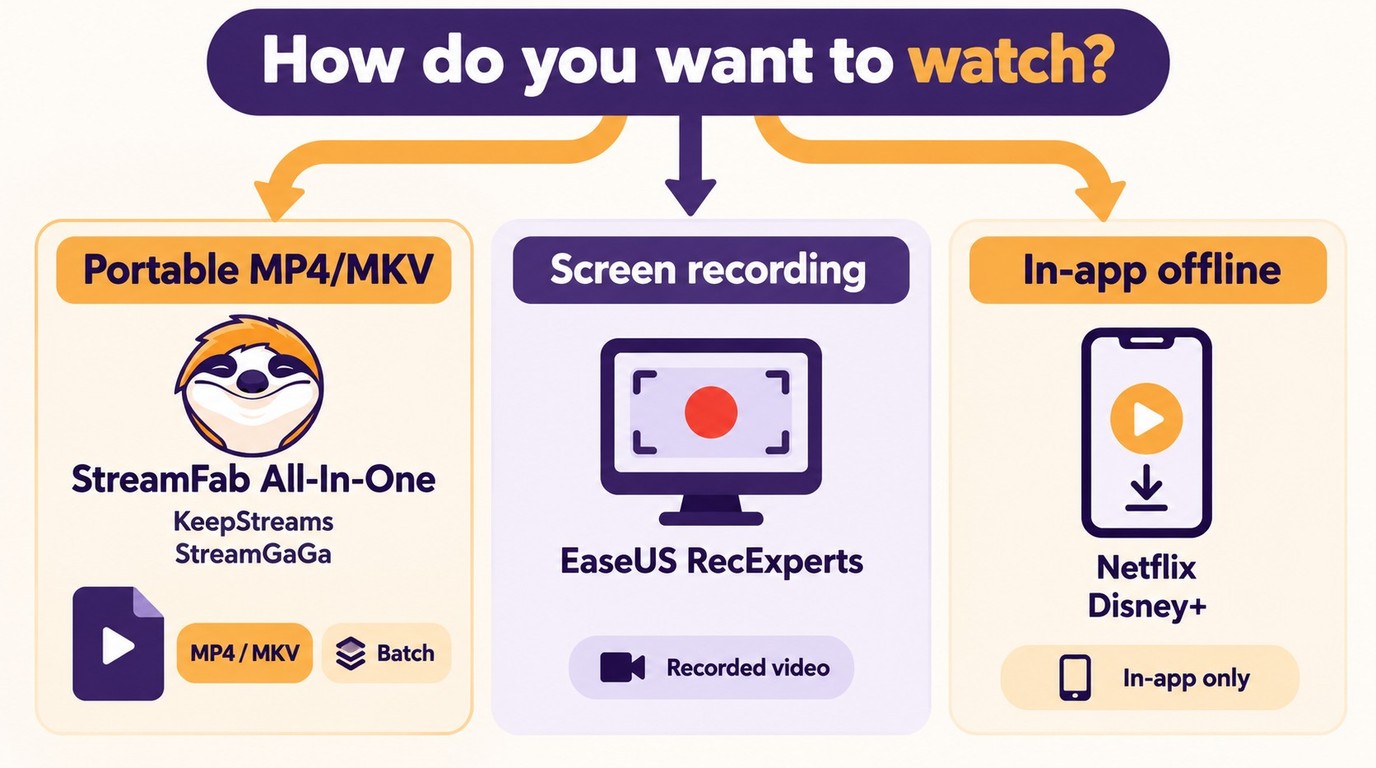
A downloader saves portable local files, while a screen recorder creates a recording of on-screen playback. Official subscription-app downloads are different again: they remain inside the supported app rather than becoming ordinary MP4 or MKV files.
As of October 2026, KeepStreams One for Windows lists $69.99 monthly, $169.99 yearly, and a promotional $269.99 lifetime plan. EaseUS RecExperts lists $19.95 monthly and $119.95 lifetime on its main single-computer cards; the displayed $5.80 per month figure is an annual-plan equivalent, not a monthly-billed plan. MovPilot All-in-One for Windows lists a one-PC plan at $49.95 monthly, $109.95 yearly, and $149.95 perpetual; its monthly and yearly plans auto-renew. For questions about moving a one-PC license, contact the relevant vendor's support team.
| Product | Operating system | Workflow | Output form |
|---|---|---|---|
| StreamFab All-In-One | Windows / Mac | Local-file download | MP4 / MKV files |
| KeepStreams One | Windows / Mac | Local-file download | MP4 / MKV files |
| EaseUS RecExperts | Windows 11/10/8.1/8/7 | Screen recording | Recorded video files |
| StreamGaGa | Windows / Mac | Local-file download | MP4 / MKV files |
FAQ
Conclusion: Which MovPilot Alternative Fits You Best
The right choice depends on whether you need portable local files, a screen recording, or official in-app downloads. MovPilot remains active, so a stalled job does not automatically mean you need to switch; update the app, sign in again, retry the same title, and contact MovPilot support if the problem continues. If you still need a MovPilot alternative, match the tool to your streaming service, operating system, and preferred output format.
My pick for a Windows or Mac workflow that organizes authorized streaming titles as local files is StreamFab All-In-One. It supports MP4 and MKV output, batch queues, and scheduled saving, while available video and audio options depend on the service, title, and subscription plan. If official in-app downloads already meet your offline viewing needs, use that simpler route; for a more focused local-file option, compare KeepStreams and StreamGaGa based on service support and output needs.
Whichever tool you pick, start with the free trial and see how it handles the exact titles you care about before paying. That is the most honest way to tell whether a tool fits your library and your typical viewing setup.