Installing StreamFab gets confusing at the point that should be simple: Windows offers online and offline packages, StreamFab for Mac uses a disk image, and the browser route needs a companion app. The right choice depends on your platform, network, and preferred workflow.

StreamFab is a video download tool developed by DVDFab Software that supports over 60 streaming services, including Netflix, Amazon Prime Video, and Disney+. It's available as a desktop application for Windows and Mac, plus a lightweight browser extension for Chrome and Edge.
This guide walks through StreamFab installation on Windows and macOS, the StreamFab offline installer, browser setup, activation, first-download steps, output choices, and the checks worth making before a reinstall.

Quick Summary: Install StreamFab
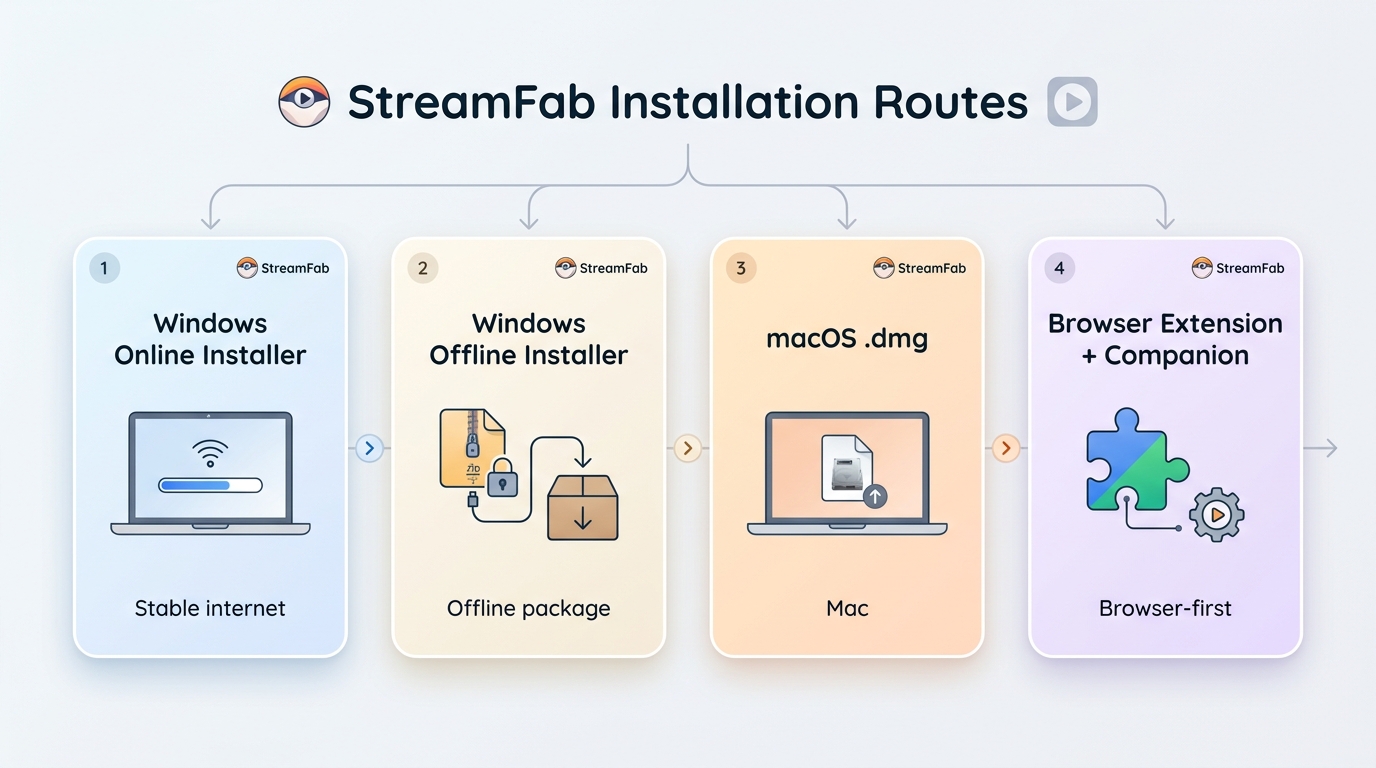
Choose the Windows online installer for stable broadband, the complete offline package for unreliable or restricted networks, the .dmg package for macOS, or the browser-plus-companion workflow for browser-first use.
- Windows online: Small launcher for stable broadband; the Download Center shows the live package size
- Windows offline and macOS: Complete Windows package or macOS .dmg for the target system
- Browser workflow: Extension plus companion app; service and quality support vary by source
- StreamFab free trial: 30 days with up to three trial video downloads per supported service
I use a simple rule: pick the package that removes the weakest point in your setup. That usually means the online installer for a steady connection and the offline installer when a background download is likely to be interrupted.
Download from the official StreamFab source, and save local copies only for content you are authorized to access, where permitted by platform terms and applicable law; the is StreamFab safe to install guide explains how to check the installer context.
System Requirements and Platforms
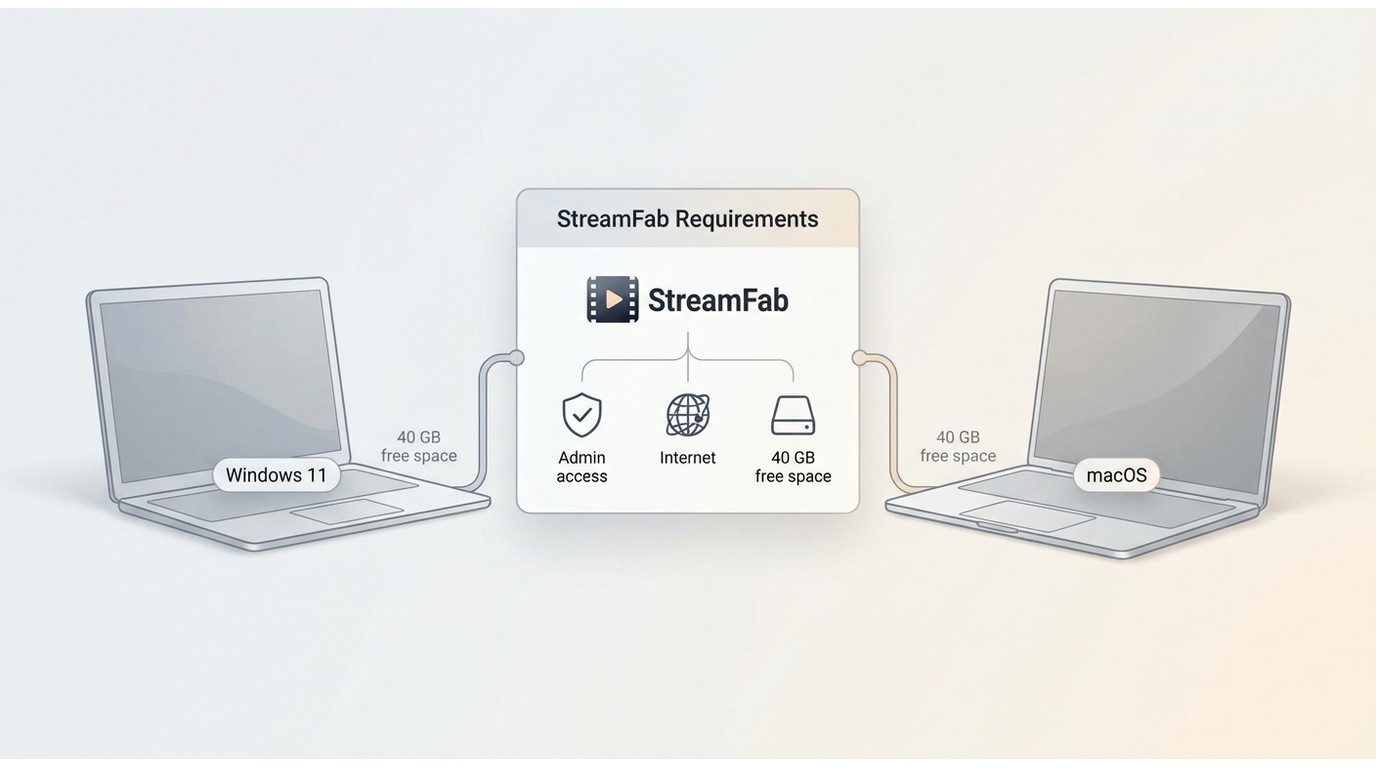
StreamFab supports Windows and macOS. Plan for administrator access, an internet connection for activation and downloads, and separate working space for analysis, temporary files, and saved media.
| Setup | Platform | Package path | Output role | Best fit |
|---|---|---|---|---|
| Windows online | Windows | Small launcher | Desktop app | Stable broadband |
| Windows offline | Windows | Complete package | Desktop app | Restricted or unstable networks |
| macOS .dmg | macOS | Disk image | Desktop app | Intel or Apple Silicon |
| Browser plus companion | Supported browser | Extension and companion | MP4/MKV when supported | Browser-first workflow |
As of August 2026, the product guidance recommends 40 GB of free disk space for working files and saved media. That figure is not the installer footprint. I check the destination drive first because a successful setup does not help if the first analysis job runs out of working space.
Install StreamFab on Windows (Online)
The online StreamFab Windows installer starts with a small launcher and retrieves the remaining application files during setup. It is the cleaner choice when the connection is stable.
We tested this on a Windows 11 machine with a 50 Mbps connection, and the entire process took about 4 minutes from start to finish.

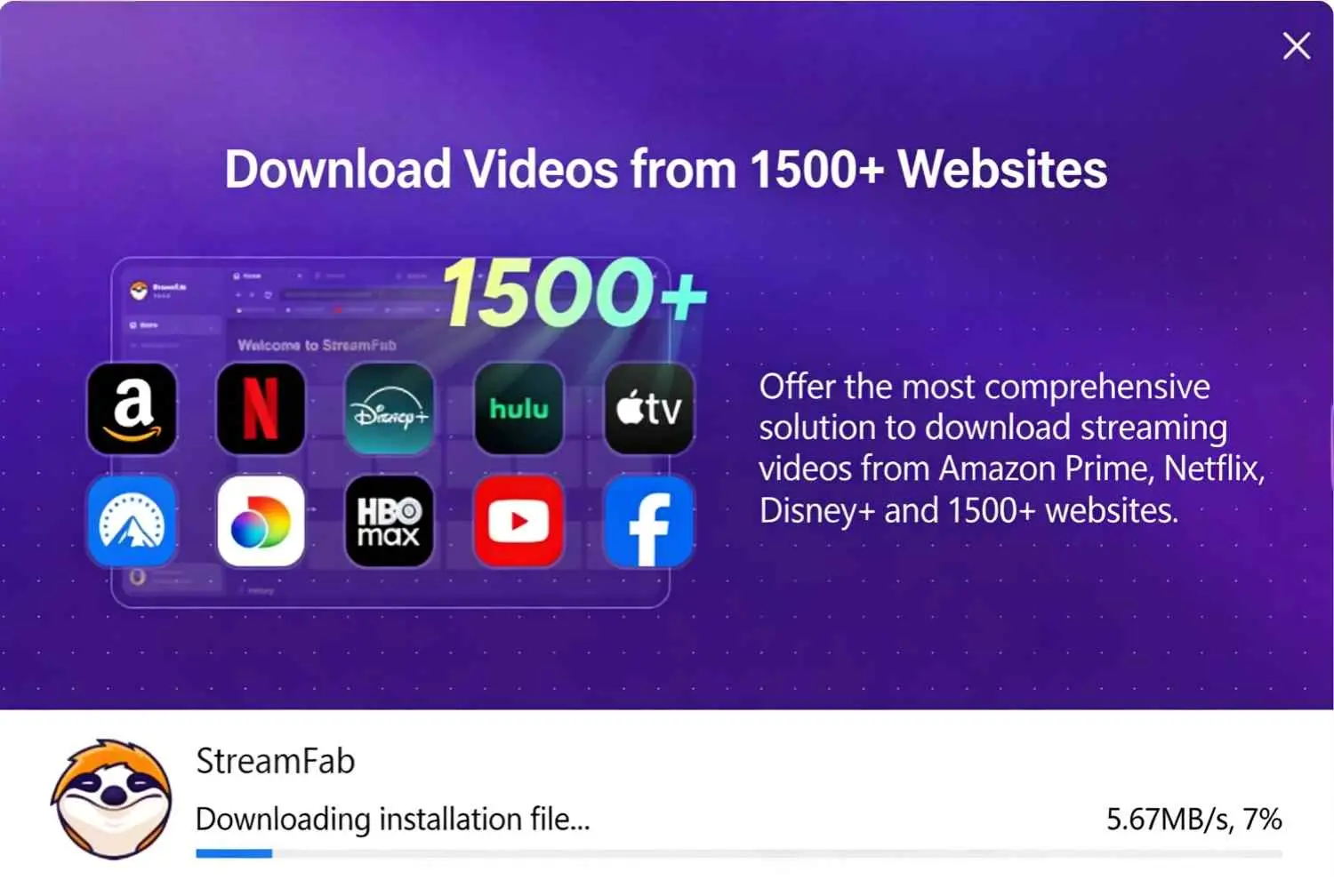
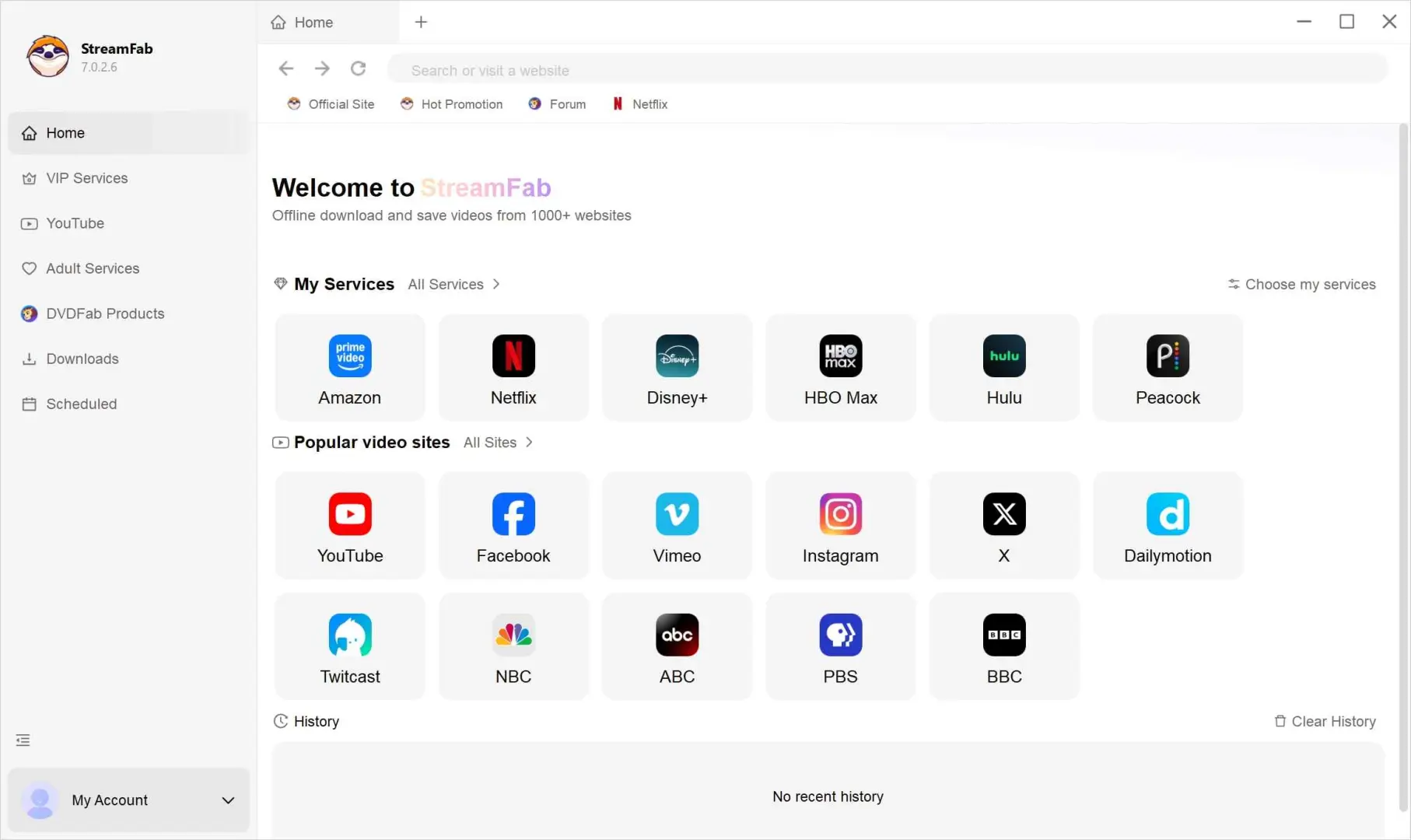
The easy-to-miss detail is that the launcher still needs uninterrupted access while it retrieves the application. If a firewall or network policy interrupts that stage, move to the offline package instead of repeating the same failed run.
- Download the installer from the StreamFab Download Center and confirm the publisher or signature details
- Sign in to Windows with an administrator account
- Reserve working and download space in addition to the installer footprint
Install StreamFab with the Offline Installer
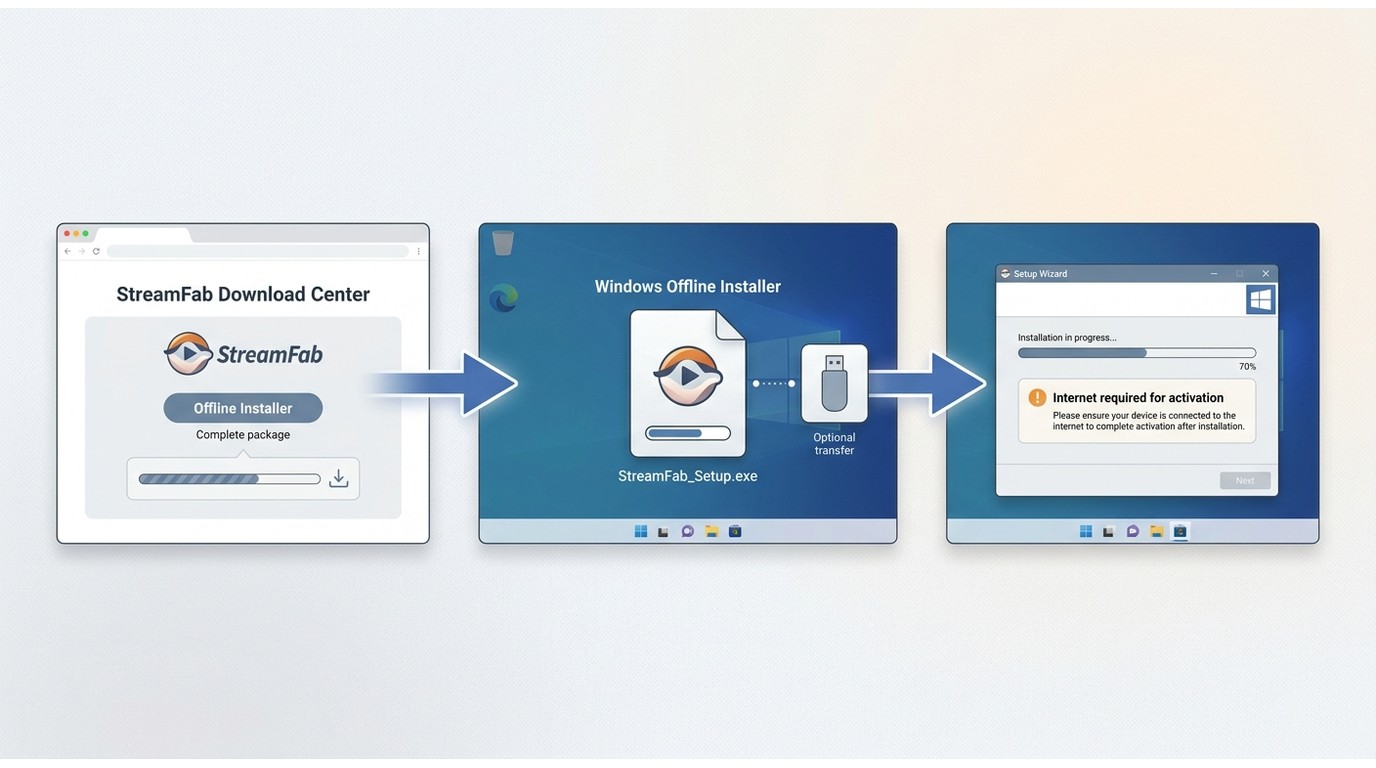
The StreamFab offline installer is the better fit when a single complete package is easier to download, transfer, or retry. Installation can run without a continuous download, although activation still needs an internet connection.
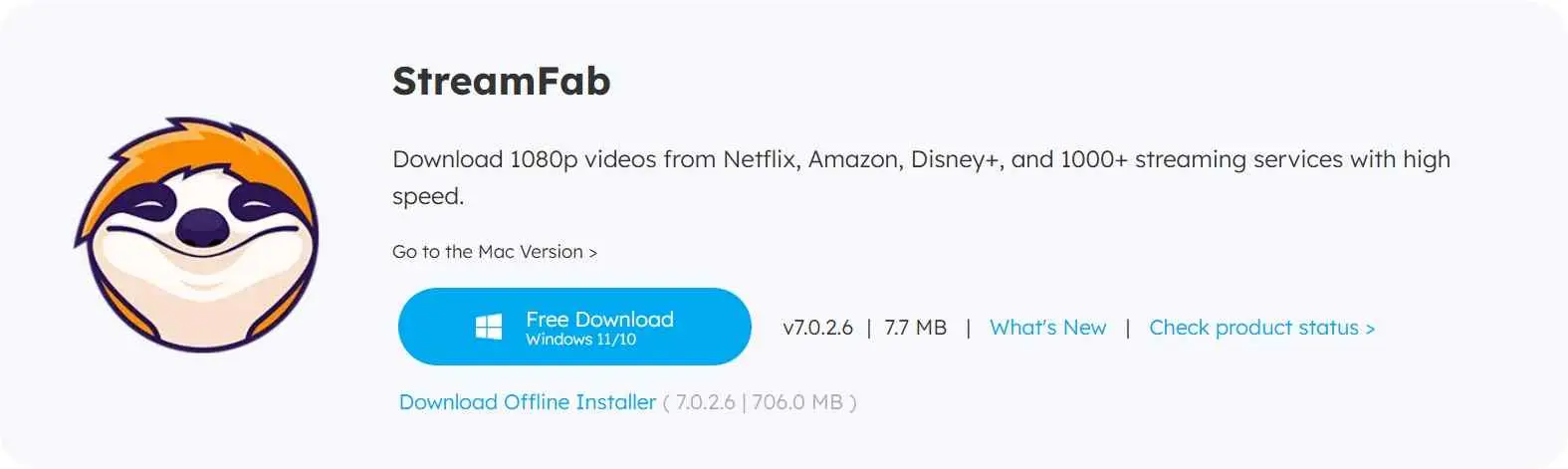
- Slow or metered connections: The online installer retrieves components during setup and can fail if the connection drops
- Restricted networks: A complete package is easier to approve and transfer than a background download
- Moving the package: Save the complete installer to an approved drive for a later setup
I choose this route when network policy is the unknown variable. It separates the package download from the installation itself, which makes the failure point easier to identify.
Install StreamFab on macOS
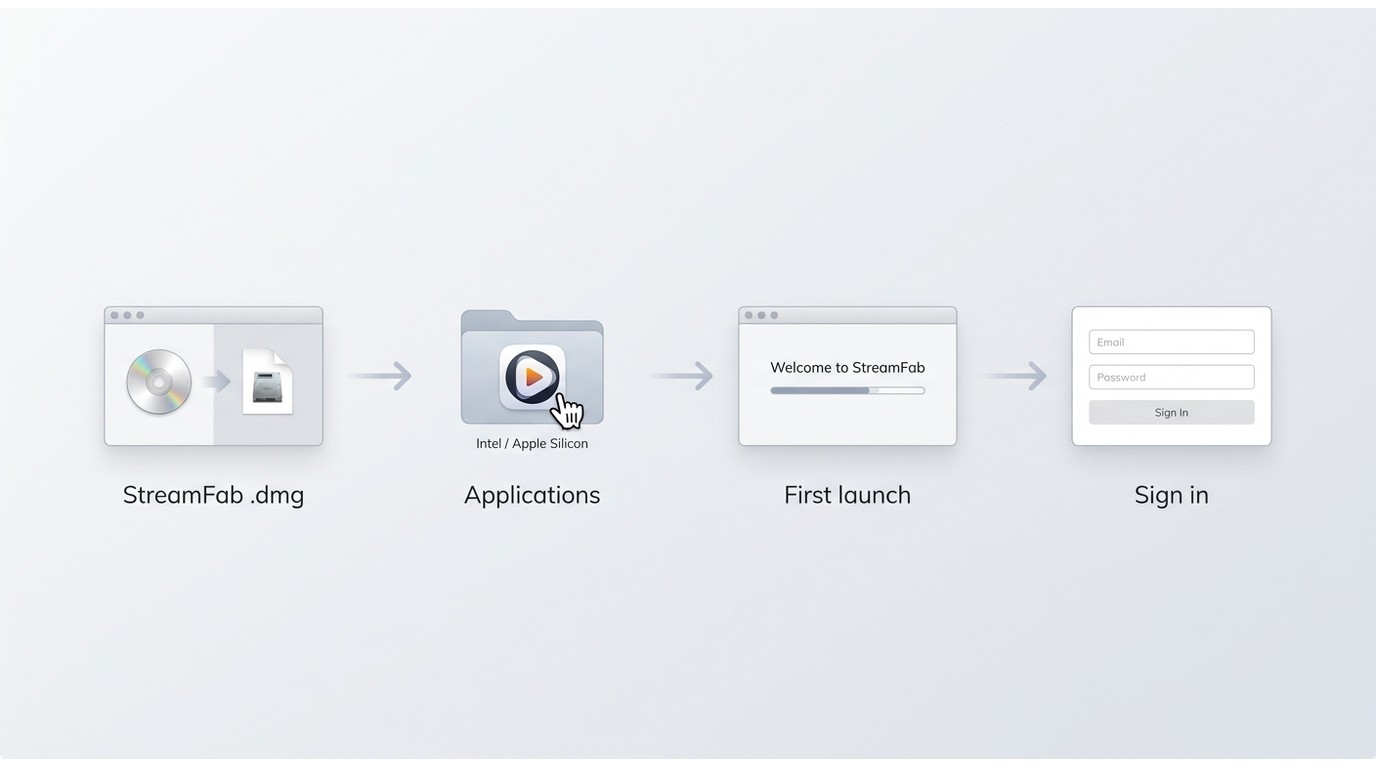
StreamFab for Mac uses a standard .dmg workflow and supports both Intel and StreamFab Apple Silicon systems. Open the disk image, move the app to Applications, then launch it and complete the sign-in step.
In our testing on a MacBook Air M2 running macOS Sonoma, installation completed in about 3 minutes.
Feature and service availability can differ between Windows and macOS. Use the current release notes when a service-specific option is missing after installation.
If macOS blocks the first launch, check the app details in Privacy & Security before downloading another copy. Repeating the .dmg step will not resolve an approval setting.
Set Up the StreamFab Browser Extension
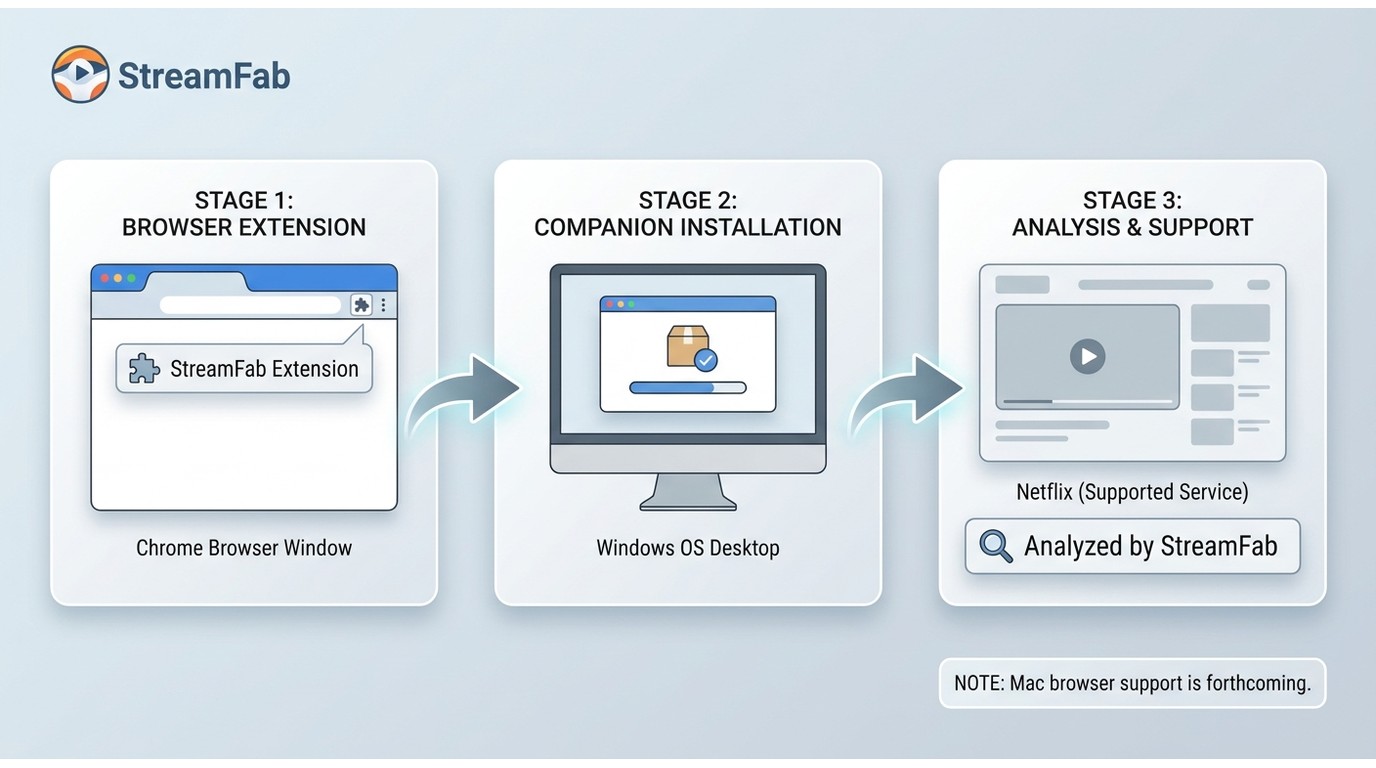
The StreamFab browser extension uses a browser-plus-companion setup. Install the listed extension for the supported browser, add the required StreamFab companion package, and sign in before analyzing a supported page.
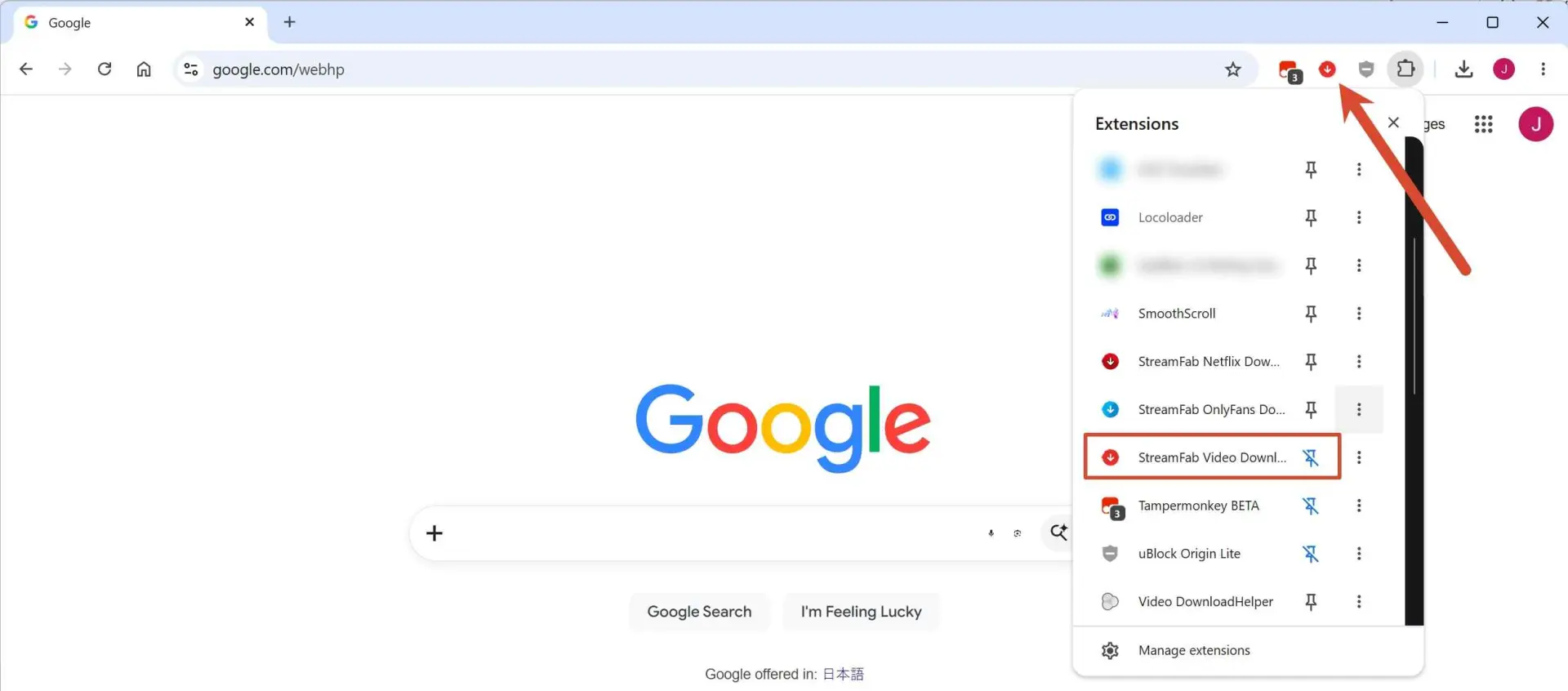
- Companion required: Install the specified StreamFab companion package before starting a job
- Quality depends on source : MP4/MKV and available resolution follow service access and the analyzed source
- Desktop app fit: Better when you need broader service coverage, audio or subtitle choices, or queue controls
The StreamFab Chrome extension route is convenient when you already have the source page open. I prefer the desktop app when service coverage and output controls matter more. The current browser page describes Mac browser support as forthcoming, so Mac users should use the desktop package for now.
Supported web content may offer MP4 or MKV output at 8K, 4K, 1080p, or 720p, but the analyzed source, account access, and service rules set the actual ceiling. A browser workflow cannot create resolution that the source does not provide.
Activate StreamFab After Installation
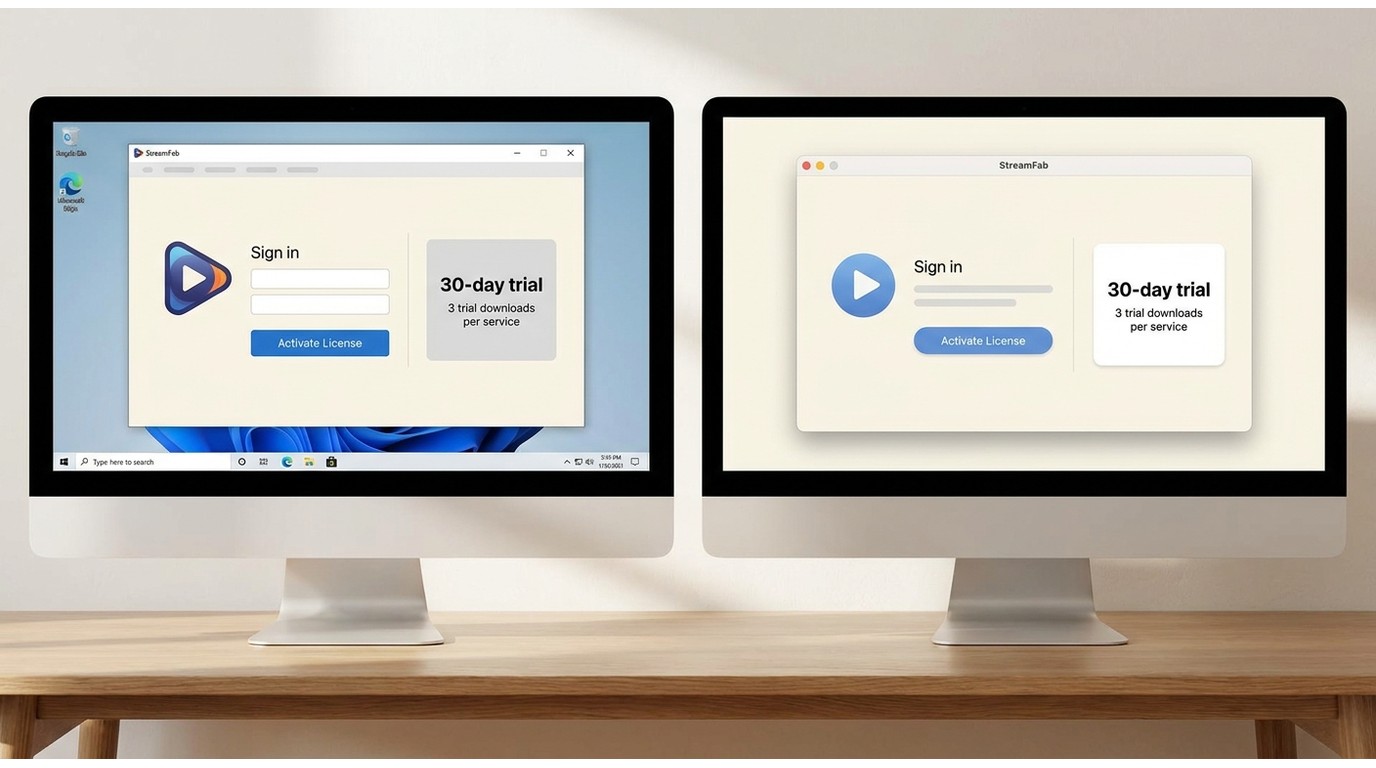
After setup, sign in to your StreamFab account to activate a license or begin the StreamFab free trial. The current All-In-One trial lasts 30 days and includes up to three trial video downloads per supported streaming service.
We verified this process on both Windows and Mac; it takes less than a minute.
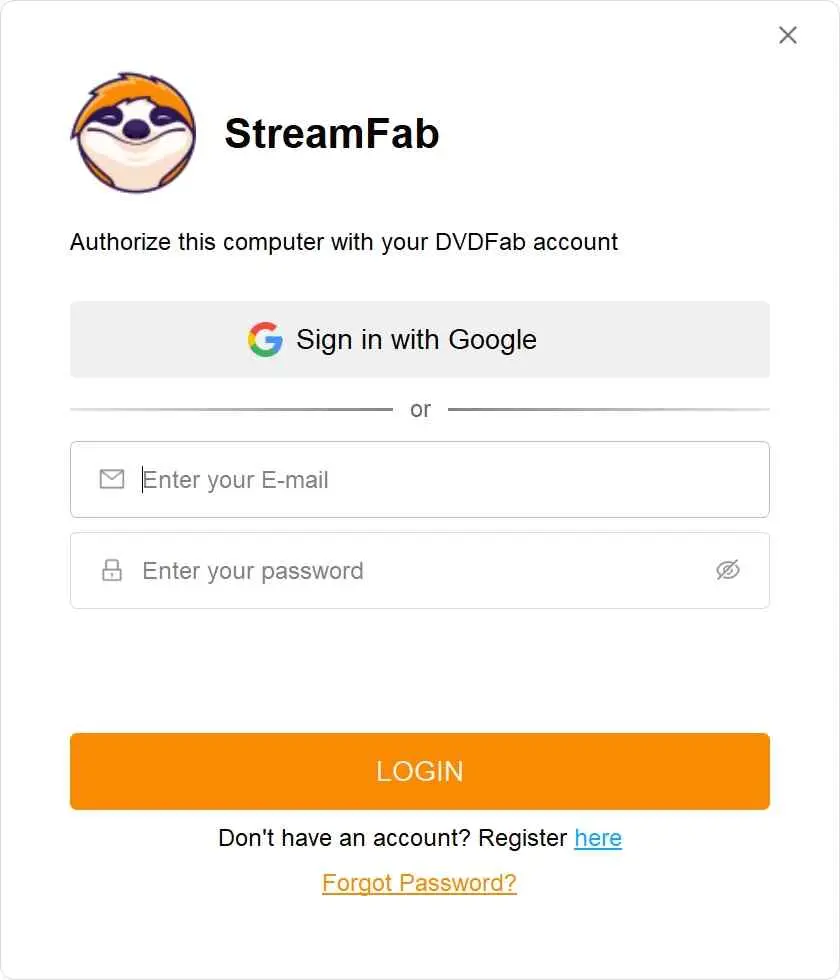
Once activated, you're ready to start downloading. For a complete walkthrough of StreamFab's features and settings, see our step-by-step guide on how to use StreamFab. If you're still deciding whether StreamFab is the right tool, our in-depth StreamFab review covers performance, supported services, and pricing in detail.
The trial keeps the paid workflow and limits the number of trial downloads. It is useful for checking a supported service and output path, but not for evaluating a large queue across every service.
Your First Download After Installation
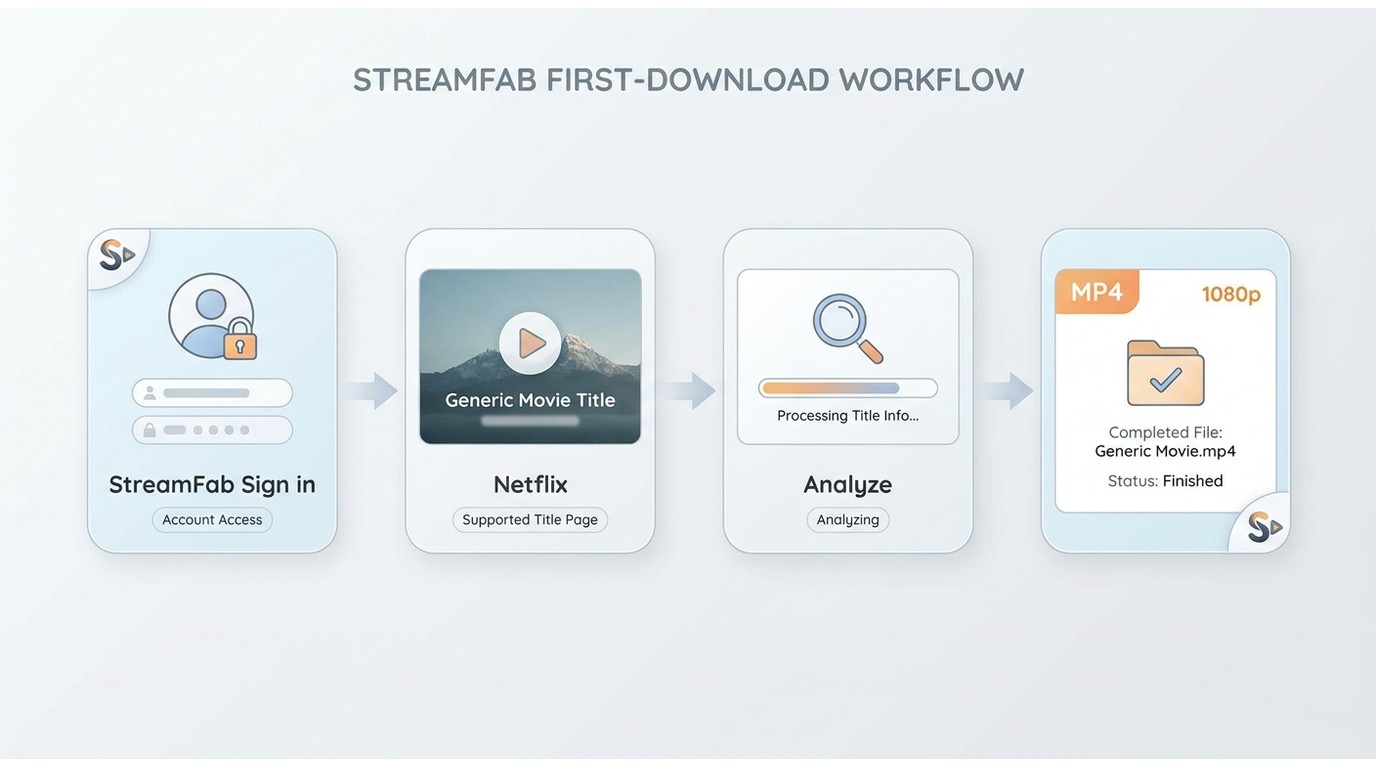
Your first job should confirm the complete path from account authorization to a playable local file before you build a queue or change several settings at once.
- Sign in and authorize the StreamFab account linked to the installed product.
- Open a supported service and sign in with valid access for the content.
- Choose a title and let StreamFab analyze it. The fuller how to use StreamFab guide explains the wider service workflow without turning this installation guide into a second manual.
- Select the available format, quality, audio, subtitle, and storage options.
- Start the job and check the first result before adding more titles to the queue.
In a batch run of three LDR Season 4 episodes on Windows 10 Pro with an Intel i5-9400F, 16 GB of RAM, and StreamFab 7.0.1.7, all three episodes completed; file size increased with episode length. I still recommend one title first because it catches account, storage, and output-setting mistakes sooner.
Choose Format and Quality
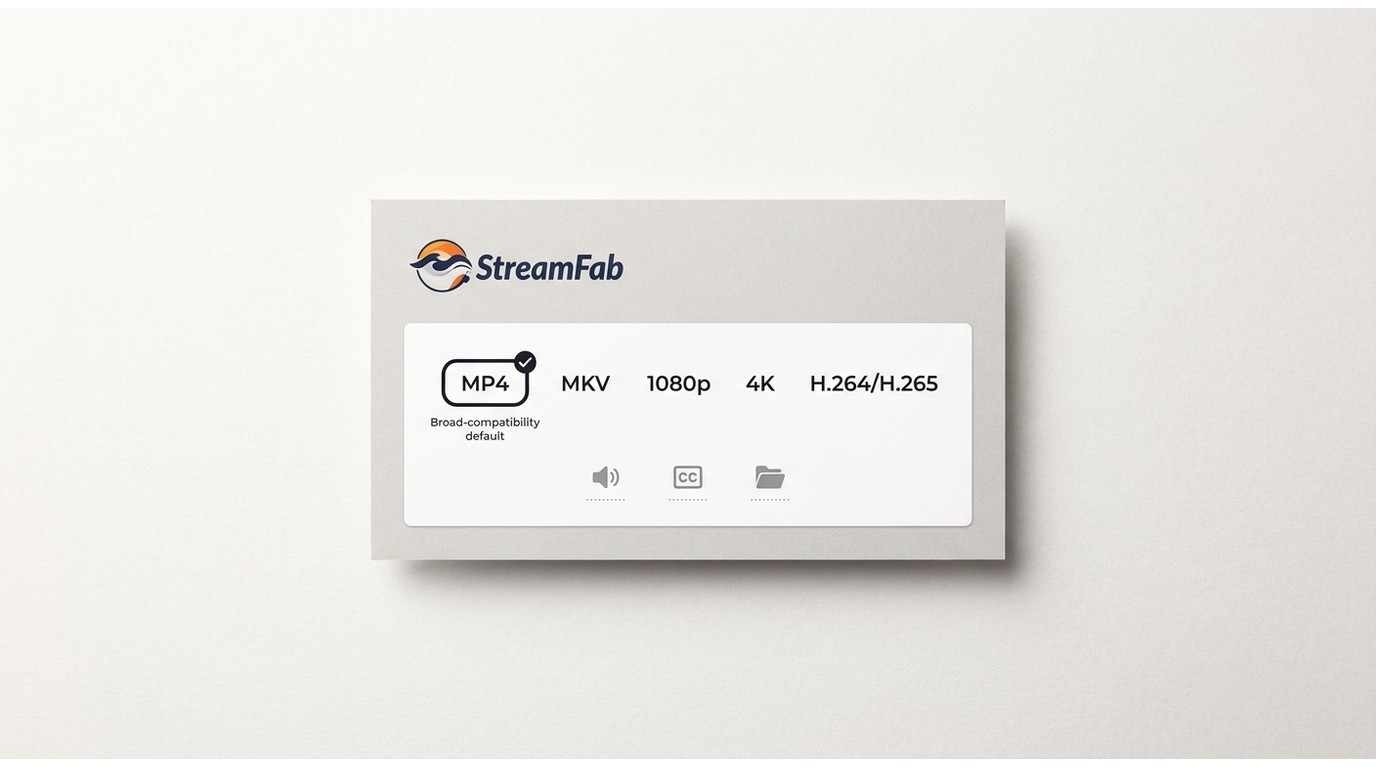
Use MP4 for broad player compatibility and MKV when you want more room for available audio, subtitle, or metadata choices. Resolution remains service- and source-dependent, including content offered up to 8K.
- MP4 download settings: a practical default for TVs, phones, tablets, and common media players.
- MKV: useful when the analyzed title exposes multiple audio or subtitle options that you want in one container.
- Video: choose from the resolutions and H.264, H.265, VP9, or AV1 options made available by the analysis.
- Audio and subtitles: select an available Dolby Atmos, EAC3 5.1, AC3 5.1, or AAC 2.0 track, then choose embedded or separate subtitles when offered.
- Storage: use a folder with enough working space for temporary data and the finished file.
My default is MP4 unless a specific player or library benefits from MKV. The useful setting is the one your playback devices can handle, not the longest format menu.
Troubleshoot Installation Problems
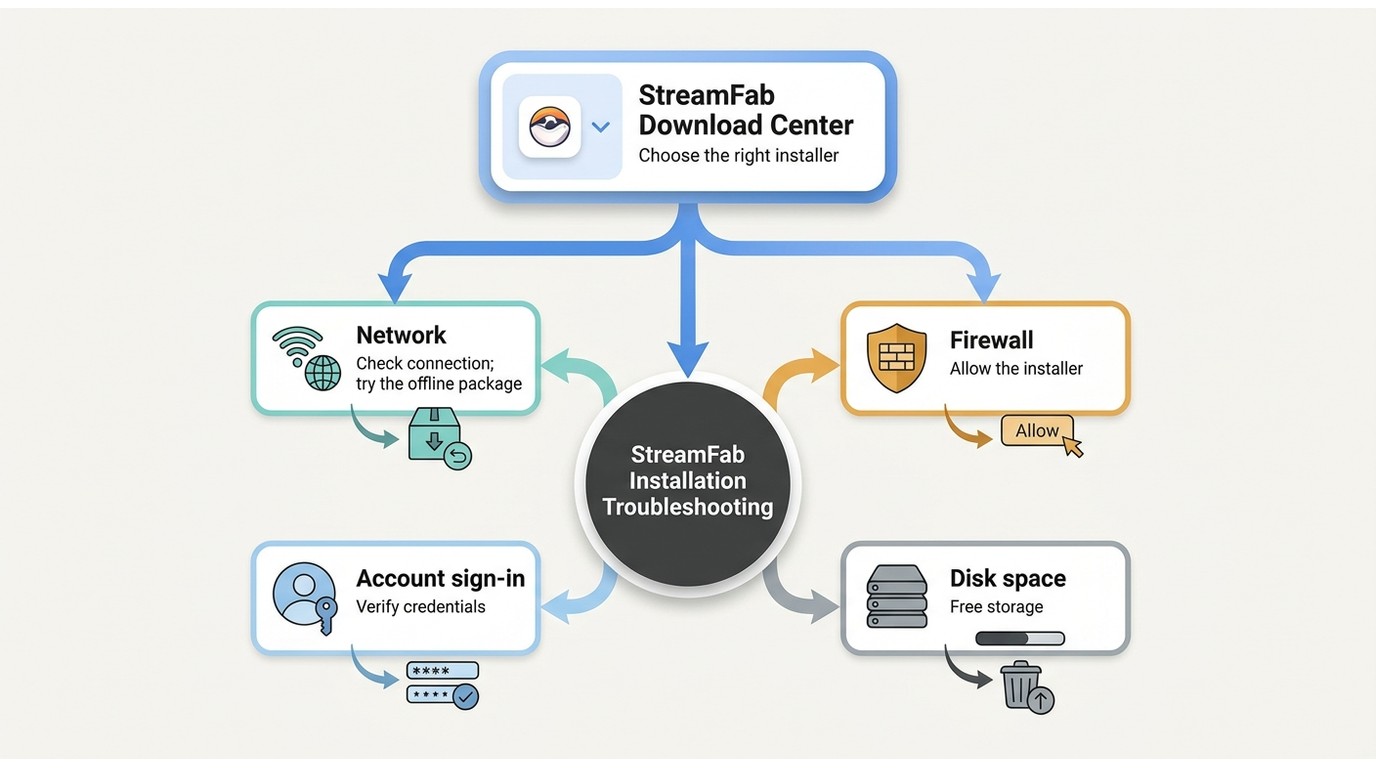
Start by comparing the installed build with the current Download Center package, then check the network, firewall, account sign-in, and available working space before reinstalling.
The Download Center listed StreamFab 7.0.4.x releases dated August 26–28, 2026. In our testing across three different Windows machines, we ran into the antivirus blocking issue once — here's how to handle the most common problems.
StreamFab Won't Open After Installation
If StreamFab freezes while accessing server information or does not open, try the desktop shortcut with administrator privileges, confirm the firewall allows the app, and test account sign-in. A server or authentication failure is not necessarily an installation failure.
- Launch StreamFab from the desktop shortcut rather than the Start menu
- Right-click the shortcut and select "Run as administrator"
- Confirm that Windows Defender Firewall allows StreamFab to connect
Antivirus Blocking the Installation
A security alert needs context, not an automatic dismissal. Confirm that the installer came from the Download Center, inspect the publisher or signature details, and review the exact file path before changing a security setting.
- Confirm the installer came from the official Download Center and check its signature details
- Review the exact alert, security product, and file path before deciding the next action
- Restore a quarantined signed installer only after the publisher details match
- Add a narrow exception only if your security policy permits it, then keep protection enabled
Online Installer Fails Mid-Download
Switch to the complete offline package if the launcher repeatedly stops or reports a network error. If both packages fail, check proxy, firewall, security software, and account authentication before assuming the installer is damaged.
Need a Clean Reinstall?
Compare versions and note any settings you need before uninstalling. The guide to uninstall StreamFab cleanly covers leftover configuration folders; reinstalling alone will not fix a remote service or account problem.
Frequently Asked Questions
Which installer should I use if my internet connection is unreliable?
Use the complete StreamFab offline installer when one package is easier to download, transfer, or retry. The installation does not need a continuous background download, but activation and content access still require an internet connection.
Why might my downloaded video have a lower resolution than expected?
The analyzed source, service rules, account access, and selected output settings determine the available resolution. Check the analysis result before starting rather than assuming that every title offers the product's highest listed resolution.
Conclusion: Start Using StreamFab Today
Use the online installer for stable broadband, the offline package for unreliable or restricted networks, the .dmg package for StreamFab for Mac, and the companion workflow when browser convenience is the priority.
After activation, analyze one supported title and confirm its format, quality, audio, subtitles, and storage location before building a queue. That short check is the most reliable way to separate an installation problem from a service, account, or output-setting issue.