
If you are trying to transfer Prime Video downloads to a USB drive, TV, or another device, the key distinction is simple: official Prime Video downloads stay app-managed, while portable video files require a separate authorized local-file workflow. This guide maps both routes to the destination you actually want to use.
I would make that decision before touching any storage settings. It prevents the most common dead end: finding a Prime Video storage location and assuming the files inside are normal videos that a television or media player can open.
Can Prime Video Downloads Be Transferred?
Official Prime Video downloads cannot be copied as normal video files. An eligible licensed title can instead be downloaded again through the Prime Video app on another supported device, subject to that title's device and viewing limits.
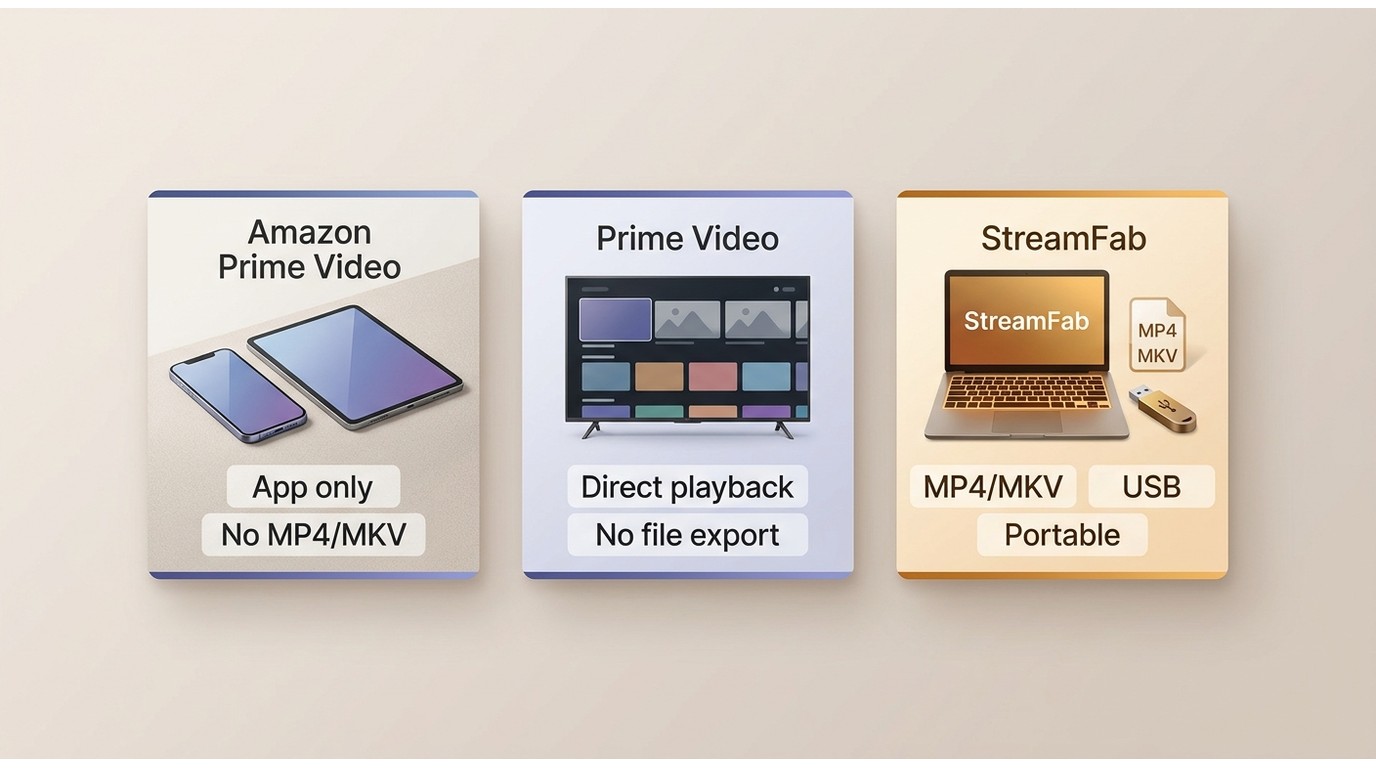
The rules and product specifications discussed here are current as of July 2026; pricing varies by plan. The practical choice is between official access on each device and a portable local-file workflow for a destination that needs a regular media file.
| Method | Works offline | Produces a transferable file | USB or external-drive use | TV playback options | Account and app requirement | Viewing-window limits | Output compatibility | Best fit | Key limitation |
|---|---|---|---|---|---|---|---|---|---|
| Official re-download in the Prime Video app | Yes, for eligible downloaded titles | No | An in-app save-location choice is not a portable export | Use a supported device or cast where available | Licensed account and Prime Video app | Depends on title type and license | Managed by the app | Travel and offline viewing on a supported device | The app-managed downloads cannot be opened as MP4 or MKV files |
| Official TV app or streaming from the licensed account | Usually requires a connection for streaming | No | Not applicable | Prime Video TV app, supported streaming device, or casting | Licensed account and supported app | Title availability and account rules apply | Handled by the official app | Low-friction Prime Video TV playback | No portable file for another player |
| Authorized local-file workflow with StreamFab Amazon Downloader | Yes, after an authorized local copy is saved | Yes, as MP4 or MKV | Files can be copied if the drive and destination support them | USB media player, HDMI from a computer, or supported SMB playback | Valid Prime Video access and desktop software | Use remains subject to the source license, platform terms, and applicable law | Choose a destination-compatible container, codec, audio track, and subtitles | Personal offline viewing when a portable file is specifically needed | Requires Windows or Mac and destination compatibility checks |
Official Re-Download vs. Portable Files
An official Prime Video re-download restores access inside the Prime Video app; it does not create portable video files. That distinction explains why copying an app folder to a Prime Video USB drive does not turn its contents into playable media.
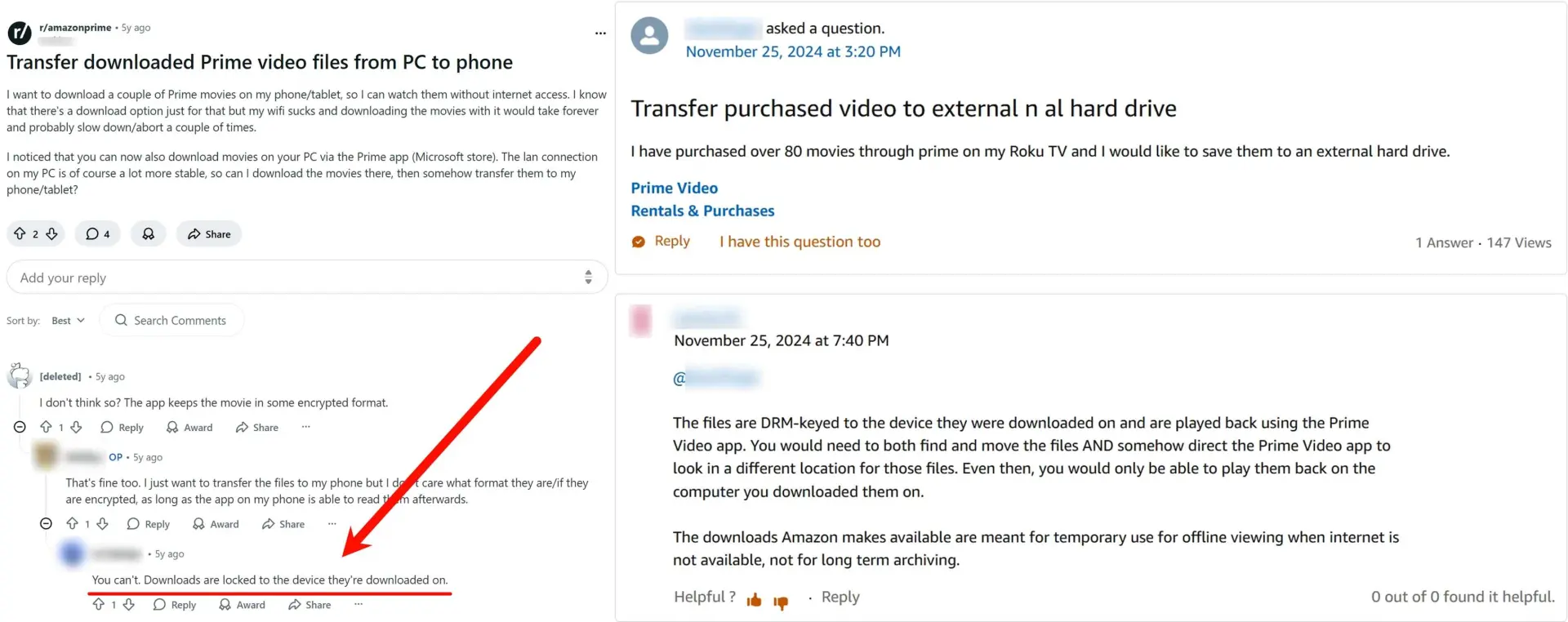

- Re-downloading an eligible title on another device is different from copying its stored data.
- A selectable in-app storage location does not create an exportable MP4 or MKV file.
- Choose a local-file workflow only when the destination specifically needs a regular media file.
Device, Title, and Viewing Limits
Prime Video device limits depend on the title and how access was obtained. Purchased titles remain tied to the licensed account, rentals commonly have tighter device and viewing windows, and subscription titles depend on catalog and subscription availability.
- Purchased title: Use the same licensed account and download again where the title and device are eligible.
- Rental: The download and viewing period can be shorter, so check the title's terms before you download Amazon Prime Video rentals.
- Subscription title: Offline access can end when the license, catalog availability, subscription, or viewing window changes.
- Simultaneous use: download-device limits and concurrent playback rules are separate; the title-specific Amazon Prime download limits determine what is available.
The practical upshot is that official access may follow you to another supported device, but the stored app data does not become a transferable media file.
Official Options and Local-File Alternatives
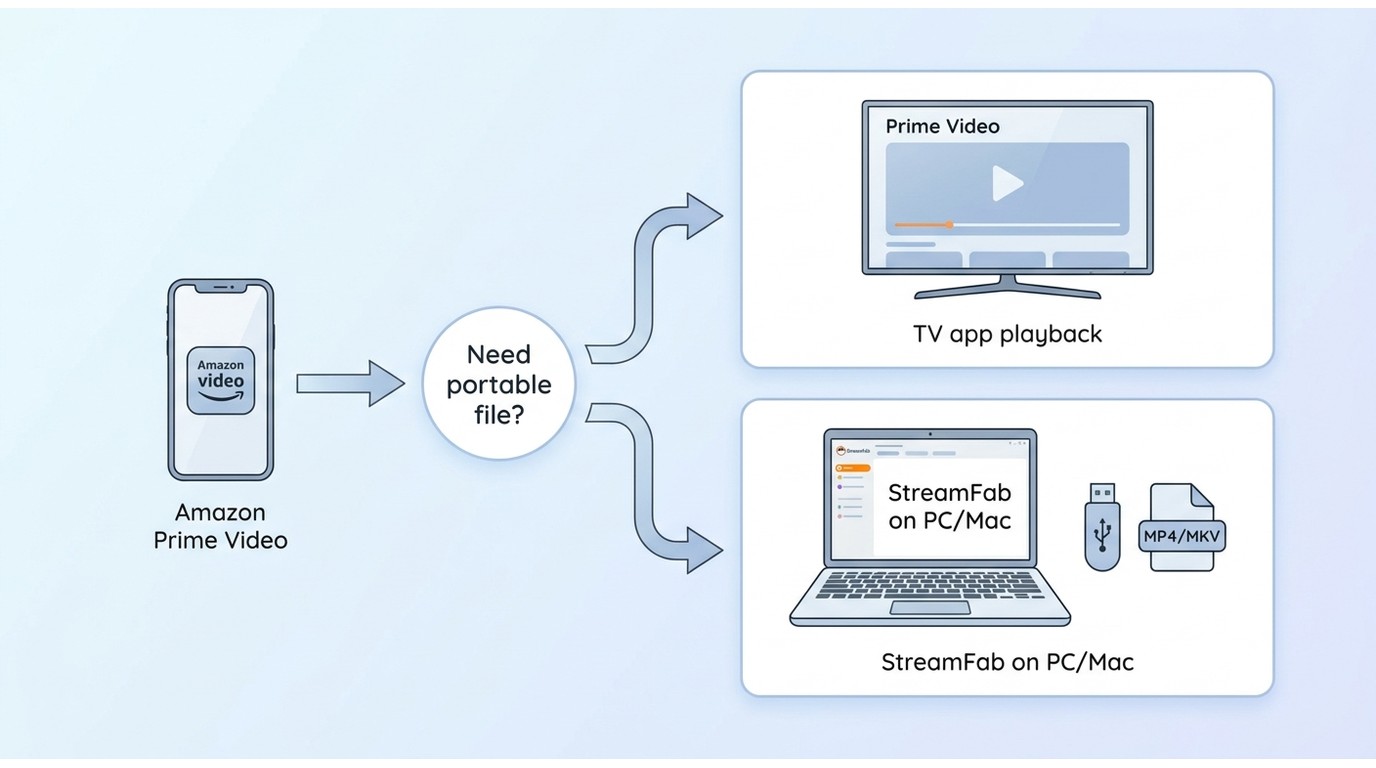
Use the official app when it meets your device needs. Consider a portable local-file route only when you need a regular file for USB, a compatible TV player, or another device you own.
Official Apps, Streaming, and Re-Downloads
The lowest-friction route is to sign in with the licensed account on the destination device, stream the title, or use an official Prime Video re-download if the title and app support it. For TV viewing, the Prime Video app or a supported streaming device avoids file-format decisions entirely.
My rule is straightforward: if the official TV app provides the title and the connection is reliable, use it. A local file adds value when connectivity, travel, storage, or player choice makes app-only access impractical.
StreamFab Amazon Downloader: Fit and Limits
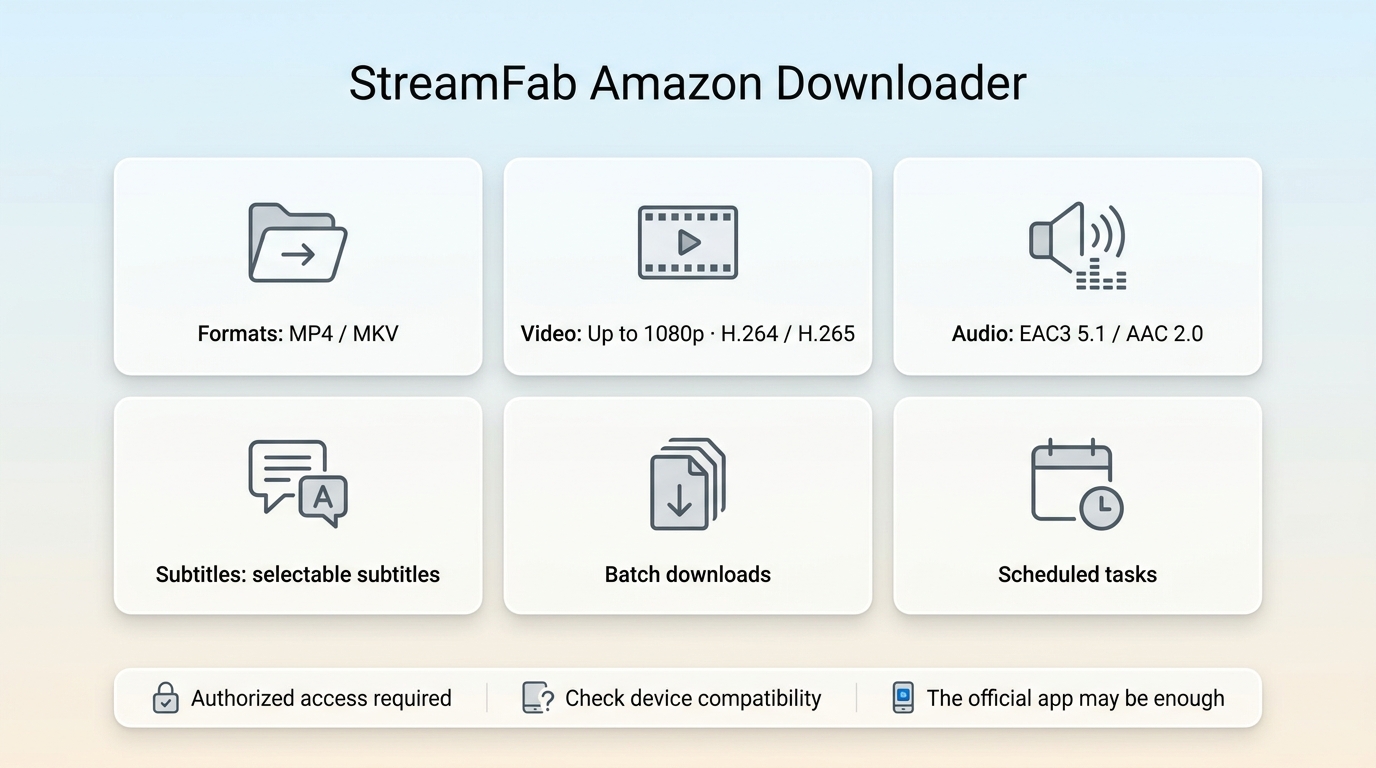
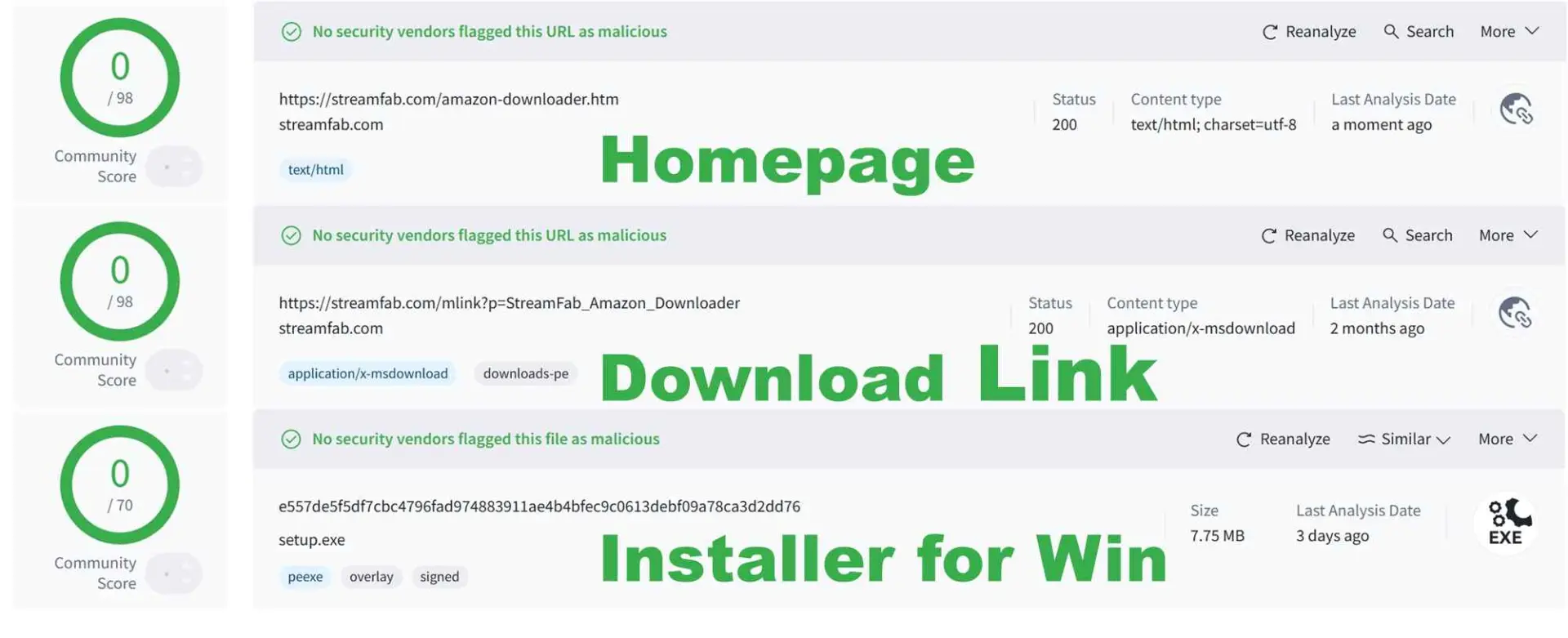
For personal offline viewing of content you are authorized to access, where permitted by platform terms and applicable law, StreamFab Amazon Downloader is a desktop local-file option for Windows and Mac.
It suits readers who need MP4 and MKV files for a destination outside the Prime Video app. It is less suitable if the official app already works or if you do not want desktop software.

- Save eligible purchases, rentals, or subscription titles available to the licensed account.
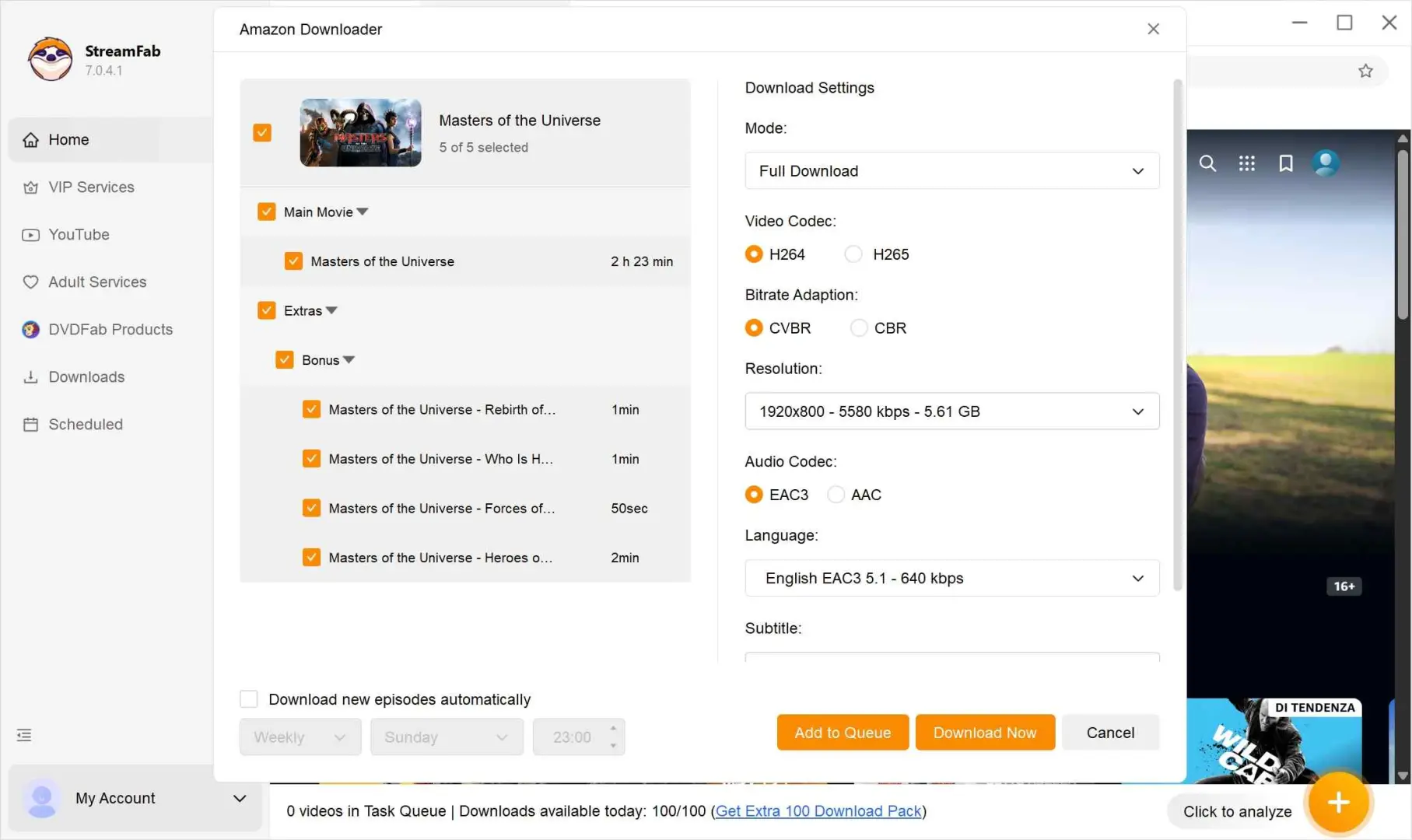
- Select up to 1080p when available from the source and plan, with EAC3 5.1 or AAC 2.0 audio.
- Choose H.264 or H.265 according to the receiving device's playback support.
- Output portable MP4 or MKV files for compatible media players.
- Schedule supported new episodes for an authorized personal offline workflow.
- Add multiple eligible episodes or movies to the task queue for batch processing.
The verified options include MP4 or MKV output, H.264 or H.265 video, up to 1080p depending on the source and plan, EAC3 5.1 or AAC 2.0 audio, subtitle selection, batch tasks, and scheduled downloads. I put destination compatibility ahead of a long feature list because a file is useful only if the receiving device can decode its video, audio, and subtitles.
Save an Authorized Prime Video Local Copy
The workflow is short: confirm that the title plays with the licensed account, choose a destination-compatible format, and save the authorized local copy before moving it to another device.
Download on Windows or Mac
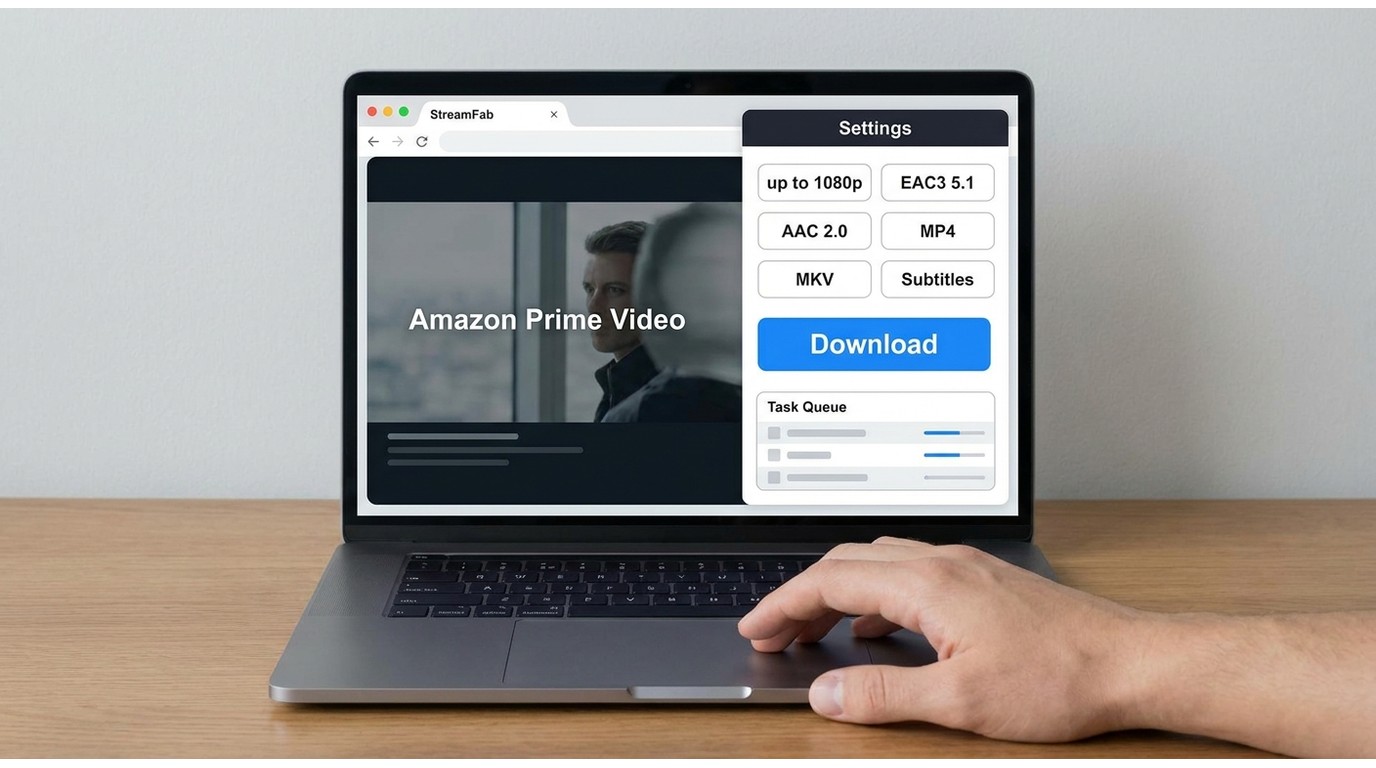
On a desktop computer, the setup is the same whether you need to download Amazon Prime Video on Windows or download Amazon Prime Video on MacBook or iMac: sign in, open the playable title, and add the correct movie or episode to the queue.
The steps themselves should stay mechanical. Confirm the expected title before starting, especially for seasons, sports, or event pages that may contain several parts under one listing.
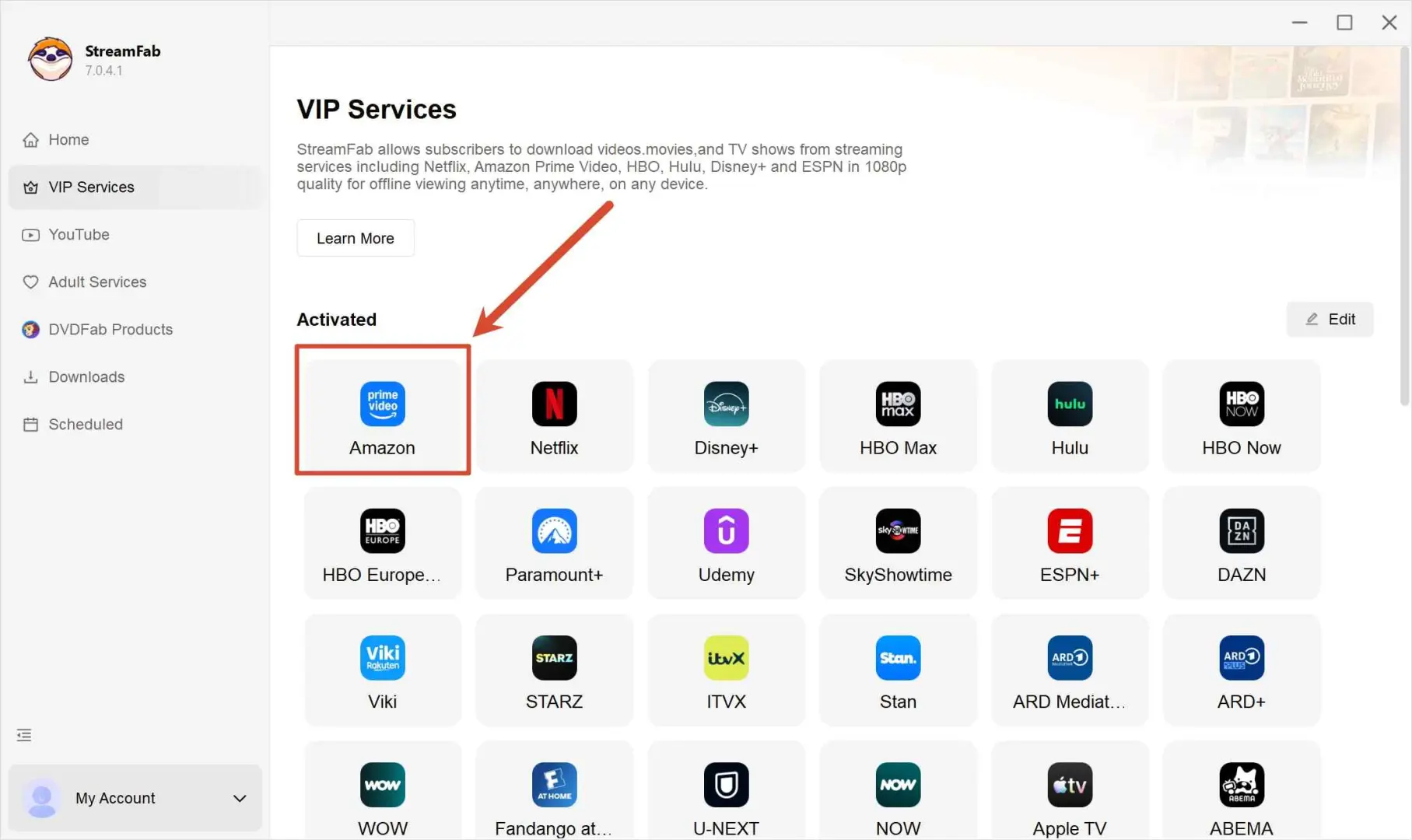
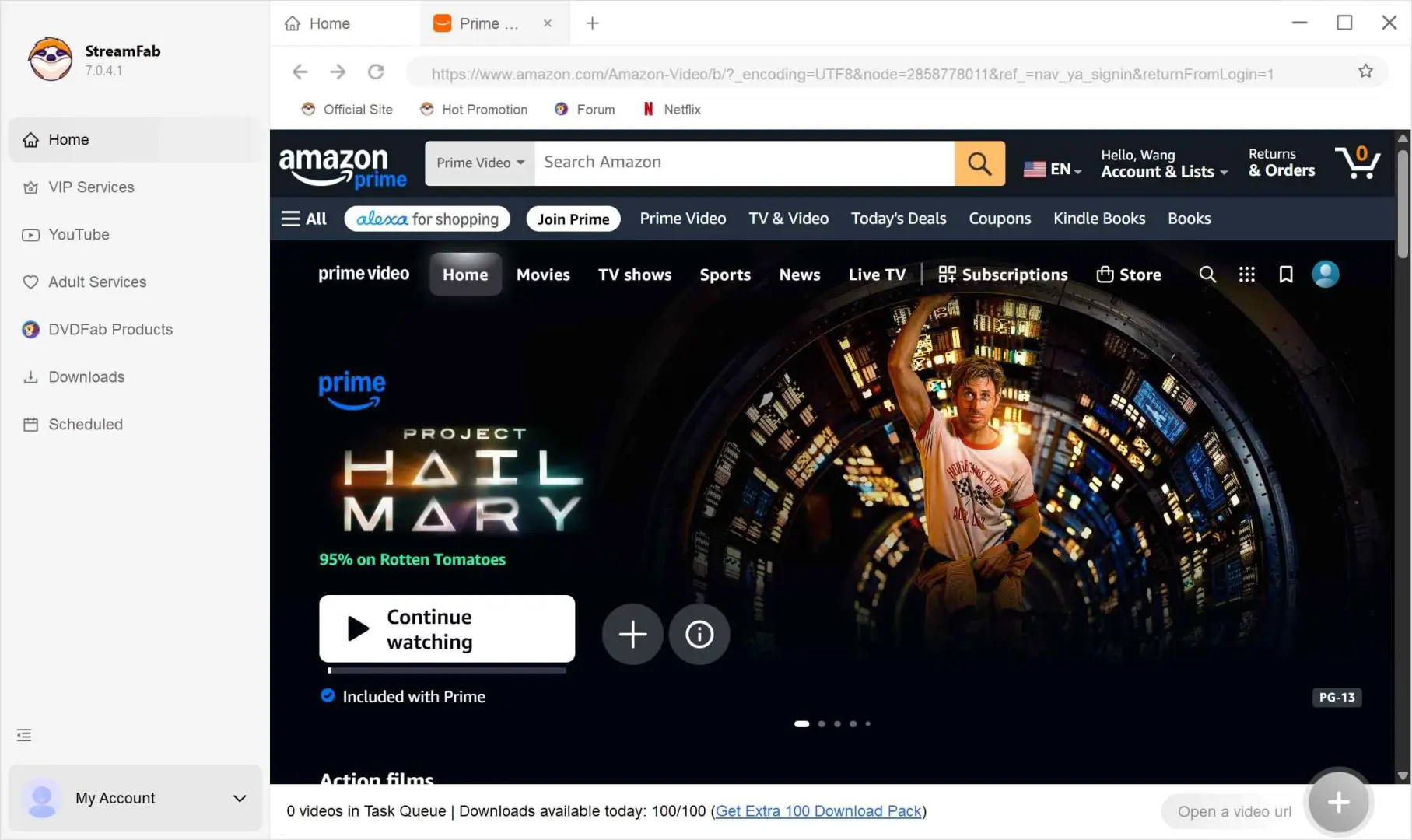
Start by signing in to the Amazon Prime website using your subscription account. Next, choose whichever movie or TV episode you want, and then go ahead to download it.
When the video starts, a pop-up appears. Just adjust the settings if you want, and then tap “Download Now.” The download should begin.

If analysis or selection fails:
- Confirm that the title plays in StreamFab's embedded browser with the licensed account.
- Update StreamFab, sign out, sign in again, and retry the title.
- Retry without a VPN if the title appears but the episode or movie list is empty.
- Inspect multipart titles carefully and select the intended part, episode, season, or event.
- Verify the chosen quality and audio before starting the full task.
- If the issue continues, collect the application logs and send them to support with the title and steps that produced the problem.
Login loops and empty title selectors are usually better handled by resetting access and narrowing the selection than by repeatedly adding the same page to the queue. That is less glamorous than a magic button, but it is also more reproducible.
Choose Quality, Audio, and Subtitles
Choose settings for the receiving device, not for the largest number shown in a menu. Prime Video TV playback can fail when a television supports the container but not the selected video codec, audio track, or subtitle method.
- Container: MP4 is broadly supported; MKV is useful when the destination player supports its track options.
- Video: select H.264 for wider compatibility or H.265 for devices that explicitly support it.
- Audio: EAC3 5.1 needs compatible playback equipment; AAC 2.0 is the safer fallback for basic stereo devices.
- Subtitles: choose external or embedded subtitles according to the player you will use.
File size alone is not a quality verdict. Resolution, video codec, audio format, source availability, and the destination display all affect the result.
Move Local Video Files Between Devices
Once you have authorized portable video files, choose the transfer method by destination: USB for portability, HDMI for temporary playback with minimal setup, or SMB for a supported secured home network.
- PC to PC or mobile: use a USB drive or external drive for portable transfer without a network connection.
- PC to TV: use HDMI for low-friction temporary playback when both devices support the connection.
- PC to TV: use secured SMB sharing for network playback when the television supports the file and sharing protocol.
USB or External Drive
A Prime Video USB drive workflow applies to portable local files, not copied app-managed downloads. Check the file system, container, codec, audio, subtitles, and the destination device before moving a large library.
- Required tools: A USB flash drive or external drive formatted for the destination device
- Portable MP4 or MKV files and a receiving player that supports their video, audio, and subtitles
exFAT is often a practical choice for large files and cross-device use, provided the receiving device supports it. If a TV recognizes the drive but not the file, first check H.264 versus H.265 and EAC3 5.1 versus AAC 2.0 before converting anything.
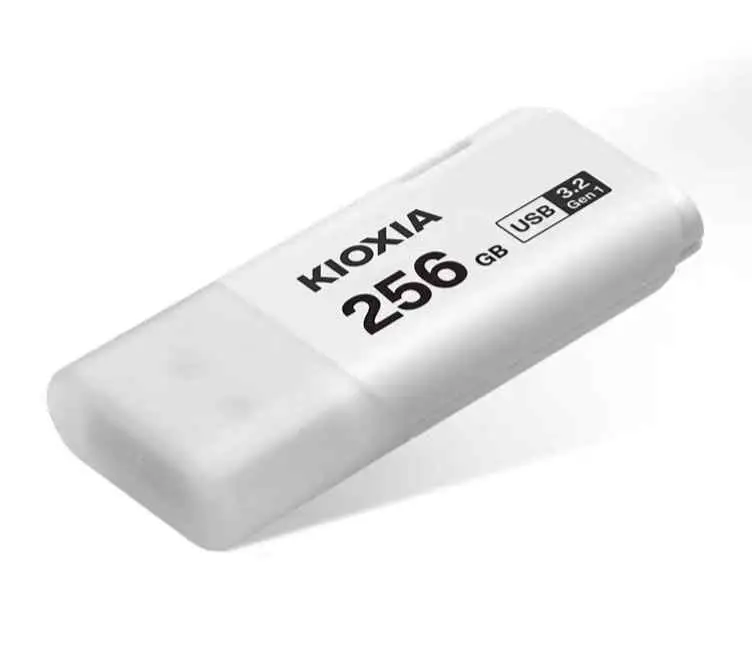
- Insert the USB drive or external drive into the Windows 11 computer.
- Copy the portable MP4 or MKV files to the drive.
- Safely eject the drive and connect it to the destination device.
- Open the device's media browser and select the file.
*On a TV, use Input or Home to open USB Device or Media Player; menu names vary by model.
USB is my choice when the file needs to travel between devices or work without a local network. It is not ideal when the television has strict codec support or no media-capable USB port.
HDMI Playback from a Computer
HDMI is usually the simplest temporary Prime Video TV playback route when the computer, display, cable, and selected resolution are compatible. The computer handles file decoding, so the TV does not need to open the MP4 or MKV itself.
- Required tools: An HDMI cable and compatible computer and display ports
- A media player on the computer, with no file copy required
Use a cable rated for the resolution and refresh mode you plan to send. If the picture appears without sound, check the computer's audio output device before changing the media file.
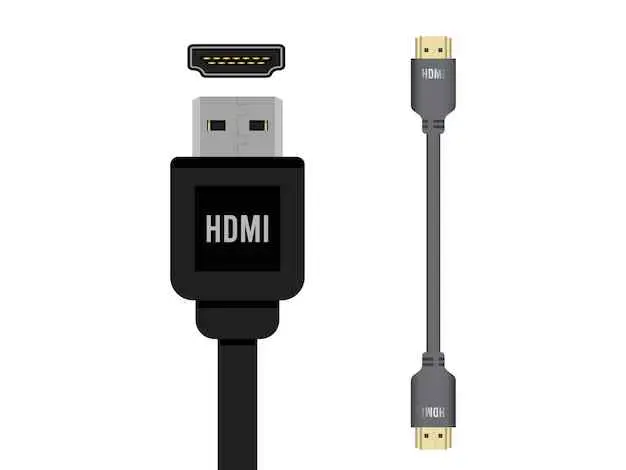
- Connect the computer and TV with a compatible HDMI cable.
- Switch the TV input to the connected HDMI port.
- In Windows 11, press Win + P and choose "Duplicate" or "Second screen only" after the display is detected.
- Open the local video in a desktop media player and select the TV as the audio output if needed.
I use HDMI when the goal is to watch now rather than build a reusable TV library. It removes drive-format and television-decoder questions, but it keeps the computer connected for the whole session.
SMB Network Sharing
SMB works well for a supported television on a secured home network. It avoids moving a drive, but the TV still needs to support SMB and the file's container, video, audio, and subtitle formats.
- Required tools: A Windows 10 or 11 PC and a smart TV or media device with SMB support
- Both devices on the same secured home network
Create a dedicated read-only folder for the media you want the TV to access. Keep password-protected access enabled when the television or media app supports credentials, and do not expose the share beyond the trusted local network.
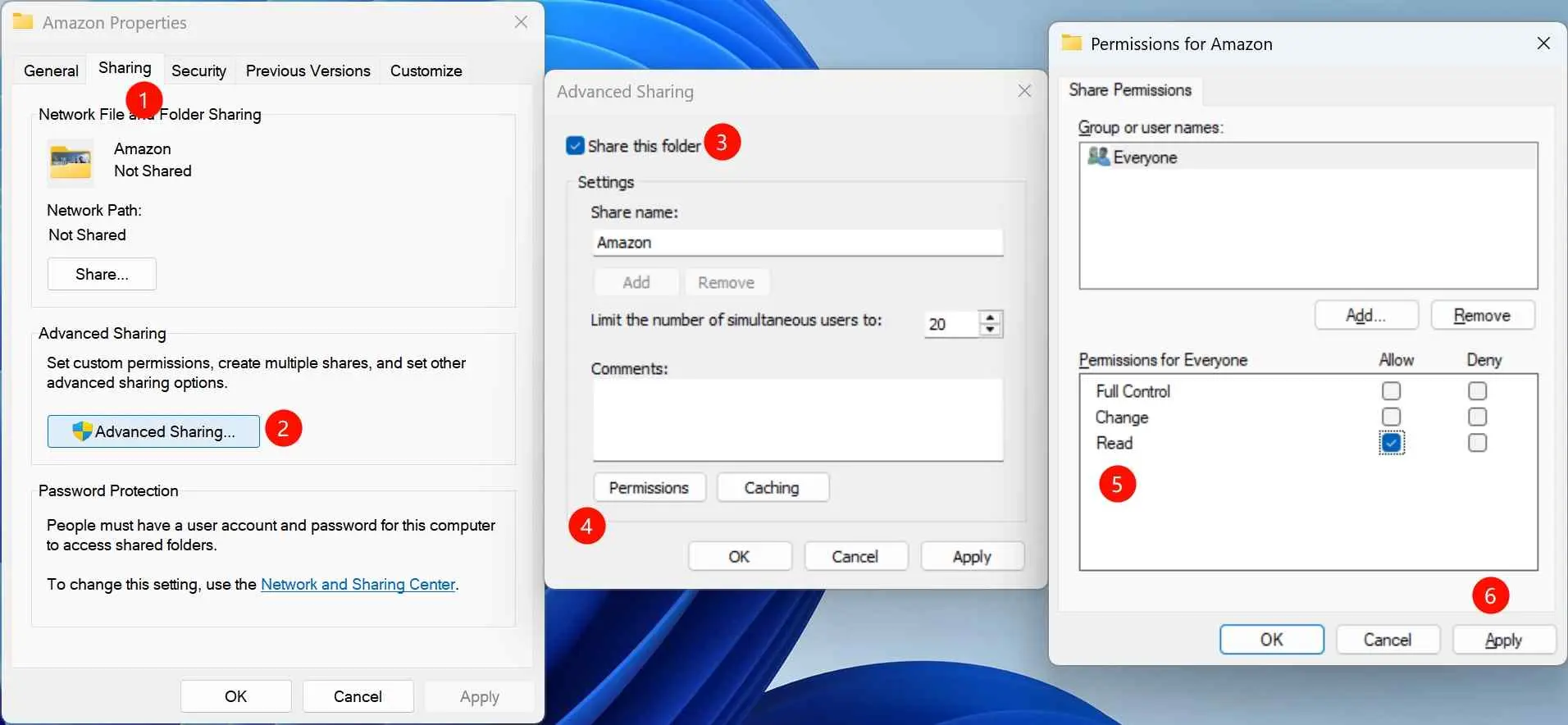
- Create or select a folder for the local video files. Right-click it, choose Properties, and open the Sharing tab.
- Open Advanced Sharing, share the folder, and grant only the read access required by the playback device.
- In advanced sharing settings, enable network discovery and file and printer sharing on a private network; keep password protection where the TV or media app supports credentials.
To identify the computer, press Win + R, type cmd, run ipconfig, and note the local IPv4 address. Enter that address only inside the TV's network-share screen on your trusted home network.
- Open the TV's Media Player or Photos and Videos app; the name varies by model and region.
- Choose Network Share, Windows Share, PC Share, or the closest SMB option.
- Select the Windows computer by its device name or local IP address and enter credentials if requested.
- Open the shared read-only folder and select a compatible video file.

- If the shared folder does not appear, enter the PC's local IP address in the TV's network-location screen when that option exists. If video appears without sound, the likely mismatch is the audio format; AAC 2.0 is a practical fallback for basic TV speakers, while EAC3 5.1 requires compatible audio support.
SMB is my pick for a television that already supports network shares and stays on the same secured network. If the TV's network browser is unreliable, HDMI is the cleaner fallback.
Personal-Use and Account Considerations
Amazon's service rules and copyright law are separate considerations. Limit any local-file workflow to content you are authorized to access for personal, noncommercial offline viewing where permitted by platform terms and applicable law.
Do not redistribute, upload, publicly share, sell, or use the files commercially. Keep the licensed account active where the source access requires it, and treat official app limits as account and service conditions rather than problems to evade.
The StreamFab copyright and usage guidelines provide the product's personal-use boundaries. My practical judgment remains simple: when the official app meets the destination need, it is the lower-friction choice.
- A local-file workflow does not replace the source license or grant sharing rights. Use it only for authorized personal, noncommercial offline viewing where permitted, and do not redistribute or publicly share the saved files.
FAQs
Yes, eligible app-managed downloads can work for offline airplane viewing on a supported device while the title remains available and within its viewing window. Download the title and open the Prime Video app before departure so you can resolve sign-in or license prompts while connected.
No. Official downloads remain tied to the licensed account and Prime Video app environment. Another account needs its own access rights; an Amazon family account feature does not turn one account's downloaded file into a transferable download for another account.
Supported Android and Windows environments may offer an in-app Prime Video storage location choice, but the stored download remains app-managed. A USB-connected drive is not the same as exporting a normal MP4 or MKV file.
Confirm the title plays in the embedded browser, update the app, sign in again, retry without a VPN, inspect multipart title selection, and verify quality settings. If it still fails, collect the logs and send them to support with the title and reproduction steps.
Conclusion
You cannot transfer Prime Video downloads from the official app as normal files. Use an official re-download or TV app when the licensed title is available on the destination device; use an authorized desktop local-file workflow when you specifically need portability for USB, compatible TV playback, or another device you own.
The desktop route is not for readers who only need the official app or do not want to manage file compatibility. For everyone else, choose the destination first, then select USB for portability, HDMI for temporary playback, or secured SMB for a supported home network.
