- Why HitPaw Users Need Alternatives: current Univd and Edimakor positioning
- StreamFab workflow: protected streaming and batch jobs
- ClipGrab workflow: simple public downloads
- Conclusion: a scenario-based choice
If you're searching for HitPaw alternatives, start by naming the job you need done. HitPaw Univd now centers on conversion, compression, editing, and AI tools, while public downloads, MP4 conversion, and protected streaming downloads call for different workflows.
A practical HitPaw replacement may be a public-video downloader, an MP4 converter, or a desktop app for authorized offline viewing. There is no single fit for all three.
Quick Take: HitPaw Alternatives by Use Case
The shortlist splits into four routes: public-video downloading, conversion and editing, AI enhancement and photo work, and protected streaming downloads. The right HitPaw replacement depends on the product being replaced and whether the source is public or access-controlled.
| Tool | Best-fit workflow | OS/device | Source scope and formats | Free/trial terms |
|---|---|---|---|---|
| StreamFab | Protected streaming, batch jobs | Windows 10/11, macOS | Supported services; MP4/MKV | 30-day trial; 3 videos/service |
| 4K Video Downloader+ | Public videos, playlists | Windows, macOS | YouTube and similar; MP4/MP3 | Free tier; paid plans |
| Any Video Converter | Conversion and basic editing | Windows, macOS | Local files and public URLs; MP4/MOV/MKV | Free edition; paid upgrade |
| SnapDownloader | Social and public batch jobs | Windows, macOS | Public URLs; MP4/MP3 | Trial available |
| ClipGrab | Simple public downloads | Windows, macOS, Linux | YouTube and Vimeo; MP4/WMV/MP3 | Free download |
| Meget | Budget batch downloads | Windows, macOS, Android | Public URLs; MP4/MP3/AVI/MOV | Trial terms vary |
For protected streaming, StreamFab matches the workflow that public-platform downloaders do not target. For YouTube, Vimeo, and social URLs, the lighter tools are easier to justify and usually easier to learn.
Why HitPaw Users Need Alternatives
HitPaw Univd's current center of gravity is video conversion, compression, editing, hardware acceleration, and AI tools. HitPaw Edimakor adds a basic public-URL downloader inside an AI editor, rather than presenting a protected-streaming workflow.
HitPaw's download center now groups products around editing, enhancement, and other creative tasks. That matters because a person replacing a converter is solving a different problem from someone replacing a streaming downloader.
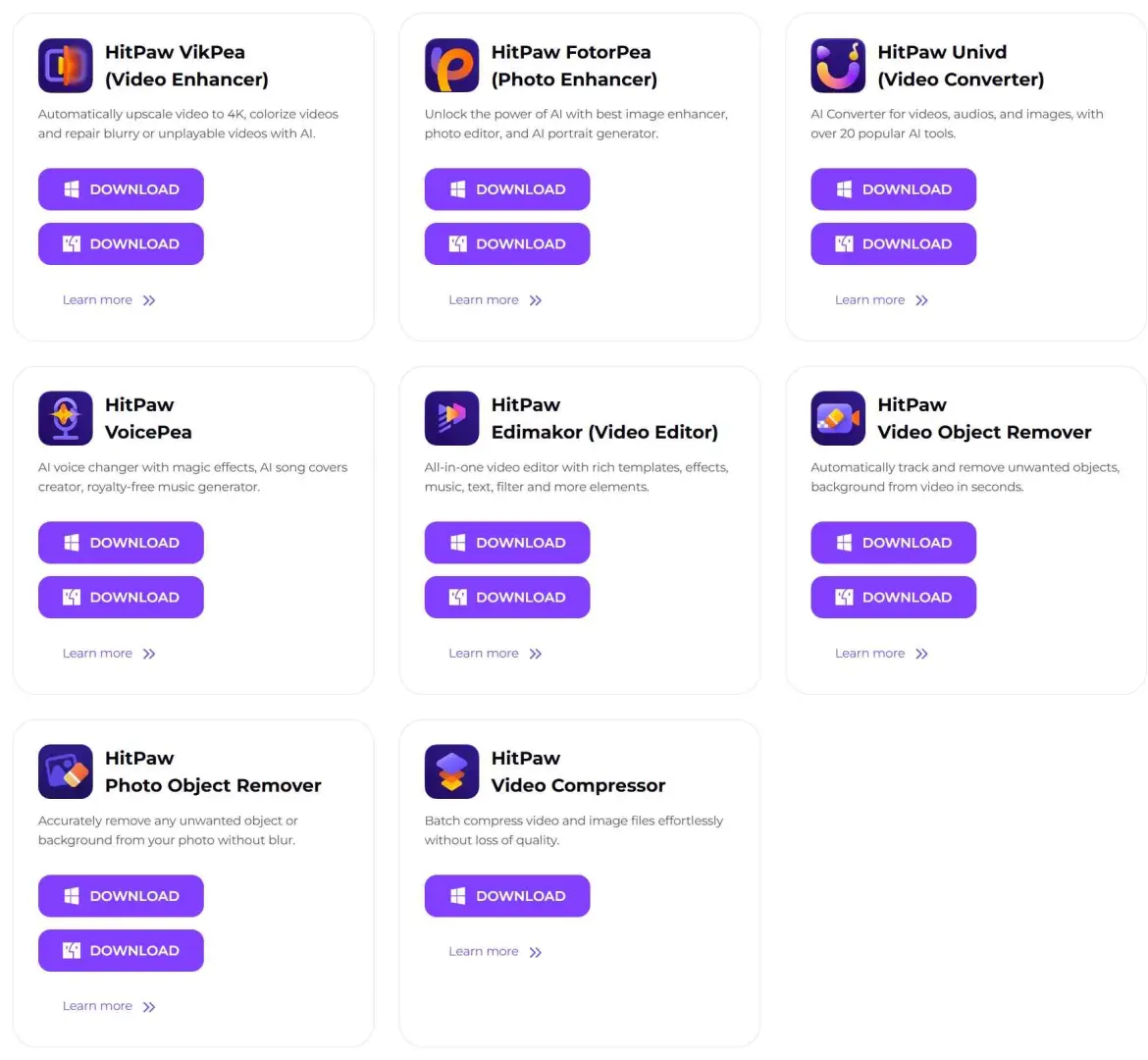

- HitPaw's current lineup emphasizes AI-powered video enhancement, photo editing, voice changing, and AI video editing. Public downloading appears as a smaller part of that product mix through Edimakor.
A related HitPaw Video Converter review gives useful background on the earlier download-focused positioning. My read is that this is a workflow mismatch, not a reason to send every HitPaw user toward the same replacement.
For a concrete scale reference, a three-episode LDR S4 batch logged on Windows 10 Pro with an Intel i5-9400F, 16 GB RAM, and StreamFab 7.0.1.7 completed all three episodes; file sizes rose with episode length. That observation is useful for planning storage, but it is not a verdict on every downloader.
Match an Alternative to Your Workflow
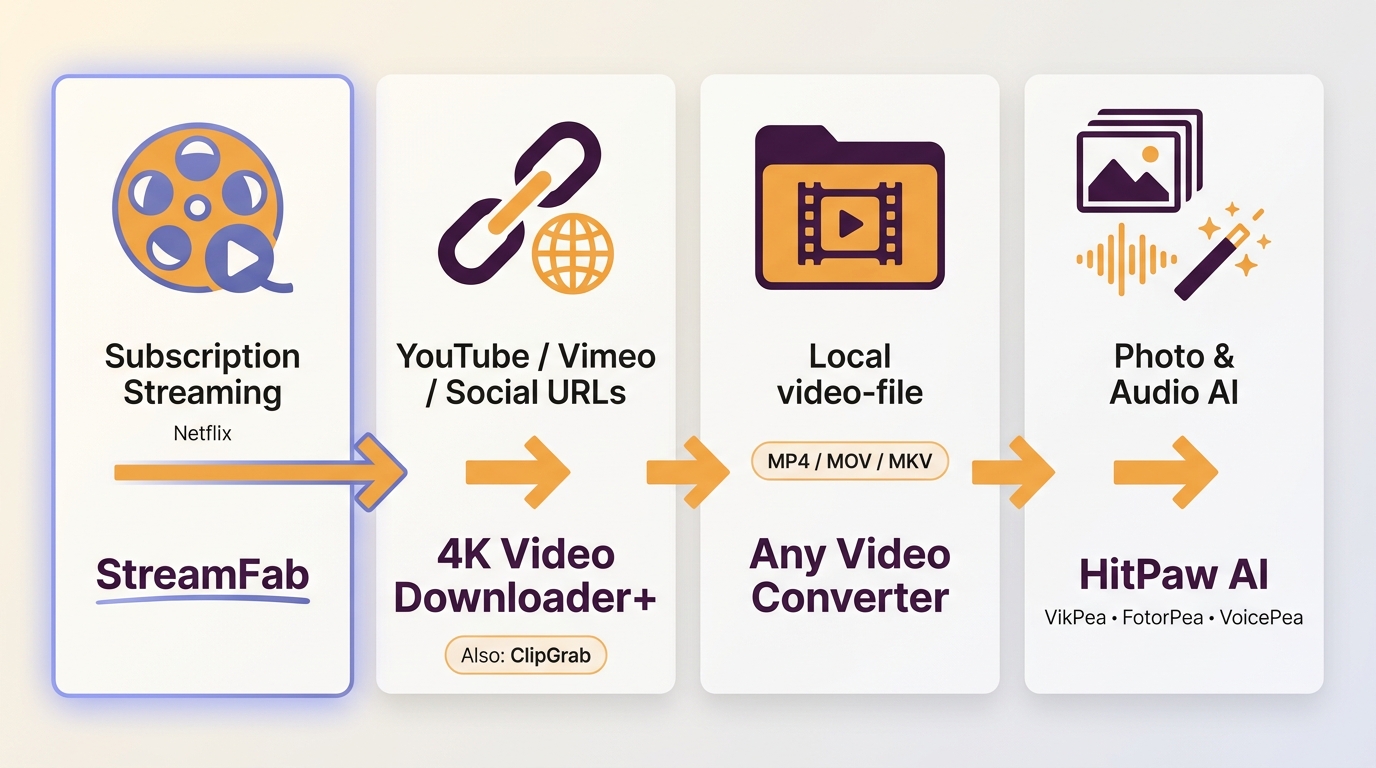
A video downloader alternative is the right lane for public URLs, while an MP4 converter or editor is better for files already on your device. AI enhancement and photo work belong to a separate HitPaw replacement path, and protected streaming downloads need a desktop workflow with a different capability set.
Public video downloading
For a YouTube to MP4 task, choose a public-platform downloader that names its supported sites and output formats. 4K Video Downloader+ and ClipGrab keep the workflow focused; SnapDownloader is more useful when social queues and scheduled jobs matter.
Conversion and editing
An MP4 converter makes sense when the source file is already local. Any Video Converter covers format changes, trimming, cropping, and merging, while a dedicated editor is preferable for a longer timeline or layered production.
AI enhancement and photo tools
If the replacement need is upscaling, photo cleanup, voice effects, or AI-assisted editing, HitPaw's current product family remains relevant. VikPea, FotorPea, VoicePea, and Edimakor belong in this decision branch rather than being judged as streaming downloaders.
Protected streaming downloads
Free public-site tools generally do not cover protected streaming downloads. A desktop option such as StreamFab belongs in this branch when the content is authorized for personal offline viewing and the platform terms and applicable law permit that use.
1. StreamFab: Protected Streaming and Batch Downloads
StreamFab is a desktop option for authorized personal offline viewing of supported protected-streaming services, where permitted by platform terms and applicable law. It runs on Windows 10/11 and macOS, exports MP4 or MKV, and can reach up to 4K where the service and subscription allow it.

Your ultimate choice to download videos from Netflix, Amazon Prime, Hulu, YouTube and other sites.
- Compared with HitPaw's current conversion and editing focus, StreamFab is built around recording supported streaming playback for local MP4 or MKV output. Its documented service coverage includes Netflix, Amazon Prime Video, Disney+, Hulu, HBO Max, Apple TV+, Paramount+, YouTube, U-NEXT, and Abema.
The useful distinction is file control rather than a longer feature list. StreamFab supports batch and scheduled jobs, subtitle downloads, metadata writing, and audio choices such as Dolby Atmos, EAC3 5.1, AC3 5.1, or AAC 2.0 when the source offers them.
- Batch downloading: Batch and metadata handling are the practical draw. Queue a season, set the preferred quality and subtitle language, and let the job run; title, season, episode number, and artwork can be organized for a Plex or Emby library.
In the Windows 10 Pro batch noted above, all three LDR S4 episodes completed on the i5-9400F setup with StreamFab 7.0.1.7. I treat that as a bounded queue-handling observation, not a blanket promise about every service or network.
StreamFab's trial policy provides 30 days per streaming service and three trial videos per service. If you want to inspect the desktop workflow, use the StreamFab product page; current license details are on the pricing page.
2. 4K Video Downloader+: Public-Platform Downloads
4K Video Downloader+ fits public-platform URLs, playlists, and channels rather than protected streaming. It is a practical Windows and Mac choice for YouTube to MP4 work when you want queue controls and format selection without an editing suite.
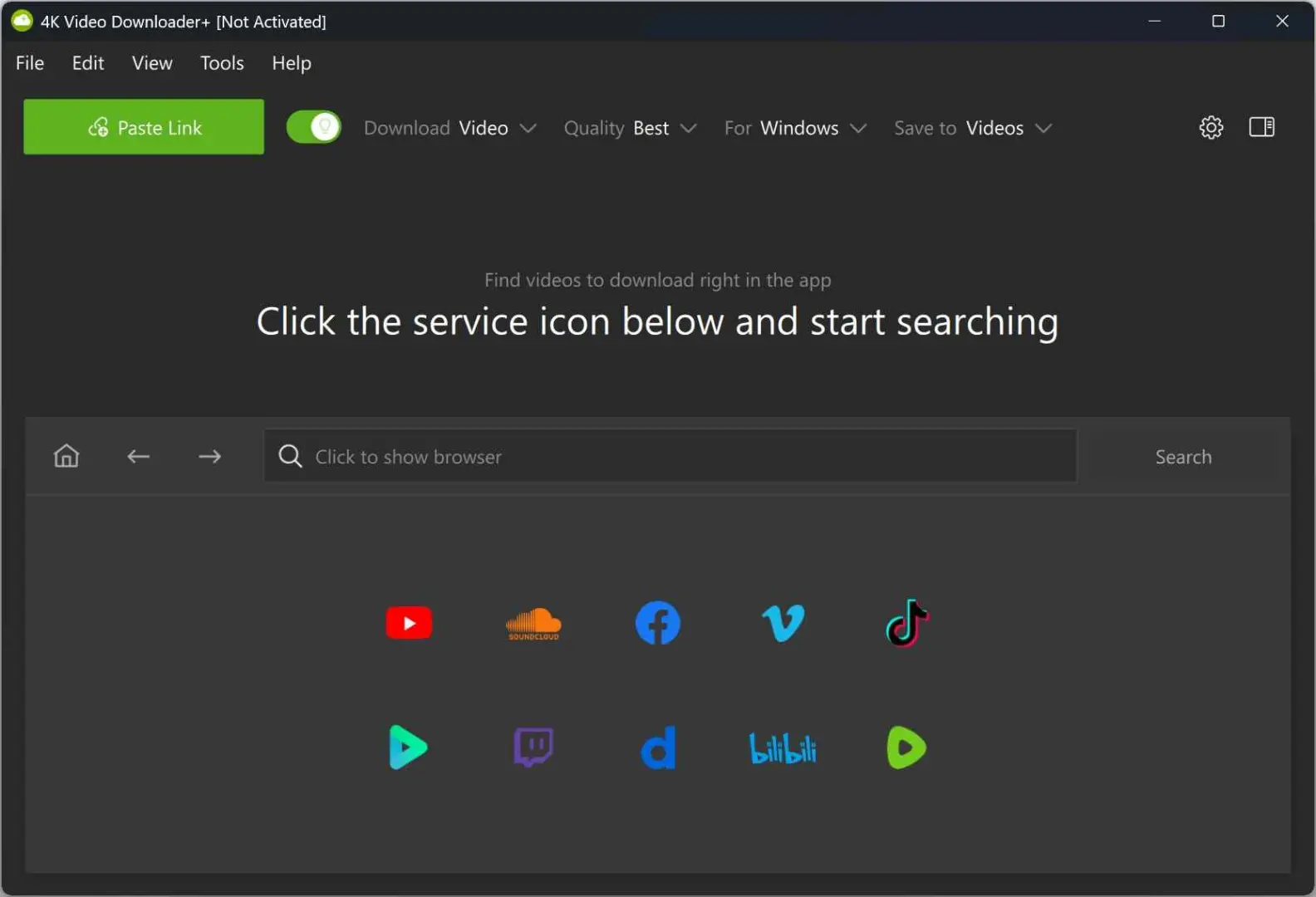
| What it handles well |
|
| It is intended for publicly accessible video; Netflix, Disney+, and similar protected services are outside this workflow | Trial and licensing |
| A free tier and paid plans are listed; limits and device scope differ by plan | A good fit for |
| YouTube creators, educators, and readers who work with public-platform URLs | A practical check |
The trade-off is straightforward: you get a focused public downloader, not a protected-service archive or a full editor.
3. Any Video Converter: Free Conversion and Editing
Any Video Converter is the closest free HitPaw alternative when the real need is conversion and quick edits. It can download from selected public URLs, then convert, trim, crop, or merge the resulting files.
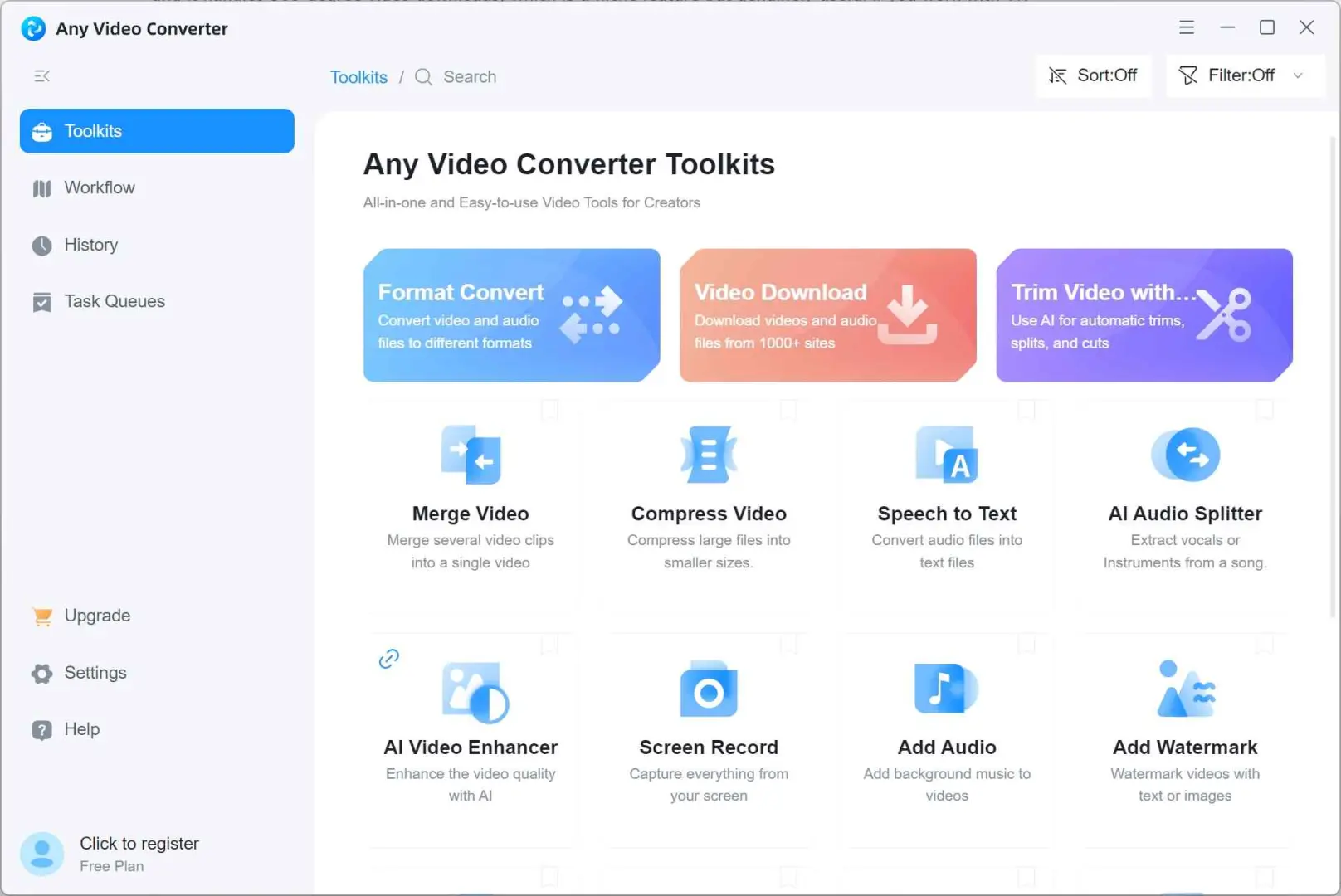
| Where it fits | It is primarily a conversion engine: MP4, MOV, MKV, and similar changes sit alongside basic trim, crop, and merge tools |
| The trade-off | The free edition includes ads; a paid edition adds conveniences such as GPU acceleration. Protected streaming is outside its stated workflow |
| A good fit for | Readers who want a free HitPaw alternative for local-file conversion and light editing on Windows or Mac |
This is the sensible route when the input is already a file. If the source requires a login or a managed streaming app, use the protected-streaming branch instead of expecting a converter to fill that gap.
4. SnapDownloader: Social Media and Batch Jobs
SnapDownloader is a video downloader alternative for public social URLs, playlists, and recurring batch jobs. Its strongest case is a queue that mixes Instagram, TikTok, Twitter/X, Reddit, and similar public sources.
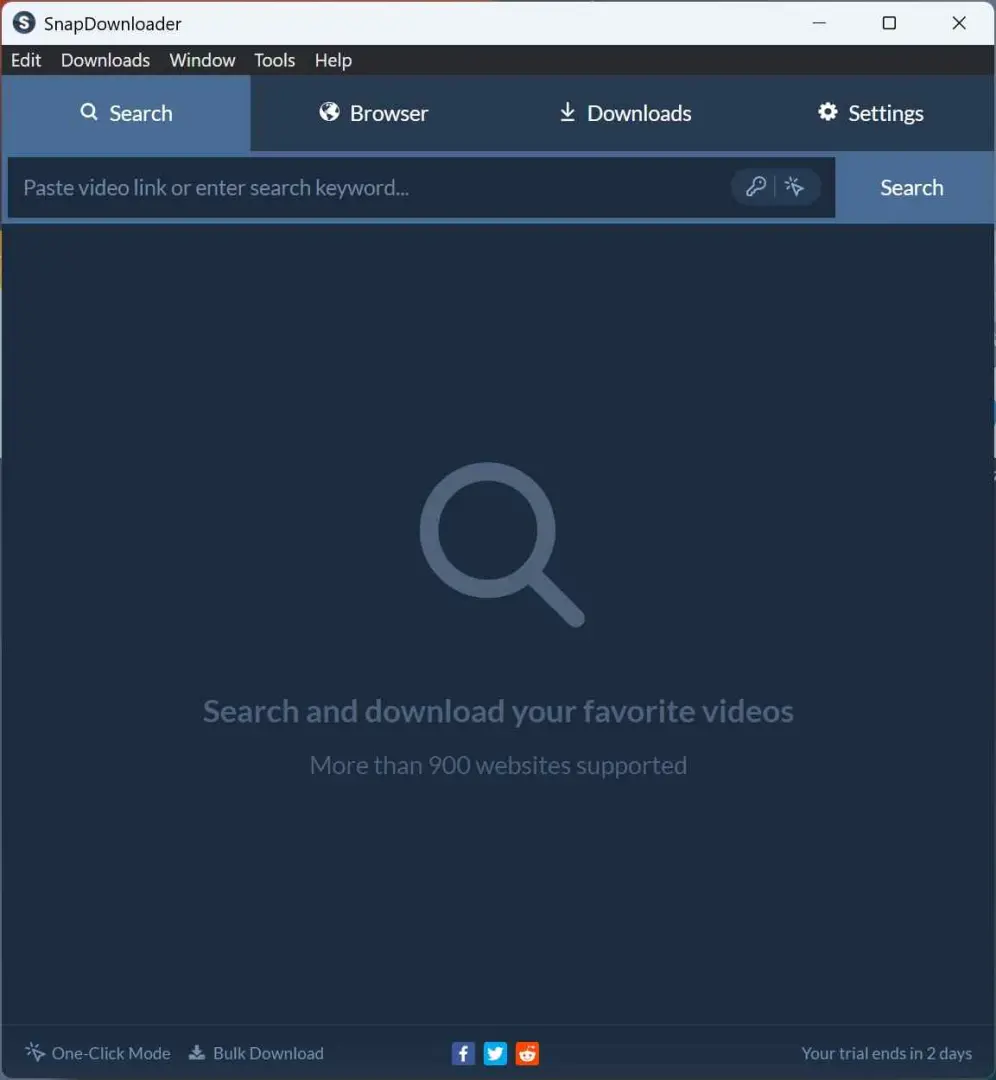
| What stands out |
|
| Login-gated services such as Netflix and Disney+ are outside this public-download workflow | Trial and licensing |
| A trial is listed, while paid plans and device scope vary | A good fit for |
| Social media managers, curators, and readers who save public clips regularly | The practical trade-off |
Its queue features are useful, but the public-source boundary remains the deciding factor.
5. ClipGrab: Simple Free Public Downloads
ClipGrab is a simple no-cost option for occasional public downloads. It keeps the path short: paste a URL, select a format, and save the file, with no protected-streaming workflow attached.
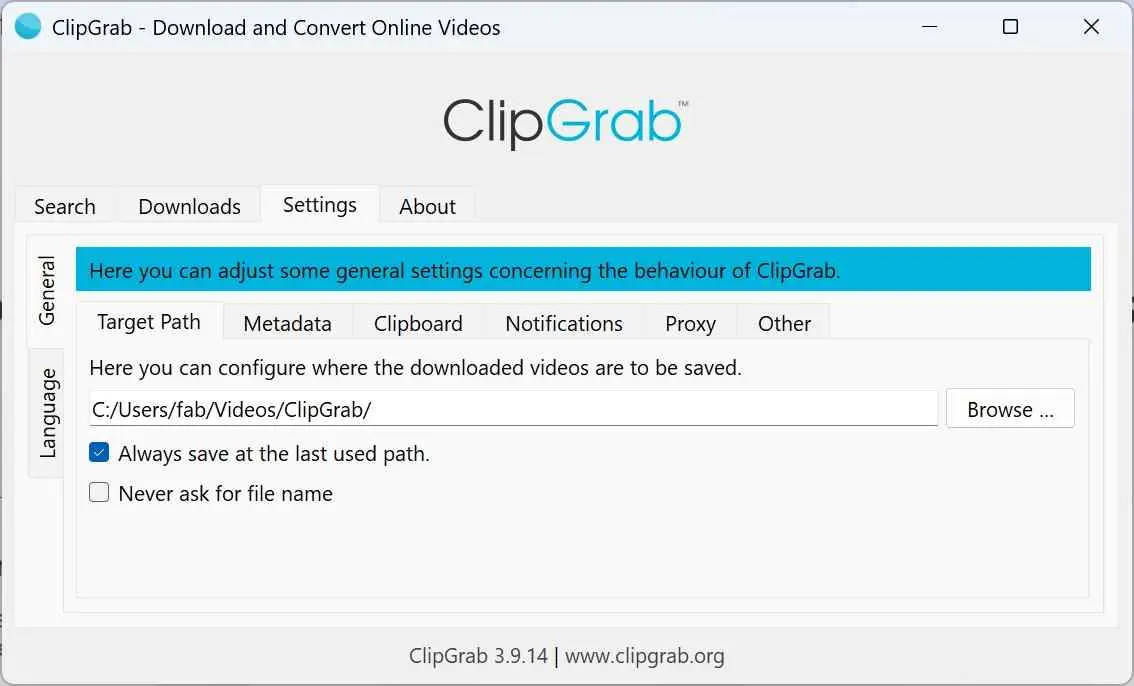
| What you give up | Downloads are handled one at a time, with no playlist or scheduled queue and no protected-service support |
| What you gain | No purchase cost and a small, straightforward interface for public URLs |
| A good fit for | Casual YouTube or Vimeo downloads when simplicity matters more than batch controls |
ClipGrab is a free HitPaw alternative for a narrow task, not a substitute for conversion features or protected streaming.
6. Meget: Budget Batch Downloads
Meget targets budget-conscious users who want batch downloads and format conversion for public URLs. Windows, Mac, and Android availability are part of the comparison, while subtitle behavior depends on the source and selected workflow.
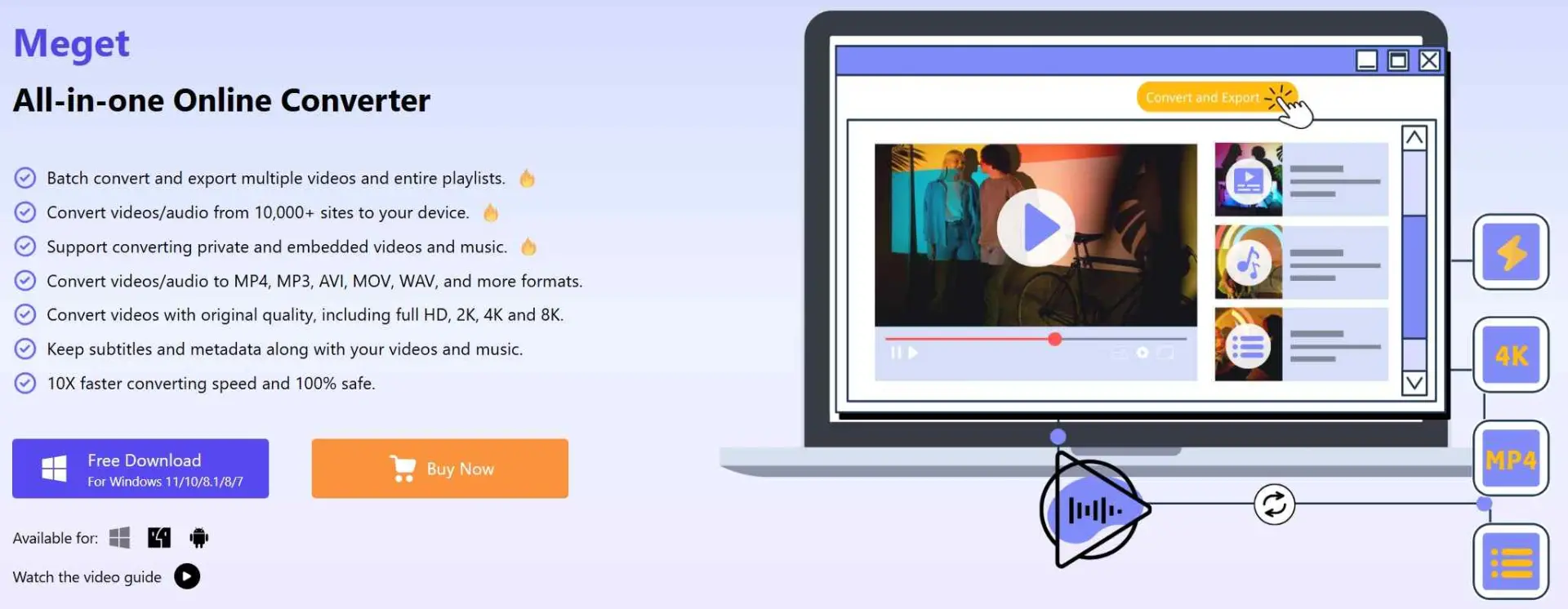
| The appeal | Batch queues, MP4, MP3, AVI, and MOV choices, plus a modern desktop workflow |
| The caution | Its smaller user community means fewer troubleshooting references than established public-download tools, and protected services are outside this workflow |
| A good fit for | Readers who need public batch downloads and can accept a less-established support ecosystem |
Meget is a reasonable video downloader alternative for public batches, but I would keep the support and update trail in view before making it the center of a larger archive.
7. Y2Mate: Uncertain Streaming Coverage
Y2Mate's current support and reliability remain unverified, so it is not a dependable baseline for a purchase decision. Public claims about Netflix or Amazon should be treated as unconfirmed until its current product, licensing, and refund details are clear.
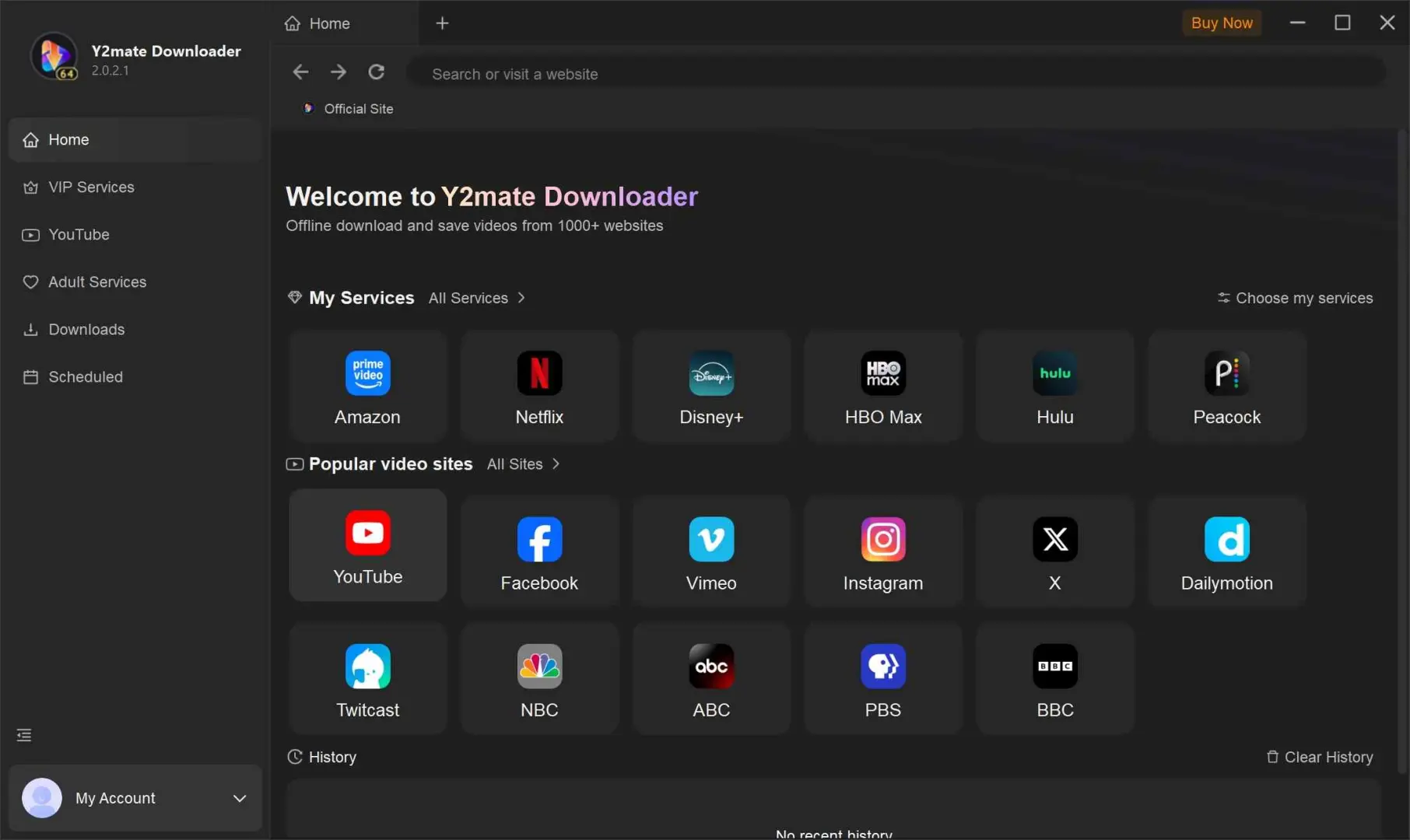
| Current status |
|
| Pricing | Module pricing, renewal language, and refund terms need a current product-page check |
| A good fit for | Readers willing to establish current support before relying on the service |
I would not use Y2Mate to anchor a protected-streaming decision while those basics remain unclear.
How I Evaluated These Tools
I separate firsthand observations from public ratings and directory summaries. The comparison frame used a two-week window, a 100 Mbps connection, a Windows 11 desktop, ten downloads per tool, and a 20-item queue; those conditions matter because source, network, and device can change the result.
| Evidence type | What it covers | How to read it |
|---|---|---|
| Firsthand StreamFab run | Three LDR S4 episodes on Windows 10 Pro, i5-9400F, 16 GB RAM, v7.0.1.7 | Bounded observation; all three completed |
| Same-title comparison | StreamFab on Mac and Audials on Windows | Directional; HDR, audio, and file size differed |
| Workflow checks | Source scope, output formats, queue handling, and subtitles | Use the row that matches your task |
| Commercial checks | License scope, trial limits, renewal language, and refunds | Read before purchase |
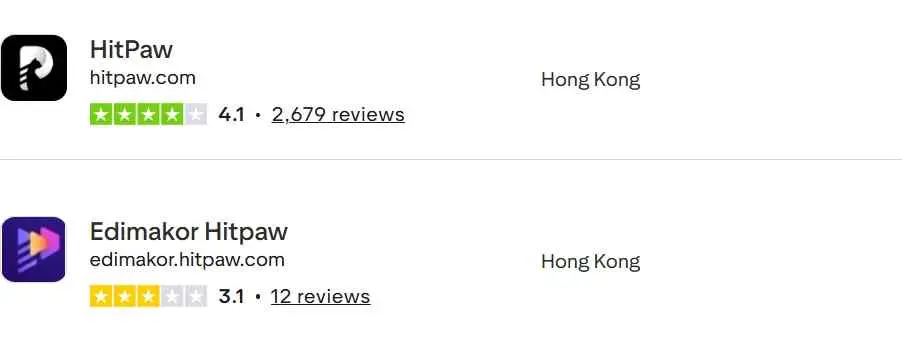
| Independent signal | Trustpilot: 3.9/5 from 2,720 reviews, August 31, 2026 | Customer snapshot, not a download test |
For the same-title comparison, StreamFab ran through a Mac connection while Audials used Windows; the outputs differed in HDR, audio, and file size. I therefore use that result as directional context, not as a universal speed ranking.
For HitPaw video converter alternatives, I weight source scope first, then output control, queue behavior, and commercial clarity. A directory rating can add context, but it cannot replace a workflow-specific check.
FAQ
Conclusion: Choose by Workflow
A HitPaw replacement is a workflow decision. Choose a public downloader for YouTube or social URLs, a converter or editor for local files, and a desktop protected-streaming option when authorized personal offline viewing is the requirement.
- Public YouTube to MP4: 4K Video Downloader+ adds queue controls; ClipGrab keeps occasional downloads simple.
- Conversion and light editing: Any Video Converter is the free HitPaw alternative for local MP4, MOV, or MKV work.
- Social batch jobs: SnapDownloader fits recurring public queues.
- Budget batch downloads: Meget is worth considering when public-source coverage and support expectations match.
- Protected streaming downloads: StreamFab fits Windows and Mac readers who need batch, subtitles, metadata, and MP4/MKV output within the same terms boundary. It is not ideal for readers who require iOS or Linux support.
I would make the source scope the first decision, then check formats and trial limits. That keeps the HitPaw replacement aligned with the job instead of forcing a converter, editor, and downloader into one category.