If HitPaw is not working, first confirm whether you are using HitPaw Univd, Edimakor, or an online tool because each has a different failure path. Run the basic checks, match the symptom below, and treat the former downloader as a product-scope change rather than a conversion bug.
The route is straightforward: identify the product, complete a clean preflight test, use the diagnostic matrix, and then apply the fix that matches the observed behavior. That order matters because a HitPaw error code in Univd calls for a different response than a browser failure or an absent download menu.
- The current downloader status explains what changed in HitPaw Univd.
- Conversion fixes cover slow processing and repeatable freezes.
- The AI editing shift puts the current product direction in context.
- An authorized offline-copy alternative is covered after the troubleshooting and FAQ.
HitPaw Not Working: Identify the Product
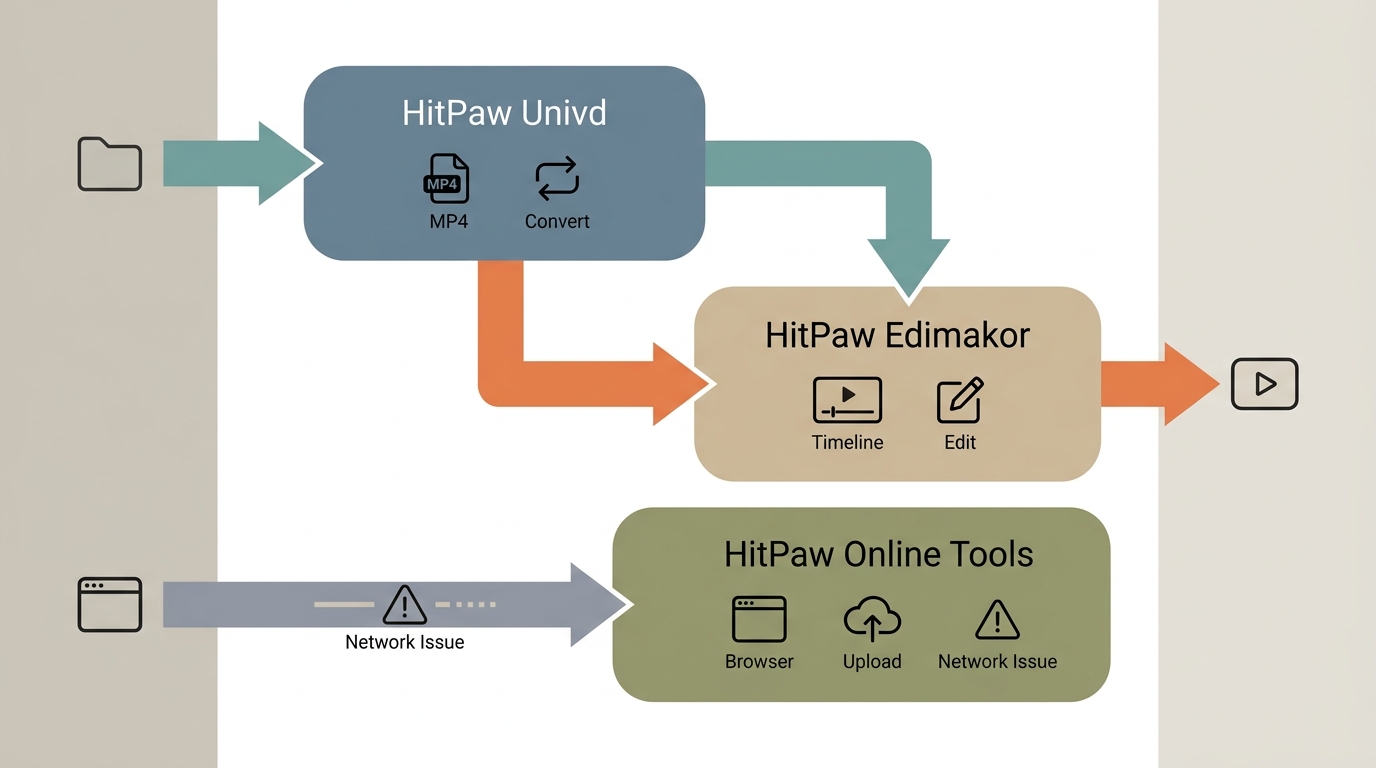
A HitPaw not working report is useful only after the product is named. HitPaw Univd (formerly HitPaw Video Converter), Edimakor, and HitPaw online tools handle different jobs, so they do not share one universal repair path.
Univd, Edimakor, and Online Tools
- HitPaw Univd: Use this path for local file import, conversion, compression, and AI-assisted media processing. If an older tutorial says HitPaw Video Converter, it is referring to the former product name.
- Edimakor: Use this path for timeline editing, AI-assisted editing features, and its included downloader component. Source support depends on the current Edimakor scope.
- HitPaw online tools: Use browser troubleshooting for upload, network, extension, or session failures. Desktop GPU settings do not apply to these tools.
Start with the product name shown in the title bar or account page, then reproduce the problem with one small input. The current capabilities and boundaries of Univd are also covered in the HitPaw Video Converter review, which helps separate a missing feature from an application fault.
Check the Basics First
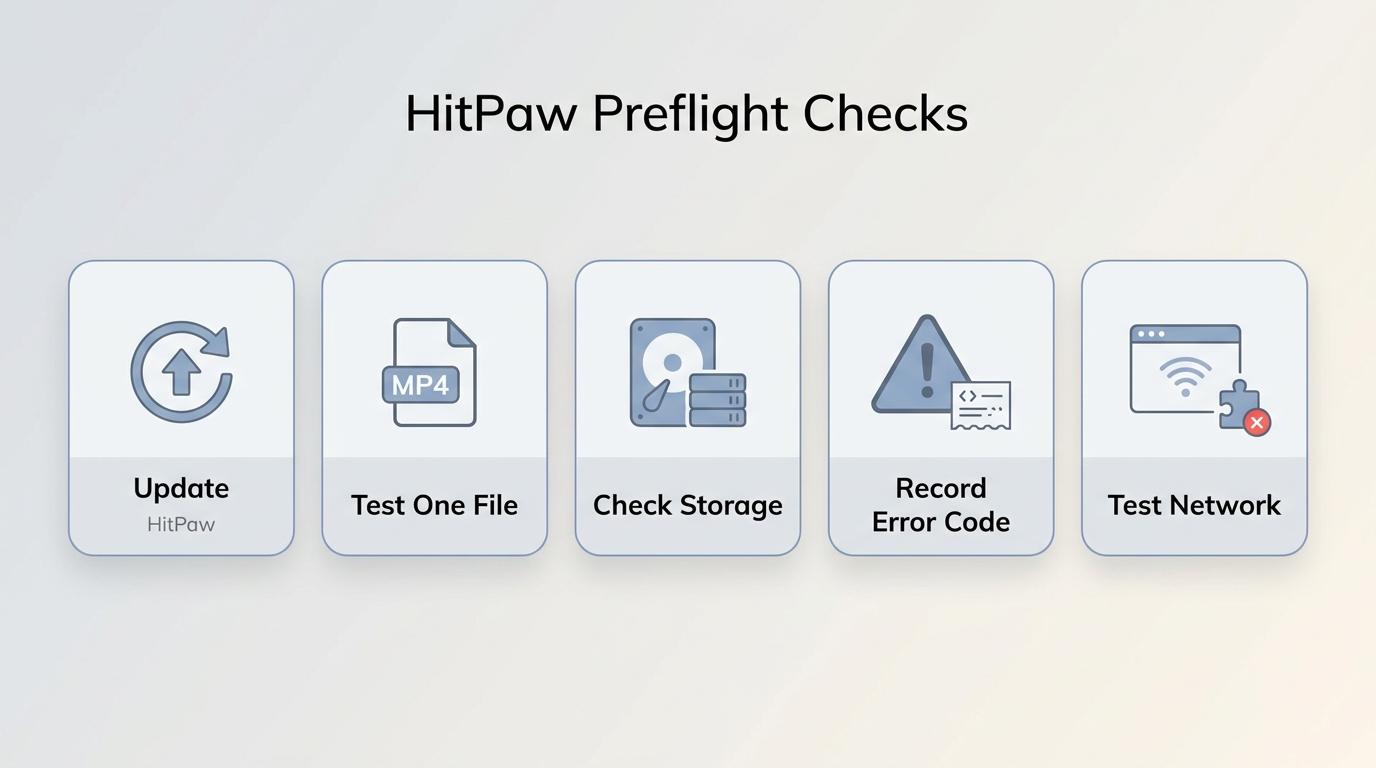
Most HitPaw troubleshooting should begin with five controlled checks. They isolate the input, system, and network before a settings change creates a second problem.
Version, Input, Storage, and Network Checks
I treat these checks as a gate, not filler. If a short known-good file also fails after a clean restart, the evidence points toward the application or account; if it succeeds, the original input or batch is the better place to investigate.
Match the Symptom to a Fix
A HitPaw crash, stalled conversion, import error, browser failure, and absent downloader require different first moves. Use this matrix to change one variable at a time and preserve a clear escalation record.
Import, Conversion, Network, and Download Symptoms
| Product | Typical symptom | First check | Next step |
|---|---|---|---|
| HitPaw Univd | File will not import | Test a supported local file | Update or reinstall, then send file details to support |
| HitPaw Univd | Conversion fails | Try one short file and check storage | Capture the error code and test the same file after restart |
| HitPaw Univd | Slow or frozen processing | Enable GPU acceleration for slow jobs | Disable it only for a repeatable freeze, then check the driver |
| Edimakor or online tool | Network or browser error | Retry without extensions or security filtering | Test another browser or network, then contact support |
| HitPaw downloader | Former workflow is absent | Confirm the current product and task | Check Edimakor scope or choose another authorized path |
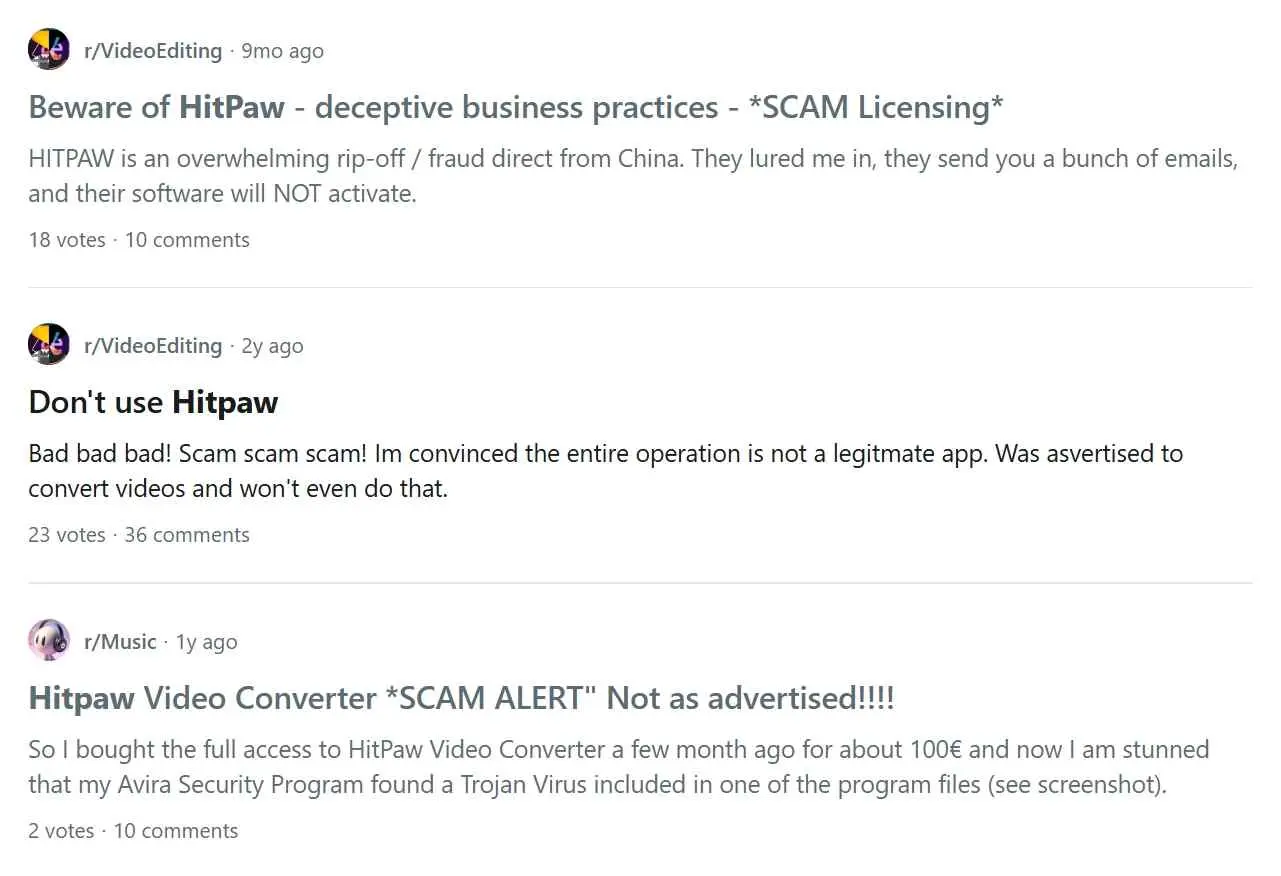
Community discussions describe freezes, expired-license messages, edition confusion, corrupted outputs, uninstall friction, and uneven upscaling results. These are useful pain signals, not proof that every installation has the same defect; the product, version, input, and exact symptom still determine the next step.
What Changed in HitPaw Downloads
As of September 2026, HitPaw's current pages present Univd as a converter and AI media tool; the former streaming-download workflow is not listed in that product scope. An absent download menu is therefore different from a failed local import or conversion.
Older customers have discussed the change on HitPaw's community forum, including disputes about features associated with earlier purchases. Those reports show genuine frustration, but an individual post does not establish a universal account or refund outcome.
If Univd still converts local files but the former download workflow is absent, repeated reinstalls are unlikely to solve the mismatch. Confirm the product shown in the app, decide whether the job is local conversion or online acquisition, and follow the matching support path.
Edimakor Downloader: Current Scope
Edimakor is an AI video editor with a downloader component, not a drop-in copy of every workflow once associated with HitPaw Univd. The supported source must be judged from Edimakor's current product scope rather than an older HitPaw tutorial.
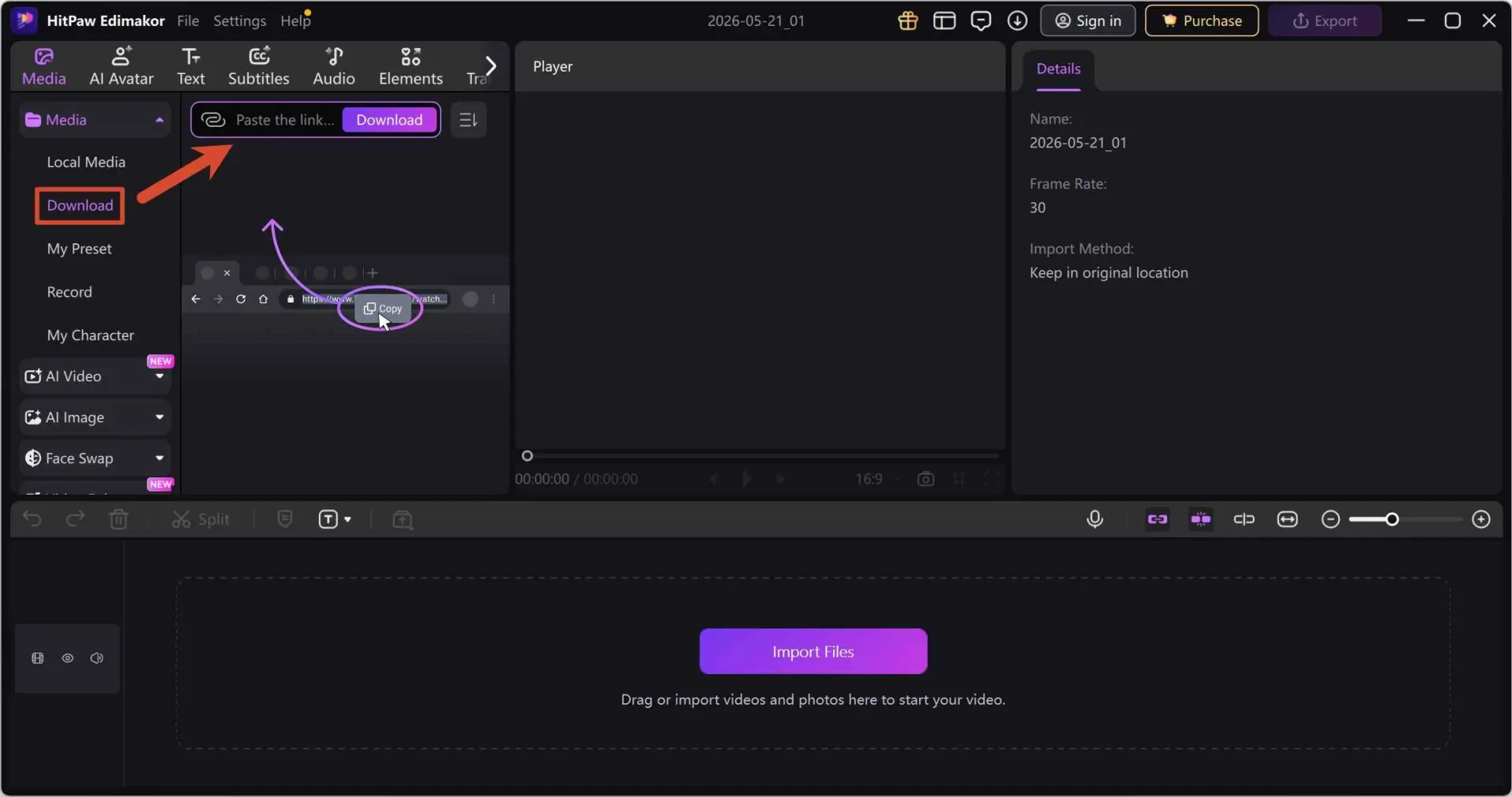
- Best for: People who want editing and AI-assisted production in the same application, with public-video downloading as a supporting task.
- Not ideal for: People seeking a dedicated desktop workflow for subscription-streaming copies, broad platform handling, or file-management controls beyond Edimakor's documented scope.
My practical rule is to test the exact source you need before reorganizing an editing workflow around the downloader. A component can be useful without being the right replacement for a specialized task.
Fix Slow or Frozen Conversions
For slow HitPaw Univd conversion, enable GPU acceleration first. For a repeatable freeze or suspected driver conflict, disable it as a controlled comparison on the same short clip rather than treating either setting as a universal fix.
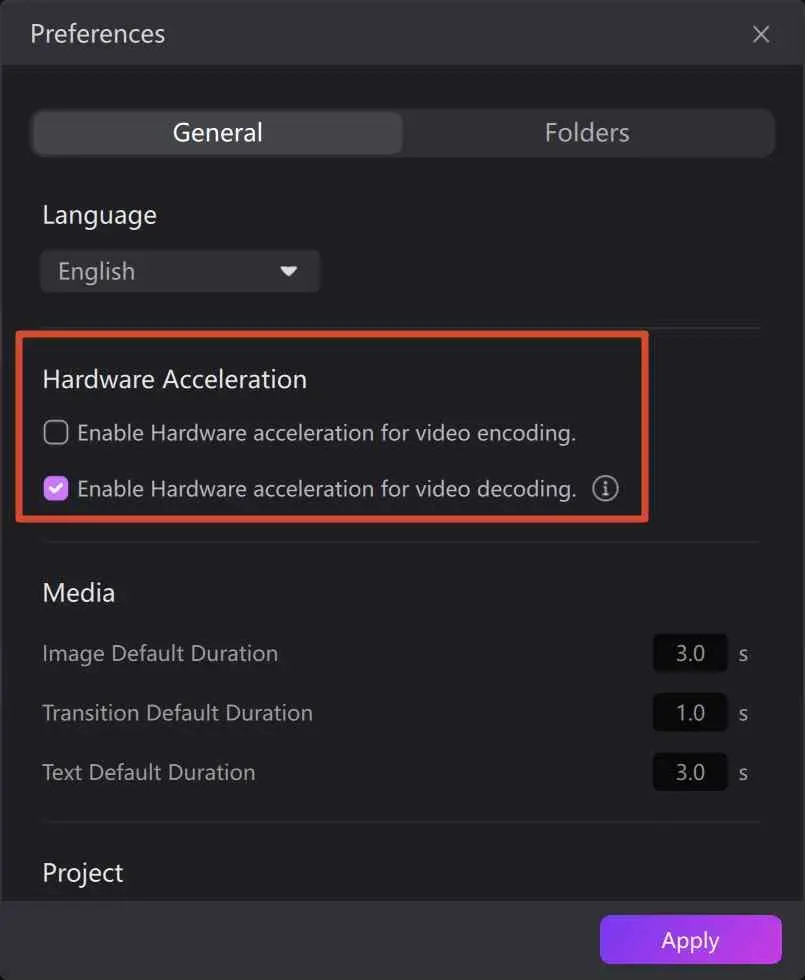
- Open HitPaw Univd and load one short local file
- Open Settings and enable GPU acceleration for slow processing
- If the same job freezes, disable Hardware Acceleration restart the app, and rerun the same clip
- Keep the setting that completes the controlled test; update the GPU driver before escalating
Do not compare a large batch before and after the setting change because the source files add noise to the diagnosis. If both runs fail at the same point, save the version, driver, source format, and error details for support.
Fix Spotify Metadata Errors
Missing album art, artist names, or track details can result from a compatibility or metadata-parsing failure. Test the current build with one track before changing tags or starting another batch.
- Update HitPaw Univd, then test one Spotify track
- Compare the track title, artist, album art, and duration before running a batch
- Correct local tags with Mp3tag; contact HitPaw support if a fresh build repeats the same error
I would escalate when two known-good tracks repeat the same missing fields after an update and restart. Include the product version, the observed metadata fields, and whether a single-track conversion succeeds; that is more actionable than a general “Spotify is broken” report.
Resolve License and Billing Problems
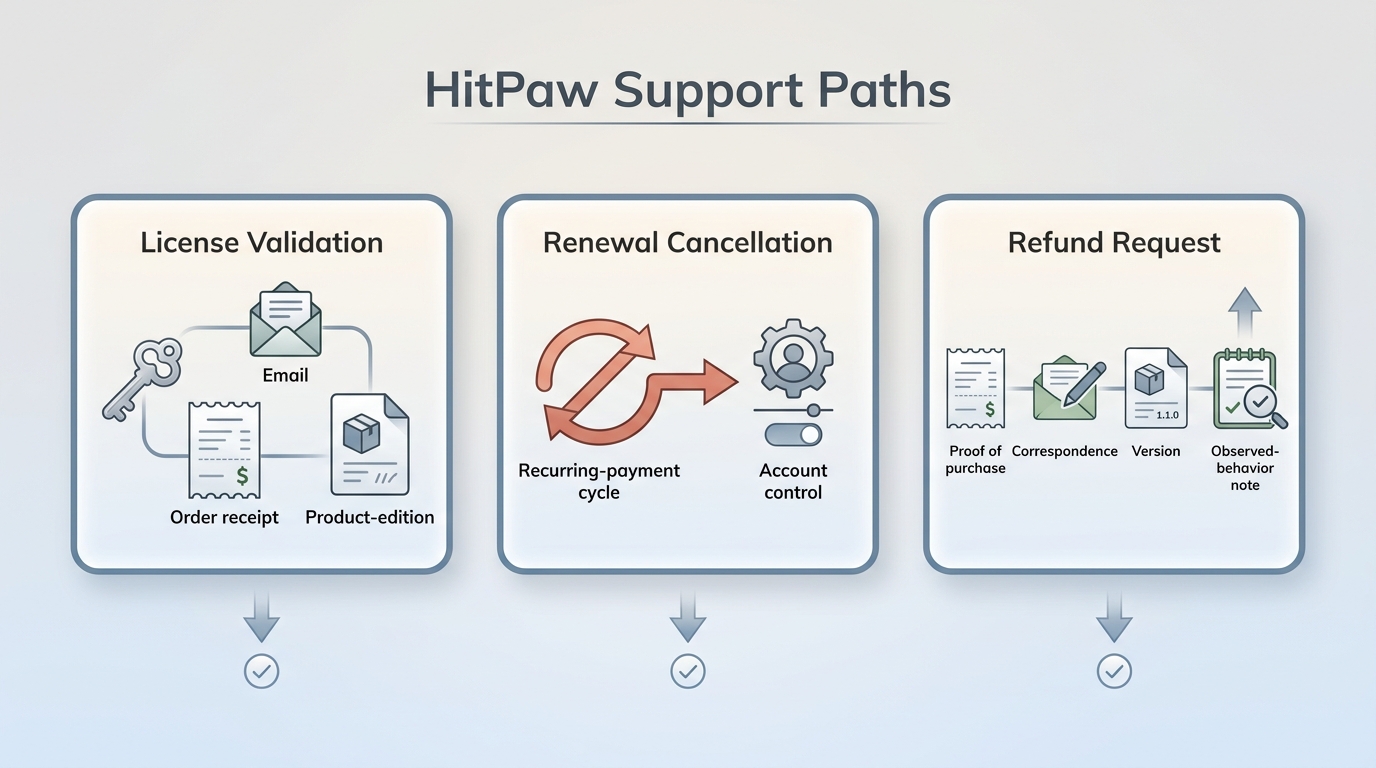
Separate license validation, renewal cancellation, and refund requests because each requires different evidence. Begin with the purchase email and receipt before drawing conclusions from a missing feature or an “invalid license” message.
- Open HitPaw, select the profile icon, and log out then sign in with the purchase email
- Match the receipt, order number, and product edition to the account
- Use HitPaw's account and support channels for validation, cancellation, or a refund request support portal
For a renewal cancellation, identify the billing account and request the change through the official account or support channel. For a refund request, retain the receipt, correspondence, product version, and a concise description of the expected and observed behavior. A lifetime license establishes an account entitlement under its terms; it does not by itself prove that every historical feature remains unchanged.
Why HitPaw Focused on AI Editing
HitPaw's current positioning emphasizes conversion and AI-assisted editing. That context matters because troubleshooting cannot restore a workflow that is no longer presented within the current product scope.
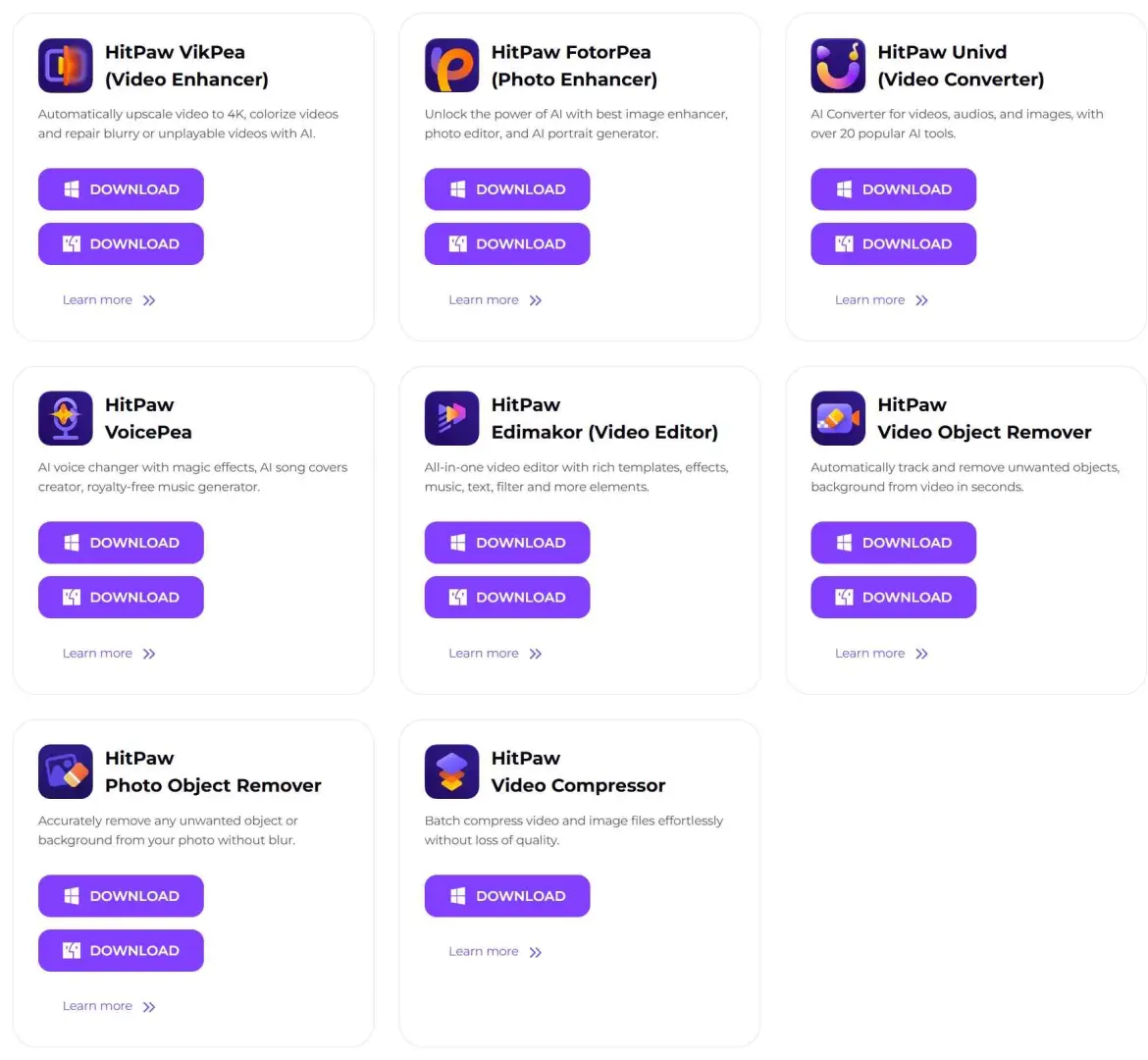
What this product shift means
HitPaw Univd's current scope centers on conversion and AI-assisted media tasks
- The former downloader is not presented in the current Univd product scope
- Edimakor includes a downloader component whose supported sources depend on its current scope
- Choose the product by the job shown today, not by a feature remembered from an older edition
The pivot is reasonable for a user whose main work is editing, enhancement, or conversion. It is a poor fit when the purchase decision depends on a dedicated subscription-streaming workflow, and no amount of GPU or reinstall troubleshooting changes that distinction.
A Practical Alternative for Authorized Offline Copies
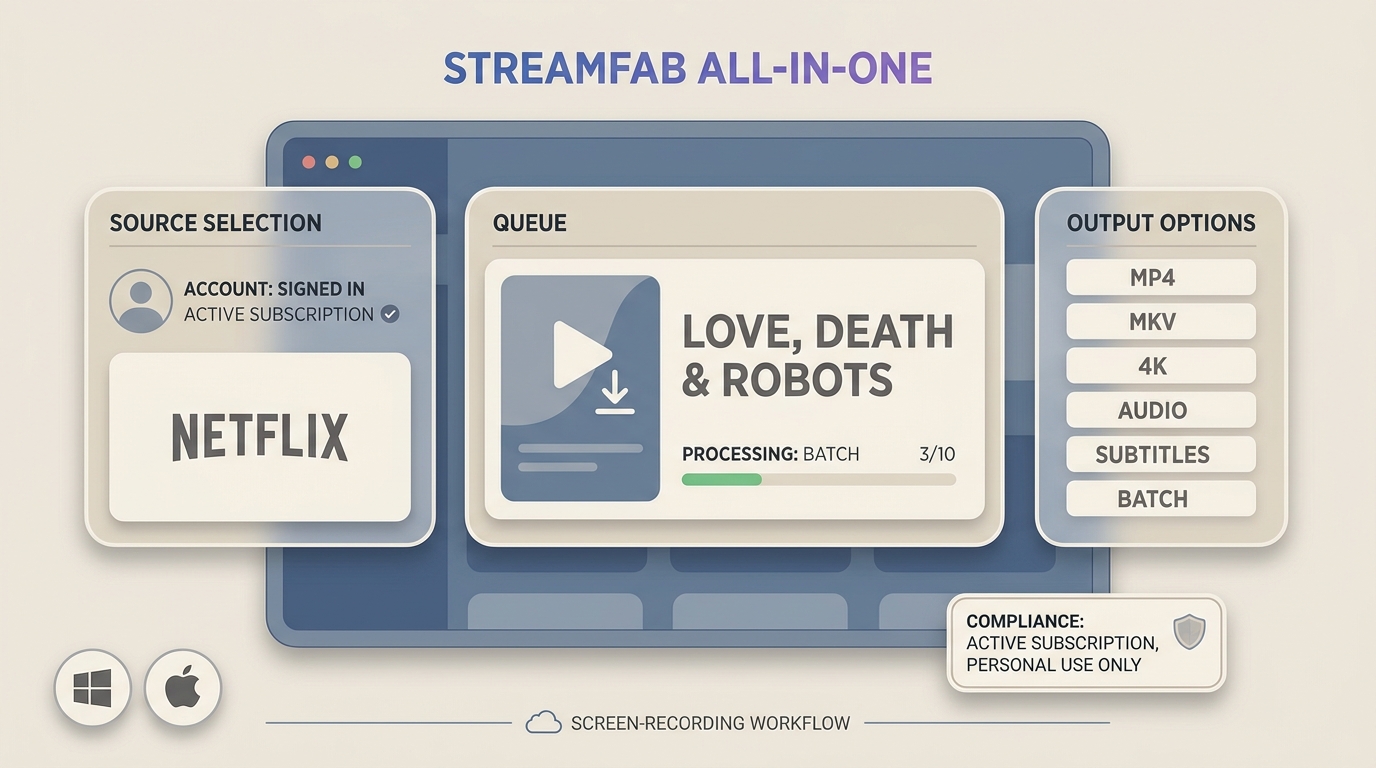
For personal offline viewing of content you are authorized to access, where permitted by platform terms and applicable law, StreamFab All-In-One is one Windows and Mac desktop alternative when a streaming service does not provide the official download path you need.
StreamFab uses direct-downloading technology after you sign in through a valid subscription. It does not change the service's access controls or payment requirements. The relevant advantages here are local MP4 or MKV output, service-dependent quality up to 4K, and batch or scheduled handling with available audio and subtitle choices.

- Suitable for Windows or Mac users saving authorized streaming content for personal offline viewing
- Less suitable for Mobile-only users, casual public-video saves, or anyone who does not need local file control
- Output choices MP4 or MKV, with quality up to the platform, title, and subscription limit
- Workflow Batch and scheduled tasks with available audio and subtitle selection
- Access requirement Sign in through an active source subscription; the app does not change payment or account controls
In one Windows 10 Pro batch run on an i5-9400F system with 16 GB RAM and StreamFab 7.0.1.7, three Love, Death & Robots Season 4 episodes completed, and file size rose with episode length. That result supports the batch workflow under those conditions, not a guarantee for every service or device.
In a same-title check against Audials, the StreamFab run used a Mac connection while Audials ran on Windows; the outputs differed in HDR, audio, and file size. Because the environments differed, I treat that result as a format observation, not a speed ranking. The useful HitPaw vs StreamFab comparison is therefore about product fit: editing and local conversion versus authorized offline-copy management.
If this workflow is broader than you need, the HitPaw alternatives guide keeps the wider tool search separate from this troubleshooting path.
FAQ
Conclusion
HitPaw troubleshooting starts with identifying the product and the exact task. Univd remains focused on conversion and AI-assisted media work, while Edimakor and online tools follow different workflows. If an older downloader feature is missing, that is a product-scope change rather than a problem that reinstalling can fix.
For users who need authorized offline copies with complete files, subtitles, metadata, or batch handling, a dedicated desktop workflow may be a better fit. The key is to match the tool to the job instead of treating every HitPaw error or missing feature as the same technical problem.