
When OnlyFans does not provide a usable save option, an OnlyFans video converter can create a playable local MP4 from content you are authorized to view and copy. The original remains unchanged; verify both picture and sound in the local file before transferring it.
The five options below cover desktop export, recording, and supported browser extraction. Start with the permissions and output settings, then choose the workflow that fits your task.
For adults 18 and older: use authorized account access and content you have permission to copy, keep it private without redistribution, and follow applicable law and platform terms. A subscription or pay-per-view purchase grants access, not an unconditional copying license; permissions depend on your specific use. A local copy is not a promise of permanent or unrestricted access. Do not attempt to defeat DRM or other access controls, as doing so may violate applicable law and platform terms.
A playable local MP4 needs both a supported video source and compatible output settings.
- The five approaches differ in how they create the file; compare their workflows before choosing one.
- You can match export, recording, or extraction to your task in the MP4 workflow comparison.
- For free limits, account access, and phone playback, go straight to the FAQ.
Which OnlyFans to MP4 Tool Types Feel Safer in 2026
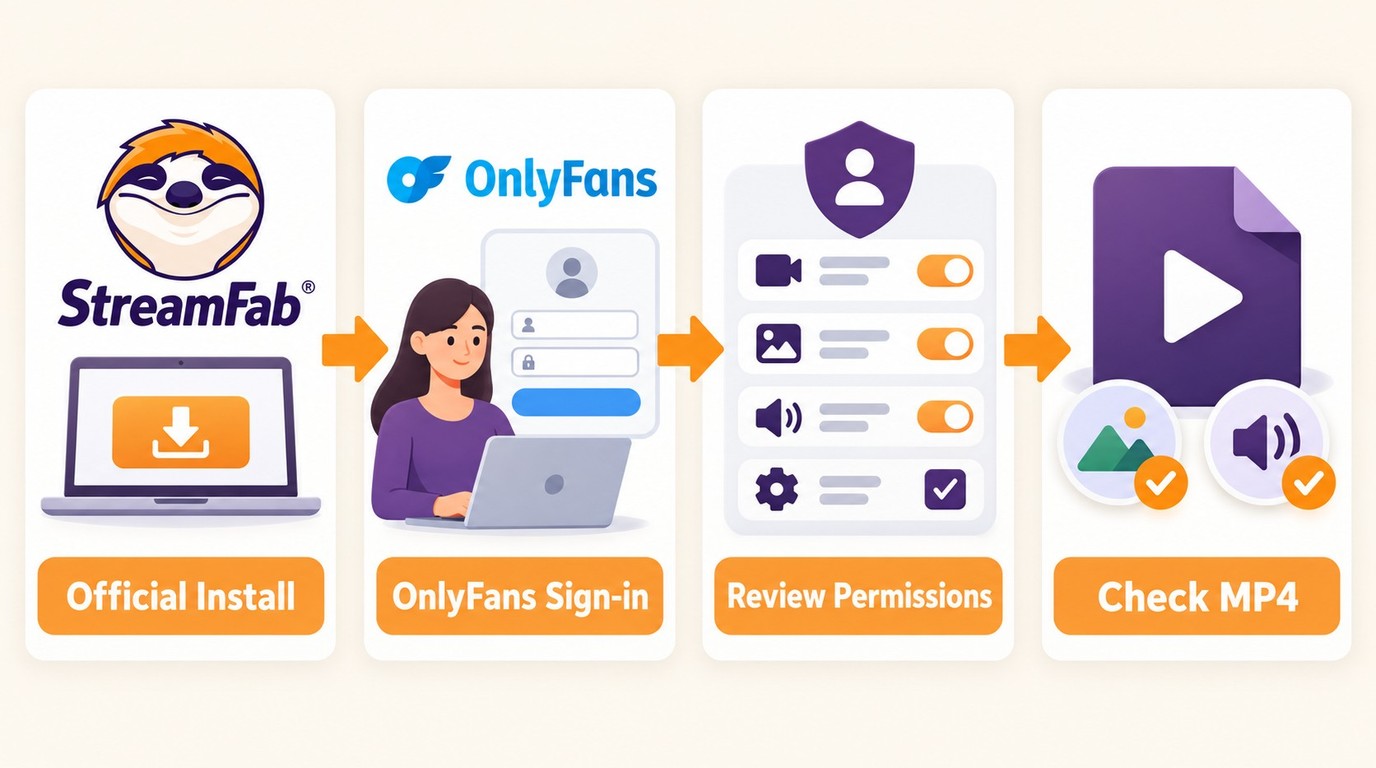
A tool category does not establish account safety. For an OnlyFans to MP4 workflow, choose identifiable software, use its supported sign-in process, and review the permissions it requests. Download StreamFab from its official installer page rather than a repackaged copy.
| Tool type | Workflow | Practical check | Typical task |
|---|---|---|---|
| Desktop app | Local output folder | Official installer and supported sign-in | Repeatable MP4 exports |
| Browser extension | Browser-session access | Requested browser permissions | Supported browser media |
| Web extraction service | Link-based extraction | Accepted media and account requirements | Occasional supported clip |
| Open-source script | Configured local tasks | Setup and maintenance requirements | Technical workflow |
A built-in browser gives you a guided sign-in workflow. It is not a security rating. Keep account details within the supported login flow and read the vendor's privacy and account-handling policies before connecting an account.
5 Ways to Convert OnlyFans to MP4 in 2026
You can convert OnlyFans to MP4 through desktop export, recording, or extraction of supported unprotected media. The five tools below take different routes to the file. Choose an output workflow that supports your content and the player you intend to use.

A direct MP4 is a single video file. An unprotected segmented stream uses a playlist, such as M3U8, to reference separate media pieces. Protected media adds access controls. A playlist is not itself a playable MP4, and ordinary format conversion does not make protected media accessible.
1. StreamFab OnlyFans Downloader
StreamFab OnlyFans Downloader offers MP4 or MKV output with H.264 video and AAC 2.0 audio on Windows and Mac, at up to 1080p from a supported source. It is a third-party tool relative to OnlyFans' platform features, for content you are authorized to access, where permitted by platform terms and applicable law.

A guided desktop solution for organizing and saving MP4 copies of authorized OnlyFans videos, with a built-in browser and batch tasks for personal offline viewing. Keep your output files together in a local folder.
OnlyFans video quality starts with the source. Selecting 1080p does not add detail to a lower-resolution upload. Use the 30-day trial to check an authorized video at the available source quality. The product page lists version 7.0.5.3.
Using StreamFab for OnlyFans exports gives you two distinct queue options. A one-time batch handles videos you select now; daily or weekly Scheduled Task checks look for newly published videos from subscribed creator feeds. I would use the batch for a current collection and recurring checks for ongoing releases.
| Historical StreamFab Output Sample (v6.1.8.4) | Recorded observation |
|---|---|
| Source Video | 12 min 45 sec, 1080p |
| Task time | 80 seconds |
| Video Bitrate | 5,800 kbps |
Historical sample environment: Windows 11 Pro with a fiber connection, StreamFab v6.1.8.4. These observations describe that run.
The OnlyFans video format you choose should match your destination player. MP4 is the practical starting point for a local file you want to transfer; the settings and final playback check belong in the export task itself.
The guided workflow to download OnlyFans videos starts in the desktop application and ends with a picture-and-sound check in your chosen player.
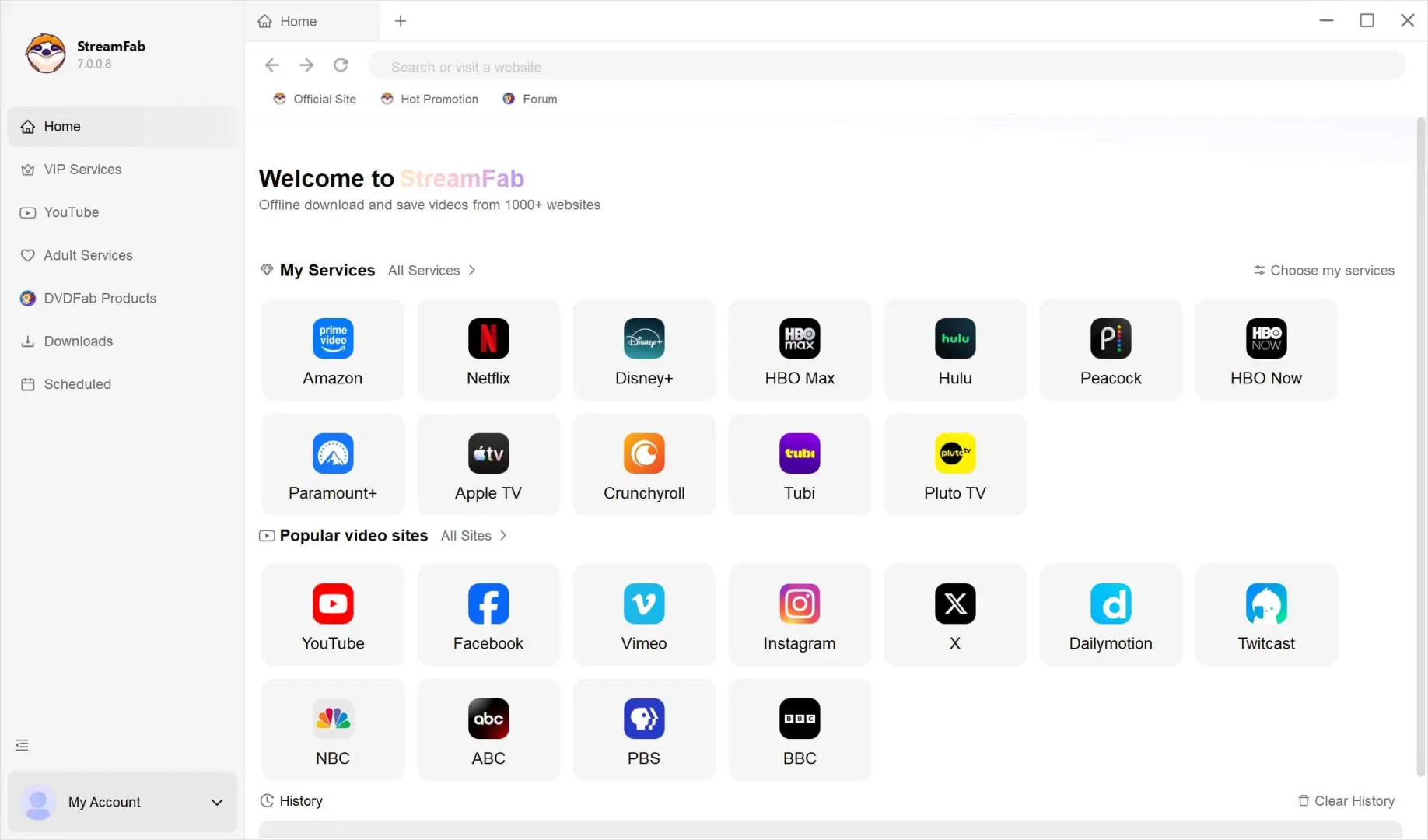
In the Adult Service section, use the built-in browser to sign in to your OnlyFans account and open the creator page or video you are authorized to access and copy.
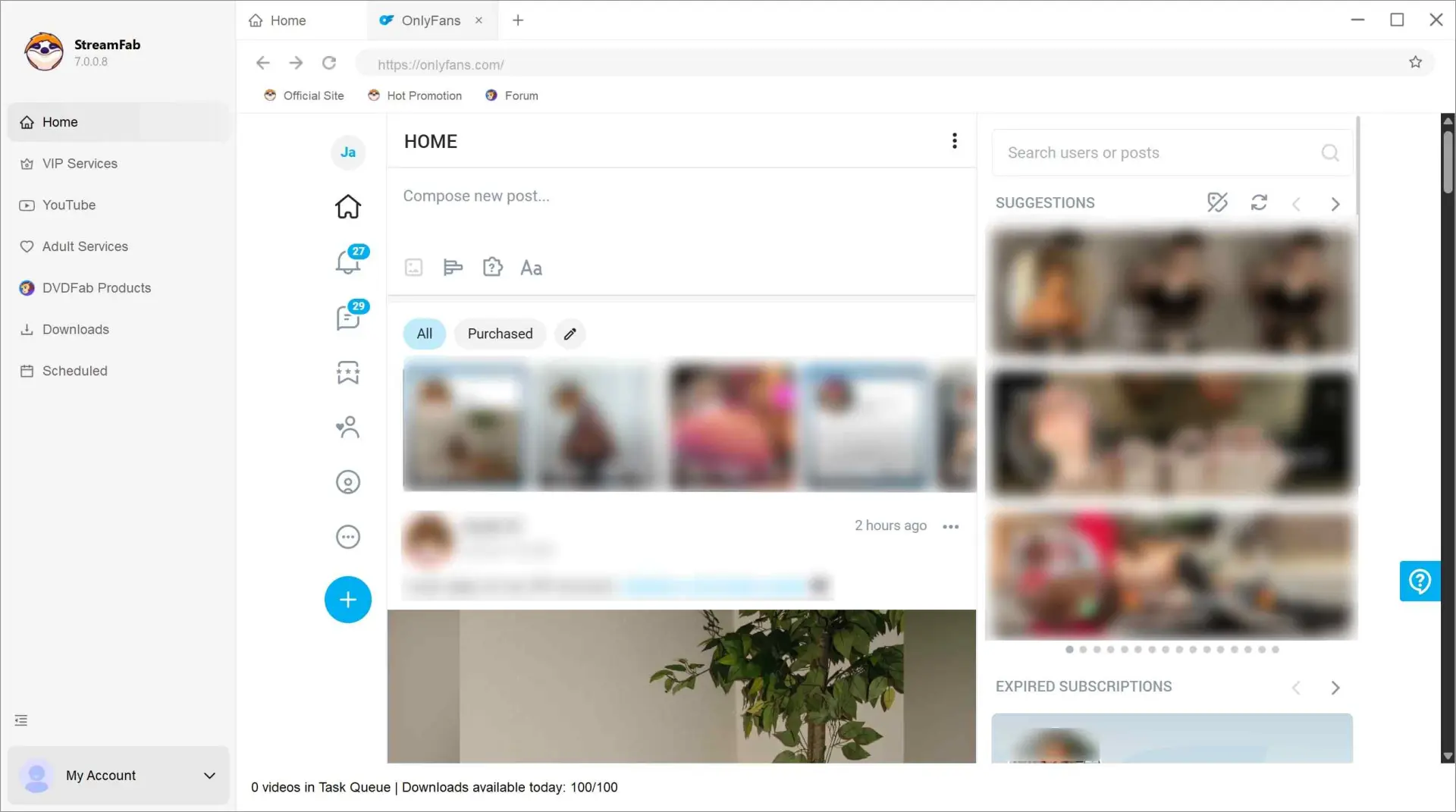
Play the video, select MP4 with H.264 video and AAC 2.0 audio, and choose an available source quality up to 1080p. Set a destination folder and confirm the task to save a local copy for personal offline viewing. Export subtitles when the source offers them, then check picture and audio in a compatible player.
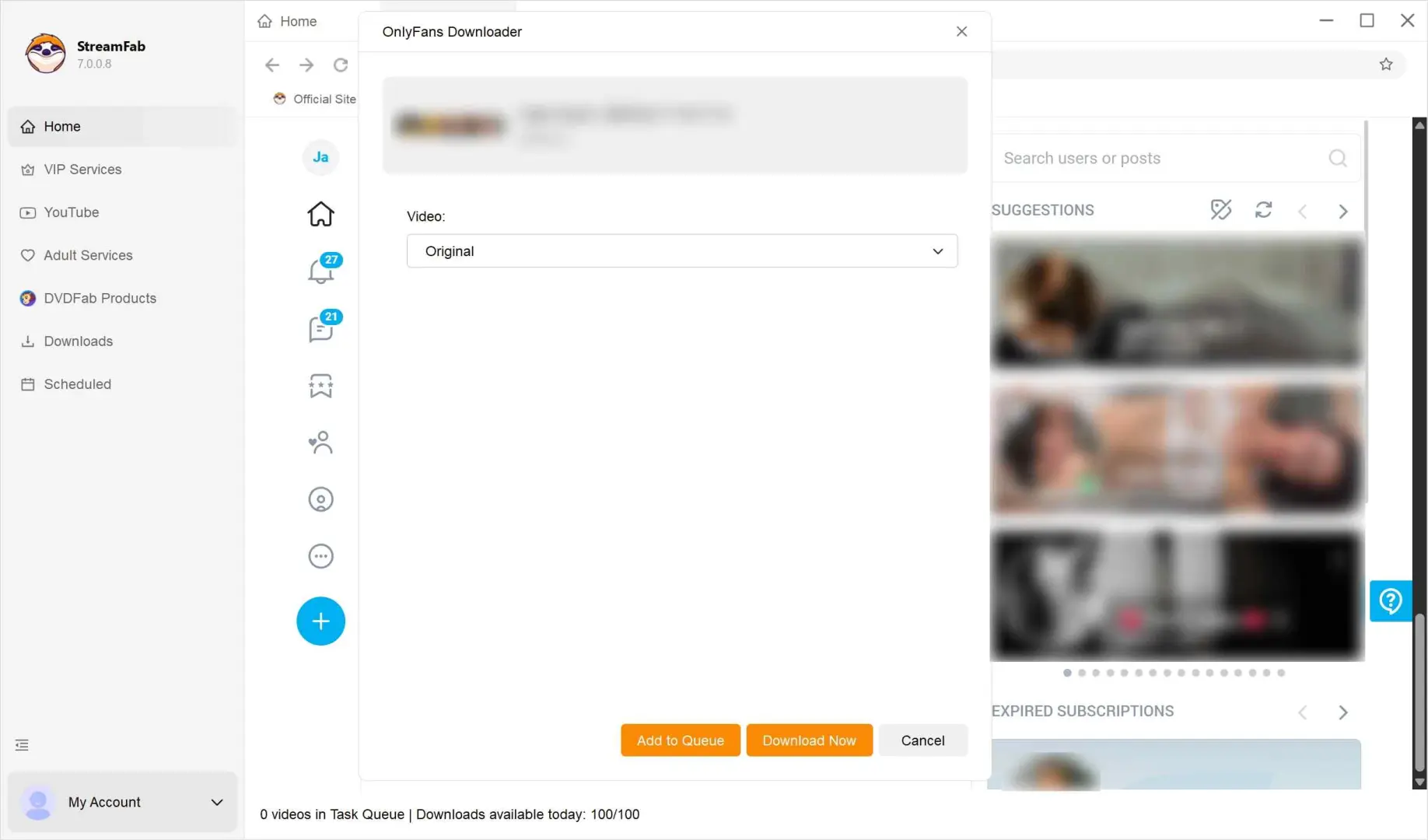

🚀 Pro Tip: How to Download PPV (Locked Messages)
Many users miss this: StreamFab can also download videos from your Direct Messages (DMs).Simply navigate to the "Messages" tab within the built-in browser. Open the conversation containing the purchased video. The downloader will automatically detect the unlocked PPV content just like a timeline post.
For a detailed walkthrough on handling private messages, check our guide on how to download OnlyFans message videos.
A stalled “Analyzing...” task, an audio-only file, or a 403 response needs more than a single diagnosis. Use StreamFab's update log and troubleshooting guidance alongside the checks below.
- Source quality: Play the original video and inspect the available resolution. Choose an output quality that the source actually supplies, then check both picture and sound in the saved file.
- Account access: Confirm that the video plays in your signed-in account. Check the creator subscription and any separate message purchase before retrying the task.
- Software compatibility: Use the update log and troubleshooting guidance for a stalled task. Audio-only output or a 403 response alone does not identify the cause.
2. RecordFab
RecordFab creates MP4 files through a recording-based workflow. It fits a task where you want to capture authorized playback rather than use a direct export interface.
RecordFab advertises recording at up to 5x on supported sites, including OnlyFans. That is a vendor capability claim, not a timing result for your video.
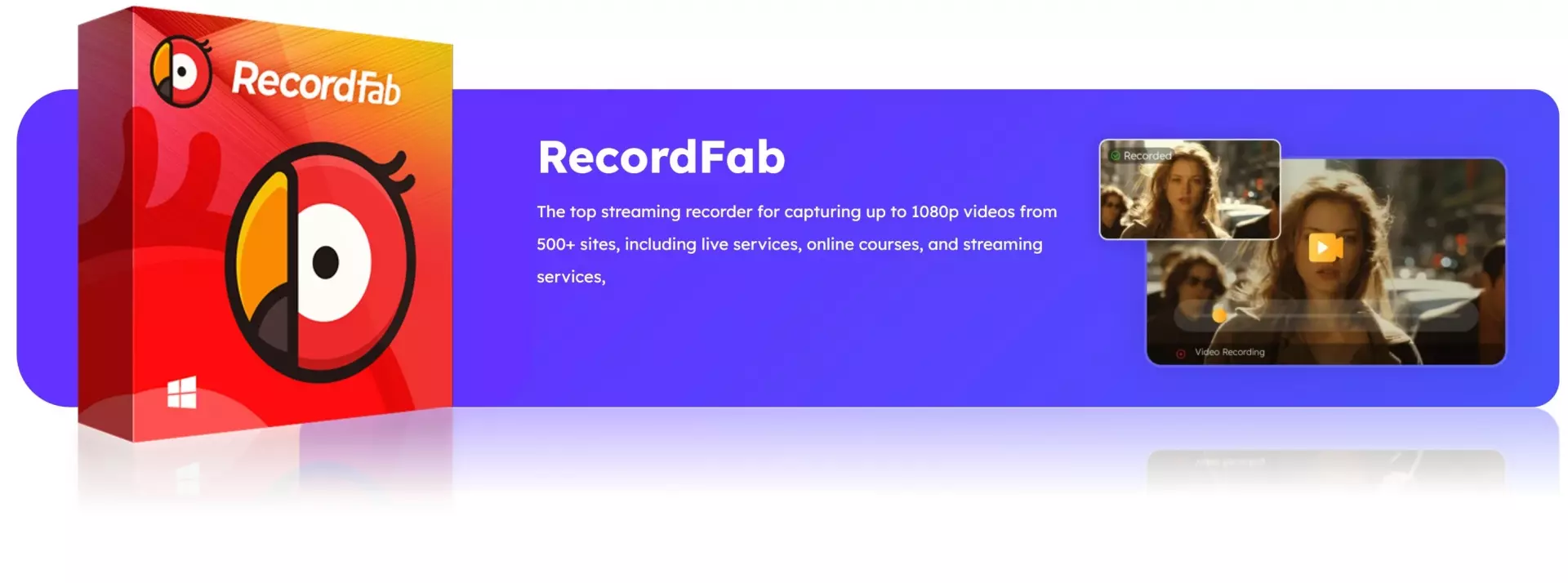

Screen-recording OnlyFans playback without a black screen suits a session you want to save as an MP4 after playback finishes. Choose a supported recording speed and inspect the resulting file before transferring it.
The recording workflow follows these four steps:
Open RecordFab on your computer and access OnlyFans through the supported sites list or the built-in browser.
Sign in to your OnlyFans account and open the video you are authorized to view and copy for personal offline playback.
Select a supported recording speed, video quality, and recording duration, then start recording.
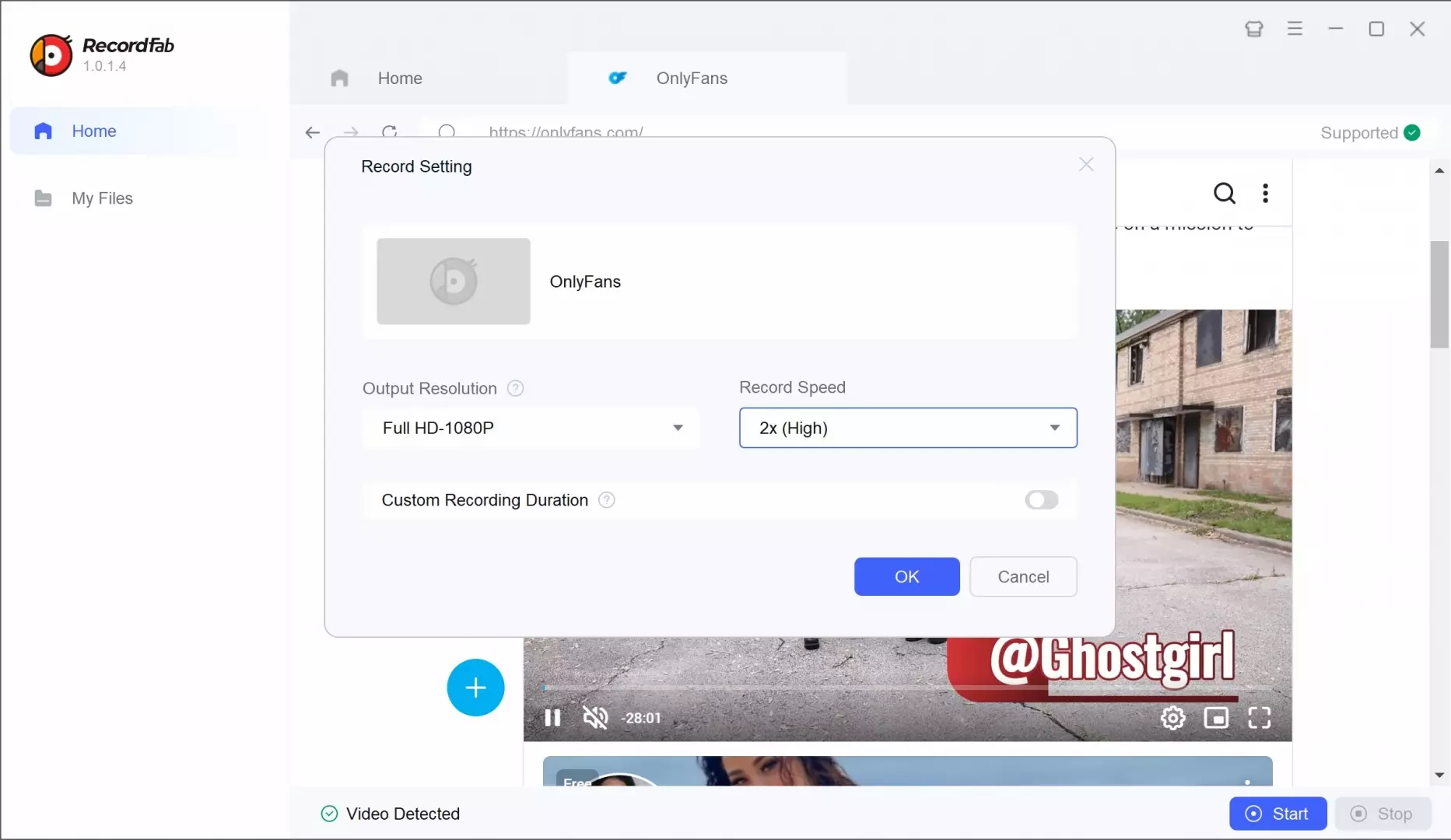
After playback finishes, stop recording and open the MP4 in the output folder to check its picture and sound.
3. FliFlik UltConv
FliFlik UltConv offers a desktop conversion interface for OnlyFans videos. Its current pages advertise 1080p and higher-resolution options, batch downloads, and message downloads. Those descriptions are vendor claims, with actual source resolution setting the detail available in an export.
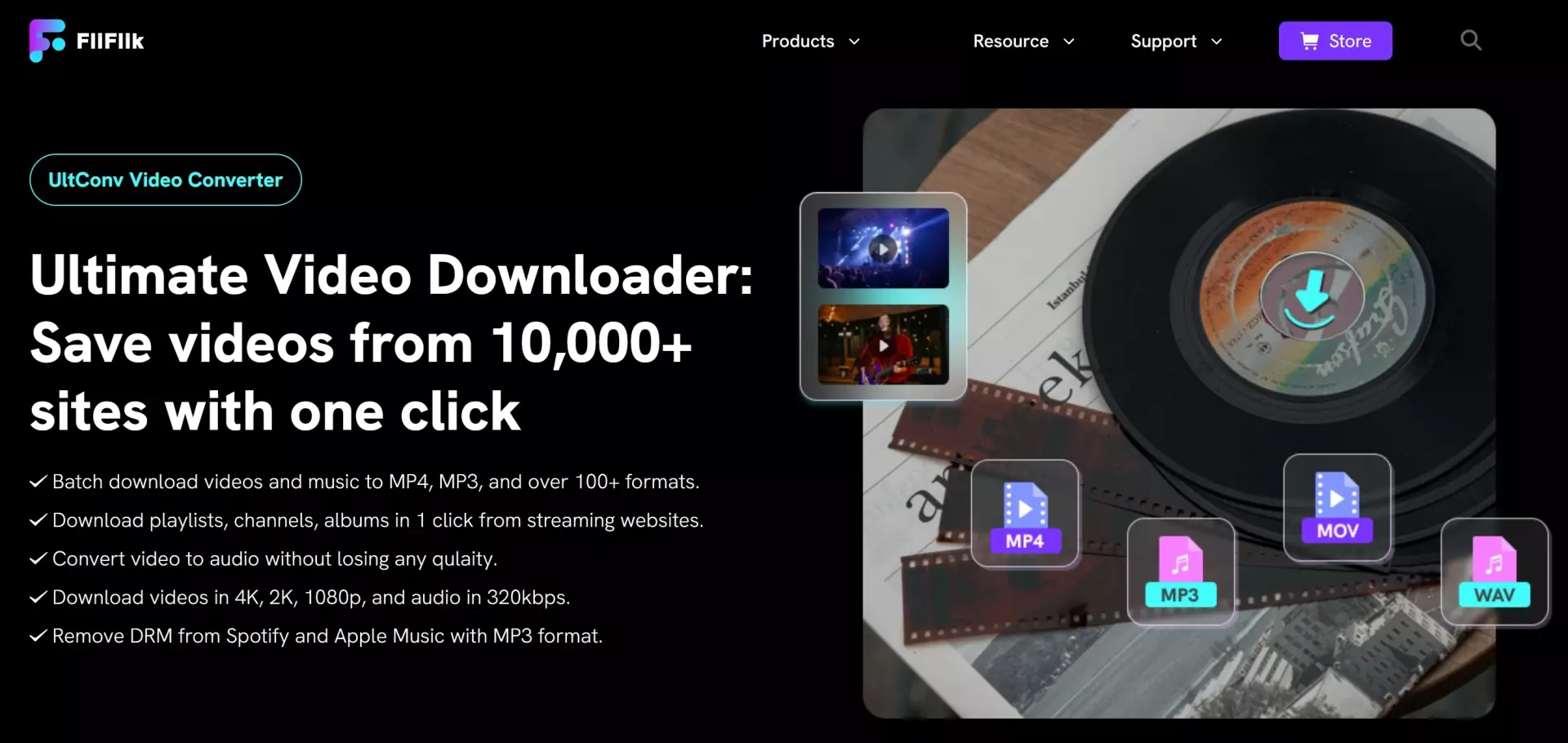
It is a desktop interface to consider if you want to add videos to a conversion task list.
The three steps below move from sign-in to task selection and then MP4 output.
Install FliFlik UltConv on your computer and open it. In the Online section, add OnlyFans and sign in with your account.
Browse to the video you are authorized to access and copy, then use the built-in option to add it to the conversion task list.
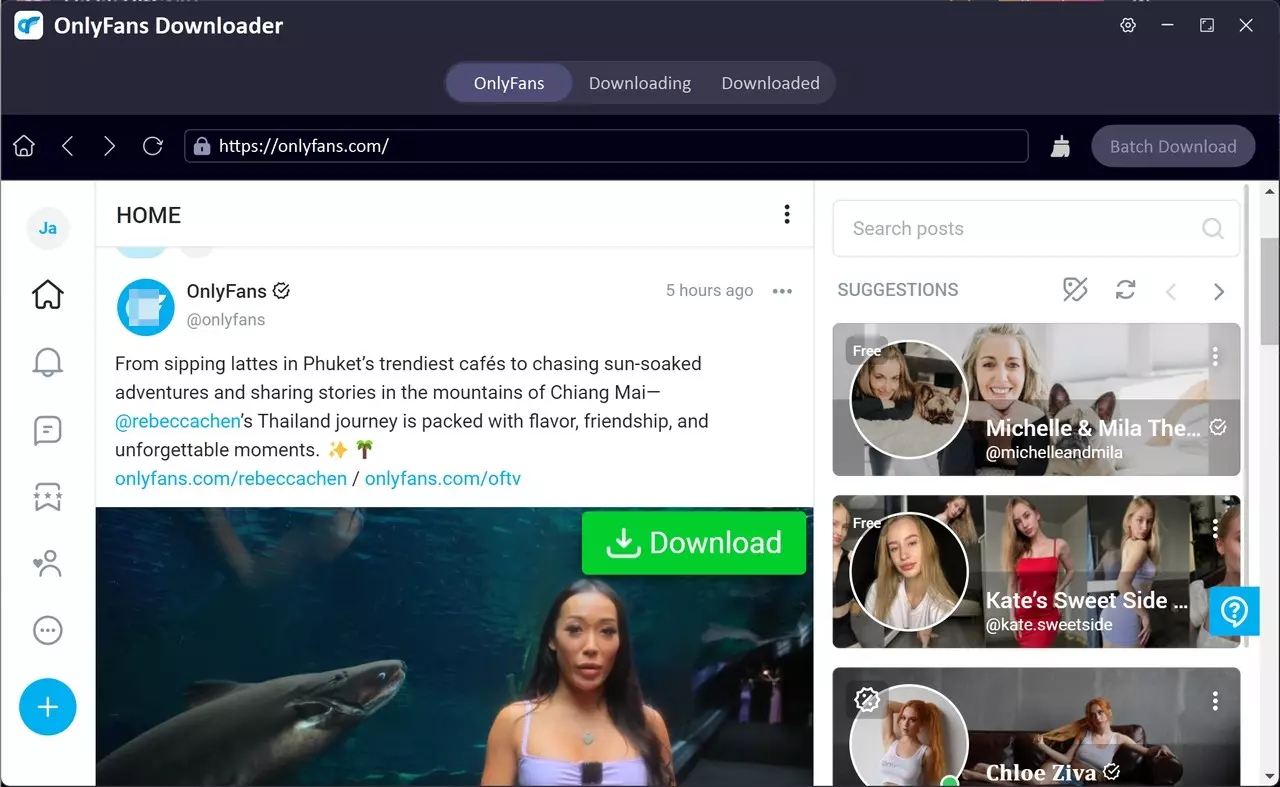
Start the MP4 task and wait for it to finish. Open the file from the downloads or converted list and check playback.
4. Locoloader
Locoloader extracts supported media through a browser workflow, offering MP4 or M3U8 options according to the source. Its OnlyFans guide excludes DRM-protected posts. It fits an occasional unprotected clip that its extraction workflow supports.
When you save authorized OnlyFans content through browser extraction, inspect the offered output: an MP4 file and an M3U8 playlist are different results.
For an occasional supported unprotected clip, a browser extraction workflow is a lighter route than installing another desktop application.
A missing extraction option is not evidence of a fixed 720p ceiling. The source determines the quality available for supported media.
- Locoloader's documented workflow starts with a supported media link and lists the extraction options it finds.
- An MP4 option is a video file; an M3U8 option is a playlist referring to separate media pieces.
- DRM-protected OnlyFans posts are excluded from Locoloader's extraction workflow.
5. OnlyScraper
OnlyScraper advertises original-quality exports and private-message support. Its October 2026 Supporter Max offer is 20% off the first three months of the monthly plan, replacing its free trial.
OFScraper, shown in this interface image, is a separate tool from OnlyScraper.
The permission to save OnlyFans media with a scraping workflow still comes from the content license and your intended use, not the service's ability to produce a file.
For compliance reasons, I won’t walk through the technical setup of any specific “scraper” here. In general, these tools require you to provide sensitive data linked to your OnlyFans session, which may expose your account if mishandled. They then try to generate a list of videos that can be downloaded or copied in bulk.
This kind of workflow sits in a unfigurable area from both a security and legal standpoint, so if you ever consider it, make sure you thoroughly read the service’s documentation, understand exactly what information you’re sharing, and stay strictly within the boundaries of your legitimate access rights. For most users, a desktop tool that keeps everything on your own device will be a safer alternative.
Which OnlyFans Video Converter Fits Your MP4 Workflow?
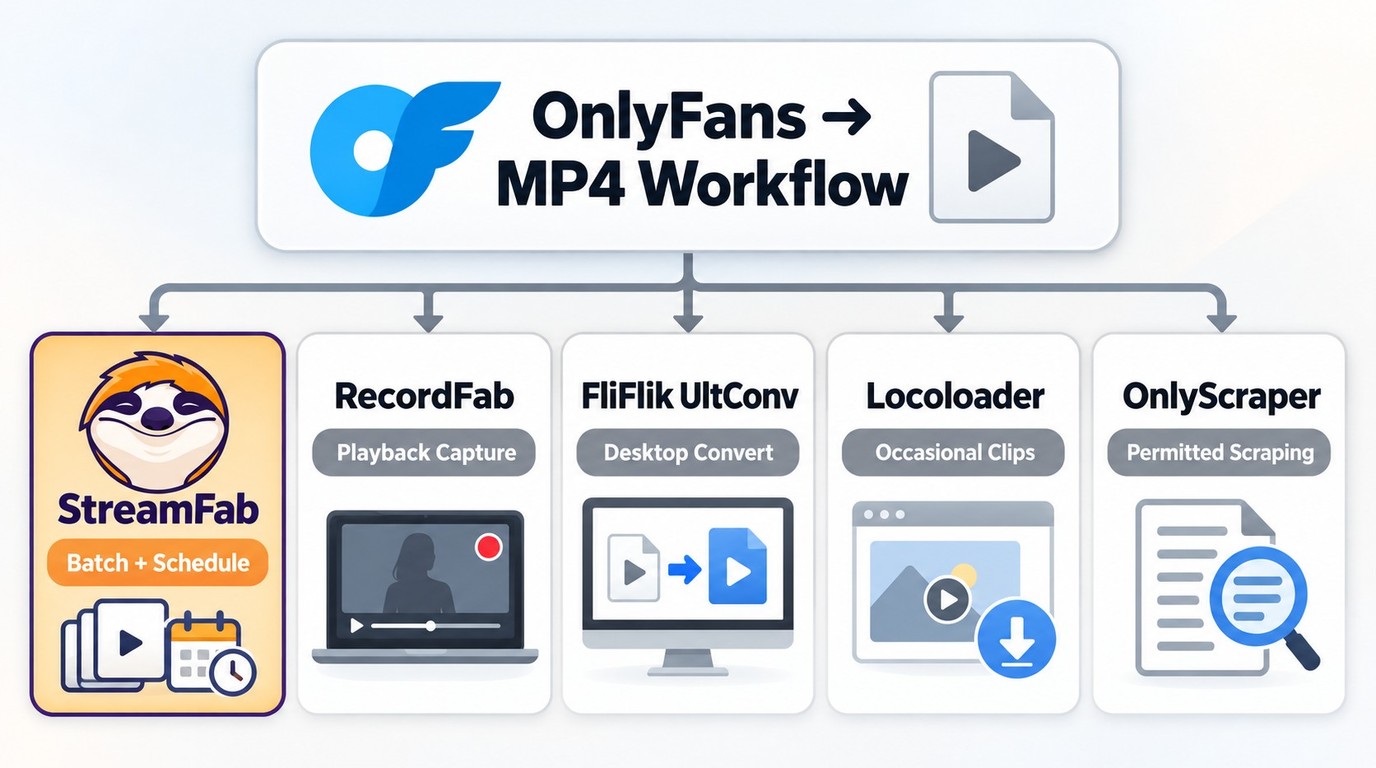
A desktop OnlyFans converter fits recurring local exports; recording fits a playback session; browser extraction fits a supported unprotected clip. I favor a guided local queue when you have several authorized videos to organize, because the destination folder and output settings stay together.
1. Compare MP4 Output Workflows
The differences below concern output and workflow. Competitor capabilities are vendor-advertised descriptions.
| Tool | Workflow | MP4 output or quality | Workflow features | Fit |
|---|---|---|---|---|
| StreamFab OnlyFans Downloader | Desktop export | MP4/MKV; up to 1080p | Batch; daily/weekly checks | Repeated personal exports |
| RecordFab | Desktop recording | MP4; source-dependent | Up to 5x recording advertised | Recording workflow |
| FliFlik UltConv | Desktop export | MP4; 1080p+ advertised | Batch advertised | Desktop converter interface |
| Locoloader | Browser extraction | MP4/M3U8; source-dependent | Limited free extractions | Unprotected media |
| OnlyScraper | Service export | Original quality advertised | Private messages advertised | Service workflow |
Vendor capabilities as of October 2026: StreamFab OnlyFans Downloader, RecordFab, FliFlik UltConv, Locoloader, and OnlyScraper (onlyscraper.fans).
StreamFab supports batch tasks and daily or weekly scheduled checks for newly posted subscription content. UltConv also advertises batch downloads; a one-time batch and a recurring scheduled check are different workflows.
2. Workflow Trade-Offs
Direct MP4 export gives you a local file; recording gives you a saved playback session; browser extraction handles supported unprotected media. For a one-off supported clip, a manual browser workflow is lighter. StreamFab's strength is organizing repeated exports through batch and scheduled tasks.
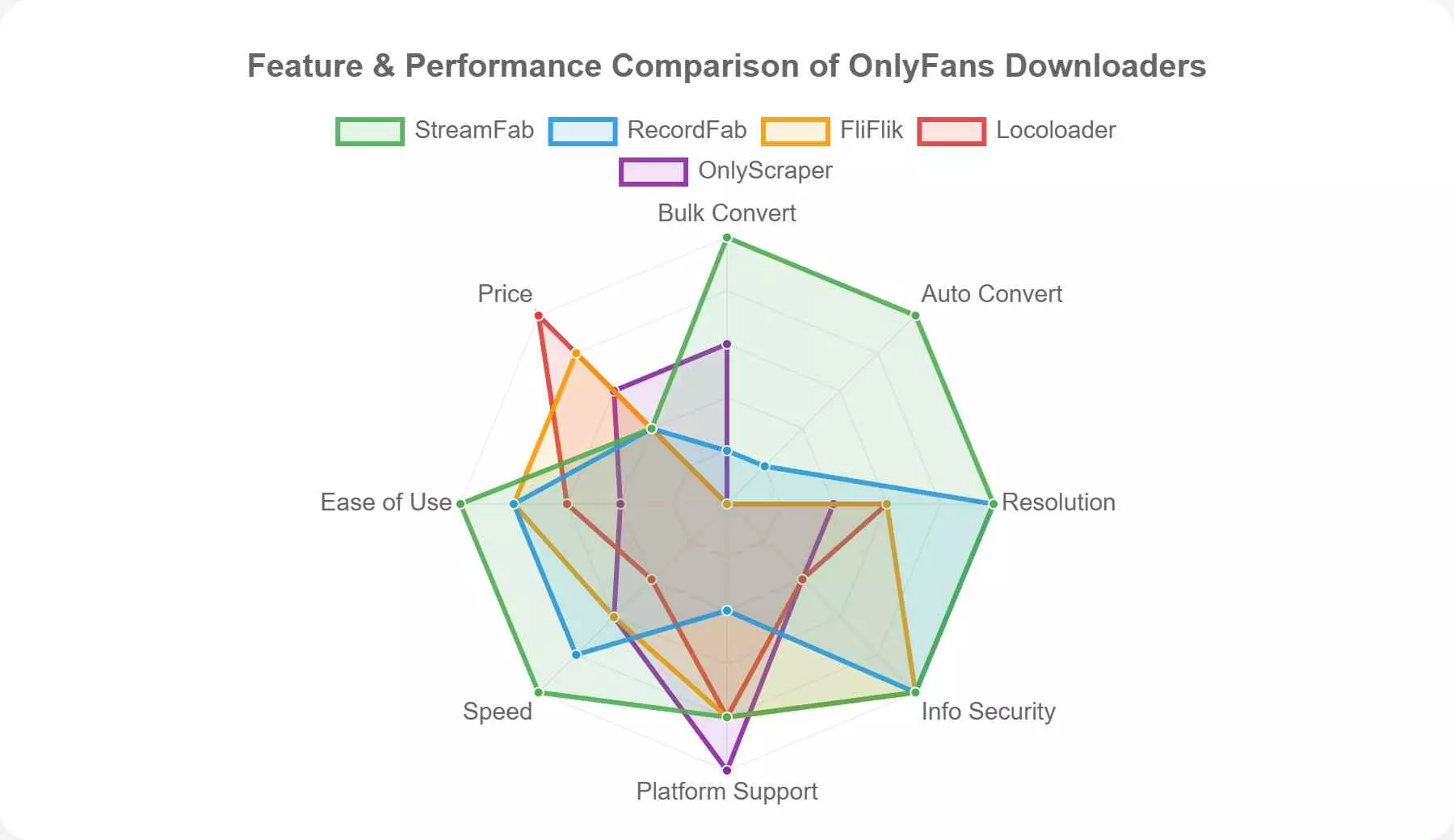
The radar graphic contains relative scores, not measured export compatibility or account-security results.
Personally, if you’re not on a tight budget and want the smoothest overall experience, StreamFab OnlyFans Downloader is the one I reach for most often when managing my personal backups.
If you live in regions with stricter media regulations and prefer a recording-based approach, RecordFab can be a reasonable choice as long as you only capture content you’re entitled to watch.
Reddit Reports on OnlyFans MP4 Downloads in 2026
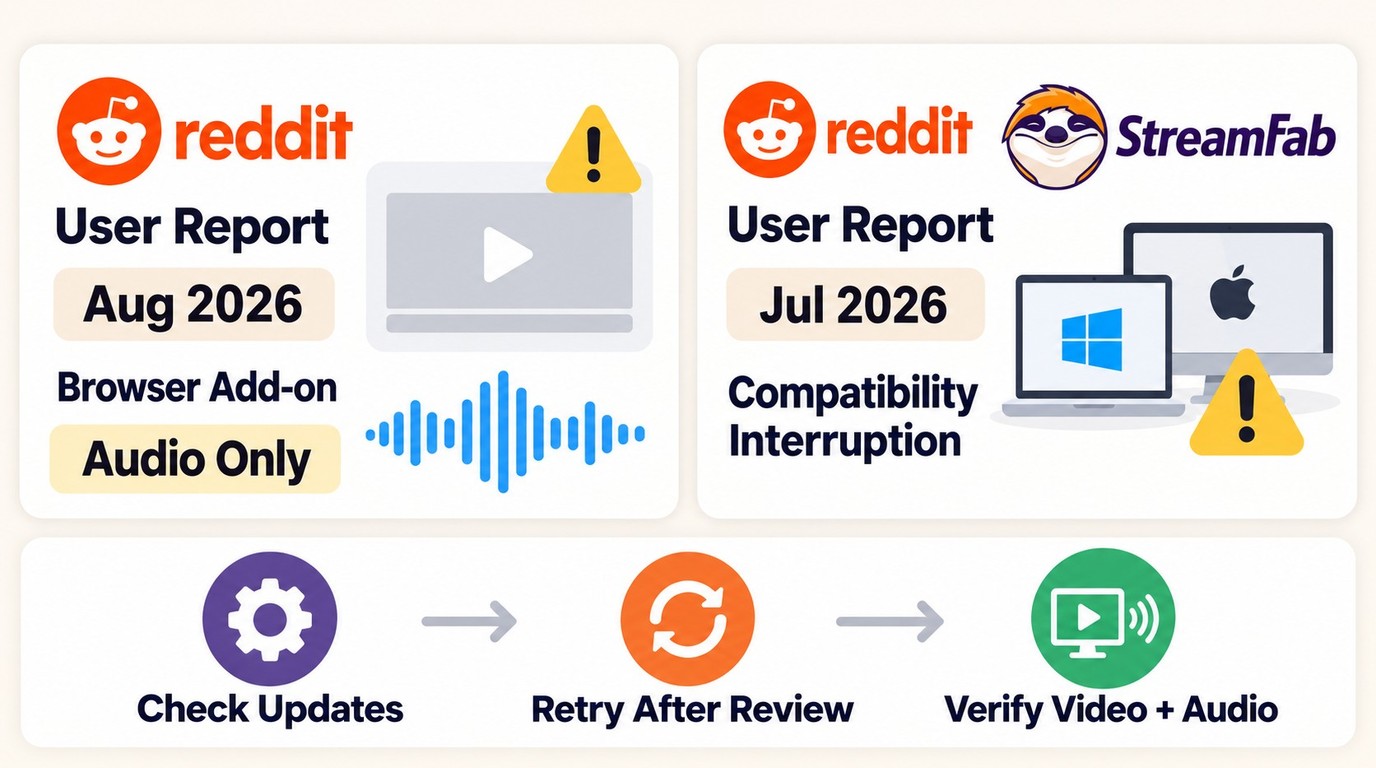
Reddit reports describe specific output problems rather than a single agreed solution. In August 2026, one forum user reported browser add-ons saving audio without picture. That makes checking the saved file's video and audio a useful final step.
In July 2026, a StreamFab user reported a compatibility interruption after months of successful OnlyFans downloads on Mac and Windows. For a similar interruption, use StreamFab's update log and troubleshooting guidance to check compatibility before retrying.
These individual experiences describe different tasks and environments. A file extension alone is not a playback check: open the result in the destination player before transferring a collection.
FAQs
Conclusion
StreamFab OnlyFans Downloader is a practical fit when you want a guided local MP4 workflow, a batch of authorized videos, and scheduled checks for new creator posts. Start with the 30-day trial and use the same destination player for your first export and your later transfers.
A usable MP4 contains both video and audio, not just a familiar file extension.
- Choose output quality that the original video actually supplies.
- Keep your destination folder accessible for file checks and transfers.
- Account access and permission to copy are separate requirements.
- Transfer a desktop-created file to a compatible phone player for mobile viewing.
Keep authorized copies private and do not redistribute them.
