- Can You Save OnlyFans Message Videos?
- 4 Ways to Save OnlyFans Message Videos
- Which Message Downloader Fits Your Device?
- FAQs
Extra Note:
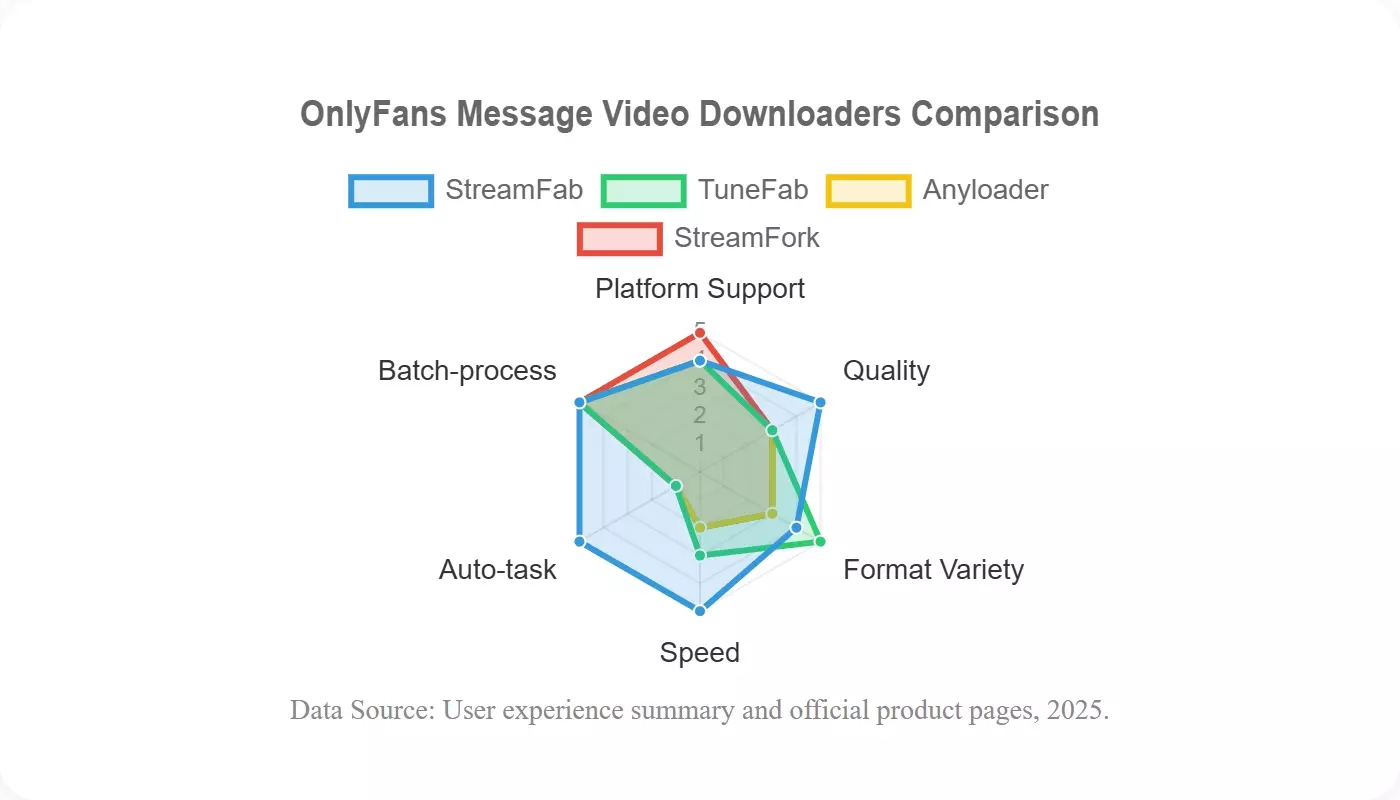
- StreamFab OnlyFans Downloader supports Windows and Mac batch queues, up to 1080p AAC 2.0 output, MP4/MKV files, and scheduling for accessible message videos.
- Anyloader provides a free Chrome-based option for small saves, but extension behavior can change after site, permission, or update changes.
- StreamFork supports browser, iPhone, and Android workflows for a few clips, where storage and browser permissions limit practicality.
- Diagnose failures by confirming access, updating the tool, retesting one file, and checking file size and playback before starting a batch.

Can You Save OnlyFans Message Videos?
You can save OnlyFans message videos only when the signed-in account can already open them. Purchased access, an active session, platform rules, and later account or creator changes can affect availability, so confirm access before choosing any method.
Purchased and PPV Message Access
To download purchased OnlyFans videos from a message, first sign in and open the exact thread. OnlyFans PPV message videos must already show as available to that account; a username, copied URL, or tool cannot substitute for purchase or permission.
My first check is always access, not software. On a Dell XPS 13 running Windows 11 24H2, opening the paid message thread before launching a desktop option made the decision point obvious: if the account could not play the item, the workflow stopped there.
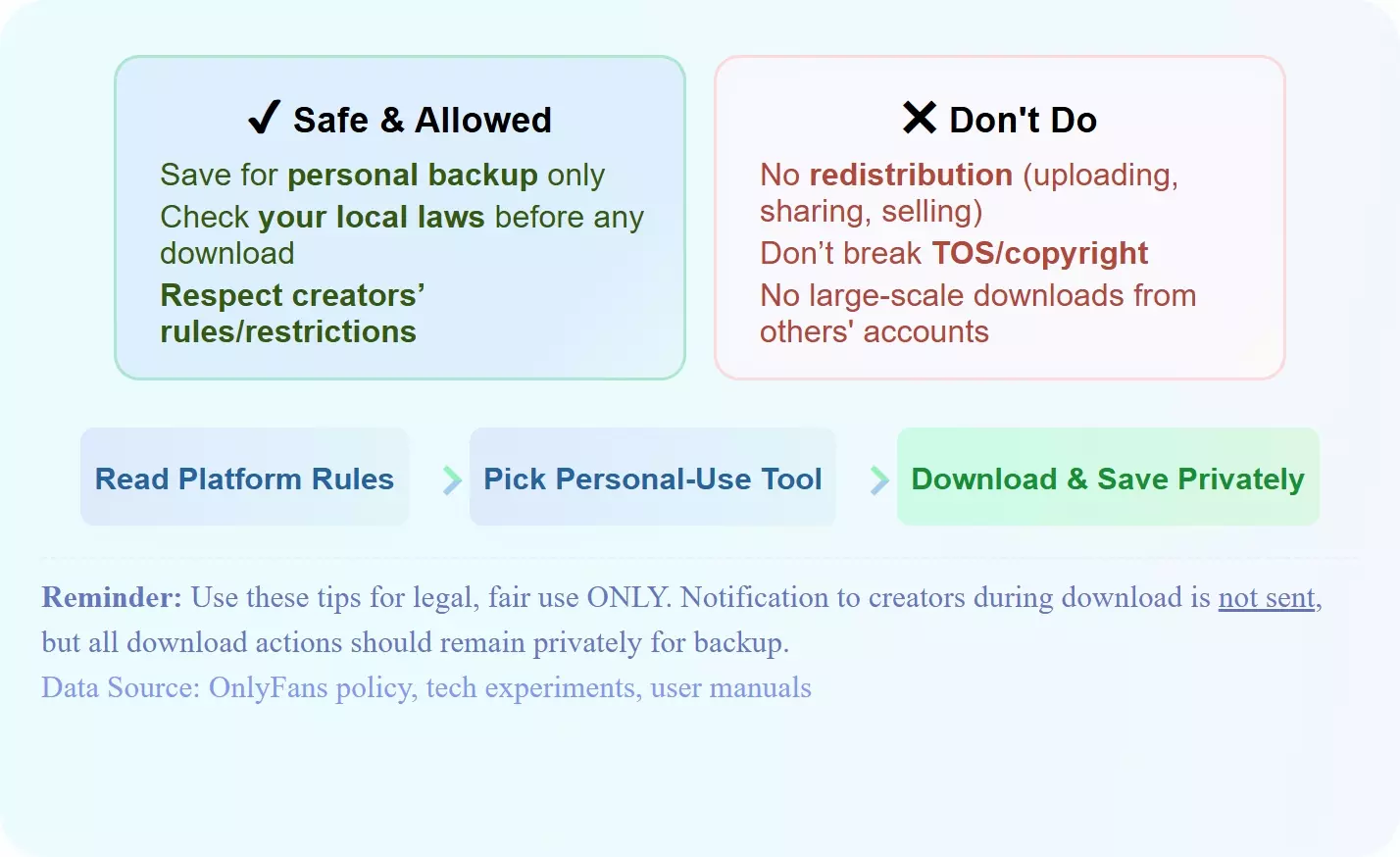
- You may manage media that your signed-in account can already view. Keep any local copy for authorized personal offline viewing. Purchase or subscription status must provide access first.
- Do not repost, sell, or share creator media. Platform rules and copyright law still apply to local copies.
- A visible creator notification is not the same question as platform logging. Act as though account activity may be recorded and enforced. Respect creator rights and the platform rules.
- A black picture or unusable file is a troubleshooting symptom, not proof that the message can be saved by another method.
Use official software sources, keep the signed-in account authorized, and contact official support when a persistent error cannot be resolved through normal updates and session checks.

-
Why "Messages" Are Harder to Save (And Why Recording Fails)
Private messages on OnlyFans often carry stricter DRM (Digital Rights Management) than public posts. Many users attempt to use capture software, but screen recording OnlyFans usually results in black screens due to browser-level content protection.
Real-time screen recording becomes inefficient when a message library grows. I would first separate a one-clip mobile need from a larger desktop queue, then choose a workflow that matches the device and the number of accessible items.
4 Ways to Save OnlyFans Message Videos
The four routes below solve different problems: desktop batch work, occasional desktop use, Chrome convenience, and browser or mobile access. Treat each OnlyFans message video downloader as a fit decision, not a promise that every site update will leave the workflow unchanged.
- Watch out! I start with one decision question: how many accessible message videos need attention, and on which device? That prevents a common mistake, installing a desktop queue manager for one mobile clip or trusting a browser extension with a large library.
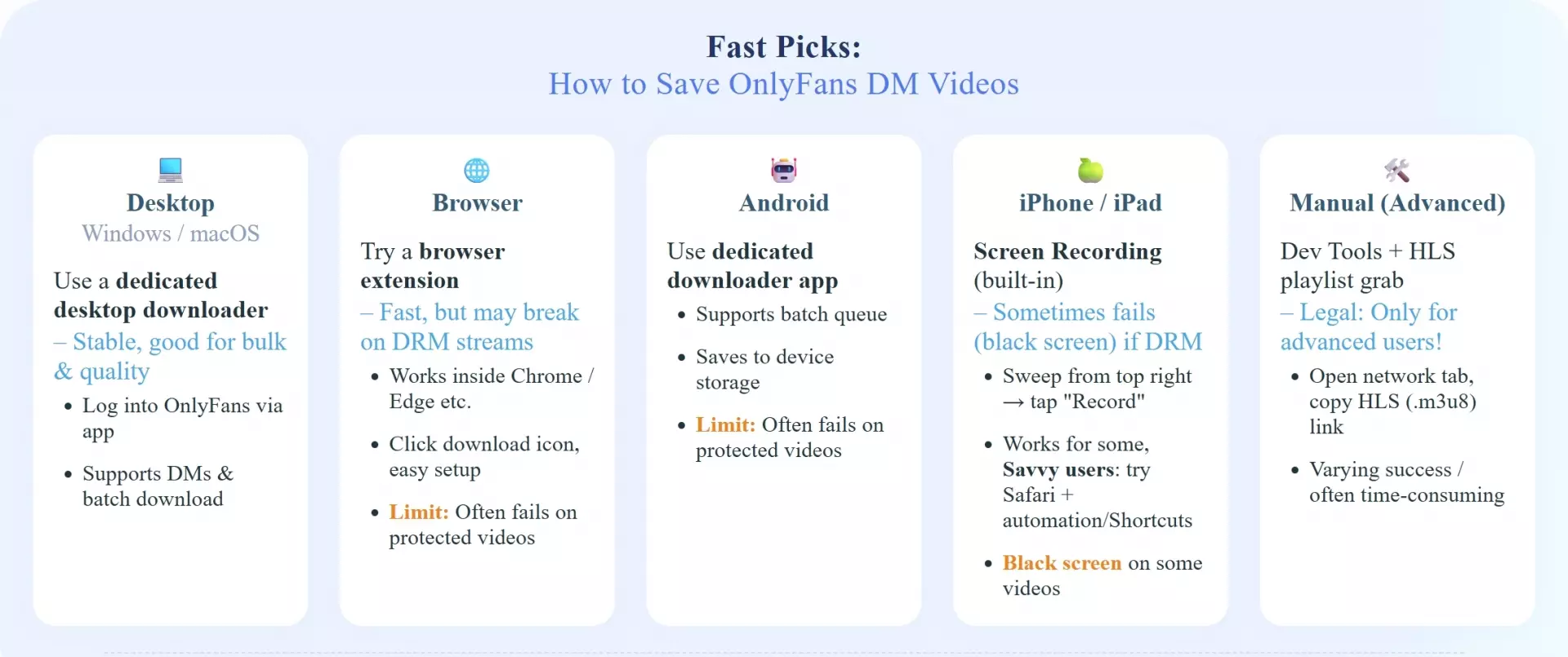
- Authorized access required: Each method starts with a signed-in account that can already open the message or purchased PPV video.
- Start with one file: Retest one accessible message before using a queue so detection, output size, and playback can be checked without multiplying an error.
1. StreamFab: Batch Downloads on Windows and Mac
- Best suited to larger, accessible message libraries
- Less suitable for an occasional mobile save
StreamFab OnlyFans Downloader is a Windows and Mac option for personal offline viewing of content the reader is authorized to access. This OnlyFans message downloader supports message videos up to 1080p with AAC 2.0 audio, MP4 or MKV output, batch queues, and daily or weekly scheduling.

Up to 1080p with AAC 2.0 audio, MP4 or MKV output, batch queues, and daily or weekly scheduling on supported Windows and Mac systems.
If the goal is to download OnlyFans DM video files in batches, StreamFab fits better than a manual browser routine. I would not choose it for a single phone-based save, because installing desktop software adds more setup than that use case justifies.
In an editorial workflow check on a Dell XPS 13 with Windows 11 24H2, the useful observation was organizational rather than a speed claim: multiple accessible message items could be prepared as a queue instead of being handled one at a time. Results can still vary after platform or software changes.
For format-specific context, see the guide to saving accessible OnlyFans videos as MP4.
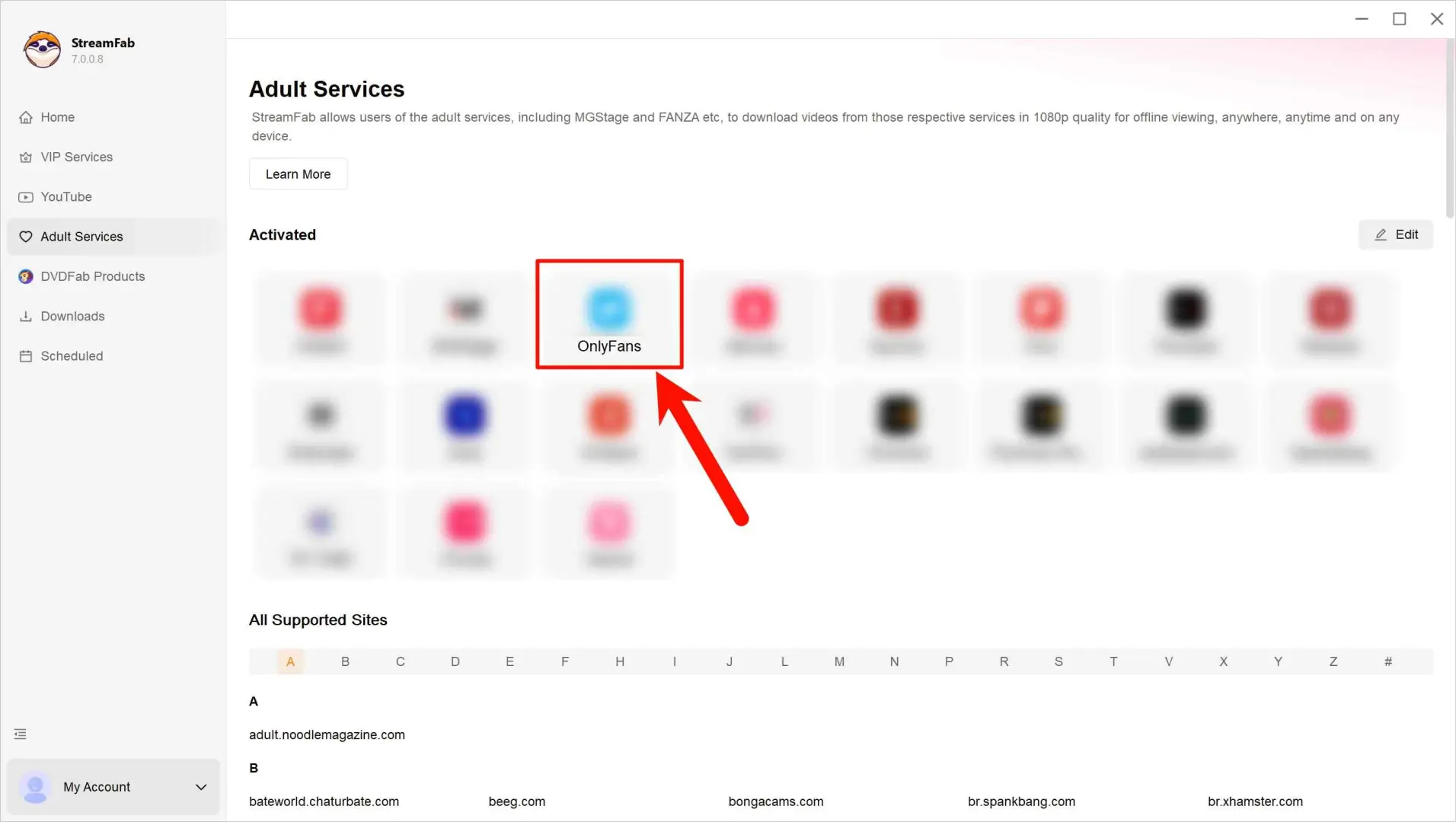
This is the critical step. Do not stay on the creator's profile page. Click the Envelope Icon (Messages) in the top navigation bar. Select the specific chat thread containing the videos you purchased.
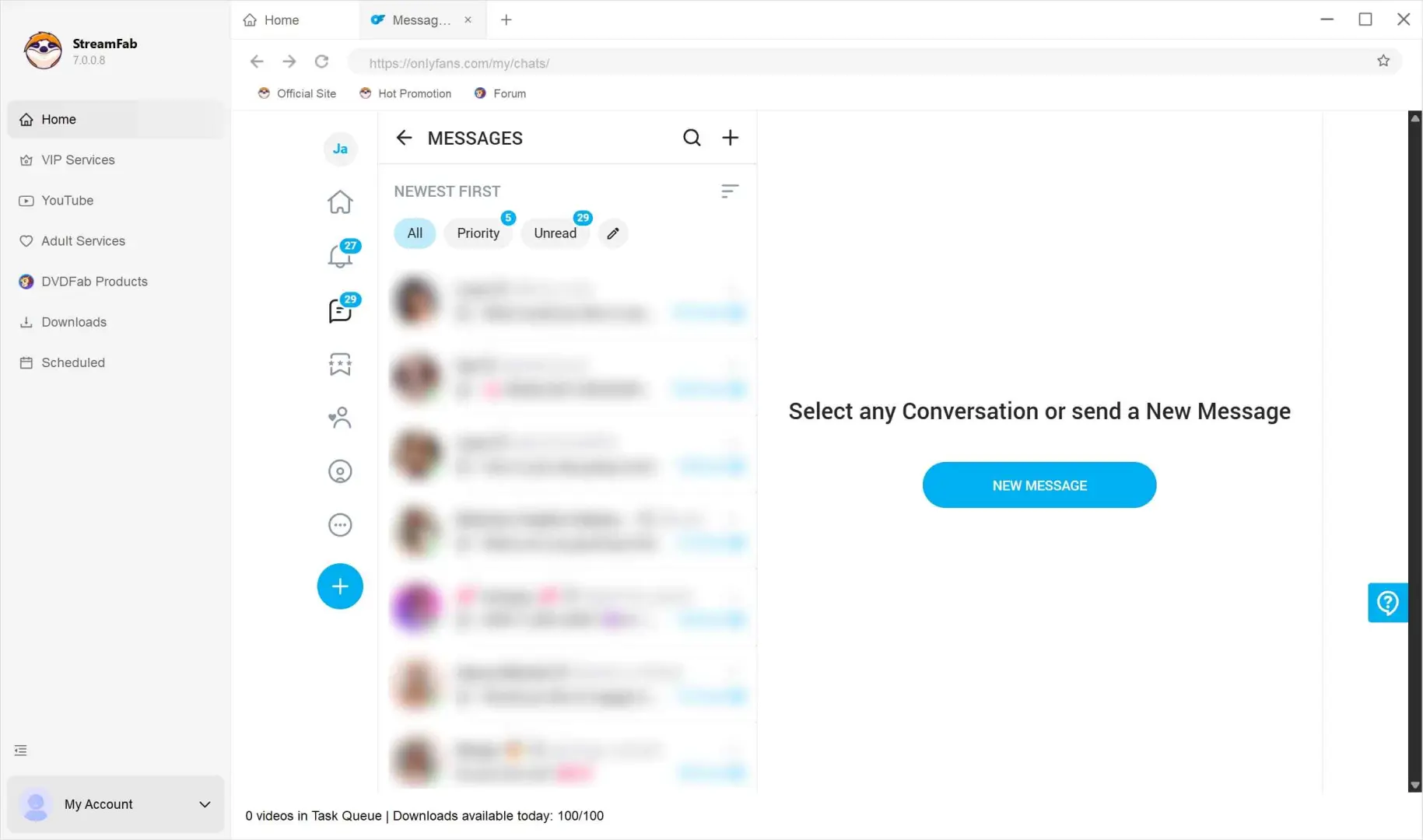
Scroll through the chat history. As older messages load, StreamFab will automatically detect the video URLs. A pop-up window will appear, allowing you to select multiple files.
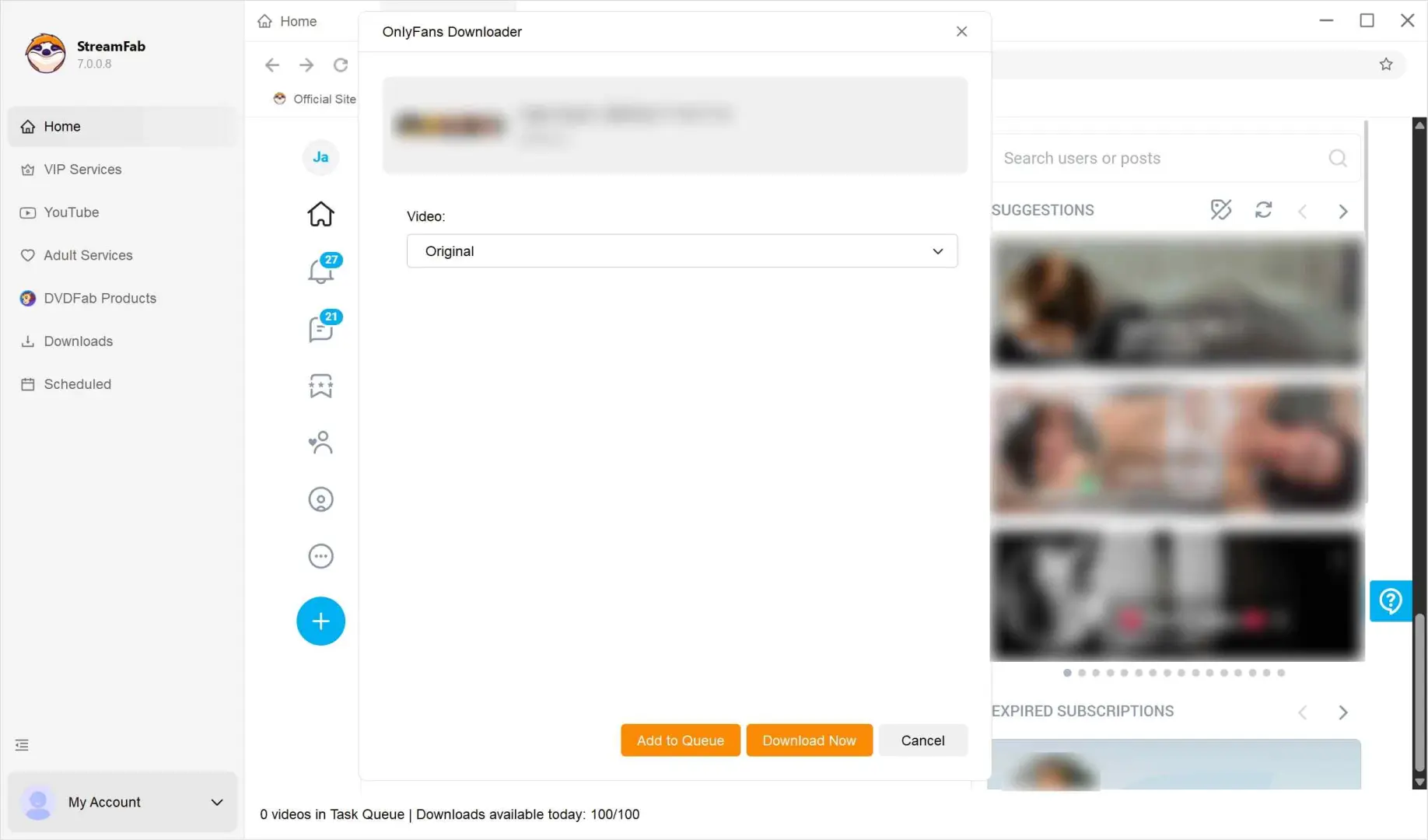
Once downloaded, the files are stored in a universal MP4 format, ensuring they can be played on any PC media player or transferred for mobile viewing on Android or iOS without needing the original app.
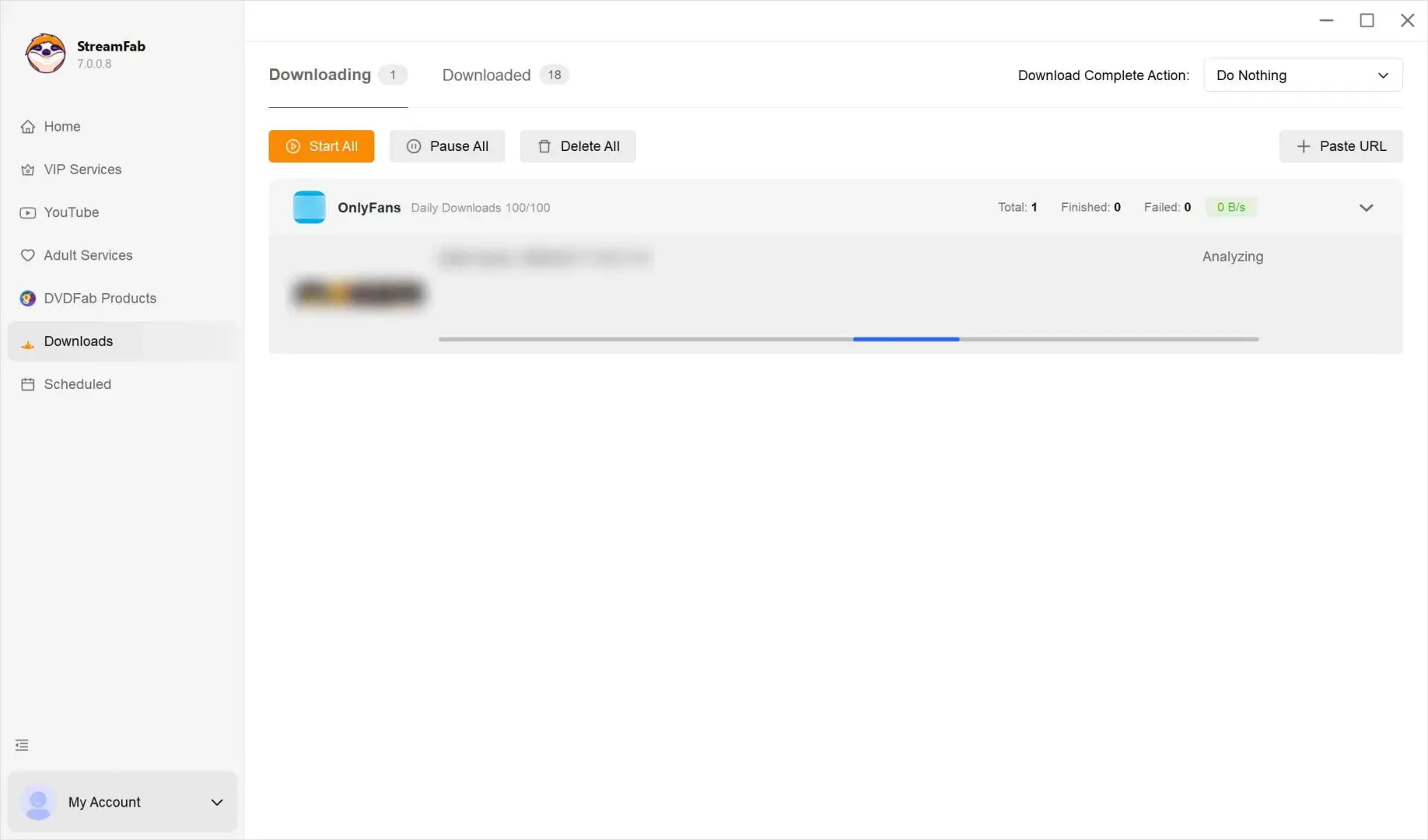
2. TuneFab VideOne: An Occasional-Use Alternative
TuneFab VideOne remains a Windows and Mac alternative with OnlyFans message support. It makes the most sense for occasional desktop use when a reader wants a guided app rather than a Chrome extension; verified maximum quality and current scheduling details are unavailable here, so they are not estimated.
On a MacBook Air M2 running macOS Sequoia 15.5, my selection check favored this type of workflow when only a small number of accessible message videos needed attention. The limitation is simple: without verified batch and scheduling details, it is harder to justify a larger recurring library.
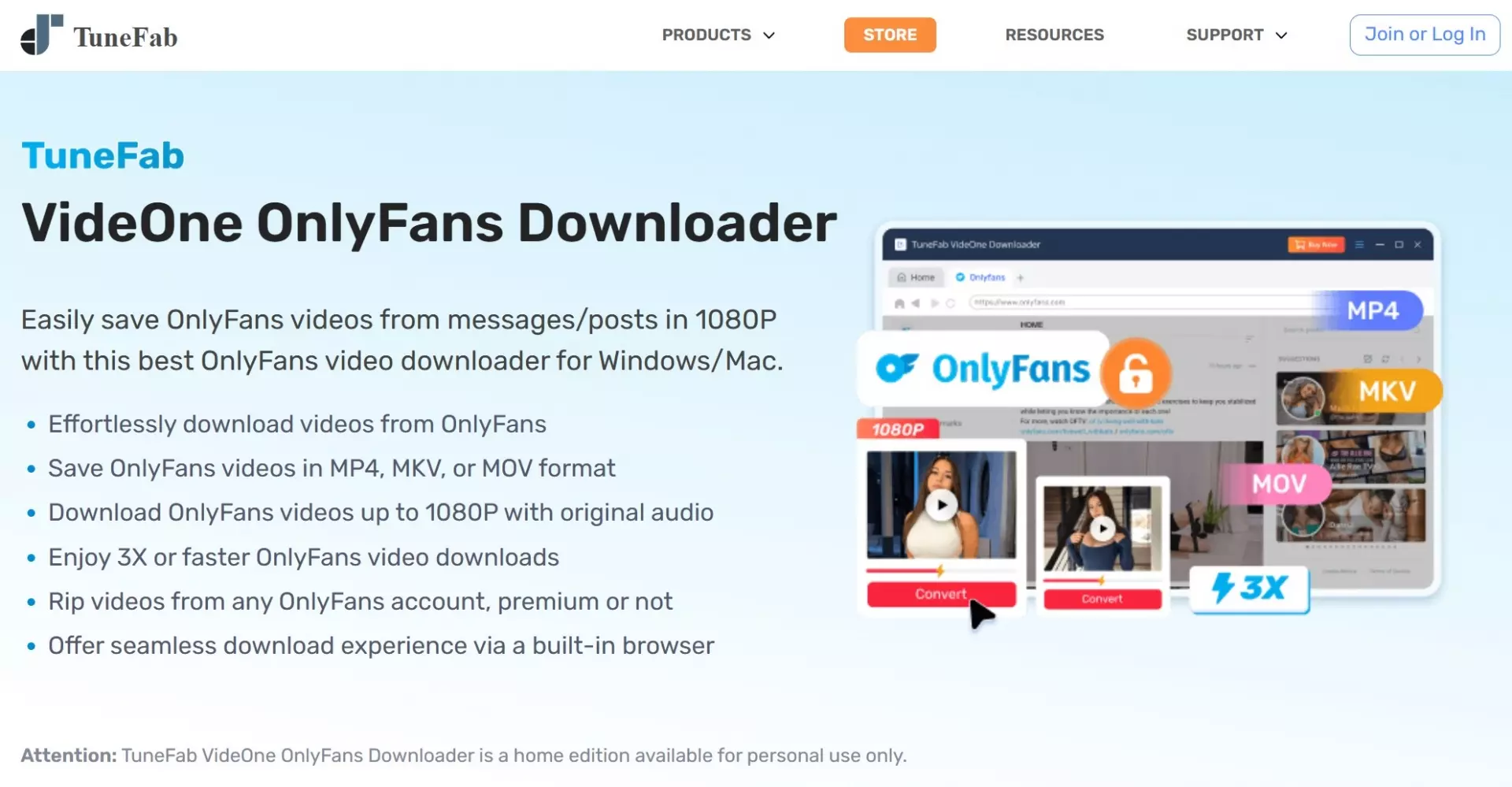
Install TuneFab VideOne OnlyFans Downloader on your desktop or laptop from its official page, then launch the program.
Inside the built-in browser, click OnlyFans to log in and open the message video you are entitled to view.
Use the small arrow icon beside the address bar to open the panel where you can adjust basic save settings such as quality and format.
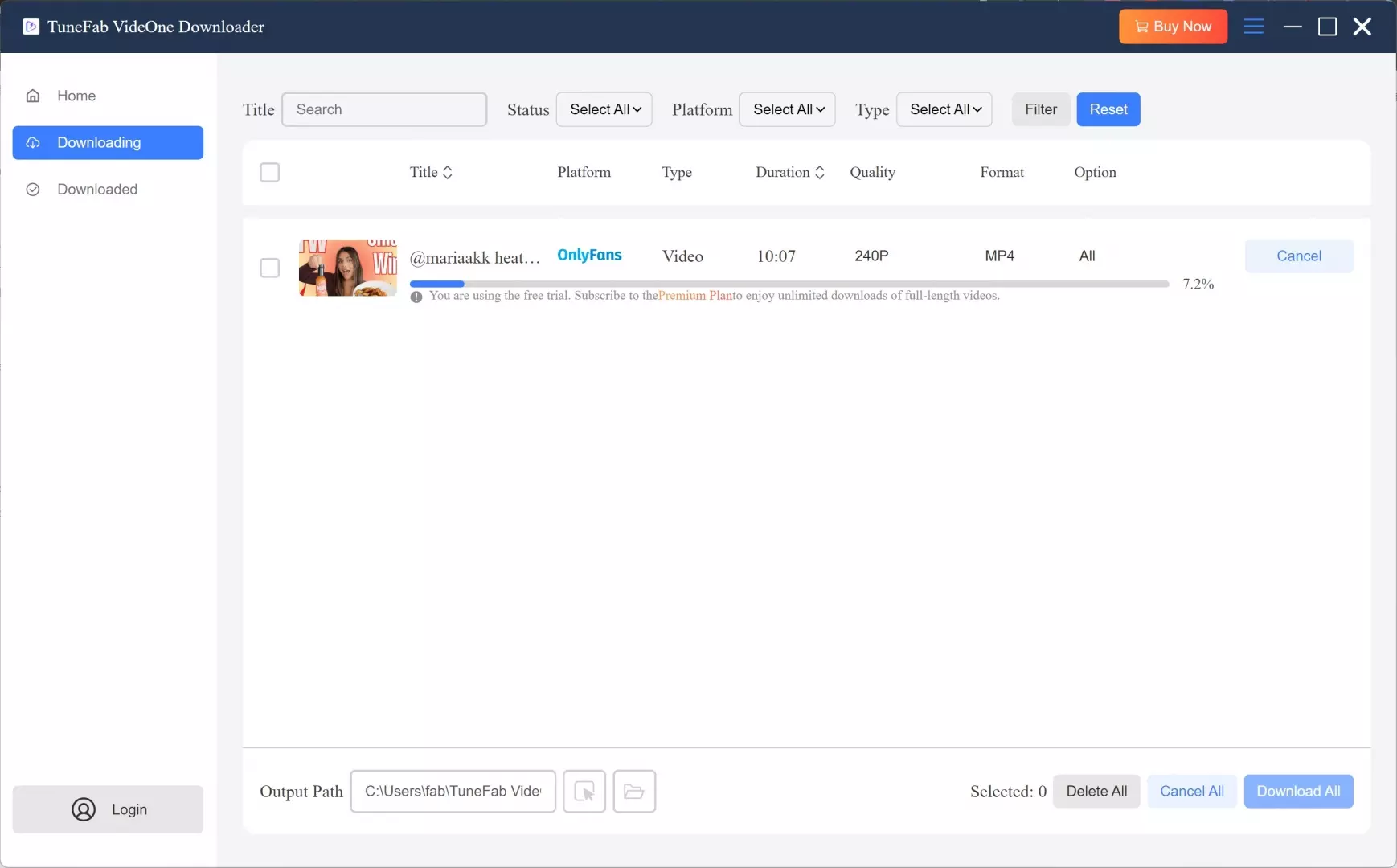
Confirm the task so the program can start saving. Afterwards, you can review the completed items in its downloaded section for personal offline playback.
3. Anyloader: A Free Chrome Extension
Anyloader is a free Chrome extension whose official description covers OnlyFans posts, profiles, and chats. It is the clearest OnlyFans downloader extension choice for readers who prefer to stay in Chrome and need a small number of accessible items rather than desktop automation.
The tradeoff is extension stability. Site structure, Chrome permissions, or an extension update can change behavior without warning, so test one message first. A broader explanation of creator-content terminology is available in this OnlyFans content access guide.
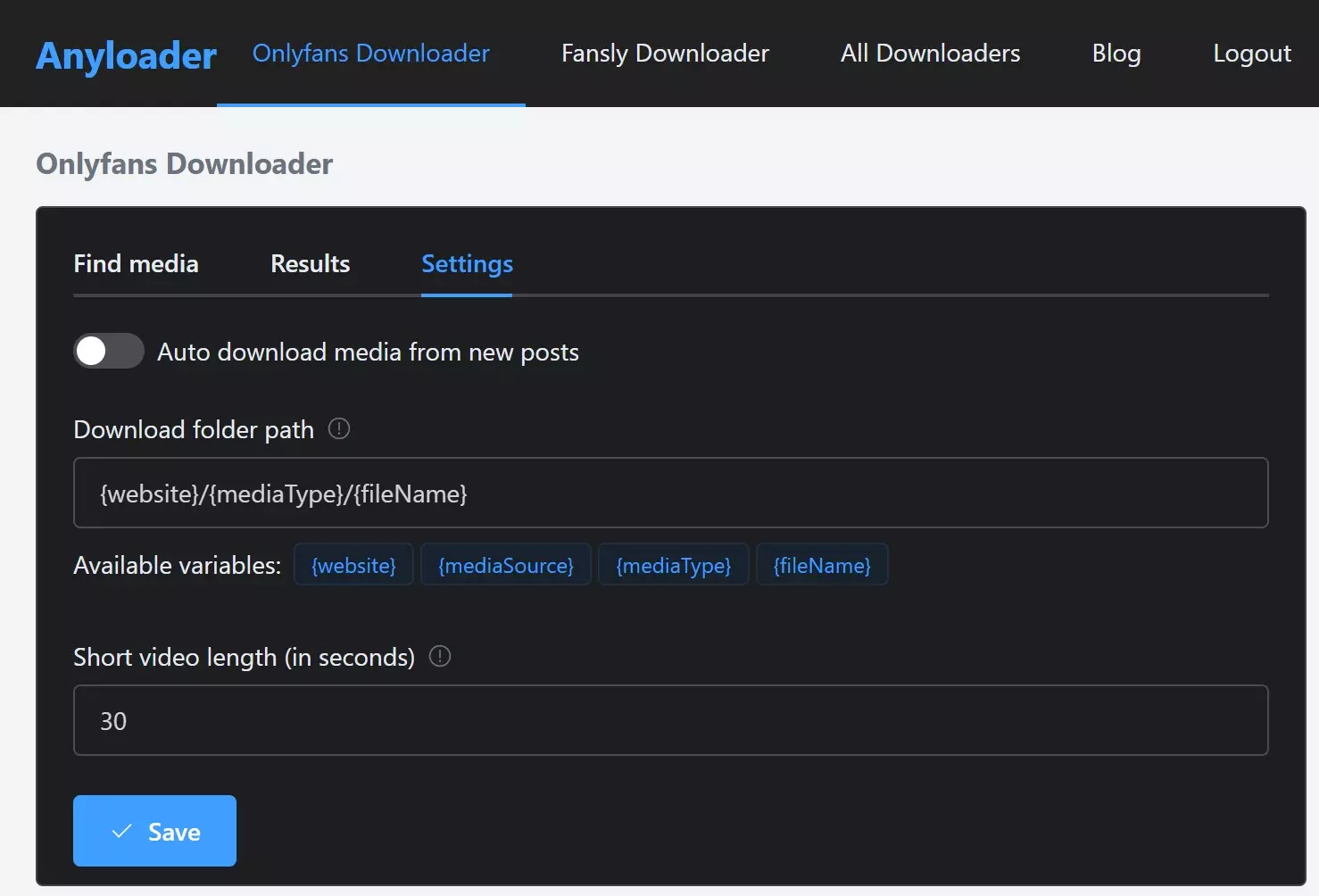
Add the official Anyloader extension to your browser and open the service’s main page.
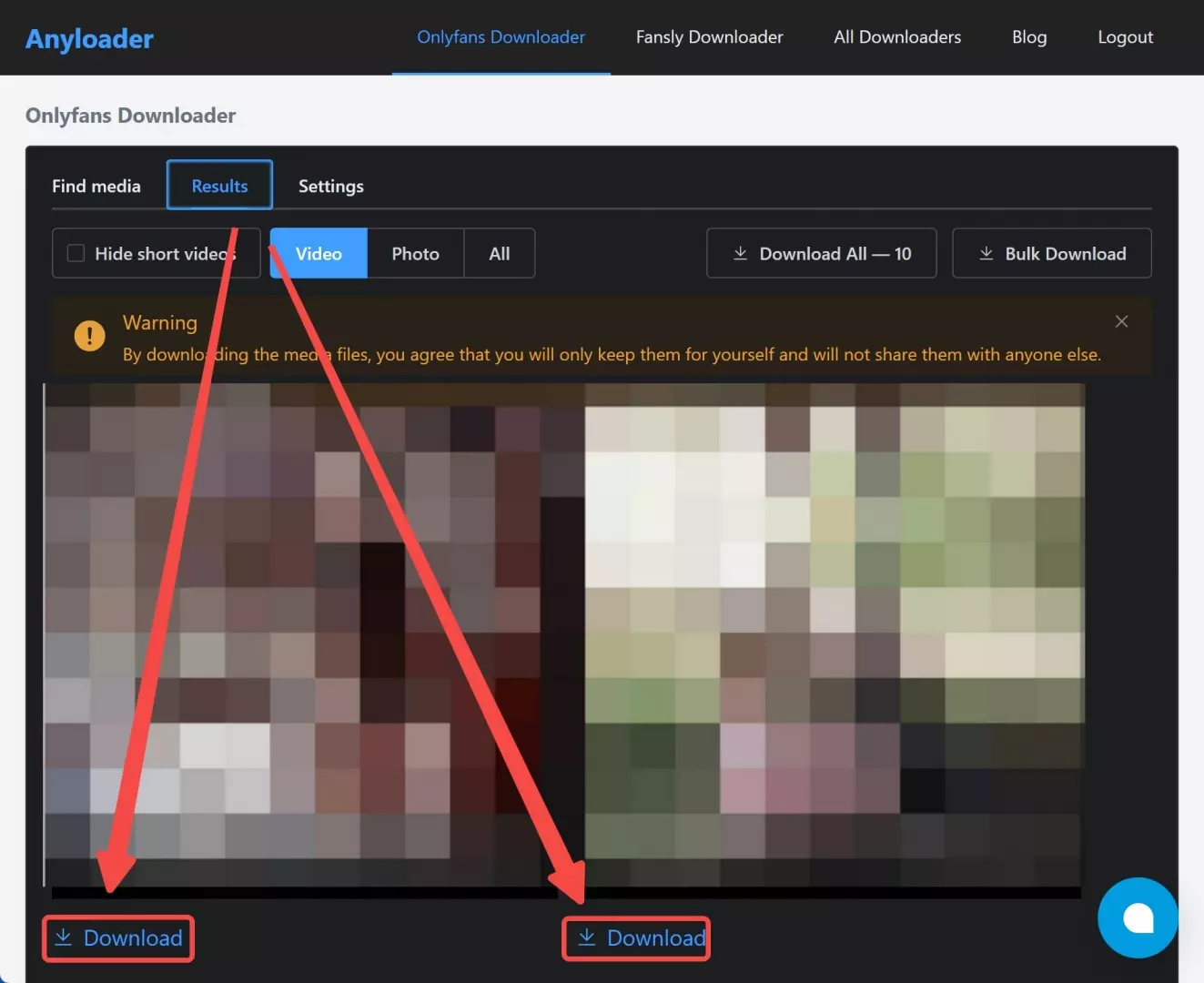
In your browser, go to an OnlyFans message video you’re entitled to watch and copy its link into Anyloader’s search field.
Ask the tool to analyze the link so it can list any compatible streams it finds for that page.
Select the entry that matches the content you paid for and start the save process, keeping the resulting file strictly for your own private backup.
4. StreamFork: Browser and Mobile Support
StreamFork is an active browser and mobile option with documentation for message downloads. It fits readers who value browser, iPhone, or Android access more than desktop batch automation; exact plan prices and a verified maximum output specification are unavailable in the supplied material.
On a Pixel 8 running Android 16, the practical constraint in a mobile workflow was storage and browser permission handling, not a desktop-style queue. That makes StreamFork a reasonable OnlyFans chat downloader for a few accessible items, but less attractive for a large recurring library.
Mobile limits can vary by platform and file size. Use the creator-content safety guide for the personal-use boundary rather than treating a browser control as permission to redistribute media.
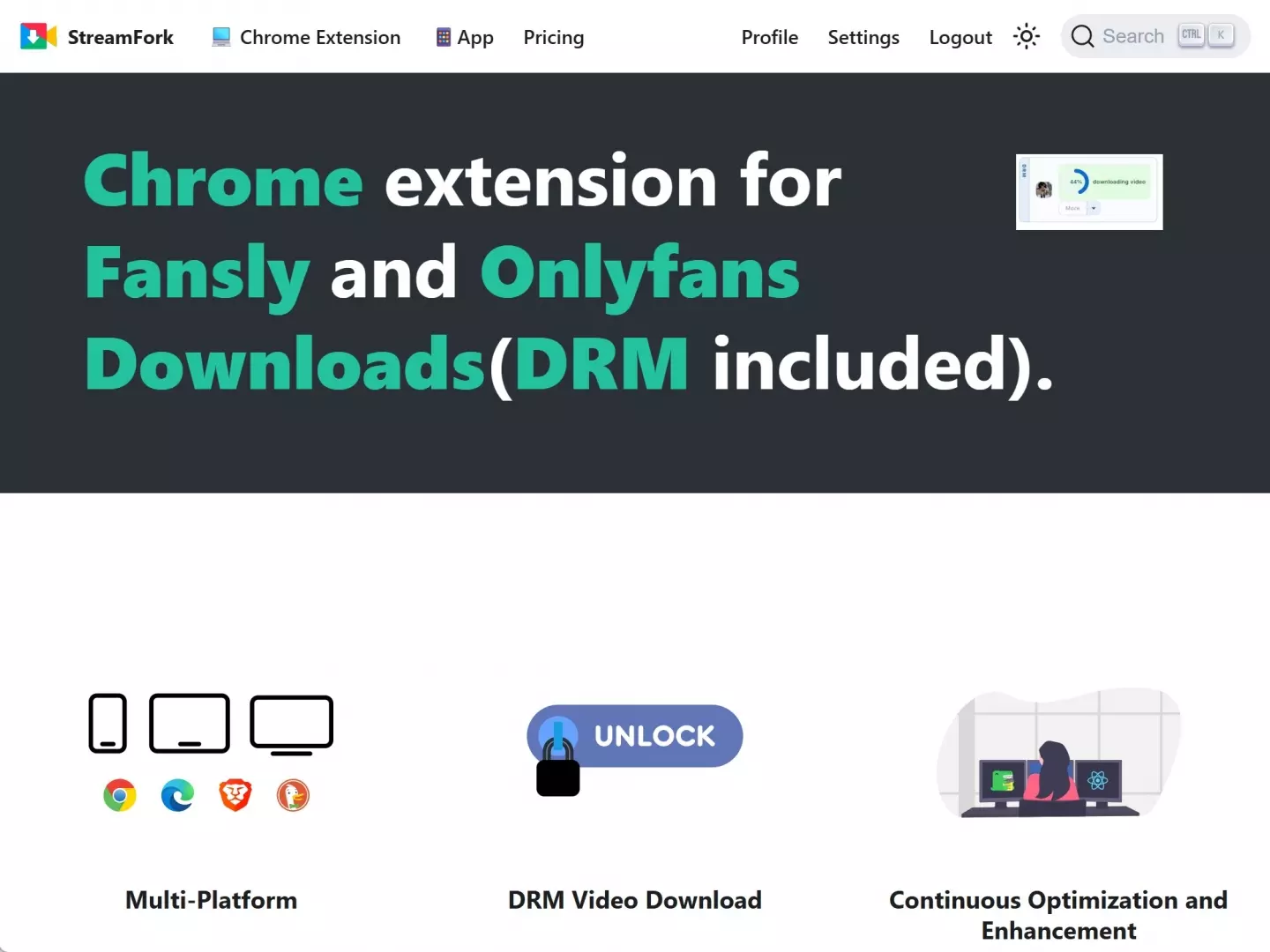
Install the StreamFork extension from its official source in your browser, then open OnlyFans as usual.
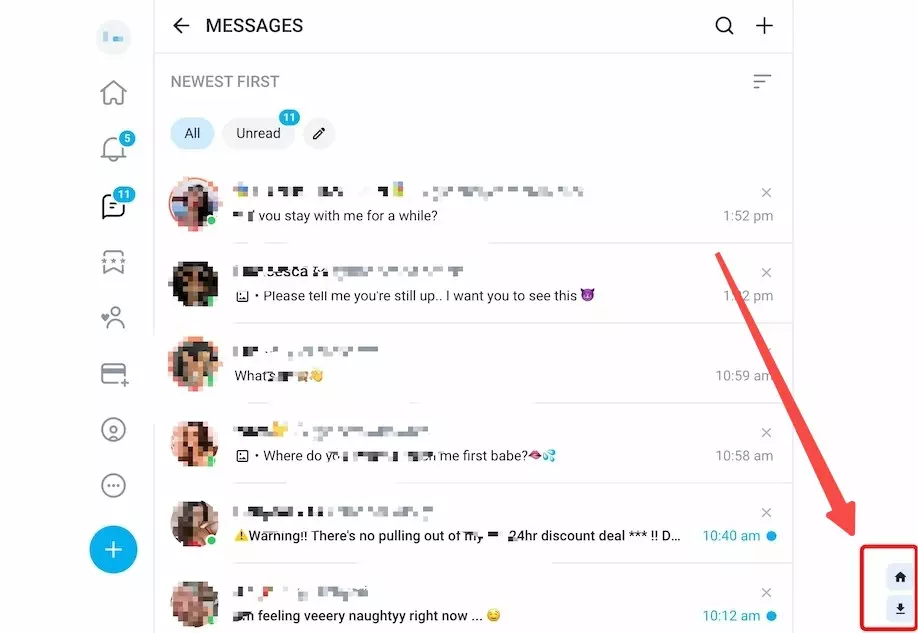
Open the chat that contains the paid message video and use the StreamFork icon in the corner to bring up its control panel.
From that panel, start the task and let the extension process it through your browser, keeping any resulting copy strictly for personal backup.
Which Message Downloader Fits Your Device?
Choose an OnlyFans DM downloader by device, library size, output needs, and tolerance for extension changes. Desktop software suits repeat work; a browser or mobile path is easier for a few items but usually offers less automation.
Desktop and Mobile Workflows
Windows and Mac apps are the practical route for managing many OnlyFans videos from messages, especially when MP4 or MKV output, a queue, or scheduling matters. An OnlyFans chat video downloader that runs in a browser may reduce setup, but extension permissions and site changes become part of the risk.
On iPhone or Android, browser or mobile support can help with a small number of accessible clips. If a desktop app creates a local MP4, transferring that file for mobile playback may be more predictable than repeating the full save workflow on a phone.
For broad product selection beyond private messages, the OnlyFans video downloader comparison covers general feed and device needs.
| Feature | StreamFab OnlyFans Downloader | TuneFab VideOne | Anyloader | StreamFork |
|---|---|---|---|---|
| Device pathway and status | Windows and Mac desktop; active | Windows and Mac desktop; active | Chrome extension; active | Desktop browser plus Android and iOS; active |
| Message support and verified quality | Messages and PPV; up to 1080p, AAC 2.0 | Messages; Unavailable | Chats; Unavailable | Message documentation available; Unavailable |
| Output and session handling | MP4 or MKV; signed-in desktop workflow | Unavailable; signed-in desktop workflow | Unavailable; requires Chrome permissions | Unavailable; browser or mobile workflow |
| Batch or scheduling | Batch queues; daily or weekly scheduling | Unavailable | Unavailable | Unavailable |
| Best fit | Larger authorized message libraries | Occasional desktop use | Chrome-first convenience | Browser or mobile access |
| Important limitation | Not ideal for an occasional mobile save | Verified maximum quality is unavailable here | Behavior can change after site or browser updates | Less suited to desktop batch automation |
| Access handling | Requires an authorized signed-in account | Requires an authorized signed-in account | Requires an authorized signed-in Chrome session | Product status and pricing checked in July 2026; unavailable values are not estimated. |
FAQs
There is no universal yes-or-no answer. Keep the original subscription or purchased access valid, use screen-recording technology without extracting protection keys, and limit any local copy to authorized personal offline viewing. In Japan, private copying may fall within Article 30’s limited scope; U.S. readers must follow applicable U.S. law and platform terms. This is not legal advice.
Do not assume a save is invisible. Whether a creator sees a direct alert is separate from whether OnlyFans logs account activity or enforces its rules. The sound approach is to respect creator rights and behave as though platform activity can be recorded.
No. A username cannot retrieve private or unpaid media. You must sign in to an authorized account, open the relevant message thread, and confirm that the video is already accessible. For broader sign-in issues, use StreamFab’s separate OnlyFans login guide.
Identify the symptom before changing tools. A failed OnlyFans message download may follow a site or browser change, an outdated app or extension, an expired-license response, a 0 KB file, a black picture, or a key-retrieval error.
- Update the product or extension from its official source.
- Confirm the same account is signed in and can still open the exact message.
- Retest one accessible file instead of starting a batch.
- Check whether the output has a normal file size and opens in a standard player.
- If the error persists, record the visible error text and contact official support.
My rule is to classify the failure first. Jumping to another tool immediately is less useful than knowing whether the problem is access, detection, licensing, output, or playback.
Conclusion
Use StreamFab for larger Windows or Mac queues, TuneFab VideOne for occasional desktop work, Anyloader for Chrome convenience, and StreamFork when browser or mobile access matters most. The fit depends on device, library size, desired output, and tolerance for extension changes.
StreamFab is my measured pick for managing many accessible message videos because its verified specifications cover 1080p, AAC 2.0, MP4 or MKV, batches, and scheduling. It is not ideal for someone who needs one occasional mobile save. Keep local copies private and do not redistribute or sell creator media.
Update Log
Updated in July 2026:
- Rechecked active product status and official StreamFab OnlyFans Downloader specifications.
- Added message-specific Windows, Mac, iPhone, and Android selection paths.
- Expanded troubleshooting to cover detection failures, site and browser changes, extension breakage, license responses, 0 KB output, black pictures, and key-retrieval errors.
- Replaced unverified speed and competitor specification claims with "Unavailable" labels.
Message download reliability can still change after OnlyFans, browser, extension, or downloader updates.
