My5 is the legacy name for the streaming service. Current official listings use either "5" or "Channel 5" depending on the platform. It has no official offline download feature. While on PC, StreamFab DRM MPD Downloader saves Channel 5 titles in MP4/MKV with selectable subtitles. But you should use the downloads for personal, lawful viewing only; features may change over time.
Searching for a Channel 5 downloader or a way to download Channel 5 programmes for offline viewing can be confusing, especially in the United States. Channel 5 says its player uses IP location and does not allow viewing outside the United Kingdom, so authorized UK access comes first. “Download” can mean installing the official app or saving a programme as a local file; this guide separates those routes and then explains the Windows workflow.
![Download Channel 5/My5 Videos on Windows, Not Mac [2026]](https://images.streamfab.com/2026/09/14/cXzeu9iazV7PWyLryOW4qiRlMQURsmFk/feature_cover.jpg)
Can You Download Channel 5 Programs?
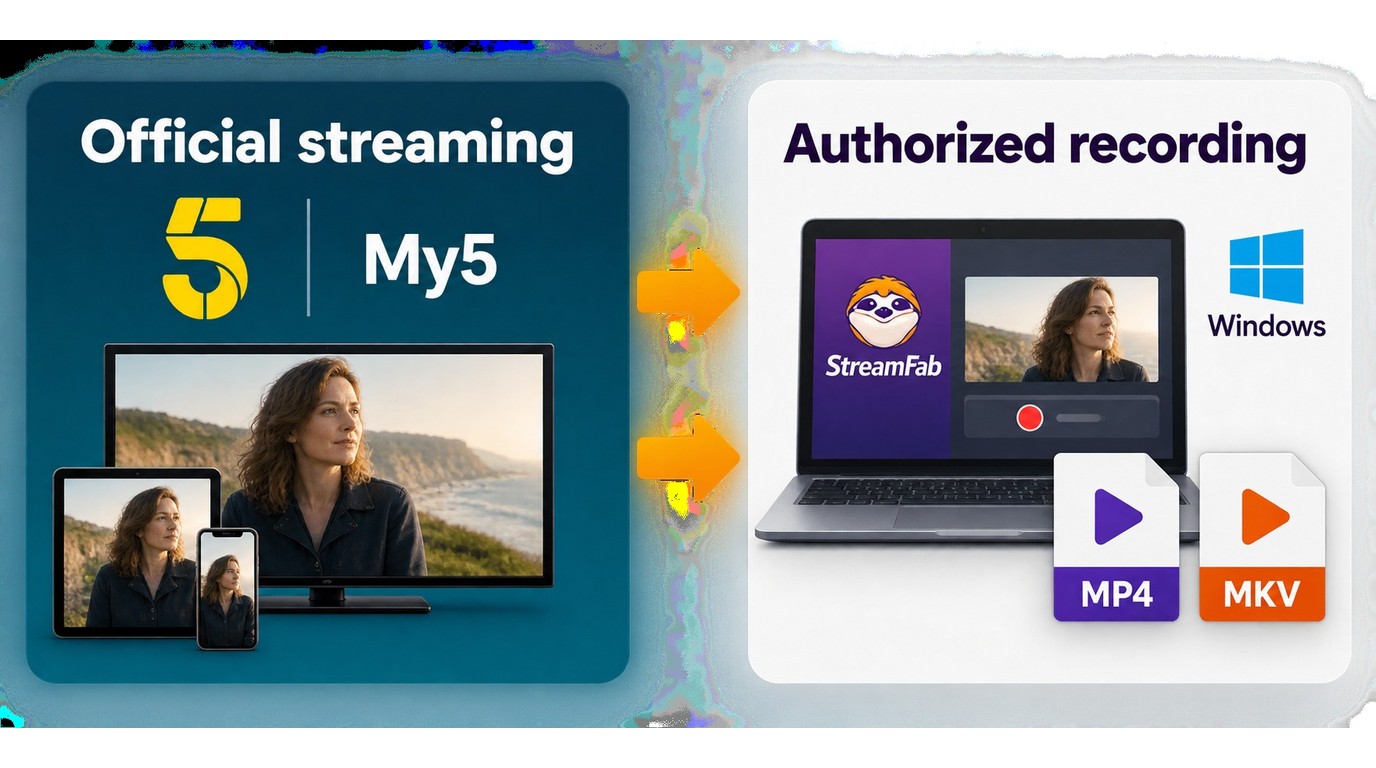
Channel 5 says its player uses IP location and does not allow viewing outside the United Kingdom, so US readers need authorized UK access before playback. The official app or browser provides streaming, while a saved MP4/MKV file is a separate Windows workflow for authorized personal offline viewing.
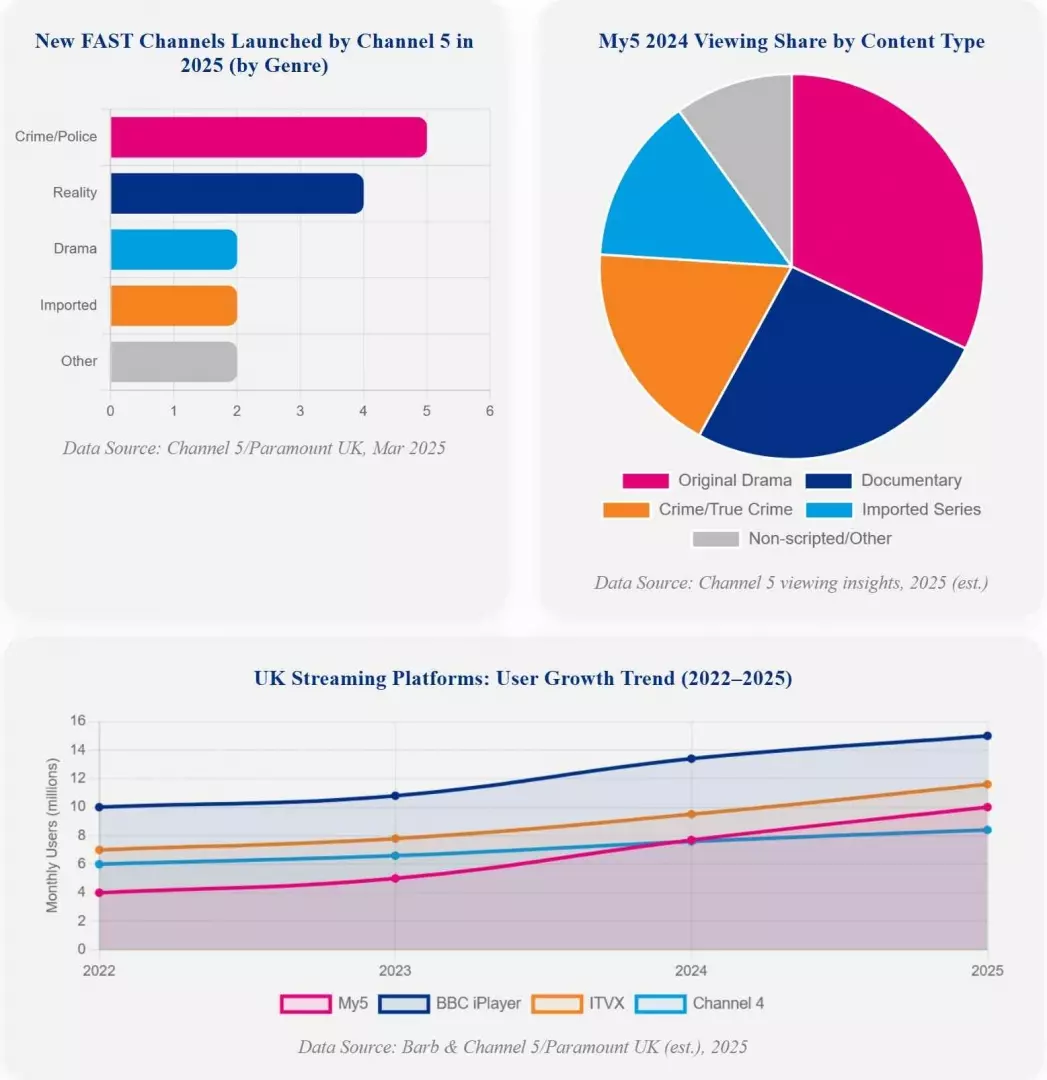

Channel 5 App Access by Device
Installing the official Channel 5 app or opening the service in a browser provides streaming and catch-up access; it does not create an MP4 or MKV programme file. Saving an authorized programme locally is a separate Windows desktop workflow.
| Device | Official access | Local programme file | What to expect |
|---|---|---|---|
| iPhone or iPad | Official app or browser streaming | No official MP4/MKV download | Streaming and catch-up access |
| Android phone or tablet | Official app or browser streaming | No official MP4/MKV download | Streaming and catch-up access |
| Smart TV | Supported app streaming | No official programme file | Designed for online playback |
| Windows browser | Browser streaming with UK access | No official MP4/MKV download | Stream in the browser |
| Mac browser | Browser streaming with UK access | No verified StreamFab Mac workflow | Stream in the browser |
| Windows desktop workflow | Built-in browser analysis | MP4 or MKV output | StreamFab DRM MPD Downloader |
Download Channel 5 Programmes on Windows
Channel 5's official app and browser provide streaming rather than a built-in programme-download feature. An active internet connection is therefore required for official online playback; the separate Windows local-file workflow is covered below.

However, technology is constantly evolving, and there's now a solution to this limitation. A Windows local-file workflow can address this gap for authorized personal offline viewing where permitted by platform terms and applicable law.
Tool Required: StreamFab DRM MPD Downloader
StreamFab DRM MPD Downloader is a Windows desktop option for saving authorized Channel 5 programmes for personal offline viewing. It also supports similar services, such as downloading ITVX videos, so the workflow is not limited to Channel 5.

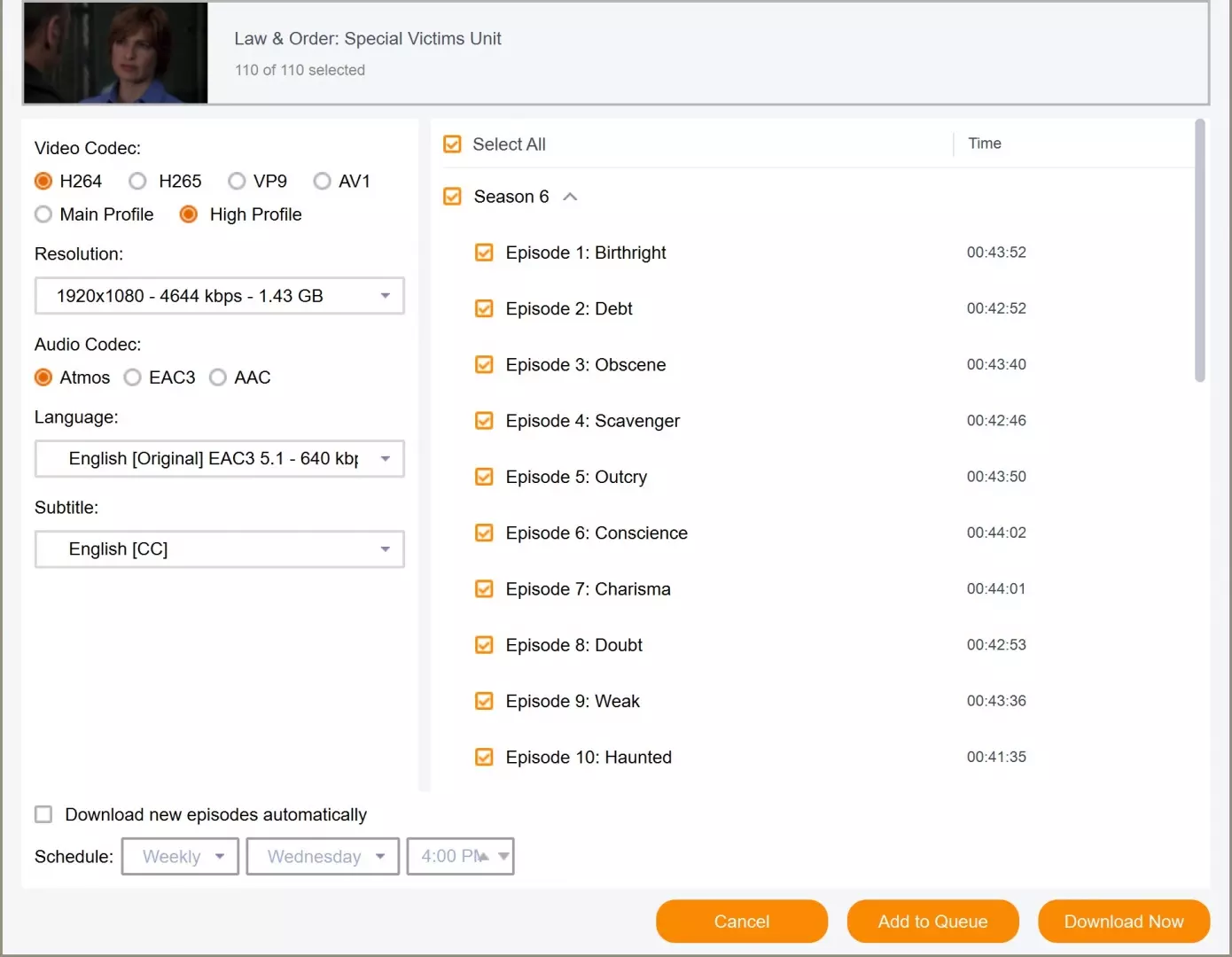
- Output formats: MP4/MKV; up to 1080p FHD with EAC3 5.1 when supplied by the source.
- Subtitle options: select and save preferred languages as SRT or soft subtitles.
- Batch tasks: queue episodes or whole seasons.
- Built-in browser: open Channel 5 and analyze playback.
- Current support: Windows 11/10 desktop.
For Windows users who already have authorized access and want personal offline viewing, this workflow is a practical fit. Video quality and audio depend on what the Channel 5 source supplies, while the built-in browser keeps playback analysis in one desktop workflow. The current product requirements are listed on the StreamFab DRM MPD Downloader compatibility page.
StreamFab DRM MPD Downloader is a Windows desktop downloader for supported streaming platforms. In addition to Channel 5 content, it supports saving BritBox shows, including the scenario covered by can you download BritBox shows, as well as videos from other supported services. To check platform compatibility, simply paste the URL into the address bar.
Steps to Download Channel 5 Videos with StreamFab
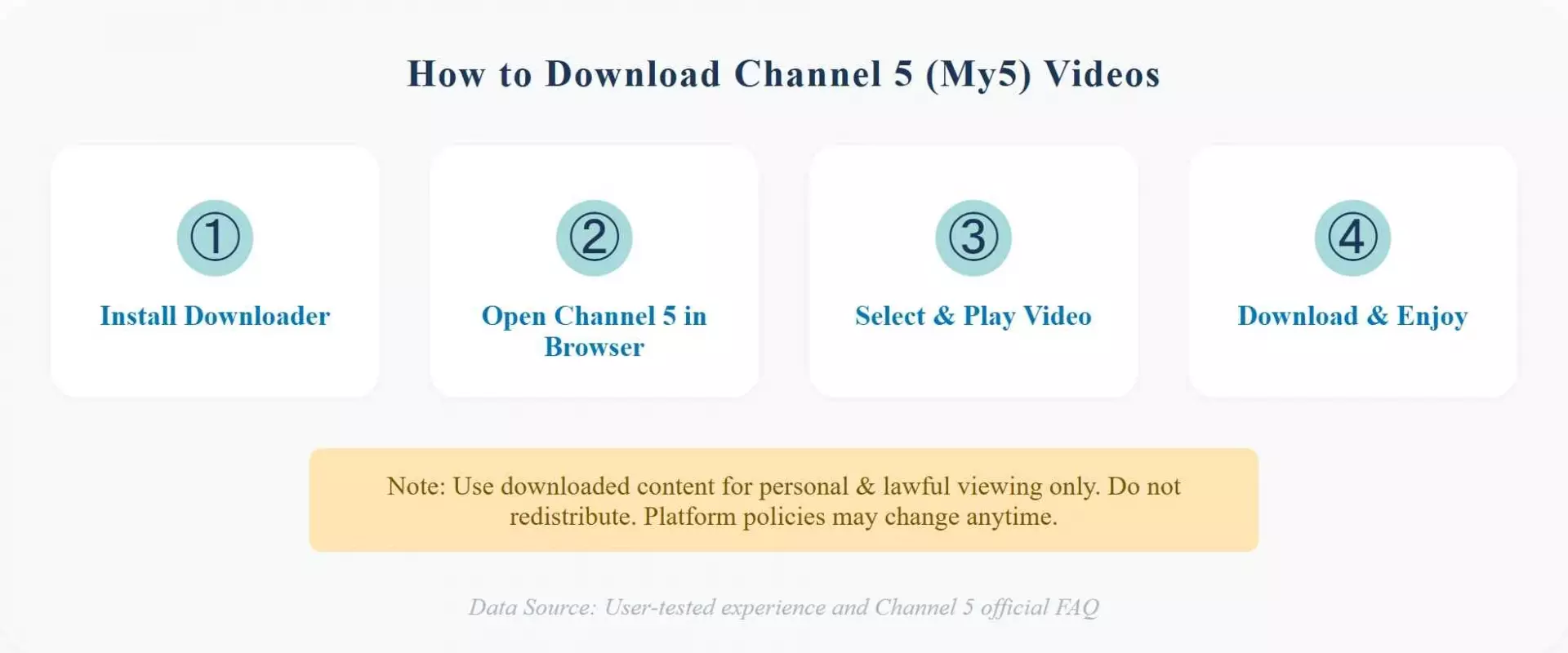
Use StreamFab DRM MPD Downloader to save your favorite Channel 5 shows with these simple steps:
Download and install StreamFab DRM MPD Downloader on your desktop or laptop. When the installation process is complete, launch it.
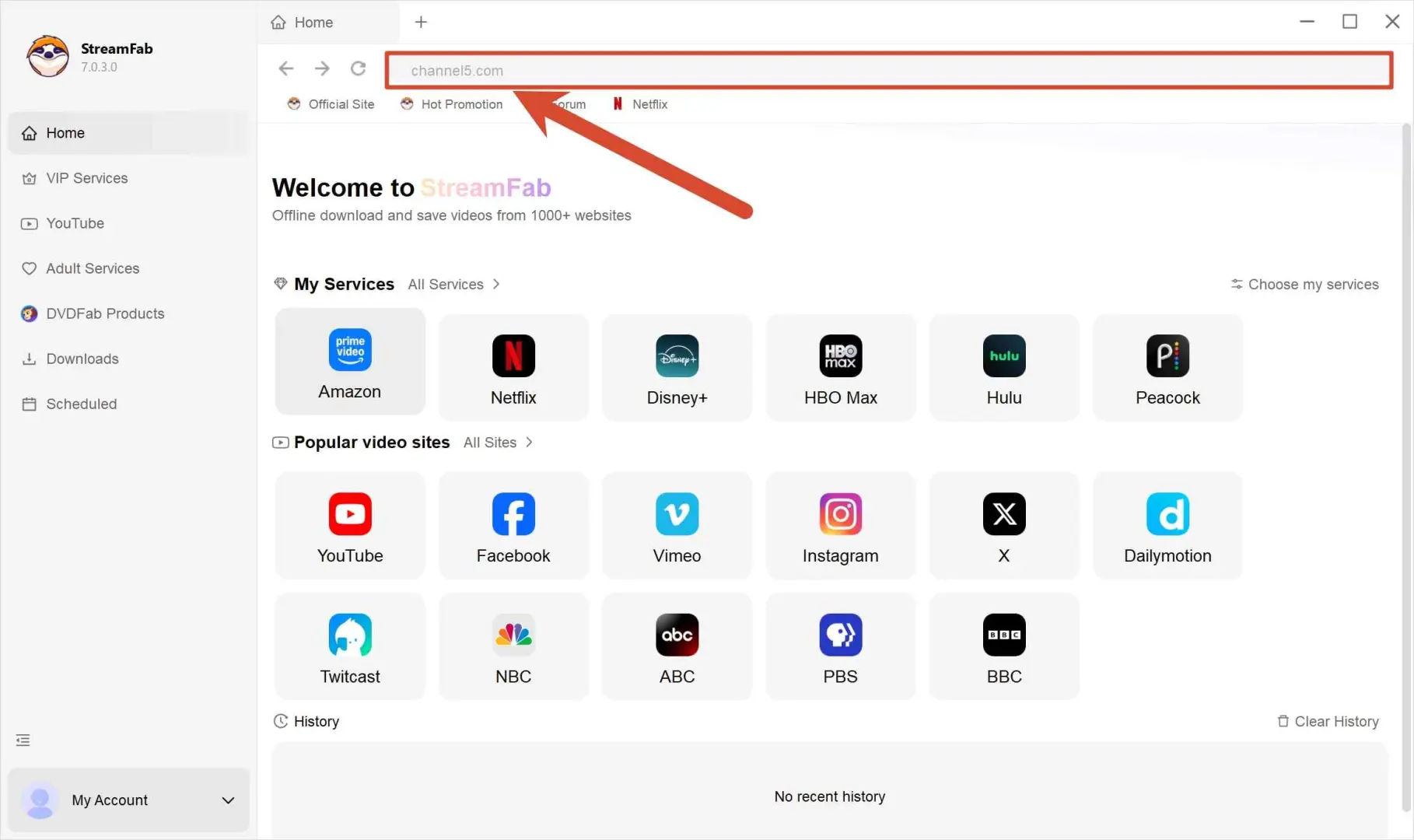
Now, from the homepage of StreamFab DRM MPD Downloader, you have to open Channel 5 from the built-in browser.
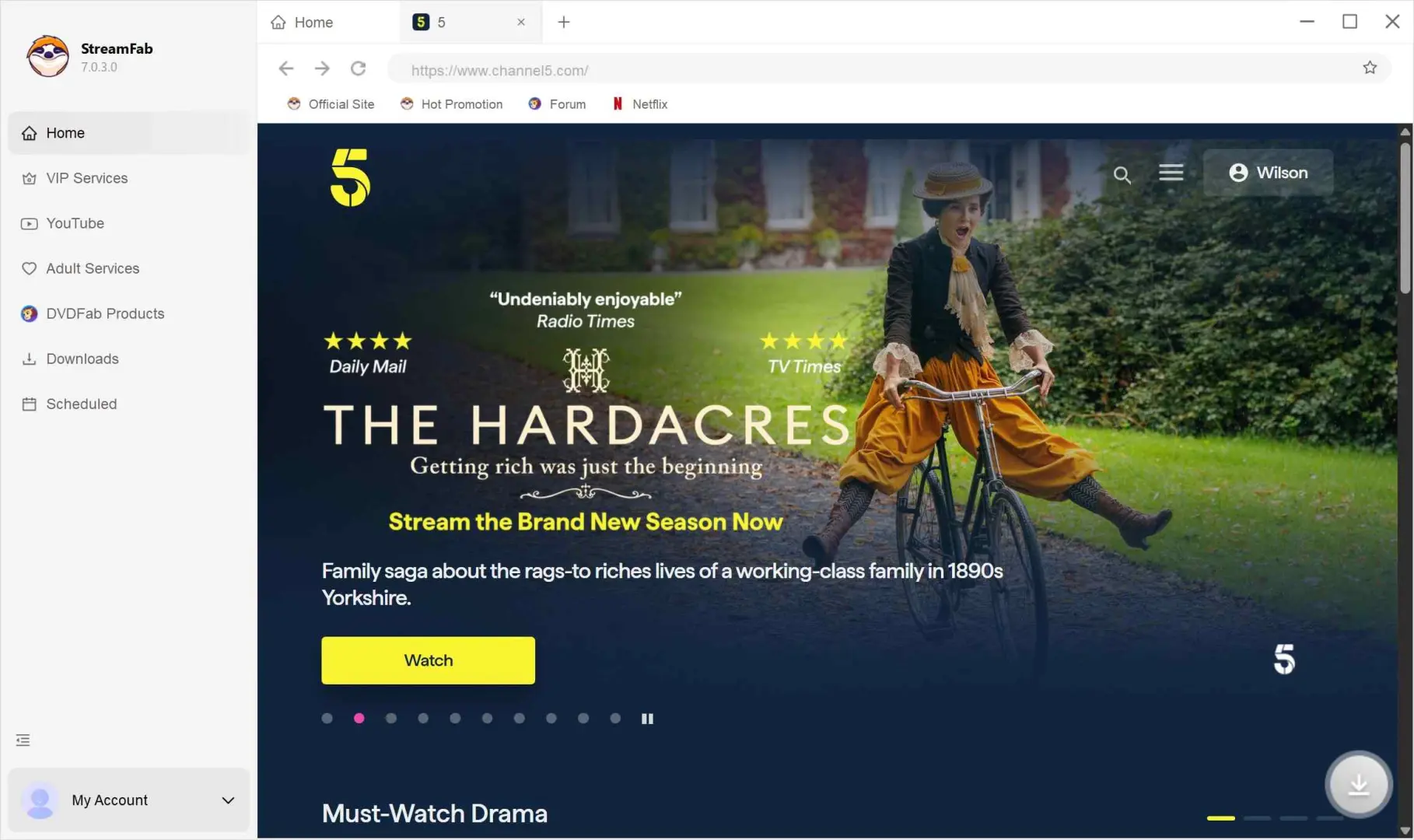
Search for the titles you would like to playback, such as Law and Order. When playing starts, StreamFab will ask you to choose the output options.
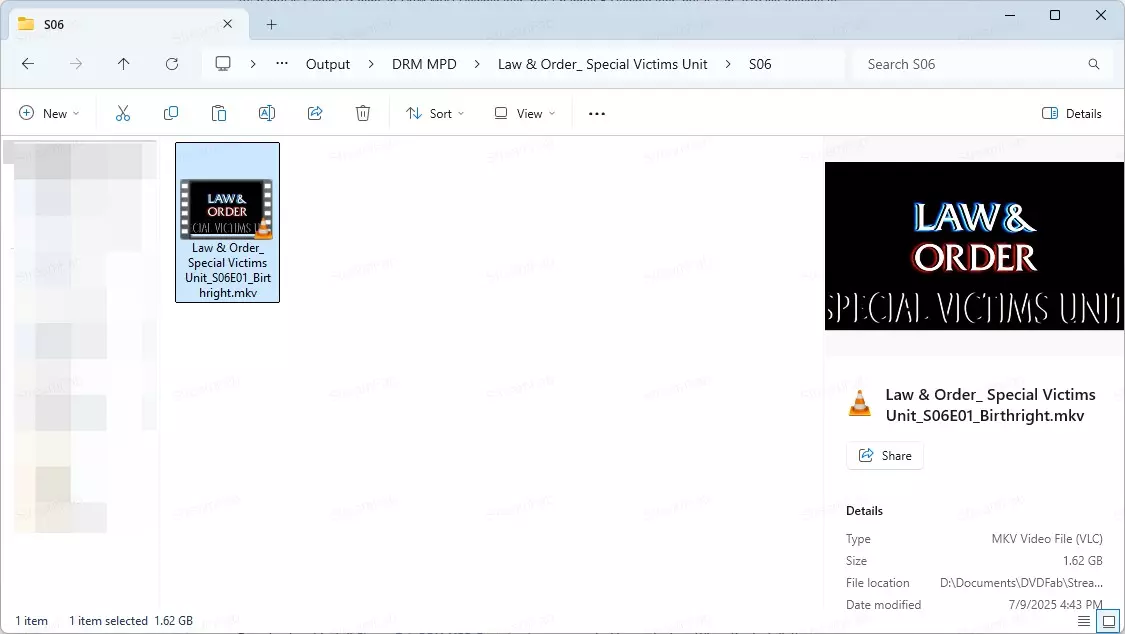
Once the video is saved to your desktop, transfer it only to a compatible device for personal viewing.
Channel 5 Download Troubleshooting
| Symptom | Likely Cause | Quick Fix |
|---|---|---|
| Login loop | Expired session/cache | Clear cache; sign in again |
| Region block | UK access required | Use authorized UK access |
| Analysis stuck | Old build or too many tasks | Update; reduce tasks |
| Missing subtitles | Language not selected | Pick subtitles first |
From what I see with catch-up services, the first checks should be boring but effective: update the build, reopen a valid Channel 5 session, and only then change output settings.
FAQ
Update Log
- My5 is identified as the legacy streaming-service name; current listings use "5" or "Channel 5" depending on the platform
- Official app and browser access is distinguished from saving a programme as a local file
- StreamFab DRM MPD Downloader support is listed for Windows 11 and Windows 10
- Output details reflect MP4/MKV, up to 1080p FHD, and EAC3 5.1 when supplied by the source
Conclusion
Channel 5 doesn't provide offline downloads, so watching without internet requires a separate local-file workflow. StreamFab DRM MPD Downloader offers a simple way to save titles for personal viewing. Keep usage lawful and personal. Features and availability may change as platforms update.