I’d start with your subscription, not your device: BritBox offline downloads in the US require direct Premier or an eligible partner-app route. To watch BritBox offline on Windows or Mac as local files, you need a separate desktop workflow for authorized content.
Which BritBox Subscription Supports Downloads?
Your billing route determines where you save and watch shows. Direct Premier uses the BritBox mobile app; partner subscriptions use the partner’s app. Choose the route before following the mobile or desktop steps below.

Can You Download BritBox Shows?
Yes. In the United States, an eligible direct Premier subscription enables BritBox downloads in the mobile app. Standard does not include this feature. Partner-channel downloads belong to the partner platform, so signing into the standalone BritBox app does not give you that partner’s download access.
Look for the download icon beside an eligible title. BritBox Premier downloads are app-managed copies for offline playback, not video files you export to another player.
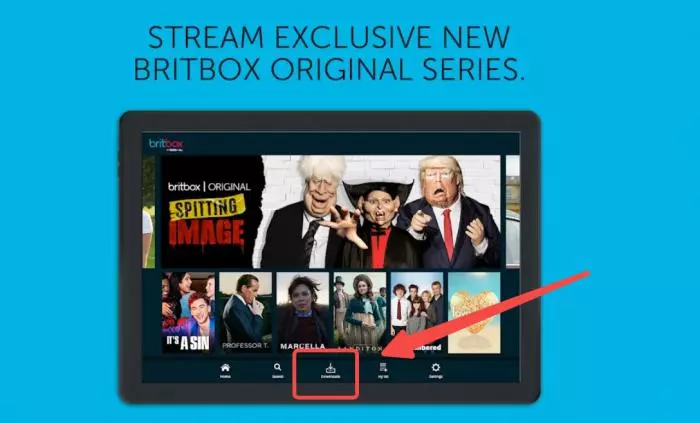
Specific Download Limits of BritBox
BritBox download limits cover the number of saved episodes, registered devices, and viewing window. Keep those limits separate from simultaneous streaming. Before a trip, finish downloading and open Downloads to see which episodes are ready.
- BritBox Premier allows up to 25 downloaded episodes at a time across up to 5 devices.
- Downloads have a 30-day viewing window; after playback starts, finish within 48 hours.
- Travel affects availability. Download eligible episodes before departure and open the app to review their playback window.
- Not all BritBox shows are downloadable. These Premier limits do not define the rules for partner-app downloads.
BritBox Plans, Downloads, and Device Limits
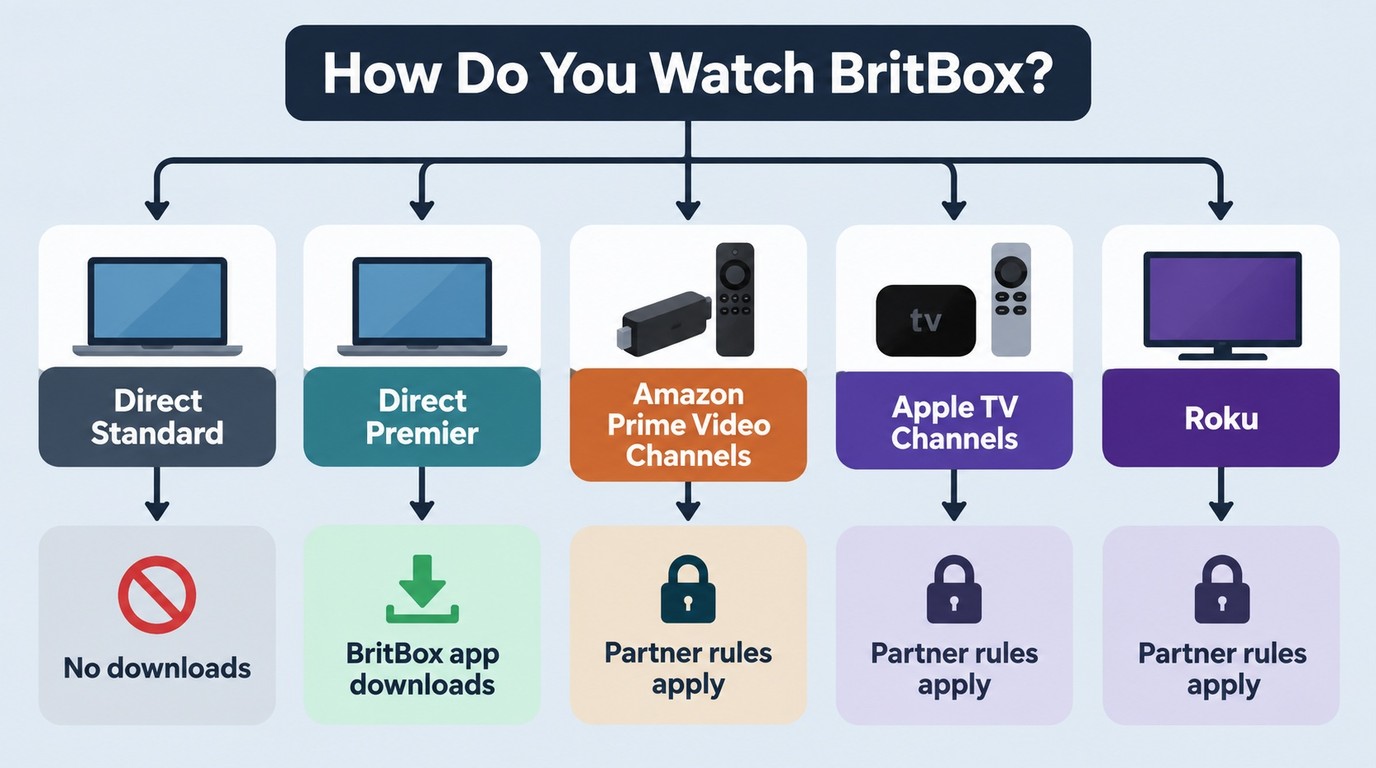
Premier adds direct-app downloads to the US subscription choice. Standard covers streaming; partner channels have their own download rules. The table separates the account you pay for from the app you use.
| Plan or route | Billing | Official offline access | Playback location | Key distinction |
|---|---|---|---|---|
| Direct Standard | BritBox subscription | No direct-app downloads | Streaming apps and browser | Streaming plan |
| Direct Premier | BritBox subscription | Eligible mobile titles | BritBox mobile app | Up to 4K streaming on eligible titles |
| Amazon Prime Video Channels | Separate BritBox channel | Eligible Prime Video titles | Supported Prime Video app | No direct Premier benefits |
| Apple TV Channels | Separate BritBox channel | Eligible Apple TV channel titles | Supported Apple TV app | No direct Premier benefits |
| Roku Channel | Separate BritBox channel | No general mobile-download promise | Roku channel viewing route | No direct Premier benefits |
US plan and route distinctions as of September 2026.
Standard vs Premier
Premier is the direct subscription to choose for mobile offline viewing. If you only need streaming, Standard is the simpler option. Premier’s eligible-title 4K streaming is a separate benefit, not a promise that mobile downloads have 4K resolution.
Direct vs Partner Subscriptions
BritBox partner subscriptions do not carry direct Premier benefits. Stay in the app attached to your bill. An Amazon-billed channel uses Prime Video, while an Apple-billed channel uses the Apple TV app; neither becomes a standalone Premier account.
I would keep an existing eligible partner route for a trip rather than buy a second subscription just to change apps. For Roku, streaming access alone is not evidence of a download feature: look for an offline option on the title in the app you actually use.
BritBox App Downloads on Mobile
BritBox mobile downloads use the same basic sequence on iPhone and Android: sign in, find an eligible title, download it, and open Downloads. Use these steps with a direct US Premier account. A partner subscription needs its own app’s controls.
Open the BritBox App
Launch the BritBox app on your iPhone or Android device, then sign in with your eligible US Premier account.
Find the Video You Wish to Download
Browse or search for the show or movie you want. Not every title is downloadable, so look for the download icon.
Tap the Download Icon
On the show or movie’s detail page, tap the downward-arrow download button and wait for the download to finish.
Access Your Downloads
Open the Downloads section in the app menu to watch your saved videos within their viewing window.
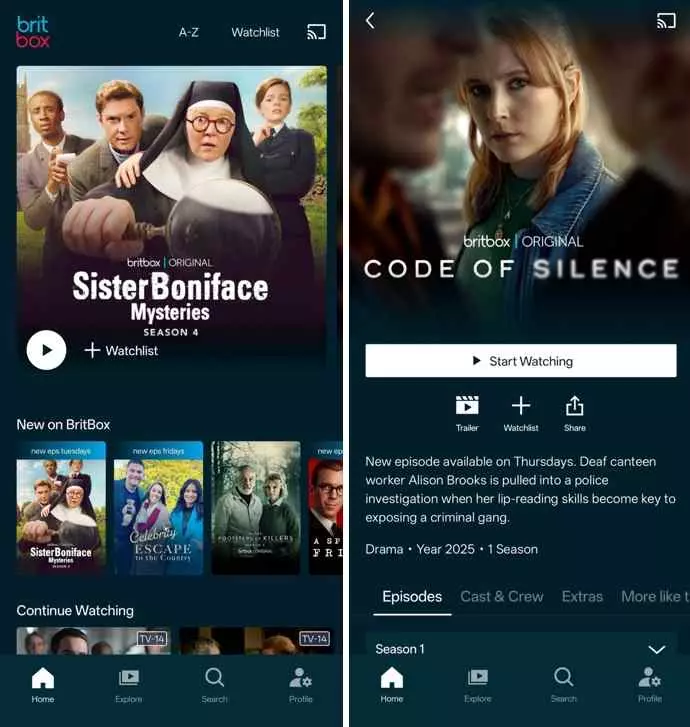
A missing icon is an eligibility clue. The FAQ below gives the account, title, app, and region checks in order, so you can locate the problem before repeating a download attempt.
BritBox Downloads on Windows and Mac
BritBox does not provide general browser downloads on Windows or Mac. Official app downloads remain in their playback environment. For BritBox downloads on PC as local files, a desktop workflow addresses a different need: choosing a compatible player and managing files on your drive.
StreamFab DRM MPD Downloader
StreamFab DRM MPD Downloader is a desktop alternative to BritBox’s official download feature for personal offline viewing of content you’re authorized to access, where permitted by platform terms and applicable law. It supports Windows and Mac, MP4 and MKV output, and video up to 1080p.
Save authorized BritBox videos on Windows or Mac in MP4 or MKV, with video output up to 1080p and subtitle options for personal offline viewing.
- Save supported BritBox videos at up to 1080p ; a lower-resolution source stays lower resolution.
- Choose MP4 for a local video file you can open with a compatible player.
- Choose MKV when that container fits your playback setup.
- Select an EAC3 5.1 audio track when the title provides it.
- Save subtitles with supported videos for offline viewing.
- Select your preferred audio-track language before saving the video.
Steps to Download BritBox Videos with StreamFab
Use an account with access to the title you want to save. To download BritBox episodes on your desktop, follow the installation, playback, and output sequence below.
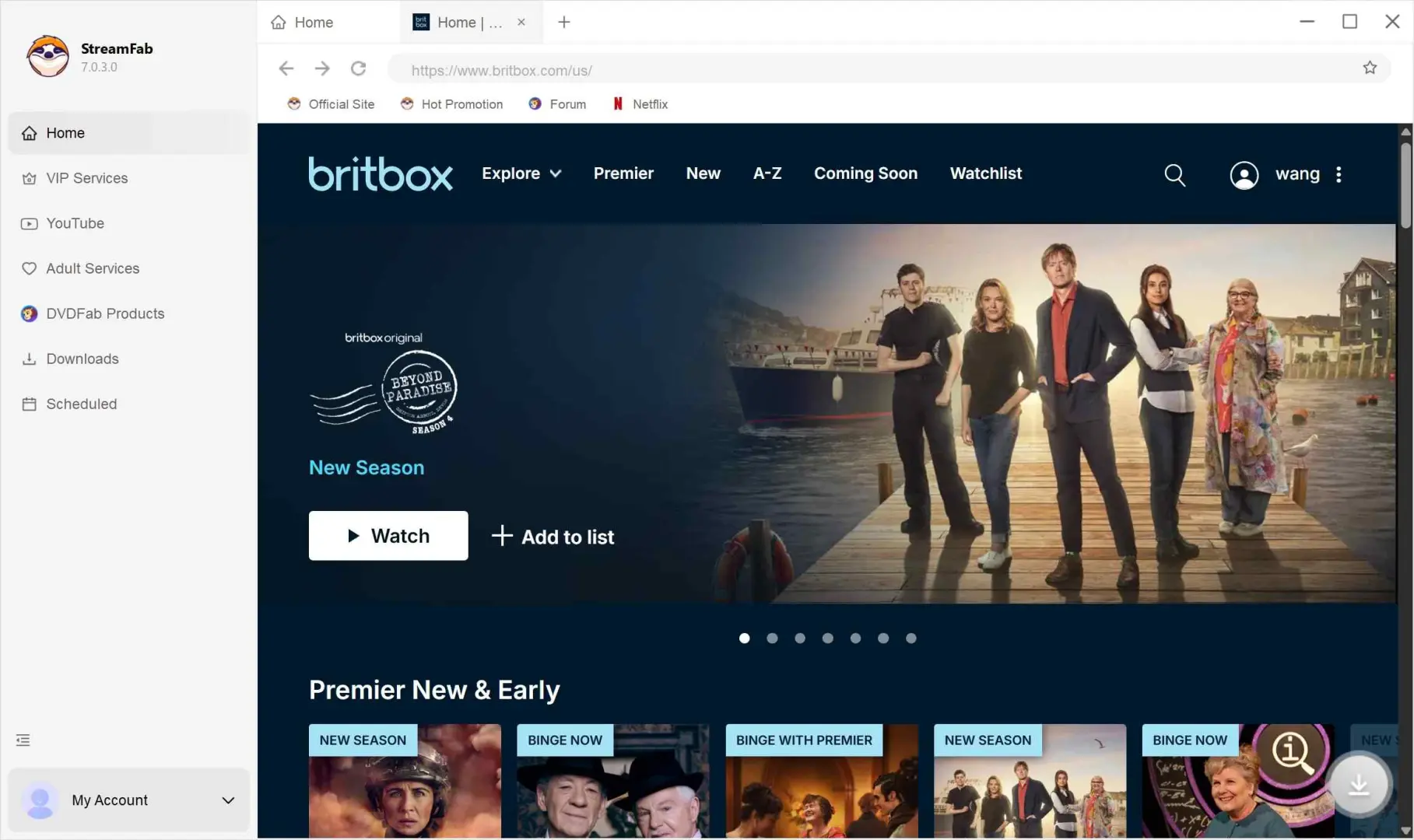
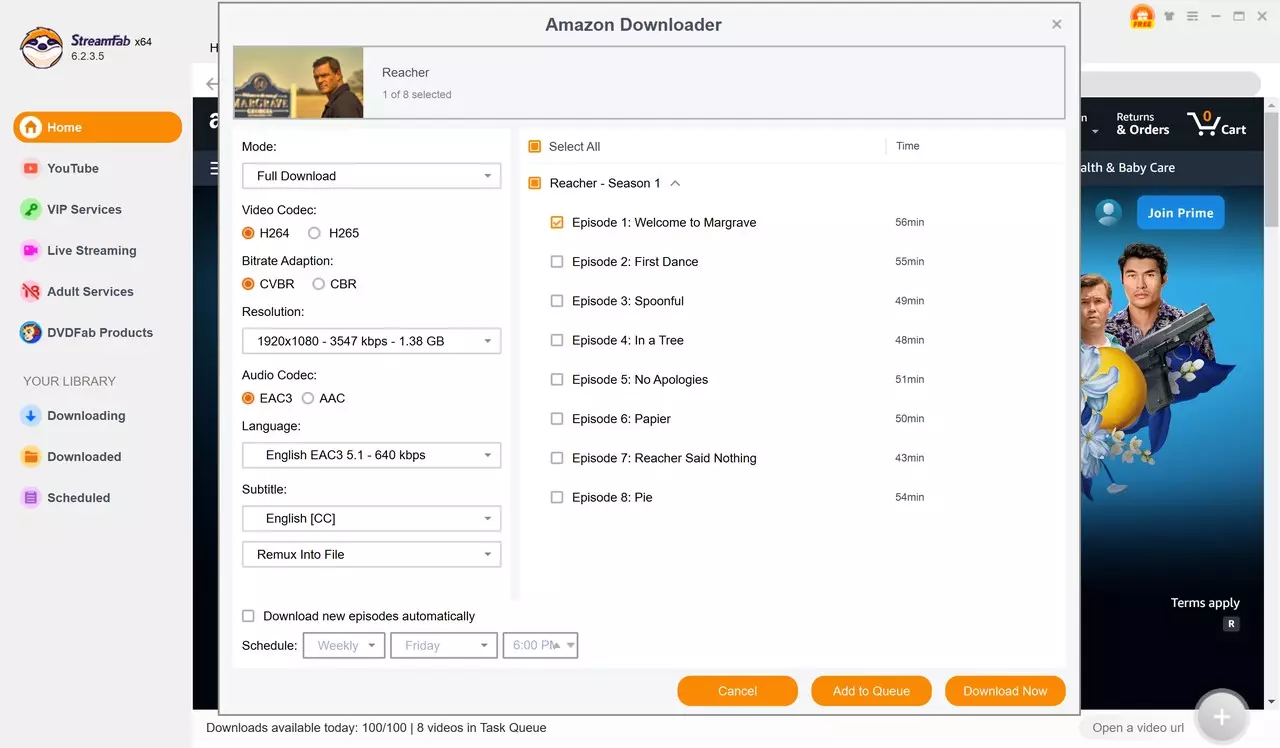
Find the BritBox show you want to save and start playback. Choose the output options when StreamFab prompts you.
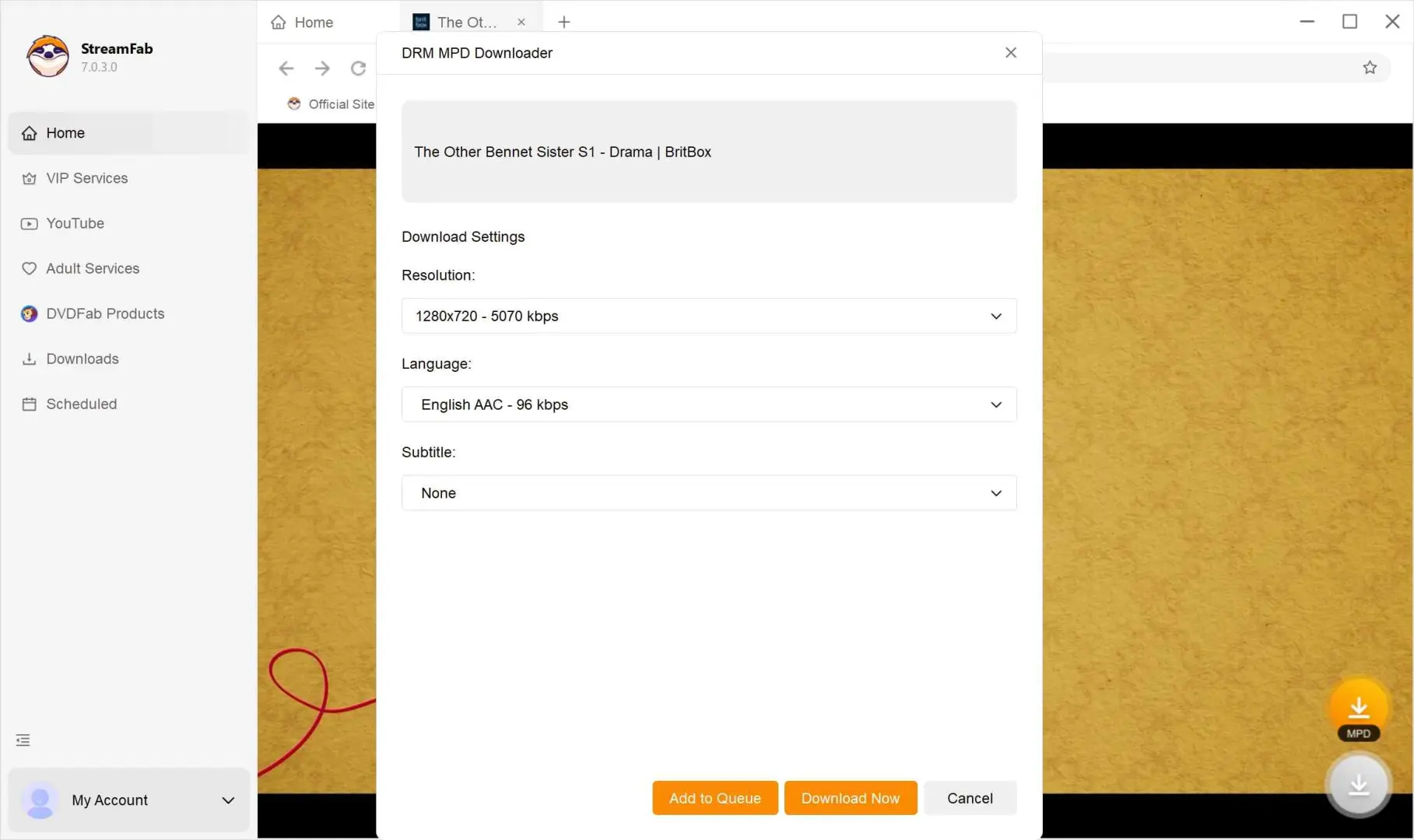
After the download finishes, open the saved video in a compatible player for authorized personal offline viewing.

Another reason why I recommend StreamFab is that it also enables you to download BritBox from Amazon Prime Channel with the Amazon download module if you subscribe to Prime Video.
Authorized Personal Offline Viewing
Use authorized access and save only content you have permission to save for personal offline viewing. Do not redistribute it. Follow the platform’s terms and applicable law; a subscription provides access to watch, not blanket permission for other uses.
Q
Why is there no download button in my BritBox app?
Check these five items in order: (1) Plan: direct US downloads require Premier. (2) Subscription route: an Amazon, Apple, or Roku subscription belongs to that partner’s app. (3) Title: open another eligible episode to look for its download icon. (4) App and device: use an updated supported mobile app rather than a browser or TV. (5) Region: confirm that your account and current location support downloads. The BritBox download button requires all five to line up.
A
Q
Is BritBox included with Amazon Prime or Apple TV?
No. BritBox is a separately billed channel subscription, not an automatic benefit of Amazon Prime or an Apple TV account. Having the app installed does not activate the channel. Use the account that actually pays for BritBox when you look for its shows and download options.
A
Q
Can I move BritBox app downloads to a TV or computer?
No. Official downloads stay inside the eligible app on the downloading device; they are not exportable MP4 files. For a TV, use supported streaming playback. A Windows or Mac local-file workflow is a separate way to save authorized content, not a transfer of the app’s Downloads folder.
A
Update Log
US download routes distinguish direct Premier mobile access, partner-app eligibility, and a separate authorized desktop-file workflow.
Conclusion: Choose Your BritBox Download Route
For mobile viewing during a trip, I’d choose direct Premier or the eligible partner app you already use. For local files on Windows or Mac, StreamFab DRM MPD Downloader provides the desktop route. Start its 30-day trial, which includes three video downloads per service, and save an authorized episode with your preferred output settings.
