Introduction
Important 2026 Update: UKTV Play has officially rebranded to simply "U", but the service remains the same free streaming platform you know. If you're asking, "can I download from U TV?" the answer depends on whether you mean an U app download or saving a programme as a local file.
![Can I Download from U TV? Offline Viewing Options [2026]](https://images.streamfab.com/2026/09/14/N3KsF7myHqWAm-zhS8fs2osDrsIiK7fw/feature_cover.jpg)
U (formerly UKTV Play) is free to use without any subscription. U is officially available in the United Kingdom; viewers in the United States are outside U's officially supported service area. If you already have authorized access, use the official U app for online viewing, then consider the desktop local-file workflow described below only where permitted by U's terms and applicable law. For compatibility questions, use the official StreamFab download page and troubleshooting guide.

Can You Download Videos from U (UKTV Play)?
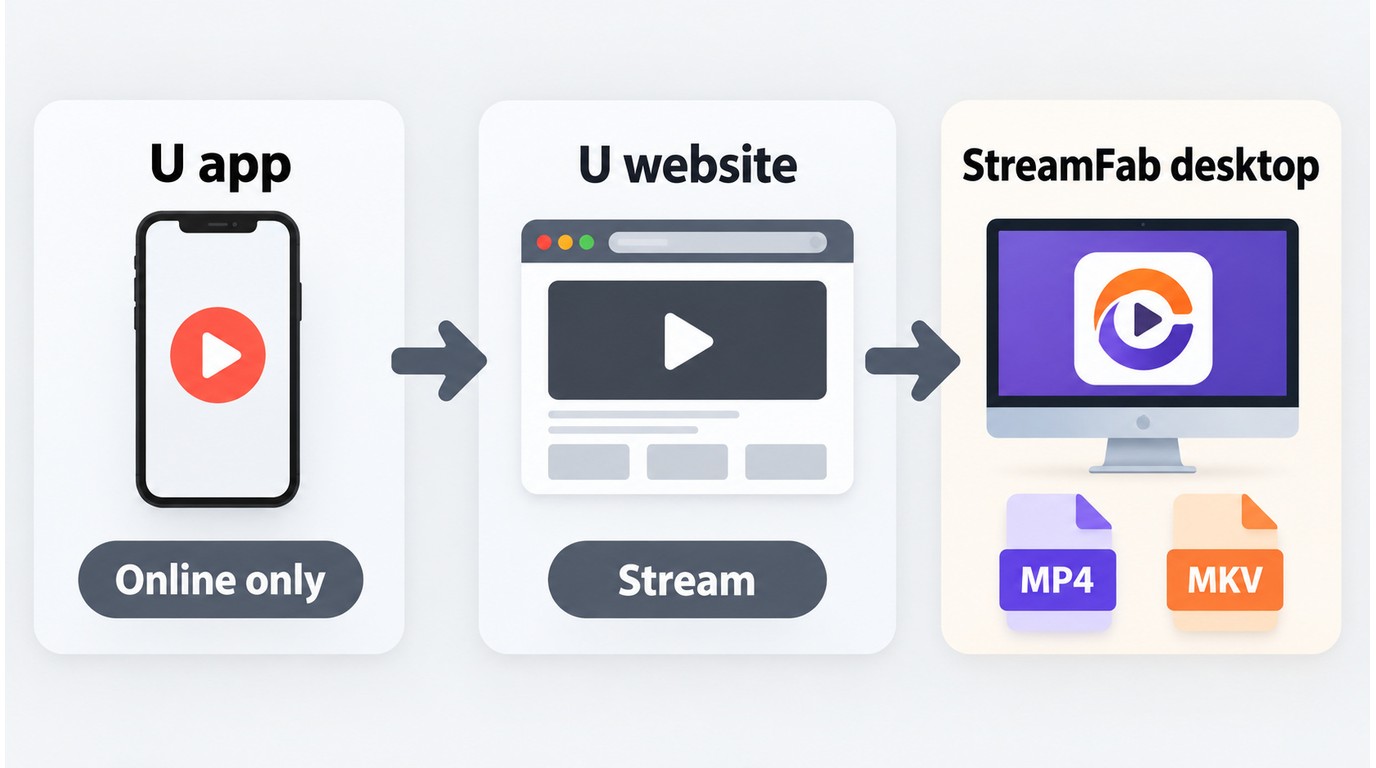
Officially, no. U doesn't support downloading the shows on its official platform. It's because of the agreement that U signs with the movie/show owners. You won't see any downloading option on U's official website or app.
| What “download” means | Available path | Offline programme file |
|---|---|---|
| Install the U app | Official app or supported device store | No |
| Stream a programme | U website or official app | No, online playback |
| Save a local file | Desktop workflow where permitted | MP4/MKV option |
Also, on mobile devices, there's no such option as downloading videos offline through U's official app. Unlike the other major streaming platforms, U doesn't provide any feature like this.
Installing the U app adds the streaming service to a supported device; it does not save programmes for offline playback, and U does not provide a native programme-download feature.
For content you're authorized to access, where permitted by U's terms and applicable law, a desktop alternative can provide a local MP4/MKV workflow. It does not change U's geographic eligibility, account requirements, or content authorization.
Can You Download from the U TV App?
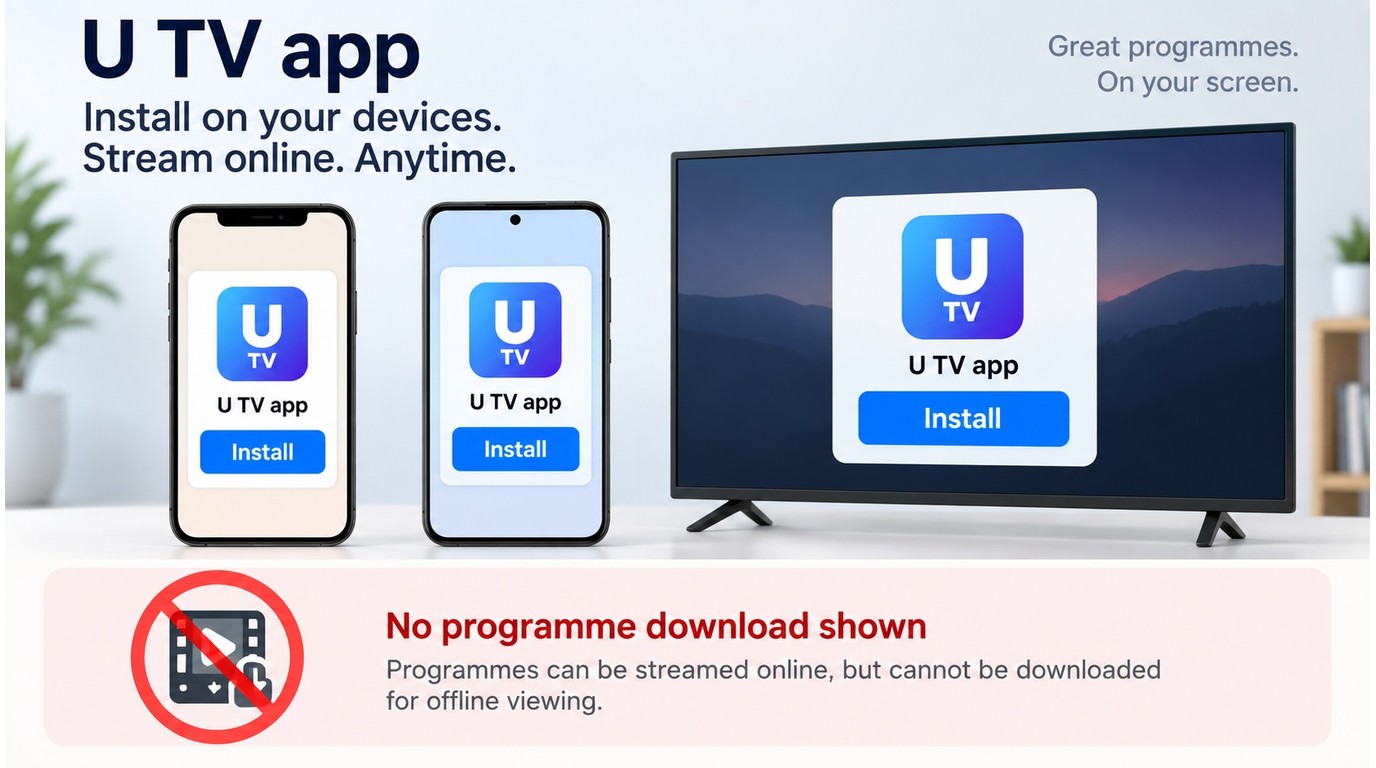
The official U app is for streaming U content online on supported devices. Installing the app and downloading a programme are separate tasks: the app gives you access to the service, but it does not add an offline episode-download mode.
Install the Official U App
On a supported iPhone or iPad, install U through the Apple App Store. On an Android phone or tablet, use Google Play. For supported smart TVs and streaming devices, search for U in the device's official app store and install the listed app. U's official service availability is limited to the United Kingdom.
Supported Devices and Activation
U can be accessed through supported phones, tablets, TVs, and streaming devices. After installation, open the app, choose the sign-in option, and follow the on-screen activation instructions for your device. Once activation is complete, you can browse and stream available programmes online. This process activates app access; it does not create a local copy for offline viewing.
Download U (UKTV Play) Videos in 3 Steps
Use this three-part workflow: confirm that you have authorized access, choose a desktop option that fits the current U site, then check the result and use the available recovery steps if detection fails.
1. StreamFab DRM MPD Downloader
For authorized content, save U videos in up to 1080p as MP4/MKV files with ad removal available.
- Download authorized U videos in up to 1080p quality
- Preserve EAC3 5.1 audio where available
- Remove ads in U videos automatically for better experience
- Save the downloaded U videos in MP4/MKV format based on your preference
- Batch mode and schedule time to download U videos easily
StreamFab DRM MPD Downloader is a desktop alternative to U's official app. For content you're authorized to access, where permitted by U's terms and applicable law, it records the stream without changing your account, territory, or authorization requirements.
It suits Windows and Mac users who want a straightforward local-file workflow, not users looking for a replacement for the mobile U app. I would use this route when the goal is to manage authorized local files rather than simply watch a programme through U's official player.
To use it, you first need to download it from the StreamFab website. After that, follow the steps below to get started.
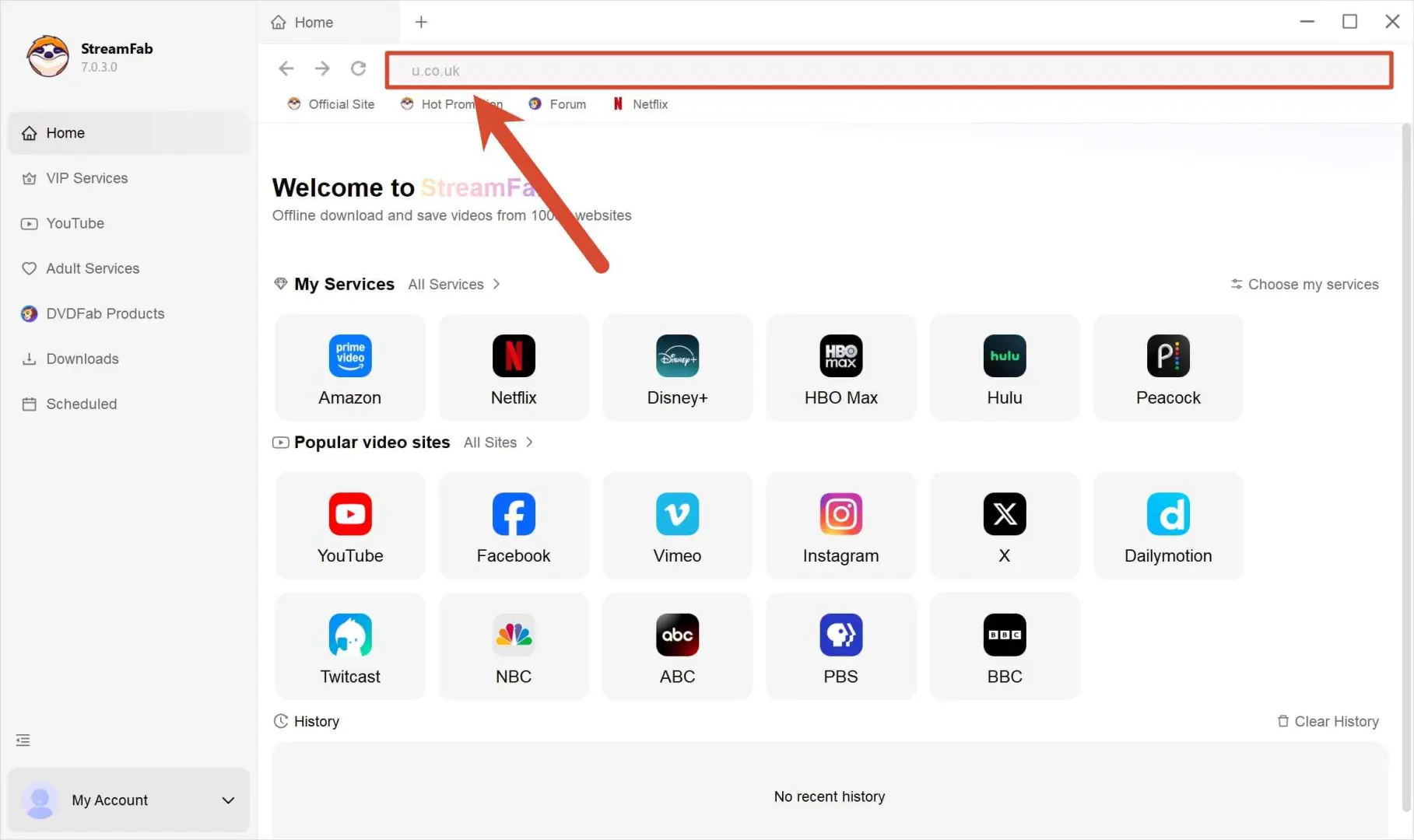
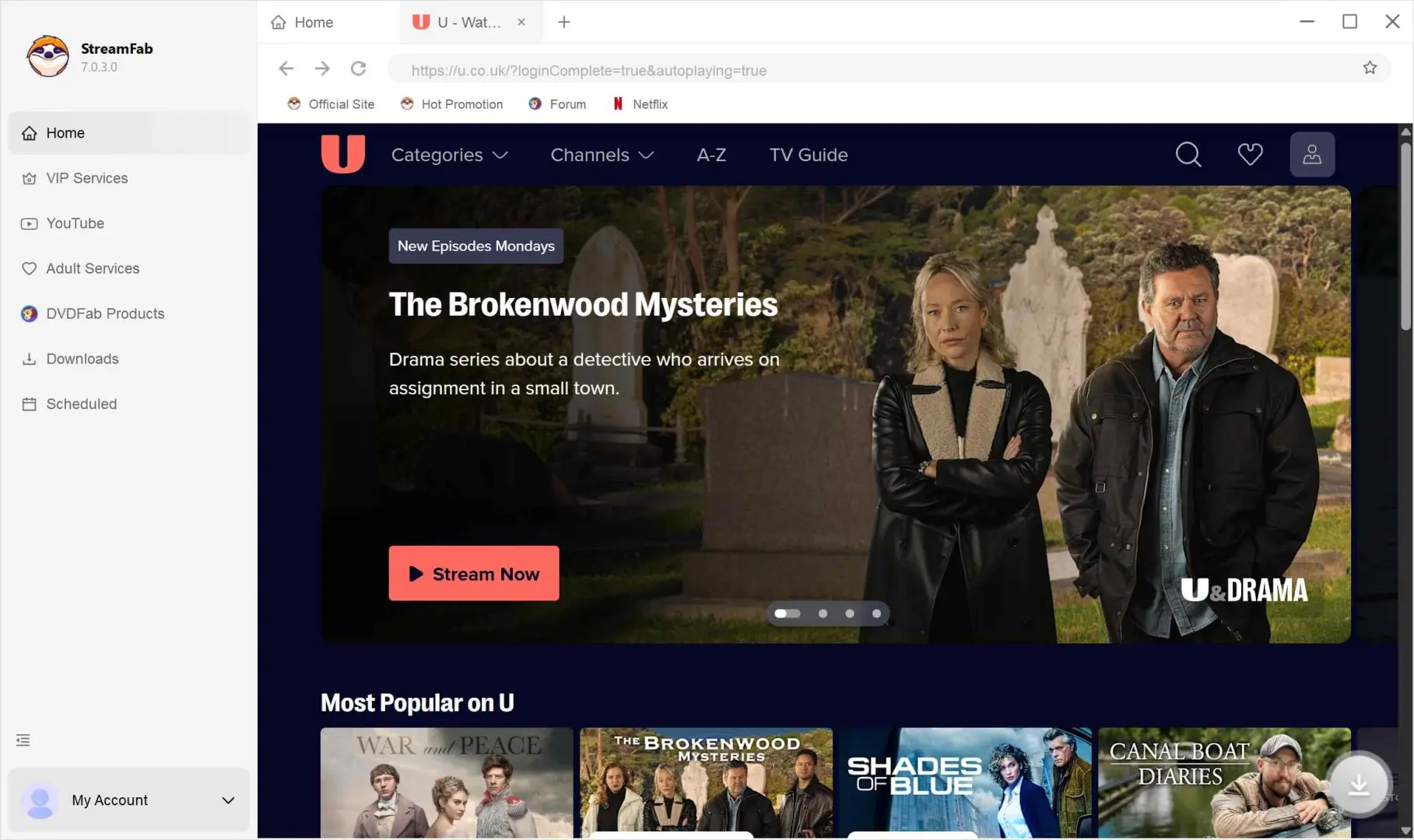
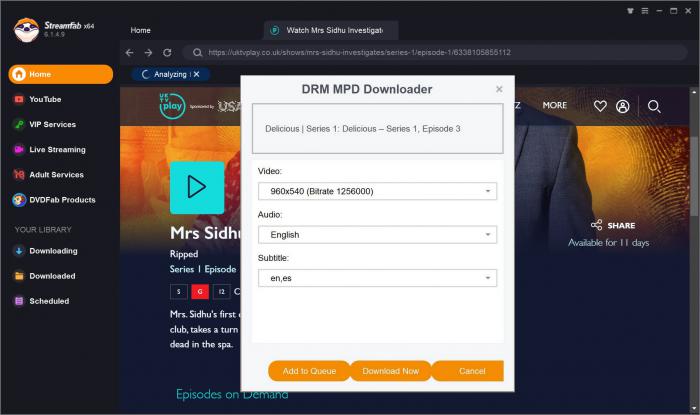
If StreamFab does not detect an available U video, update StreamFab, restart the built-in browser, sign in again, and retry the episode. If the problem remains, use the official troubleshooting guide or contact the support channel.
2. Bigasoft Video Downloader
Bigasoft Video Downloader remains available as a URL-based downloader.
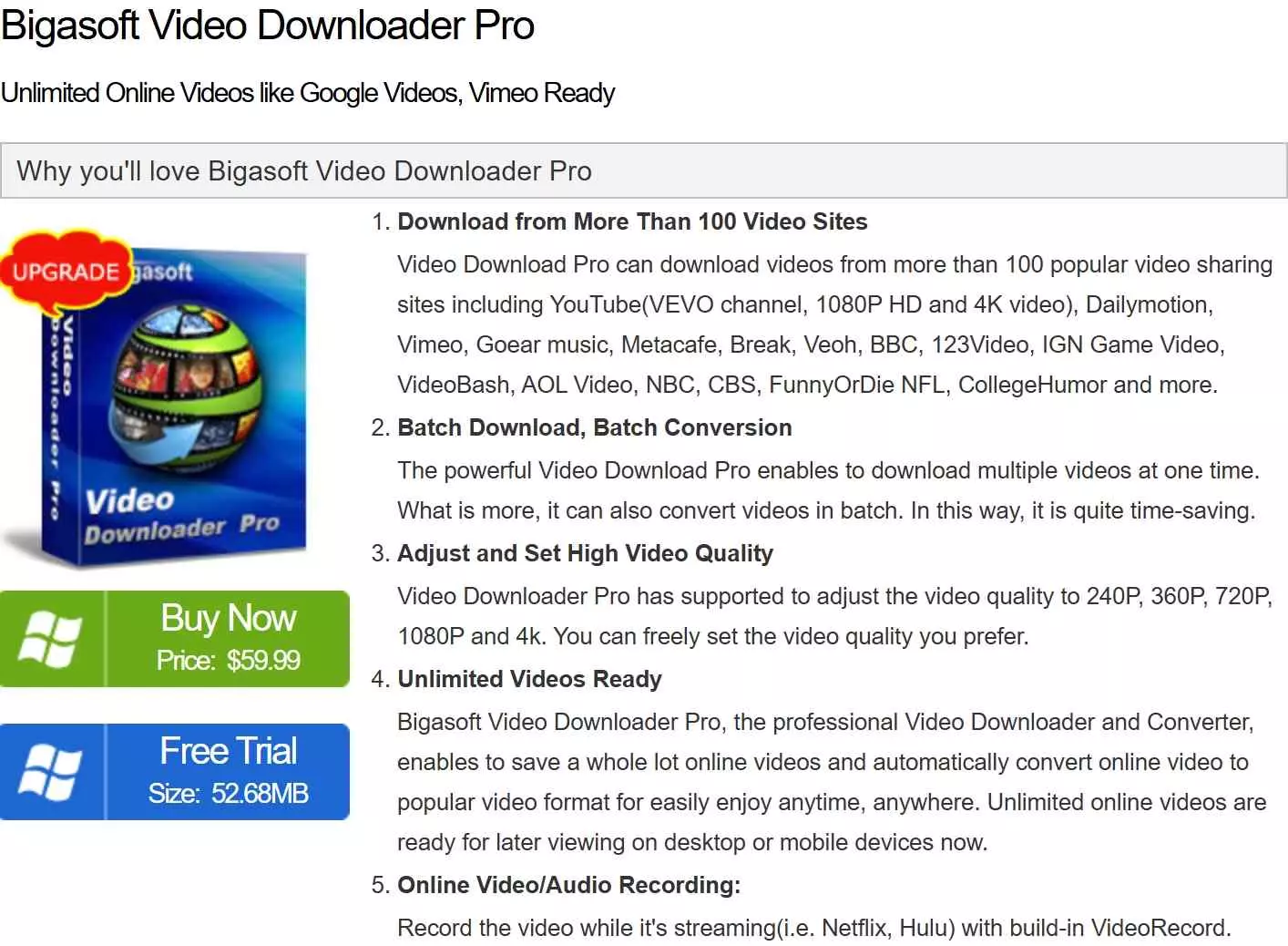
- Supports many video formats like MP4, MKV, AVI, VOB, etc.
- Pick up the video quality while downloading.
- Extract or trim audio from any video.
- Available for both Windows and macOS.
3. Jaksta Media Recorder
Jaksta Media Recorder is an active product with recording, conversion, and scheduling features, but current compatibility with U has not been independently verified. Its interface is designed to be straightforward to use, although copying a video link from U and pasting it into the tool does not establish that the current U website will be detected.
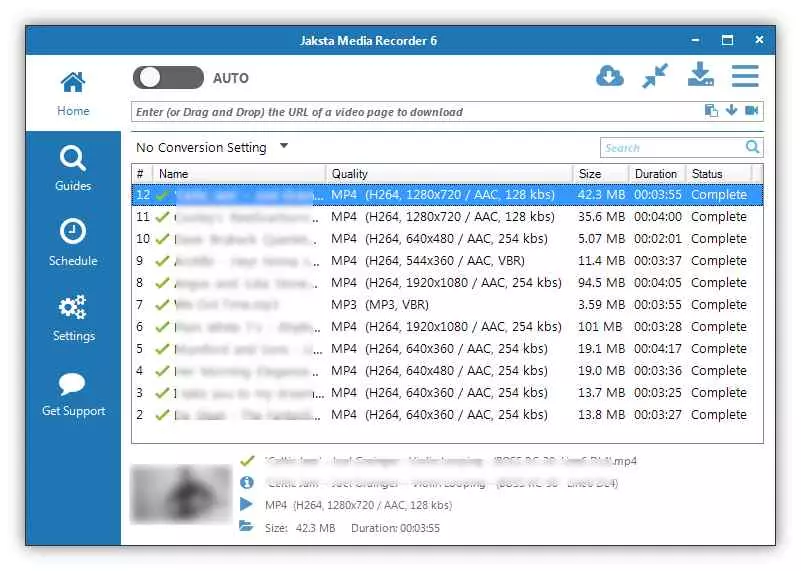
- Select any video format you wish to proceed with.
- Choose the quality of the video accordingly.
- Provides technical support for the tool.
4. Replay Media Catcher
Replay Media Catcher is an active product with downloading, conversion, and scheduling features, but current compatibility with U has not been independently verified. Its straightforward interface may suit users who prefer a simple workflow, but the current U website may not be detected consistently.
- Superfast video downloading process.
- Download high-quality videos from any video/website.
- Convert video to any format.
- Schedule downloads.
U Downloader Tools: Features and Compatibility
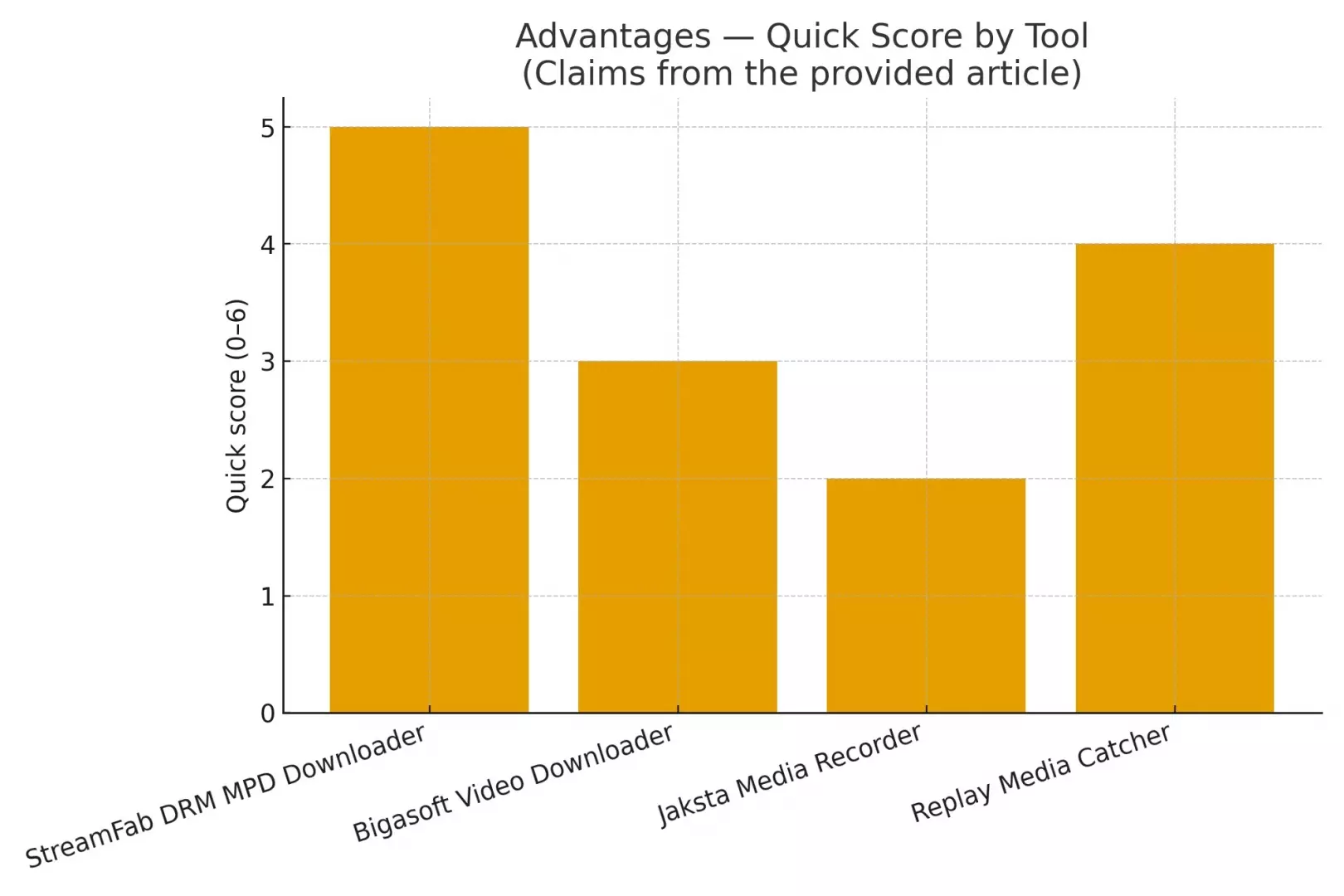
| Category | StreamFab DRM MPD Downloader | Bigasoft Video Downloader | Jaksta Media Recorder | Replay Media Catcher |
|---|---|---|---|---|
| Current U evidence | Specs verified | U support unverified | U support unverified | U support unverified |
| Output formats | MP4/MKV | Multiple formats | Multiple formats | Convert/export options |
| Video/audio details | Up to 1080p; EAC3 5.1 | Quality options stated | Quality options stated | Quality options stated |
| Ad handling | Available | Not verified for U | Not verified for U | Not verified for U |
| Batch or scheduling | Batch and schedule | Not verified for U | Scheduling feature | Scheduling feature |
| Operating systems | Windows/Mac | Windows/Mac | Windows | Windows/Mac |
Is It Legal and Safe to Download U Videos?
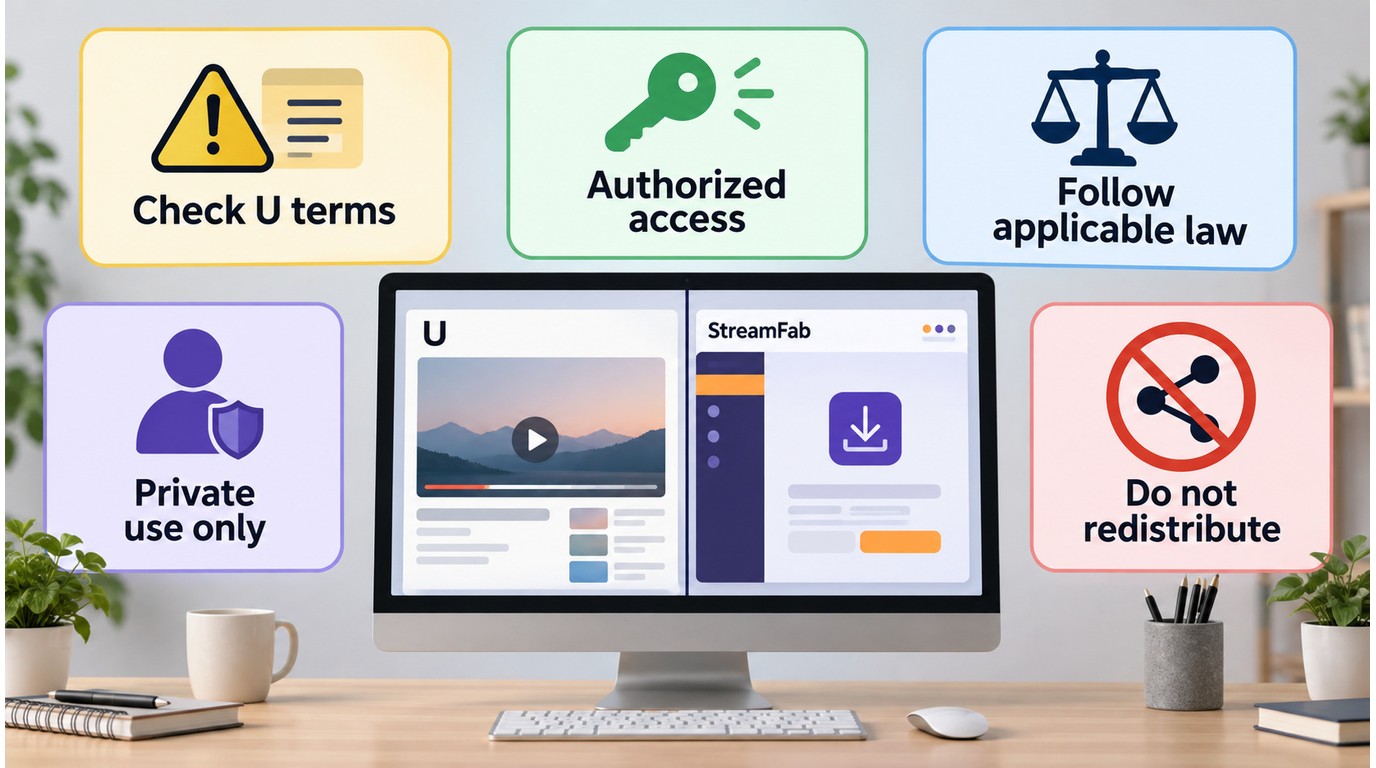
U's terms restrict downloading, copying, and storing content without permission or a statutory basis. Keep any local-file workflow within five boundaries: use authorized access, save only content you are authorized to access, do not redistribute saved files, follow applicable law and U's terms, and recognize that the details depend on your use case. StreamFab can be used as a desktop workflow for saving a local copy for personal offline viewing where permitted, but it does not change account, content, territory, or authorization requirements.
Now, about safety, something everyone should care about. With all kinds of downloading tools floating around, it's easy to get tricked by fake downloads or sketchy software. Here's how I keep things safe (and how you can too):
- Only download tools from the vendor's official website or other trustworthy sources. If it looks suspicious, it probably is.
- Keep your antivirus and operating system up to date before installing anything new.
- Never install software that asks you to disable your security protection or throws lots of strange warnings.
- Personally, if I see a tool that asks me for unnecessary permissions or extra add-ons, I walk away.
For installer safety, start from the official StreamFab download page rather than a mirrored installer. For purchase terms, use the StreamFab refund-policy page before choosing a paid license.
FAQ
These FAQs focus on the practical issues that come up after you understand the basic answer: U has an official app for online viewing, but it does not provide native offline programme downloads.
Why does U show an internet error when an ad blocker is enabled?
Network-level ad blocking can prevent U from reaching service domains required to start playback. Temporarily allowing those domains can restore playback without changing your account or device setup.
What should I try if a downloader stops detecting U videos?
Install the latest StreamFab update, restart its built-in browser, sign in again, and retry an available episode. If detection still fails, use the troubleshooting guide or contact official support.
How long do U catch-up episodes stay available?
As of September 2026, U says most shows remain available for about 30 days after first broadcast, although individual titles can have shorter availability Windows.
Can I queue an entire U series for offline viewing?
StreamFab supports batch selection and scheduled downloads, so authorized episodes can be queued instead of started one at a time. Any local-file workflow must stay within authorized access, applicable law, and platform terms.
Update Log
This article is regularly reviewed and updated to reflect the latest information.
- UKTV Play is now referred to as "U" following the official rebrand.
- The article now separates U app installation from offline programme downloads.
- The FAQ now covers playback errors, downloader detection recovery, catch-up availability, and series queues.
Last updated in September 2026.
Conclusion
For viewers using supported UK streaming devices, the official U app is the right path for online viewing. U does not provide native offline programme downloads, so installing the app and saving an episode are separate tasks.
If you already have authorized access to the content, StreamFab DRM MPD Downloader offers a desktop local-file workflow for personal offline viewing where permitted by U's terms and applicable law. I would start by opening the official StreamFab download page and choosing the Windows or Mac installer.