I would use Hallmark+ Download to Go for a flight when its viewing Windows fit the trip. You can download Hallmark movies on eligible mobile devices, but the copies stay in the app. For offline viewing on a computer, a separate desktop workflow is needed.
Start with the mobile steps below, then choose the desktop route if you need local files. Legal viewing alternatives and download troubleshooting cover the other common sticking points.
- Does Hallmark+ officially support downloads? — Mobile-only, with a 30-day expiry and title restrictions.
- How to download Hallmark+ titles on mobile? — Step-by-step via the official app on Android/iOS.
- How to download Hallmark+ titles on PC? — Save videos as MP4 with StreamFab on Windows.
- Is it legal to download Hallmark+ titles via third-party tools? — Personal-use guidance and disclaimers.
- Hallmark+ App vs StreamFab: side-by-side comparison — Devices, quality, expiration, and more.
- More FAQs — Rebrand details, Peacock exit, device support, and pricing.
Can You Download Hallmark+ Videos Offline?
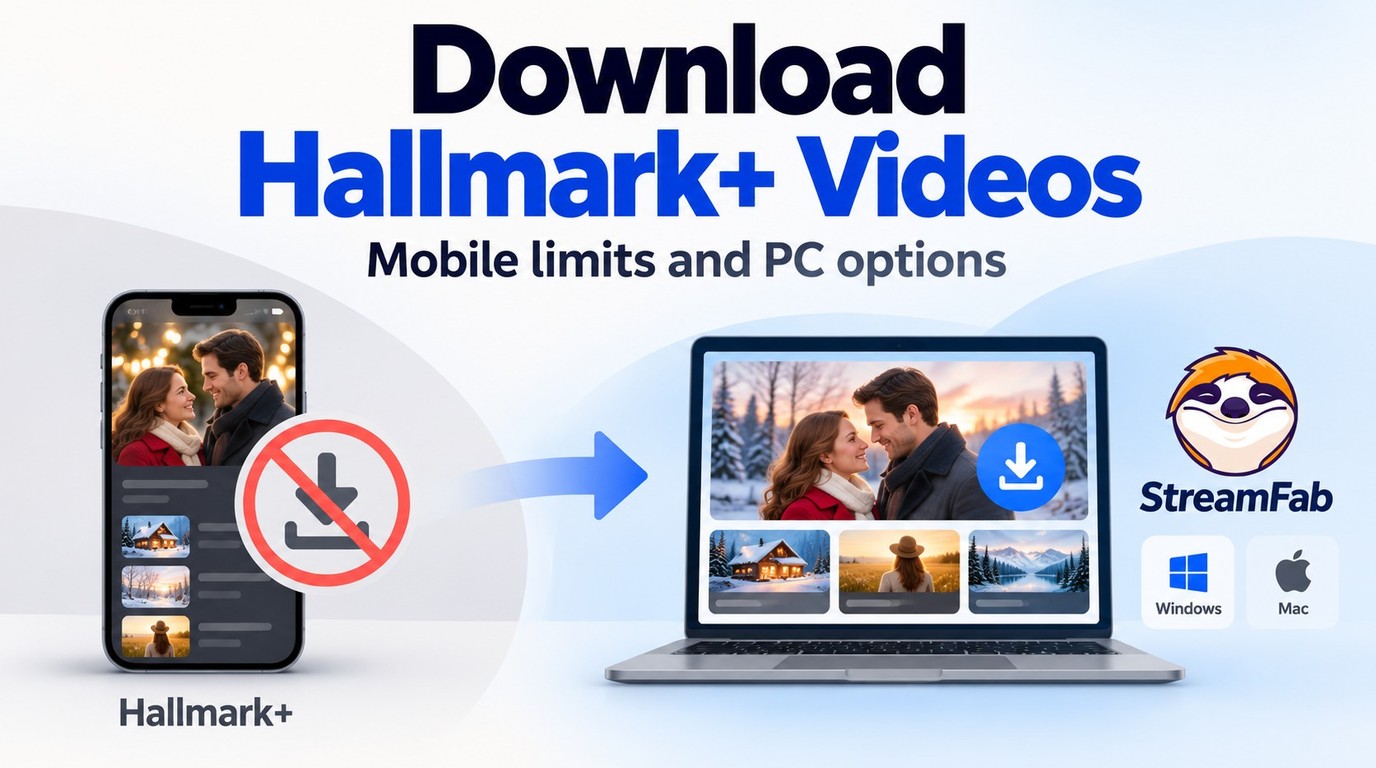
Yes. Hallmark+ offers Download to Go for eligible movies and episodes in its mobile app. You need an active subscription and a title with a Download button. Installing the app on a TV does not give that TV mobile download capabilities.
A Hallmark movies download is an in-app copy, not an exported video file. For files on your computer, the Windows and Mac workflow uses a separate application.
Hallmark+ Download to Go: Devices and Limits
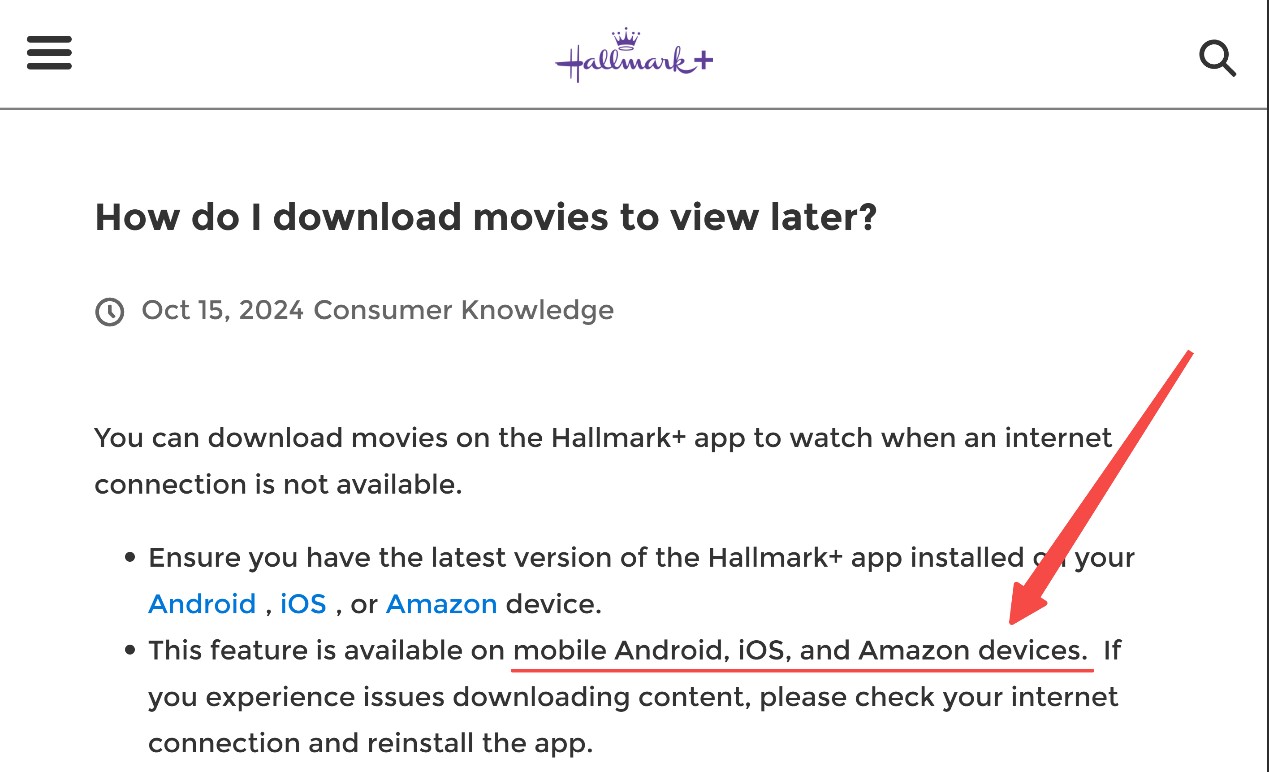
The Hallmark movie app puts Download to Go on eligible mobile devices, including supported iPhone, iPad, and Android devices. As of September 2026, the service uses a 30-day availability period and a 48-hour window after playback begins. Look for title eligibility before planning your downloads.
- Not all Hallmark movies and shows are available for download. Look for the Download button on the title page.
- Downloads require an active Hallmark+ subscription and access through the signed-in app.
- Watch downloaded movies within the Hallmark+ app, using its Downloads tab.
- Downloads remain available for up to 30 days, with a 48-hour viewing window after playback starts.
Mobile Download Steps
Use the current Hallmark+ app on your phone or tablet. Have your subscription credentials, a working internet connection, and free storage ready.
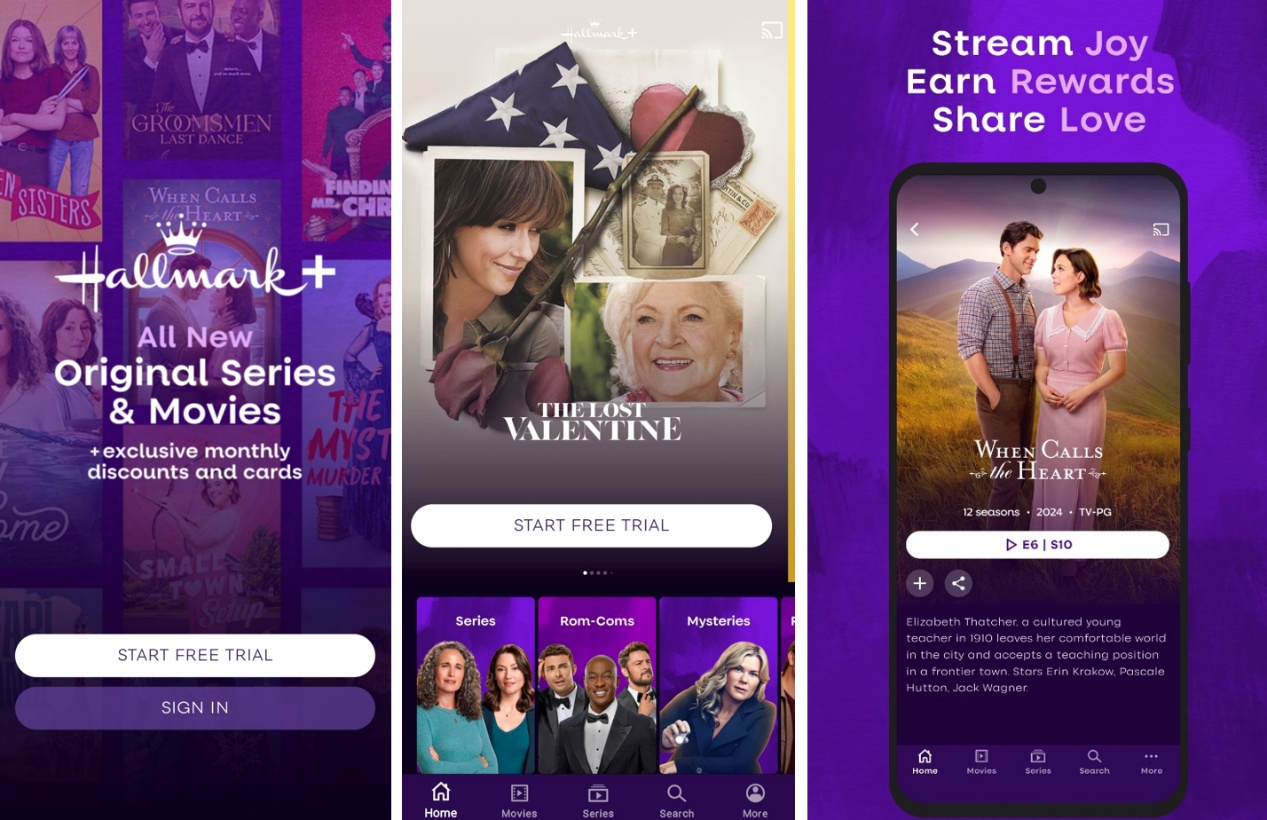
Open a downloaded title while you still have internet access to confirm playback before travel. Remember that starting it also starts the viewing window. A short playback check still counts.
Expiry and Playback Windows
Starting playback changes your deadline. A download saved well before departure is not a fresh download on travel day, and opening it early starts the shorter viewing window. Schedule your playback check close to departure, then read the title’s remaining time in Downloads.
Hallmark+ Downloads on Windows and Mac
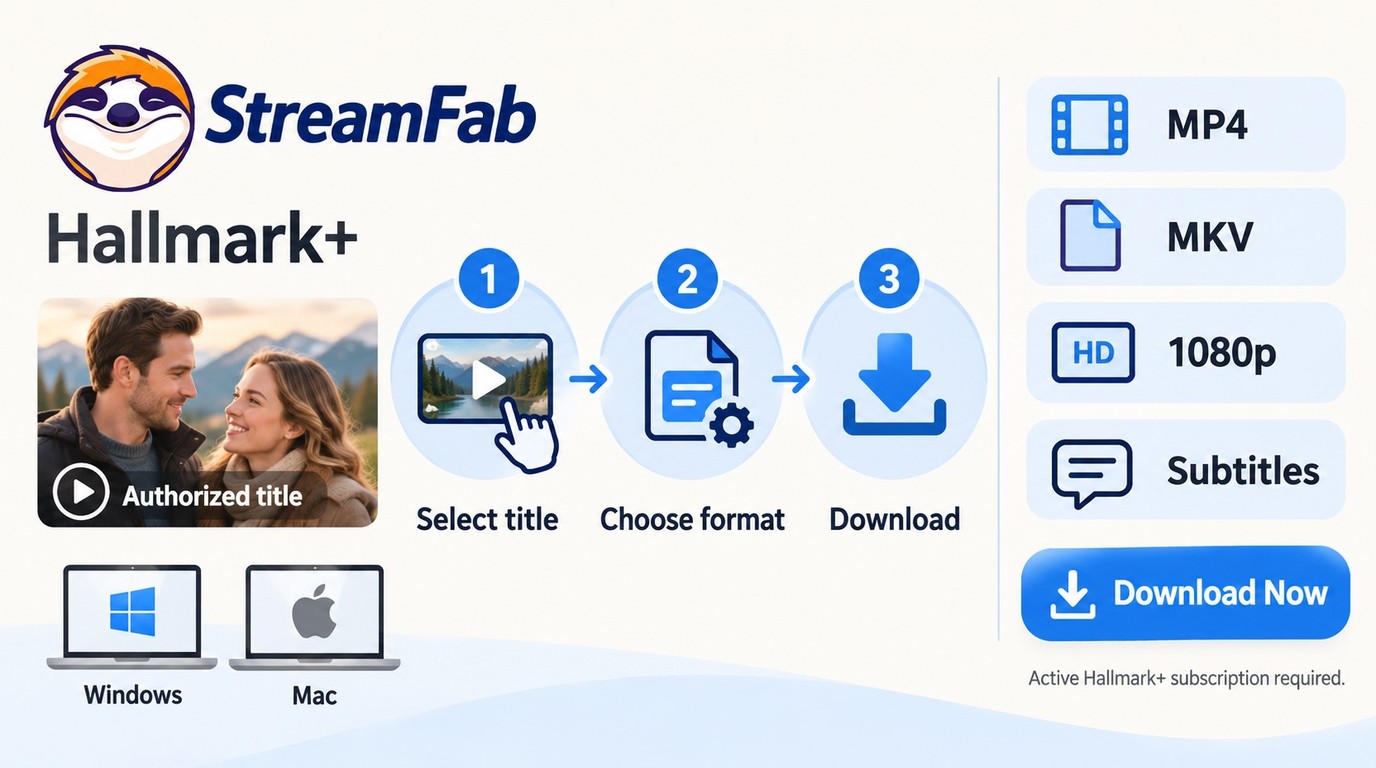
Hallmark+ Download to Go does not export MP4 files to Windows or Mac. StreamFab DRM MPD Downloader provides a desktop local-file workflow. It is a third-party alternative to the official feature, for personal offline viewing of content you’re authorized to access, where permitted by platform terms and applicable law.

Download authorized Hallmark+ selections on Windows or Mac as MP4 or MKV files, with supported video quality up to 1080p.
- Save authorized selections to a local folder for personal offline viewing.
- The module supports video output up to 1080p; choose an offered quality in the download dialog.
- Output in MP4 or MKV gives you a file to open in a compatible media player.
- Subtitle options help you choose the language for offline playback.
- Metadata retention helps organize saved titles in your local library.

A Local-File Workflow with StreamFab
Use an active Hallmark+ account and an authorized title. The existing Windows workflow follows these steps; the module also supports Mac.
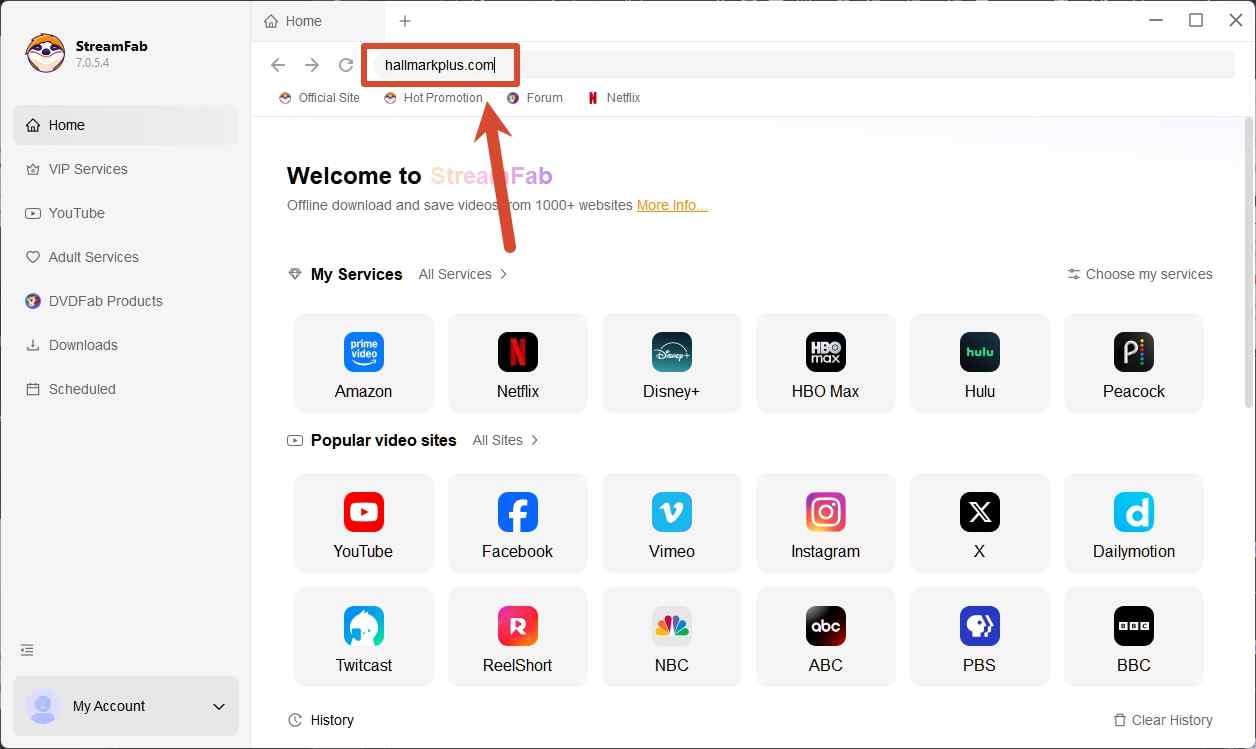
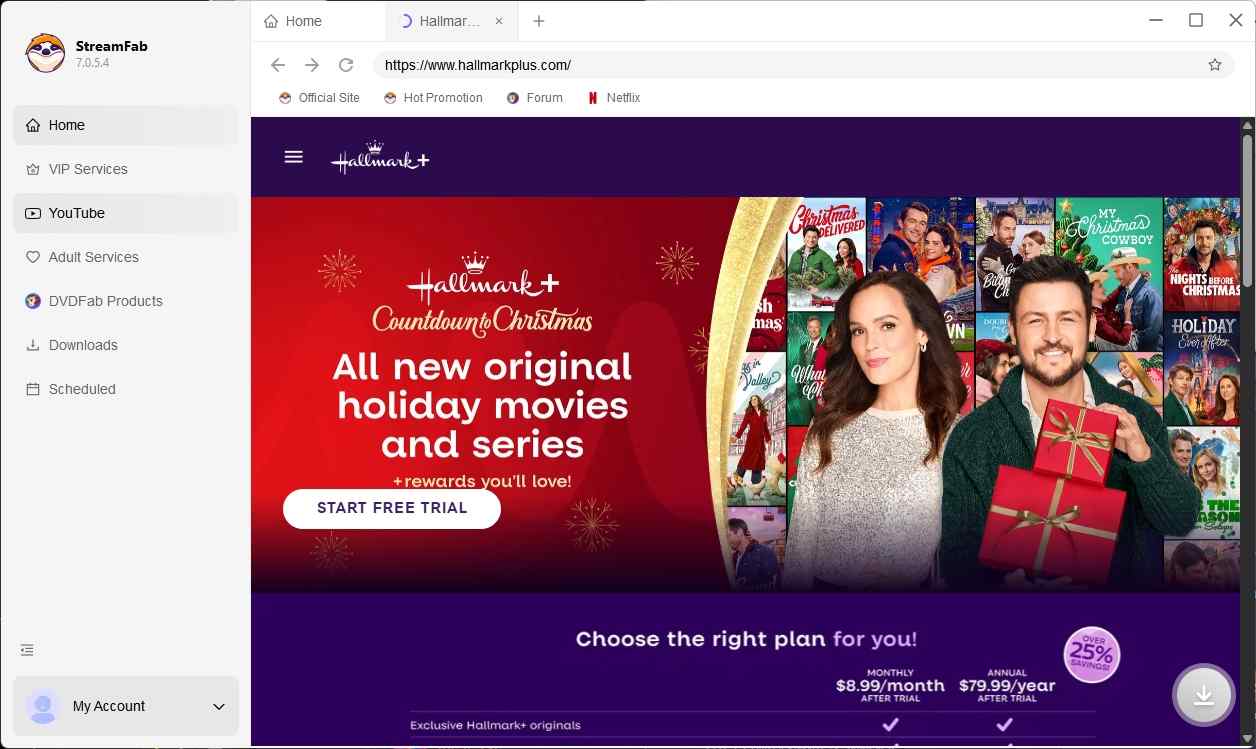

If you need Hallmark+ downloads without the 30-day expiration or mobile-only restriction, StreamFab is the practical alternative. It saves videos as standard MP4 files that you can move to a tablet, USB drive, or media server.
Downloaded files do not expire and work with any media player. StreamFab also offers a free trial with 3 full-length downloads so you can evaluate it before purchasing.
Best Fit and Boundaries
StreamFab suits you when you want local files on Windows or Mac. The trial lasts 30 days and includes three video downloads per streaming service, with the same features as the paid version. Use those downloads to check your titles, subtitles, and intended player.
For a failed task, install the current StreamFab release and use its troubleshooting materials before retrying. Purchase terms provide a seven-day unconditional refund window for monthly subscriptions; annual and lifetime purchases have a 14-day window for qualifying duplicate purchases, wrong purchases, unresolved technical problems, or billing errors.
Free and Paid Ways to Watch Hallmark Movies
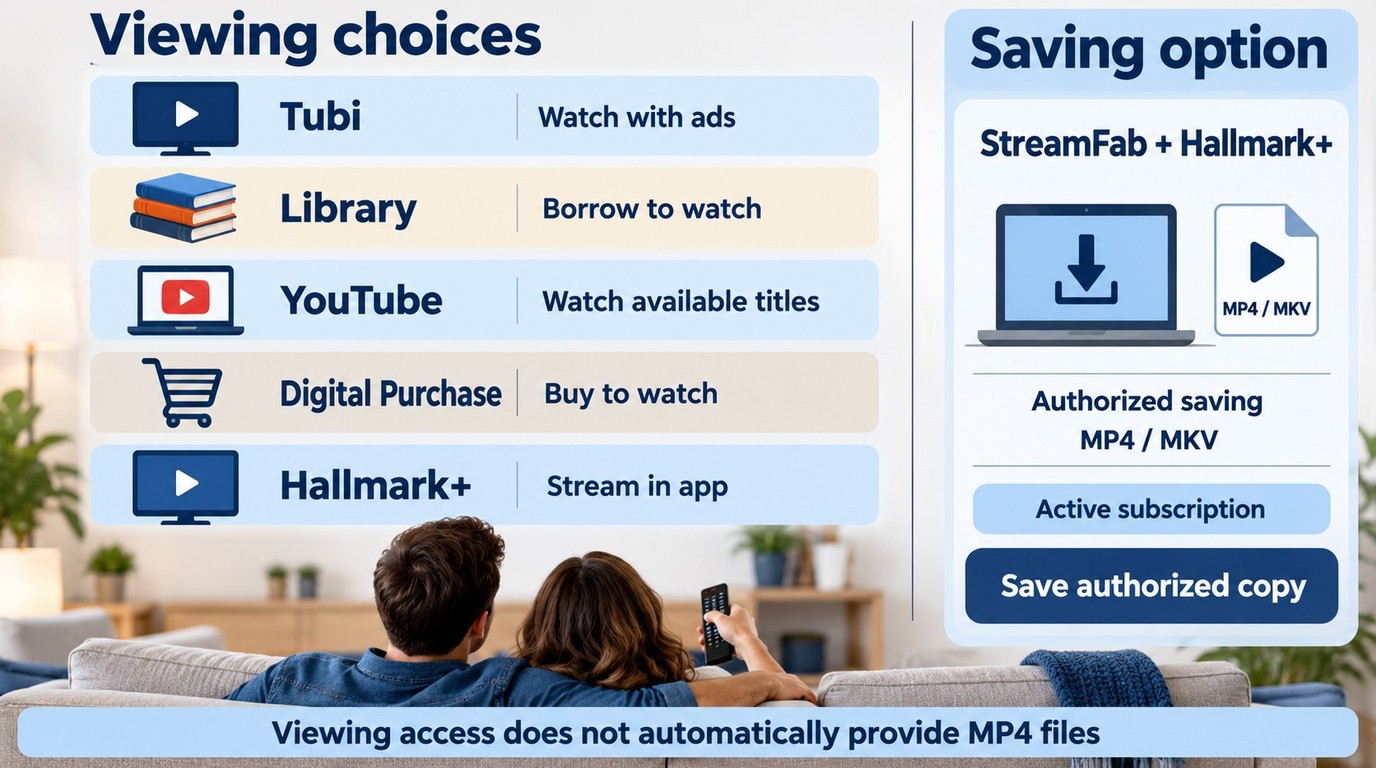
You do not need a Hallmark+ subscription for every legal Hallmark viewing route. Ad-supported channels, library access, and digital purchases offer other ways to watch selected titles. Free viewing is not a promise of a downloadable file.
Ad-Supported and Library Options
Tubi offers an ad-supported Hallmark channel. Start with its available lineup if you want to watch without adding a subscription. A channel schedule and an on-demand catalog serve different needs, so find the actual movie before settling on that route.
Your library is another place to search for a specific title. Look in its catalog for a disc or licensed digital offering; a library card does not automatically include a particular streaming service. Borrowing rules belong to the library and the service supplying the movie.
On YouTube, use official Hallmark channels or authorized uploads. A trailer or preview is not the full movie. A title appearing in search results does not establish permission to save it.
Digital Purchase and Subscription Routes
A digital purchase is tied to the retailer’s playback system. Read the movie’s purchase and offline-playback details before choosing it for travel. Buying access does not automatically deliver an MP4 file.
Subscription channels also have their own access rules. A Hallmark+ channel offered through another storefront is a separate purchase decision, not an automatic benefit of a general shopping or streaming membership. Confirm which app will play your movie before subscribing through that route.
Fixing Hallmark+ Download and TV Problems
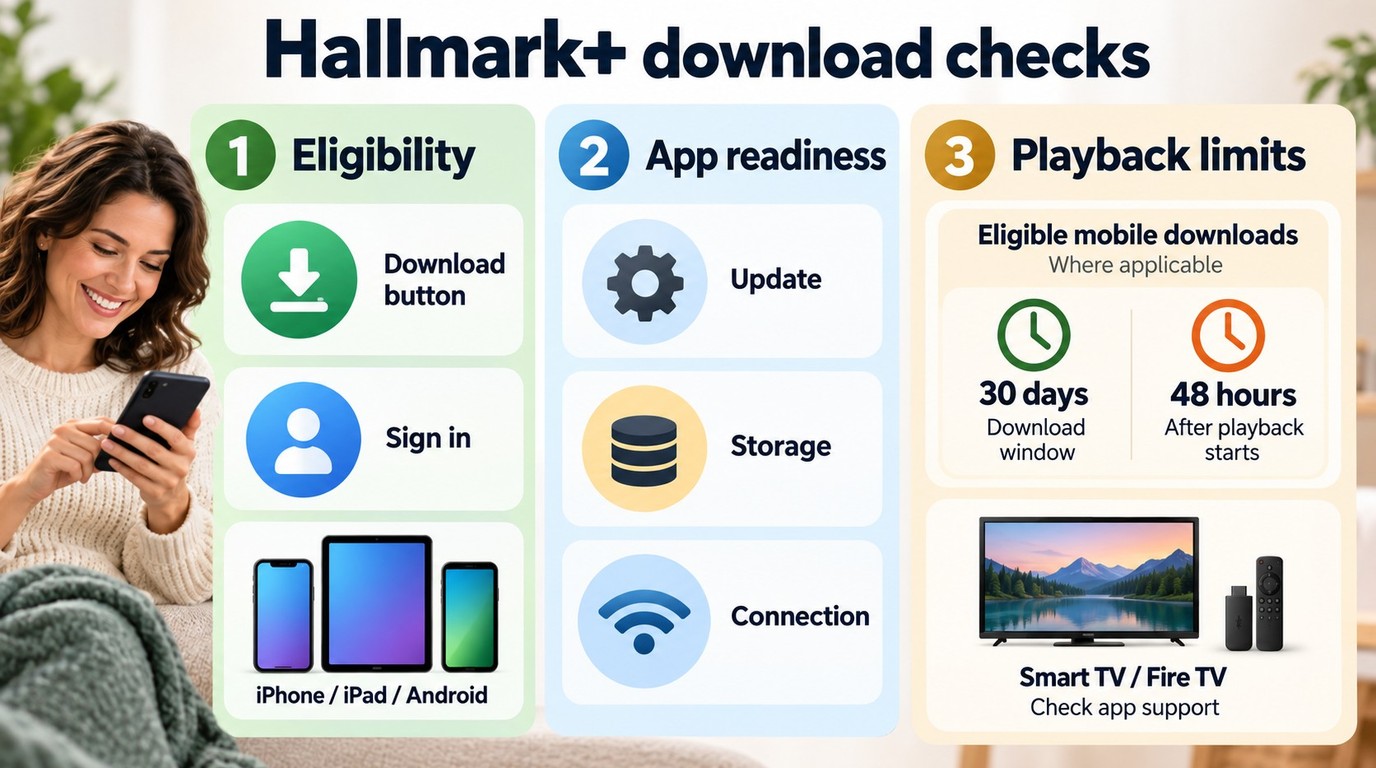
First, check whether the title has a Download button. If there is no option to download, confirm the title and mobile device are eligible before changing network settings. A TV installation problem and a saved mobile video that will not play need different checks.
Unsupported TVs, Storage, and Sign-In Checks
- Check the title and device. Look for the Download button in the mobile app. A smart TV or Fire TV streaming app does not provide Download to Go merely because it plays Hallmark+ online.
- Update the app. Install the available Hallmark+ update from your device’s app store, then reopen the title page.
- Check free storage. Make room on the device if a download stalls or fails to finish. Confirm that the app marks the title as downloaded.
- Check sign-in. Open the app online and confirm that you are signed in to the account with the active subscription.
- Check your connection before travel. Finish downloading on a working connection and confirm that the saved title opens. If a saved URL does not work, open the title from the app’s library instead.
- Check the viewing Windows. Look for the 30-day availability limit and the 48-hour window after playback starts. Use the app’s offered renewal or download option for an eligible expired title.
Device support and availability can change. If these checks leave the problem unresolved, Hallmark+ Download to Go help provides the official device and download requirements for your next check.
Legal Boundaries for Offline Viewing
Offline access comes with use conditions. Keep these five boundaries in mind when choosing a download route:
- Use an account and content you are authorized to access.
- Keep saved copies for your own personal offline viewing.
- Do not redistribute downloaded content.
- Follow applicable law and the Hallmark terms of use.
- Apply the rules for your particular use case and jurisdiction.
Use the Hallmark+ app and its help center for official downloads. For the desktop route, the StreamFab trial and troubleshooting materials help you check the workflow; its refund policy explains purchase terms.
Hallmark+ App or StreamFab?
The Hallmark movies app keeps downloads inside its own player. StreamFab creates local MP4 or MKV files for supported, authorized selections. Choose the workflow that fits where you want to watch.
| Option | Access device | Offline availability | Viewing conditions | Output |
|---|---|---|---|---|
| Hallmark+ Download to Go | Eligible mobile devices | Titles with Download button | 30 days; 48 hours after playback starts | Hallmark+ app copy |
| StreamFab local-file workflow | Windows and Mac | Supported, authorized selections | Personal use under applicable permissions | MP4 or MKV |
Subtitle and metadata options belong to the desktop workflow described above. My choice for a phone-only trip would be Download to Go; for organizing files in a desktop player, I would use StreamFab.
 Android and
  iOS icons represent mobile app viewing.
 Amazon device support for streaming does not establish download support.
 Windows supports the desktop workflow;
  local playback requires a compatible media player.
Hallmark+ Download FAQs
Conclusion
Download Hallmark movies through Download to Go when mobile playback and its viewing Windows fit your trip. For selected titles you simply want to watch, ad-supported, library, and purchase routes are worth considering.
For local files on your computer, start the StreamFab DRM MPD Downloader trial and save an authorized title. Open it in your intended player with your chosen subtitles before departure.
