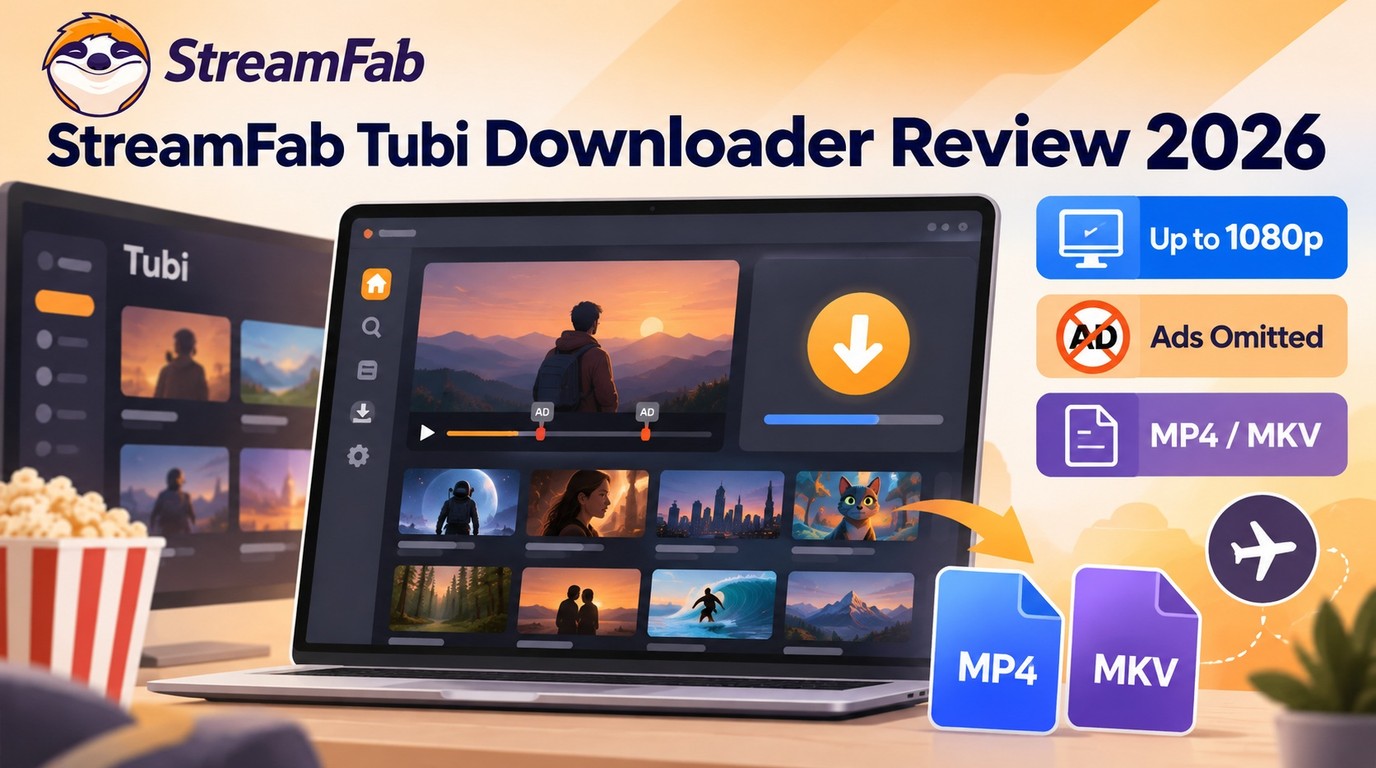
Tubi does not offer official offline downloads in its app or site, so a desktop Tubi downloader is the practical route when you want a local file for authorized personal viewing. StreamFab Tubi Downloader creates MP4 or MKV files on Windows and Mac.
In our testing, that meant watching a full-length film without a single commercial break.
This StreamFab Tubi review walks through the desktop workflow, title-based Tubi 1080p or 720p output, batch Tubi downloads, Tubi ad removal, mobile transfer, trial terms, and fixes when StreamFab Tubi is not working.
Quick Summary: StreamFab Tubi Downloader
StreamFab Tubi Downloader is a Windows and Mac desktop option for creating local files when Tubi offline downloads are unavailable. Its strongest fit is batch saving authorized titles, with 720p or title-available 1080p output and detected ad-segment handling.
- Resolution: 720p or up to 1080p when the title exposes it
- Video codec: H.264 or H.265, selected before download
- Output format: MP4 or MKV local file
- Ad handling: Title-specific; the documented test produced uninterrupted playback
- Free trial: 30 days and 3 video downloads for this service
- Platforms: Windows 10/11 and macOS
The quick takeaway is simple: choose this route when a transferable file matters more than staying inside a streaming session. MP4/H.264 is the easier default across mixed devices, while MKV or H.265 suits a desktop library where storage efficiency matters more.
Does Tubi Offer Official Offline Downloads?
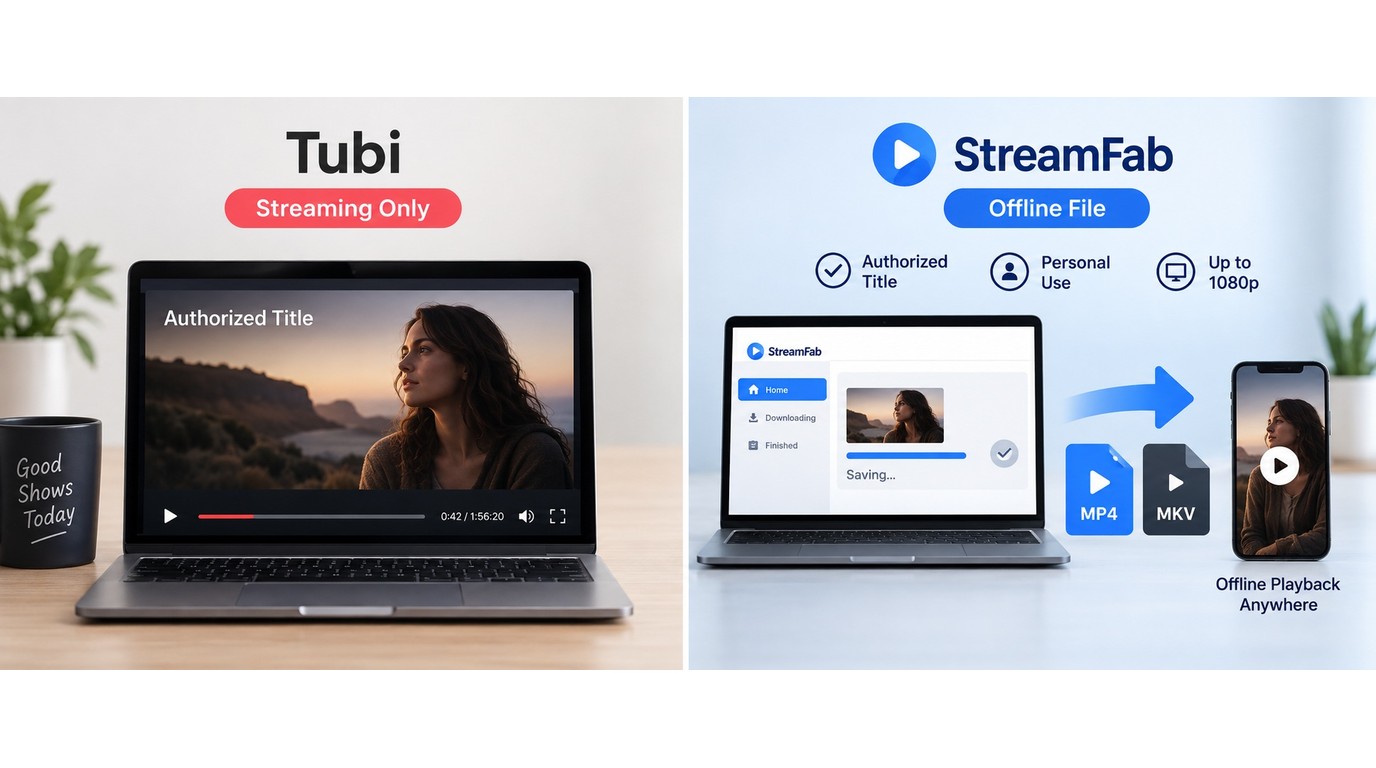
Tubi's official app and site do not include an offline download mode. Streaming access stays inside Tubi, while a local MP4 or MKV file can be transferred, organized, and played with compatible software.
That distinction is the first decision point. If live streaming already fits your routine, keep using Tubi directly. If you need a Tubi MP4 for a commute, a weak connection, or another device, a Windows or Mac local-file workflow is the relevant alternative.
How StreamFab Tubi Downloader Works
StreamFab uses a built-in browser to open Tubi, detect the selected title, and create a local file on Windows or Mac. It is a desktop alternative for personal offline viewing of content you're authorized to access, where permitted by Tubi's terms and applicable law.

StreamFab Tubi Downloader opens Tubi in its built-in browser and saves an authorized title as a local file. No external browser extension is required.
Download Tubi Videos on Windows and Mac
Prerequisites are straightforward: a Windows 10/11 or Mac computer, a current StreamFab installation, access to Tubi, enough local storage, and a title you are authorized to view.

Before you start, open Tubi in StreamFab's built-in browser and sign in if your catalog or watchlist requires it. Choose only content you are authorized to access.

Browse to the authorized movie or episode you want to save. Start playback, then choose H.264 or H.265, MP4 or MKV, and the save folder.

Select Download to add the title to the queue; add more titles when needed. Monitor the task queue, then open the completed file from your output folder.

My default is MP4 with H.264. It is the safer choice for mixed-device playback because phones, tablets, older TVs, and common media apps accept it more consistently. H.265 or MKV makes more sense when a desktop library and smaller files matter more than universal playback.
Batch Tubi downloads fit you when several authorized titles need the same output settings. Add them to the queue and let the desktop workflow process them in sequence rather than repeating setup for each title.
- Video codec: H.264 for broad compatibility or H.265 for smaller files
- Output format: MP4 for mixed devices, or MKV for desktop libraries
- Resolution: 720p or up to 1080p when the title exposes it
- Batch queue: Add several authorized titles for sequential processing
Output Quality, Ads, and Storage
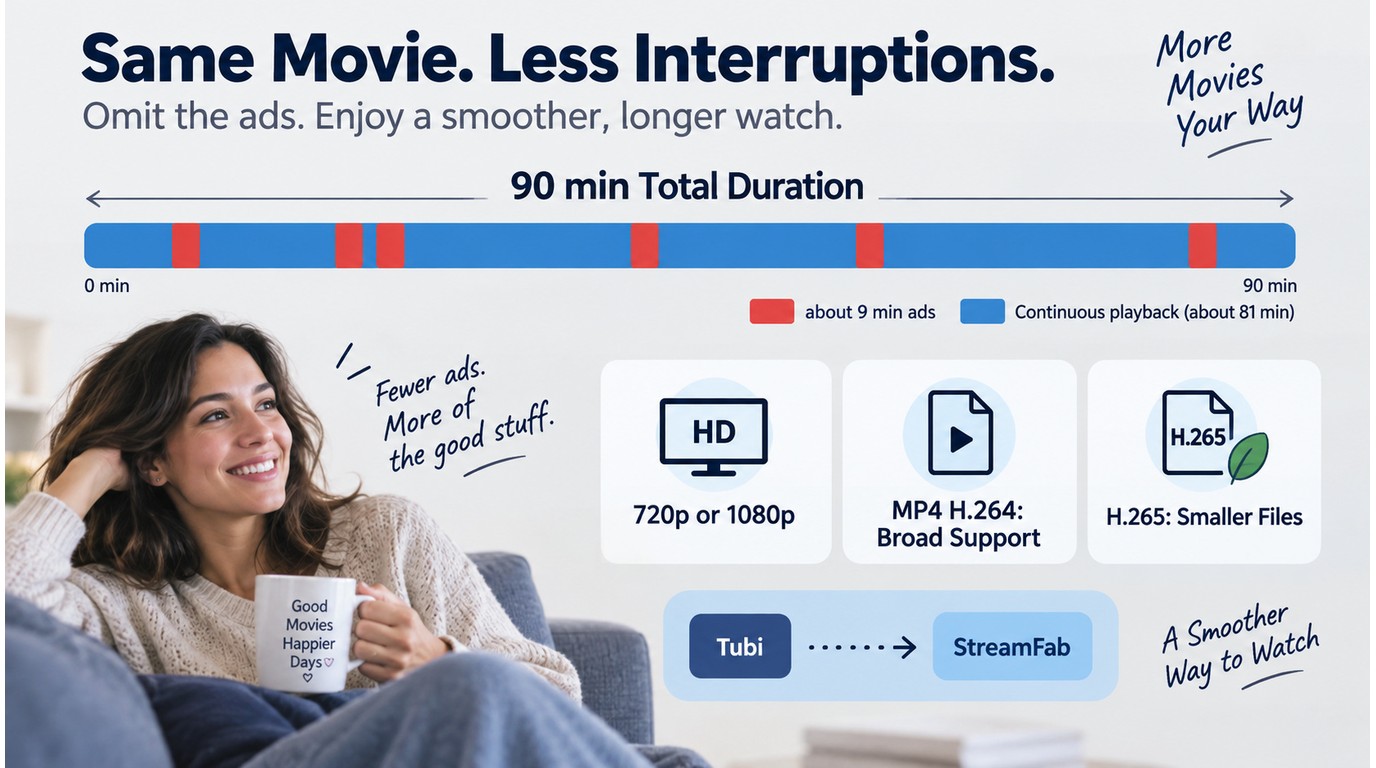
Output follows the stream exposed by each title: use 720p when that is the available variant, or select up to 1080p when offered. For a Tubi MP4 with broad playback support, choose H.264 and AAC 2.0; MKV and H.265 remain available for desktop-focused libraries.
The documented output check used Windows 11 with StreamFab v7.x.
In the documented 90-minute title test, approximately 9 minutes of ad content were omitted, with no visible cuts or audio gaps in the final file.
The Tubi ad removal result is best understood as continuous playback in that documented file, not a fixed number for every title. Storage needs rise with runtime, resolution, and codec choice, so H.265 is useful when your playback devices support it.
- StreamFab detects marked ad segments during the recording workflow
- Detected segments are omitted from the completed local file
- The documented 90-minute test produced one continuous video file
- The outcome follows the title, delivery method, and current software version
Tubi Files on iPhone and Android
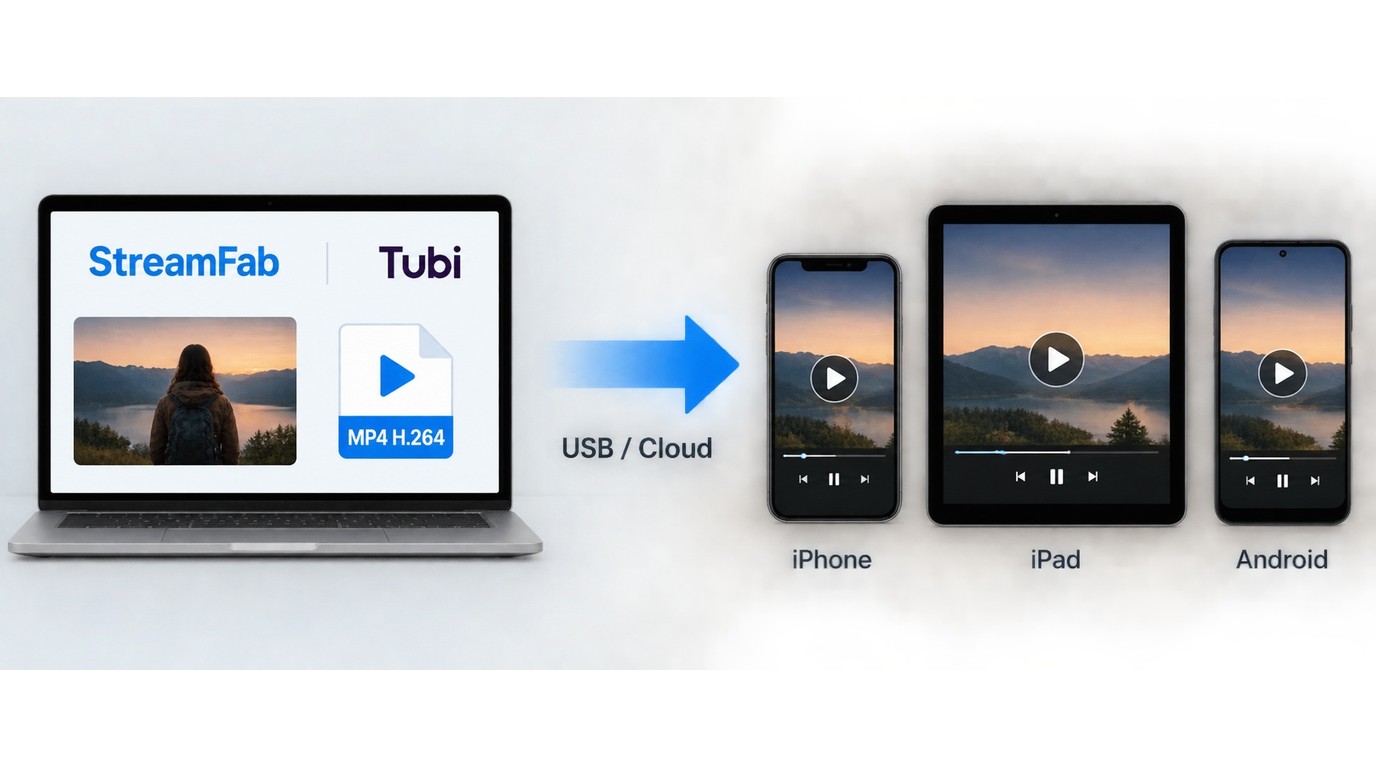
A Tubi mobile transfer starts on Windows or Mac: finish the download, then move the completed file to an iPhone, iPad, Android phone, or tablet with your normal USB, cloud, or device-sync method.
MP4 with H.264 is the practical default for phone playback. On iPhone or iPad, transfer the file through Finder, iCloud Drive, or a compatible media app. On Android, use USB file transfer, cloud storage, or a media app that can open the selected container.
The capture workflow itself runs on Windows or Mac. Mobile devices play the finished file after transfer, so you avoid creating separate iPhone and Android procedures that lead to the same result.
Tubi vs. Other StreamFab Modules
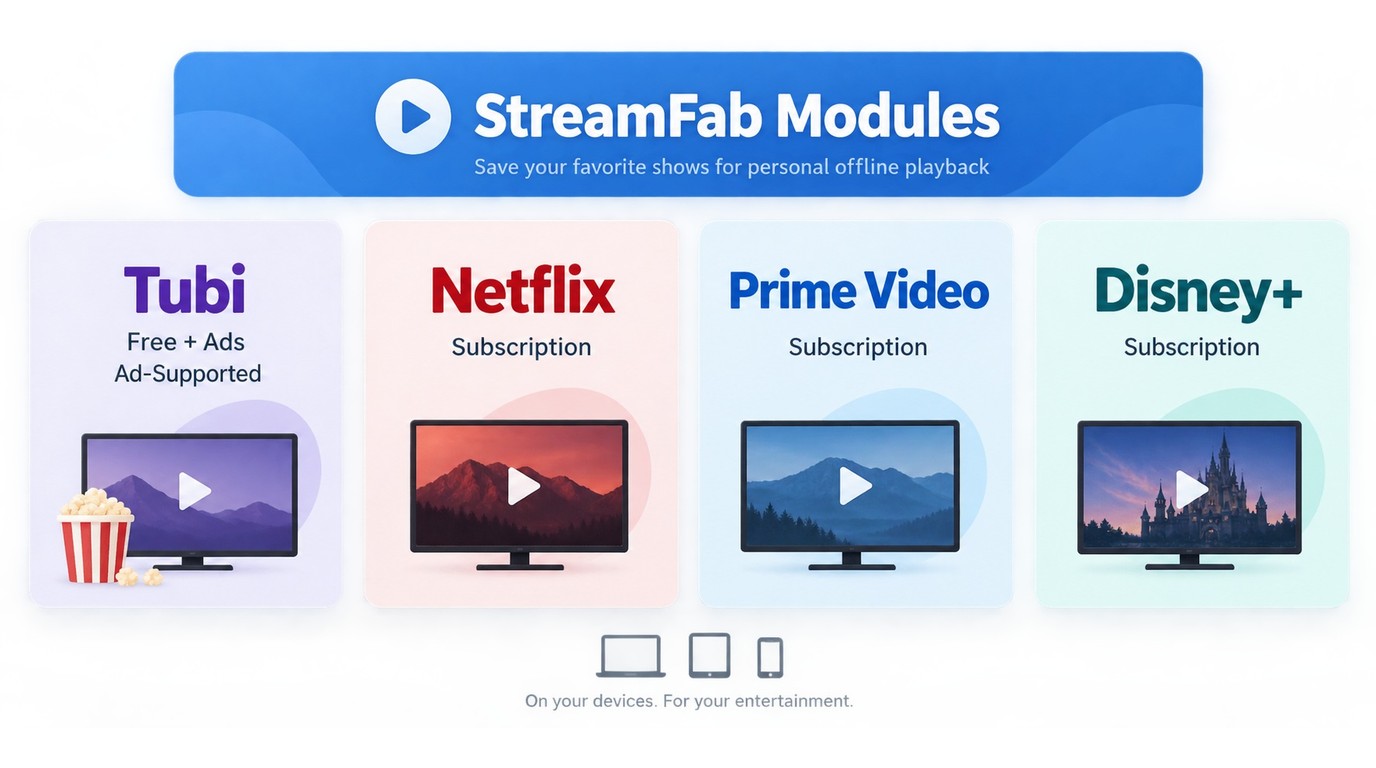
The Tubi module fits viewers who prioritize free, ad-supported content and transferable local files. Paid-service modules fit readers whose source catalog, account, and output capabilities belong to those services.
If your library centers on paid subscriptions, the StreamFab Netflix downloader and StreamFab Amazon downloader review explain those service-specific workflows.
| Decision point | StreamFab Tubi module | Official Tubi app/site | Other StreamFab modules |
|---|---|---|---|
| Offline file | MP4 or MKV | No built-in download | MP4 or MKV by module |
| Resolution | 720p or title-based 1080p | Streaming variant selected by Tubi | Netflix/Amazon 1080p; Disney+ up to 4K |
| Codec and audio | H.264/H.265; AAC 2.0 | Managed in-app playback | EAC3 5.1 or Atmos on supported modules |
| Ad handling | Scoped, title-specific outcome | Ads during streaming | Available on supported downloader modules |
| Batch and transfer | Queue titles; move files to phones | No local-file queue | Batch queues for desktop local files |
Viewers whose library centers on Disney+ can use the Disney+ downloader review for that service's title and plan constraints. My take is that Tubi is the sensible fit when the source is free, ad-supported viewing and the goal is a transferable local file.
Pricing, Trial, and Refund Policy
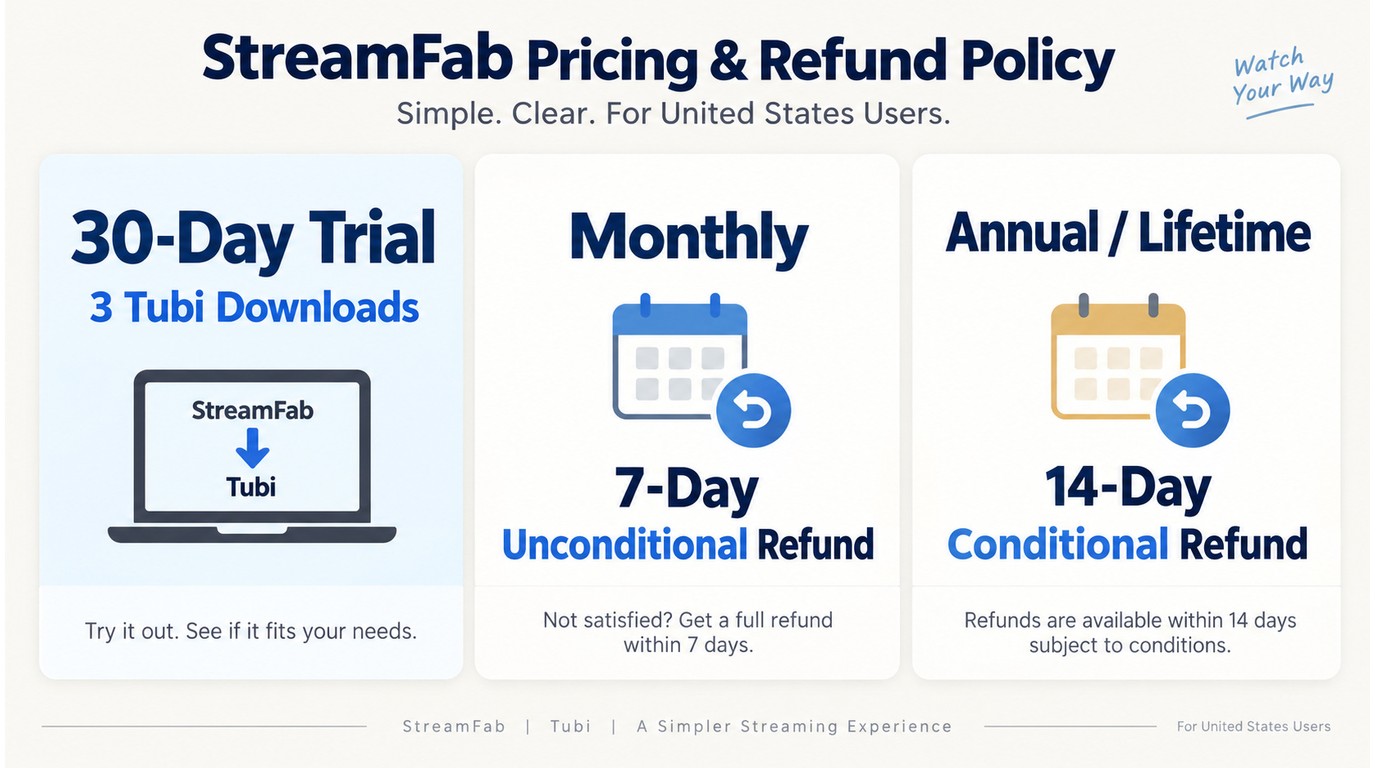
Licensing is offered as a standalone Tubi module or within StreamFab bundles. As of September 2026, the StreamFab free trial lasts 30 days and includes three video downloads for the Tubi service, with the same output choices as paid access.
Monthly purchases have a 7-day unconditional refund window. Annual and lifetime purchases use a 14-day conditional window for duplicate or mistaken purchases, unresolved technical issues, or billing errors.
Use the trial to confirm title, hardware, and playback fit before choosing a license. The official download buttons at the end of this page provide the installer path, while the stated refund window provides the purchase fallback.
Common Issues and Fixes
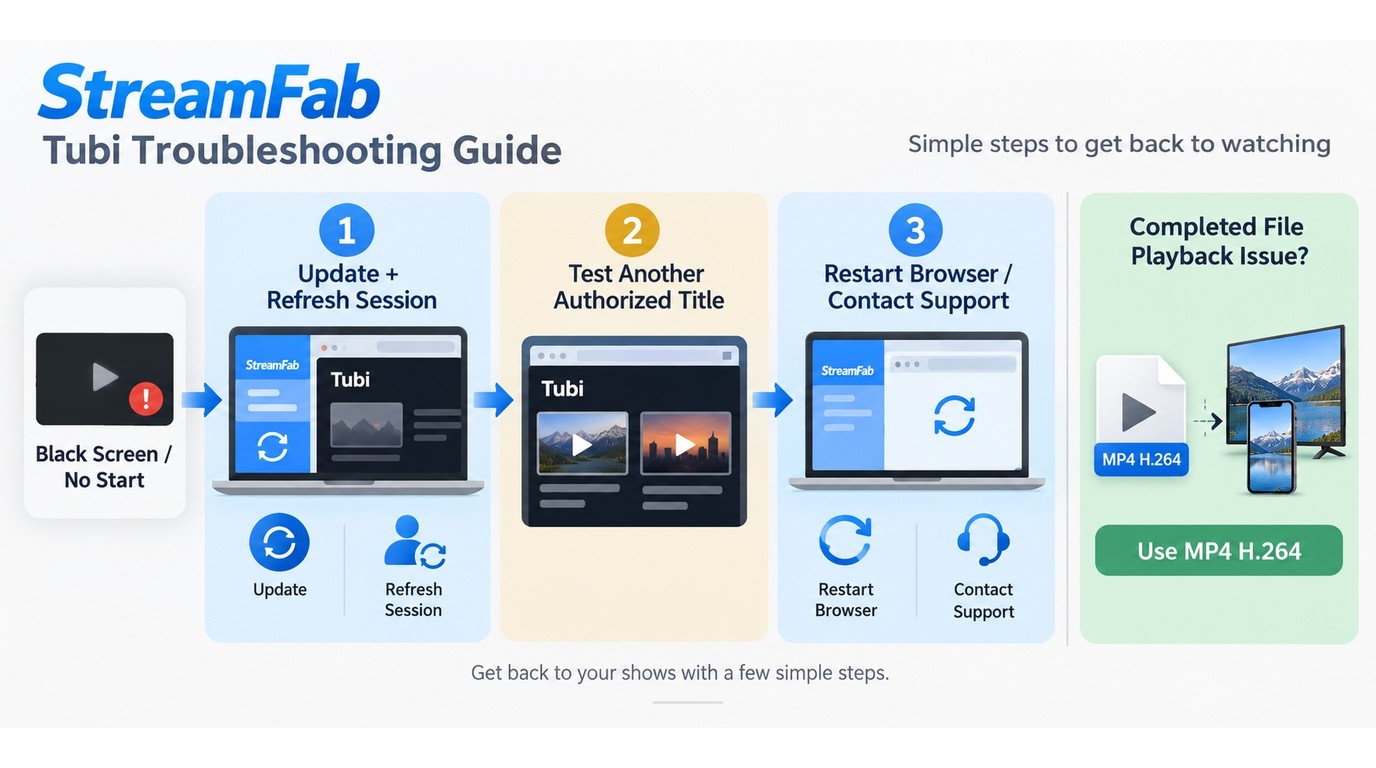
If StreamFab Tubi is not working, separate detection from playback. For a black screen or a title that never starts, update the app, refresh the Tubi session, and retry a second authorized title to see whether the first title is the variable.
Update StreamFab, refresh your Tubi session, and retry another authorized title. If the black screen or detection failure remains, use StreamFab's official troubleshooting path.
If the second title works, return to the first title after restarting the built-in browser. If neither title works, restart StreamFab before using the official troubleshooting route. A completed file that fails on a phone or TV usually needs MP4/H.264 rather than MKV/H.265.
Personal-Use Boundaries
Personal use requires clear boundaries. The local-file benefit does not change what you are allowed to access, keep, or share.

The official download buttons at the end of this page provide the installer path. Tubi's terms define the service rules for your account and region.
FAQs
Conclusion
My take: StreamFab Tubi Downloader fits you when Tubi's lack of official offline downloads is the actual problem and you want MP4 or MKV files on your own storage. Use MP4/H.264 for mixed devices and the batch queue when several authorized titles matter.
Start with the trial to confirm title and hardware fit. If compatibility changes, use the update and troubleshooting path; use the applicable refund window for purchase terms; and use the official download buttons below for installer safety.
- Good fit: You want local MP4 or MKV copies from authorized Tubi access
- Good fit: You queue several titles and prefer one desktop workflow
- Good fit: You transfer H.264 MP4 files to phones or tablets
- Strongest use case: A reusable local file matters more than in-app streaming
- Purchase path: Use the trial, then review the applicable refund window
If you manage more than one service, the full StreamFab review maps the wider module lineup and license options.
Free Download macOS 11.0 or later
