
{{Directory}}
If StreamFab is stuck on analyzing and the video is not detected, start by refreshing the session, clearing cache, and testing a normally playable title. That sequence quickly separates a local session, URL, network, or build problem from a service-specific change.
A StreamFab analysis failed message happens before download begins, so repeatedly changing output settings will not solve it. The practical route is to isolate one variable at a time, then use the error and service checks below if that title still fails.
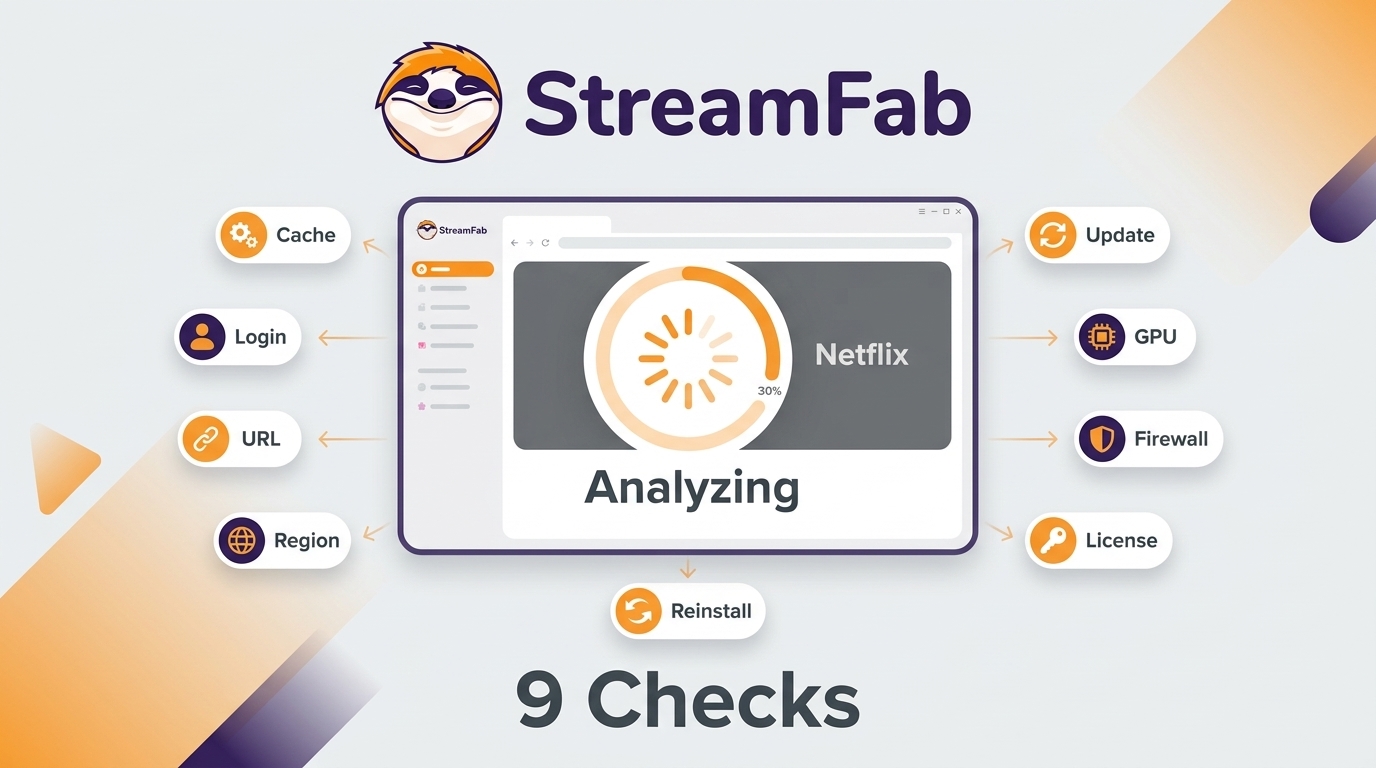

Quick Summary
The fastest diagnosis is to retest a standard catalog title after each change. If one title fails, check its availability; if every title fails, start with session, cache, network, and build checks.
- • Clear cache and restart StreamFab.
- • Refresh the affected streaming-service session.
- • Paste a clean direct video URL.
- • Check VPN, proxy, and region consistency.
- • Compare the installed build with the current update log.
- • Test hardware acceleration as a single variable.
- • Compare the regular network with a phone hotspot.
- • Confirm the licensed module or trial allowance.
- • Reinstall from the official installer as the final local step.
When failures extend beyond analysis, the StreamFab Not Working overview maps symptoms across login, analysis, download, and playback without mixing the stages.
What Analysis Failure Means
Analysis is the detection stage that produces title, quality, audio, and subtitle choices. Download begins only after those choices appear, so the visible stopping point determines which troubleshooting branch is relevant.
Analysis Versus Download
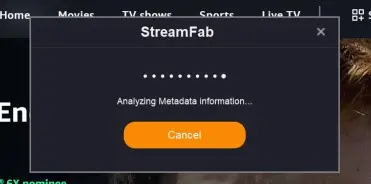
A missing title or endless spinner means StreamFab analysis failed. A visible quality list followed by a stalled transfer is a download problem, even if both failures happen on the same service.
My quickest discriminator is simple: test a public catalog title, then a second title on the service. One failure points toward title availability or a URL issue; two failures make the session, region, build, or service status more likely.
On Windows 10 Pro with an i5-9400F, 16 GB of RAM, and StreamFab 7.0.1.7, I ran three LDR season 4 episodes through the workflow. All three completed, and file size rose with episode length. That result separates a completed analysis-and-download path from a detection failure.
If StreamFab displays quality options but the transfer stalls or the file will not play, use the StreamFab download troubleshooting guide instead of repeating analysis fixes.
When Quality or Tracks Are Unavailable
A successful analysis can still show a requested format unavailable. MP4 or MKV, resolution up to 4K, HDR10 or Dolby Vision, audio tracks, and subtitles depend on the source title and supported module.
In a same-title comparison, I used a Mac connection at 24 Mbps for StreamFab and Windows at 16 Mbps for Audials. The outputs differed in HDR, audio, and file size, so those results belong to those test environments rather than a universal speed claim.
Best for readers who need to confirm the options exposed by a specific title: compare the analysis panel with the service's playback page. Less useful when no title is detected at all, because output choices are downstream of analysis.
Step-by-Step Fixes
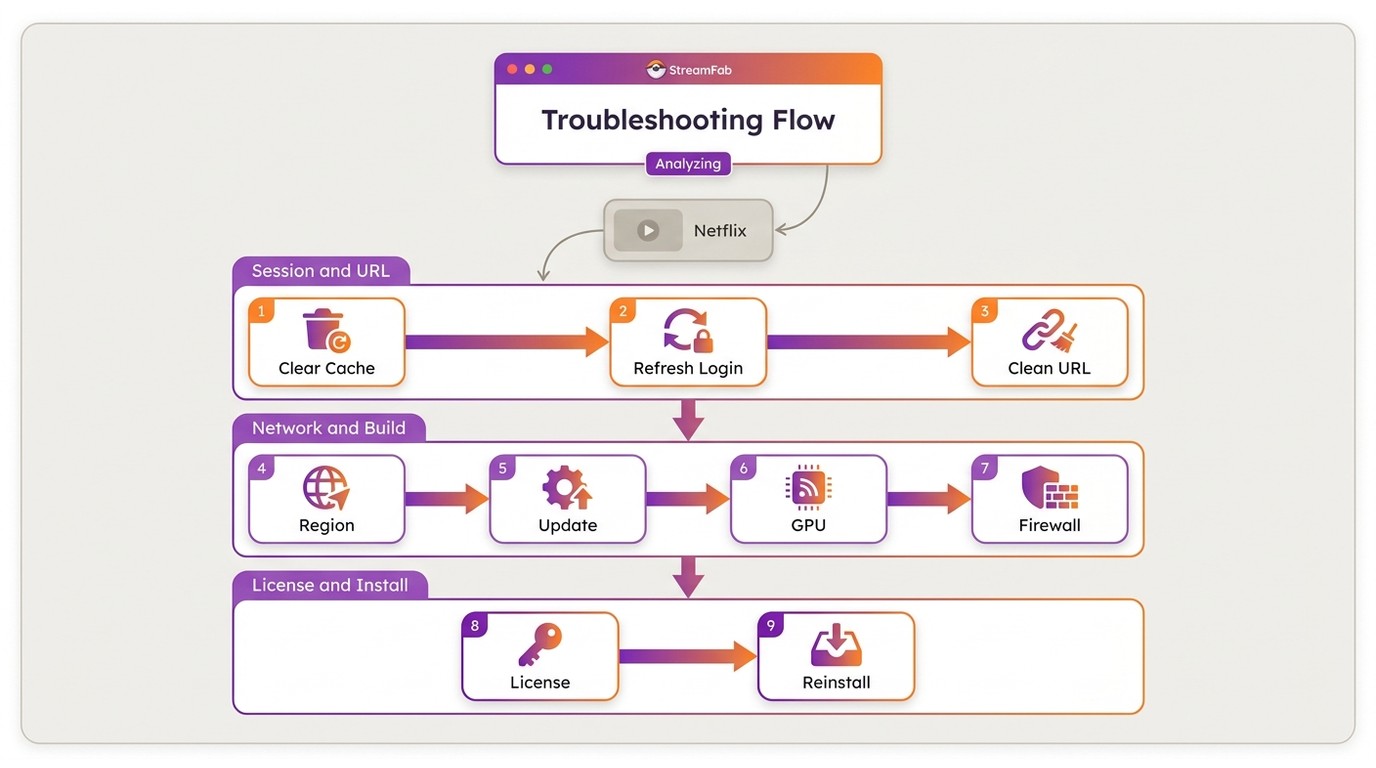
Run these checks in order and retest the same public title after each change. Keep a valid service login, note the installed StreamFab build, and close active downloads before restarting the application.
Clear Cache and Restart
StreamFab clear cache is the right first step when a page loads but authentication or video detection appears stale. It resets the built-in browser session without changing your licensed products.
Best for a failure that appeared after the service previously worked. Less useful when several devices cannot play the title in the streaming service itself.
Stale cookies or session tokens can make a valid page appear signed out or incomplete inside the built-in browser. Clearing cache forces a fresh session on the next check.
Refresh Your Streaming Session
A stale StreamFab login session can leave the service page visible while blocking title detection. Sign out and back in inside StreamFab before changing network or hardware settings.
Best for an expired session or a page that looks partly logged in. Not ideal for a service-wide outage or a title that no longer plays in the official service.
Paste a Clean Direct URL
A direct video URL removes homepage navigation, recommendations, and redirect pages from the test. Use a public title page that plays normally in the service.
If the clean URL works, the earlier page route or redirect was the useful clue. If it fails while another title works, check title availability before changing the application.
Check VPN, Proxy, and Region
A VPN proxy region mismatch can make the service page and account session disagree about location. Fully exit the VPN client for one comparison rather than switching several settings at once.
Keep the account region and VPN exit region consistent, then test one title. If the page works without the tunnel but fails with it, the route is the useful clue.
Update the Current Build
Service-side page changes can affect analysis before the rest of StreamFab. Compare the installed version with the official update log instead of assuming a fixed patch schedule.
As of September 2026, the update log lists build 7.0.4.6 dated September 1, 2026. A service fix depends on the affected platform and the version you have installed.
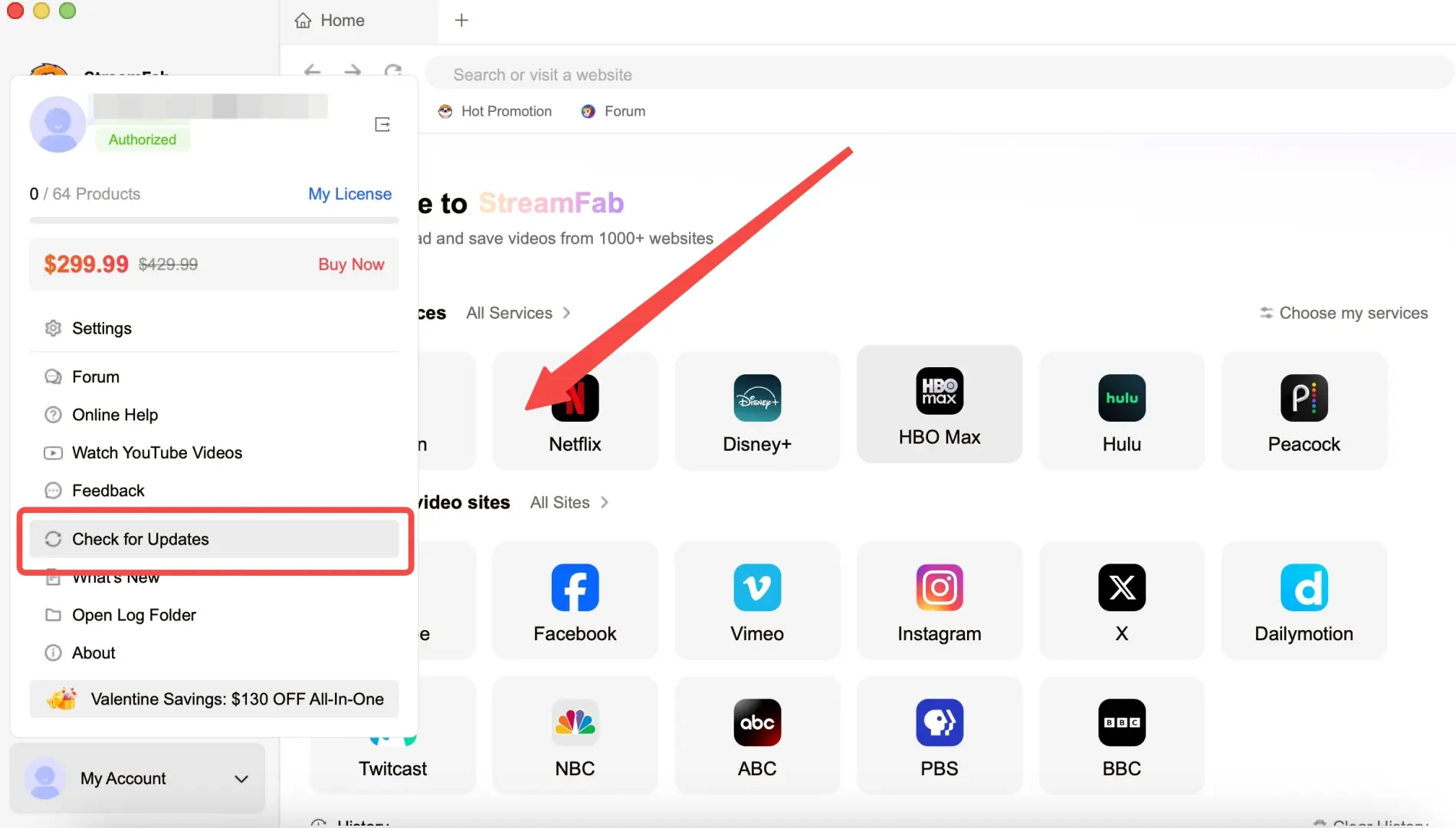
Record the build and affected service, save the log, and submit it through StreamFab Support. Wait for an update-log entry that names the service before repeating the full sequence.
Test Hardware Acceleration
Hardware acceleration is worth testing when the built-in browser renders incorrectly, stays blank, or behaves differently after a graphics-driver change. Treat it as one controlled variable.
Best for rendering or embedded-browser symptoms. Not ideal for a single unavailable title, because a graphics setting rarely explains why one title fails while another works.
Check Firewall and Network
A firewall hotspot test distinguishes a local security or DNS rule from a broader service problem. Change one network variable, then use the selected title and build for the comparison.
If the hotspot works, focus on the local router, DNS, firewall, or security layer. If both networks fail on the same service, move to the build and service-status checks.
Verify Your Subscription
StreamFab free and paid access can cover different modules and allowances. Confirm that the affected service appears under your active products before treating the result as a technical failure.
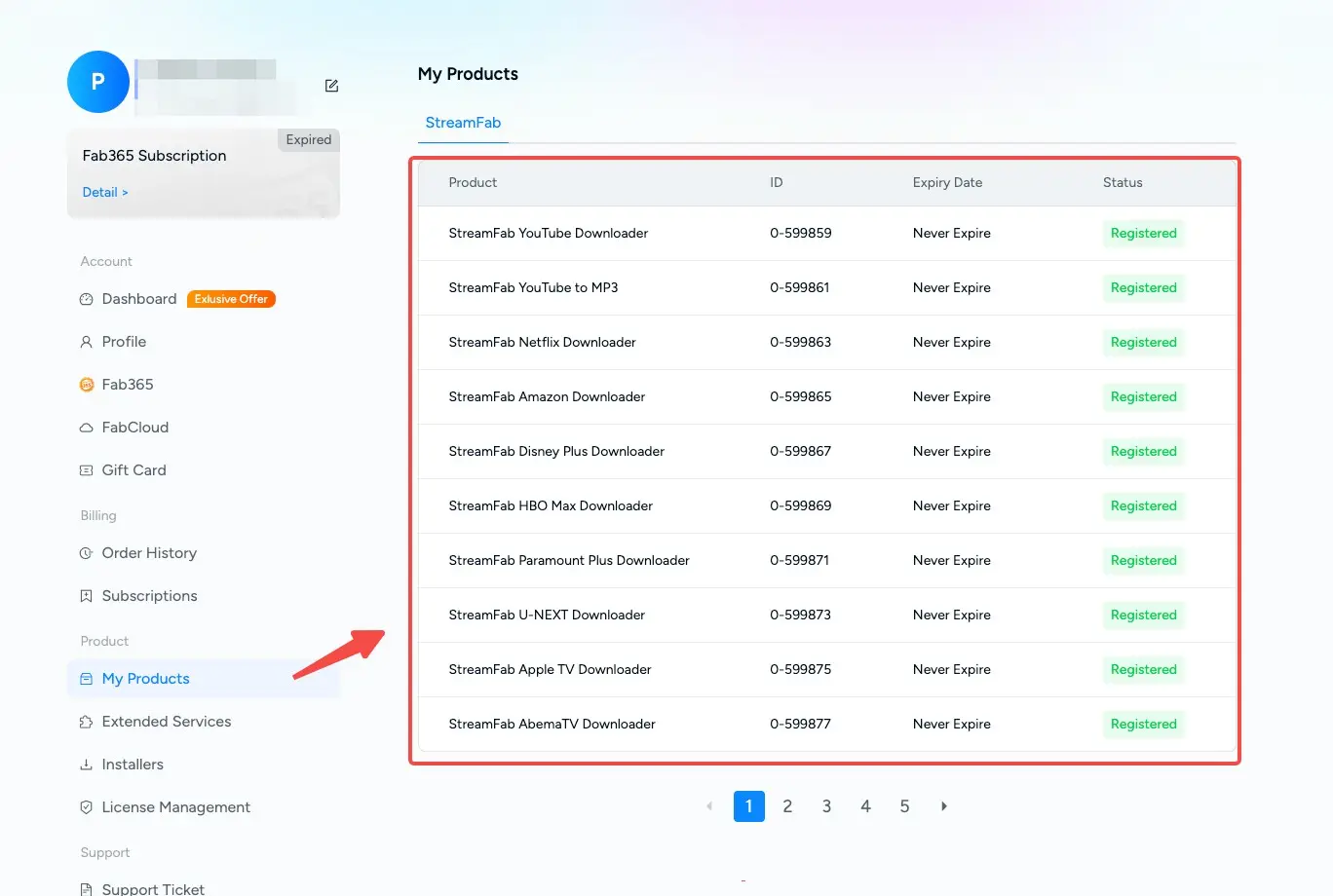
The 30-day trial includes up to three video downloads per streaming service. If analysis succeeds but the download is limited, check the trial allowance and licensed module instead of repeating analysis fixes.
Reinstall as a Last Resort
Reinstall StreamFab only after cache, session, URL, network, build, hardware, and license checks produce the same result. A clean installer can repair damaged local files, but it will not change title availability or service status.
Error Codes and Symptoms
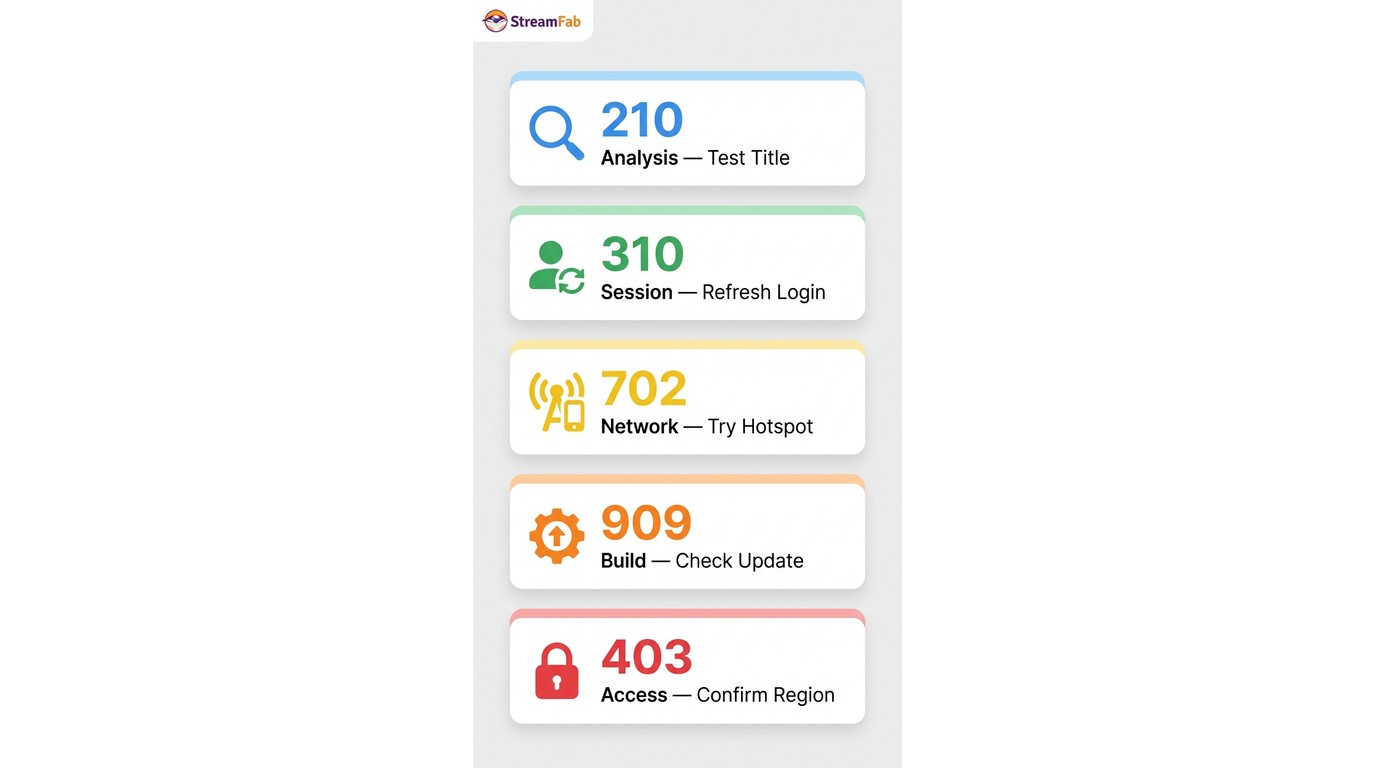
Error text is a scope indicator, not a repair instruction. Record the exact wording, build, service, and title, then use a neutral next check before escalating with logs.
| Symptom or code | Likely scope | Next check | Escalation |
|---|---|---|---|
| 210 | Analysis request | Retest a catalog title | Record build and submit logs |
| 310 | Session or title | Refresh login; use direct URL | Compare a second title |
| 702 | Network or service response | Allowlist; run hotspot test | Submit logs if service-wide |
| 909 | Build or service compatibility | Check the official update log | Wait for named service fix |
| 403 | Access or region | Play title; match account region | Check service account access |
| failed to obtain decryption key | Analysis log message | Record exact text; check build | Submit logs to support |
A StreamFab error 210 or StreamFab error 909 should be handled by scope, not by guessing at the internal mechanism. My rule is to preserve the exact text and one reproducible title path; that gives support a cleaner case than a long list of simultaneous changes.
Platform and Title Checks
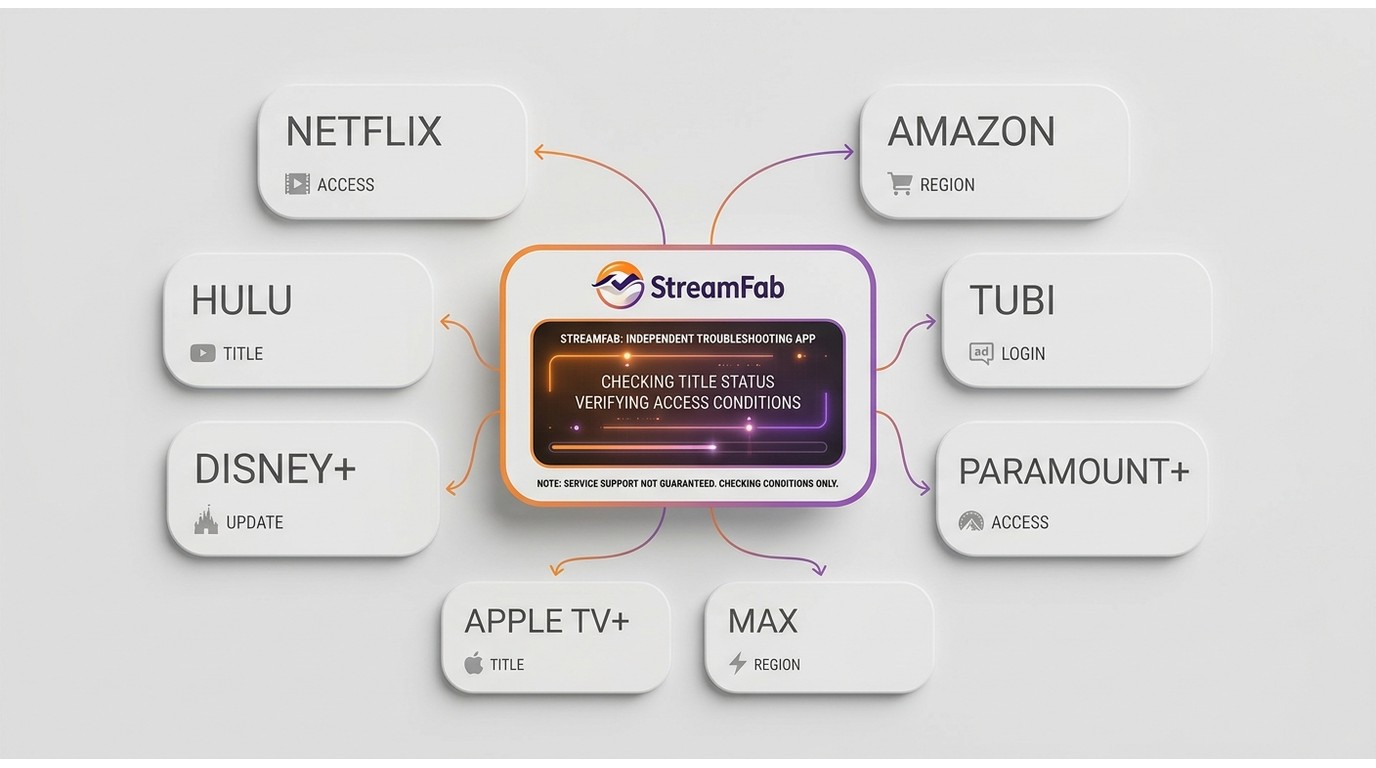
When one service or title fails, confirm availability before changing local settings again. Ads, expiring episodes, extras, trailers, private or age-restricted content, and a service outage can produce different analysis symptoms.
Service Status and Availability
Test one ordinary public episode or movie on each affected service. The symptom-to-check matrix below keeps every platform branch separate so a result on one service does not get generalized to another.
Netflix through Tubi
| Service | Symptom | Next check |
|---|---|---|
| Netflix | Spinner on one title | Test another public title, then session |
| Amazon | Amazon analysis failed | Confirm title playback and region |
| Hulu | Hulu analysis failed | Check ads, title access, and service status |
| Tubi | Tubi not working | Test an ad-supported public title |
Disney+ through Max
| Service | Symptom | Next check |
|---|---|---|
| Disney+ | Extra or episode missing | Open the exact playable title page |
| Paramount+ | One title not detected | Compare a standard catalog title |
| Apple TV+ | Apple TV+ analysis stops | Refresh session and direct URL |
| Max | Page loads, no choices | Check title access and update log |
For private age restricted content, first confirm that the account can play the title in the service and that any age prompt is completed there. If a public comparison title works, keep the investigation at the title level rather than reinstalling the application.
Frequently Asked Questions
Conclusion
When StreamFab analysis failed, the useful question is where the scope changes: one title, one service, one network, or the whole application. Nine controlled checks identify that boundary without turning troubleshooting into random setting changes.
Start with cache and session, then move through URL, region, build, hardware, network, license, and reinstall. Once quality choices appear, stop using analysis fixes and evaluate the separate download or requested-format path.