
When StreamFab Netflix not working appears, first identify whether the failure is at login, analysis, download/mux, quality, or platform/device stage, then match the exact error code. Check Netflix service, title, device, storage, and account limits before changing advanced settings; this prevents random fixes.
This guide reflects Netflix and StreamFab behavior as of September 2026. I use a stage-first path because the same symptom can come from Netflix eligibility, a desktop session, or the build itself. The sections below move from low-cost checks to a support-ready log package.

Quick Summary
For a Netflix download failed message, the fastest route is to label the stage and exact code, then test Netflix-side limits before changing advanced StreamFab settings.
- Login/session: sign out, close StreamFab fully, and sign in again. Analysis: record the exact code, then check service status, title eligibility, and the current build.
- Download/mux: check storage, device limits, network conditions, and run-level limits. Quality: compare the profile, plan, title, and manifest instead of assuming 1080p is guaranteed.
- Platform/device: confirm the same title and account on a supported Netflix device. Change one condition at a time and retry one eligible title before collecting a support log.
- Record whether the break occurs during login, analysis, download/mux, quality selection, or on a platform/device check.
- Match the visible code to the matrix below, then check Netflix service status, title eligibility, device limits, and storage.
- Run one permitted retry after signing in again, closing network filters, clearing cache, and updating StreamFab.
- If one title still fails, preserve the code and current log before contacting support.
I check Netflix-side limits before advanced settings because a restricted title or device can make a healthy desktop build look broken. For broader download-stage symptoms, use the StreamFab download troubleshooting guide.
Map the Failure Stage and Error Code
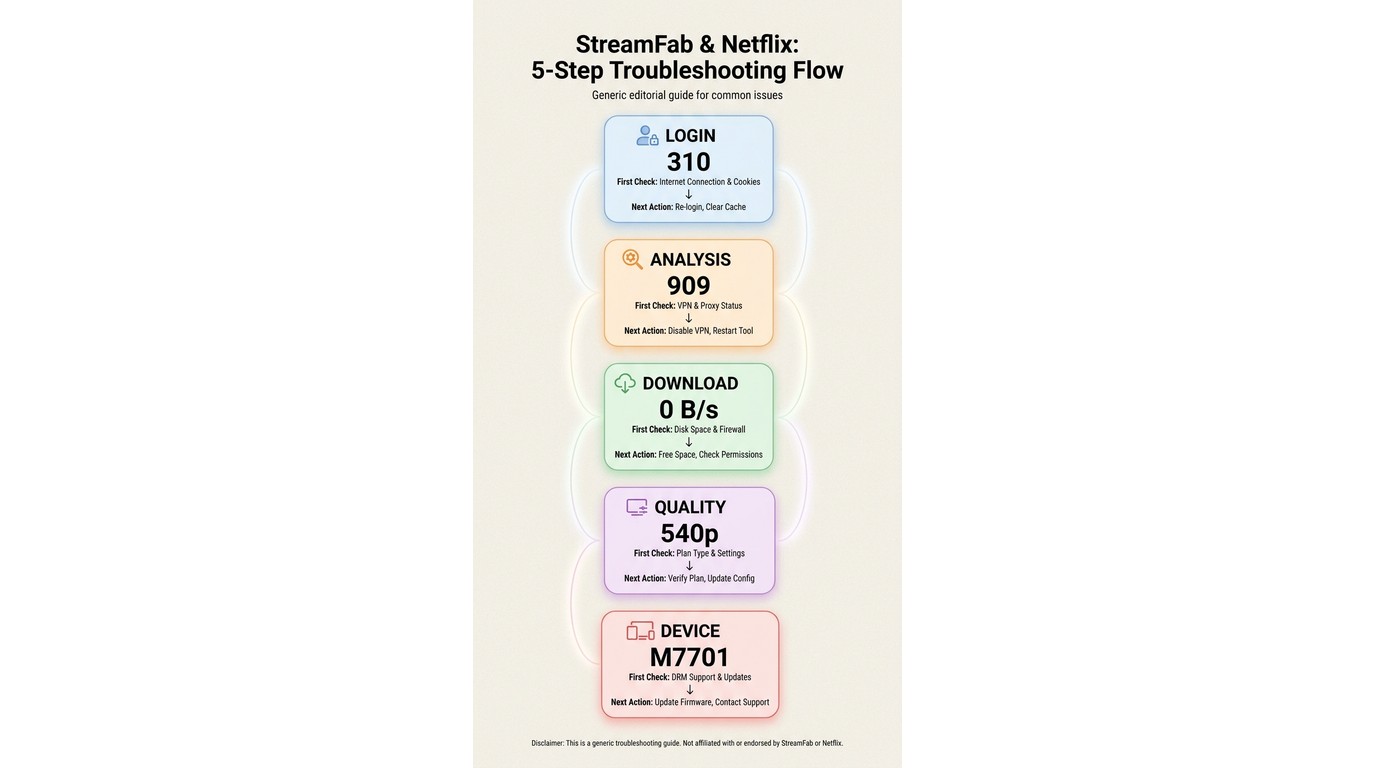
A StreamFab error code is most useful when paired with the stage that produced it. This matrix turns the common labels into a first check and a safe next action, including Error 310 Netflix, Error 210 StreamFab, Error 909 StreamFab, Error 5xx StreamFab, 0 B/s, and M7701-1003 Widevine.
| Failure stage | Typical symptom | First check | Next action |
|---|---|---|---|
| Login/session | Error 310 Netflix or sign-in loop | Re-authenticate; check service status | Clear cache, then retry |
| Analysis | Error 909 StreamFab or 5xx loop | Update build; test title eligibility | Capture code and log |
| Download/mux | 0 B/s, Netflix download failed, or crash | Storage, device, network | Retry one title; escalate |
| Quality | Error 210 StreamFab or 540p ceiling | Profile, plan, title, manifest | Use the available profile |
| Platform/device | M7701-1003 Widevine or title unavailable | Netflix device and title rules | Check the component; contact support |
I use stage-first triage because it prevents the classic “change five settings and forget which one mattered” loop. M7701-1003 is a playback-component check, not a reason to guess at hidden settings; if the component is unavailable, the log gives support a reproducible handoff.
Check Netflix and Device Limits
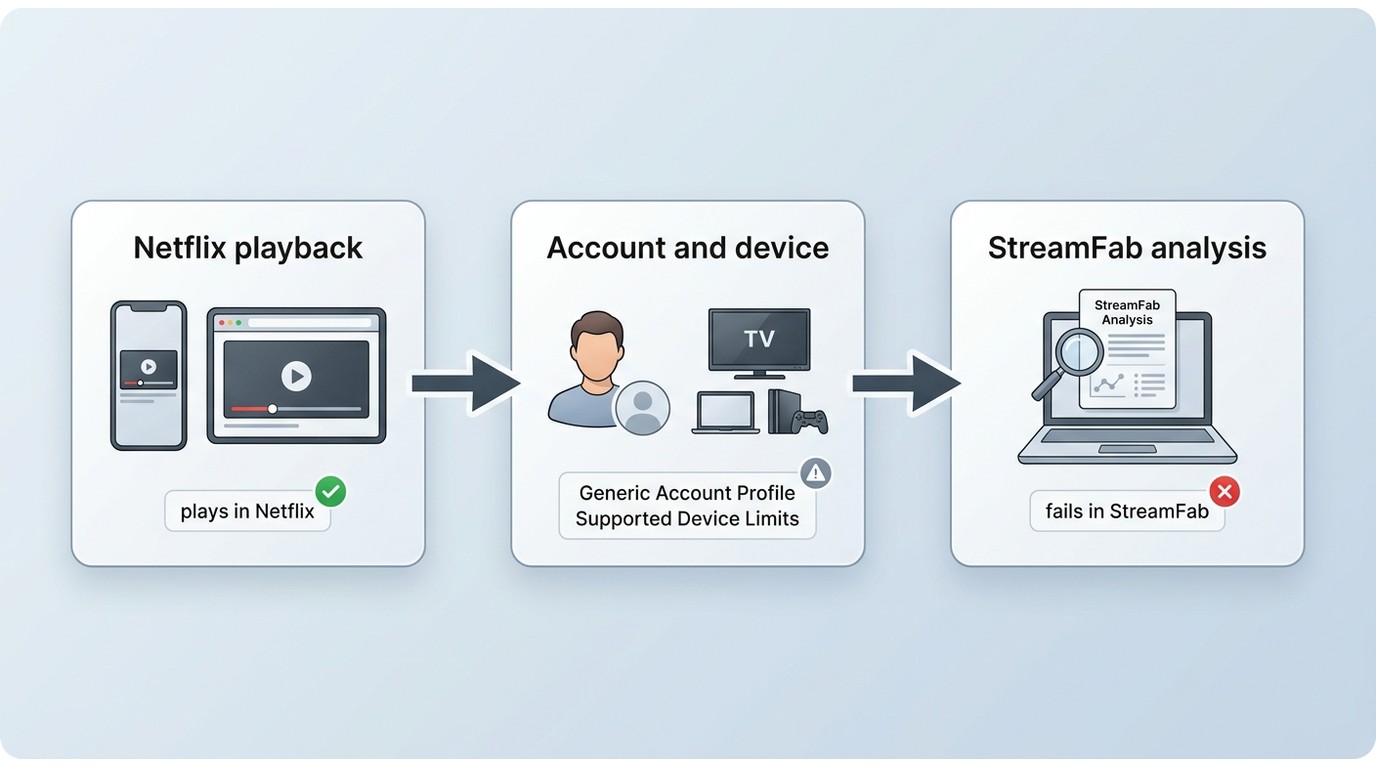
This fifth cause category covers Netflix device limits, title eligibility, and app availability, which can block a download before StreamFab completes analysis. Confirm the same account and title on a supported Netflix device first, then decide whether the desktop app is actually at fault.
- Check Netflix's service status and play the same title in the official app or browser.
- Confirm that the title is eligible for downloads on the account and profile in use.
- For a “Netflix downloader not working on PC” report, separate StreamFab desktop support from Netflix's own Windows download workflow; Windows does not expose every official-app download path.
- Mobile and TV apps have their own support rules. Use a supported device for the comparison rather than turning this into a second OS tutorial.
If the title plays in the official service but fails only during StreamFab analysis, continue with the stage-specific checks below. If it fails everywhere, resolve the Netflix account, title, or device condition first.
Check Storage, Titles, and Download Limits
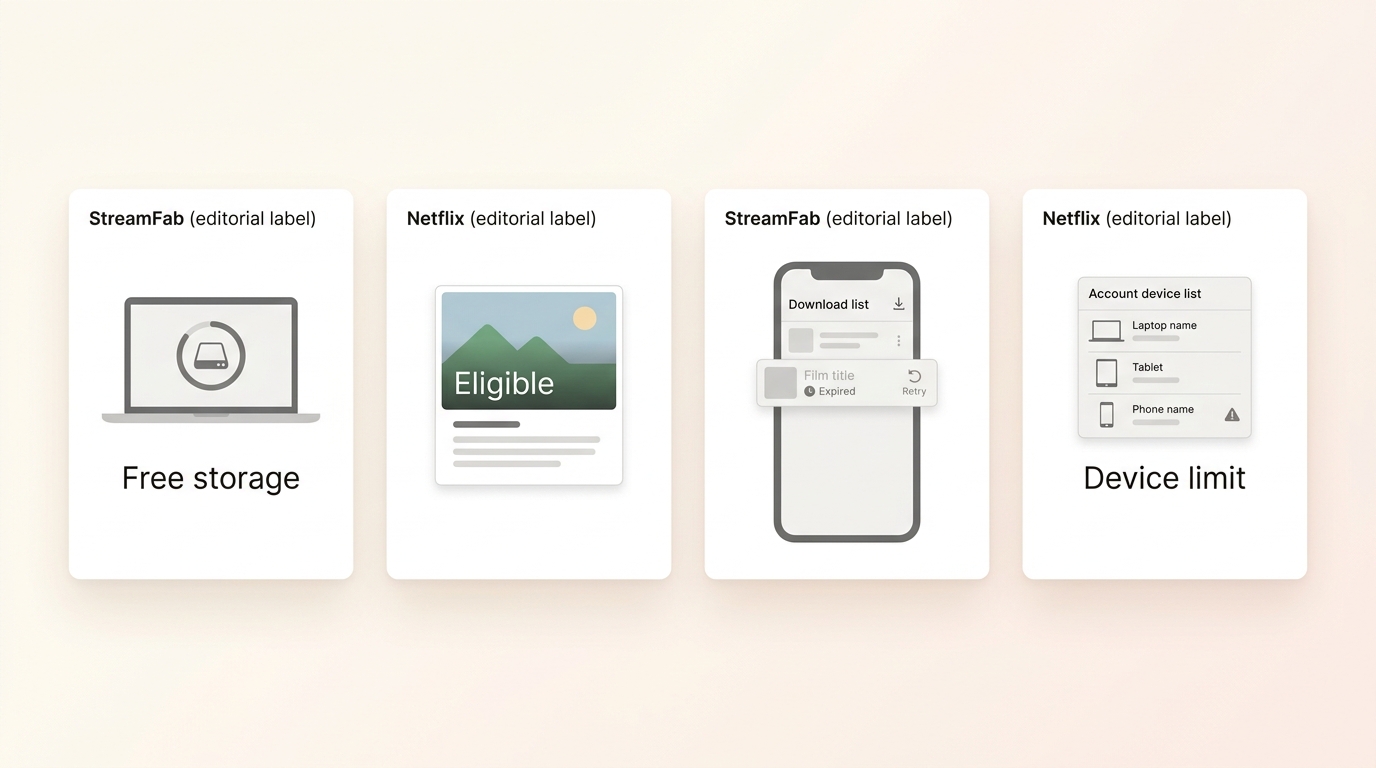
Netflix download storage, an unavailable title, an expired Netflix download, or too many authorized devices can stop a download or make it stop playing later. Treat these as download-stage conditions and fix the condition before repeating a long batch.
In a Windows 10 Pro test with an i5-9400F, 16 GB of RAM, and StreamFab 7.0.1.7, a batch of three LDR S4 episodes completed, with file sizes rising as episode length increased. That result is a useful baseline, not a substitute for checking Netflix title and account limits.
Run the Network, Cache, and Restart Checklist
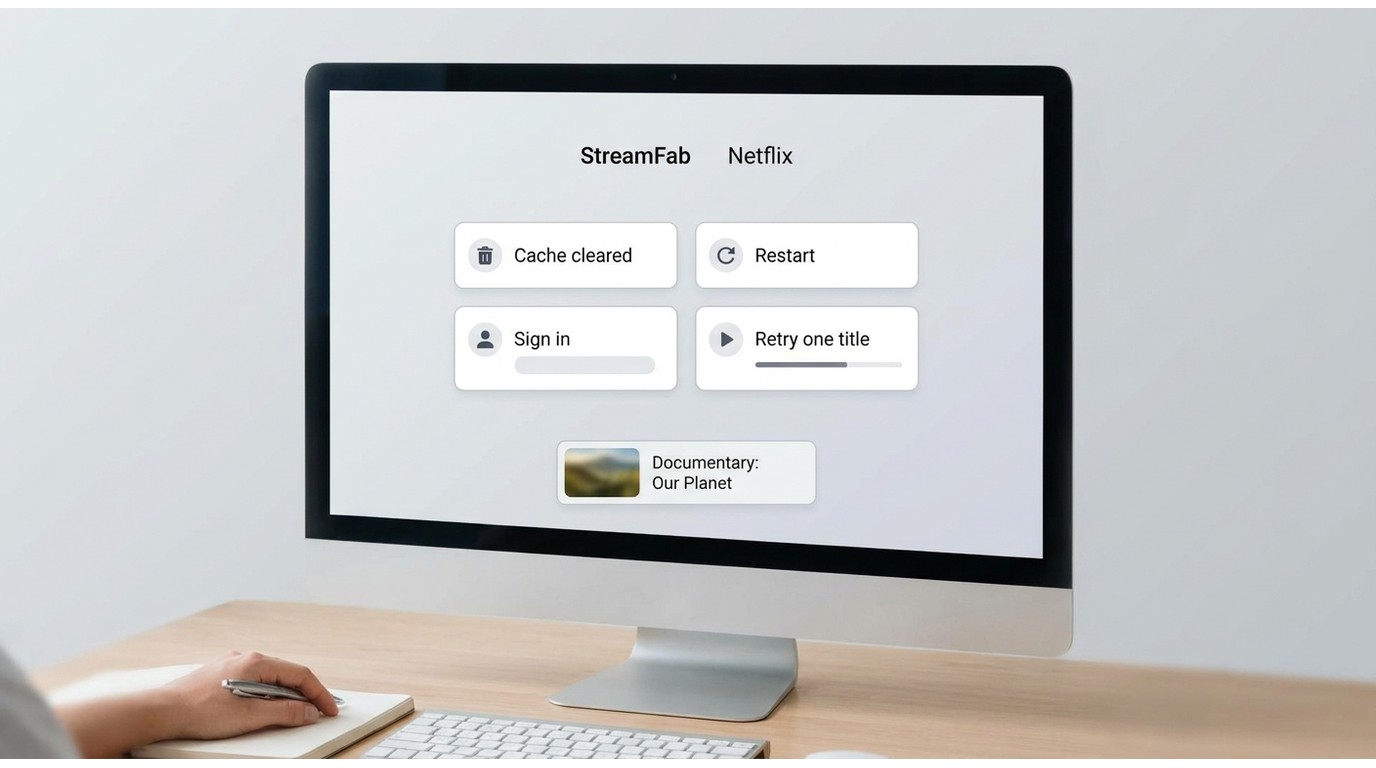
Before advanced troubleshooting, run a clean first pass: network, full app restart, cache, and current build. The goal is to reproduce one title after one change, so the result points to a cause instead of creating a new variable.
During a macOS test on a 24 Mbps connection, one LDR S4 episode was saved as 1080p with HDR10 and Dolby Atmos/DD+5.1 at about 538.6 MB. The practical lesson is simple: compare the same title and account after each change, because the output depends on the manifest StreamFab receives.
Cause 1: Error 310 and Session Authentication
- Best for: login loops and authentication errors.
- Not ideal for: a download-stage crash with no sign-in symptom.
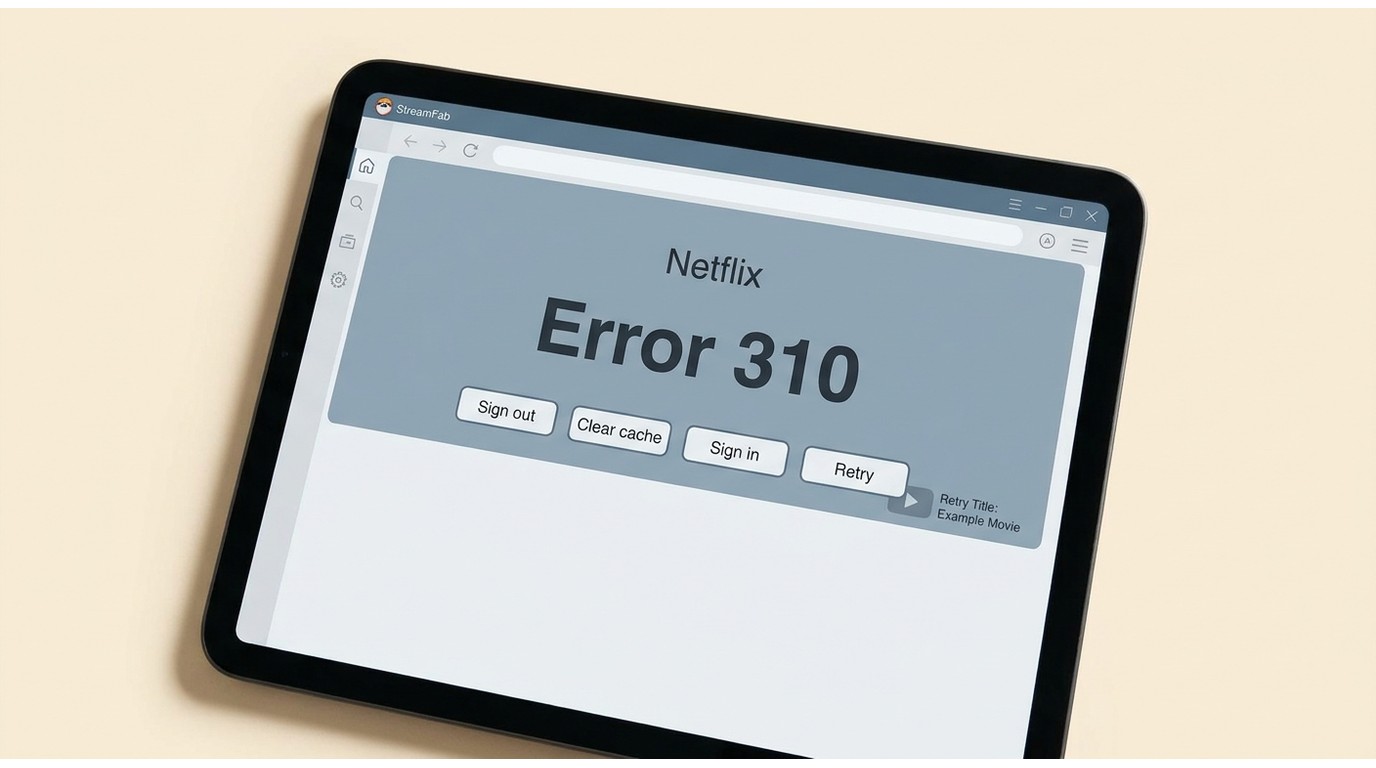
Error 310 Netflix points to a session or authentication-stage failure. Start with a clean sign-out and sign-in, then move to service status, cache, and logs if the same code returns.
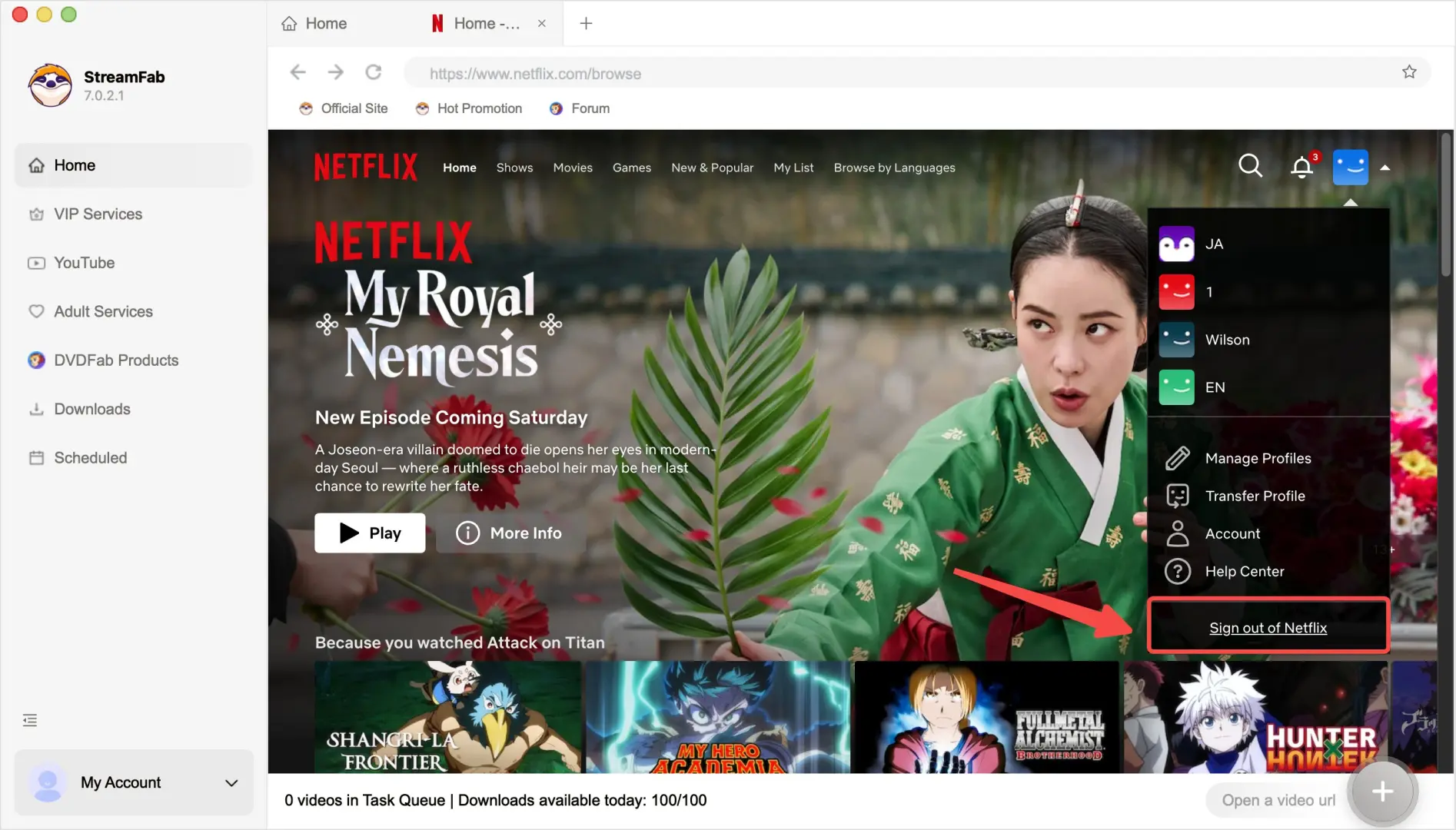
Clear StreamFab cache from the app's available cache controls, restart StreamFab, and retry one title. If the loop remains, capture the code and log for support.
Cause 2: Quality Caps and Profile Checks
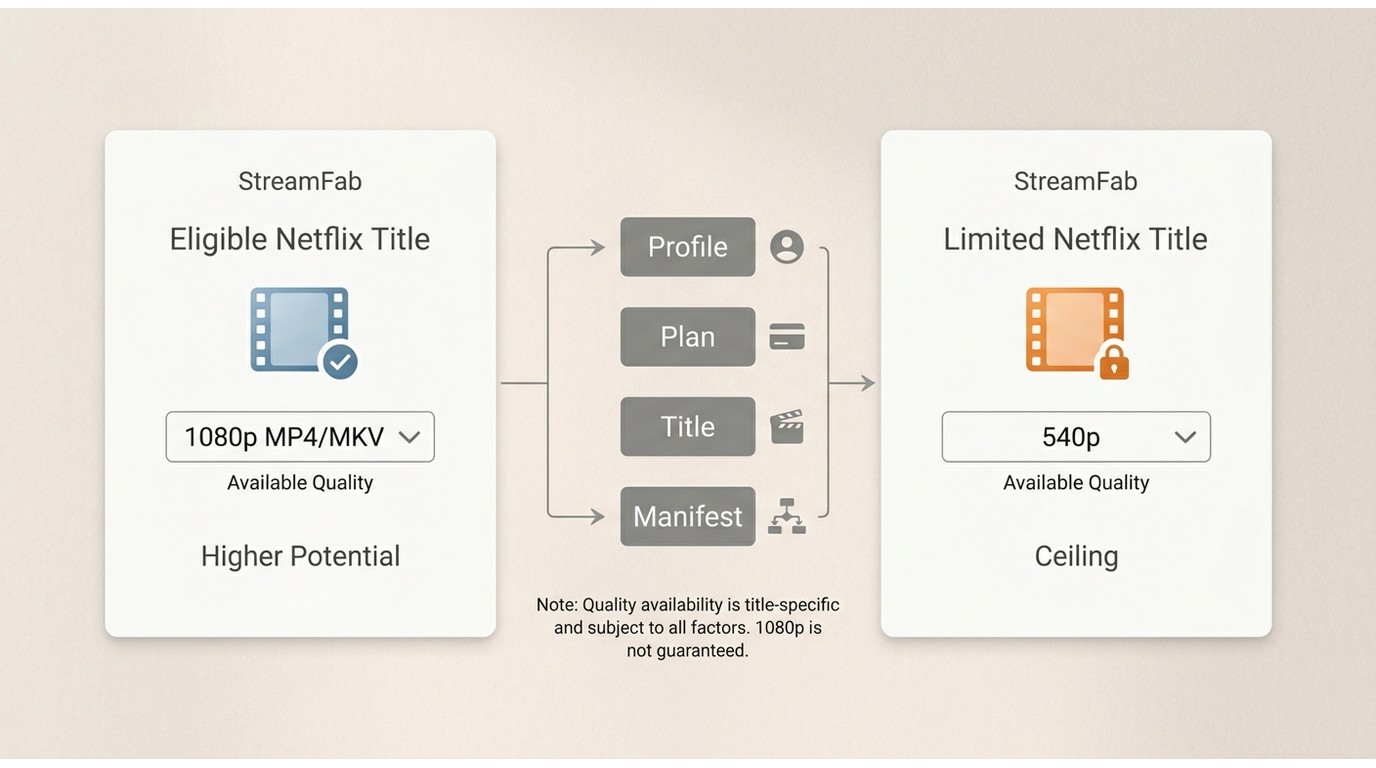
StreamFab can output up to 1080p MP4/MKV for eligible Netflix titles, but the active profile, plan, title, and manifest may expose only 540p. The phrase “StreamFab 1080p MP4 MKV” describes the documented ceiling, not a guarantee for every title.
Compare another eligible title and review the available audio and subtitle choices before changing profiles. A profile change can alter the manifest, but it does not guarantee a higher resolution for every plan or title.
In the same macOS test described above, the 15:07 episode retained HDR10 and Dolby Atmos/DD+5.1. That observation is tied to that title, account, connection, and build; it is not a promise that every Netflix title exposes the same tracks.
StreamFab can output up to 1080p MP4/MKV for eligible Netflix titles, but Netflix's active profile, plan, title, and manifest may expose only 540p. Compare another eligible title instead of treating profile switching as a guarantee.
Cause 3: VPN, Proxy, and Security Conflicts
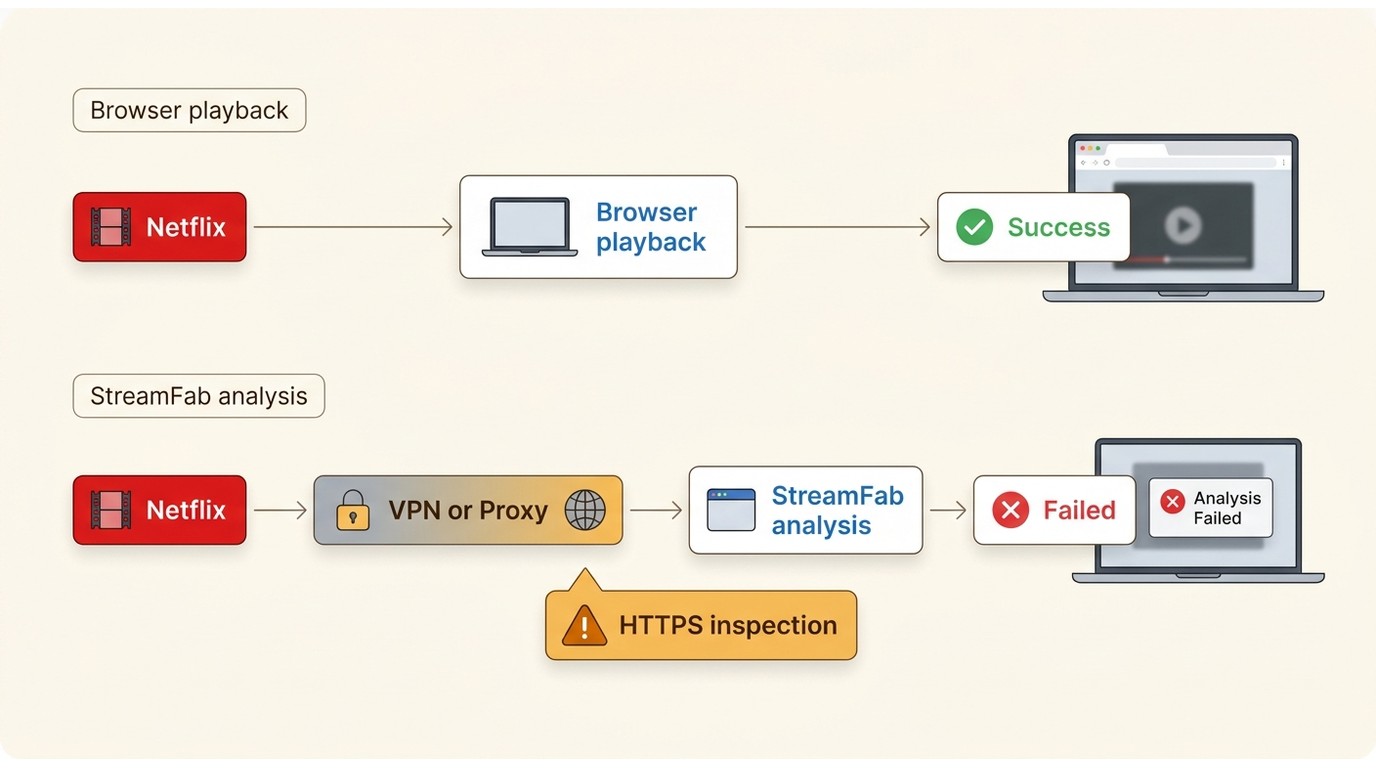
VPN Netflix analysis can fail when a VPN, proxy, or HTTPS-inspecting security product changes the connection seen during login or analysis. Browser playback can still work, so use a controlled connection test rather than treating browser success as proof that StreamFab analysis will pass.
For a permitted connection test, close the VPN or proxy first. Re-enable it only when your account access and Netflix's terms allow that route; browser playback alone does not prove StreamFab analysis will succeed.
Cause 4: StreamFab Build and Platform Updates
A platform playback update can expose a compatibility gap in an older StreamFab build. When analysis starts failing suddenly, check for updates, identify the exact stage and code, and prepare a support log instead of waiting on a fixed response window.
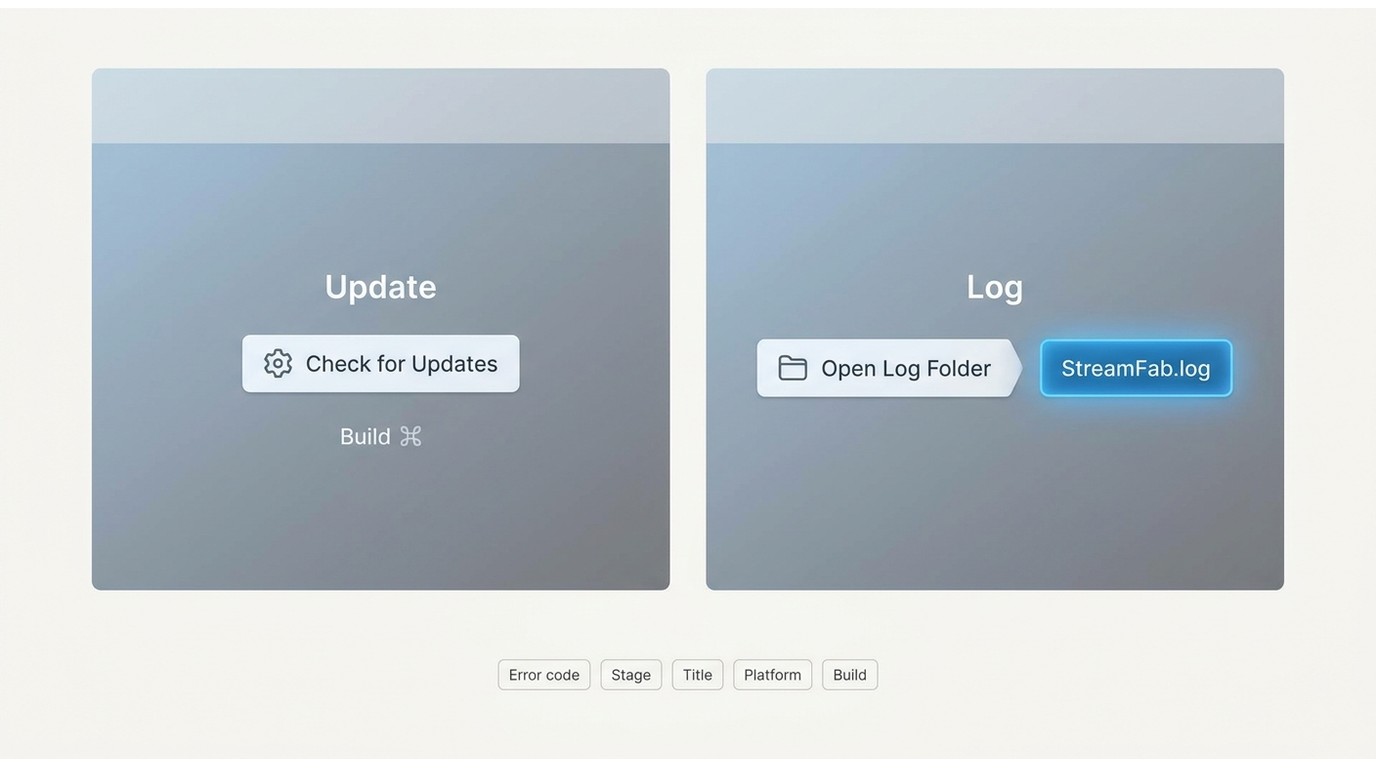
The StreamFab log file location is therefore the in-app Open Log Folder entry, which works on Windows and macOS even when filesystem paths differ by build. Include the exact code, failure stage, title, platform, build, and the steps that reproduce it. The StreamFab log submission guide shows the handoff format.
In a same-title Netflix DE comparison, StreamFab recorded 7.3 MB/s and about 95% completion while MovPilot recorded 200 KB/s and about 10%; the comparison used its documented test conditions. I treat that as a bounded observation, not a universal speed promise, and still use the current log when a build-specific failure persists.
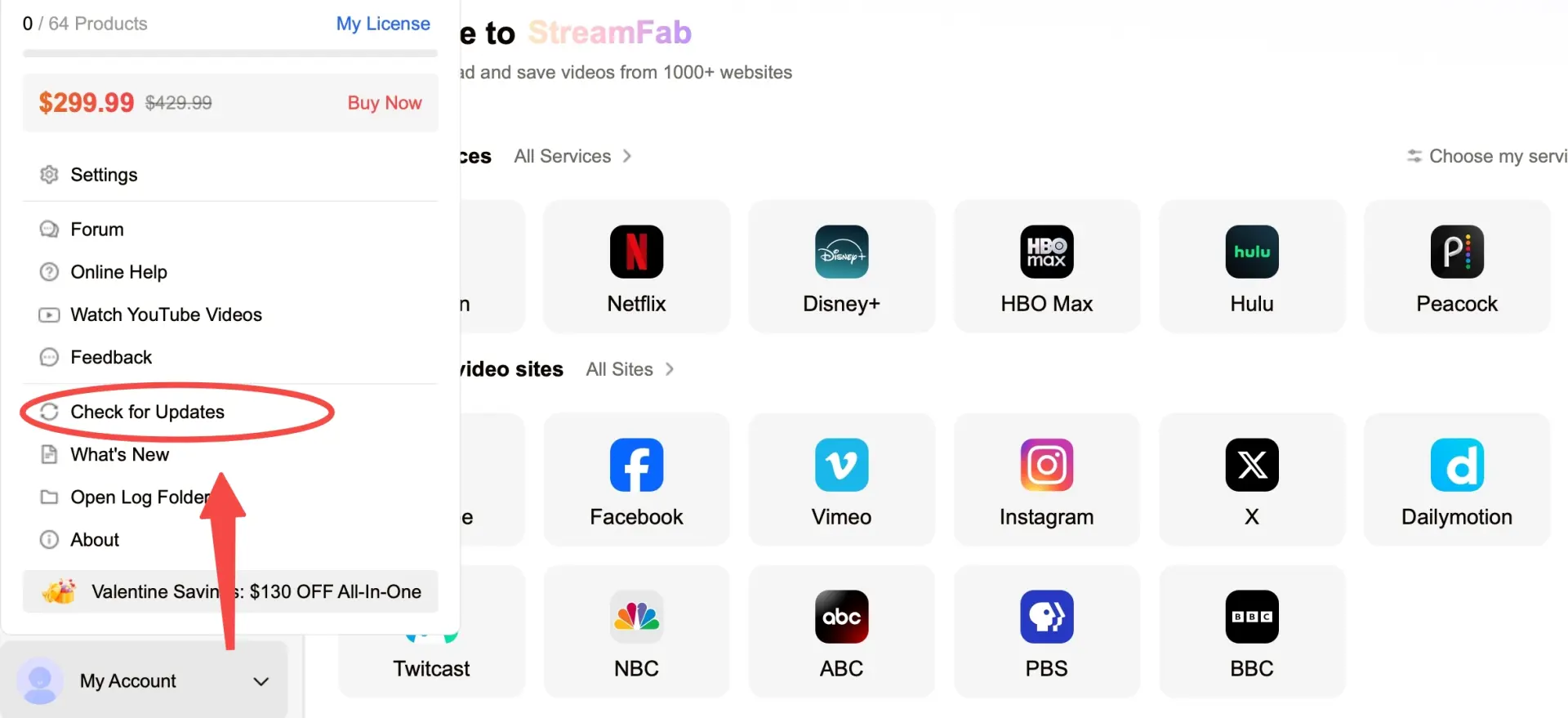
In Help, choose Check for Updates and record the installed build. For M7701-1003, treat Widevine as a playback-component check and capture the exact stage.
Open My Account (or the Settings menu) and choose Open Log Folder. Attach the current StreamFab.log, not a stale Temp copy. StreamFab Not WorkingInclude the title, account region, platform, build, exact code, and steps; use the StreamFab log submission guide for the handoff.
Frequently Asked Questions
Conclusion
When StreamFab Netflix not working appears, identify the stage and code first, check Netflix device, title, storage, and account limits, then run the network, cache, restart, and update checklist. If the failure remains, the current build number and StreamFab.log give support a usable path to the platform/device branch.
For content you are authorized to access, StreamFab is a desktop alternative for personal offline viewing where permitted by Netflix's terms and applicable law. Keep the workflow narrow: one eligible title, one change at a time, and a clear log when the issue needs escalation.
