StreamFab License Keys Are Account-Based
StreamFab authorization is attached to the account used for purchase. Open Menu > Authorize and sign in with that account; checking the purchase email is more useful than searching old messages for a standalone code.
StreamFab authorization is account-based, not tied to a code string. Start with the purchase account, then check the licensed operating system and authorized computers.
- Quick verdict of StreamFab license key (activation, types, how to transfer...)
- What is a StreamFab license key? How does it work?
- Which types of StreamFab licences suit you?
- How to get, activate & transfer your own license key?
- Say no to unofficial licences: risks break down
The practical rule is simple: account first, device record second, reinstall last.
Searching for a StreamFab license key usually means you expected a code but found an account screen instead. Most StreamFab activation problems come down to the purchase account, operating-system edition, or device authorization, so those checks should come before another download or reinstall.
This guide follows that path in order: understand account based licensing, compare plan scope, authorize the correct edition, transfer access, and diagnose a StreamFab license error without turning the process into a scavenger hunt for a nonexistent code.
- Authorization method: Menu > Authorize → purchase account → My Products
- License boundary: Windows and macOS editions are purchased separately
- Normal transfer: Deauthorize an accessible old computer in the client, then authorize the new one
- Emergency reset: Reserved for an inaccessible computer and subject to the license policy
- First troubleshooting check: Match the app login to the email that received the order
- License record: View the entitlement under My Products in the Member Center
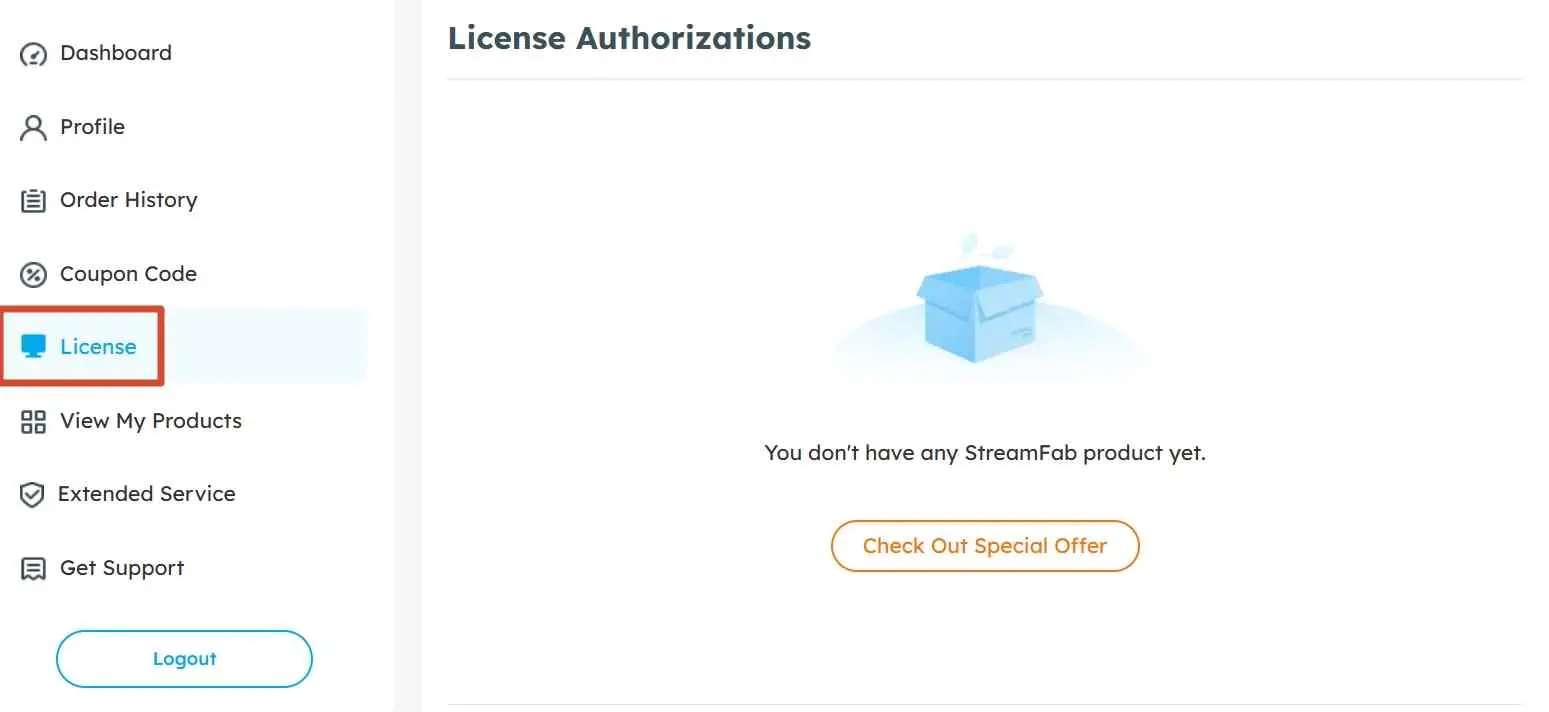
The account model also explains why a missing entitlement is usually a sign-in or purchase-email issue. The broader StreamFab review covers the product workflow beyond licensing, while this page stays focused on authorization and account control.
License Options and Current US Costs
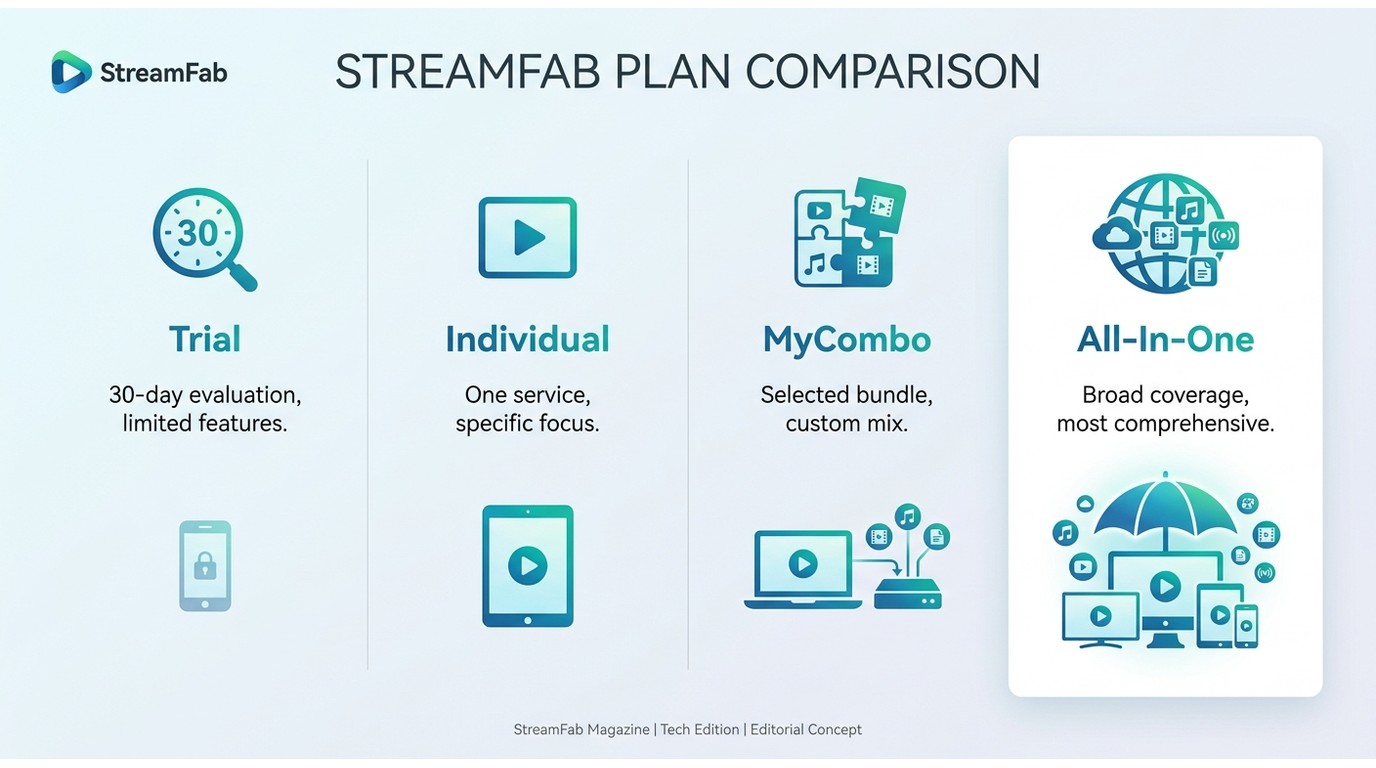
StreamFab pricing depends on the service coverage, subscription term, and selected modules. The useful comparison is the scope of each license, because the authorization account remains the control point across paid options.
Trial Limits and Free YouTube Access
The StreamFab free trial limits allow three videos per supported service during a 30-day evaluation. The separate lifetime-free YouTube tier supports downloads up to 720p, while the StreamFab free version page explains the boundary between those two free-use paths.
Current US Pricing and Add-Ons
Individual licenses cover one supported service, while a StreamFab MyCombo module bundle groups a small set selected by the buyer. StreamFab All-In-One is intended for broader service coverage, and eligible licenses can add another computer authorization.
| License option | Current US cost | Trial or free scope | Authorization | Good fit |
|---|---|---|---|---|
| 30-day VIP trial | No charge | 3 videos per service | Trial account | Workflow evaluation |
| Lifetime-free YouTube tier | No charge | YouTube up to 720p | Account based | Occasional YouTube saves |
| Individual downloader | Shown at checkout | One supported service | License policy applies | Single-service use |
| MyCombo | Shown at checkout | Selected modules | License policy applies | Small service set |
| All-In-One | Shown at checkout | Broad service coverage | License policy applies | Multiple services |
| Extra-computer add-on | Shown at checkout | Adds a computer slot | Added to eligible license | Separate workstations |
The checkout page displays the price for the selected service, term, module bundle, or eligible computer add-on. buy StreamFab cheaplyPlan scope and free-tier limits shown here are current as of August 2026.
Windows and macOS Licenses Stay Separate
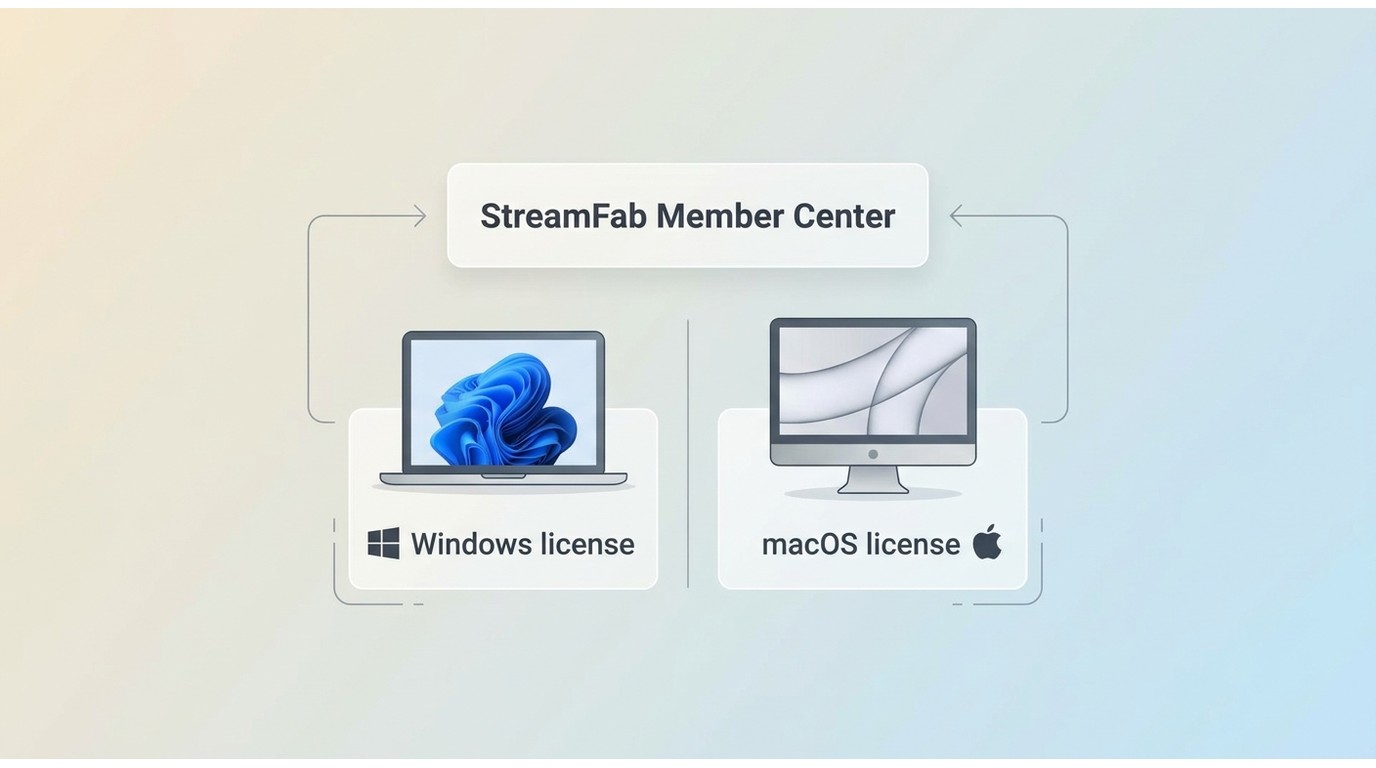
A Windows purchase does not authorize the macOS edition, and a macOS purchase does not authorize Windows. Anyone who switches operating systems regularly should budget for both editions before choosing a plan.
This Windows and Mac license boundary is easy to miss because both editions use the same Member Center account. The shared login does not merge the entitlements. In my view, this is not an ideal setup for frequent platform switchers unless both licenses are part of the budget from the start.
What a Paid License Unlocks
A paid license expands the supported workflow, but the available resolution, audio, and subtitle choices still depend on the streaming service, title, and plan. Choose the license around the output you actually need.
Licensed Output Options
- MP4 or MKV: MP4 MKV output gives you a choice of common containers for compatible players and libraries.
- Audio: Available tracks can include Dolby Atmos, EAC3 5.1, AC3 5.1, or AAC 2.0, depending on the source.
- Subtitles: Subtitle download options include embedded tracks or separate SRT files when the service provides them.
- Queue control: Batch downloads and scheduled tasks are available for supported services, which is useful when several episodes need the same settings.
In a June 2026 macOS capture of LDR S4 E3, the saved file retained 1080p, HDR10, and Dolby Atmos at 24 Mbps and was about 538.6 MB.
My buyer-side take is to decide on container, audio, and subtitle needs before paying for broader coverage. A larger license does not make every title expose the same tracks or resolution.
Activate StreamFab Through the Authorize Menu
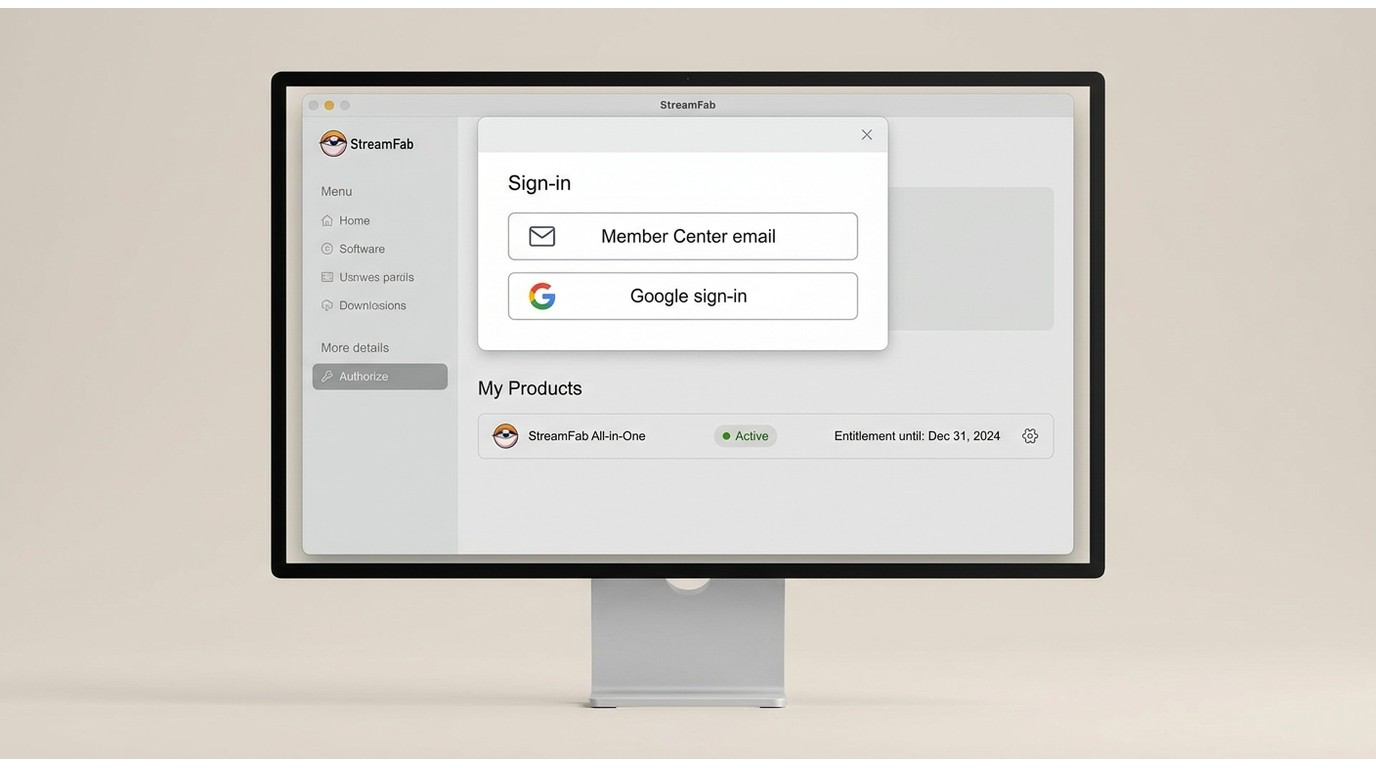
StreamFab activation should follow one sequence: open the correct OS edition, choose Menu > Authorize, sign in with the purchase account, and confirm the entitlement under My Products.
If the trial and purchase used different emails, sign out and authorize with the email that received the order. Treat that mismatch once, at the account level; repeating the install does not move an entitlement between accounts.
Open StreamFab
Launch StreamFab from your desktop shortcut or Start menu. If this is a fresh install, the software opens in free trial mode by default.
Click the user icon
In the top-right corner of the main window, click the person/user icon. This opens the login panel.
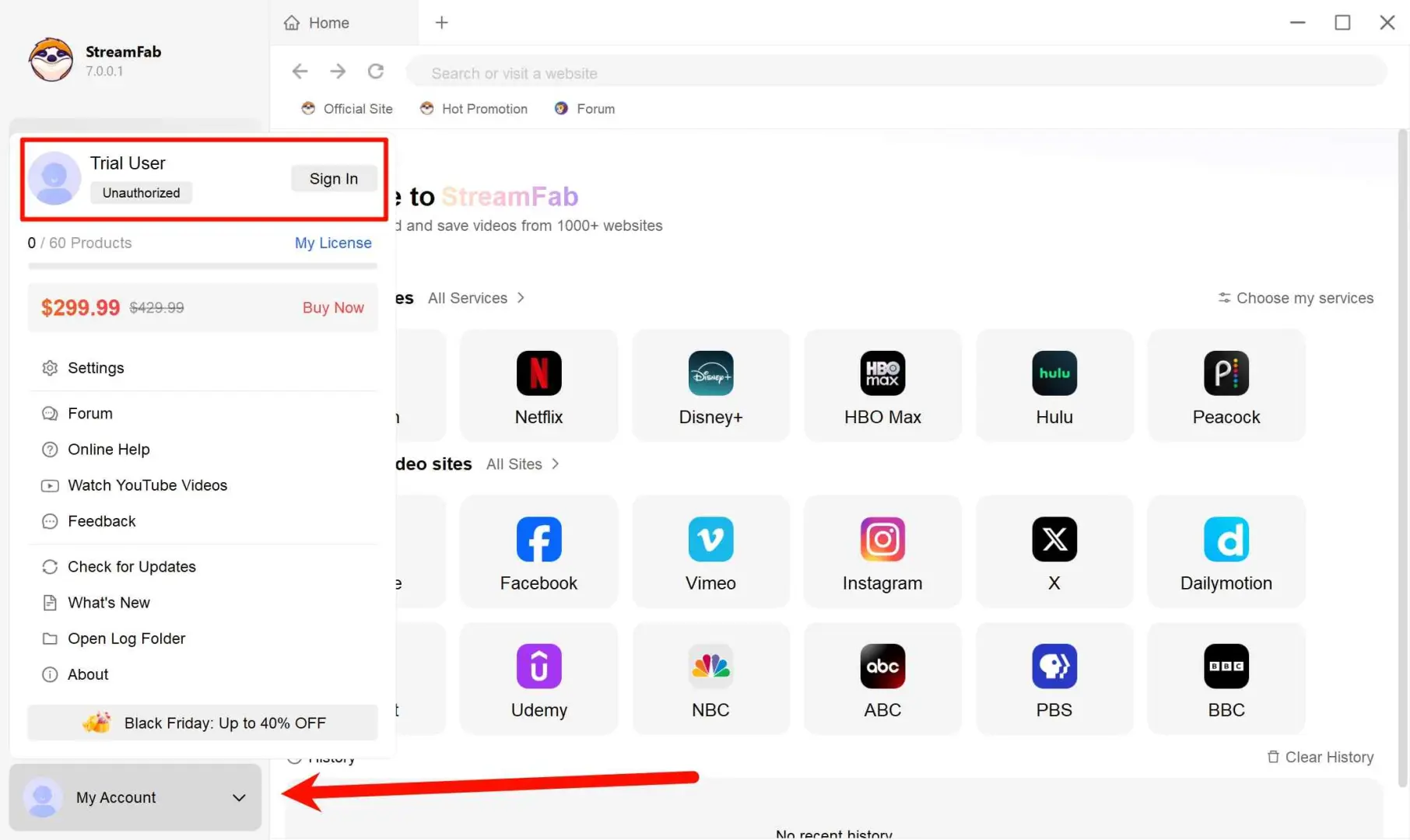
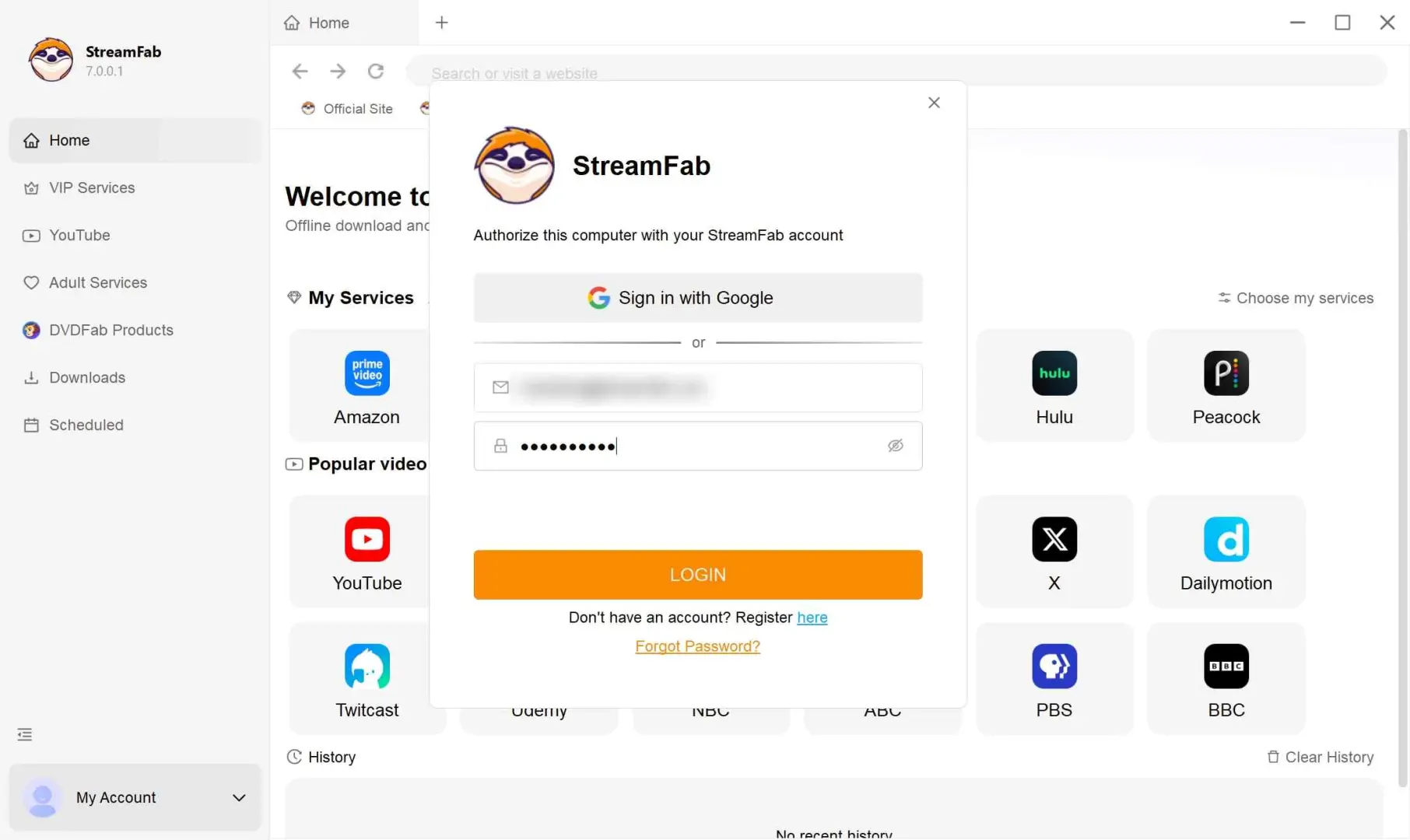
Enter your account email and password
Type the email and password from your purchase confirmation. If you checked out as a guest, use the credentials from the confirmation email. Click "Log In".
Verify activation
After logging in, your licence status appears under the user icon. You should see your plan name (e.g., "All-In-One Lifetime") and the number of authorised devices. If the status still shows "Free Trial", try restarting the application.
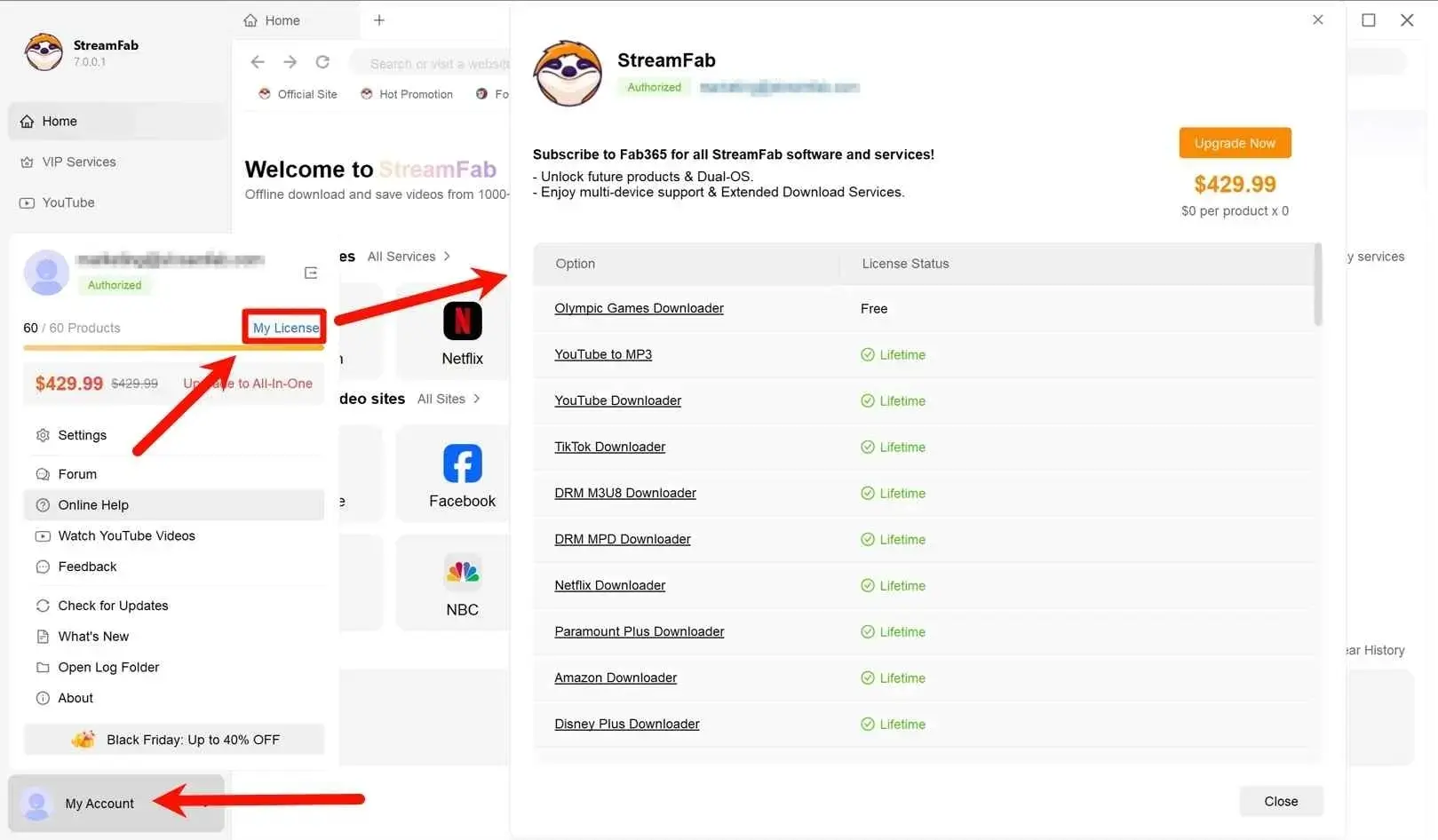

- I check the purchase email and My Products record before touching the installer. That order is less dramatic than reinstalling everything, but it resolves the most common authorization mismatch without creating another device record.
Transfer and Device Authorization Rules
A StreamFab license transfer depends on whether the old computer is accessible. Use client-side deauthorization for a normal move; reserve the Member Center emergency reset for a computer you cannot open.
Moving to an Accessible Computer
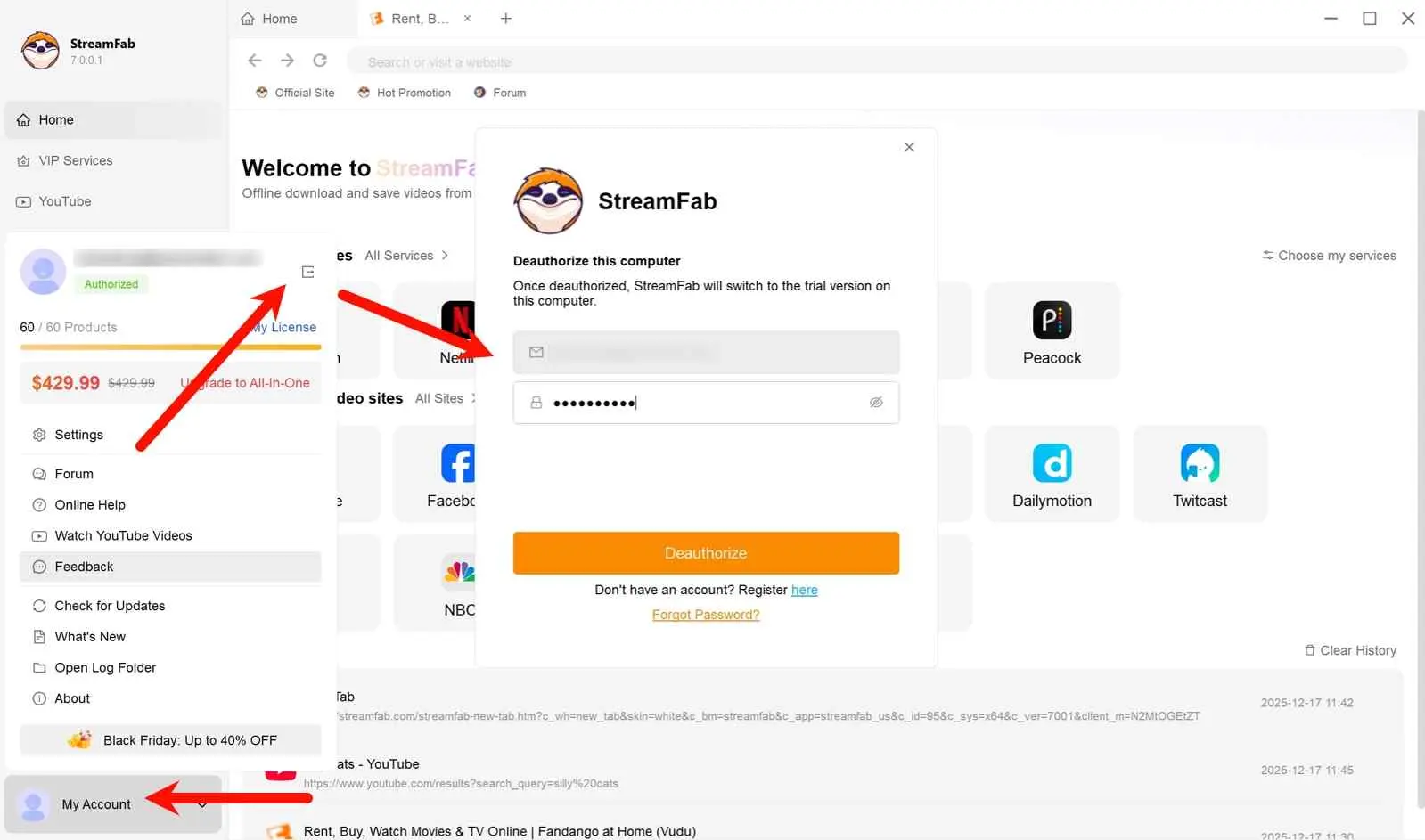
Authorization and Reset Rules
The device authorization rules allow a single-user license to authorize two computers, but the software may not be used on both at the same time. That is authorization capacity, not concurrent-use permission.
If a 1-PC license is tied to an inaccessible computer, the Member Center emergency web reset is limited to once per year. Multi-computer licenses do not support web deauthorization, so accessible machines should be deauthorized in the client before hardware replacement, reinstallation, or disposal.
A single-user license may authorize two computers, but they cannot run StreamFab simultaneously. Deauthorize an accessible old computer in the client; use the limited emergency reset for an inaccessible 1-PC installation.
License Activation Troubleshooting
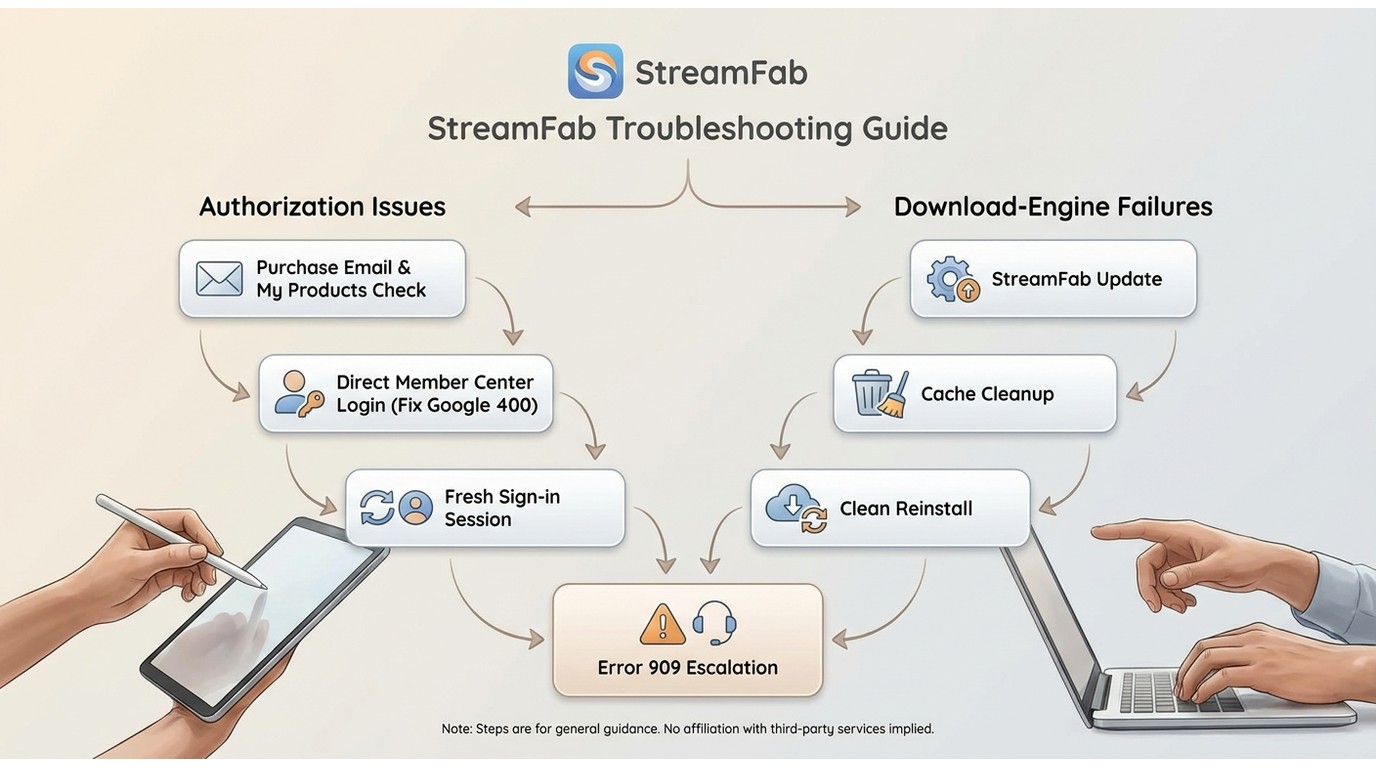
A StreamFab license error is easier to isolate when account checks come before software repair. Confirm the entitlement, then update, reset the session, clear cached login data, and reinstall only if the earlier checks fail.
Account and Sign-In Checks
Error Codes, Cache, and Reinstall
Clear stale login and cache data, then perform a clean reinstall if the entitlement is visible but authorization still fails. If StreamFab error 909 or another numbered condition remains, follow the matching StreamFab error code branch instead of applying unrelated license fixes.
An authorization failure and a download-engine or processing failure are different problems. If My Products shows the license and Menu > Authorize succeeds, move the diagnosis to the code-specific workflow rather than resetting the license again.
- Purchase account: Match the login email to the order and confirm My Products first.
- Google sign-in error 400: Retry with direct Member Center email and password credentials.
- StreamFab error 909: Separate authorization from processing errors and follow the code-specific path.
- Reinstall: Reset the session and cache first; use a clean reinstall after the account record is confirmed.
Official Purchase and Account Recovery
Official purchase records and the Member Center are the dependable route for authorization and recovery. If a product is missing, work from the order email and account entitlement rather than trying unrelated credentials.
Choose your plan on the official website
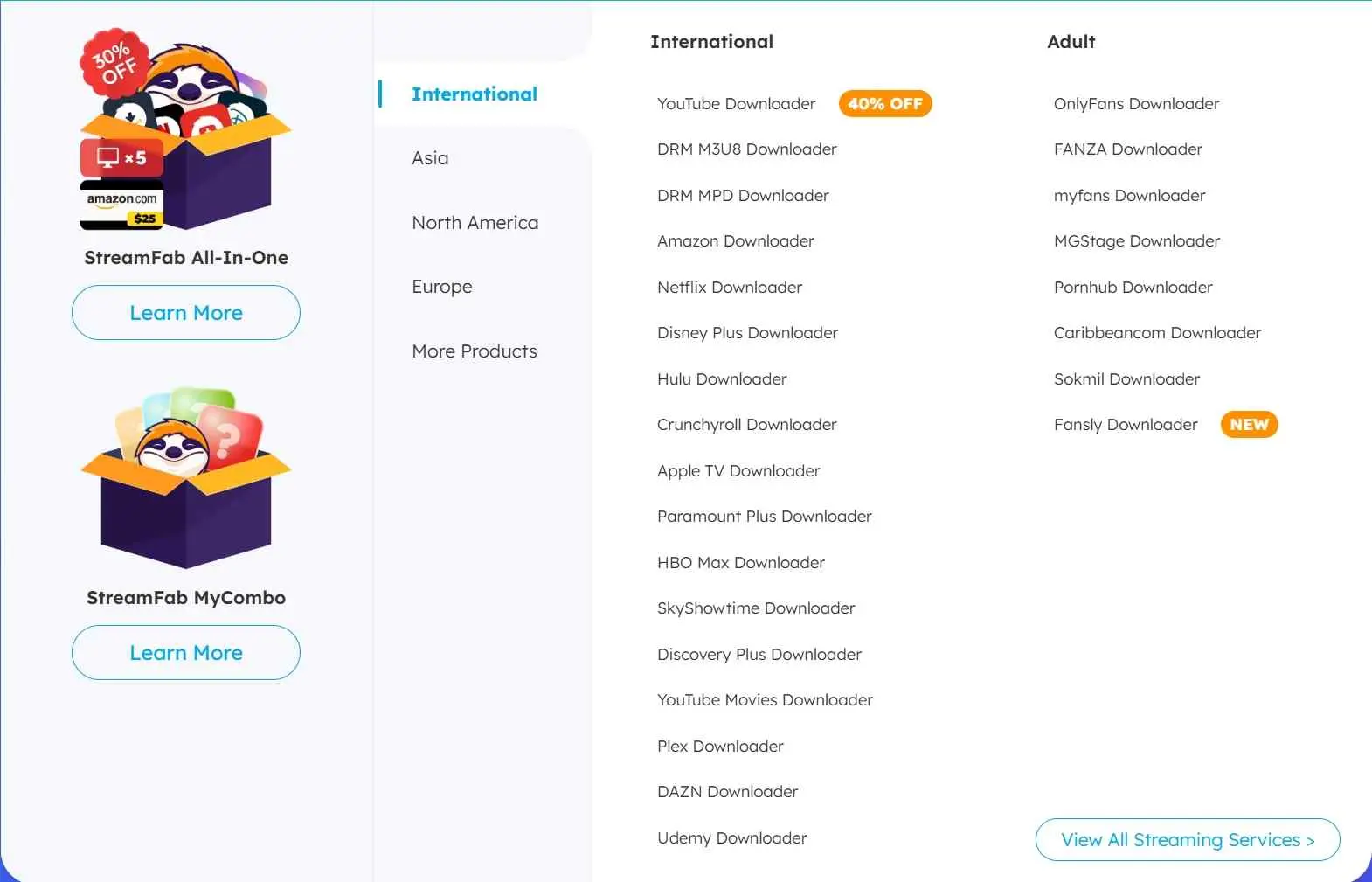
Go to the StreamFab product page and select your plan type: single downloader, MyCombo bundle, or All-In-One. Each has monthly, yearly, and lifetime billing options. For custom bundles, see the StreamFab MyCombo guide.
Complete payment
StreamFab accepts credit cards, PayPal, and other regional payment methods. After checkout, you'll receive a confirmation email with your account details.
Check your email for account credentials
Your purchase confirmation email contains your StreamFab account login, and this is your "licence key". Save this email. If you already had a StreamFab account (from the free trial), the licence is automatically applied to that account.
Log in to StreamFab to activate
Open StreamFab on your computer, click the user icon in the top-right corner, and sign in with your account email and password. The software will automatically recognise your purchased licence and unlock full features.
Unauthorized key searches can lead to patched installers or credentials that are not attached to your purchase account. A StreamFab crack search is therefore a poor recovery path; the useful evidence is the order confirmation and the matching Member Center account.
Keep the order confirmation when contacting support about a missing entitlement. It connects the purchase to the correct account without repeating the activation sequence or making universal claims about third-party files.

Choosing the Right StreamFab License
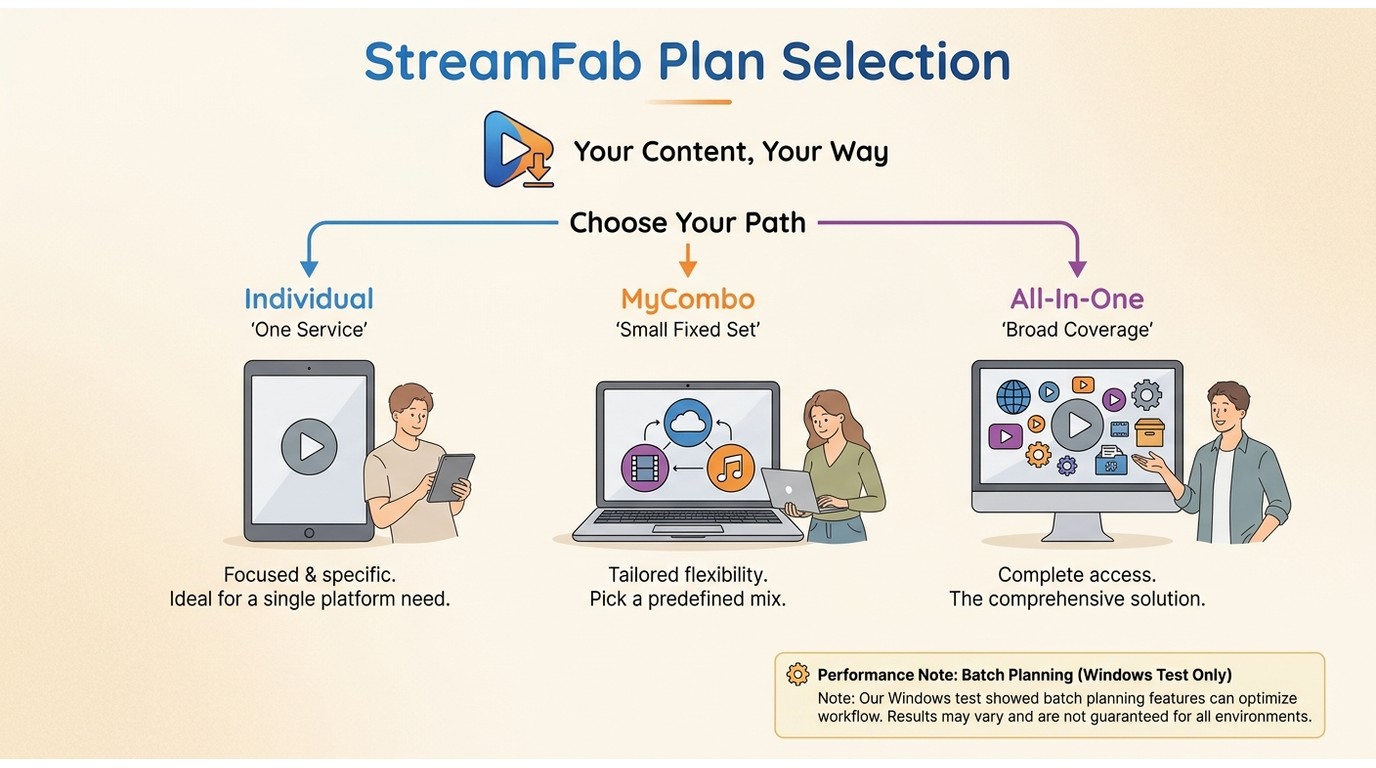
The right license follows the number of supported services you use and how stable that mix is. Trial, Individual, MyCombo, and StreamFab All-In-One serve different scopes; a broader plan is not automatically the better fit.
Choose Individual for one supported service, but not if several services are already part of the workflow. MyCombo fits a small, deliberate set, but it is less suitable when that set changes often. All-In-One fits broad coverage, but it adds little value to a single-service routine.
In a Windows 10 Pro batch run on an i5-9400F with 16 GB RAM and StreamFab 7.0.1.7, three LDR S4 episodes completed, and file sizes rose with episode length. That result supports batch planning within that setup, not a universal performance promise.
- Evaluating the workflow → VIP trial (limited evaluation scope)
- One supported service → Individual downloader (not ideal for several services)
- A small chosen set → MyCombo (not ideal if the service mix changes often)
- Broad service coverage → All-In-One (not ideal for a single-service workflow)

Download from Netflix, Amazon Prime, Disney+, and 65+ other streaming services. Supports up to 4K UHD quality with Dolby Atmos audio. Lifetime licence available for up to 5 PCs. Visit the official site for current pricing and promotions.
StreamFab License Key FAQs
Conclusion: The Right License Starts With Your Account
A StreamFab license-key problem is usually an account, operating-system, or device-authorization question. Start with the purchase email, choose the correct edition, and use Menu > Authorize before moving to transfer or error-code troubleshooting.
If you are still evaluating, use the trial. If you already paid, confirm My Products. If you are changing computers, deauthorize the accessible old installation before authorizing the new one. That sequence keeps each problem in its proper lane.
Use StreamFab for personal offline viewing of content you are authorized to access, where permitted by platform terms and applicable law. Supported services and device availability may change.